
SUN GLOW SG Connector App
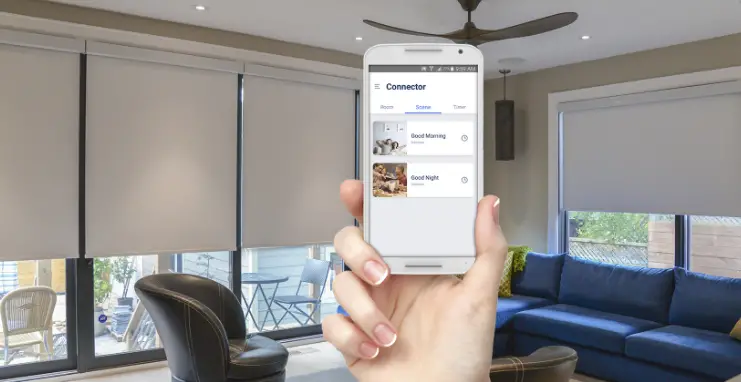
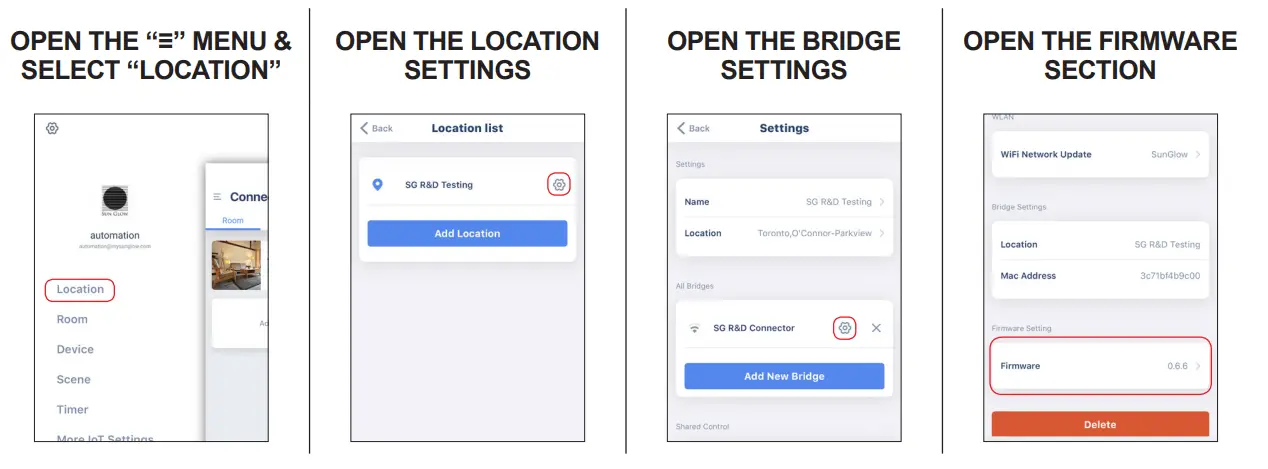
CHECK FOR FIRMWARE UPDATES
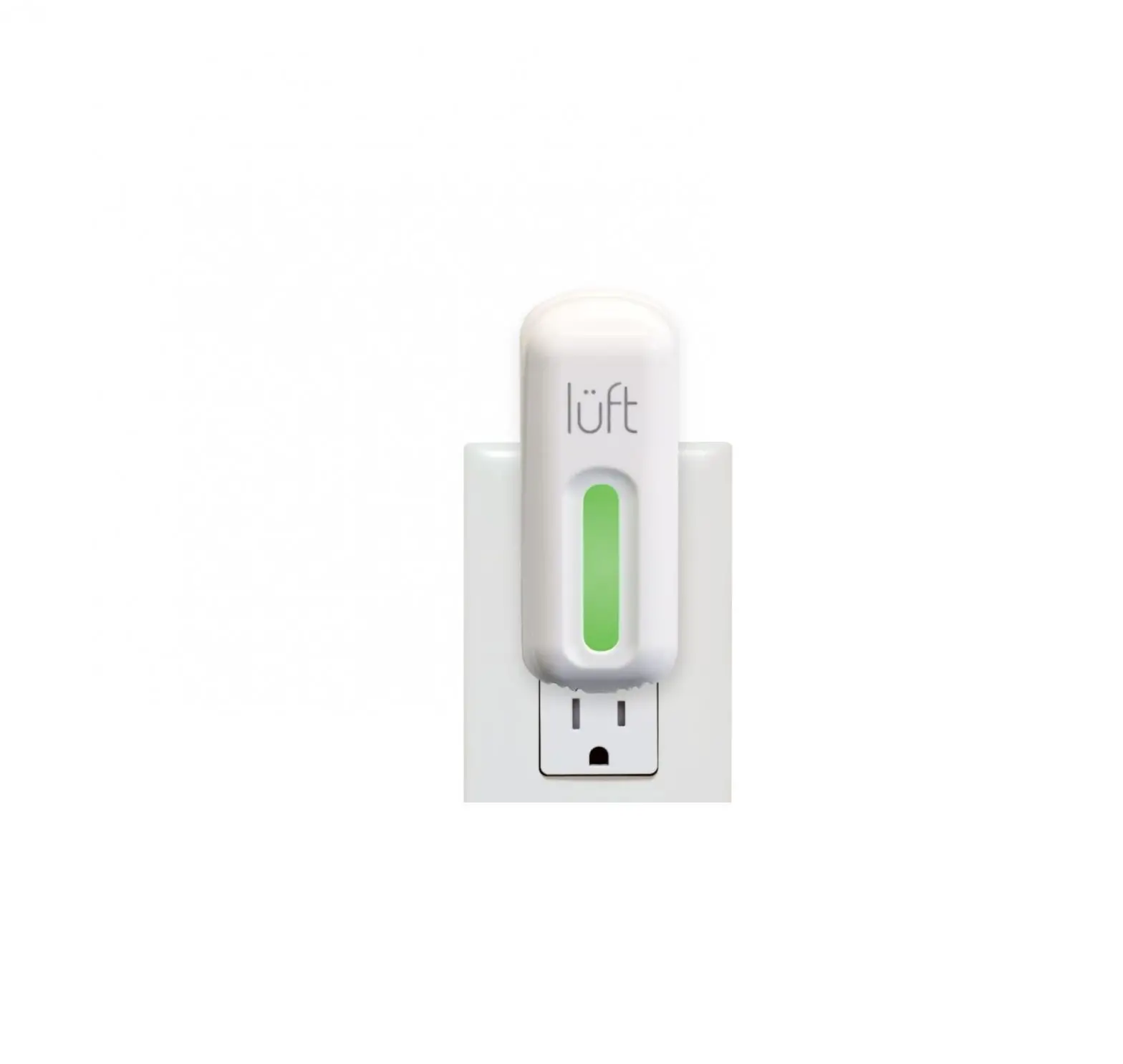
Before starting the update, plug-in your SG Connector unit, ensure that the unit is in close range with the wifi router. Each SG Connector should be updated individually. Ensure that you login with an account with sufficient administrative privileges.
INITIATE THE UPDATE
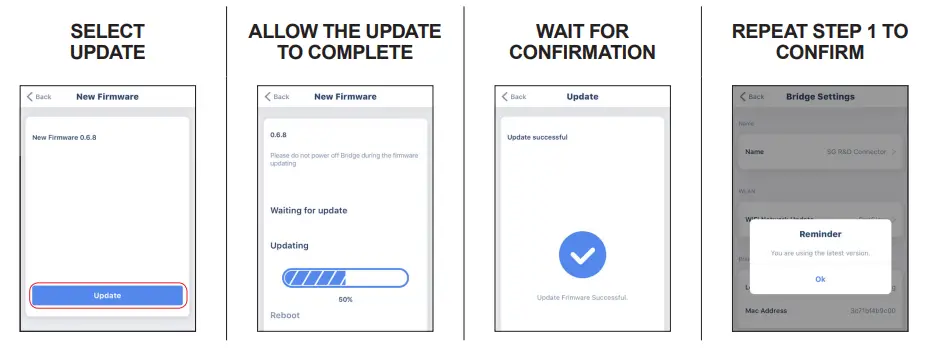
If updates are available for your SG Connector, you will see the New Firmware version number and a button to begin the update process.
UPDATE COMPLETE
The firmware update is complete. It is no longer required for the myLink unit to be at close range to the router and can be positioned freely.