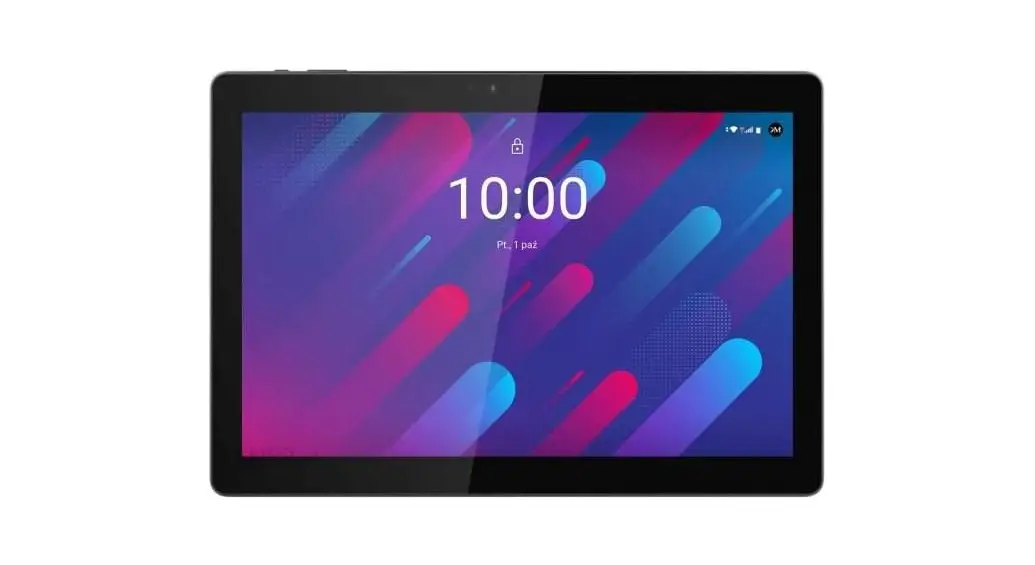
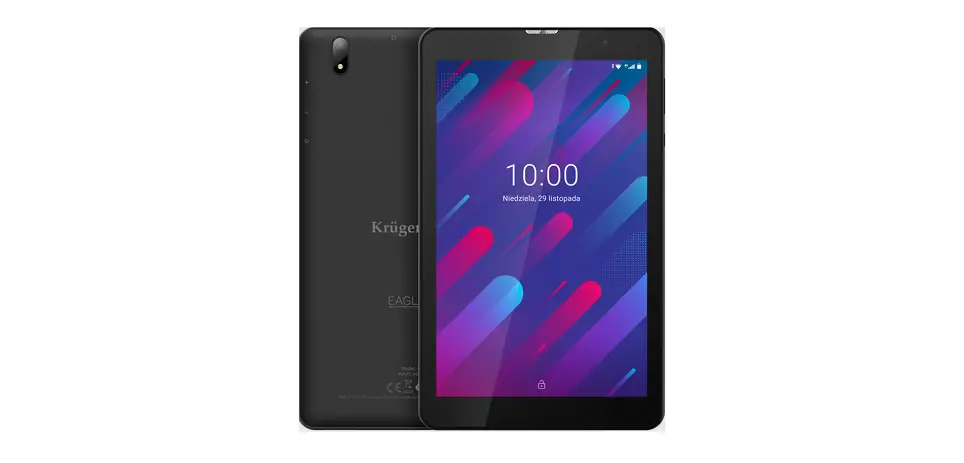
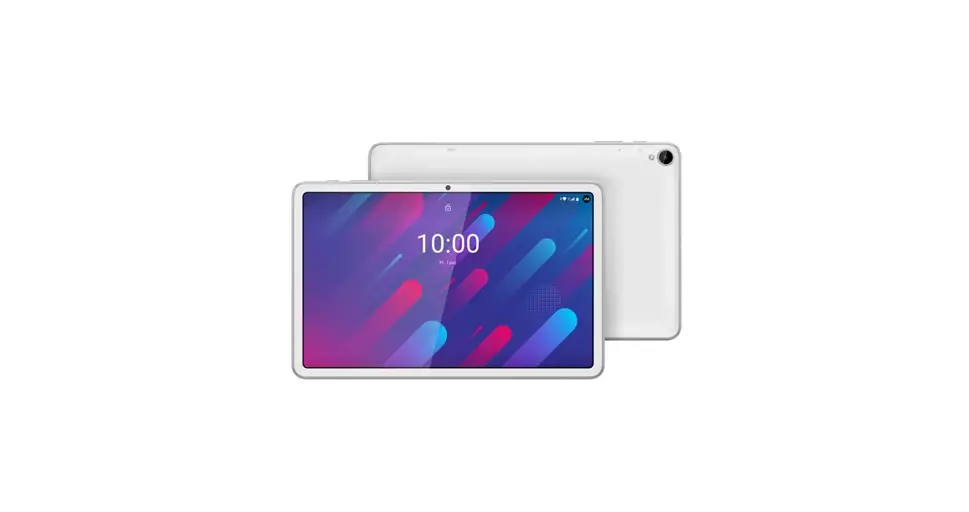
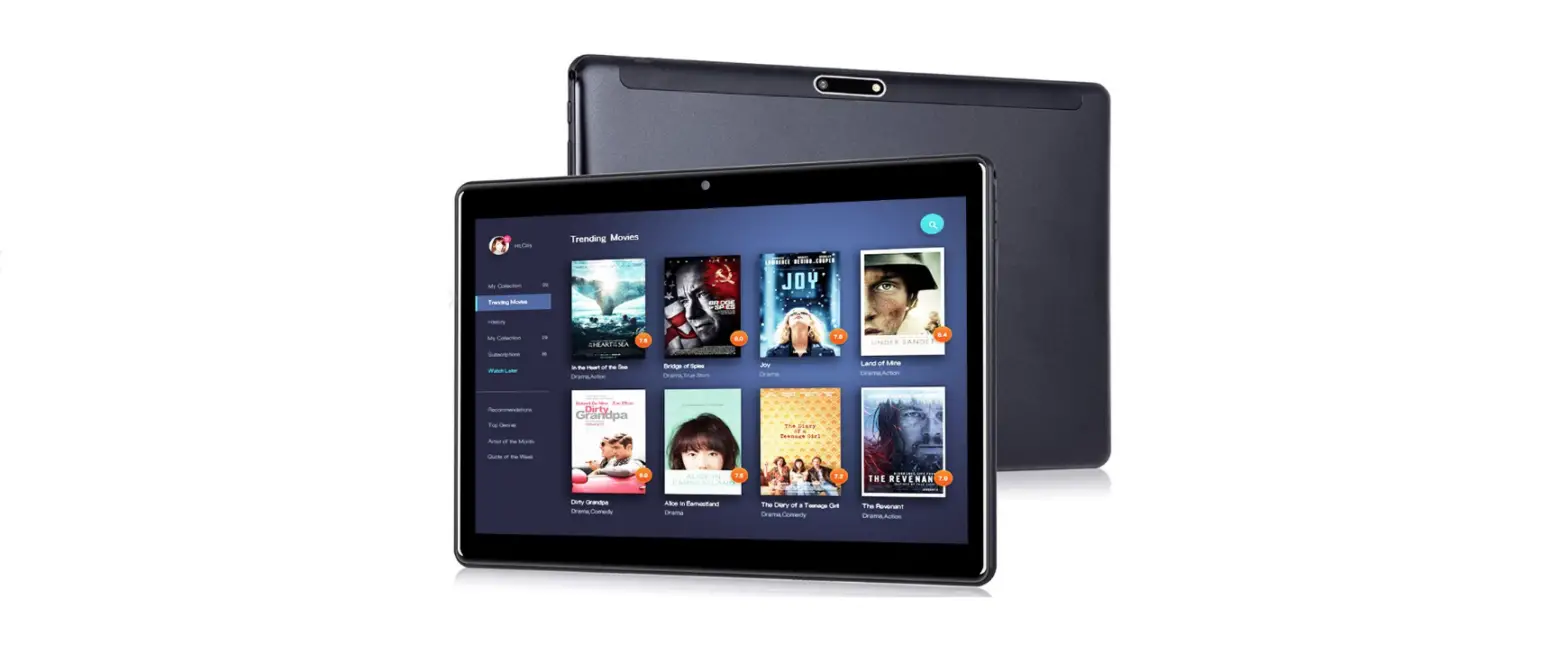
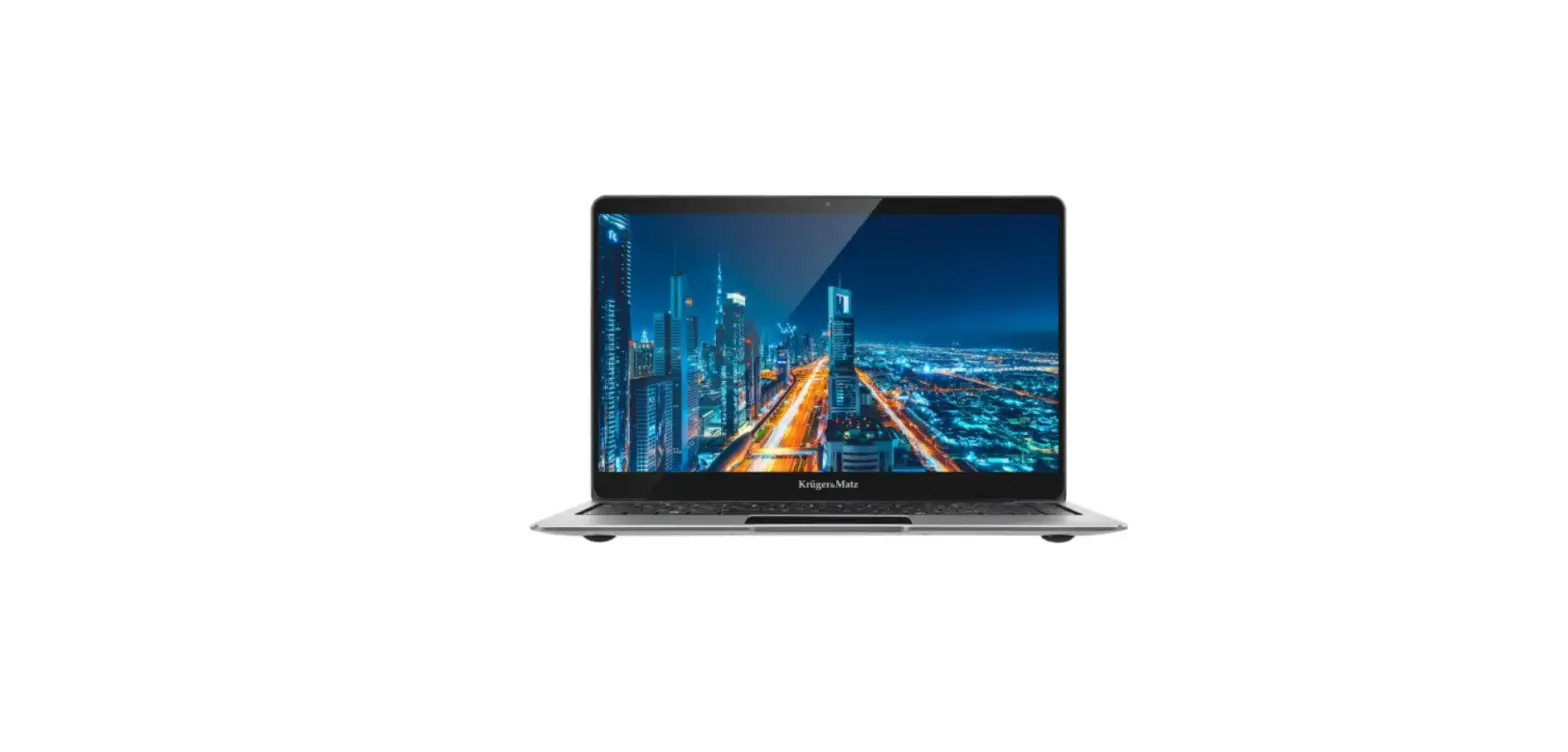
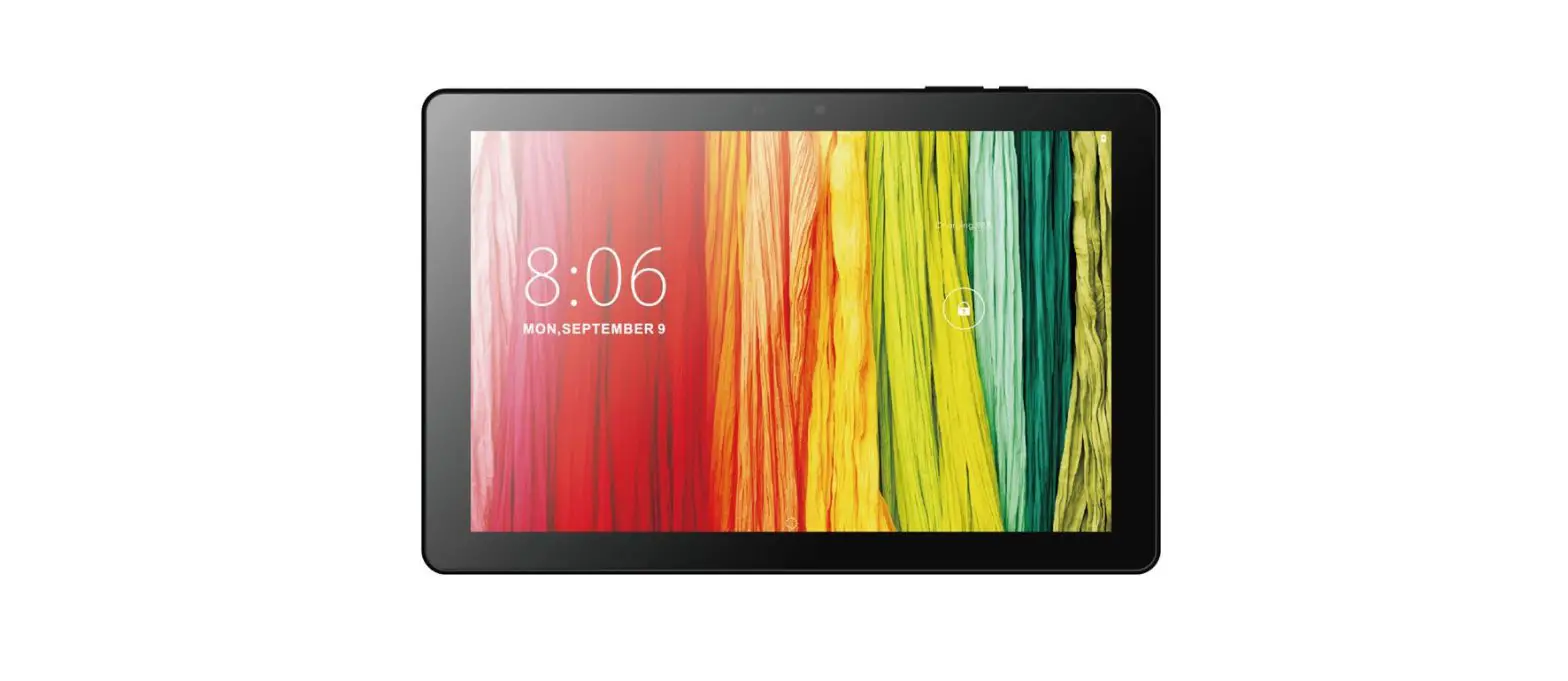
KM1089 Tablet EDGE
Product Information
The 2IN1 Tablet 10.1 (model KM1089 KM1089S) is a versatile
device that combines the functionality of a tablet and a keyboard.
It comes with a user manual available in multiple languages (DE,
RO, PL, EN) to provide detailed instructions on how to use the
device.
The product features include:
- Front and main cameras for capturing photos and videos
- Windows button for easy navigation
- LED indicator to display device status
- Microphone for audio recording
- Headphone jack for audio output
- USB-C socket for data transfer
- Micro HDMI socket for video output
- USB 3.0 and USB 2.0 sockets for connecting external
devices - Charger socket for powering the device
- microSD card reader for expanding storage capacity
- Speaker for audio playback
- Power button and volume buttons for device control
- Keyboard interface and release button for attaching and
detaching the keyboard - Touchpad for cursor control
- Tablet interface for connecting accessories
The device is designed to be used with the Windows operating
system. Please note that the illustrations and descriptions
provided in the user manual may vary from the actual software on
your device.
Product Usage Instructions
Installing Memory Card
- Open the card reader cover.
- Slide the microSD card into the card reader with the pins
facing the screen until it clicks. - To uninstall the memory card, press it and slide it out of the
socket. - Before ejecting a microSD card or any USB storage, use the
Safely Remove Hardware option located next to the clock.
Preparing the Device for Operation
- Connect one end of the power adapter to the device and the
other end to a power mains outlet. Charge the device fully. - Press and hold the power switch for about 2-3 seconds to switch
the device on. - Follow the instructions in the startup wizard to set up your
device. - During the startup, you will be prompted to register for a
Microsoft account. If you do not have one, set up an account. - After completing the startup, your device will be configured.
Do not turn off the device during this process.
To operate the device, use the following gestures:
- Tap: Touch the screen briefly to select an item or open an
app. - Swipe: Move your finger across the screen to scroll or switch
between screens. - Drag: Press and hold an item, then move your finger to
rearrange or move it. - Pinch: Use two fingers to zoom in or out on the screen.
Unlocking the Display
To unlock the screen, drag the lock screen upwards. If your
device is password-protected, enter the password after
unlocking.
Enabling Wi-Fi
- Select “All settings” in the Info Center.
- Tap “Network & Internet” in the settings menu.
- Tap “Wi-Fi” on the left.
- Move the slider for Wi-Fi from “Off” to “On”.
- Select the network you want to connect to.
- Tap “Connect” and enter the network key (password) if
required.
2IN1 Tablet 10,1″
KM1089 KM1089S
BEDIENUNGSANLEITUNG OWNER’S MANUAL
INSTRUKCJA OBSLUGI MANUAL DE UTILIZARE
RO PL EN DE
Bedienungsanleitung
SICHERHEITSANLEITUNGEN
Lesen Sie sorgfältig diese Bedienungsanleitung und heben diese auf für späteres Nachschlagen. 1. Schützen Sie dieses Produkt vor Näse, Feuchtigkeit, Wasser und anderen Flüssigkeiten.
Vermeiden Sie die Verwendung / Speicherung in extremen Temperaturen. Setzen Sie es nicht direktem Sonnenlicht und Wärmequellen aus. Vermeiden Sie das Gerät in der starken magnetischen und statischen Umgebung zu verwenden. 2. Verwenden Sie niemals dieses Gerät, wenn das Netzteil oder das Gerät selbst beschädigt ist. 3. Trennen Sie das Gerät von der Stromversorgung, wenn es für eine lange Zeit nicht verwendet wird. 4. Verwenden Sie nur zugelassenes Zubehör. 5. Verhindern Sie das Gerät auf den Boden fällt oder starken Schocks ausgesetzt wird. 6. Hersteller übernimmt keine Haftung für Datenverlust, Schäden, die durch unsachgemäßen Gebrauch und Handhabung oder mechanische Beschädigungen verursacht wurden. Bitte sichern Sie immer Ihr wichtiges Material, um Verluste zu vermeiden. 7. Versuchen Sie nicht, dieses Gerät selbst zu reparieren. Im Schadensfall, wenden Sie sich an einen autorisierten Kundendienst für Überprüfung / Reparatur. 8. IMMER das Gerät vor dem Reinigen vom Netz trennen. Reinigen Sie das Gerät mit einem weichen, leicht feuchten Tuch. Verwenden Sie keine Scheuermittel oder chemische Mittel, um dieses Produkt zu reinigen. 9. Sicherheit im Straßenverkehr steht an erster Stelle: Verwenden Sie dieses Gerät nicht während der Fahrt. 10. Im Flugzeug ausschalten: Mobilgeräte können im Flugzeug Störungen verursachen. Bitte stellen Sie sicher, dass Ihr Gerät während des Fluges ausgeschaltet ist (oder in den Flugmodus geschaltet wurde). 11. Vor dem Betreten riskanter Bereiche ausschalten: Beachten Sie strikt die einschlägigen Gesetze, Vorschriften und Bestimmungen zur Verwendung von Mobilgeräte in Gefahrenbereichen. Schalten Sie Ihr Gerät aus, bevor Sie einen explosionsgefährdeten Bereich betreten, z.B. eine Kraftstoffanlage, einen Öltank, eine Chemieanlage oder einen Ort, wo eine Sprengung stattfindet. 12. Beachten Sie alle besonderen Vorschriften: Befolgen Sie alle geltenden Sondervorschriften in Krankenhäusern und schalten Sie Ihr Gerät immer aus, wenn es verboten ist, dieses zu benutzen oder wenn es Störungen oder Gefahren verursachen kann. Verwenden Sie Ihr Gerät ordnungsgemäß in der Nähe von medizinischen Geräten wie Herzschrittmachern, Hörgeräten und einigen anderen elektronischen medizinischen Geräten, da es Störungen dieser Geräte verursachen könnte. 13. HINWEIS: Die Batterie kann nicht entfernt werden. Versuchen Sie nicht die Batterie herauszunehmen.
PRODUKT ÜBERSICHT
1. Frontkamera 2. Taste Windows 3. LED Anzeige 4. Mikrofon 5. Kopfhörerbuchse 6. USB-C Steckplatz (Nur Daten) 7. Mikro HDMI Anschluss
3
DE
8. USB 3.0 Steckplatz 9. Ladeanschluss 10. MikroSD Kartenleser 11. Lautsprecher 12. Netztaste 13. Taste Lautstärke 14. Tastaturanschluss 15. Hauptkamera 16. USB 2.0 Steckplatz 17. Touchpad 18. Tablett Interface 19. Taste Tastatur entriegeln
3
1
Bedienungsanleitung
DE
Micro SD
11
4
2
13 12 4
5
15
6
7 8 9
10
11 14
Bedienungsanleitung Tastatur (model KM1089)
18 19 16
17
1 2
Um die Tastatur vom Tablett zu lösen, halten Sie die Taste Tastatur entriegeln gedrückt und ziehen das Tablett dann nach oben.
5
DE
Bedienungsanleitung
Achtung: Die unter angezeigten Bilder und Beschreibungen des Betriebssystems Windows dienen lediglich zur Veranschaulichung und können in Abhängigkeit von Ihrer Software von dem hier abgebildeten Bilder abweichen.
INSTALLATION DER SPEICHERKARTE
1. Öffnen Sie die Abdeckung des Kartenlesers. 2. Gleiten Sie die MikroSD Karte (mit den Stiften zum Bildschirm), bis diese
einrastet. 3. Um die Speicherkarte zu entfernen, drücken Sie diese, danach ziehen Sie
diese aus dem Schacht heraus. Achtung: Bevor Sie eine MikroSD -Karte (oder einen beliebigen USB-Speicher) auswerfen, benutzen Sie die Option Hardware sicher entfernen, die sich neben der Uhr befindet.
GERÄT FÜR DIE BEDIENUNG VORBEREITEN
a. Verbinden Sie ein Ende des Netzgerätes mit dem Gerät und das andere Ende mit einer Netzsteckdose und danach das Gerät voll aufladen.
b. Drücken Sie die Netztaste für etwa 2-3 Sekunden um das Gerät einzuschalten. c. Befolgen Sie die Anleitungen im Startassistenten um Ihr Gerät einzustellen.
Während des Startvorgangs, verlangt der Startassistent sich in Ihrem Microsoft Konto zu registrieren. Wenn Sie noch kein Microsoft Konto haben, bitte hier erstellen. d. Nach Vollendung des Startvorgangs, ist Ihr Gerät eingestellt. Dieses kann einige Minuten zur Vervollständigung dauern. Bitte Gerät während diesem Vorgang nicht ausschalten!
NAVIGATION
Es gibt einige wenige einfache Gesten die Sie wissen müssen, um dieses Gerät zu bedienen.
DE
Tippen
Streichen
Ziehen
Klemmen
DISPLAY ENTRIEGELN
Ziehen Sie den Sperrbildschirm nach oben, um den Bildschirm zu entriegeln. Wenn Ihr Gerät Passwortgeschützt ist, müssen Sie nun das Passwort eingeben.
6
Bedienungsanleitung
WI-FI AKTIVIEREN
a. Wählen Sie ,,Alle Einstellungen” im Infozentrum. b. Tippen Sie auf ,,Netzwerk & Internet” im Einstellungsmenü. c. Tippen Sie links auf ,,Wi-Fi”. d. Bewegen Sie den Schieber für Wi-Fi von ,,Aus” auf ,,Ein”. e. Tippen Sie auf das Netzwerk auf das Sie zugreifen möchten. f. Tippen Sie auf ,,Verbinden”. Geben Sie wenn nötig das Passwort ein. Das
gerät verbindet sich mit dem ausgewählten Netzwerk.
ENERGIESPAREN
· Deaktivieren Sie die Wi-Fi Funktion wenn diese nicht benutzt wird. · Halten Sie das Gerät am Stromnetz angeschlossen, nur bis es vollständig geladen ist. · Verringern Sie die Helligkeit des Bildschirms in den Geräteeinstellungen. · Wechseln Sie in den Bereitschafts-Modus / schalten Sie es aus, wenn das
Gerät nicht benutzt wird.
ERFAHREN SIE MEHR
Für weitere informationen zu diesem gerät finden sie unter: www.krugermatz.com. | Lesen sie die bedienungsanleitung sorgfältig durch, bevor sie das gerät verwenden. | Besuchen sie www.krugermatz.com website für weitere produkte und zubehör. | Im Falle irgendwelcher Zweifel oder Fragen siehe unsere Seite mit Häufig gestellten Fragen.
Bitte beachten sie: untere abbildungen und beschreibungen in bezug auf das betriebssystem sind nur als referenz, und können von der tatsächlichen software auf ihrem gerät abweichen!
WICHTIG: Der Hersteller erlaubt die Möglichkeit, kleinere Abweichungen in der Display-Helligkeit und -Farbe zwischen einzelnen Geräten zu unterscheiden. Es können sichtbare helle oder dunkle Flecken auf dem Display vorhanden sein. Bis zu 5 defekte Pixel sind akzeptabel, auf dem Display des Gerätes vorhanden zu sein. Die oben genannten Fälle in Bezug auf das Display des Gerätes werden nicht durch die Gewährleistung oder gesetzliche Gewährleistungsrechte abgedeckt.
Hiermit erklär die Firma Lechpol Electronics Leszek Sp.k. dass sich das Gerät Tablet KM1089 im Einklang mit den Bestimmungen der Richtlinie 2014/53/UE befindet. Komplette Konformitätserklärung zum herunterladen auf www.lechpol.pl.
Deutsch Korrekte Entsorgung dieses Produkts (Elektromüll)
(Anzuwenden in den Ländern der Europäischen Union und anderen europäischen Ländern mit einem separaten Sammelsystem) Die Kennzeichnung auf dem Produkt bzw. auf der dazugehörigen Literatur gibt an, dass es nach seiner Lebensdauer nicht zusammen mit dam normalem Haushaltsmüll entsorgt werden darf. Entsorgen Sie dieses Gerät bitte getrennt von anderen Abfällen, um der Umwelt bzw. der menschlichen Gesundheit nicht durch unkontrollierte Müllbeseitigung zu schaden. Recyceln Sie das Gerät, um die nachhaltige Wiederverwertung von stofflichen Ressourcen zu fördern. Private Nutzer sollten den Händler, bei dem das Produkt gekauft wurde, oder die zuständigen Behörden kontaktieren, um in Erfahrung zu bringen, wie sie das Gerät auf umweltfreundliche Weise recyceln können. Gewerbliche Nutzer sollten sich an Ihren Lieferanten wenden und die Bedingungen des Verkaufsvertrags konsultieren. Dieses Produkt darf nicht zusammen mit anderem Gewerbemüll entsorgt werden.
Hergestellt in China für Lechpol Electronics Leszek Sp.k., ul. Garwoliska 1, 08-400 Mitne.
Rechtliche Hinweise Microsoft, Windows und Internet Explorer sind eingetragene Warenzeichen der MicrosoftUnternehmensgruppe. Weitere Unternehmens-, Produkt- oder Servicenamen können eingetragene
Warenzeichen oder Servicemarken anderer Unternehmen sein.
7
DE
Owner’s manual
SAFETY INSTRUCTIONS
Read the instruction manual carefully before first use and keep it for future reference. 1. Protect this product from moisture, humidity, water and any other liquid.
Avoid using/storing it in extreme temperatures. Do not expose it to direct sunlight and sources of heat. Avoid using it in the strong magnetic and strong static environment. 2. Never use this device if the power adapter or the device itself is damaged. 3. Disconnect the device from the power supply if it is not going to be used for a long time. 4. Use only authorized accessories. 5. Prevent the device from falling on the ground or being strongly impacted. 6. Producer does not claim liability for any data loss, damage caused by inappropriate use and handling or any mechanical damage. Please back up your important material at any time to avoid loss. 7. Do not attempt to repair this device yourself. In case of damage, contact with an authorized service point for check-up/repair. 8. ALWAYS disconnect this device from power supply mains before cleaning. Clean this device with soft, slightly damp cloth. Do not use any abrasives or chemical agents to clean this product. 9. Road safety comes first: Do not use this device while driving. 10. Switch off in aircraft: Wireless devices can cause interference in aircraft. Please make sure that your device is powered off (or switched to flight mode) during flight. 11. Switch off before entering risky areas: Strictly observe the relevant laws, codes, and regulations on the use of wireless devices in risky areas. Turn off your device before entering a place susceptible to explosion, such as an oil station, oil tank, chemical plant or a place where a blasting process is under way. 12. Observe all special regulations: Follow any special regulations in force in any area such as hospitals and always switch off your device whenever it is forbidden to use it or, when it may cause interference or danger. Properly use your device near medical apparatuses, such as pacemakers, hearing aids and some other electronic medical devices, as it may cause interference to such apparatuses. 13. NOTE: The battery is not detachable. Do not attempt to disassemble the battery.
PRODUCT OVERVIEW
1. Front camera 2. Windows button 3. LED indicator 4. Microphone 5. Headphone jack 6. USB-C socket (data only) 7. Micro HDMI socket 8. USB 3.0 socket
8
EN
Owner’s manual
9. Charger socket 10. microSD card reader 11. Speaker 12. Power button 13. Volume buttons 14. Keyboard interface 15. Main camera 16. USB 2.0 socket 17. Touchpad 18. Tablet interface 19. Keyboard release button
3
1
2
13 12 4
5
15
6
7 8 9
10
11
11
14
9
Micro SD
EN
Keyboard (model KM1089) 18 19
17
Owner’s manual
16
EN
1 2
To detach the keyboard from the tablet, press and hold the Keyboard release button, then pull the tablet up.
10
Owner’s manual
Please note: below illustrations and descriptions concerning Windows operating system are for reference only, and may vary from actual software on your device!
INSTALLING MEMORY CARD
1. Open the card reader cover. 2. Slide the microSD card (with pins facing the screen), until it clicks. 3. To uninstall memory card, press it, then slide it out of the socket. Caution: before ejecting a microSD card (or any USB storage) use the Safely Remove Hardware option, located next to the clock.
PREPARING THE DEVICE FOR OPERATION:
a. Connect one end of the power adapter to the device and the other to power mains outlet and charge the device fully.
b. Press the power switch for about 2-3 seconds to switch the device on. c. Follow the instructions in the startup wizard to set up your device.
During the startup, the wizard prompts you to register for your Microsoft account. If you do not yet have a Microsoft account, please set one up here. d. After completion of the startup, your device is configured. This may take several minutes to complete. Do not turn the device off during this process!
NAVIGATION
There are few simple gestures you need to know about to operate this device.
EN
Tap
Swipe
Drag
Pinch
UNLOCKING THE DISPLAY
Drag the lock screen upwards to unlock the screen. If your device is password-protected, you must then enter the password.
11
Owner’s manual
ENABLING WI-FI
a. Select ,,All settings” in the Info Center. b. Tap ,,Network & Internet” in the settings menu. c. Tap ,,Wi-Fi” on the left. d. Move the slider for Wi-Fi from ,,Off” to ,,On”. e. Tap the network that you wish to connect to. f. Tap ,,Connect”. Enter the network key (password) if necessary. The device
connects to the selected network.
CONSERVING ENERGY
· Deactivate the Wi-Fi function when it is not in use. · Keep the device connected to power mains only until it is fully charged. · Reduce the display brightness in the unit settings. · Switch to standby mode/turn it off when the device is not in use.
LEARN MORE
For more information on this device visit: www.krugermatz.com. | Read owner’s manual carefully before using your device. | Visit www.krugermatz.com website for more products and accessories. | In case of any doubts or questions reach out to our Frequently Asked Questions section.
Please note: illustrations and descriptions concerning operating system are for reference only, and may vary from actual software on your device!
IMPORTANT: The producer allows the possibility for minor variations in display brightness and color between individual devices. There may be visible light or dark spots on the display. Up to 5 defective pixels are acceptable to be present on the display of the device. Above mentioned cases concerning device’s display are not covered under warranty nor statutory warranty rights.
Lechpol Electronics Leszek Sp.k. hereby declares that tablet KM1089 is consistent with directive 2014/53/UE. Full text of the EU Declaration of Conformity is available at following Internet address: www.lechpol.pl.
English Correct Disposal of This Product (Waste Electrical & Electronic Equipment)
(Applicable in the European Union and other European countries with separate collection systems) This marking shown on the product or its literature, indicates that it should not be disposed with other household wastes at the end of its working life. To prevent possible harm to the environment or human health from uncontrolled waste disposal, please separate this from other types of wastes and recycle it responsibly to promote the sustainable reuse of material resources. Household users should contact either the retailer where they purchased this product, or their local government office, for details of where and how they can take this item for environmentally safe recycling. Business users should contact their supplier and check the terms and conditions of the purchase contract. This product should not be mixed with other commercial wastes for disposal.
Made in China for Lechpol Electronics Leszek Sp.k., ul. Garwoliska 1, 08-400 Mitne.
Legal notices Microsoft, Windows, and Internet Explorer are trademarks of the Microsoft group of companies. Other
company, product, or service names may be trademarks or service marks of others.
12
EN
Instrukcja obslugi
KWESTIE BEZPIECZESTWA
Przed uyciem naley dokladnie zapozna si z treci instrukcji obslugi oraz zachowa j w celu póniejszego wykorzystania. 1. Urzdzenie naley chroni przed wilgoci, wod oraz innymi plynami.
Nie naley uywa ani przechowywa urzdzenia w zbyt wysokich/zbyt niskich temperaturach. Urzdzenie naley chroni przed bezporednim naslonecznieniem oraz ródlami ciepla. Nie naley uywa i przechowywa urzdzenia w miejscach o silnym polu magnetycznym. 2. Zabrania si uywa urzdzenia, jeli zasilacz lub urzdzenie zostalo uszkodzone. 3. Jeli urzdzenie nie jest uywane przez dluszy czas, naley odlczy je od ródla zasilania. 4. Nie naley uywa nieoryginalnych akcesoriów. 5. Urzdzenie naley chroni przed upadkiem oraz silnym naciskiem. 6. Producent nie ponosi odpowiedzialnoci za utrat danych, uszkodzenia mechaniczne ani uszkodzenia spowodowane niewlaciwym uytkowaniem/ konserwacj. Zaleca si tworzenie kopii bezpieczestwa wanych danych w celu uniknicia utraty danych na wypadek awarii urzdzenia. 7. Zabrania si wlasnorcznej naprawy sprztu. W wypadku uszkodzenia, naley skontaktowa si z autoryzowanym punktem serwisowym w celu sprawdzenia/naprawy. 8. Naley zawsze odlczy urzdzenie od ródla zasilania przed czyszczeniem. Urzdzenie naley czyci jedynie za pomoc mikkiej, lekko wilgotnej ciereczki. Nie naley uywa rodków chemicznych ani detergentów do czyszczenia tego urzdzenia. 9. Bezpieczestwo podczas prowadzenia pojazdów: Zabronione jest uywanie urzdzenia podczas prowadzenia pojazdów. 10. Urzdzenie w samolocie: W trakcie lotu urzdzenie powinno by wylczone lub przelczone w tryb offline. Wszelkie urzdzenia bezprzewodowe mog by ródlem zaklóce dla systemów sterowania samolotem. 11. Niebezpieczne miejsca: Naley wylczy urzdzenie we wszystkich miejscach, gdzie jego uywanie jest zabronione lub niesie ryzyko niebezpieczestwa. Naley bezwzgldnie przestrzega wszelkich zakazów uywania tego urzdzenia w takich miejscach. 12. Wplyw na urzdzenia medyczne: Uywanie tego urzdzenia w pobliu urzdze medycznych moe zaklóci ich prac. Naley zwróci szczególn uwag podczas korzystania z niego w pobliu aparatów medycznych, takich jak rozruszniki serca, aparaty sluchowe i inne elektroniczne urzdzenia medyczne. 13. UWAGA: Bateria jest zamontowana na stale (nie jest wyjmowana).
OPIS PRODUKTU
1. Przednia kamera 2. Przycisk Windows 3. Dioda LED 4. Mikrofon 5. Gniazdo sluchawkowe 6. Gniazdo USB typu C (tylko do przesylania danych) 7. Gniazdo micro HDMI 8. Gniazdo USB 3.0
13
PL
9. Gniazdo ladowarki 10. Czytnik kart microSD
11. Glonik 12. Przycisk zasilania
13. Przyciski glonoci 14. Interfejs klawiatury
15. Kamera glówna 16. Port USB 2.0
17. Touchpad
18. Interfejs tabletu
19. Przycisk zwalniania klawiatury
3
1
Instrukcja obslugi
2
13 12 4
5
15
6
7 8 9
10
11
11
14
PL Micro SD
Instrukcja obslugi Klawiatura (tylko model KM1089)
18 19 16
17
1 2
Aby odlczy tablet od klawiatury, naley nacisn przycisk zwalniania klawiatury i pocign tablet do góry. Uwaga: poniej przedstawione ilustracje i opisy dotyczce systemu operacyjnego Windows maj jedynie charakter pogldowy i mog róni si od rzeczywistego oprogramowania znajdujcego si na urzdzeniu.
15
PL
Instrukcja obslugi
INSTALACJA KARTY PAMICI
1. Otworzy zalepk gniazda karty pamici. 2. Wsun kart pamici (stykami w stron ekranu), a zostanie zatrzanita. 3. Aby wyj kart pamici naley j nacisn, a nastpnie wysun z gniaz-
da. Uwaga: przed wyjciem karty pamici (i pamici USB) naley uy opcji Bezpieczne usuwanie sprztu, znajdujcej si przy zegarze.
PRZYGOTOWANIE DO UYTKOWANIA
a. Naley podlczy urzdzenie do zasilania sieciowego za pomoc zalczonej w zestawie ladowarki i w pelni naladowa bateri urzdzenia.
b. Nacisn i przytrzyma przycisk zasilania przez okolo 2-3 sekundy, aby wlczy urzdzenie.
c. Nastpnie, przej przez kroki kreatora konfiguracji. Podczas konfiguracji, uytkownik zostanie poproszony o zarejestrowanie konta Microsoft. Jeli uytkownik nie posiada jeszcze konta, naley je zaloy.
d. Po zakoczeniu konfiguracji, urzdzenie jest gotowe do pracy. Proces konfiguracji moe zaj kilka minut. Nie naley wylcza urzdzenia podczas przeprowadzania konfiguracji!
NAWIGACJA
Aby w pelni wykorzysta moliwoci tabletu, wystarczy opanowa kilka prostych gestów.
Stuknij
Przesu
Przecignij
cignij
ODBLOKOWANIE EKRANU
Aby odblokowa ekran, naley przecign ekran w gór. Jeli urzdzenie posiada dodatkowe zabezpieczenie haslem, naley je wprowadzi, aby odblokowa ekran.
PL
Instrukcja obslugi
WLCZANIE WI-FI
a. Aby wlczy Wi-Fi, naley przej do Wszystkich Ustawie Centrum Akcji. b. Nastpnie nacisn ,,Sie i Internet”. c. Przej w zakladk ,,Wi-Fi”. d. Przesun suwak na opcj ,,Wlczone”. e. Nastpnie wybra sie, z któr chcesz si polczy. f. Nacisn ,,Polcz”. Wprowadzi haslo zabezpieczajce sie, jeli to
konieczne. Urzdzenie polczy si z wybran sieci.
ZARZDZANIE ZASILANIEM
Poniej znajduje si kilka praktycznych wskazówek na temat ekonomicznego wykorzystania energii. Pamitaj, aby:
· wylczy lczno Wi-Fi jeli nie jest uywana · odlczy urzdzenie od zasilania sieciowego po naladowaniu baterii · zoptymalizowa ustawienia podwietlenia ekranu · przelczy urzdzenie w tryb czuwania/wylczy, jeli urzdzenie nie jest
uywane
17
PL
Instrukcja obslugi
WICEJ Wicej informacji na temat tego urzdzenia dostpne s na stronie: www.krugermatz.com. | Przed uyciem naley dokladnie zapozna si z treci instrukcji obslugi. | Odwied stron www.krugermatz.com, aby pozna wicej produktów i akcesoriów. W przypadku pyta lub wtpliwoci zachcamy do zapoznania si z Najczciej Zadawanymi Pytaniami w zakladce Pomoc.
UWAGA: Producent zastrzega prawo do wystpowania nieznacznych rónic w jasnoci i kolorach wywietlaczy pomidzy urzdzeniami. Na wywietlaczu urzdzenia mog by widoczne jasne lub ciemne pola. Dopuszcza si wystpowanie do 5 uszkodzonych pikseli na matrycy urzdzenia. Wymienione przypadki dot. matrycy urzdzenia nie podlegaj warunkom gwarancji ani rkojmi.
Uwaga: opisy dotyczce systemu operacyjnego maj jedynie charakter pogldowy i mog róni si od rzeczywistego oprogramowania znajdujcego si na urzdzeniu!
Lechpol Electronics Leszek Sp.k. niniejszym owiadcza, e tablet KM1089 jest zgodny z dyrektyw 2014/53/UE. Pelny tekst deklaracji zgodnoci UE jest dostpny pod nastpujcym adresem internetowym: www.lechpol.pl.
Poland Prawidlowe usuwanie produktu (zuyty sprzt elektryczny i elektroniczny) Oznaczenie umieszczone na produkcie lub w odnoszcych si do niego tekstach wskazuje, e po uplywie okresu uytkowania nie naley usuwa z innymi odpadami pochodzcymi z gospodarstw domowych. Aby unikn szkodliwego wplywu na rodowisko naturalne i zdrowie ludzi wskutek niekontrolowanego usuwania odpadów, prosimy o oddzielenie produktu od innego typu odpadów oraz odpowiedzialny recykling w celu promowania ponownego uycia zasobów materialnych jako stalej praktyki. W celu uzyskania informacji na temat miejsca i sposobu bezpiecznego dla rodowiska recyklingu tego produktu uytkownicy w gospodarstwach domowych powinni skontaktowa si z punktem sprzeday detalicznej, w którym dokonali zakupu produktu, lub z organem wladz lokalnych. Uytkownicy w firmach powinni skontaktowa si ze swoim dostawc i sprawdzi warunki umowy zakupu. Produktu nie naley usuwa razem z innymi odpadami komercyjnymi. Wyprodukowano w CHRL dla Lechpol Electronics Leszek Sp.k., ul. Garwoliska 1, 08-400 Mitne.
Uwagi prawne Microsoft, Windows i Internet Explorer s znakami towarowymi grupy Microsoft. Nazwy innych przedsibiorstw, produktów i uslug mog by znakami towarowymi lub znakami uslug innych
podmiotów.
PL
Manual de utilizare
INSTRUCTIUNI PRIVIND SIGURANTA
Cititi cu atentie instructiunile de utilizare si pastrati-le pentru consultari ulterioare. 1. Feriti produsul de umezeala, apa sau oricare alte lichide. Evitati pastrarea
sau utilizarea produsului in locuri cu temperaturi extreme. Nu expuneti produsul in lumina directa a soareluisau la alte surse de caldura. Evitai utilizarea produsului în medii magnetice puternice. 2. Nu utilizati produsul daca adaptorul de alimentare este defect. 3. Deconectati produsul de la alimentare daca nu-l utilizati o perioada de timp indelungata. 4. Utilizati doar accesorii recomandate de catre producator. 5. Producatorul nu poate fi tras la raspundere pentru pierderea datelor cauzate de o utilizare necorespunzatoare sau de o defectiune mecanica a produsului. V rugm s creai tot timpul o copie de rezerv a materialelor importante, pentru a evita pierderile. 6. Nu incercati sa reparati singuri produsul. In caz de defectiune, apelati la un service autorizat. 7. DECONECTATI intotdeauna produsul de la laimentare inainte de curatare. Curatati produsul cu un material textil moale, usor umezit. Nu utilizati materiale abrazive sau agenti chimici de curatare. 8. Evitai ca dispozitivul s cad la sol sau s fie lovit puternic. 9. Sigurana rutier este pe primul loc: nu utilizai aparatul în timp ce conducei. 10. Oprii în timpul zborului: dispozitivele wireless pot cauza interferene în timpul zborului. Asigurai-v c dipozitivul este oprit (sau este setat pe modul avion) în timpul zborului. 11. Oprii-l înainte de intra în zone de risc: respectai cu strictee legile, codurile i reglementrile relevante privind utilizarea dispozitivelor wireless în zonele periculoase. Oprii dispozitivul îniante de a intra într-un loc susceptibil la explozie, cum ar fi staii de petrol, rezervoare de petrol, uzine chimice sau locuri în care se desfoar un proces de distrugere insotit de explozii. 12. Respectai toate reglementrile speciale: Respectai orice reglementare special în vigoare în orice zone, cum ar fi spitale, i oprii dispozitivul este interzis s îl utilizai sau în cazul în care poate provoca interferene sau alte pericole. Folosii corespunztor dispozitivul în apropierea aparatelor medicale, cum ar fi stimulatoarele cardiace, aparate auditive i alte aparate medicale electronice, deoarece poate provoca interferene acestor aparate. 13. NOTA: Bateria nu este detasabila. Nu incercati sa dezasamblati bateria.
DESCRIERE PRODUS
1. Camer frontal 2. Buton Windows 3. Indicator LED 4. Microfon 5. Muf jack pentru cti 6. Muf USB-C (doar pentru date)
19
RO
7. Muf micro HDMI 8. Muf USB 3.0 9. Muf încrctor 10. Cititor card microSD
11. Difuzor
12. Buton de pornire
13. Butoane de volum
14. Interfa tastatur 15. Camer principal 16. Muf USB 2.0 17. Touchpad
18. Interfa tablet 19. Buton eliberare tastatur
3
1
Manual de utilizare
11
20
2
13 12 4
5
15
6
7 8 9
10
11 14
RO Micro SD
Manual de utilizare Tastatura (model KM1089)
18 19 16
17
1 2
Pentru a detaa tastatura de la tablet, apsai i inei apsat butonul de eliberare a tastaturii, apoi tragei tableta în sus.
21
RO
Manual de utilizare
V rugm s reinei: ilustratiile de mai jos i descrierile în ceea ce privete sistemul de operare Windows sunt doar de referin, i poate diferi de varianta software de pe aparat!
INSTALAREA CARDULUI DE MEMORIE
1. Deschidei capacul cititorului de carduri. 2. Glisai cardul microSD (cu pinii îndreptai spre ecran), pân când se aude un
click. 3. Pentru a dezinstala cardul de memorie, apsai-l, apoi glisai-l afar. Atenie: înainte de a scoate cardul microSD (sau orice dispozitiv USB de stocare), utilizai opiunea Îndeprtare în siguran a hardware-ului, situat pe taskbar (safely remove hardware).
PREGATIREA DE UTILIZARE:
a. Conectati adaptorul de alimentare la tableta si la reteaua de alimentare si incarcati complet tableta.
b. Apasati butonul de pornire pentru 2-3 secunde pentru a porni tableta. c. Urmariti instructiunile de ghidul de pornire.
In timpul procesului de pornire, veti fi indrumat sa va inregistrati la contul dvs. Microsoft. Daca nu aveti un cont, creati-va unul. d. Dupa terminarea procesului de start-up, dispozitivul este configurat. Acest lucru poate sa dureze cateva minute. Nu opriti tableta in timpul configurarii!
NAVIGARE
Sunt cateva gesturi simple care sunt necesare pentru operarea acestui dispozitiv descrise in figurile de mai jos.
Tap
Swipe
DEBLOCARE ECRAN
Drag
Pinch
Glisati in sus pe ecran pentru deblocare. Daca tableta este protejata de o parola, trabuie sa introduceti parola.
22
RO
Manual de utilizare
ACTIVARE WI-FI
a. Selectati ,,All settings” din Info Center. b. Apasati ,,Network & Internet” in meniul setarilor. c. Apasati ,,Wi-Fi” in stanga. d. Mutati cursorul de la Wi-Fi de pe ,,Off” pe ,,On”. e. Faceti click pe reteaua la care doriti sa va conectati. f. Faceti click pe ,,Connect”. Introduceti parola daca este necesar. Dispozitivul
se conecteaza la reteaua selectata.
ECONOMISIRE ENERGIE
· Dezactivati functia Wi-Fi atunci cand nu o utilizati. · Pastrati dispozitivul conectat la alimentator doar pana cand este complet
incarcat. · Reduceti stralucirea ecranului (din setari). · Comutati la modul standby mode sau opriti tableta cand nu o utilizati.
AFL MAI MULTE
Pentru mai multe informaii despre acest dispozitiv vizitati: www.krugermatz.com. | Citii manualul de utilizare cu atenie înainte de a utiliza dispozitivul. | Vizitati site-ul web www.krugermatz.com pentru mai multe produse si accesorii. | În cazul in care aveti întrebri va rugam sa va adresati seciunii Întrebri frecvente.
V rugm s reinei: ilustraia de mai jos i descrierea referitoare la sistemul de operare este doar ca referin, i poate varia de software-ul real de pe dispozitiv!
IMPORTANT: Productorul avertizeaz c exist posibilitatea unei variaii minore a luminozitii ecranului i a culorii între diferite dispozitive. Este posibil s apar pe ecran pete deschise sau închise vizibile. Sunt acceptai pân la 5 pixeli defeci pe ecranul dispozitivului. Cauzele menionate mai sus referitoare la afiajul dispozitivului nu sunt acoperite de garanie i nici de drepturile legale ale garaniei.
Compania Lechpol Electronics declar prin prezenta c tableta KM1089 este în conformitate cu Directiva 2014/53/UE. Textul integral al Declaraiei de Conformitate UE este disponibil la urmtoarea adres: www.lechpol.pl.
Romania Reciclarea corecta a acestui produs (reziduuri provenind din aparatura electrica si electronica)
Marcajale de pe acest produs sau mentionate in instructiunile sale de folosire indica faptul ca produsul nu trebuie aruncat impreuna cu alte reziduuri din gospod arie atunci cand nu mai este in stare de functionare. Pentru a preveni posibile efecte daunatoare asupra mediului inconjurator sau a san ata tii oamenilor datorate evacuarii necontrolate a reziduurilor, v rugm s separai acest produs de alte tipuri de reziduuri si s-l reciclati in mod responsabil pentru a promova refolosirea resurselor materiale. Utilizatorii casnici sunt rugati s ia legatura fie cu distribuitorul de la care au achizitionat acest produs, fie cu autoritatile locale, pentru a primi informatii cu privire la locul si modul in care pot depozita acest produs in vederea reciclarii sale ecologice. Utilizatorii institutionali sunt rugati s ia legatura cu furnizorul i s verifice condiiile stipulate in contractul de vanzare. Acest produs nu trebuie amestecat cu alte reziduuri de natura comerciala.
Distribuit de Lechpol Electronic SRL, Republicii nr. 5, Resita, CS, ROMANIA.
Aviz juridic Microsoft, Windows si Internet Explorer sunt marci comerciale inregistrate ale grupului de companii Microsoft. Alte companii, produse sau servicii pot fi marci comerciale sau marci de serviciu ale altor
companii.
23
RO
www.krugermatz.com
is a registered trademark
 Kruger&Matz - zestawy głośnikowe, telewizory, słuchawki, smartfony, tablety
 Lechpol Electronics Leszek - producent i dystrybutor produktów elektronicznych!