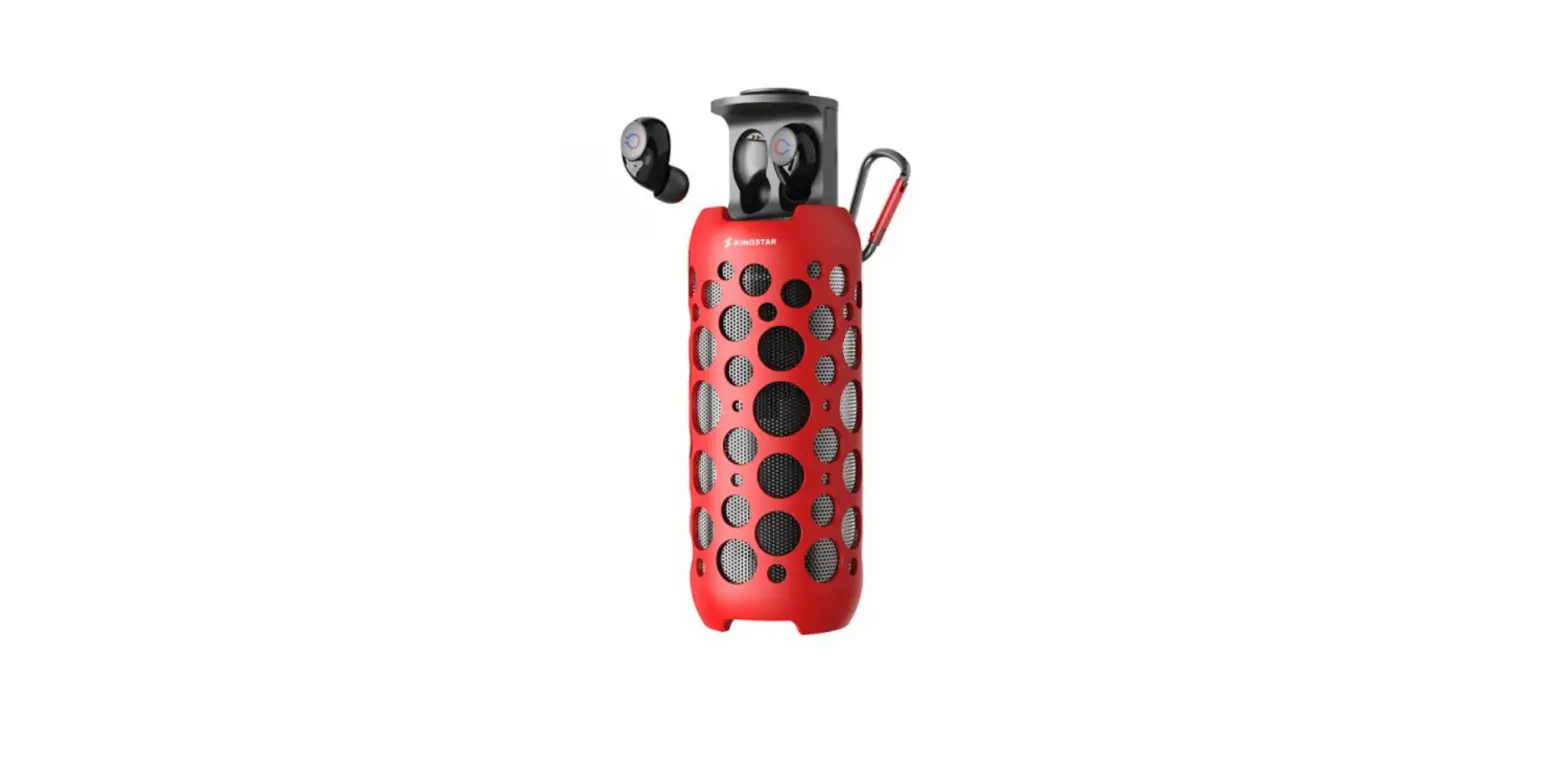

Wiresto K045 Headphone Speaker
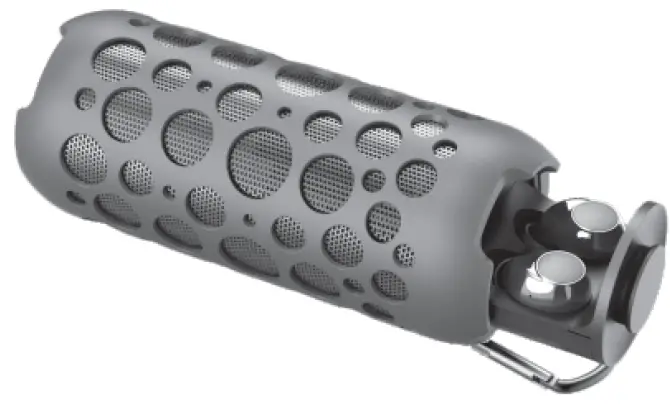
OVERVIEW
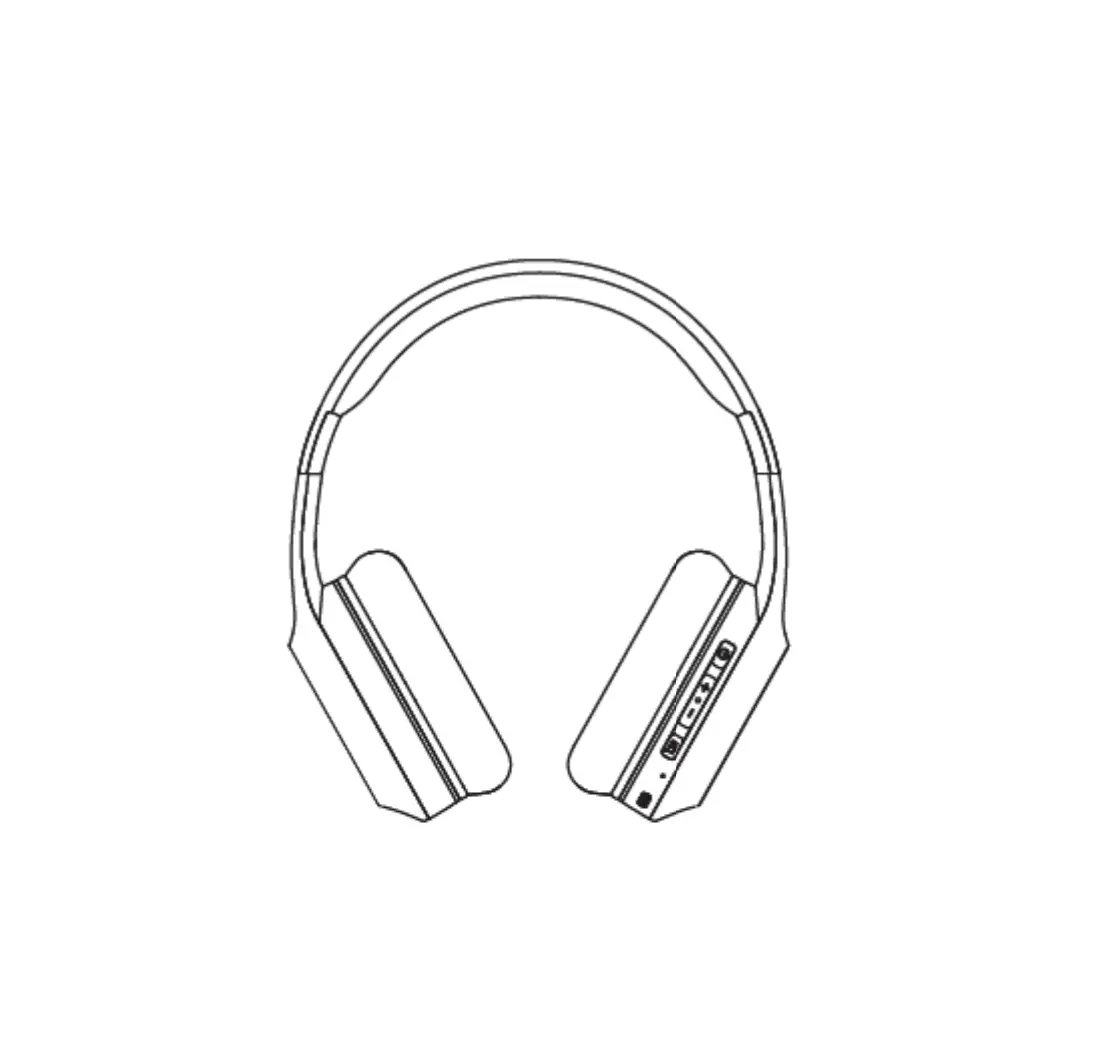
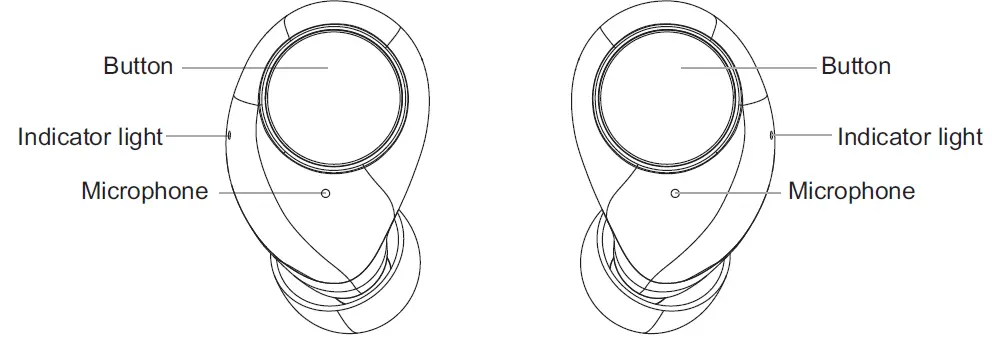
Left earphone /Right earphone
| PARAMETER | |
| Model | K041 |
| Bluetooth version | BT5.0 |
| Signal distance | 12m |
| Charging case battery | 1200 |
| Earphone battery | 40 |
| Playback time | 13-15h |
| Standby time | >200h |
| Charging time | 4.5-5h |
| Charging box voltage | DC 5V |
| Supported cell phone systems | IOS, Android |
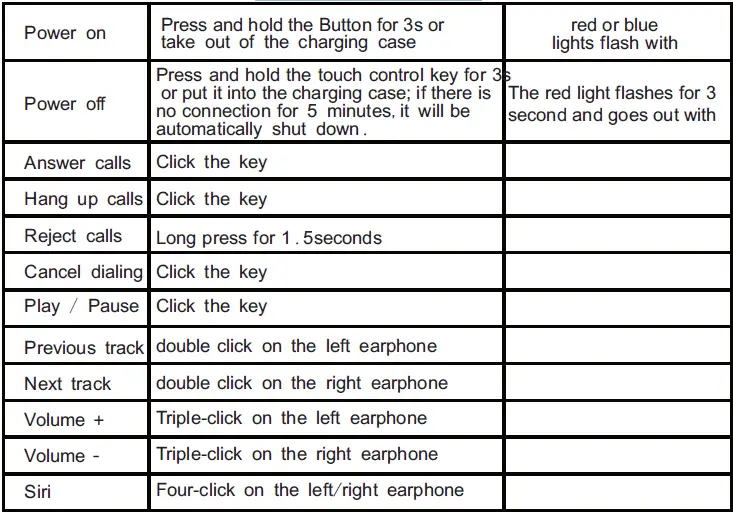
KEY DEFINITION
BLUETOOTH PAIRING AND CONNECTION
| Pairing mode | Press and hold the Power keys of both earphones for 3 seconds, or take them out from the charging case, to turn them on, and the red and blue lights of both earphones flash after turning on. Then both earphones will enter TWS pairing mode. If not paired within 2 minutes, it will turn off automatically. | The red and blue lights on the main ear flash alternately |
| Connecting Bluetooth devices | Search the earphone in Bluetooth settings on the cell phone and connect. Enter Bluetooth settings and search “K045earbuds ”. | |
| Disconnect Bluetooth | Connect the Bluetooth device to the headset beyond the distance or disconnect (turn off) Bluetooth; after Bluetooth is turned on again, support the automatic back connection between Bluetooth and mobile phone | The red and blue lights on the main ear flash alternately |
Remarks
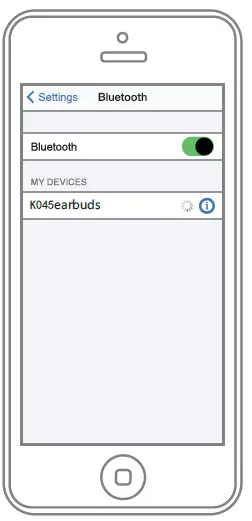
- Enter Bluetooth settings and search “K045earbuds ”.
- If placing earphones into the charging case while playing music, the earphone will be disconnected from the cell phone and turn off. If open the charging case and take out the earphones, they will automatically turn on and reconnect.
- The earphones will connect to the cell phone automatically when turning on. If it can’t reconnect automatically, press once to reconnect.
- If the earphones are unable to connect to the cell phone, clear the pairing history, reboot the earphones and reconnect.
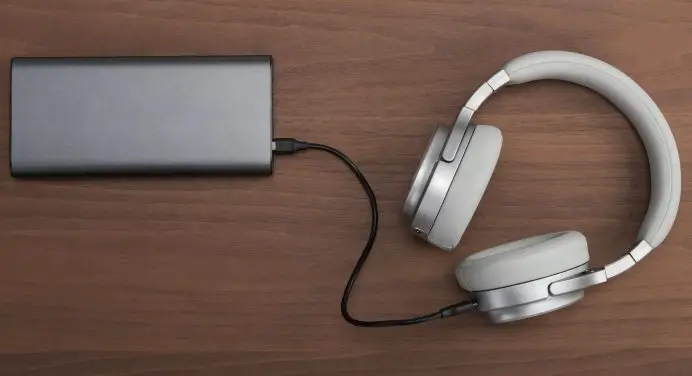
- Please use 5V charger.
CHARGING MODE
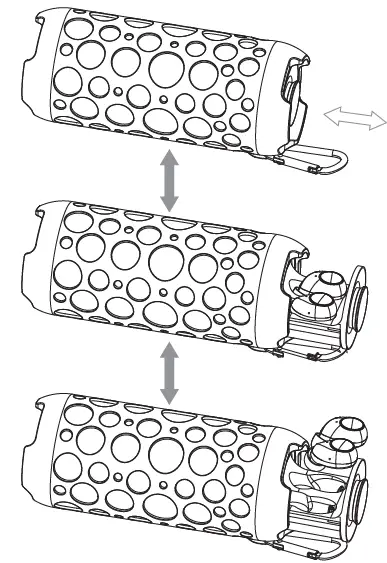
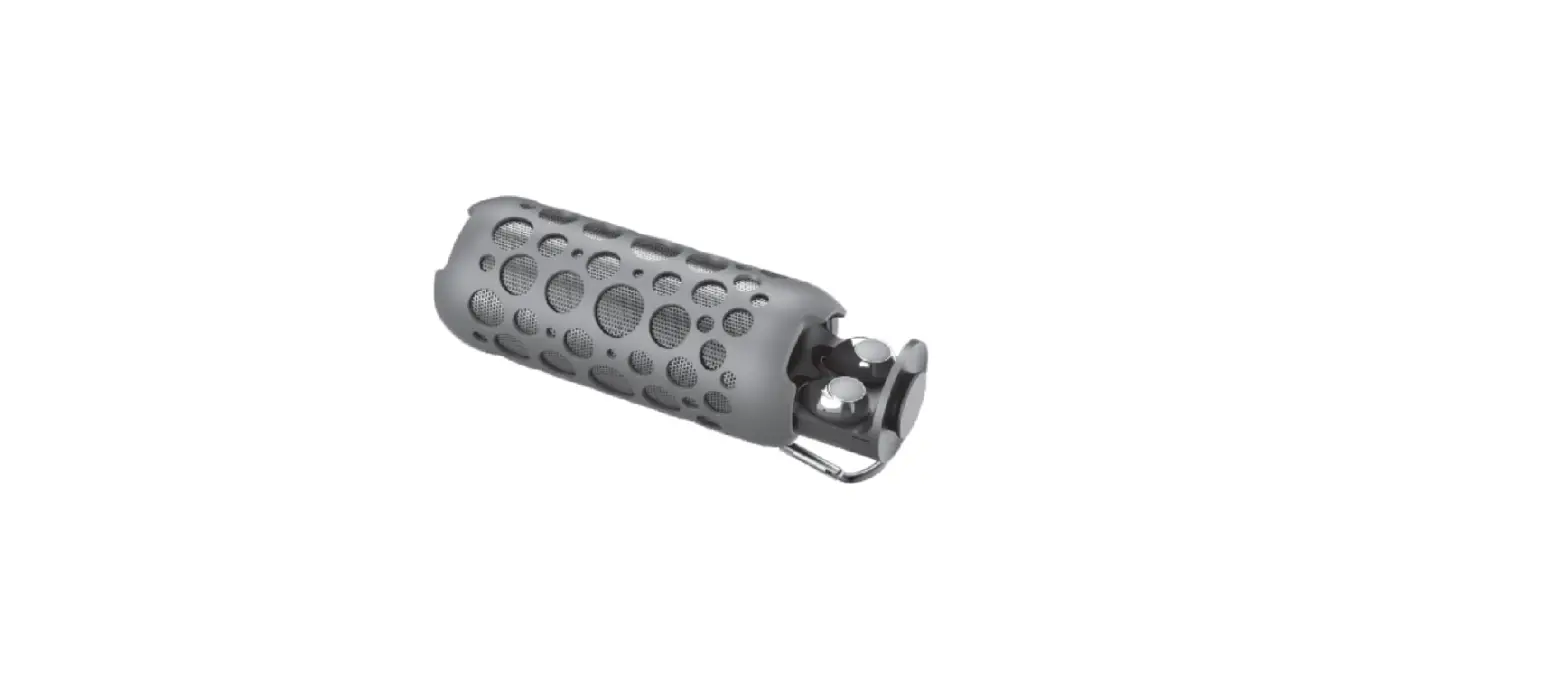
- Push back and forth to open and close the cover, Putting the earphone in and out of the battery compartment.
SPEAKER FUNCTION DEFINITION
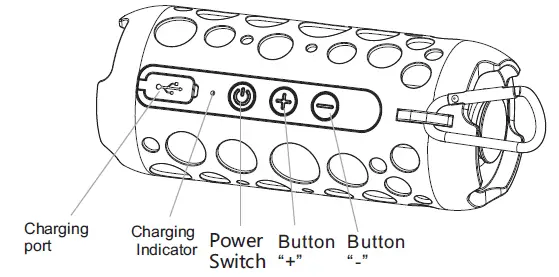
DEFINITION OF SPEAKER BUTTONS
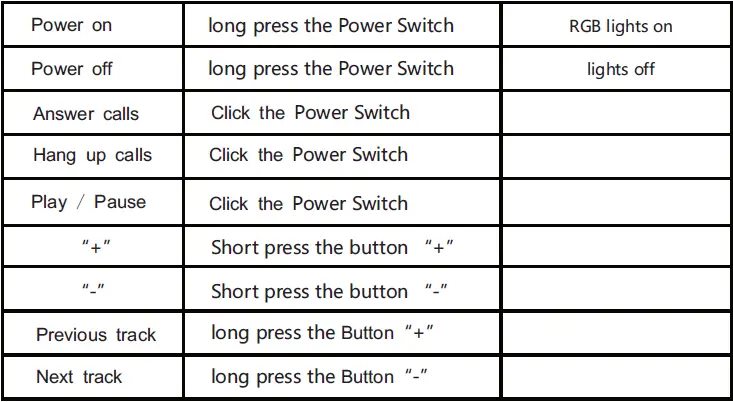
SPEAKER BLUETOOTH CONNECTION
Enter Bluetooth settings and search: K045speaker.
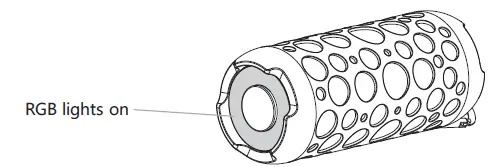
After power on, the blue light will be on,when waiting for connection, the RGB breathing light will be on, after the connection is successful Bluetooth play songs follow the music rhythm RGB lights flashing.
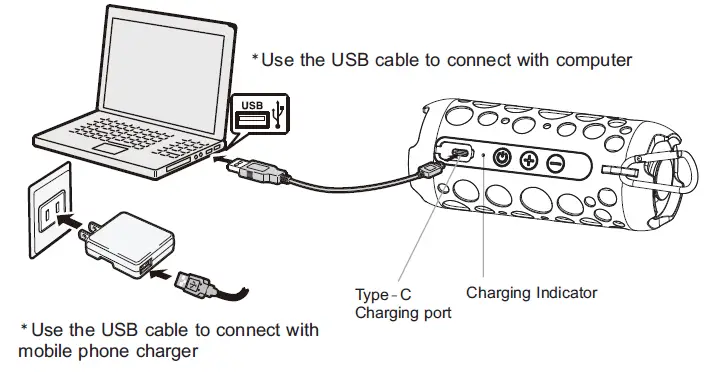
SPEAKER CHARGING MODE
WARNING
- Away from high temperature
- Away from open flames
- Away from water
- Please do not drop

MADE IN CHINA