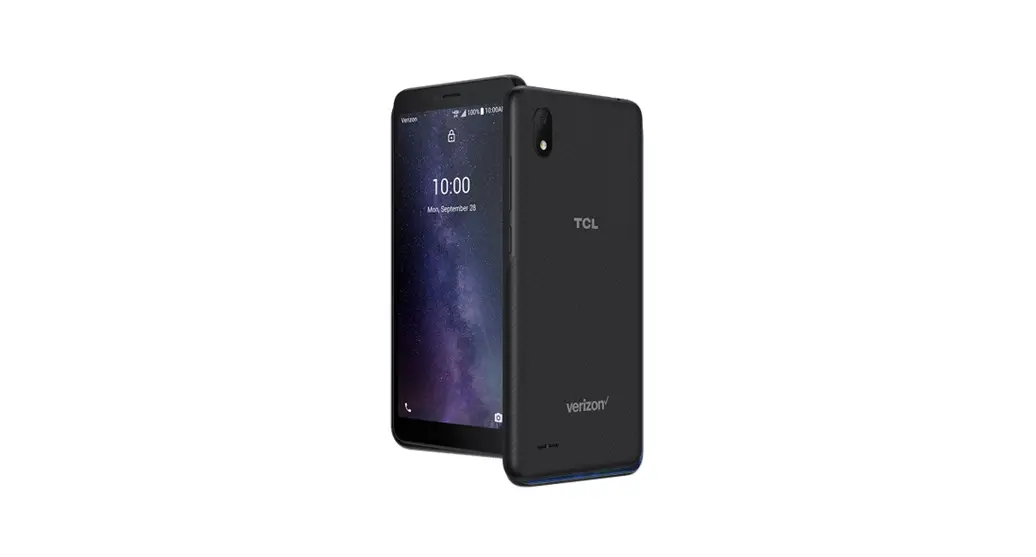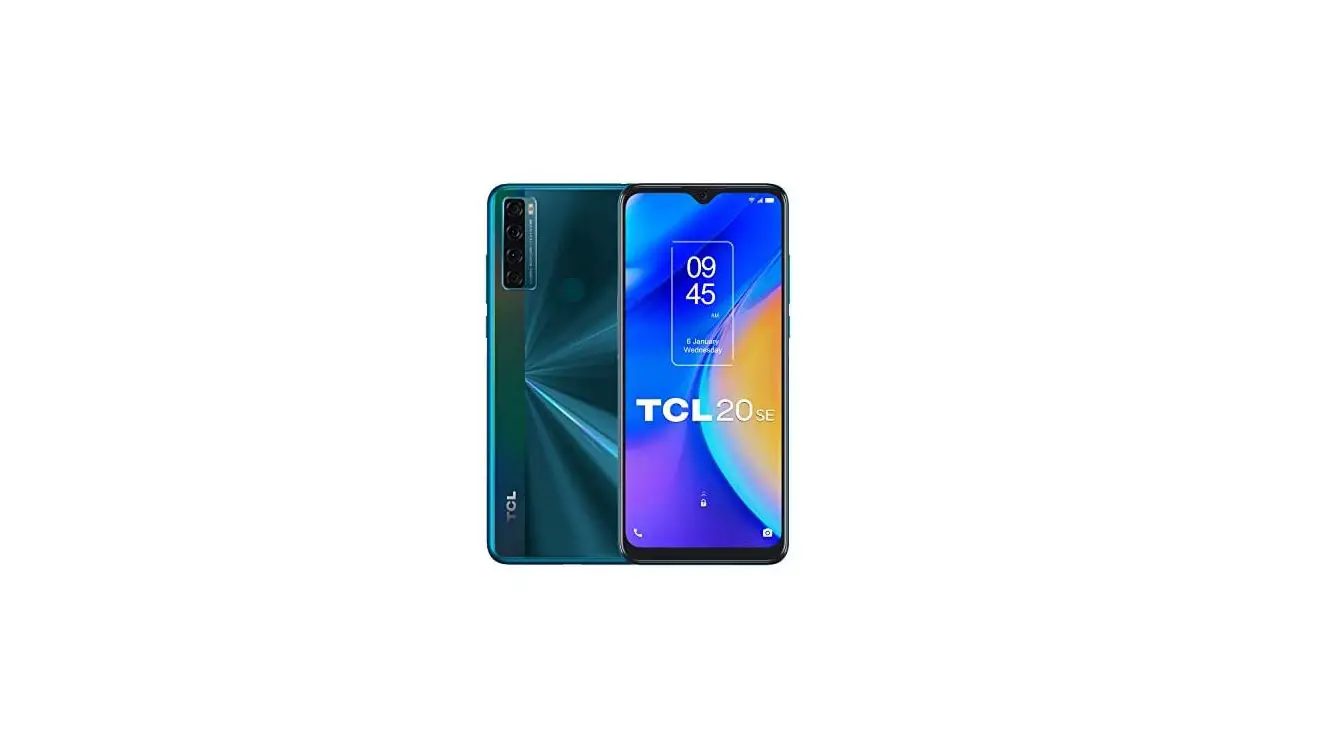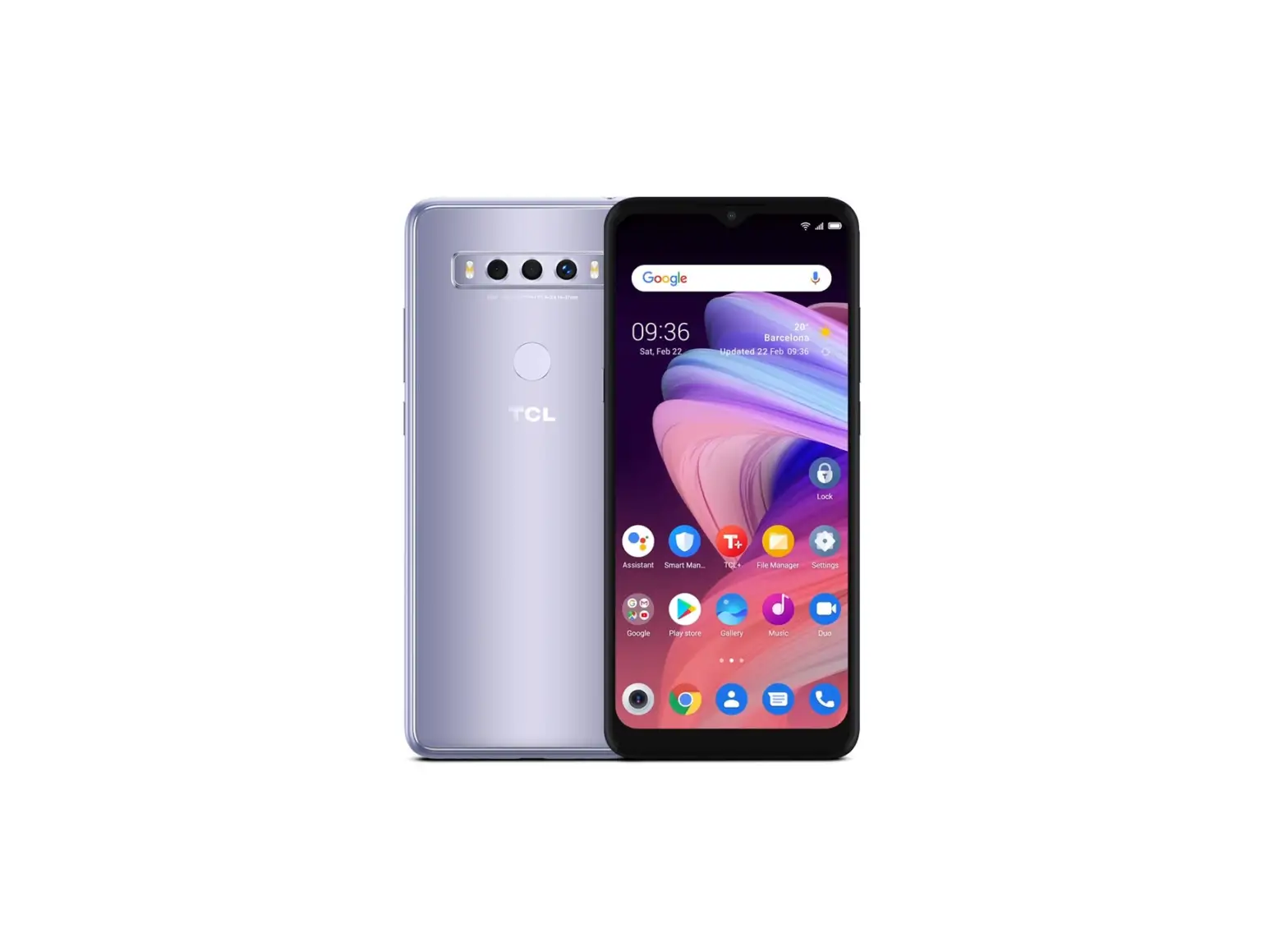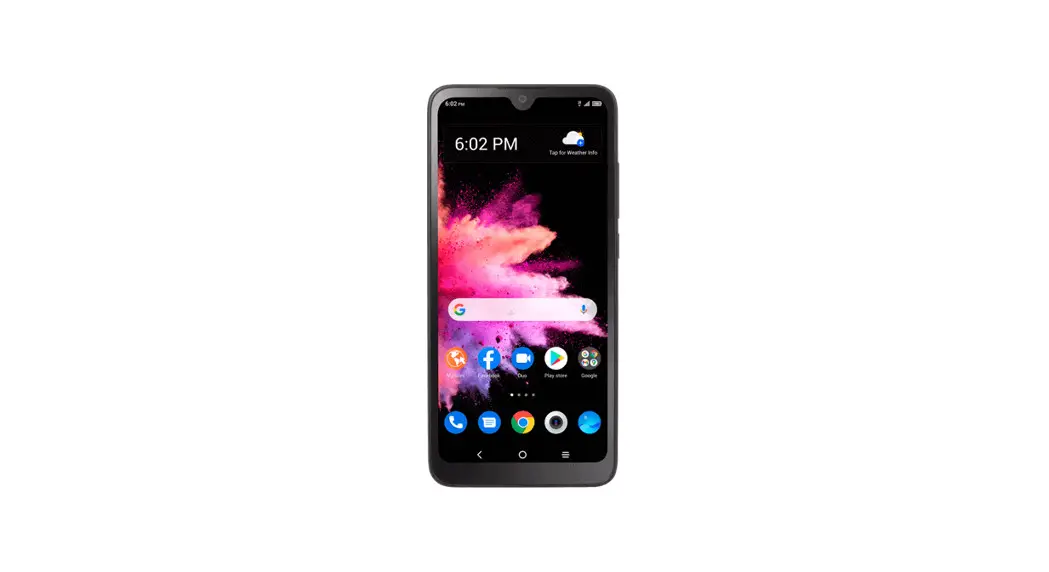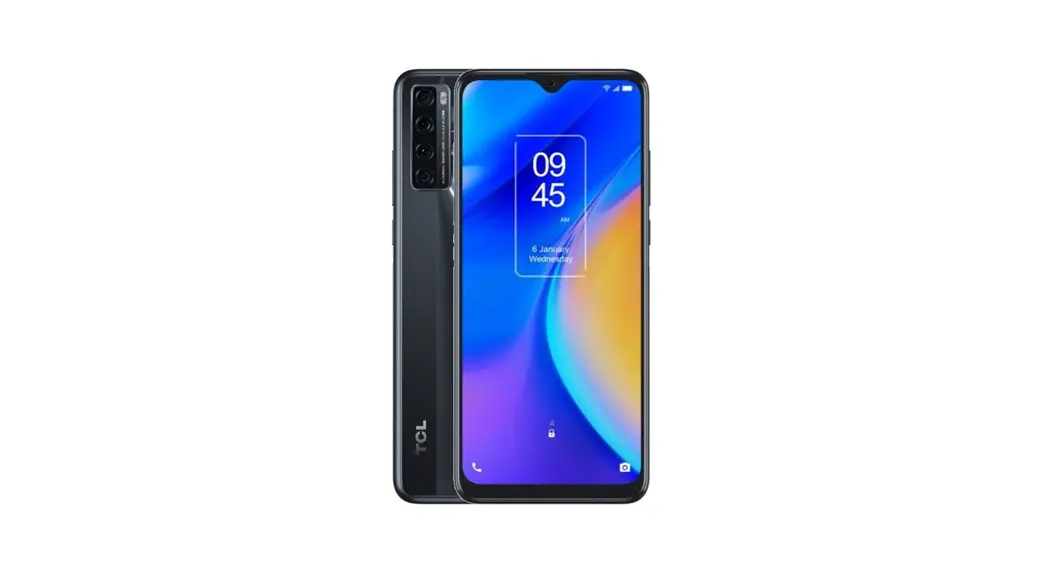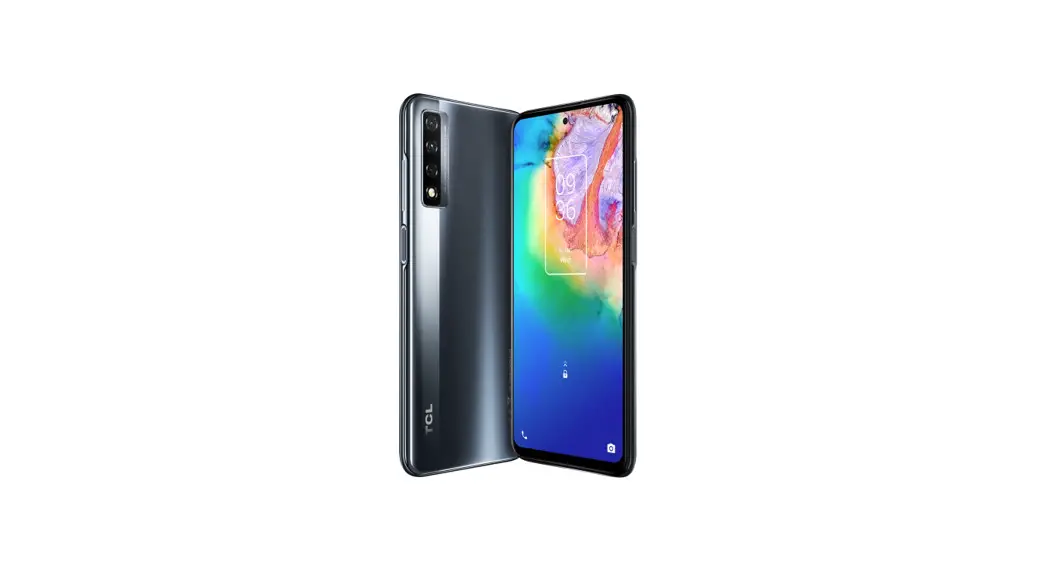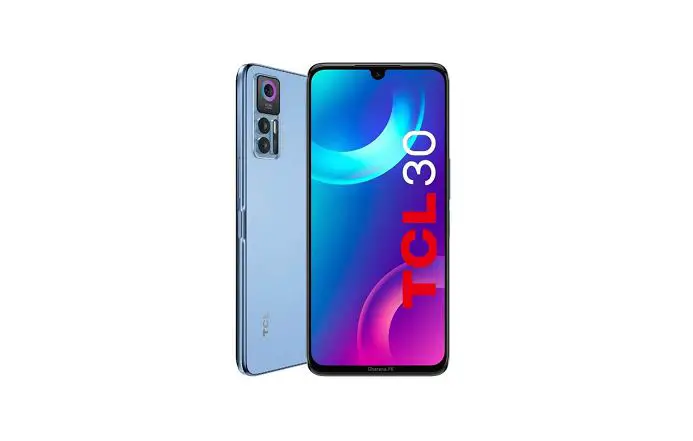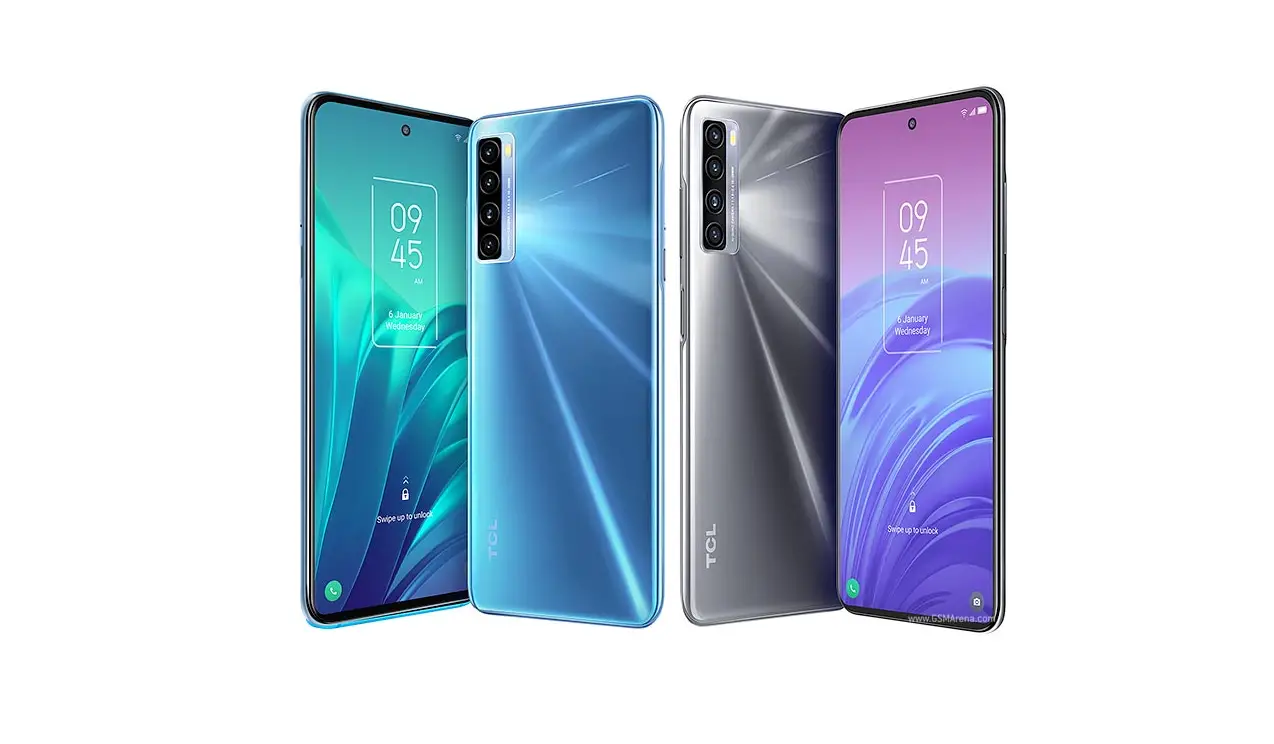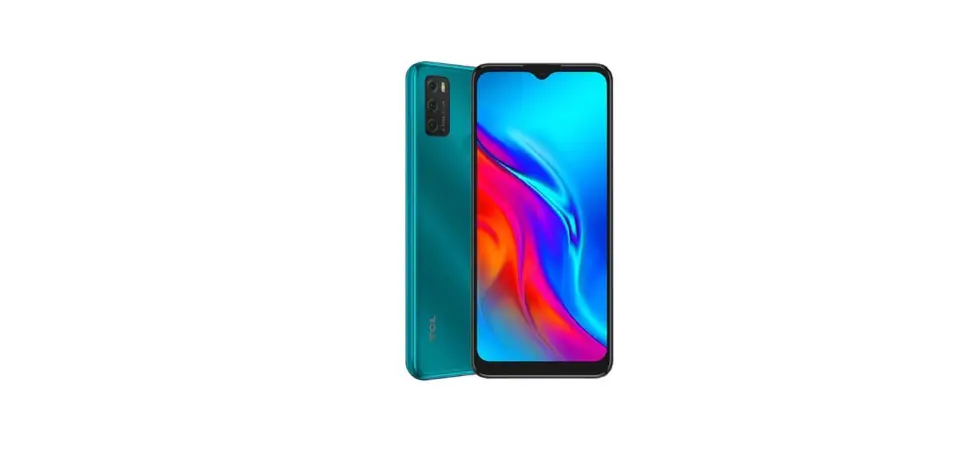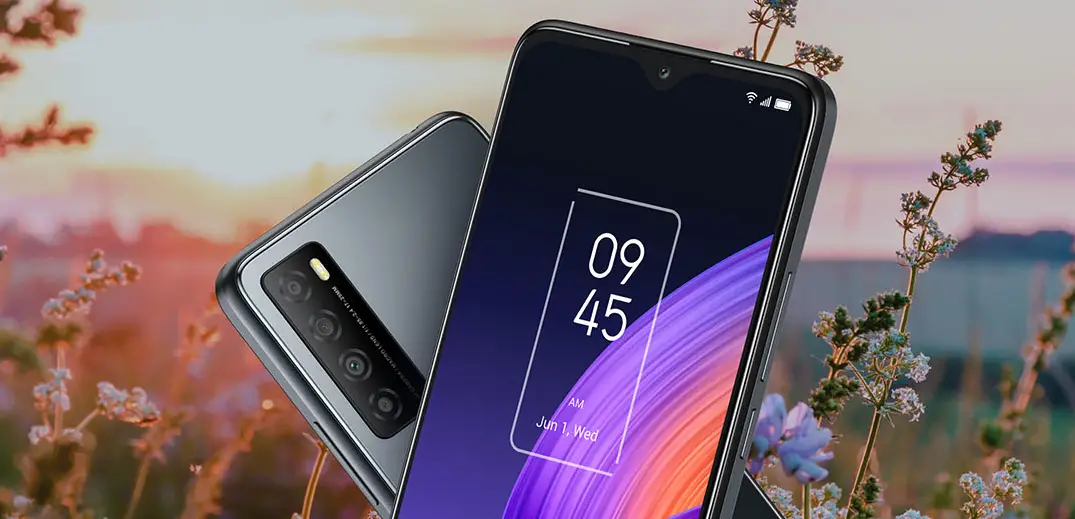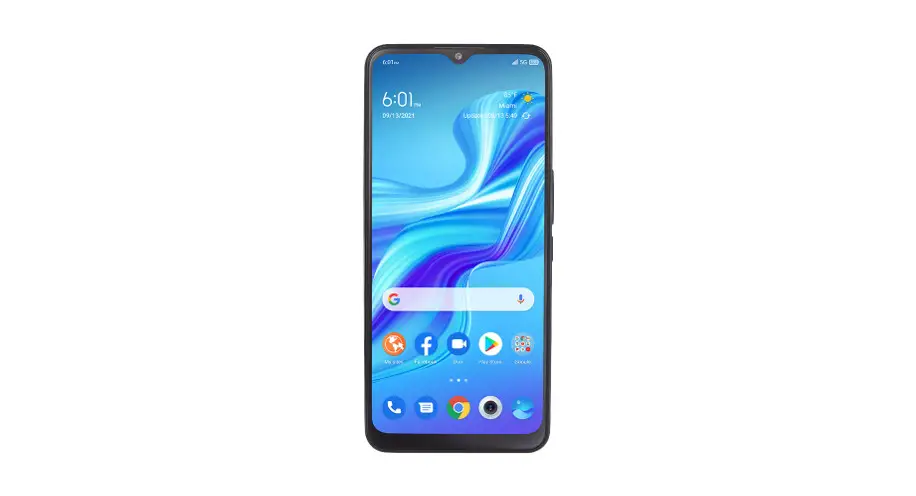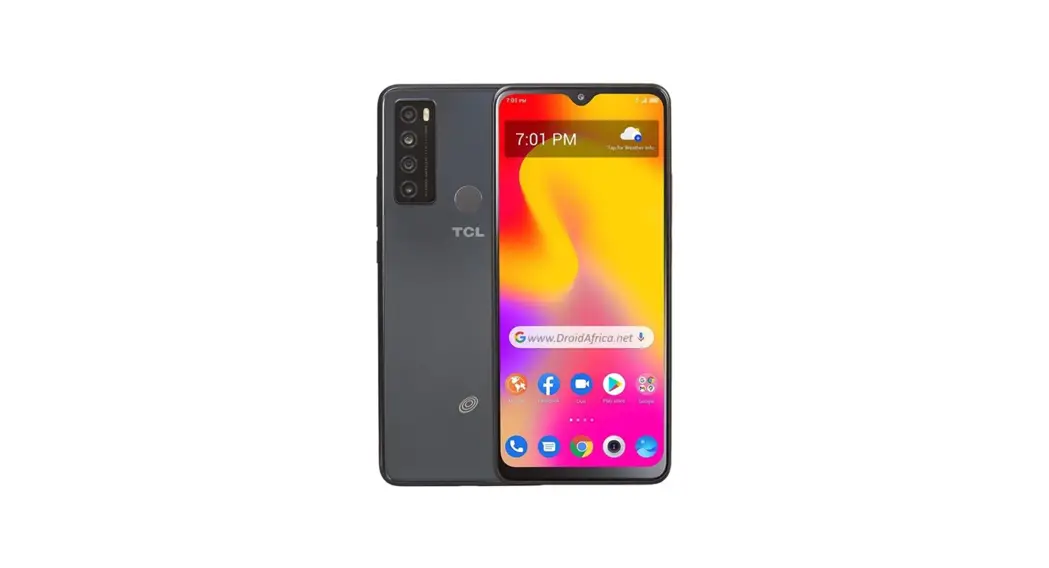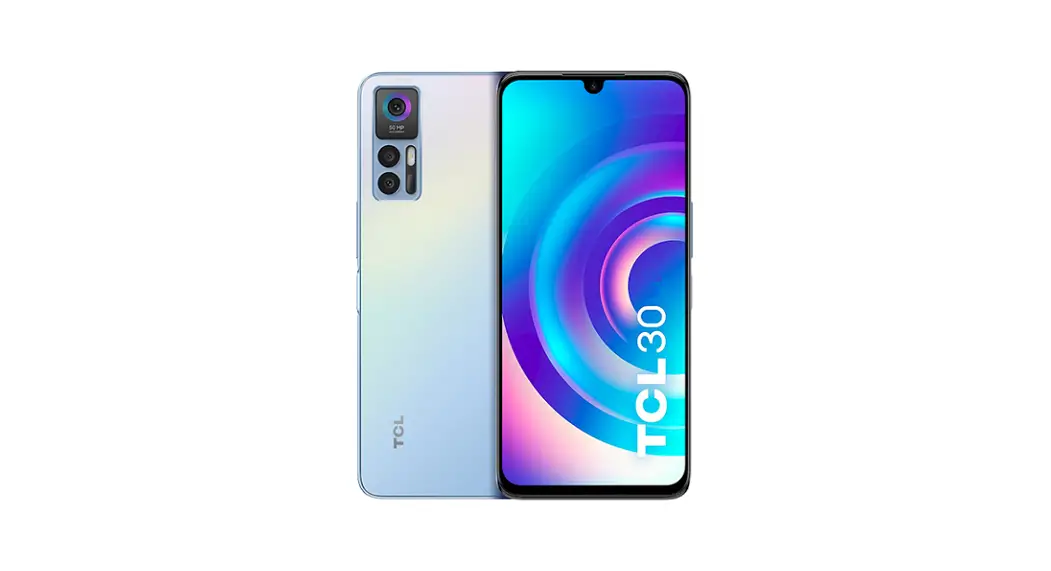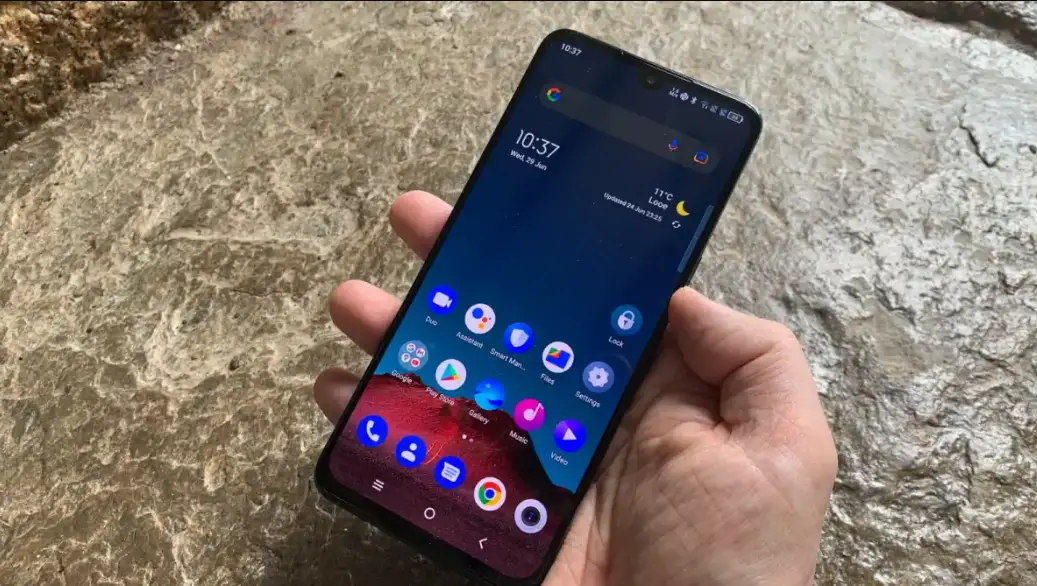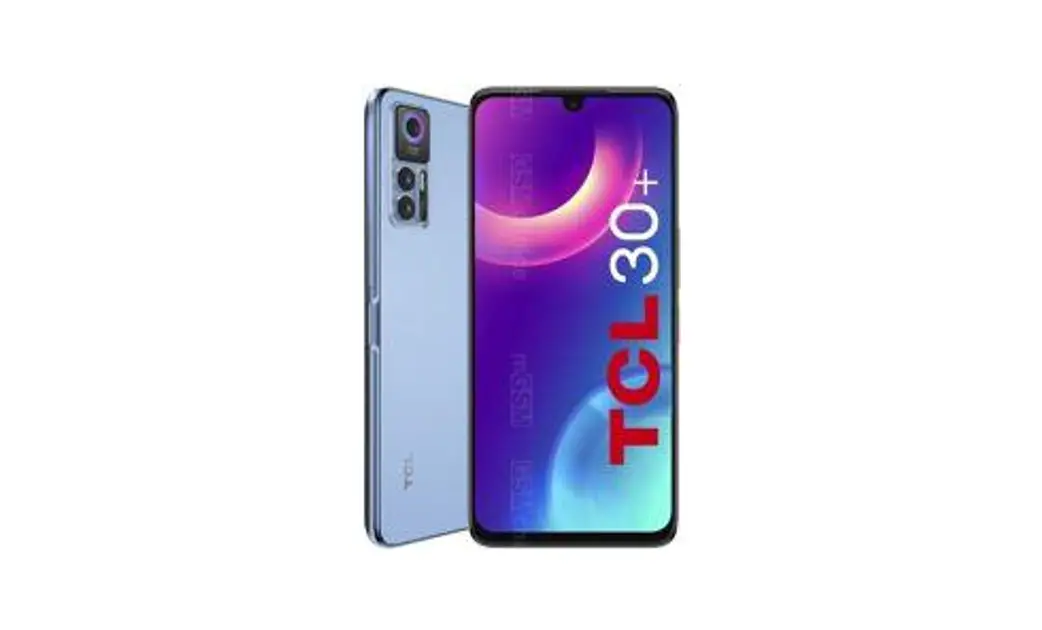

T676J 30 Plus Smartphone
User Guide
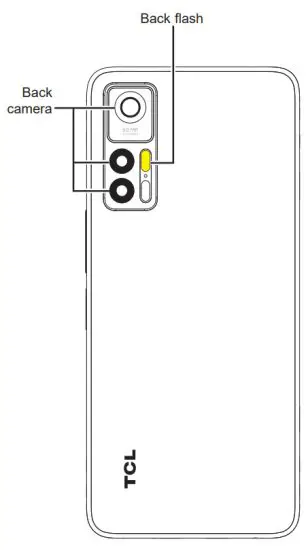
Your Mobile Keys and connectors
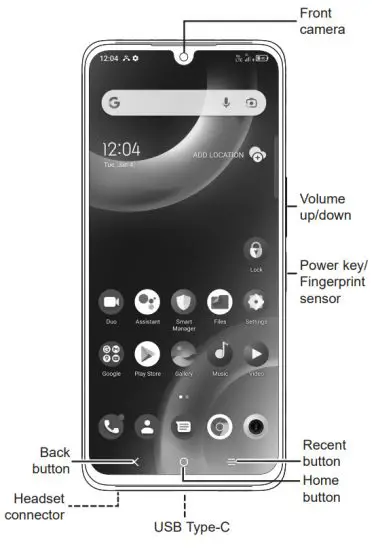
Right-hand mode:

Left-hand mode:

Getting started
- Charge the battery

- Insert or remove the SIM card or microSD card.
- Insert or remove the SIM card.
Single-SIM devices only Dual-SIM devices only
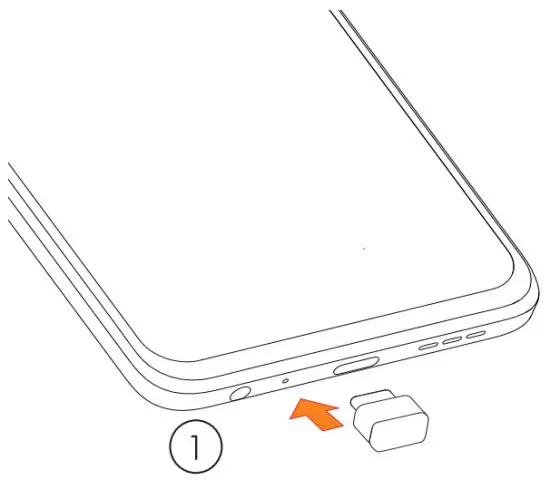
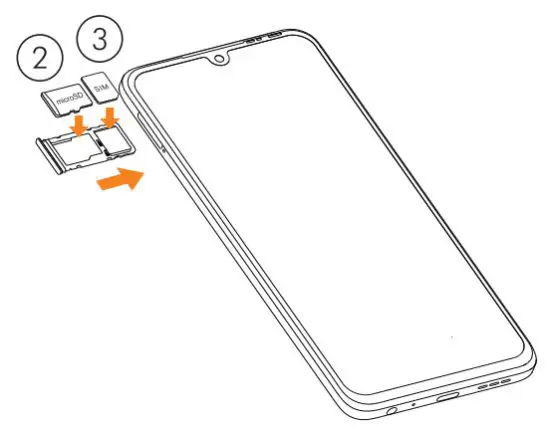 Dual-SIM devices only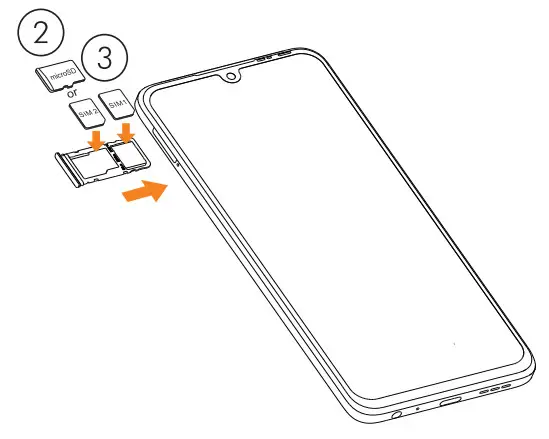
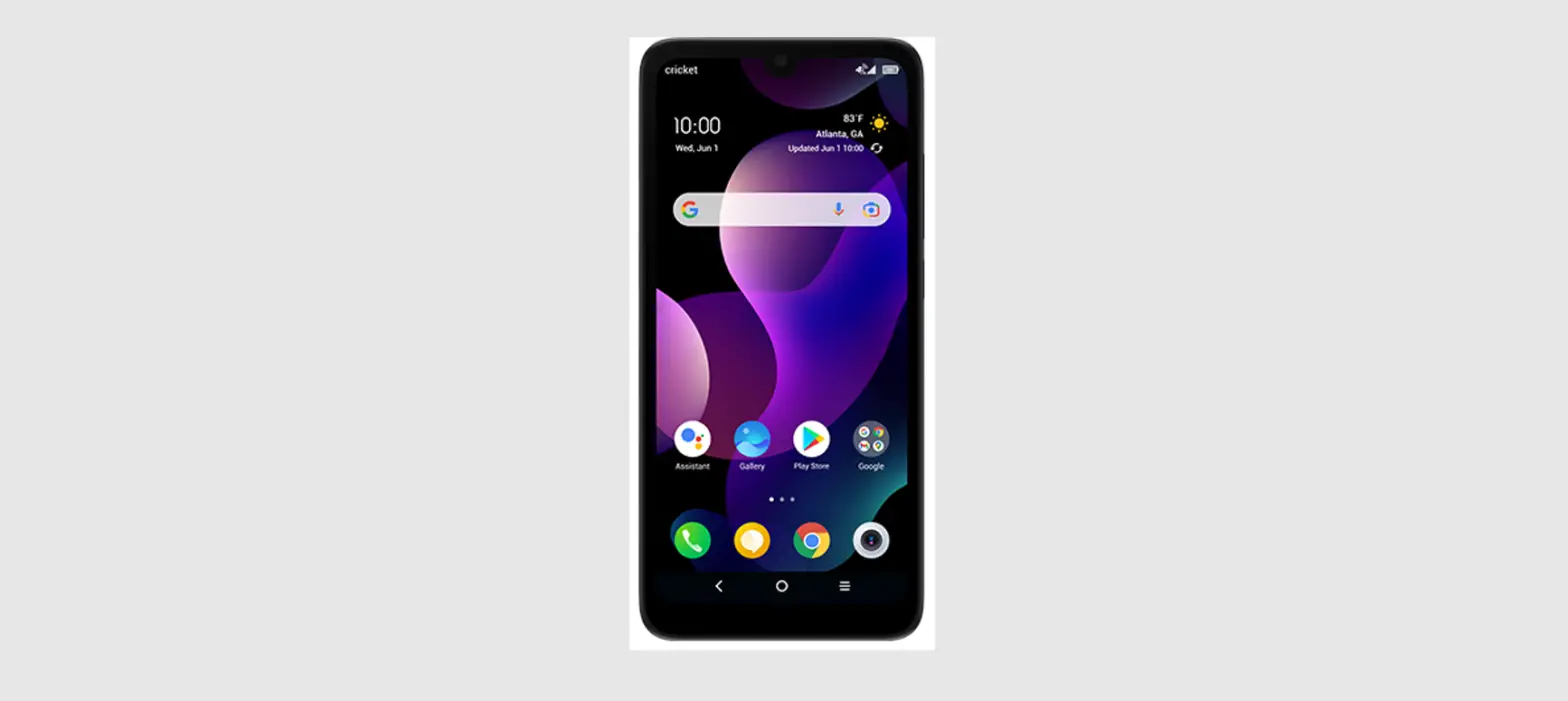
Home screen
You can bring all of the items (applications, shortcuts, folders) that you use most frequently to your Home screen for quick access.
Touching the Home button always takes you back to the main Home screen.
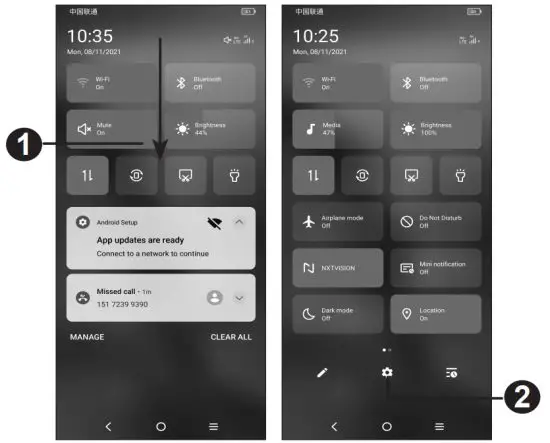
- Touch and drag down to open the Notification panel.
- Open Settings, to view the full list of settings.
Phone call
Making a call
Enter the desired number from the keyboard and touch it to make a call.
Answering a call
When you receive a call:
- Tap ANSWER, or swipe up
 to answer;
 - Tap DECLINE, or swipe down to reject;
- Tap
 to reject the call by sending a preset message.
 to answer;
 to reject the call by sending a preset message.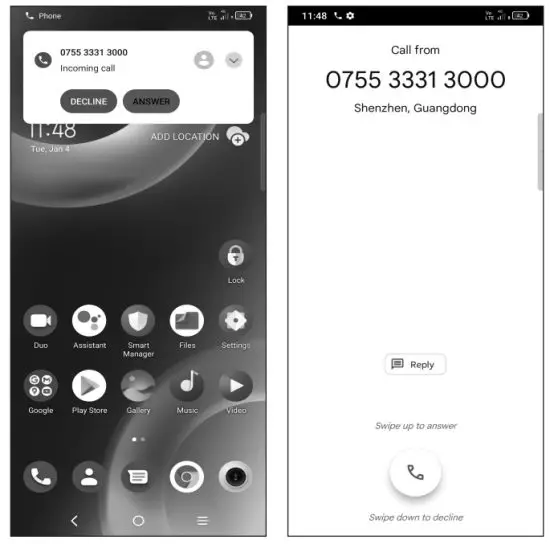
Contacts
You can view and create contacts on your phone and synchronize these with your Gmail contacts or other applications on the web or on your phone.
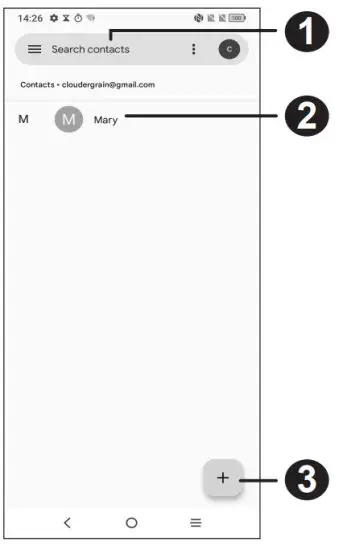
- Search in Contacts
- Open the Quick contact panel
Touch and hold to share or delete the selected contact - Add new contact
Messaging
You can create, edit, and receive SMS and MMS.
An SMS will be converted to MMS automatically when media files (image, video, audio, slides, etc.) are attached or subject or email addresses are added.
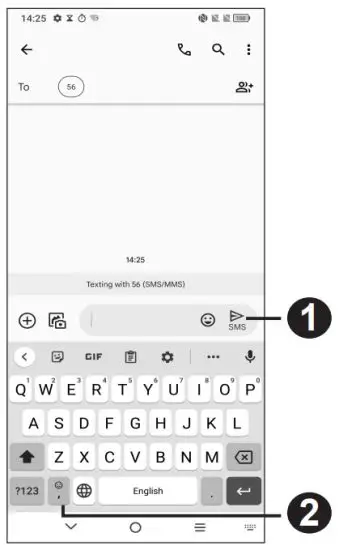
- Send the text message
- Insert emoticons
Gmail
The first time you set up your phone, you can select to use an existing Gmail account or to create a new one.
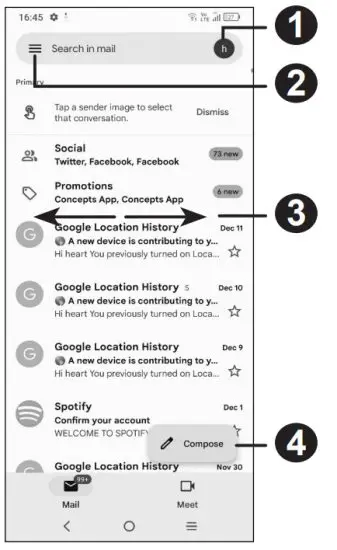
- Account information
- See options and settings
- Swipe right or left to archive the email
- Create an email
Help
- Check out the TCL website at tclusa.com for tutorials and answers to frequently asked questions, and to download the User Manual.
- To get support for your phone, visit the TCL website: https://www.tcl.com/mx/es.html
- Update your phone’s software
Go to Settings > System > System Update to check software updates. - Back up your personal data
Go to Settings > System > Backup and turn it on. - Reset your phone
Go to Settings > System > Reset > Erase all data (factory reset) > Erase all data.
General Information
- Visit the TCL website at https://www.tcl.com/mx for tutorials and answers to frequently asked questions, and to download the User Manual.
- To get support for your phone, visit the TCL website (https://www.tcl.com/mx/es/service-support-mobile.html), or dial the number listed below:
Argentina: 08001220682
Chile: 800000147
Colombia: 18009520823
Ecuador: 800000635
Mexico: 8008909908
Peru: 080000698
The Dominican Republic: 8887600164
Uruguay: 405296624
Venezuela: 08001005368
 TCL USA | Enjoy More
 TCL Electronics México