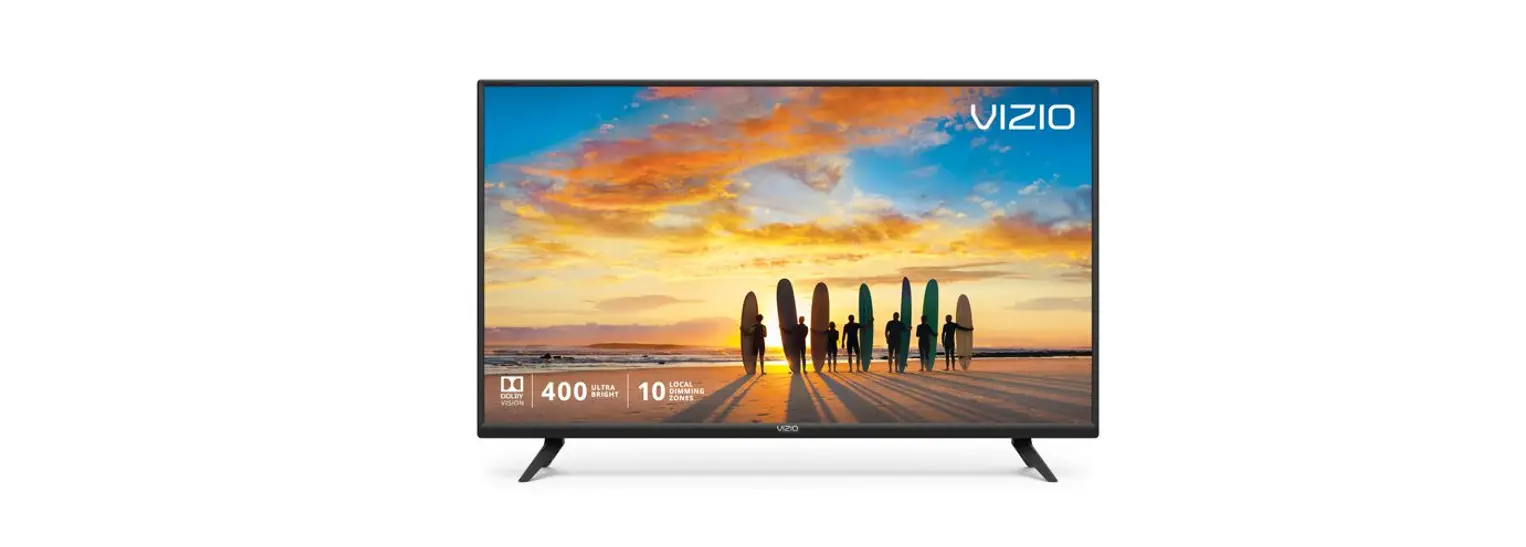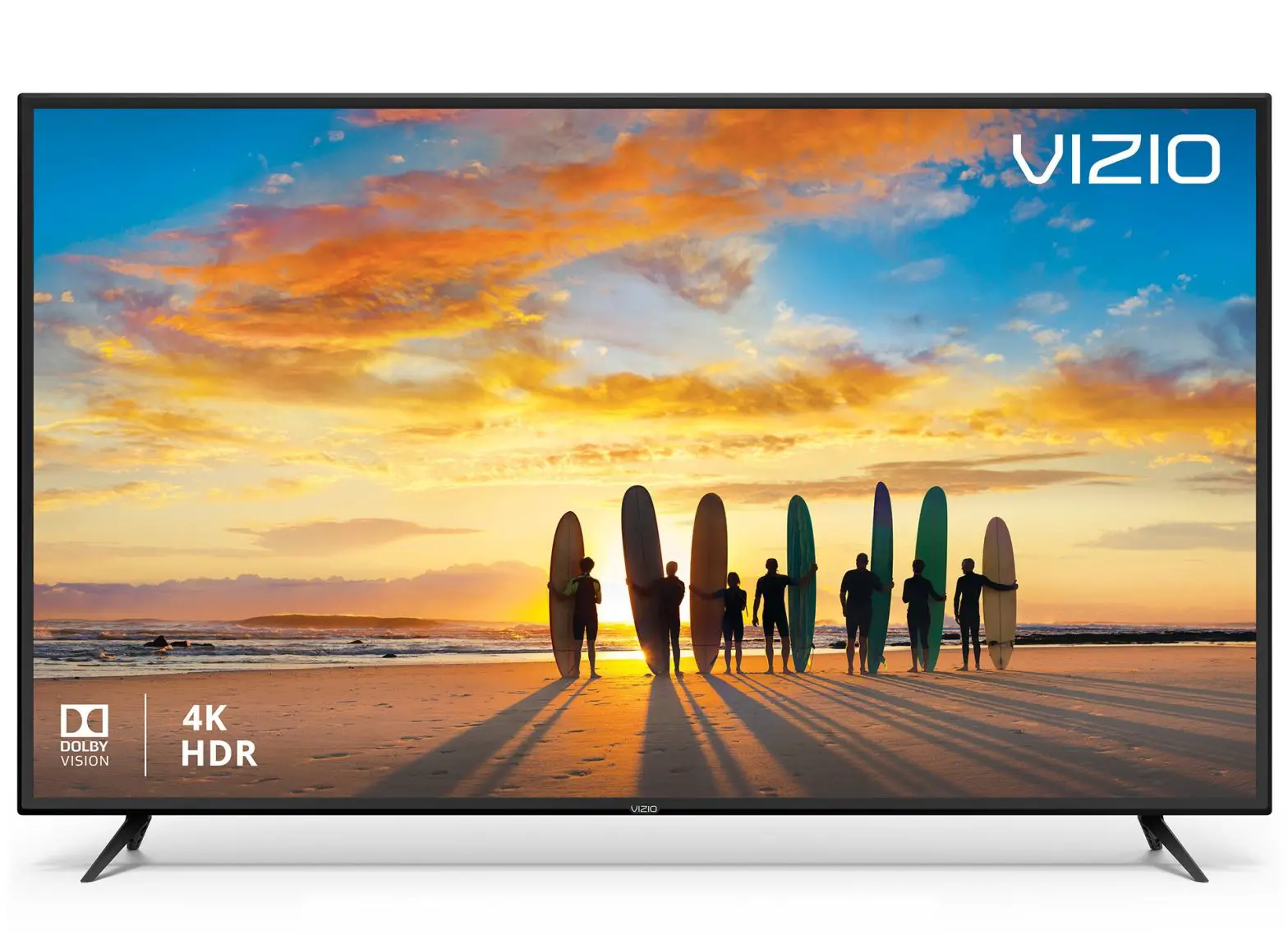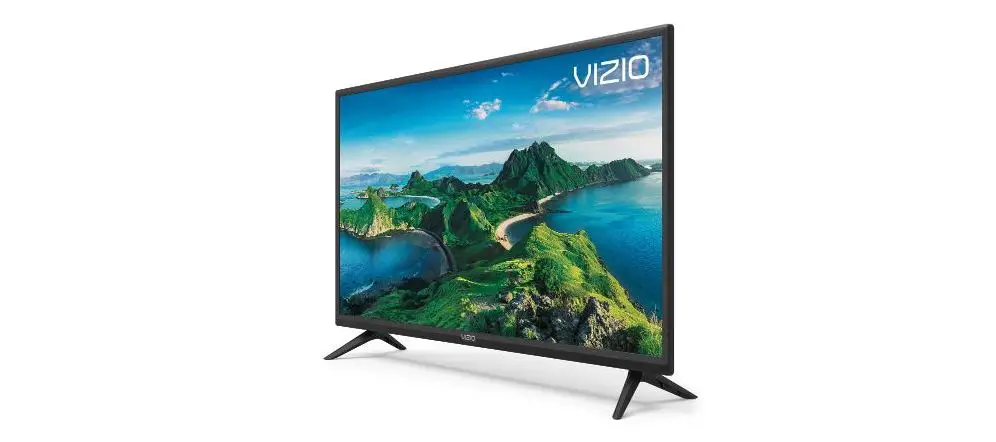

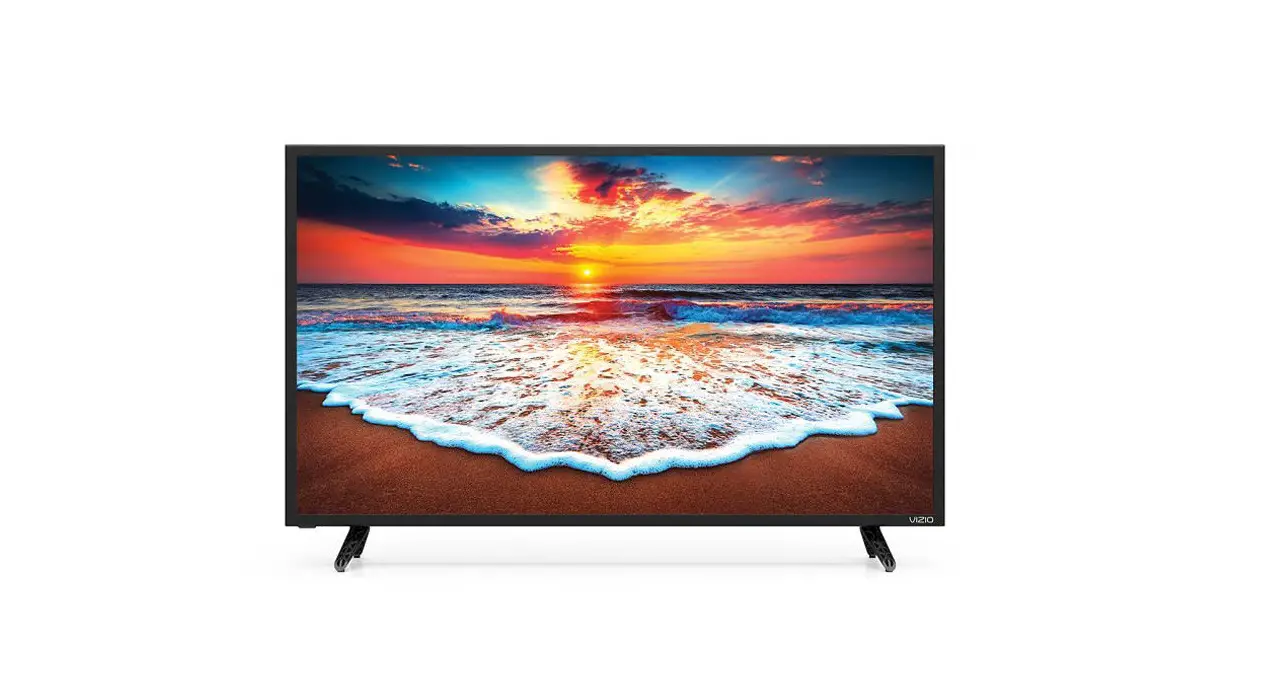
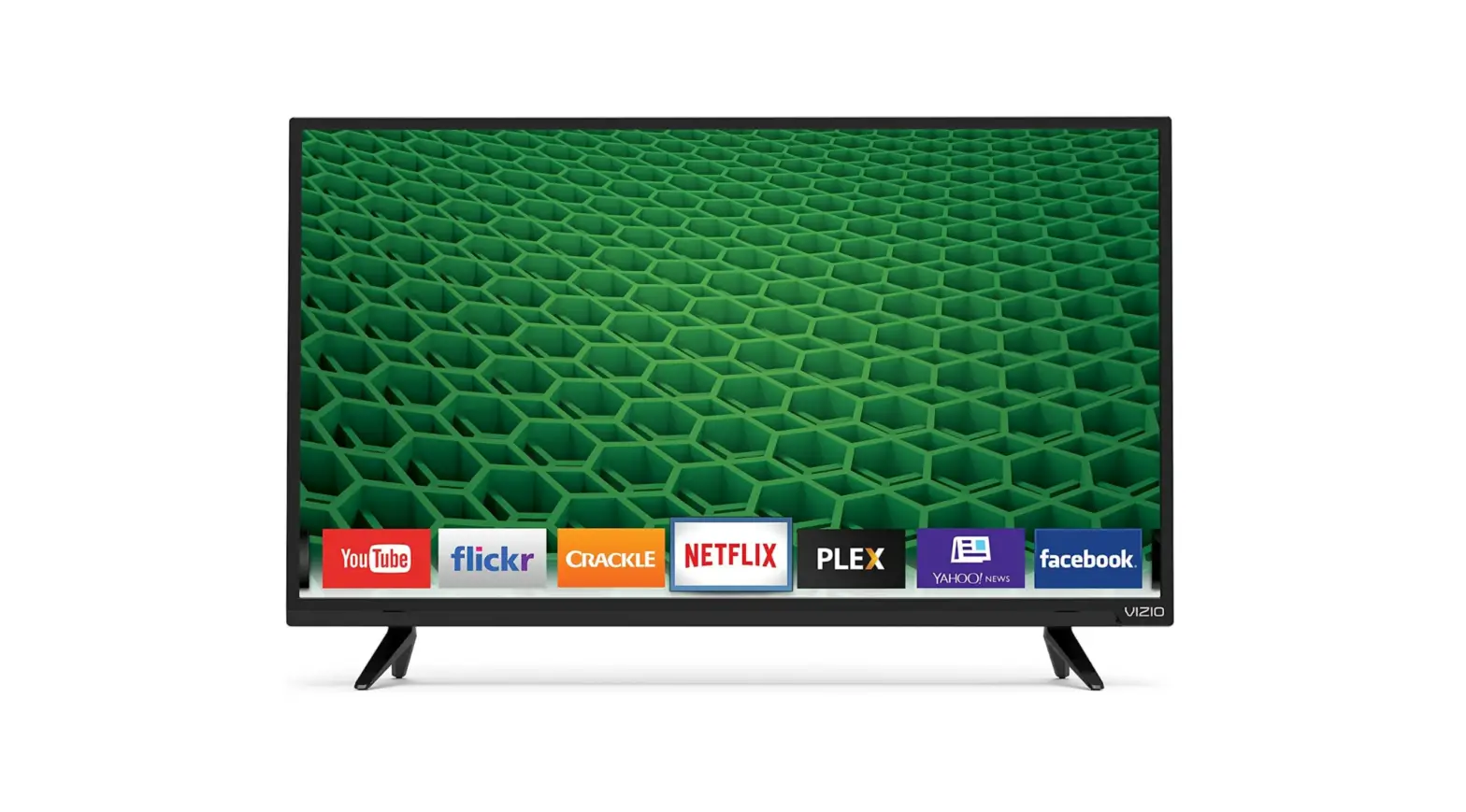
VIZIO D32F-G1 Smart LED TV
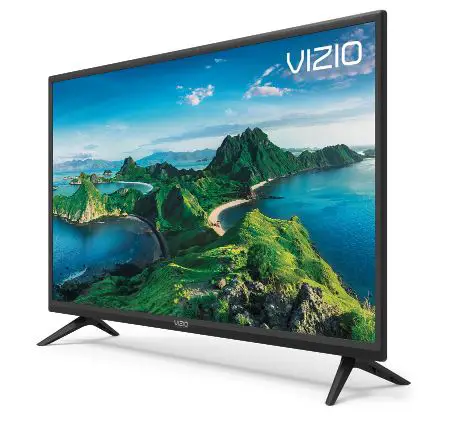
What’s Inside the Box
Place TV on a padded, flat surface that is larger than the TV, before installing feet or wall mount (not included).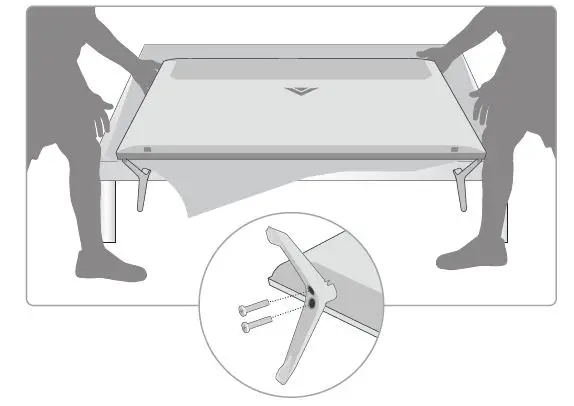
Plug the TV power cord into a wall outlet and connect your devices. HDMI is recommended.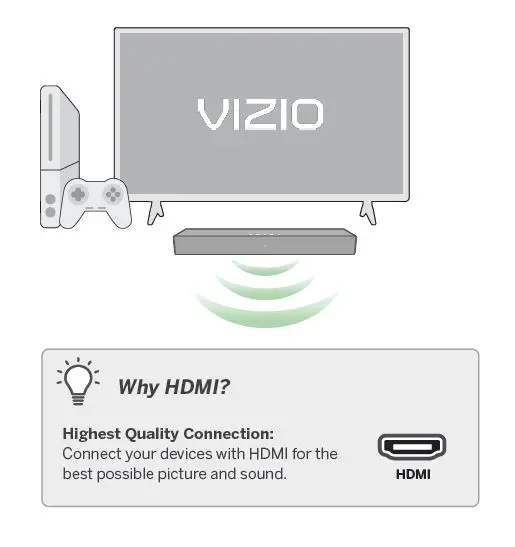
Insert two AAA batteries into the remote control. Aim directly at the TV and press the power button.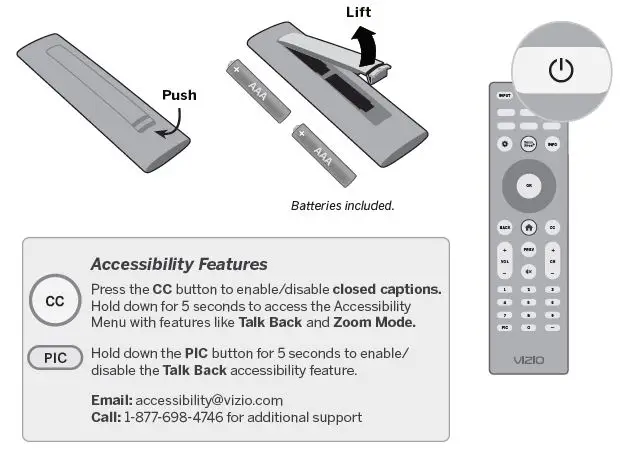
Follow the easy on-screen instructions to complete your setup and enjoy!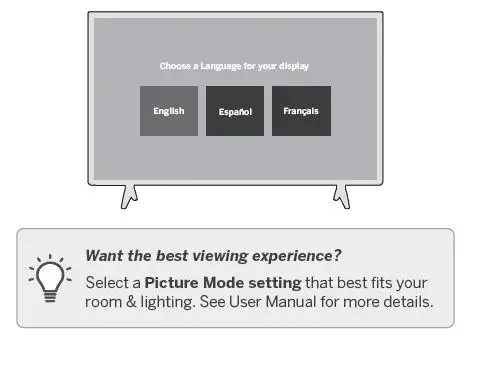
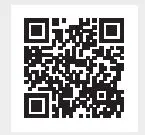
Scan for an Easy Setup
Important
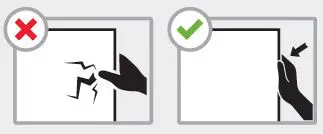
Do not touch the screen. Please read the full User Manual at support.vizio.com/s/user-manuals before operating your VIZIO product and keep it for future reference. Purchase subject to full VIZIO Terms and Conditions, including Binding Arbitration Agreement, which may be viewed at vizio.com/en/terms/terms-of-service. By using this device, you accept those Terms and Conditions.
 VIZIO Support
 Product Terms of Service
 Privacy Policy Close Close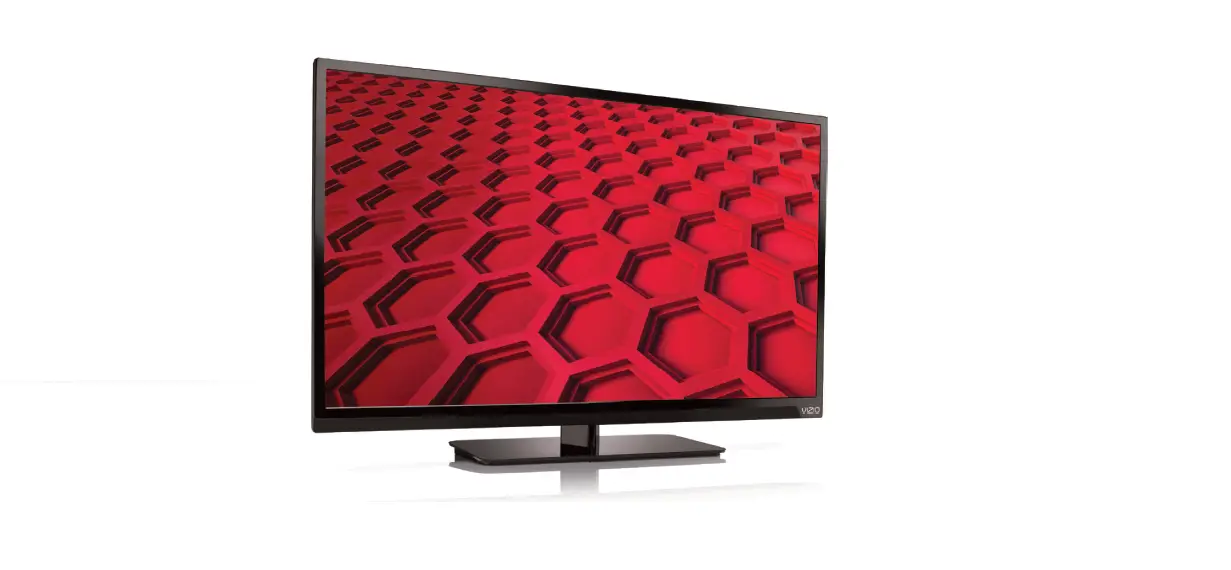


![Vizio Smart Tv [m437-g0, M507-g1] User Manual](https://static-data1.manualsee.com/1/img/133/40579/2021/01/Vizio-all-images.png "Vizio Smart Tv [m437-g0, M507-g1] User Manual")