VIZIO
Quick Start Guide
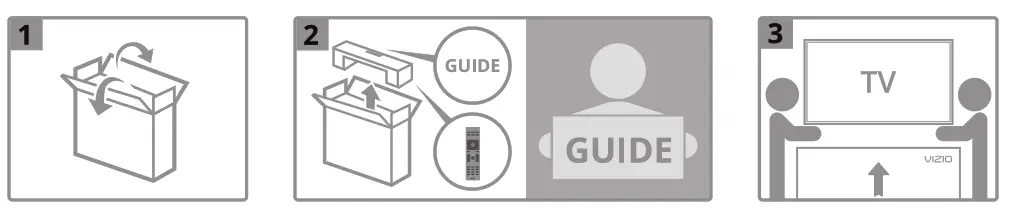
Inside the box
- Smart TV
- Power Cable
- Remote with Batteries
- 4 x Screws for TV Stands
- TV Stands
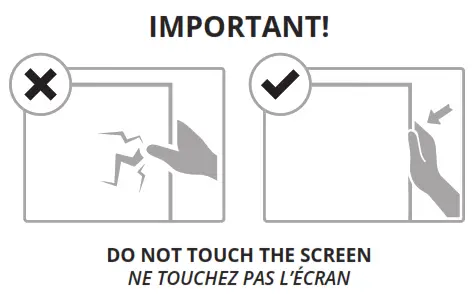
For more information, including the product’s full User Manual, visit VIZIO.com
1
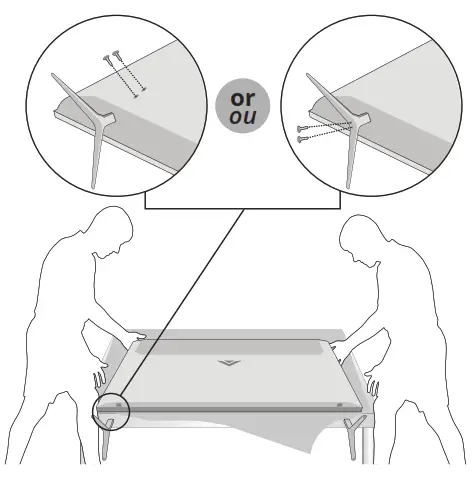
2
Plug the TV power cord into a wall outlet and connect any devices.
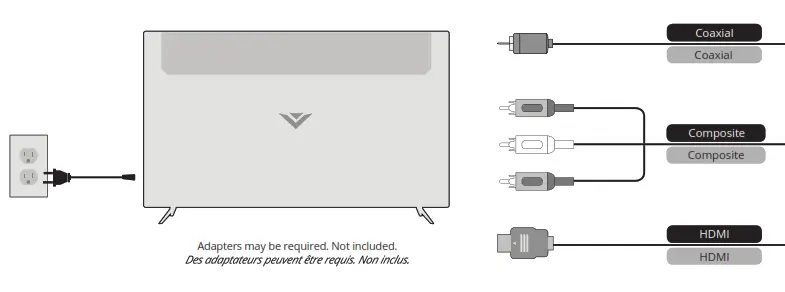
3
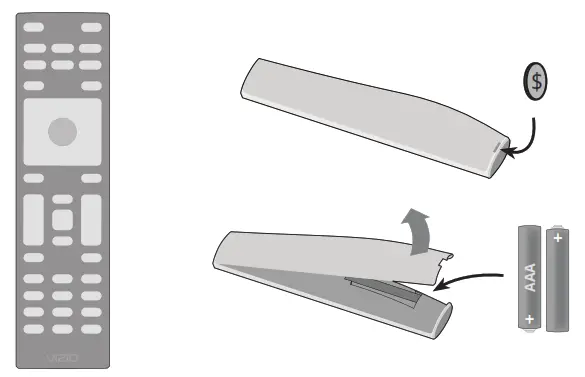
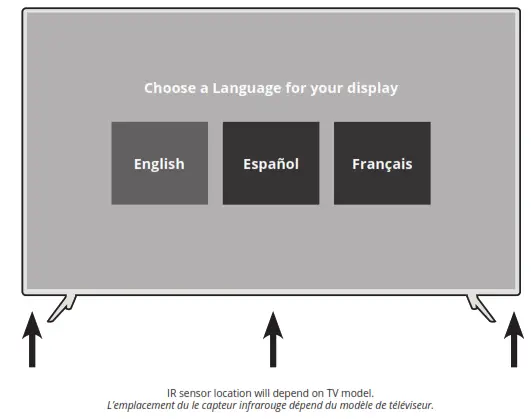
Aim directly at the IR sensor on your TV. The power indicator will flash on when the TV turns on. Follow the on-screen instructions to
complete setup.
4
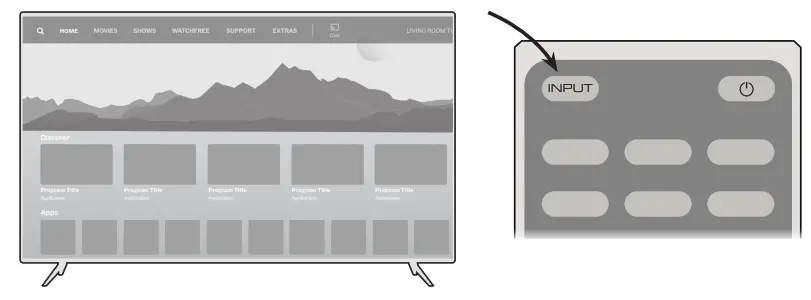
Press the INPUT button on the remote to highlight the input you wish to view.
MODELS / MODÈLES: M437-G0, M507-G1 042419
Vizio Smart TV [M437-G0, M507-G1] User Manual – Optimized PDF
Vizio Smart TV [M437-G0, M507-G1] User Manual – Original PDF
![Vizio M-series Smart Tv [m556-g4 M656-g4 & M706-g3] User Manual](https://static-data1.manualsee.com/1/img/287/59741/2021/02/Vizio-M-Series-Smart-TV-M556-G4-M656-G4-amp-M706-G3-User-Manual.jpg "Vizio M-series Smart Tv [m556-g4 M656-g4 & M706-g3] User Manual")
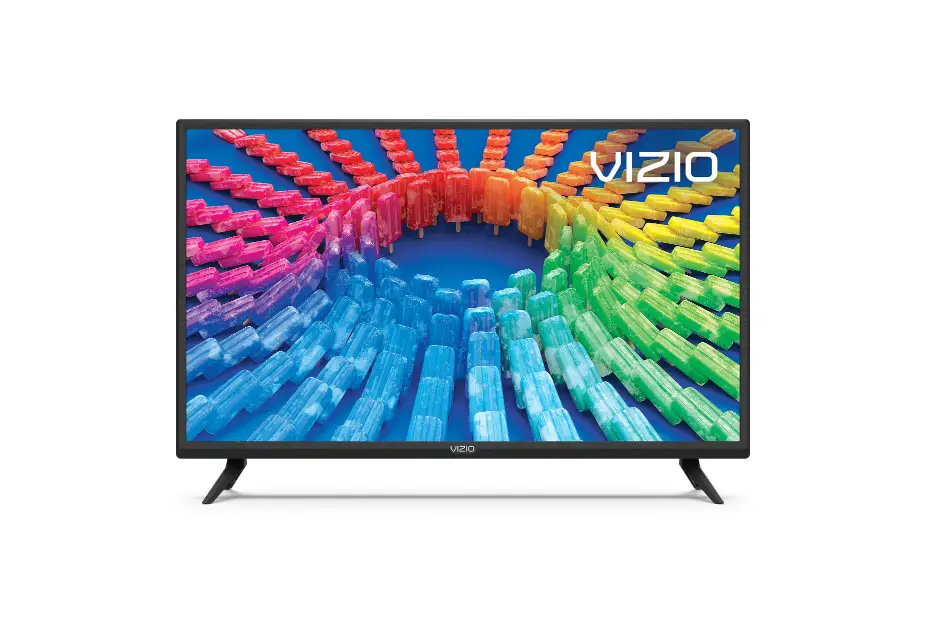
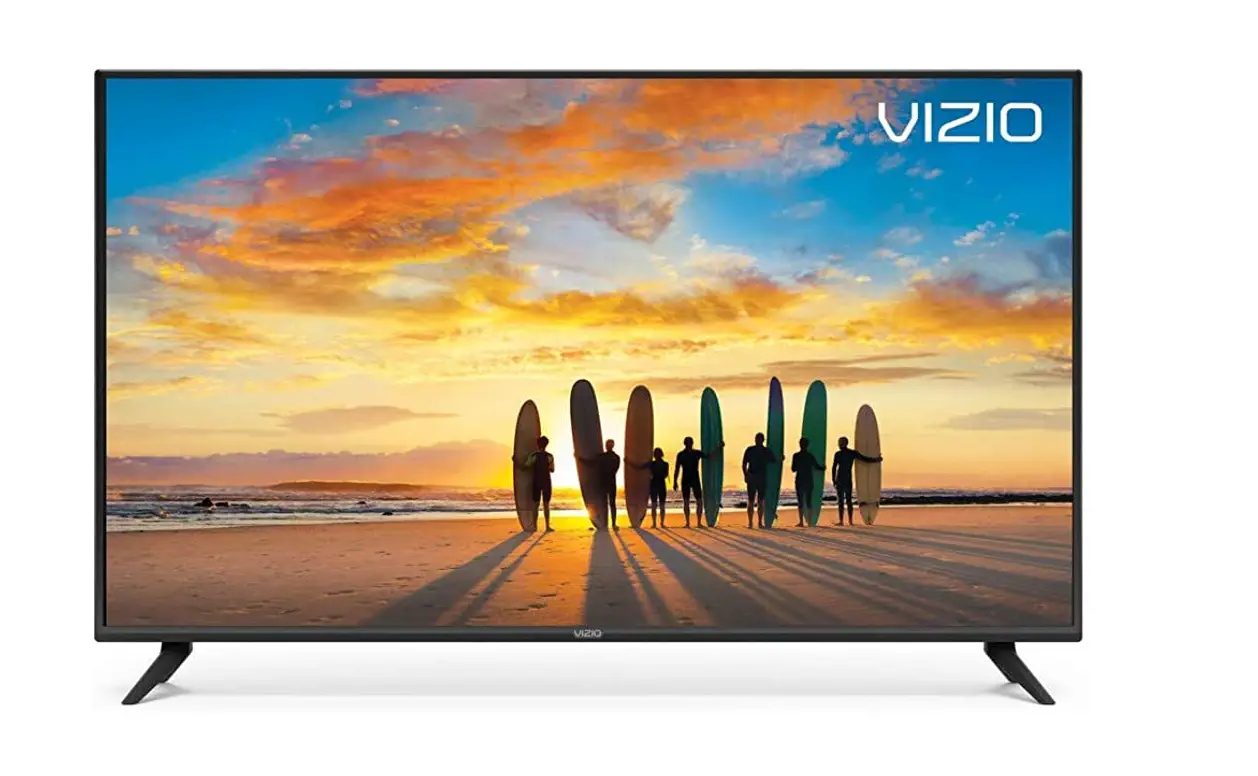
![Vizio V-series Tv [v436-g1, V555-g1, V585-g1] User Manual](https://static-data1.manualsee.com/1/img/196/17357/2020/12/Vizio-V-Series-TV-V436-G1-V555-G1-V585-G1-1568x1138.jpg "Vizio V-series Tv [v436-g1, V555-g1, V585-g1] User Manual")

![Vizio V-series Tv [v555-g4, V705-g1, V755-g4] User Manual](https://static-data1.manualsee.com/1/img/197/17358/2020/12/Vizio-V-Series-TV-V555-G4-V705-G1-V755-G4-1568x1138.jpg "Vizio V-series Tv [v555-g4, V705-g1, V755-g4] User Manual")