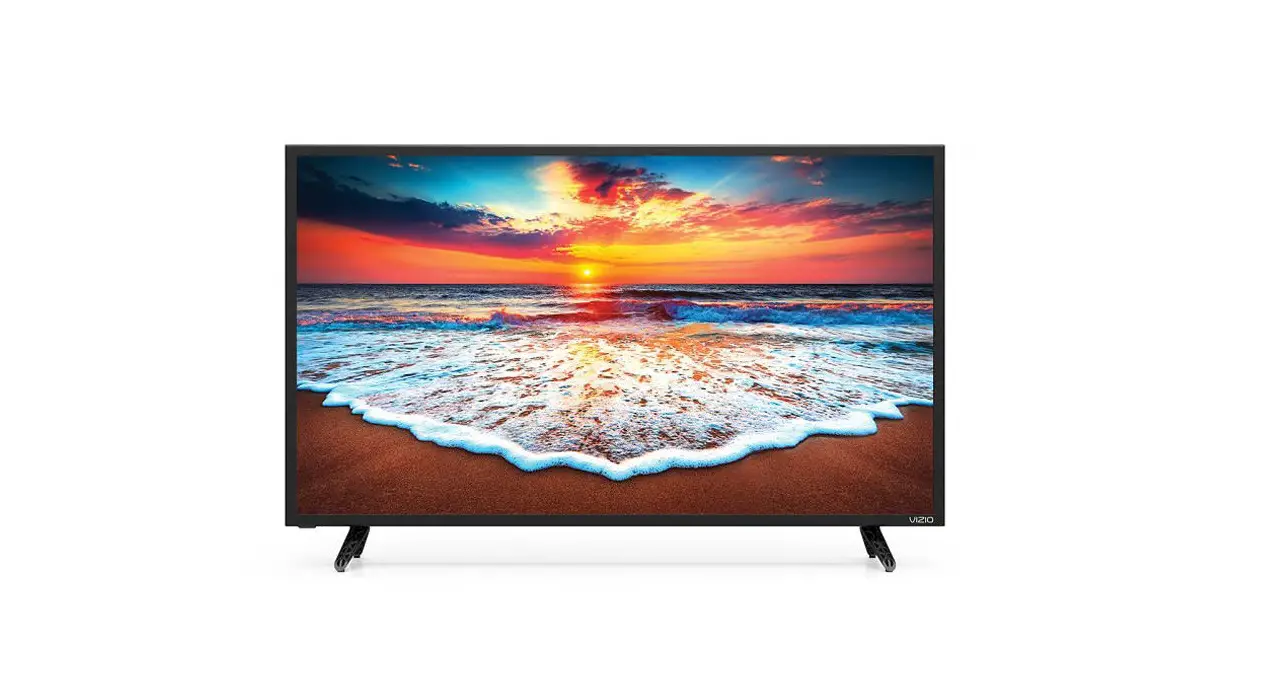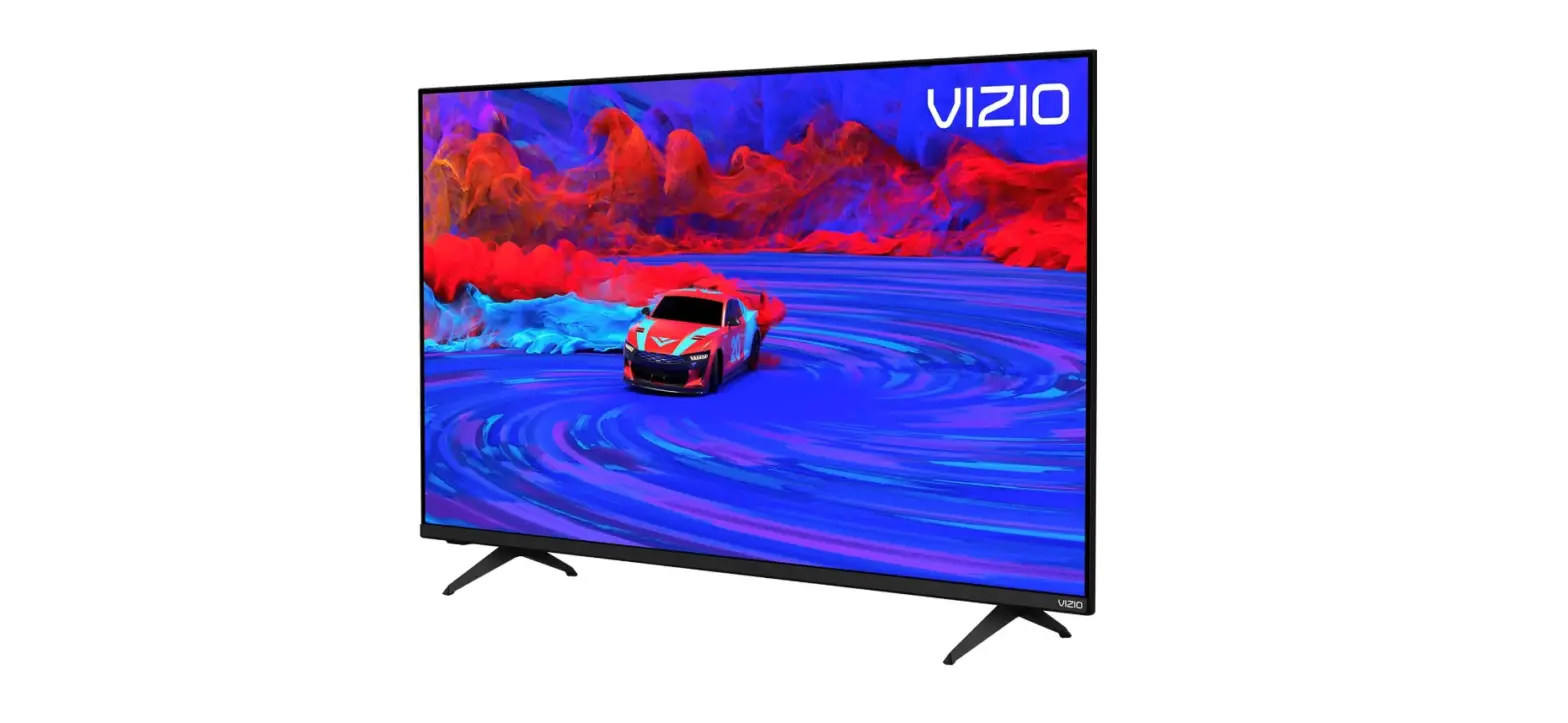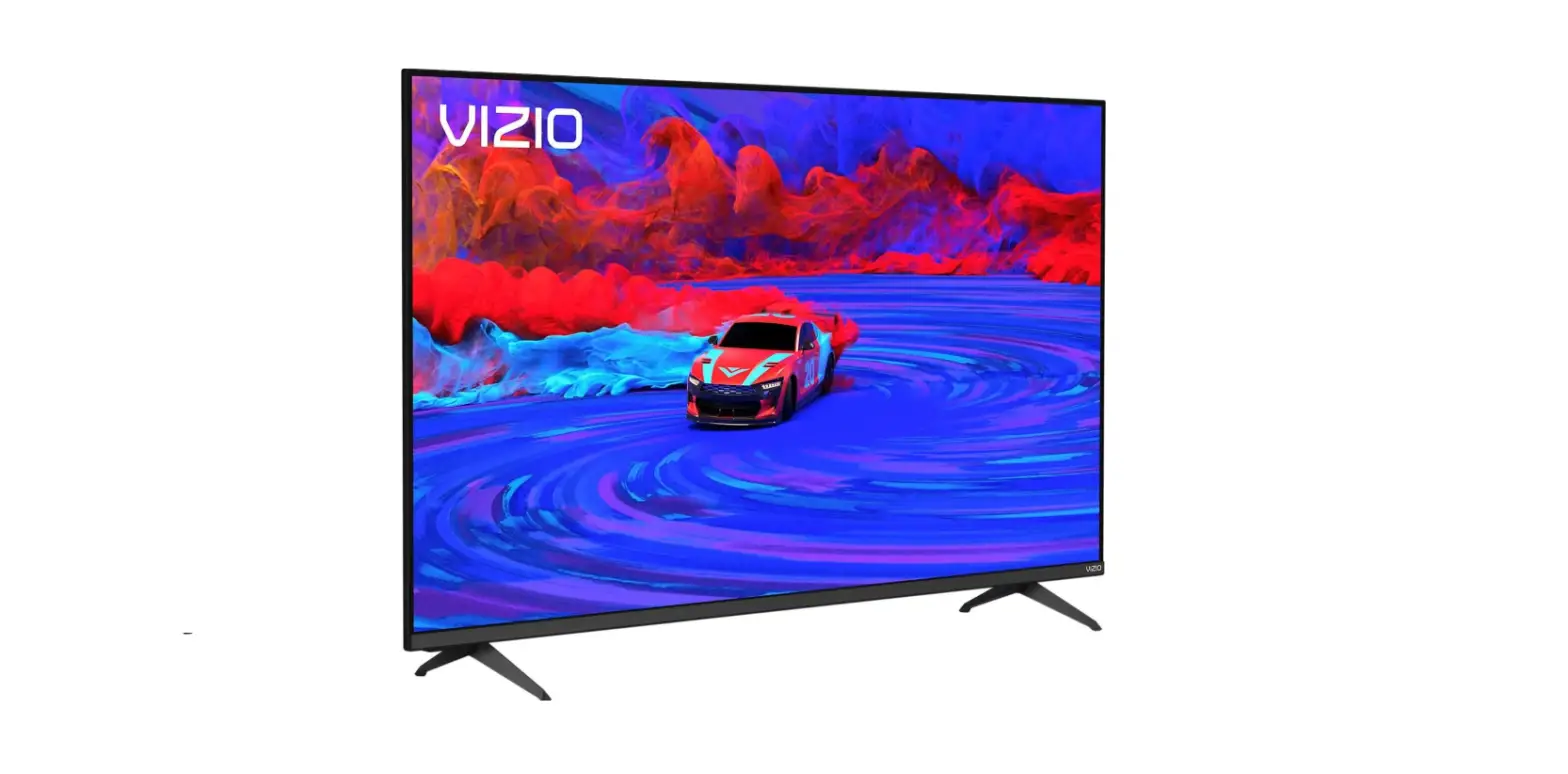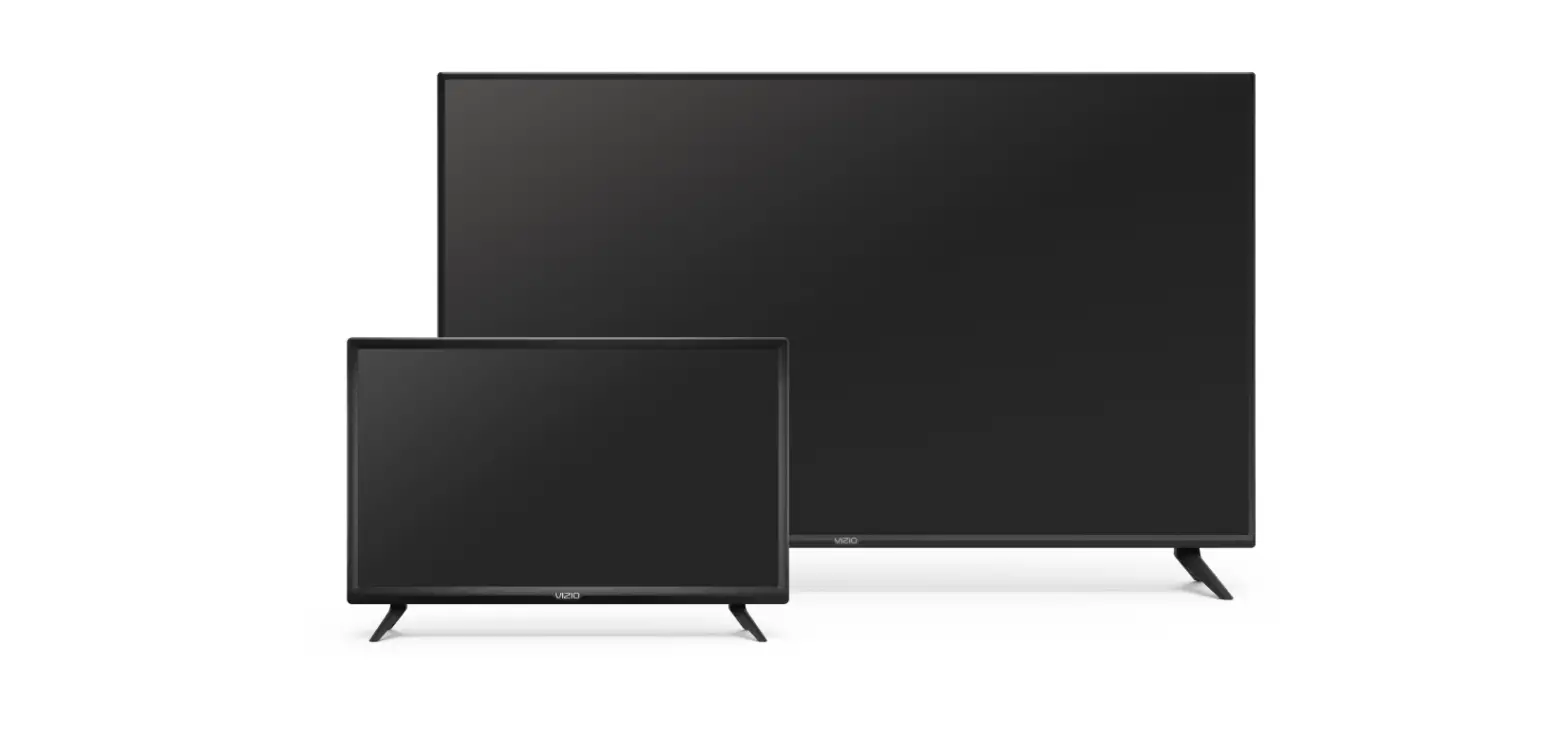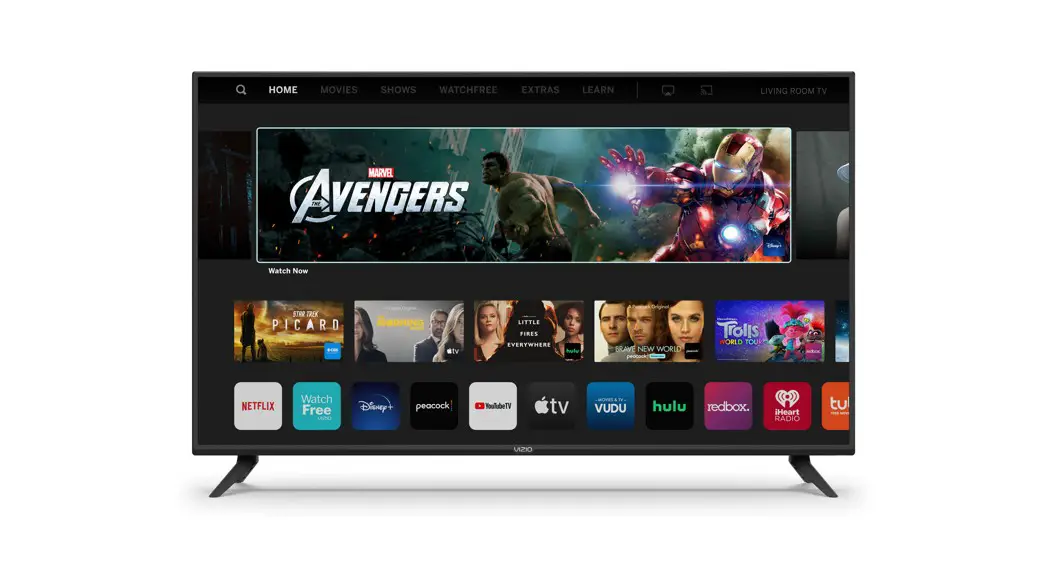
VIZIO D43fM-K04 D-Series Full HD Smart TV User Guide

Scan for an Easy Setup.
vizio.com/qr/k/D4-series
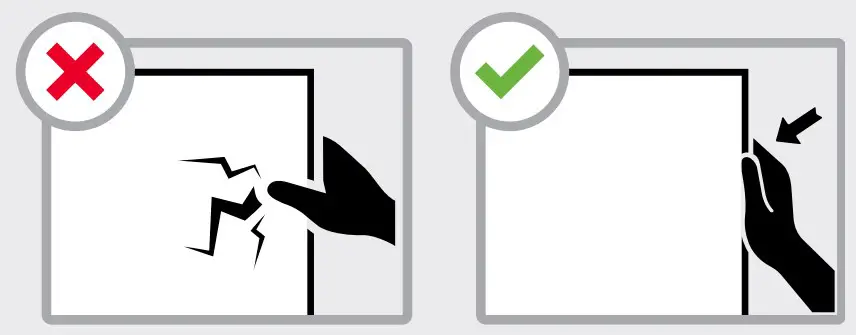
Important!
Do not touch screen.
Please read the full User Manual at support.vizio.com/s/user-manuals before operating your VIZIO product and keep it for future reference. Purchase subject to full VIZIO Terms and Conditions, including Binding Arbitration Agreement, which may be viewed at vizio.com/en/terms/terms-of-service. By using this device, you accept those Terms and Conditions.
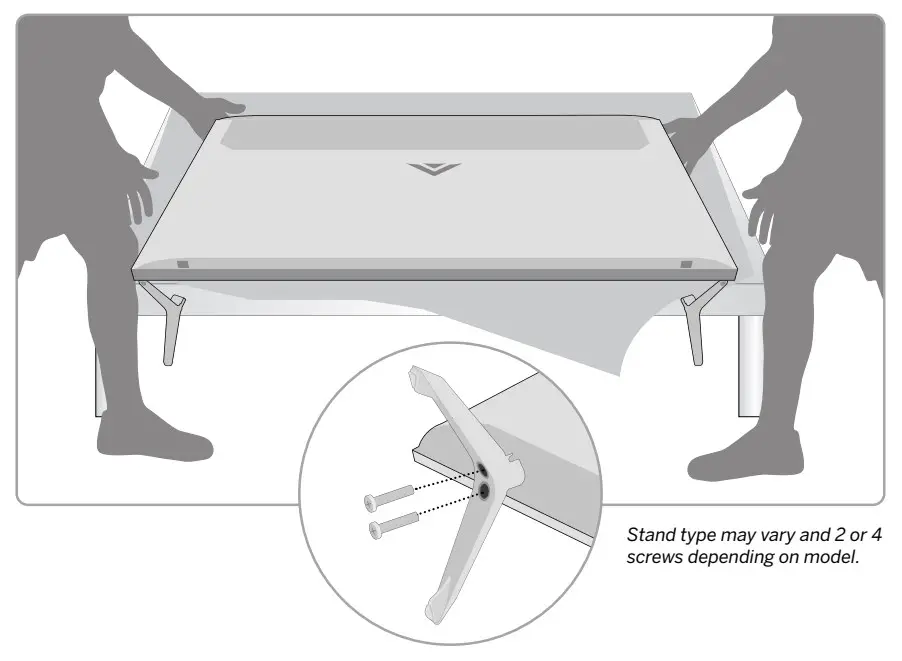
- Place TV on a padded, flat surface that is larger than the TV, before installing feet or wallmount (not included). When the stand legs are properly connected, the legs will not shift or move.

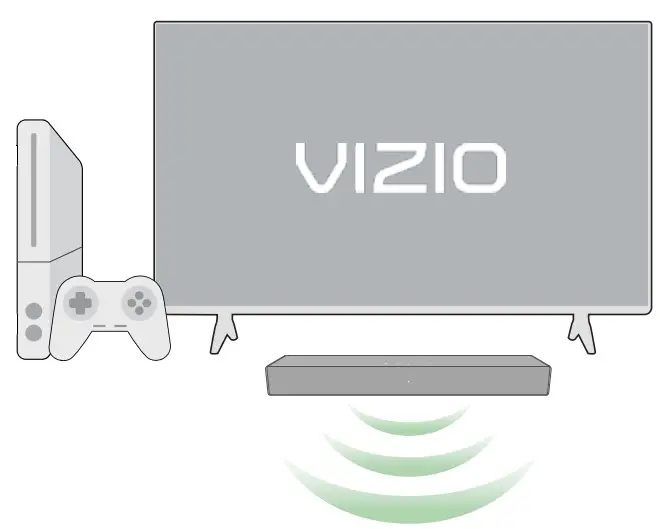
- Plug the TV power cord into a wall outlet. Connect your other devices to the TV, such as game console (not included). HDMI cable is recommended.

 Why HDMI?
Highest Quality Connection:
Connect your devices with HDMI for the best possible picture and sound.
Integrated Sound Bar Control:
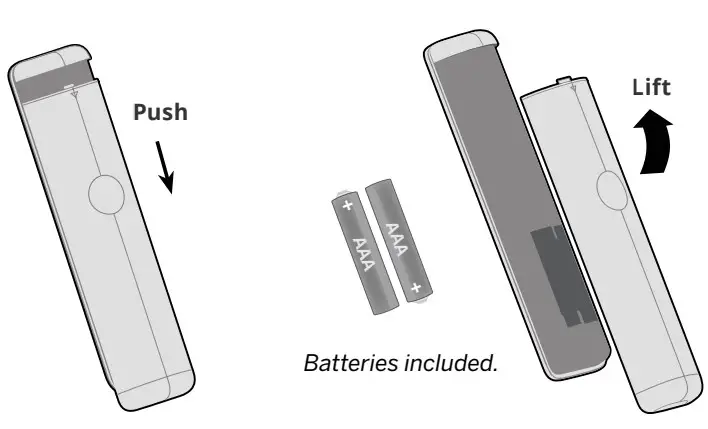
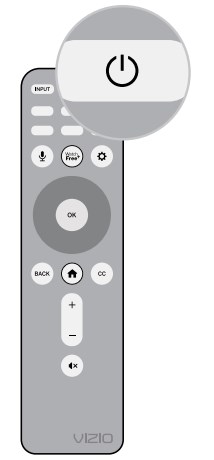
When connected to select VIZIO sound bars using HDMI, audio settings may be adjusted easily via an onscreen menu. - Insert two AAA batteries into the remote control. Aim directly at the TV and press the power button.


Accessibility Features Press the CC button to enable/disable closed captions.
Hold down for 5 seconds to access the Accessibility Menu with features like Talk Back and Zoom Mode.
Email: [email protected]
Call: 1-877-698-4746 for additional support - Follow the easy on-screen instructions to complete 4 your setup and enjoy!

Want the best viewing experience?Select a Picture Mode setting that best fits your room & lighting. See User Manual for more details.
 Why HDMI?
 Press the CC button to enable/disable closed captions.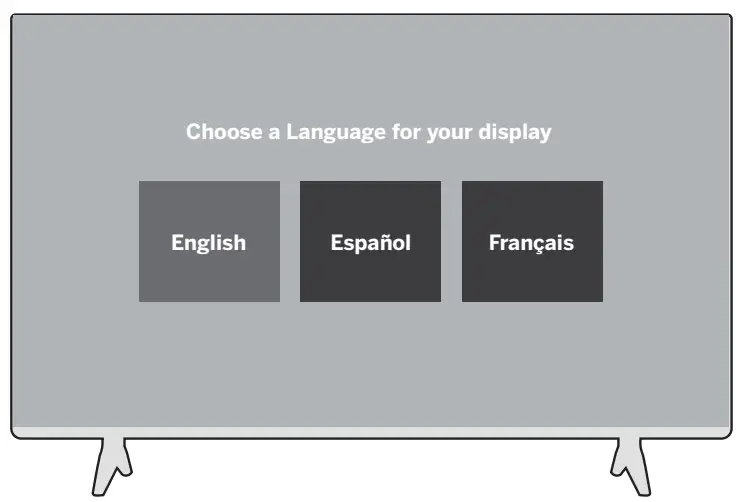
This unit is equipped with Automated Content Recognition (“ACR”) Technology which (when enabled) is able to detect commercially available content displayed on a VIZIO TV or device (“Viewing Data”). Declining Viewing Data collection will not affect the functionality of your device. To learn more, please review VIZIO’s Privacy Policy at www.vizio.com/privacy.
1 Source: The NPD Group, Inc., U.S. Weekly Retail Tracking Service, Based on Units, Dec. 24, 2017 – Feb. 15, 2020 Combined.
Complete your home theater experience with a sound bar from VIZIO, America’s #1 Sound Bar Company1
Scan here to shop our Sound Bars.
More questions?
Get customer support help and view the User Manual here:
 VIZIO Support
 Product Terms of Service
 Privacy Policy