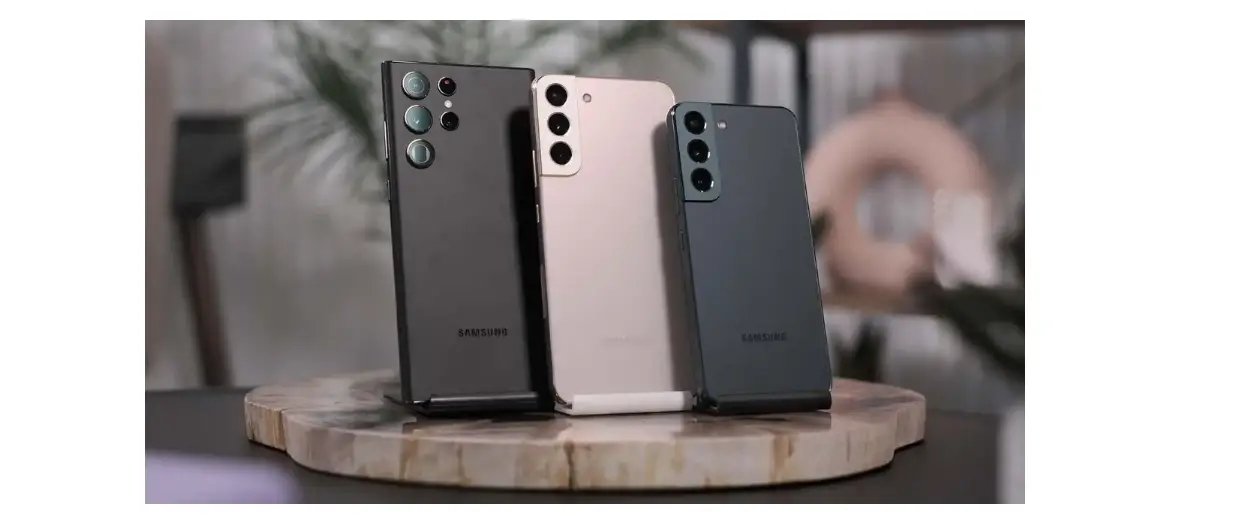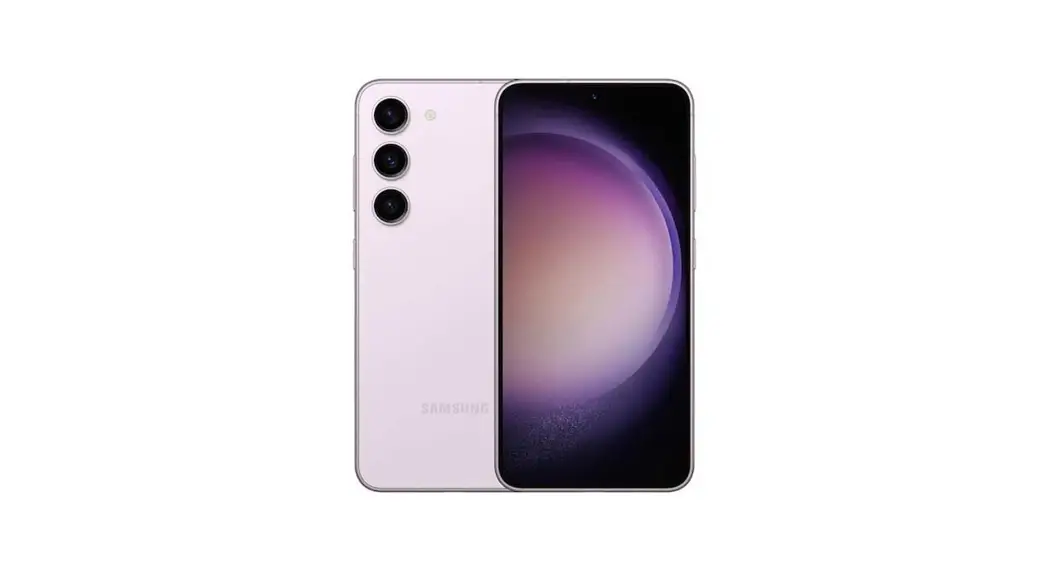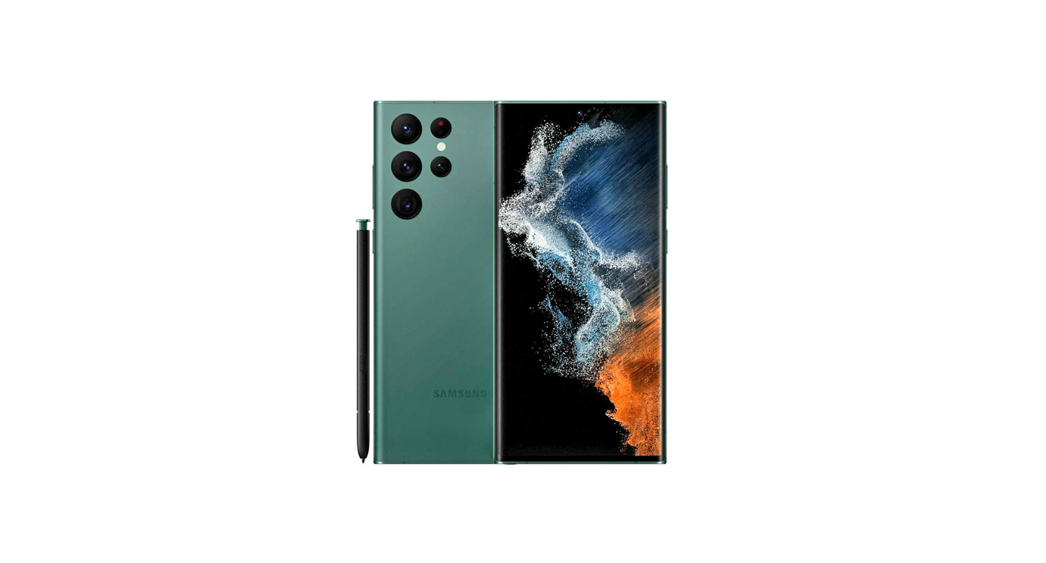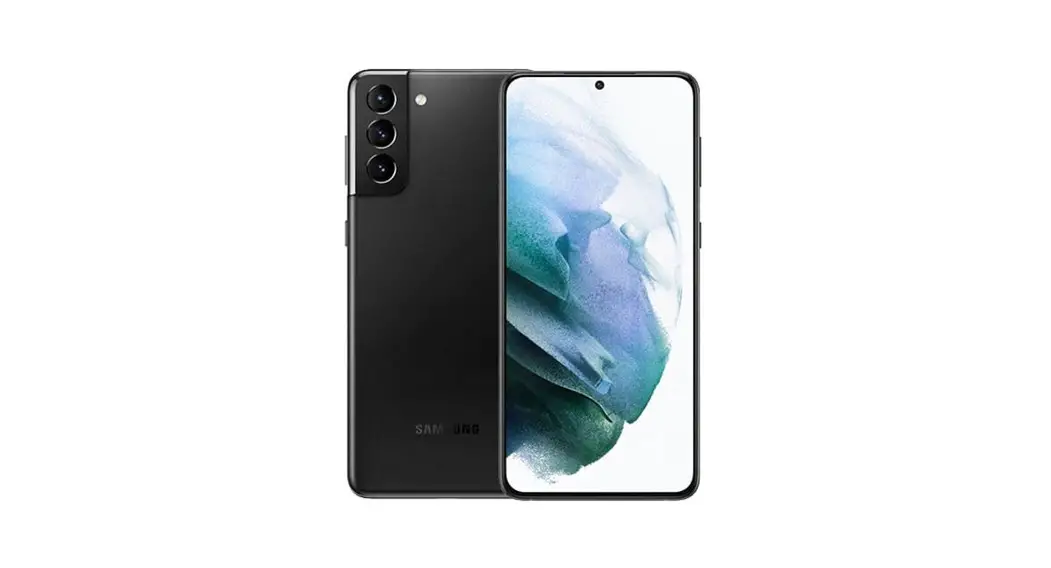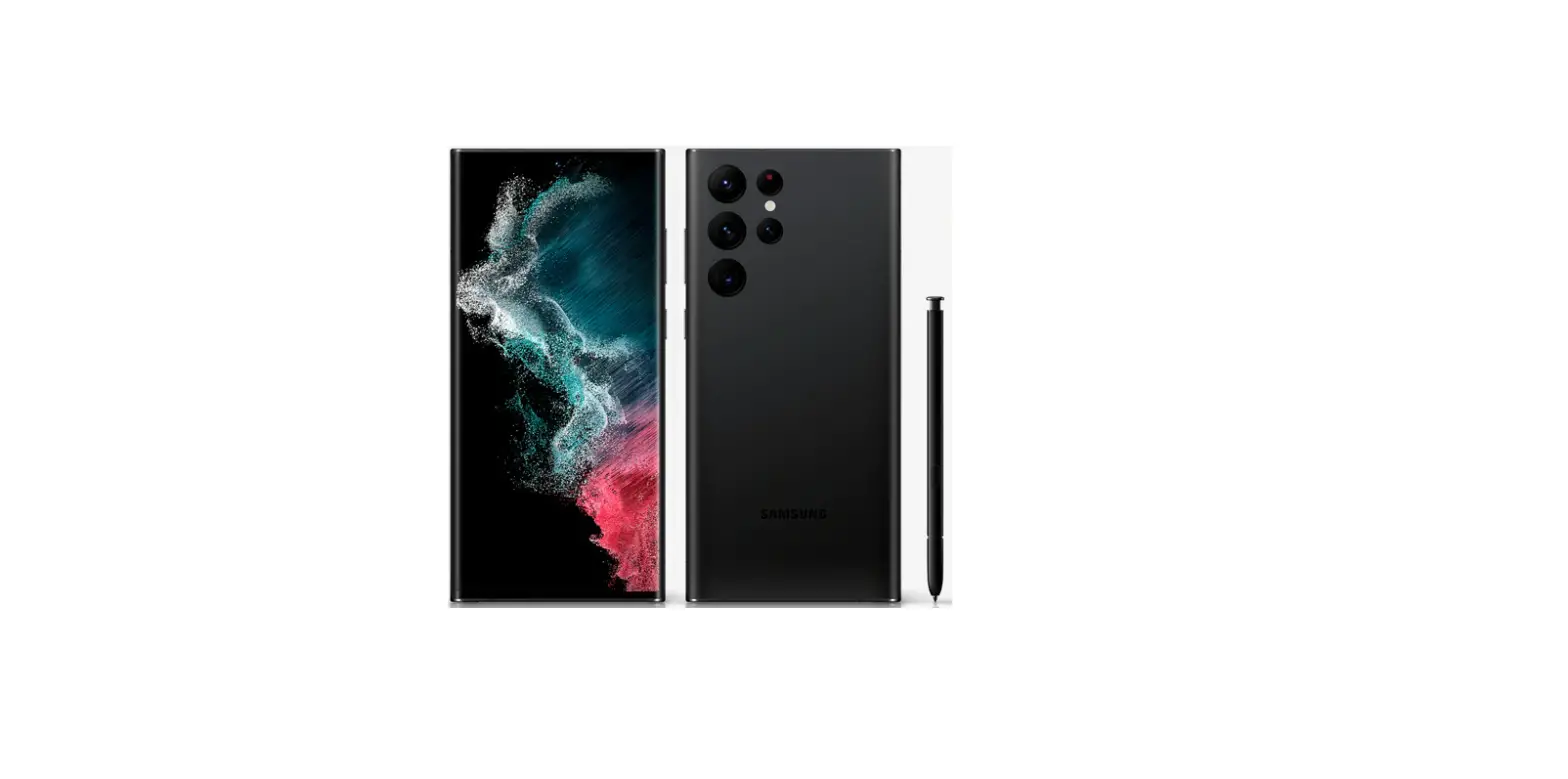

AT T S22 Smartphone
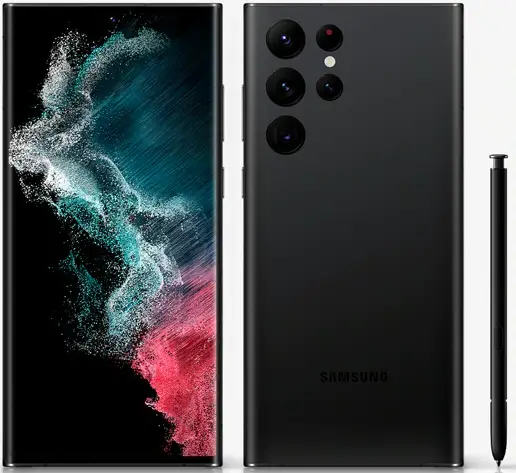
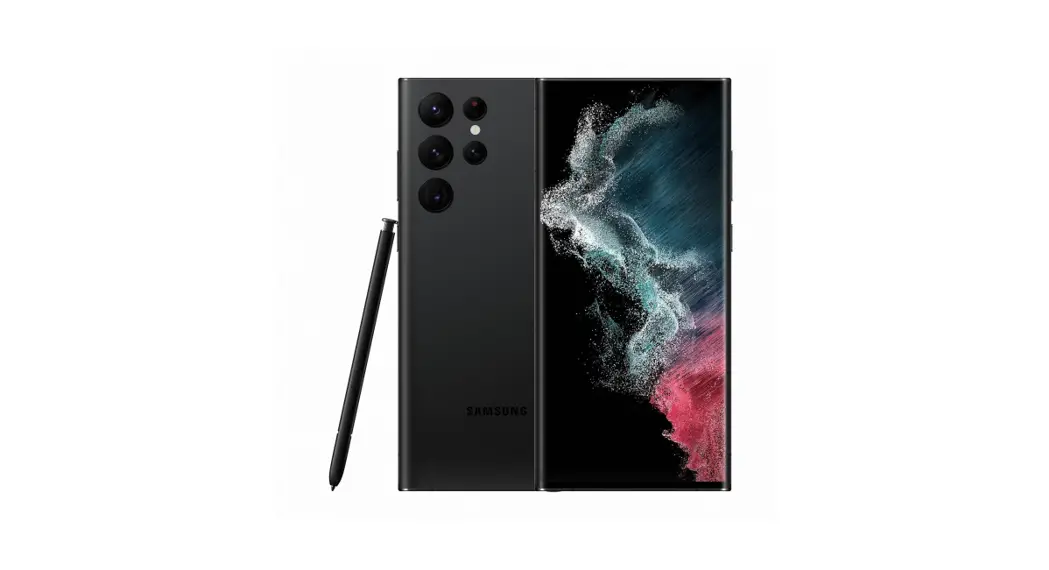
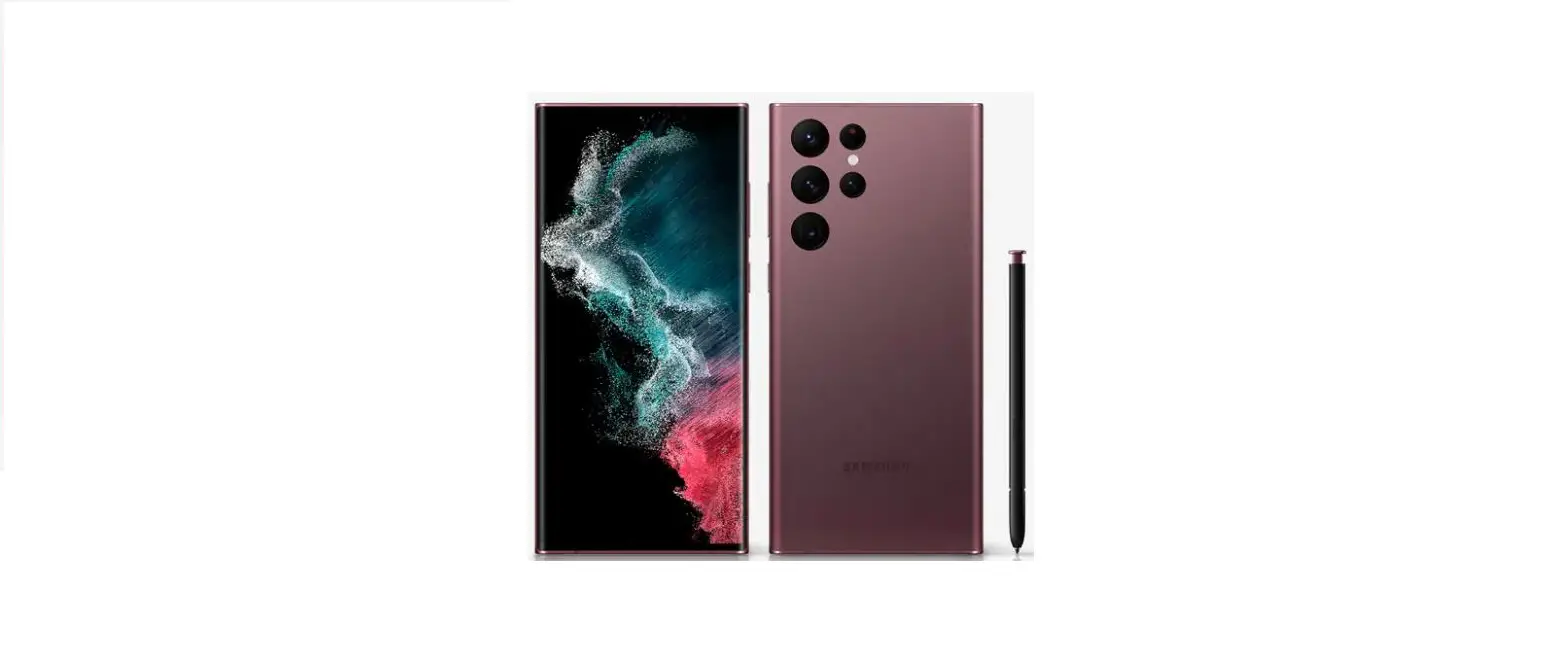
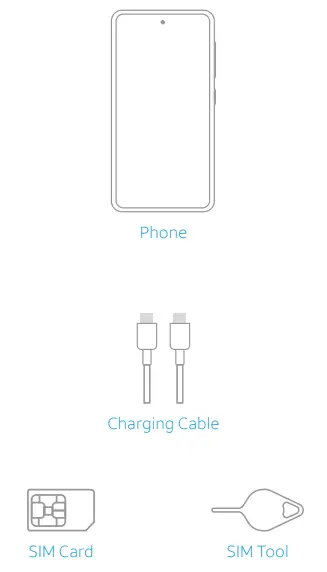
What’s in the box
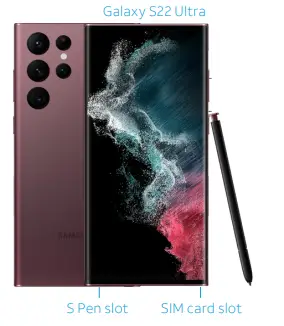
Get to know your phone
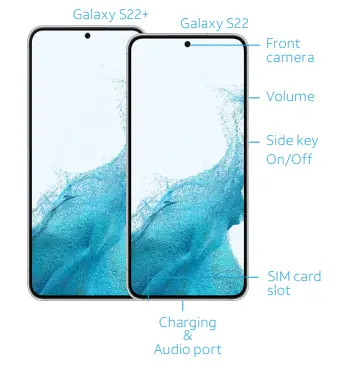
Use only Samsung-approved chargers and cables. Damage caused by the use of accessories not approved by Samsung is not covered by warranty.
Get Connected
Upgrading or replacing your phone?
Transferring your number to AT&T?
- If so, activate your phone at: www.att.com/activations
Insert the SIM card into your phone as shown
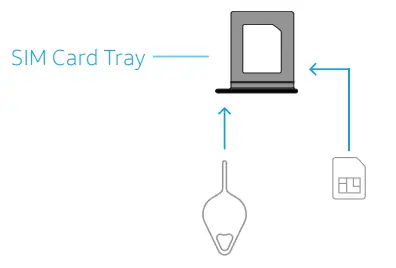
SIM Tool
- Use the SIM tool to open the SIM tray.
SIM Card
- Insert the SIM card in the tray.
- To get all the benefits of our network, use the SIM card that shipped with your new phone.
Get started
- You may need your Google ID and password and Wi-Fi password
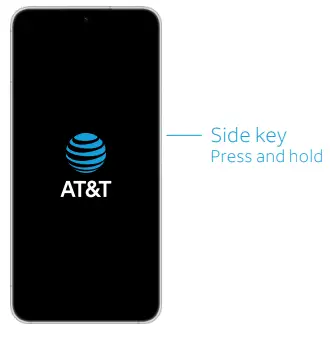
Power on device
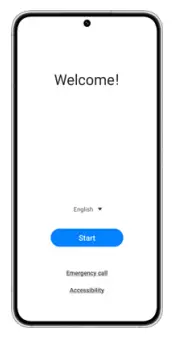
Follow setup screens and transfer content to your new phone
Need help?
Learn more about your phone with the Device Help app

To launch the app, scan this code with your camera

or visit att.com/device-support
Call our customer care team at 1.800.331.0500
© 2022 Samsung Electronics America, Inc. Samsung & Samsung Galaxy have registered trademarks of Samsung Electronics Co., Ltd. Portions © 2022 AT&T Intellectual Property. All rights reserved. AT&T, the AT&T logo, and all other AT&T marks contained herein are trademarks of AT&T Intellectual Property. All other marks are the property of their respective owners. Screen images simulated. The appearance of the device may vary. The images shown are for reference only. If you use a screen protector, make sure it allows for use of touchscreen features.
 att.com/device-support
 AT&T Order Status Activation Portal: - Activate your wireless device