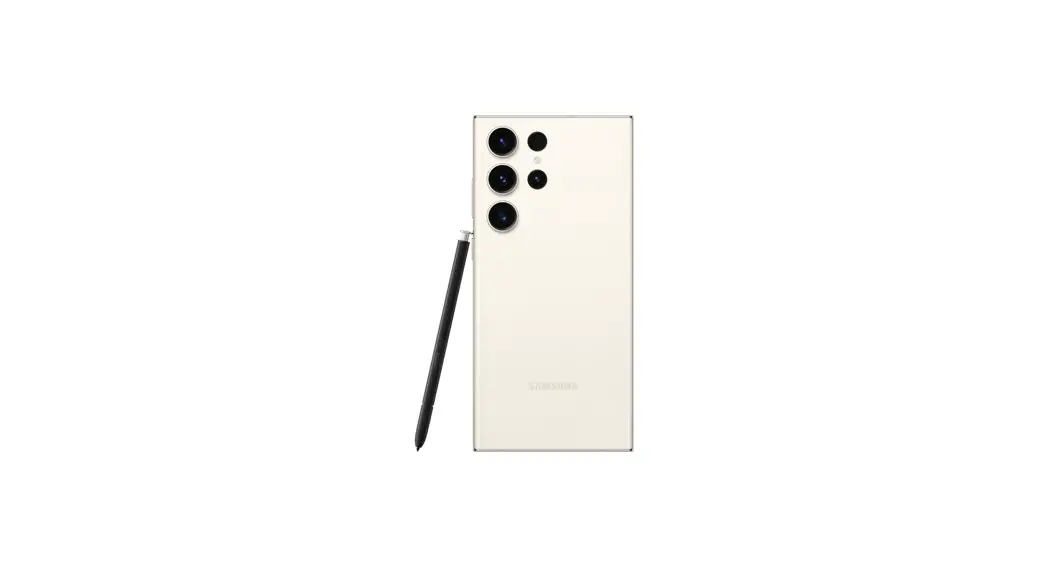
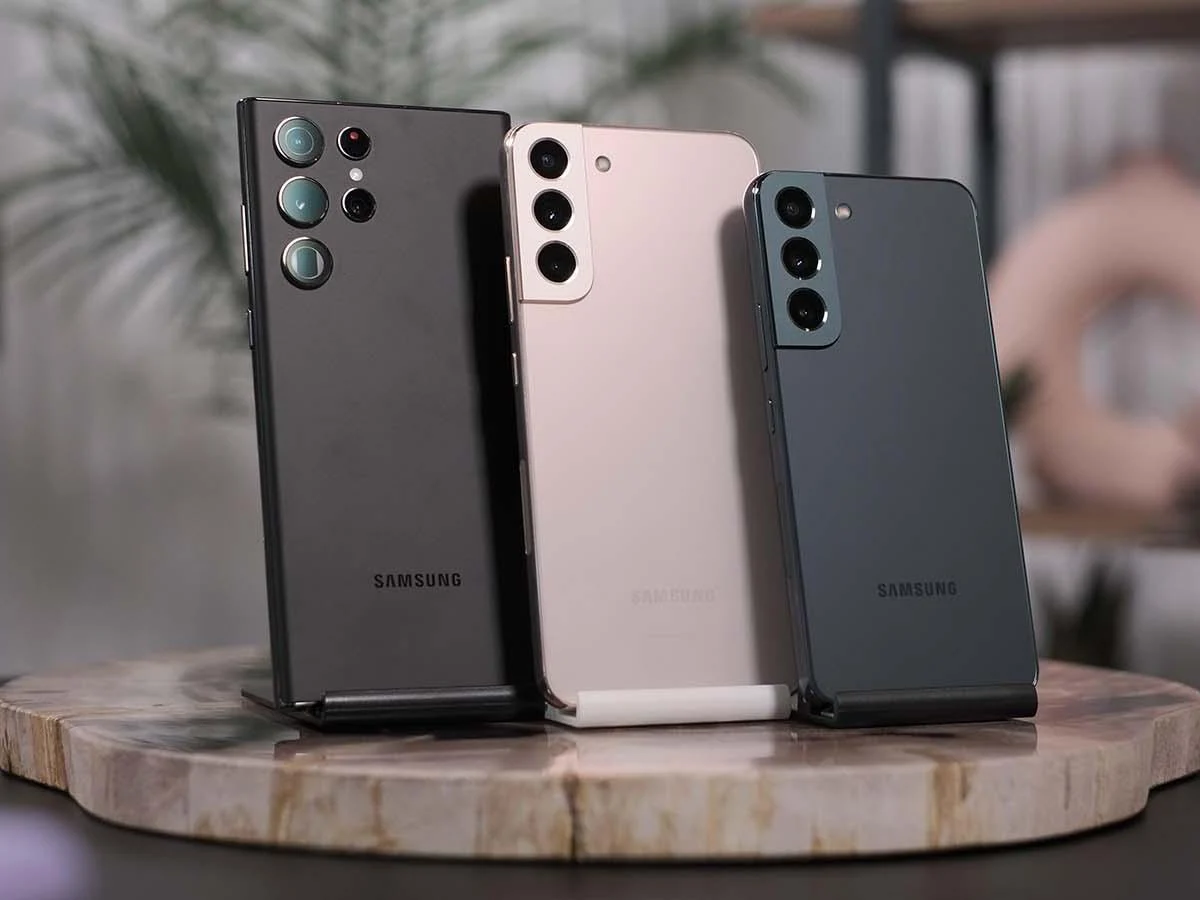
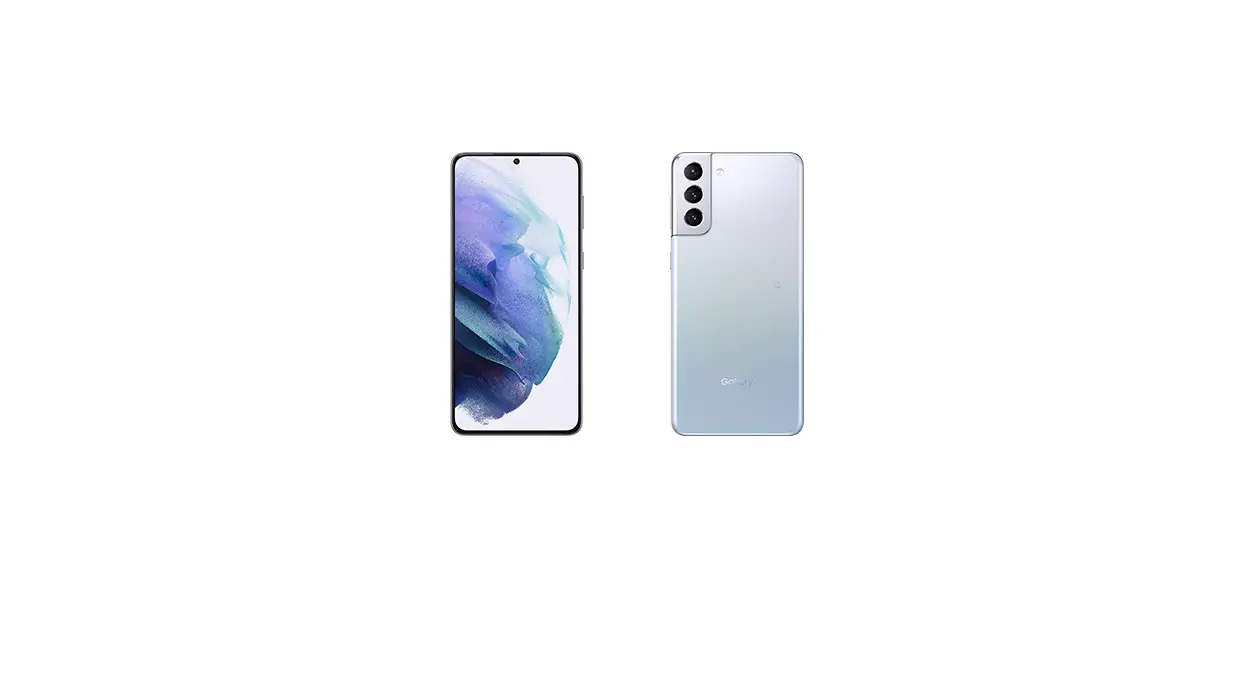
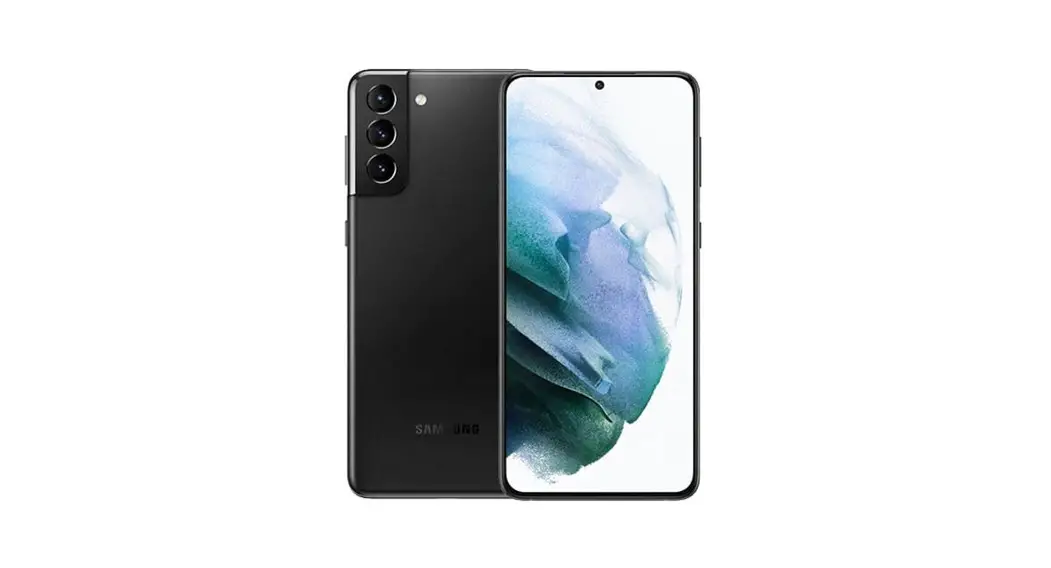
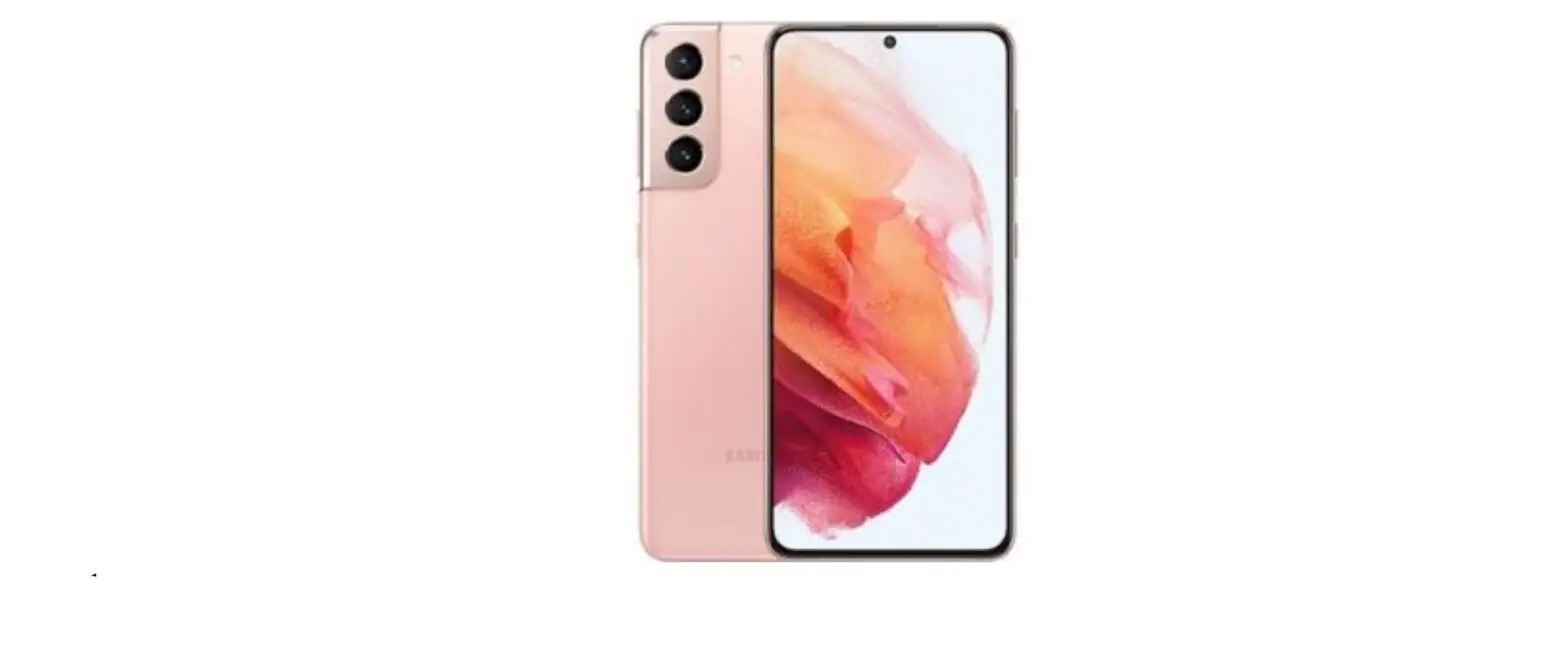
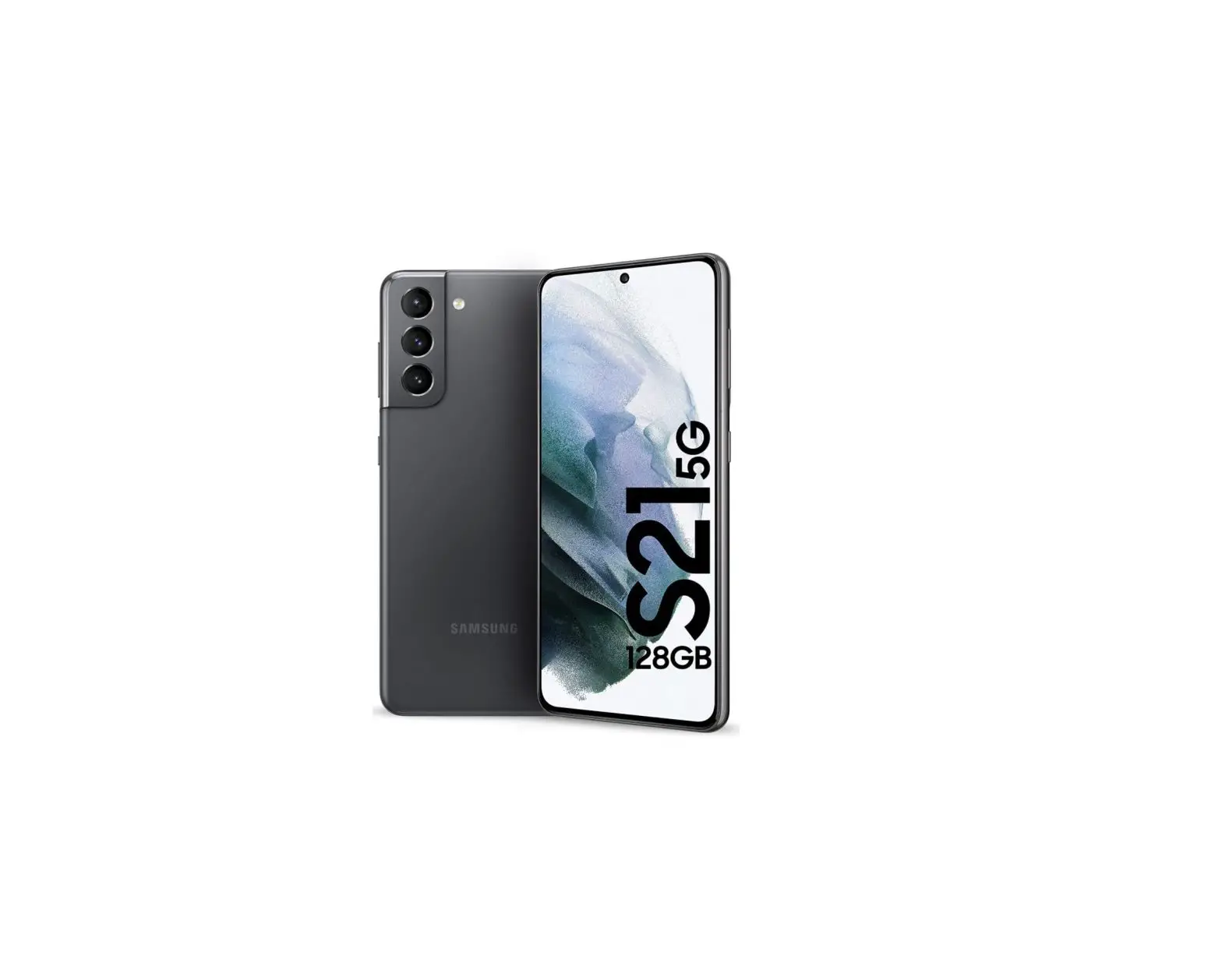
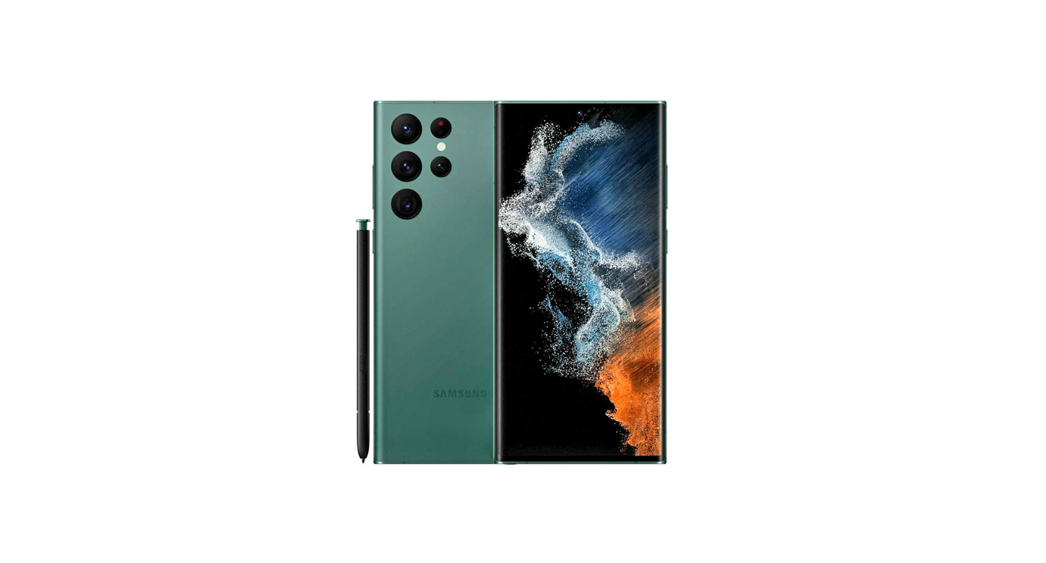
SCG20 Galaxy S23 Ultra Smartphone
Product Information
The product being referred to in this manual is the SCG20. It is
a mobile device manufactured by Samsung Electronics Co., Ltd. and
imported by Samsung Electronics Japan Co., Ltd. The device comes
with a built-in battery and a USB Type-C connection terminal for
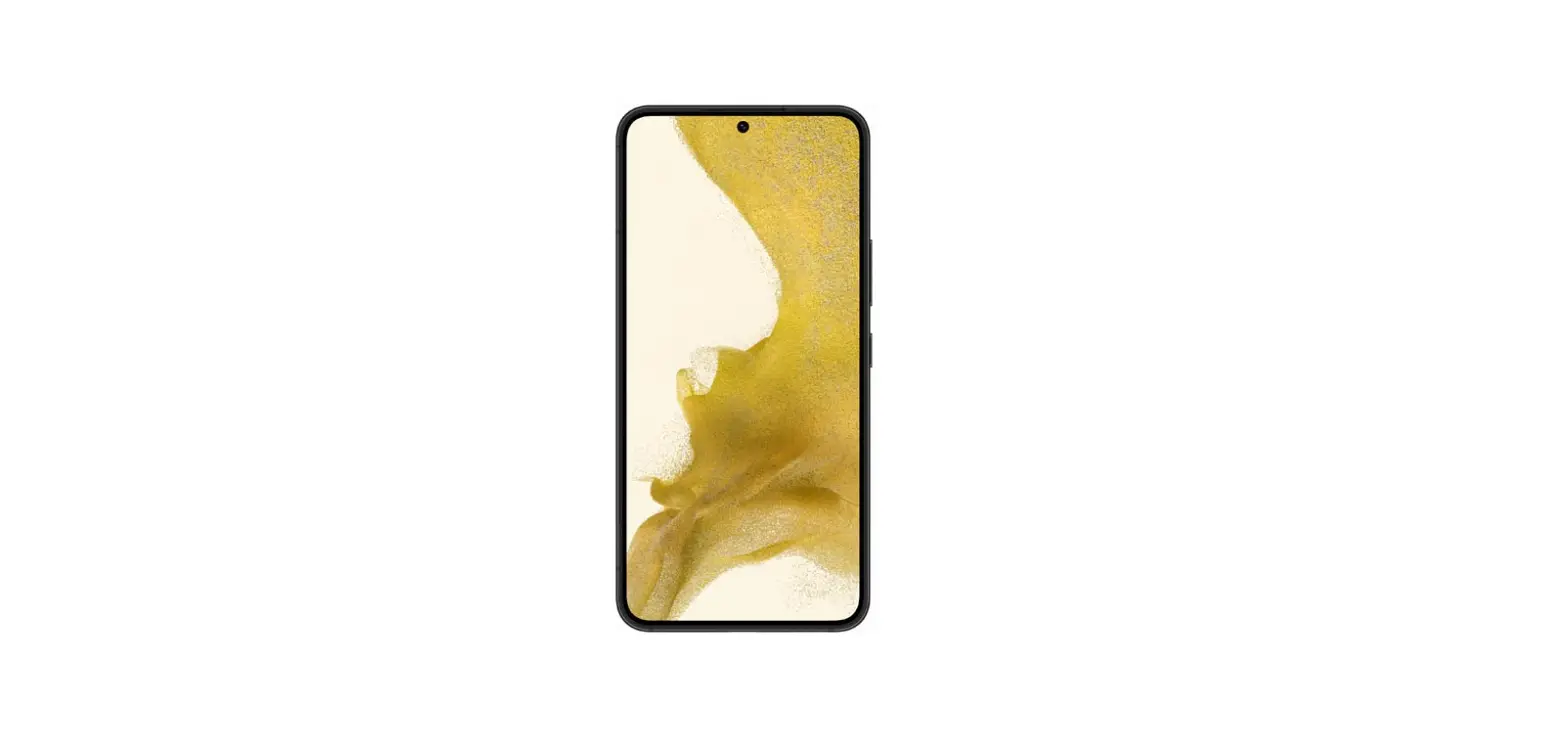
external connection. The device has a front camera, rear camera,
proximity/light sensor, fingerprint recognition sensor, and an edge
screen. It also has a receiver/speaker that is used for both
functions.
List of Packaged Items
- (Sample for data transfer Manual) (Japanese)
Usage Instructions
Charging
Use only the specified charging equipment (sold separately) to
charge the device. Connect the USB Type-C connection terminal to
the charging equipment and plug it into a power source.
Attaching the SIM Card
To attach the SIM card:
- Locate the SIM card tray eject hole on the device.
- Insert the SIM card removal tool (sample) into the eject hole
and gently push to eject the SIM card tray. - Place the SIM card on the tray with the IC (metal) part facing
down and align it with the notches on the tray. - Insert the SIM card tray back into the device until it clicks
into place.
Turning the Power On
To turn on the device:
- Press and hold the Side key for over 2 seconds.
- Swipe the screen up and down, left and right to unlock the
screen. - If you have set a screen unlock method, unlock the screen using
the method you have set.
If the power cannot be turned off in the usual way or the screen
freezes, press and hold the Side key and lower side of Volume key
simultaneously for over 7 seconds.
When the product is turned on for the first time, the initial
setting screen appears.
Product Recycling
Phone and PHS operators collect and recycle unused telephones,
batteries, and battery chargers at stores bearing the logo
regardless of brand and manufacturer to protect the environment and
reuse valuable resources.
SCG20
Quick Start Guide
” (Online Manual)” (Japanese)
For detailed descriptions on various functions, scan the QR code on the right or use the ” (Online Manual)” (Japanese) on your product with the following operations.
On the home screen, flick up [Samsung] [ (Online Manual)]
List of Packaged Items
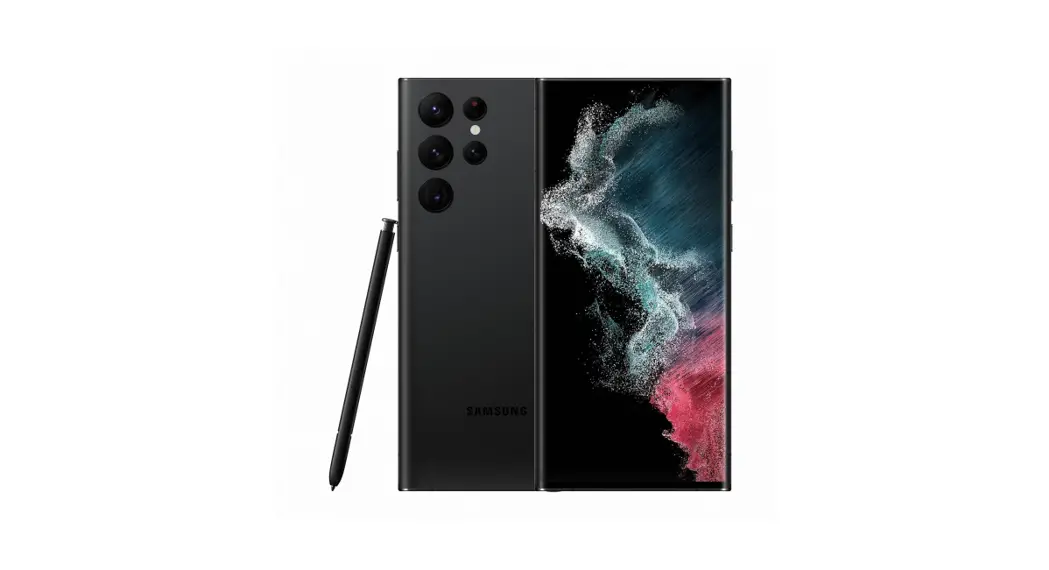
· Main unit · S Pen · SIM card removal tool (sample) · USB cable (CtoC) (sample) ·
(Quick Start Guide)(Japanese) ·
(Notes on Usage)(Japanese) ·
(Sample for data transfer Manual) (Japanese)
Please use specified charging equipment (sold separately).
The battery is built into the product. Illustrations used in this manual are just images for
explanations. They may be different from the actual ones.
Attaching the SIM card
Notch
d
c
IC (metal) part
b
a
SIM card removal
tool (sample)
Turning the Power On
a Press and hold (Side key) for over 2 seconds
(Side key)
b Swipe the screen up and down, left and right to unlock the screen
When the product is turned on for the first time, the initial setting screen appears.
If you have set a screen unlock method, unlock the screen using the method you have set.
Press and hold (Side key) and lower side of Volume key simultaneously for over 7 seconds, when the power cannot be turned off in the usual way or the screen freezes.
Phone and PHS operators collect and recycle unused telephones, batteries and battery chargers at stores bearing the logo regardless of brand and manufacturer to protect the environment and reuse valuable resources.
April 2023, 1st Edition Imported by: SAMSUNG ELECTRONICS JAPAN Co., Ltd. Manufactured by: Samsung Electronics Co., Ltd.
Names of Parts
a
Top side
d
h
e i
j
f
f
b
k
c
g
Front side
lm
n o pqr
Bottom side
w
s
x
t
u v
Rear side
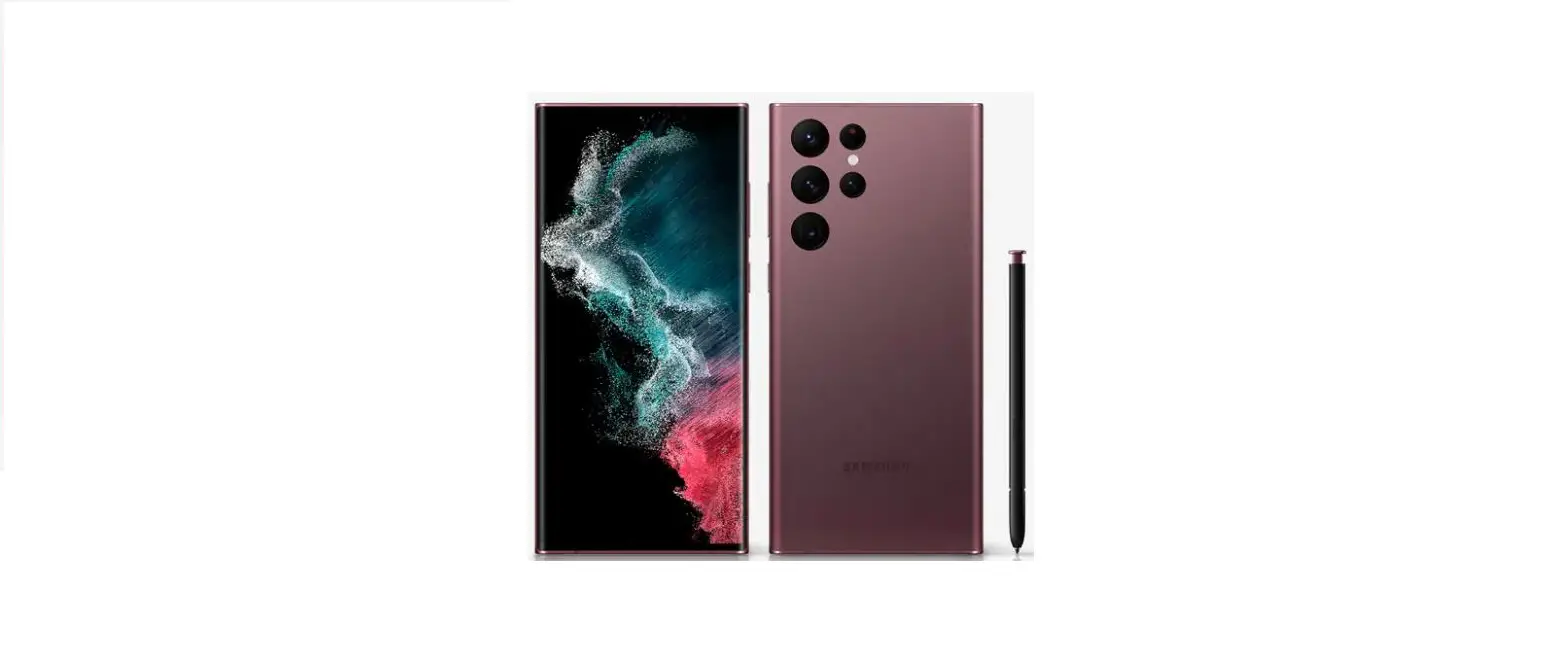
a Mouthpiece/Microphone (upper)*1 b Pen button c S Pen d Front camera e Proximity/Light sensor*2 f Edge screen g Display (touch panel) h Receiver/Speaker*1*3 i Volume key j (Side key) k Fingerprint recognition sensor*2 l Vent hole*1 m Mouthpiece/Microphone (lower)*1 n S Pen slot o Speaker*1 p USB Type-CTM connection terminal (external
connection terminal) q Tray eject hole r SIM card tray s Microphone (rear)*1 t Rear camera u mark v Wireless charging position w Range AF sensor x Flash/Light
*1 Be careful to not cover over with your fingers or other objects. Related functions may not work properly. Do not accidentally insert the SIM card removal (sample), etc., as this may cause damage.
*2 Do not cover this with stickers or other materials. Functions may not work correctly.
*3 The product uses this for both a receiver and a speaker.
The antenna is built into the main unit. For the antenna position, please refer to the ” (Full Instruction Manual)”(Japanese), available on the website of the contracted carrier.
· For the latest information, please refer to the ” (Full Instruction Manual)”(Japanese), available on the website of the contracted carrier.
· For the latest information on the product, refer to the following website. https://www.samsung.com/jp/ (Japanese)
· When using a protective film, make sure that it is a product compatible with the fingerprint recognition sensor. If you attach a commercially available protective film on the display, fingerprint recognition may fail.
· The contents described in this manual may be different due to the version upgrade of the software of this product or the change / end of service. And the contents of this manual are subject to change without notice.
· Reproduction of the content of this manual in part or in whole is prohibited.
· Every effort has been made in the preparation of this manual. Should you notice any unclear points, omissions, etc., feel free to contact us.
 Samsung Japan 公式 | Samsung(ギャラクシー)ホーム