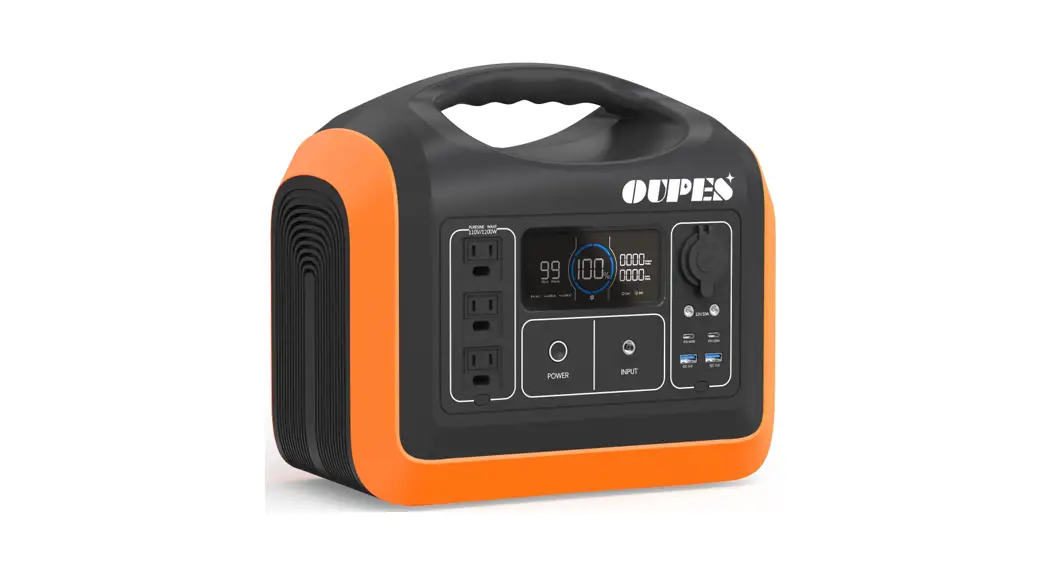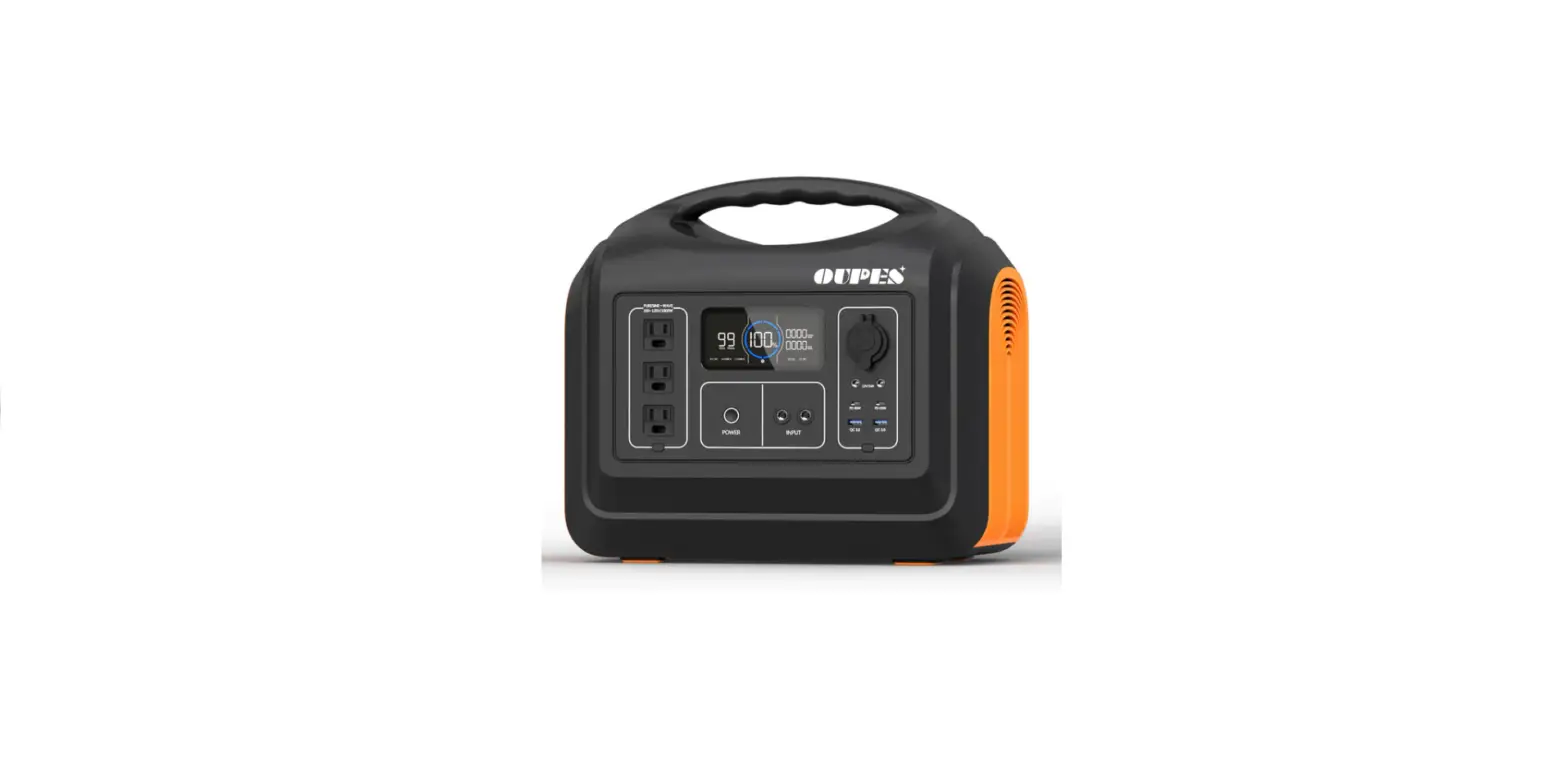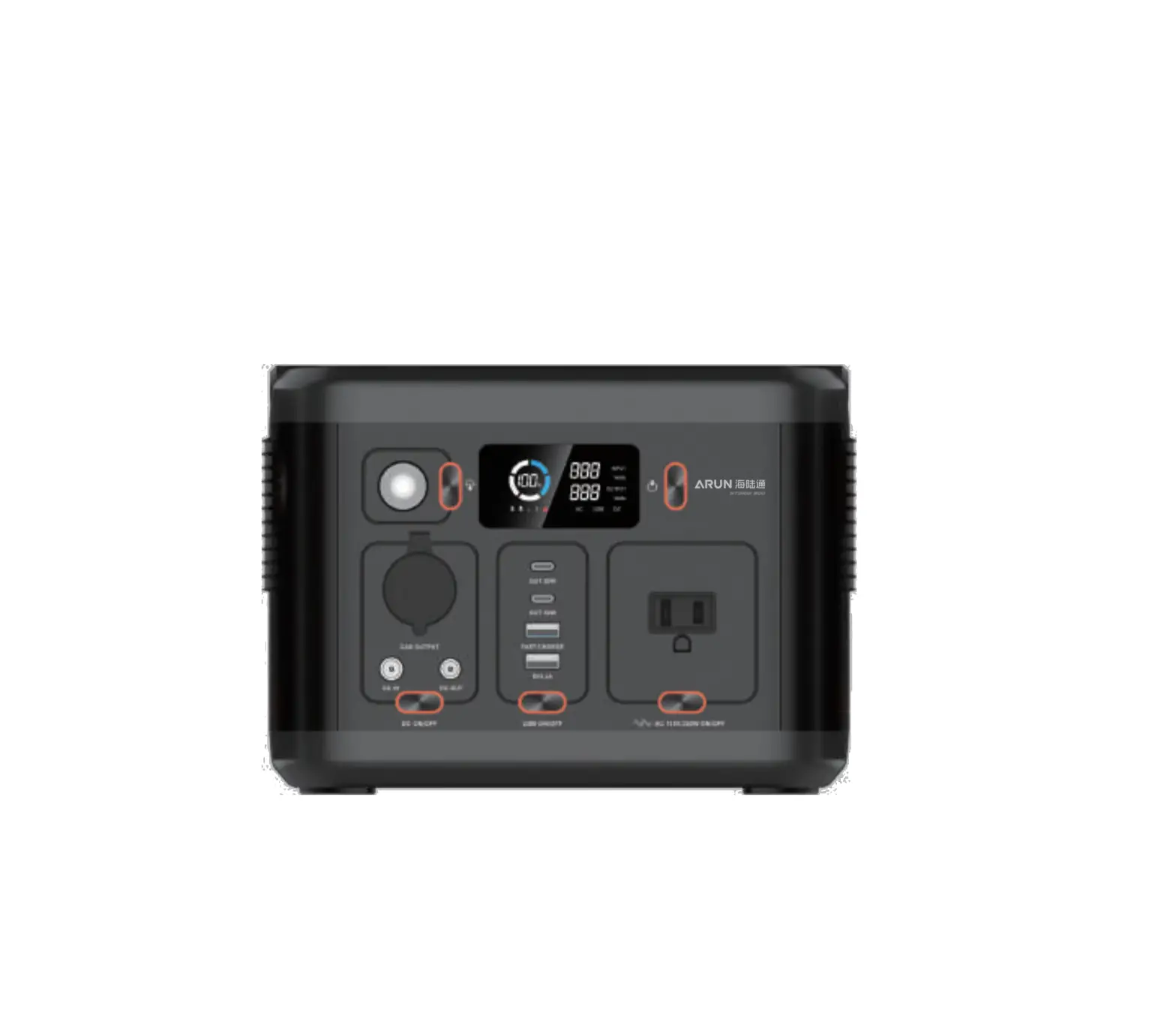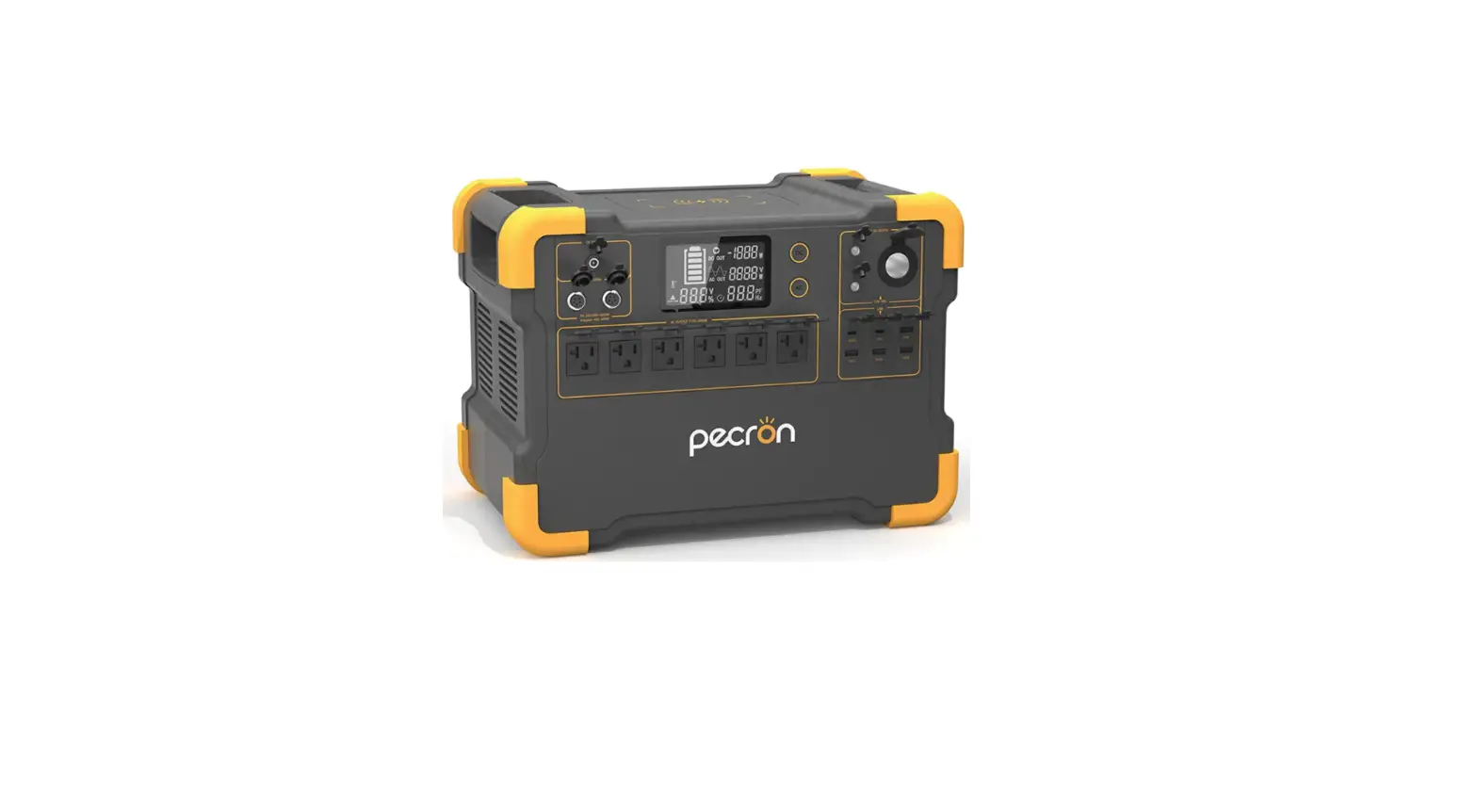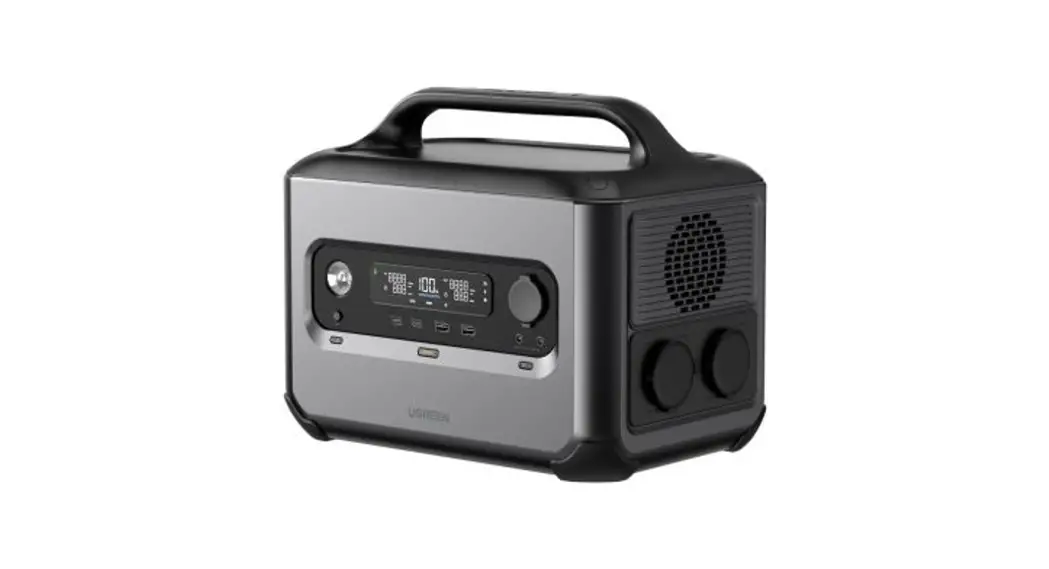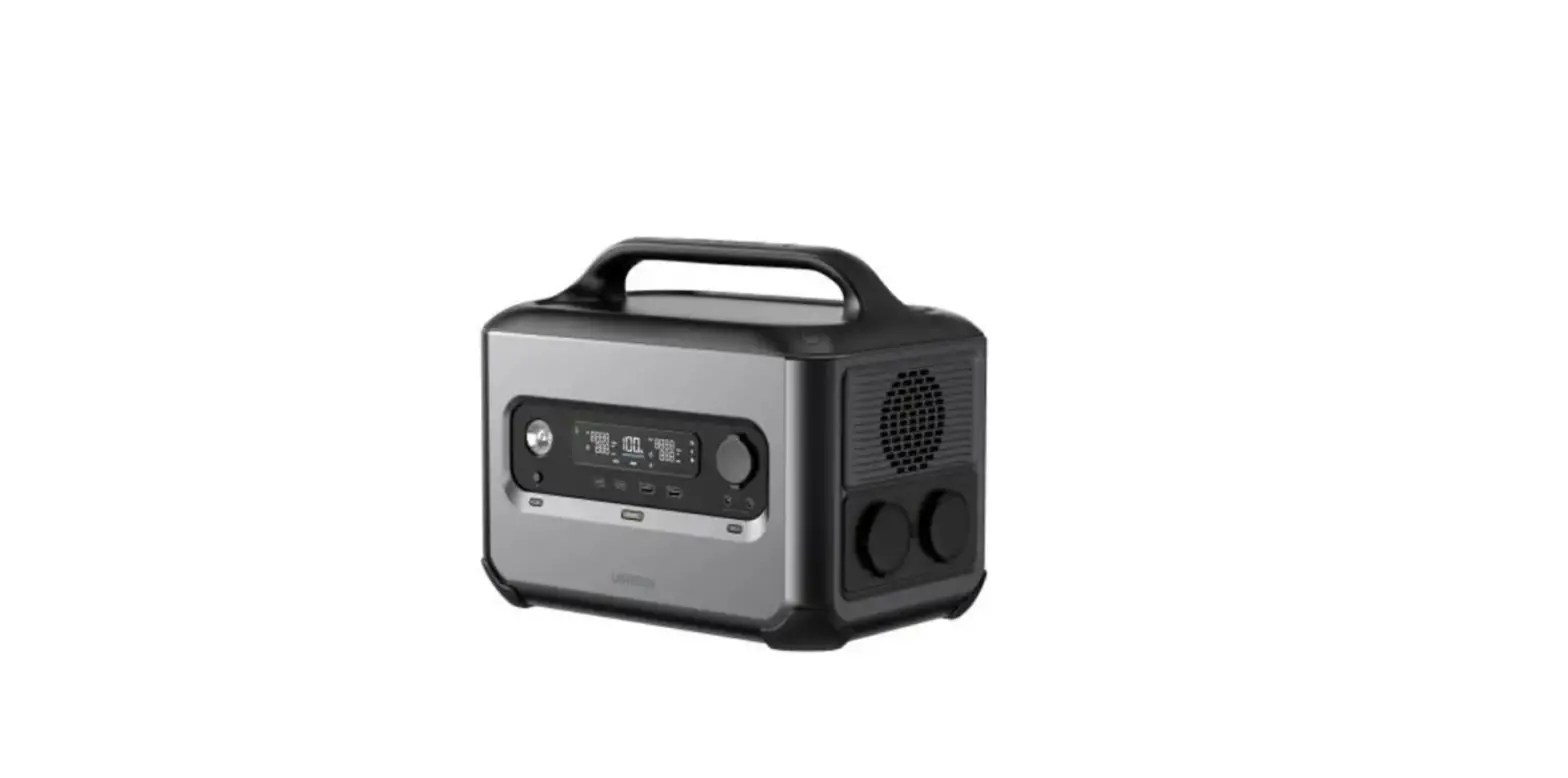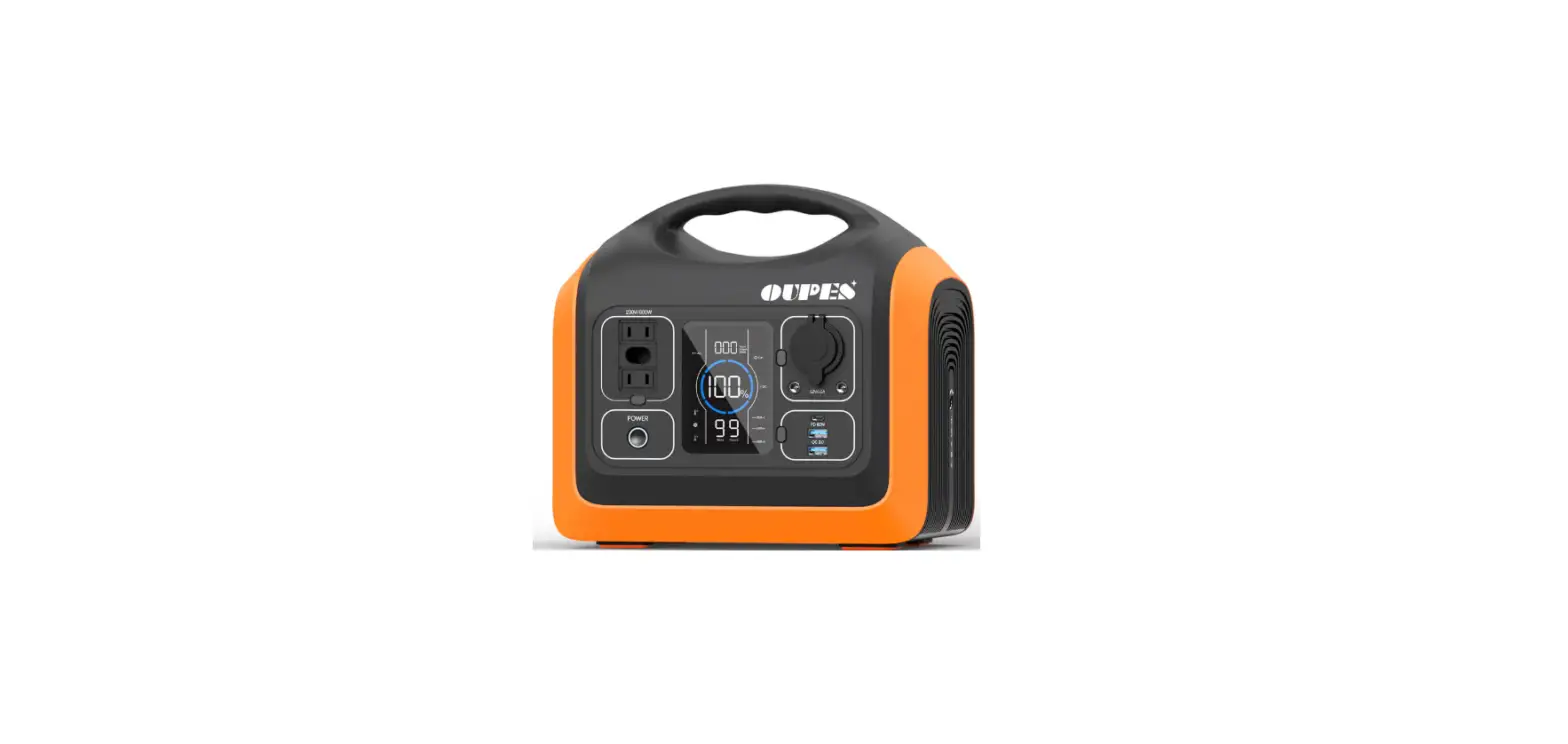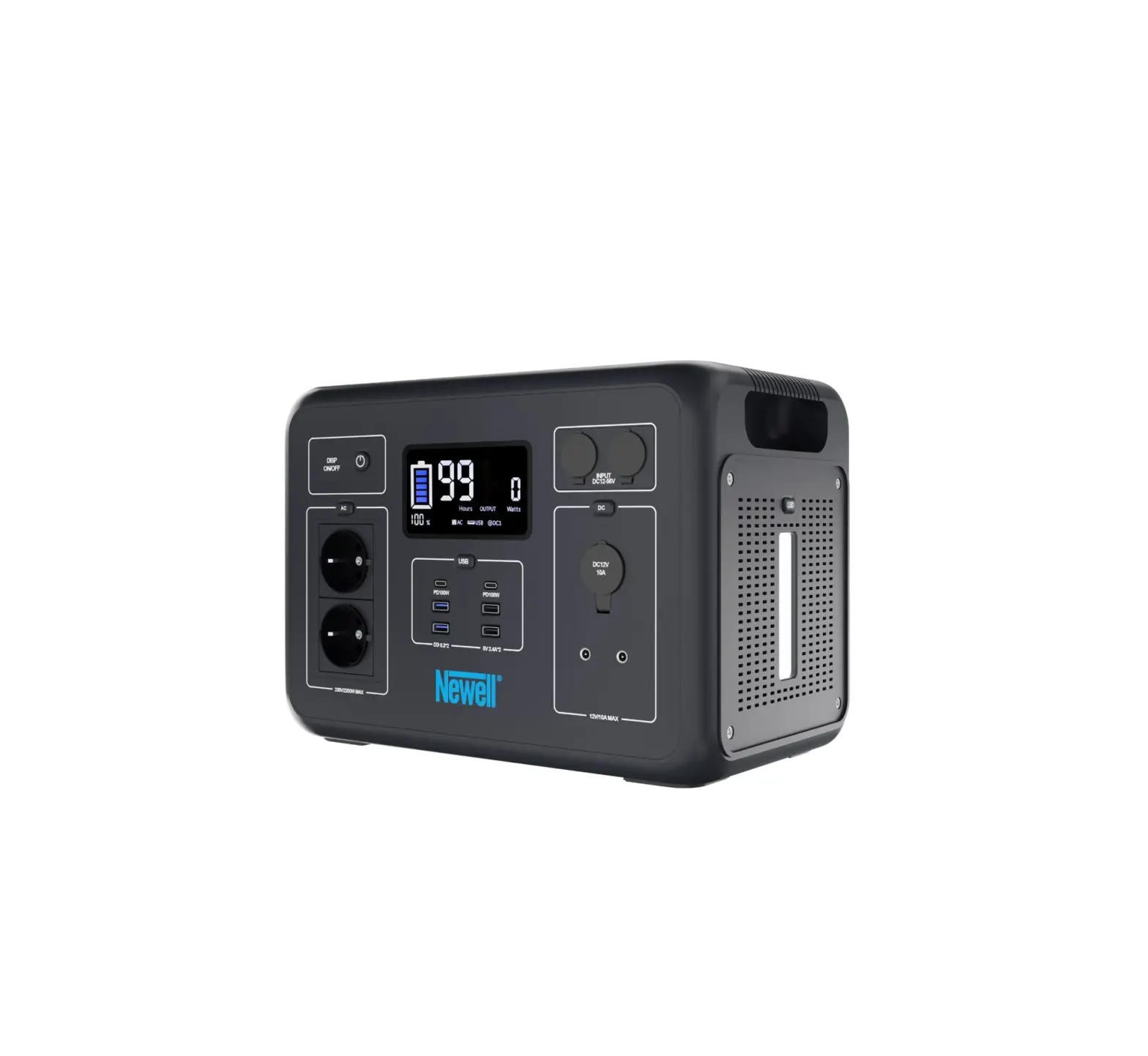
Newell Argus 2200W Portable Power Station
SAFETY INSTRUCTIONS
Before using the product, please read the following instruction manual carefully and keep it for future reference. When transferring the product to a third party, it is advisable to include the instructions.
- Do not expose the device to water or other sources of moisture.
- Do not throw, hit or shake the device – otherwise it may damage the parts Inside and eventually damage the entire device.
- Keep the power bank away from fire and other sources of high temperature.
- Place in a cool and dry place.
- For use by adults.
- Run a full charge/discharge cycle at least once every 3-4 months to avoid shortening the life of the internal battery.
- It is recommended to store at 50% of full charge when not in use for a longtime.
- Do not leave the charging power station unattended (e.g. while sleeping).
- Do not use non-standard charger to charge the product.
- Beware of short circuit. It may lead to products function fallure.
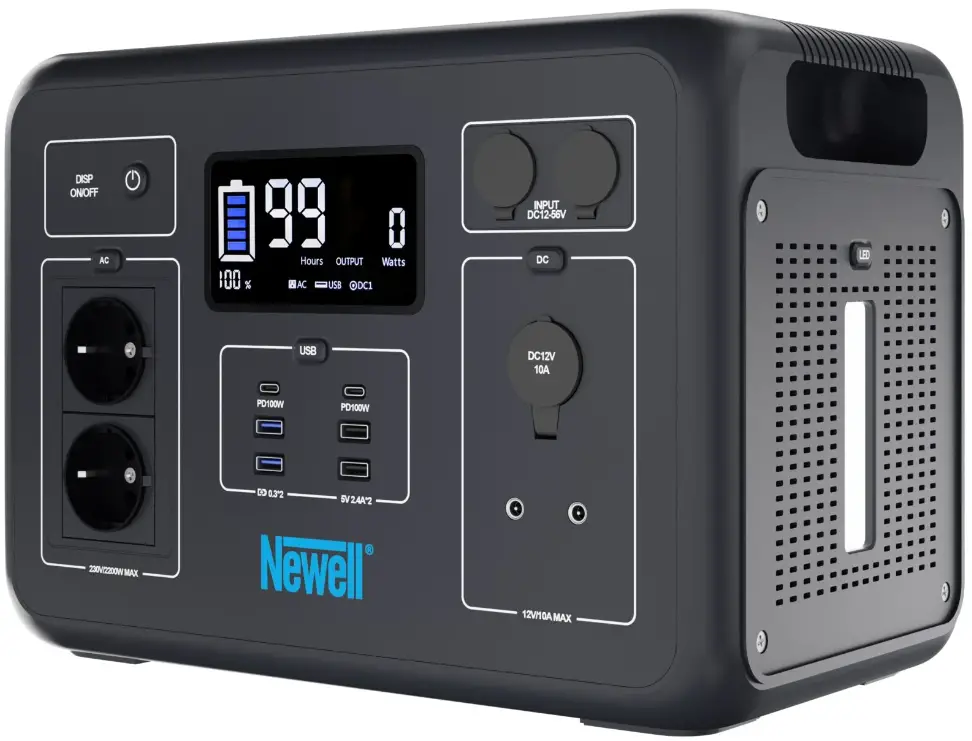
PRODUCT DESCRIPTION
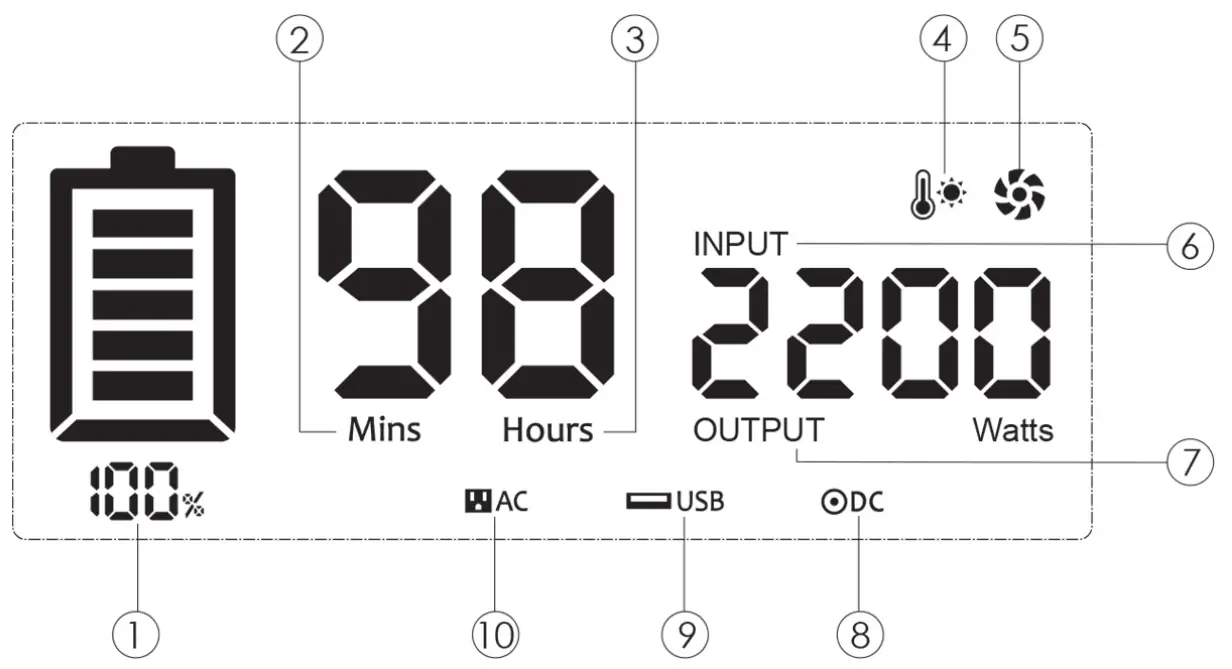
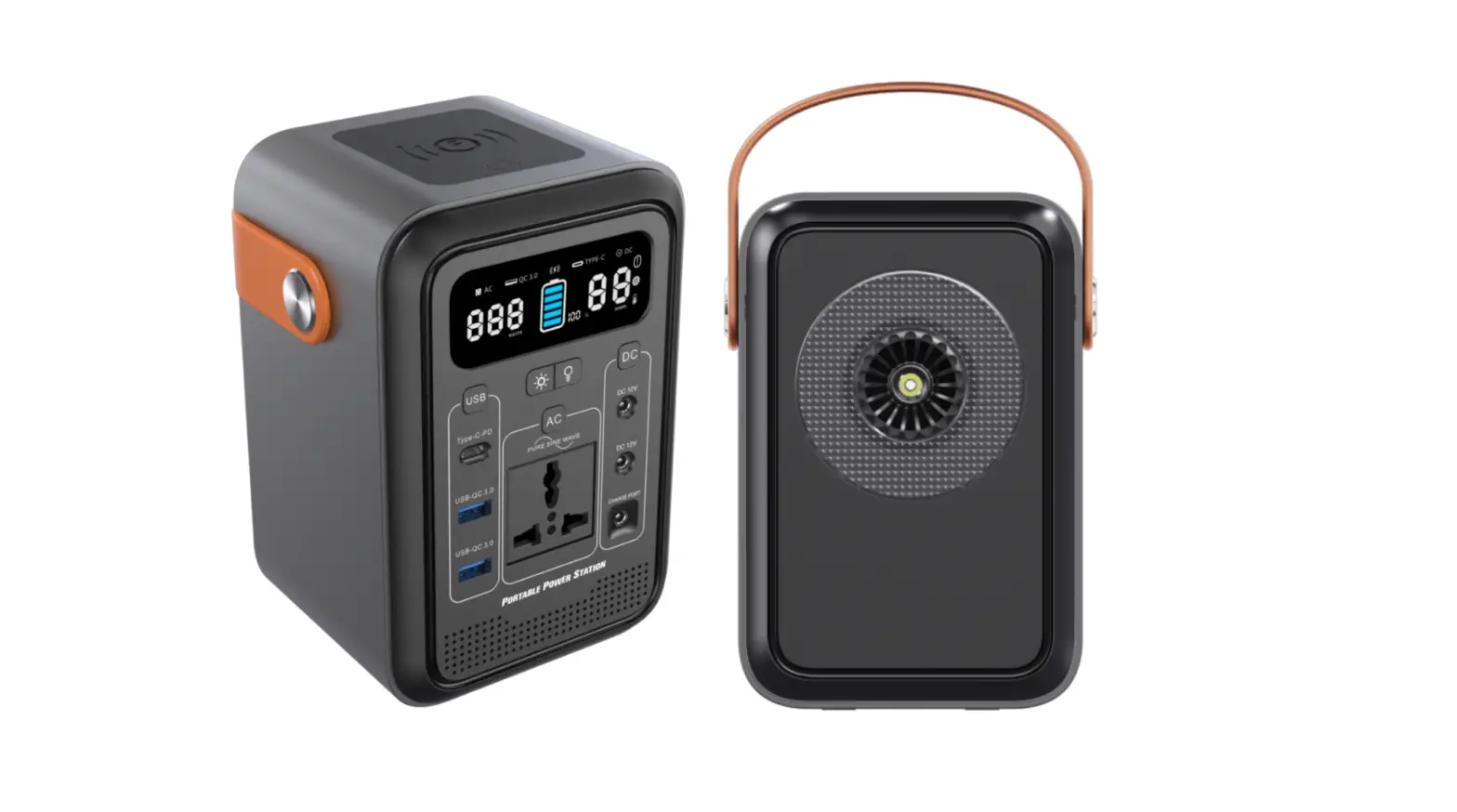
 | Remaining Battery Percentage |
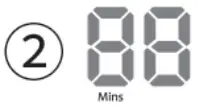 | Remaining Usage Time or Remaining Charging Time (Minute) |
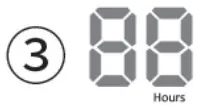 | Remaining Usage Time or Remaining Charging Time (Hour) |
 | Temperature warning |
 | Cooling Fans |
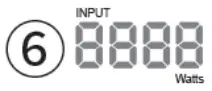 | Input Power |
 | Output Power |
 | AC Output Indicator |
 | USB Output Indicator Type-C Output I Indicator |
 | DC Output Indicator |
CHARGING
Charging \Jill AC outlet
One AC Adapter Charging time: 9 h -10 h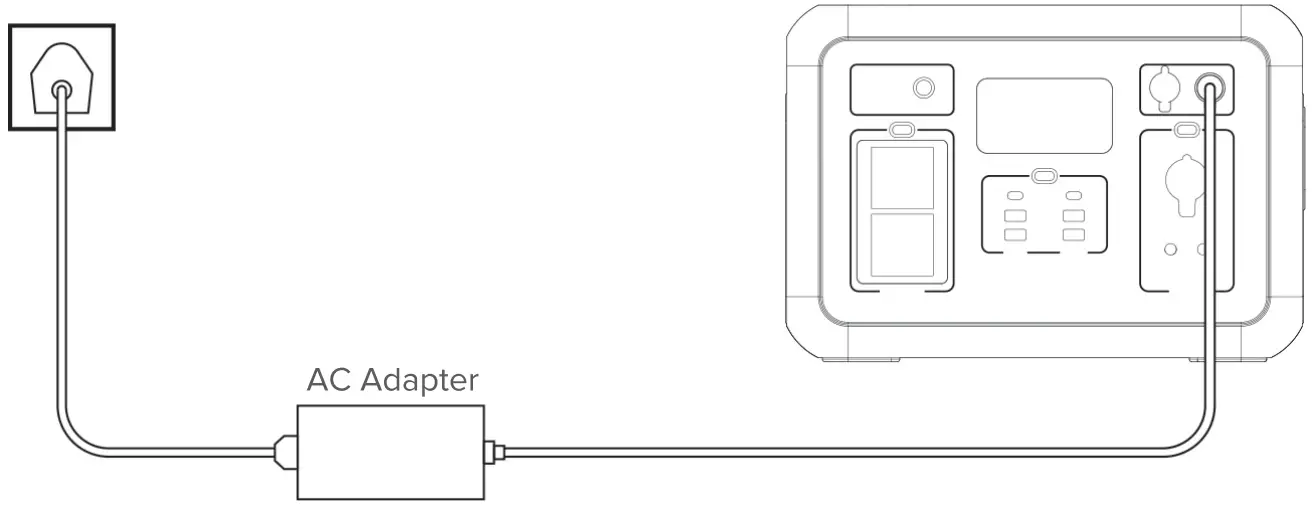
Two AC Adapters Charging time: 5 h – 6 h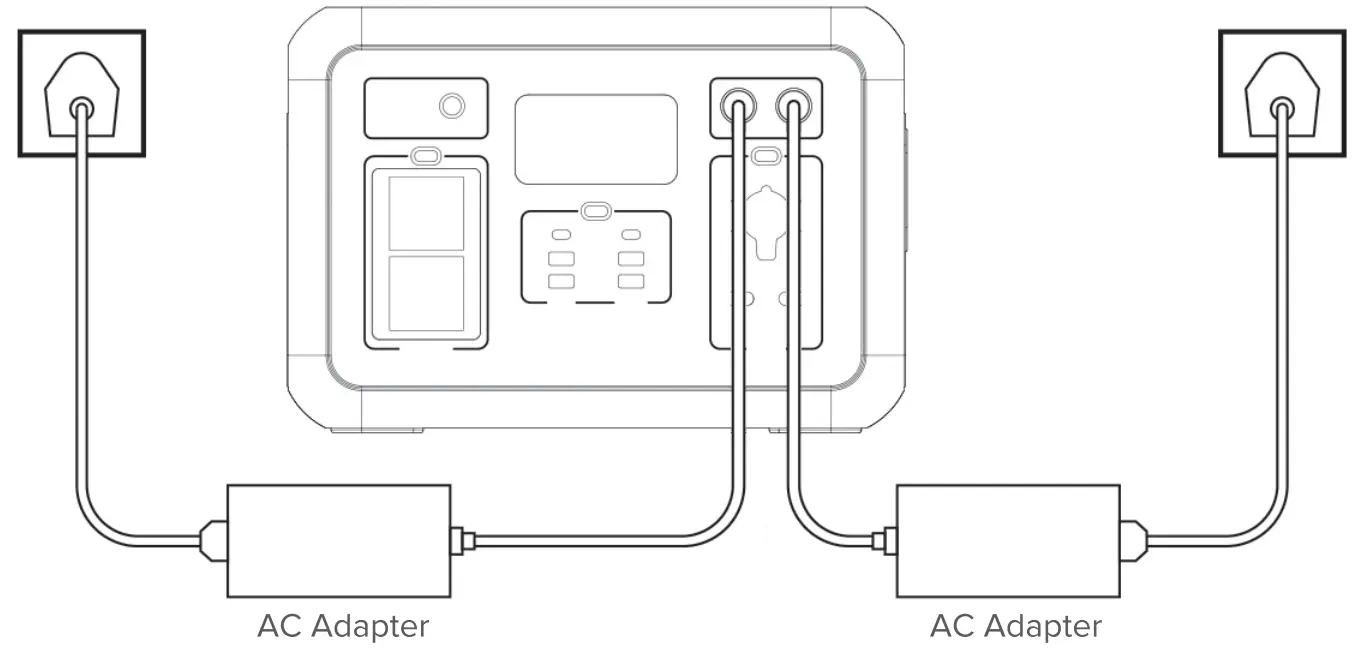
NOTES:
Use only the original charger to charge the power station. DO NOT use generic chargers. as they may overheat or start smoking.
The housing of the AC adapter gets hot when charging. During the hot summer seasons, the surface temperature of the AC adapter can reach up to ao•c. Please do not cover the device when charging.
The charging time quoted is for a 250W AC Adapter
DC Vehicle Charging
Charging time 12V: 18 h -19 h
Charging time 24V: 9 h -10 h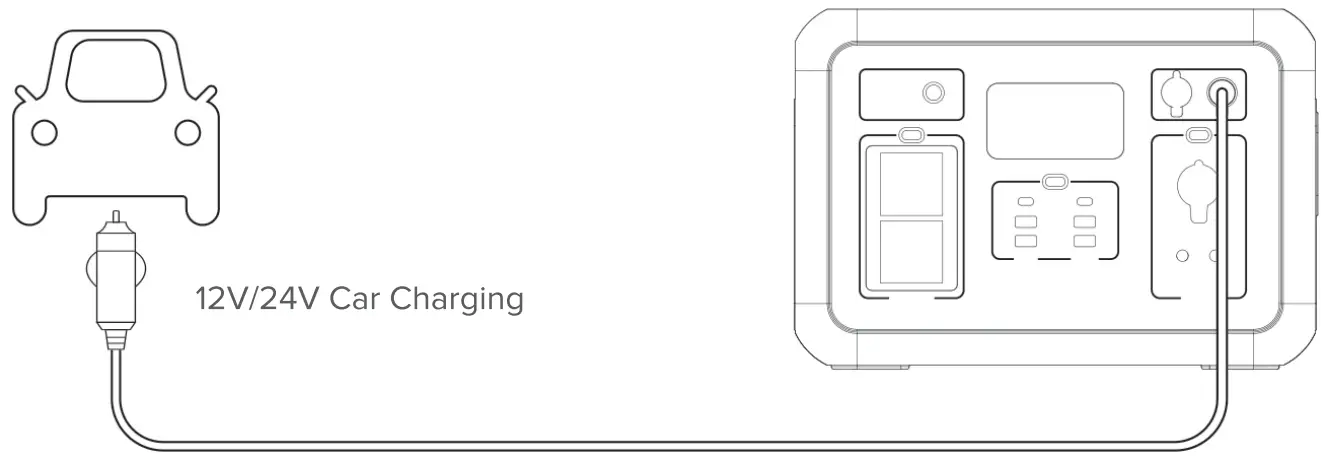
Charging with a solar panel
Solar Panel 4*200W (in full sun) Charging time: 3 h – 4 h
Solar Panel 2″200W (in full sun) Charging time: 6 h – 7 h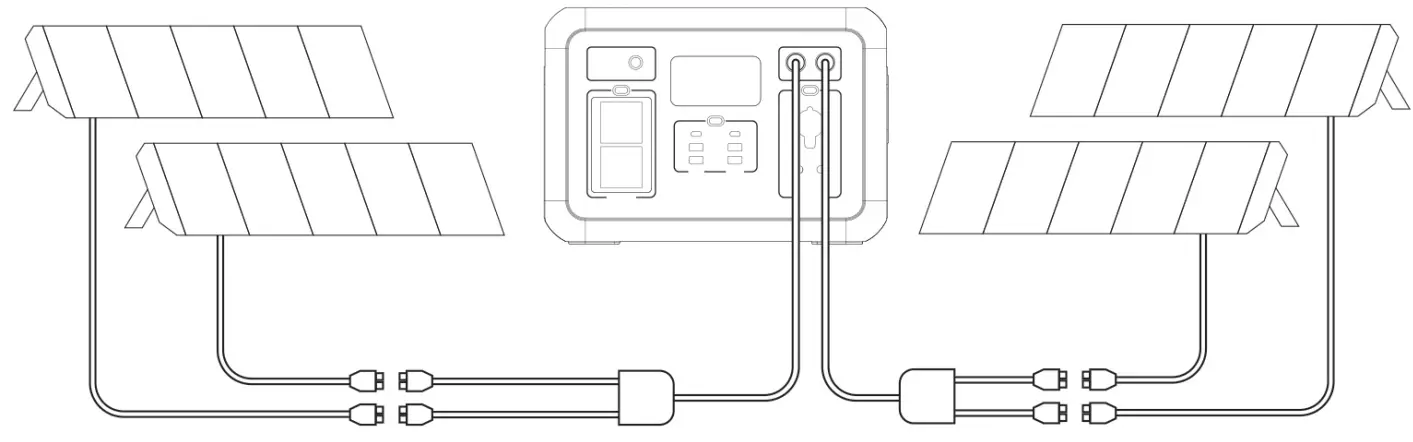
We recommend a solar panel with DC 18V-48V.
Never use DC higher than 56V to charge this device.
Precautions when charging
- Do not charge the power station from the car charger and the solar panel at the same time. Doing so may damage the car fuse.
- Do not place the power station in direct sunlight when charging in a high temperature environment.
OPERATION MODES
Auto sleep mode
The device goes into auto sleep mode when it detects no connected device. The device automatically turns off after 1 hour. To turn on a power station that Is In sleep mode, press any port button.
NOTICE:
‘Press any of the port buttons to restart the power station wlll work normally.
“The unit will entering to Auto-Sleep mode by detected no output after 1hour, user can switching the time with the following setting. Set up time to 1 hour or 12 hours by Jong pressing “USB”button for 3 seconds. Please check the time on the LCD screen within 3 seconds after hear the buzzer sounds which shows the set standby time. The Auto-Sleep time is 1Hour: If there is no power output within 1 hour, the automatic sleep mode is activated, and the power station will be automatically tumed off. The Auto-Sleep time is 12Hours: lfthere is no power output within 12 hour, the automatic sleep mode
PACKAGE CONTENTS
- 1 * AC Power Adapter
- 1 * AC Power Cord
- 1 • DC Cable
- 2 • MC4Cable
- 1 * User Manual
SPECIFICATION
| Battery Capacity | Lithium-ion 2131Wh + 5% (96Ah / 22.2V) |
| AC Input charging | AC 100-240V / 24V / 10.41A |
| car Input charging | 2·oc 12v~55v / 10A Max |
| Solar Input charging | 4*24V / 200W. 2•48V / 400W Solar Panel |
| Output Ports | 2• 230V AC, 50Hz. 2200W Peak 4400W* |
| USS Output 1 | DC 5V-2.4A |
| USB Output2 | DC 5V-2.4A |
| USB Output3 | DC 5V-3A. DC 9V-2A, DC 12V-1.5A |
| USB Output4 | DC 5V-3A. DC 9V-2A, DC 12V-1.5A |
| USBType-C1 | DC 5V3A, D C9V 3A. DC 12V 3A, DC 15V 3A. DC 20V 5A (PD 100W) |
| USBType-C2 | DC 5V3A, D C9V 3A. DC 12V 3A, DC 15V 3A. DC 20V 5A (PD 100W) |
| DCOutput1 | DC 12.8V, 10A Max Output Regulated |
| DCOutput2 | DC12.8V, 3A |
| DCOutput3 | DC 12.8V, 3A |
| Waveform | Pure Sine Wave |
| LED Lights | 2W MAX, 3 Levels (adjustable) with SOS function |
| Pass-Th rough | Supported |
| Operating Temperature | -1o·c-40°c |
| Weight | 17 kg |
•Note: when battery capacity ::;10%, the maximum AC output power is 400W to protect battery life
The manufacturer reserves the right to change the lnformauon contained In 1hls manual wnhout prior notice.
WASTE MANAGEMENT
 The crossed-out trashcan symbol means that waste electrical and electronic equipment. batteries and packagings must not be placed with other household waste. They must be handed over to a separate waste collection system.
WARRANTY
 Newell products are covered by a 40-month manufacturer’s warranty.
Made in China, In China hergestellt, Hecho en China, Fabbricato in Cina, Fablique
en Chine, Vyrobeno v Cine. Wyprodukowano w Chinach,