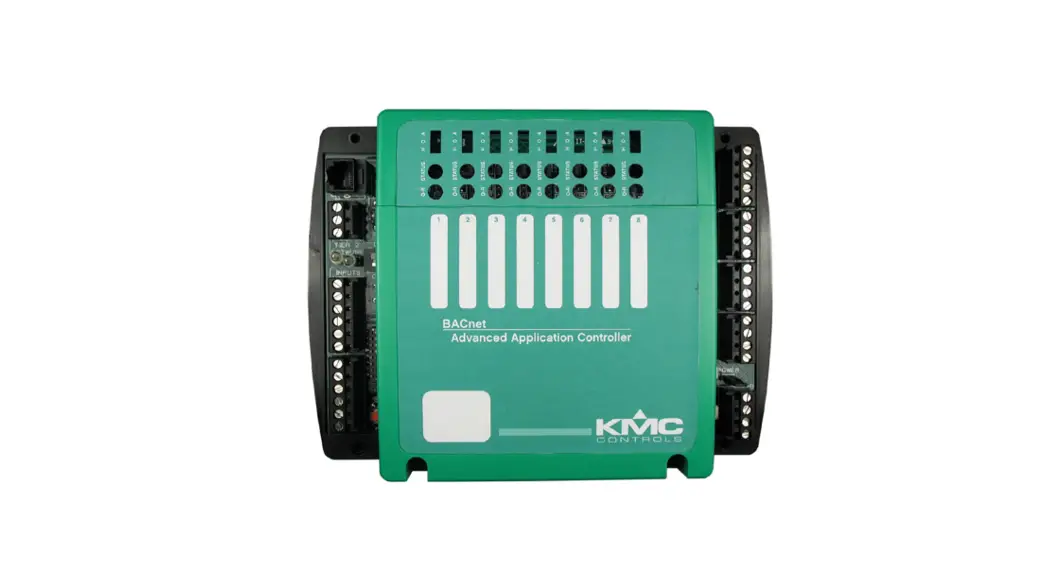
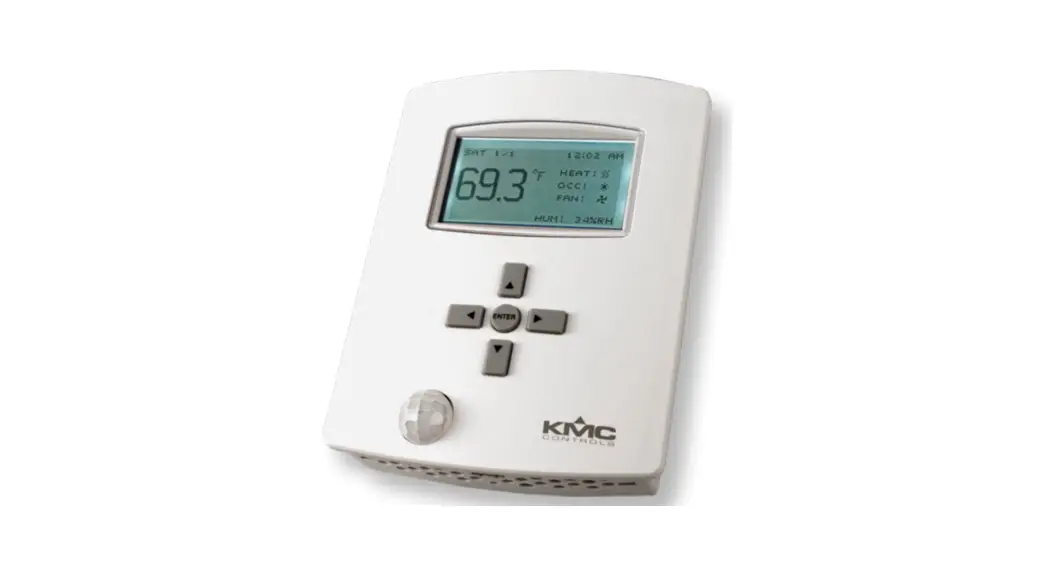
KMD-5290 LAN Controller
Product Information: AppStat for Rooftop Units
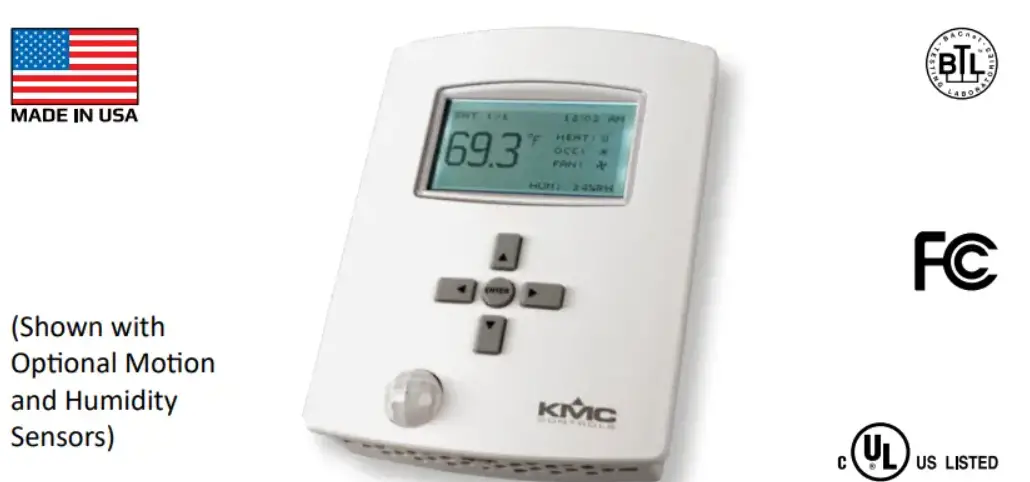
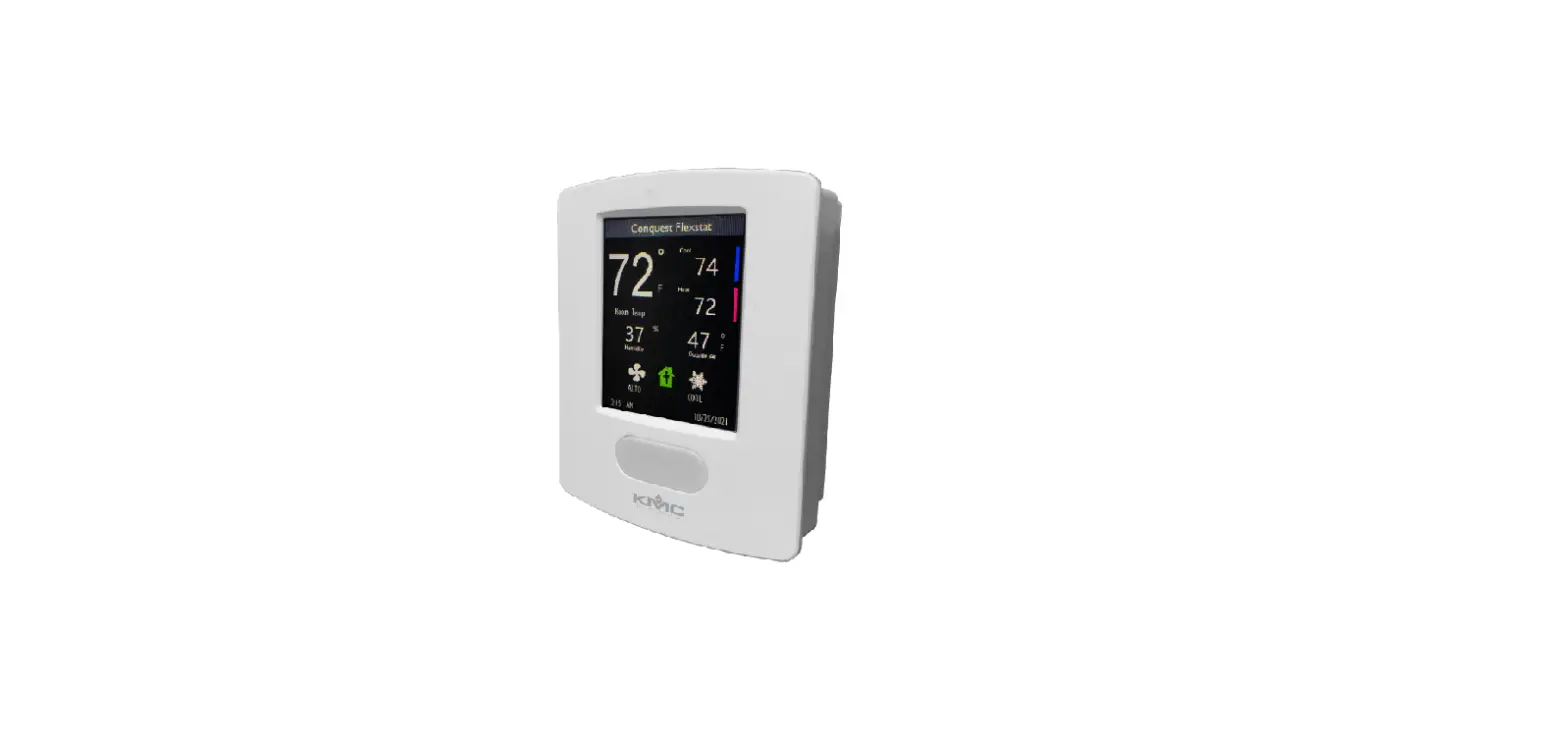
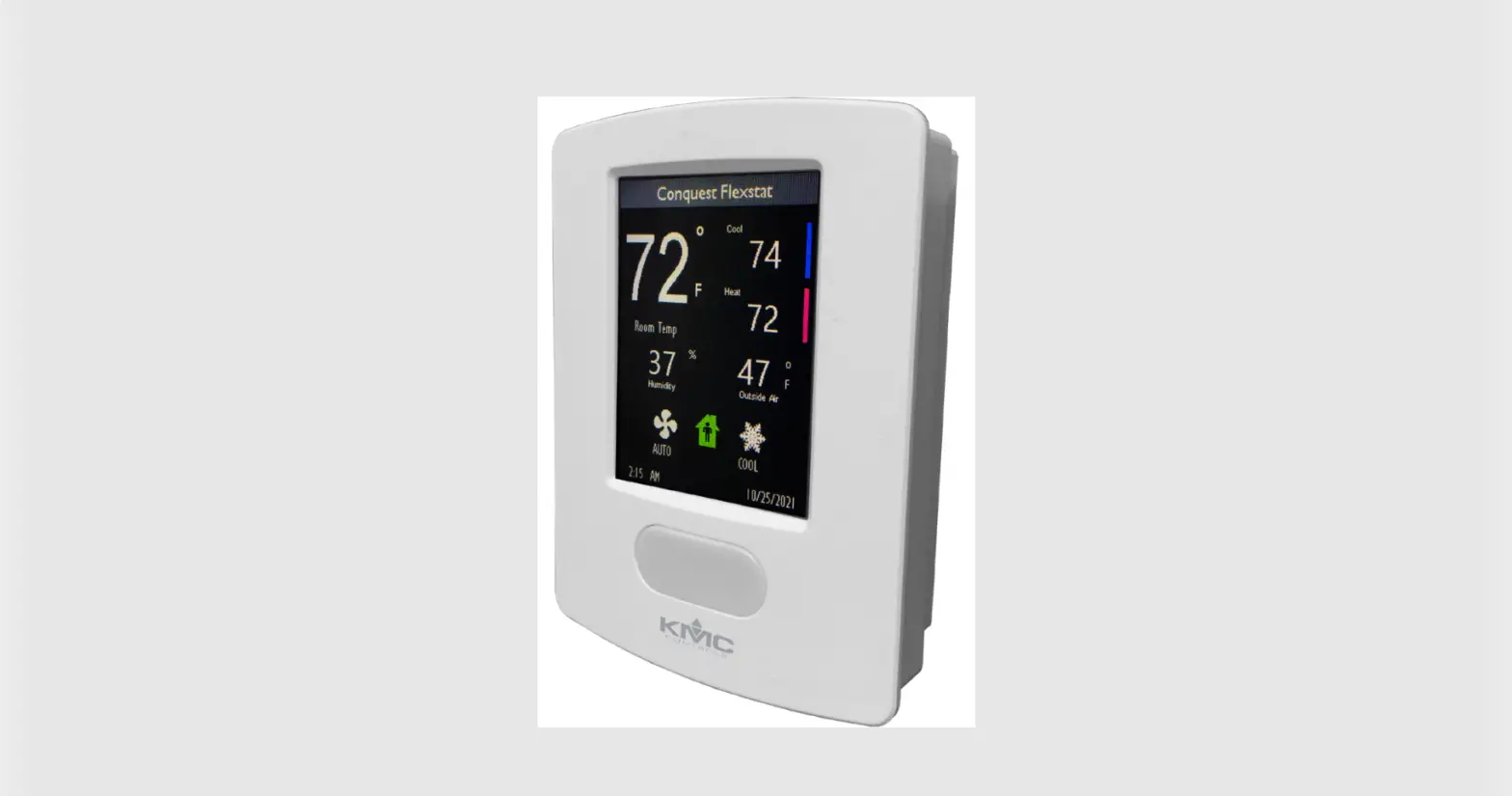
The AppStat for Rooftop Units is a LAN Controller for KMD
Controllers used to control the temperature of rooftop units. This
installation guide applies to KMD-5290 LAN Controller controllers
for rooftop units with model numbers ending with 0002. The
effective detection range of the motion sensor is approximately 10
meters or 33 feet. False detections may be triggered by sudden
temperature changes, direct sunlight, or small animal movement.
Mounting the KMD-5290 LAN Controller
For accurate performance, mount the KMD5290 LAN Controller on an
inside wall where it can sense the average room temperature. Avoid
locations with direct sunlight, heat sources, windows, air vents,
and air circulation or obstructions such as curtains or furniture.
Do not mount the controller on an exterior wall or near an object
with large thermal mass such as a concrete block wall. Also, avoid
blocking normal air circulation by obstructions and exposing it to
heat sources or drafts. For models with motion sensing, see the
topic Planning for motion sensing.
Installation Guide
Complete rough-in wiring at each location before mounting a
KMD-5290 LAN Controller. This includes the following steps:
- Turn the Allen screw in the base of the sensor clockwise until
it clears the case. - Install the controller on a mounting base.
Inputs and Network
The KMD-5290 LAN Controller has power and outputs. Refer to
Illustration 3 for mounting base details.
AppStat For Rooftop Units
LAN Controller for KMD Controllers
Installation Guide
Applicable models
This installation sheet applies to KMD-5290 LAN Controller controllers for rooftop units. The model numbers for these models end with “0002”. Additional information for the controllers can be found in the document Installation, Operation and Application Guide for the KMD-5290 LAN Controller which is available on the KMC partners web site.
Illustration 2–Typical motion sensing coverage area
Illustration 1–Rooftop Unit models
BAC-4 _ _ _ CW0002
1 2H/2C On/off valves 3 2H/2C On/off or modulating
valves and economizer
0 Without humidity 2 With humidity
0 Without motion 2 With motion
Planning for motion sensing
For models with a motion sensor mount the KMD5290 LAN Controller on a wall that will have an unobstructed view of the typical traffic in the coverage area. When choosing a location, do not install the sensor in the following areas.
Behind curtains or other obstructions In locations that will expose it to sunlight or heat sources Near a heating or cooling inlet or outlet.
The effective detection range is approximately 10 meters or 33 feet. Factors that may reduce the range include:
The difference between the surface temperature of the object and the background temperature of the room is too small.
Object movement in a direct line toward the sensor.
Very slow or very fast object movement.
Obstructions as shown in the illustration Typical motion sensing coverage area on page 1.
False detections may be triggered by:
The temperature inside the detection range suddenly changes because of the entry of cold or warm air from an air-conditioning or heating unit.
The sensor being directly exposed to sunlight, an incandescent light, or other source of far-infrared rays.
Small animal movement.
AppStat For Rooftop Units
1
Installation Guide
Mounting the KMD-5290 LAN Controller
For the most accurate performance, install the KMD5290 LAN Controller on an inside wall where it can sense the average room temperature. Avoid locations with direct sunlight, heat sources, windows, air vents, and air circulation or obstructions such as curtains, furniture, etc.
The KMD-5290 LAN Controller must not be:
Mounted on an exterior wall.
Mounted on or near an object with large a thermal mass such as a concrete block wall.
Blocked from normal air circulation by obstructions.
Exposed to heat sources such as lights, computers, copiers, or coffee makers, or to direct sunlight at any time of the day.
Exposed to drafts from windows, diffusers, or returns.
Exposed to air flow through connecting conduits or empty spaces behind walls.
For models with motion sensing, see the topic, Planning for motion sensing.
Inputs and network
Power and outputs
Illustration 3–KMD-5290 LAN Controller mounting base details
3.50 in. 89Amm
5.12 in. 130 mm
Installing the KMD-5290 LAN Controller To install the controller on a mounting base, do the following:
1. Turn the Allen screw in the base of the sensor clockwise until it clears the case.
Turn clockwise to remo from base.
Rough-in preparation Complete rough-in wiring at each location before mounting an KMD-5290 LAN Controller. This includes the following steps.
Install the supplied mounting base directly to a wall, a vertical electrical box, or a box with a wall plate kit.
Routing the connecting cable or cables from the KMD-5290 LAN Controller to the equipment it is controlling.
If required, install an appropriate wall plate kit.
Block leaks and airflow from conduits with plumber’s putty or similar material.
If replacing an existing thermostat, label existing wires for reference when removing the existing thermostat.
2. Swing the KMD-5290 LAN Controller away from the mounting base to remove it.
3. Route wiring for the KMD-5290 LAN Controller through the mounting base.
4. Position the base with the embossed UP toward the ceiling and fasten it directly to a vertical 2 x 4 inch electrical box. For horizontal boxes or 4 x 4 applications, use a wall plate kit. See Installation accessories on page 5 for part numbers.
5. Connect the wires for the KMD-5290 LAN Controller to the terminals in the mounting base.
6. Place the top of the sensor over the top of the mounting base and swing it down over the Allen screw bracket. Be careful not to pinch any wiring.
7. Turn the Allen screw counterclockwise until it backs out of the mounting base and engages the case.
Turn counterclockwise until the screw engages the base.
AppStat For Rooftop Units
2
Installation Guide
Caution
To prevent mounting screw heads from touching the circuit board in the controller, use only the mounting screws supplied by KMC Controls. Using screws other than the type supplied may damage the KMD-5290 LAN Controller.
Connecting inputs
The inputs for the KMD-5290 LAN Controller are configured for specific functions and do not require set up in the field. Not all inputs are required for every model or application.
Illustration 4–RTU inputs
24VAC COM G Y1 Y2 RC W1 W2 RH AO6 AO7 ECON
MS/TP
Remote Space Temp.
Outdoor Air Temp.
RS
N.C. Fan Status
OAT
GND
DAT
+B
Discharge Air Temp.
A
Follow the instructions supplied with the switch for installation.
Outdoor air temperature sensor Connect a 10k, Type III thermistor temperature probe to the outdoor air temperature (OAT) input. The input includes the internal pull-up resistor. An STE-1451 sensor is suitable for this application. Follow the instructions supplied with the sensor for installation.
Discharge air temperature Connect a 10k, Type III thermistor temperature probe to the discharge air temperature (DAT) input. The input includes the internal pull-up resistor. An STE-1405 sensor is suitable for this application. Follow the instructions supplied with the sensor for installation.
Connecting outputs
The KMD-5290 LAN Controller outputs are model dependent and are configured for specific applications.
No field programming or set up is required or possible.
Depending on model and application, the KMD5290 LAN Controller outputs are designed for either 24 volt AC or 0-10 volt DC loads.
The outputs may represent analog or digital signals.
Remote space temperature sensor (optional) Connect a 10k, Type II thermistor temperature sensor to the remote space temperature (RS) input and ground (GND) terminals. The input includes the internal pull-up resistor. An STE-6011W10 sensor is suitable for this application. Follow the instructions supplied with the sensor for installation.
When a remote space temperature input is connected to the KMD-5290 LAN Controller, the remote temperature is used instead of the internal temperature sensor.
Fan status switch (optional) Connect a Normally Closed Fan Status switch to the Discharge Air Temperature (DAT) input and ground (GND) terminals. The input includes the internal pull-up resistor. A CSE-1102 differential pressure switch is suitable for this application.
Caution
AppStat For Rooftop Units
3
Improperly connecting loads or equipment to output terminals may damage the equipment. Connect only as shown in the following diagrams or application drawings.
Installation Guide
Illustration 5–RTU output terminals
24 VAC
24VAC
COM
24VAC
G
24VAC
Y1
24VAC
Y2
RC
24VAC
W1
RS
24VAC
W2
OAT
RH
GND
0-10VDC
AO6
DAT
MS/TP
0-10VDC
AO7
+B
0-10VDC
ECON
A
Connecting power
The KMD-5290 LAN Controller requires an external, 24 volt, AC power source. Use the following guidelines when choosing and wiring transformers.
Use only a Class-2 transformer of the appropriate size to supply power. KMC Controls recommends powering the KMD5290 LAN Controller from a dedicated controls transformer. Connect the transformer’s neutral lead to the COM terminal. Connect the AC phase lead to the 24VAC terminal. Power is applied to the controller when the transformer is powered.
See Installation accessories on page 5 for a list of transformers available from KMC Controls, Inc.
Illustration 6–Wiring for KMD-5290 LAN Controller power
Controls transformer
24VAC
COM
24 VAC
G
Class-2
Y1
Y2
RC
W1
RS
W2
OAT
RH
GND
AO6
DAT
MS/TP
AO7
+B
ECON
A
AppStat For Rooftop Units
4
Installation Guide
Maintenance
Remove dust as necessary from the holes in the top and bottom. Clean the display with a soft, damp cloth and mild soap.
Specifications
KMD-5290 LAN Controller specifications are subject to change without notice.
Supply Voltage
Inputs Relay outputs
Analog outputs Environmental limits
Regulatory
24 volts AC (15%, +20%), 50-60 Hz, 12 VA, Class 2 only 012 volts DC with internal 10k pull-up resistors SPST, 24 volts, 1 amp AC or DC Maximum for all relay outputs is 3 amps Short protected 10mA 012 VDC Operating 34 to 125° F (1.1 to 51.6° C) Shipping 40 to 140° F (40 to 60° C) Humidity 0 to 95% RH (non-condensing) UL 916 Energy Management Equipment FCC Class A, Part 15, Subpart B and complies with Canadian ICES-003 Class A
This device complies with part 15 of the FCC Rules. Operation is subject to the following two conditions: (1) This device may not cause harmful interference, and (2) this device must accept any interference received, including interference that may cause undesired operation.
Installation accessories
The following accessories are available from KMC Controls, Inc.
XEE-6111-040 Single-hub 120 volt power transformer
XEE-6112-040 Dual-hub 120 volt power transformer
XEE-6311-075 120/240/277/480VAC, 24 VAC, 75 VA transformer
HMO-10000W White mounting plate kit for retrofit on horizontal boxes or 4 x 4 handy boxes
Additional resources
The latest support files are always available on the KMC Controls web site. For detailed specifications, installation, operating , application, and system integration information, see The Installation, Operation, and Application Guide for AppStat.
For additional specifications information, see the BAC-4000 AppStat Data Sheet.
Important Notices
The material in this document is for information purposes only. The contents and the product it describes are subject to change without notice. KMC Controls, Inc. makes no representations or warranties with respect to this document. In no event shall KMC Controls, Inc. be liable for any damages, direct or incidental, arising out of or related to the use of this document. KMC Controls, Inc. P.O. Box 497 19476 Industrial Drive New Paris, IN 46553 U.S.A. TEL: 1.574.831.5250 FAX: 1.574.831.5252 E-mail: [email protected]
AppStat For Rooftop Units
5
919-019-02D
 kmccontrols.com/ds/BAC-4001CW0001