 Quick Start Guide
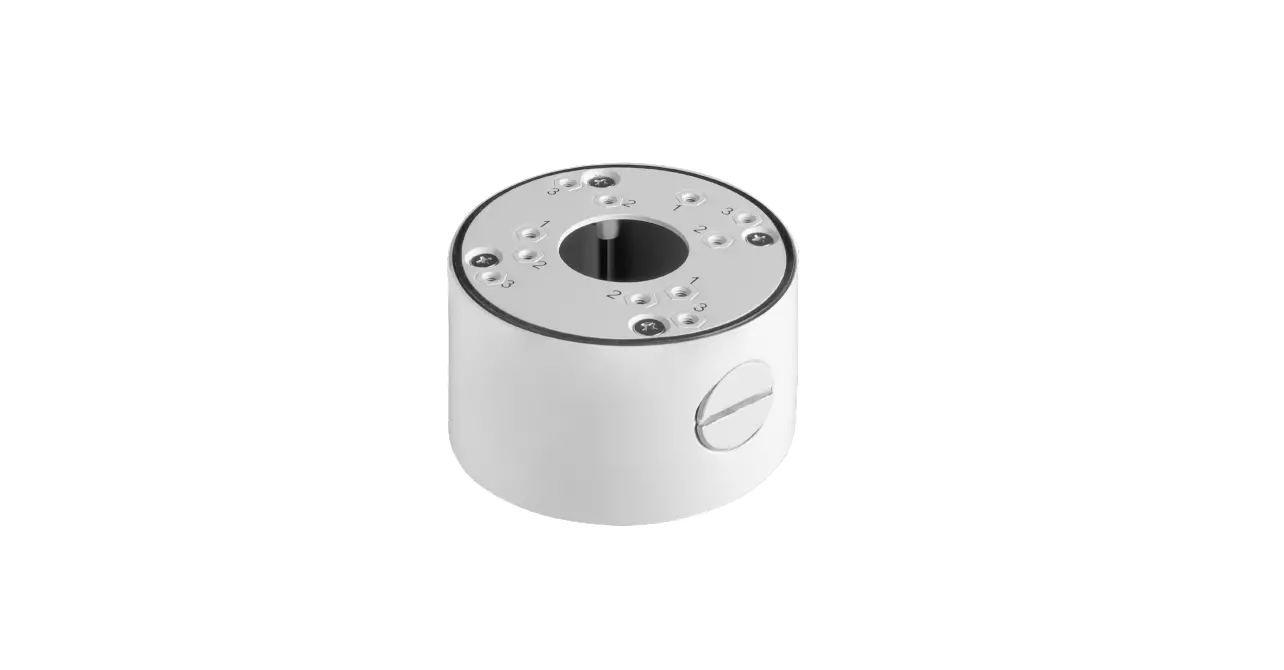
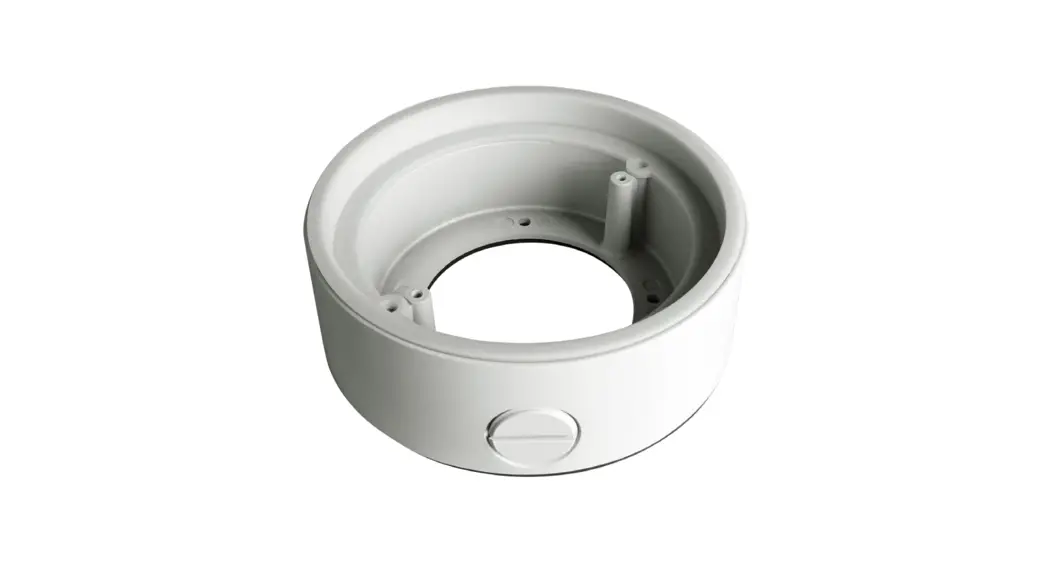
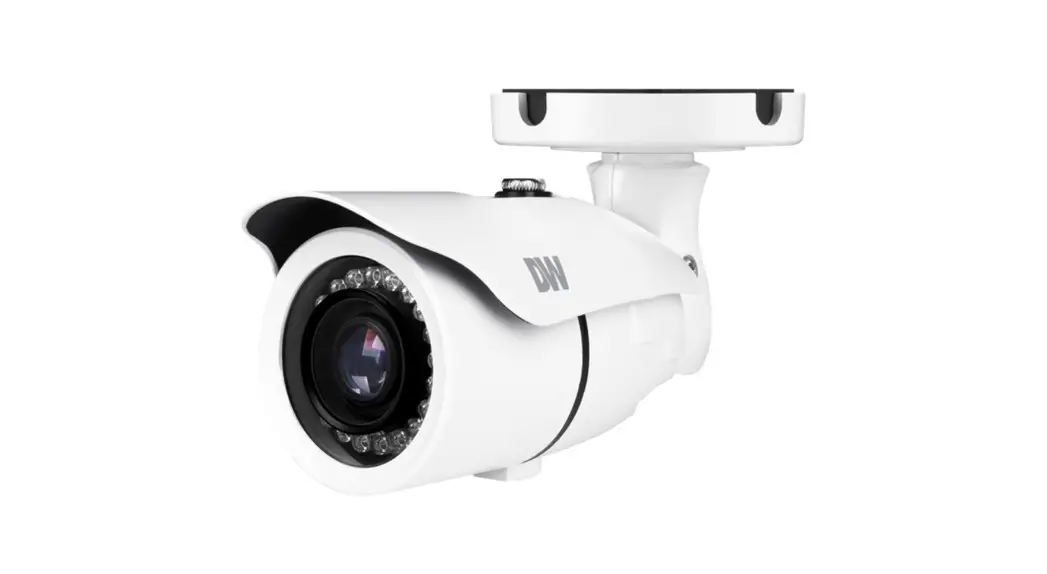
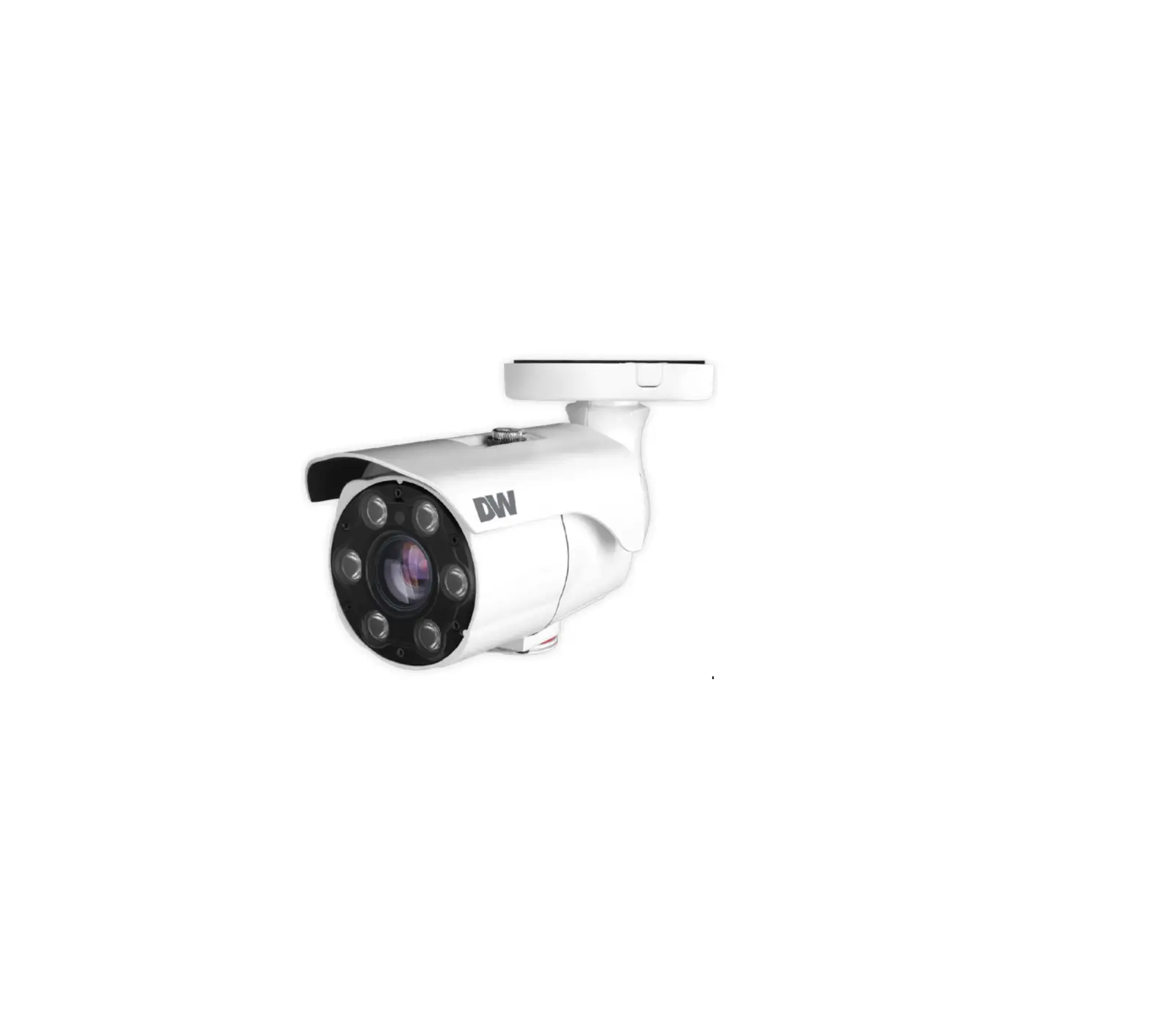
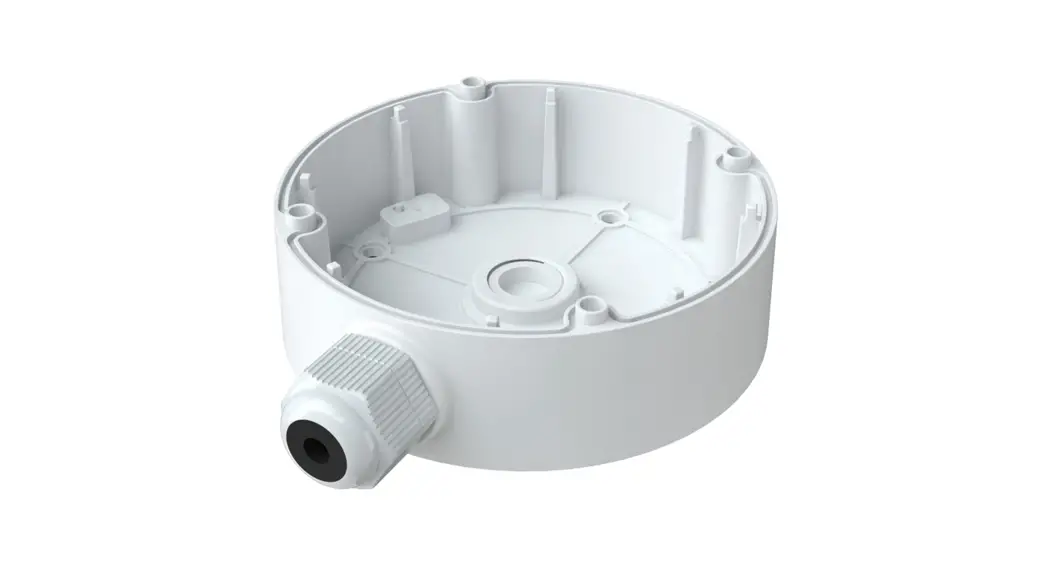
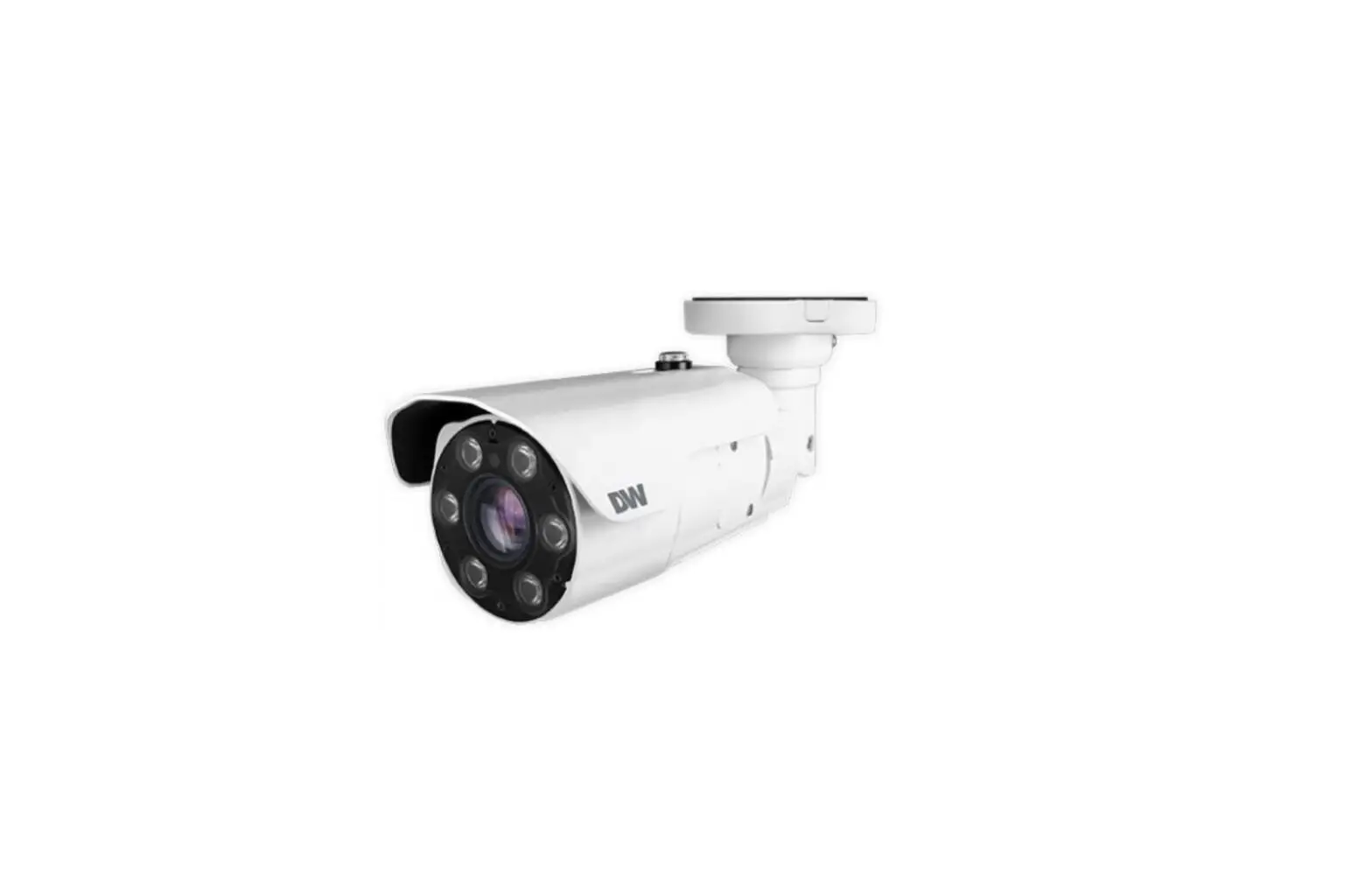
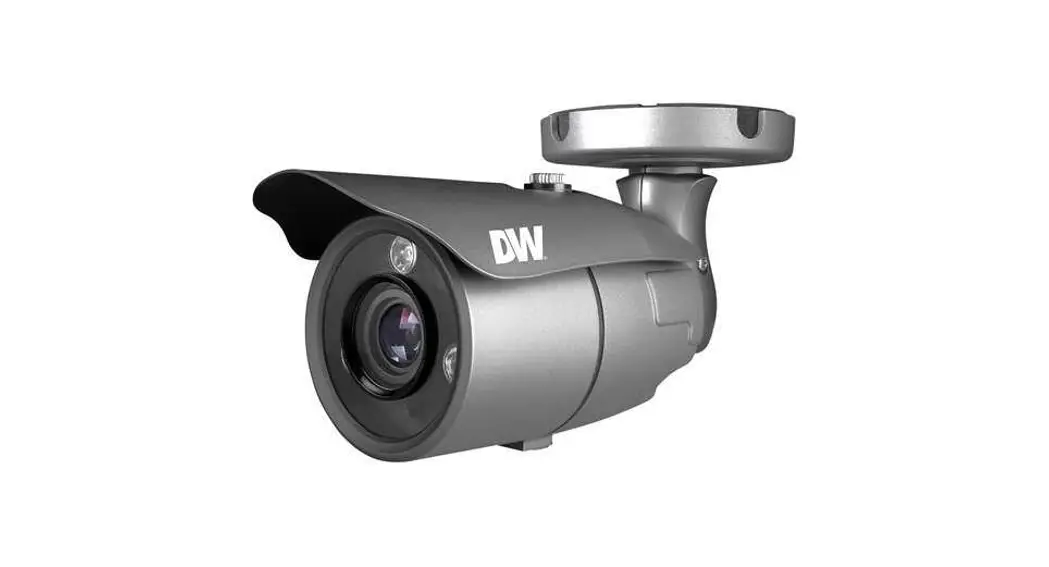
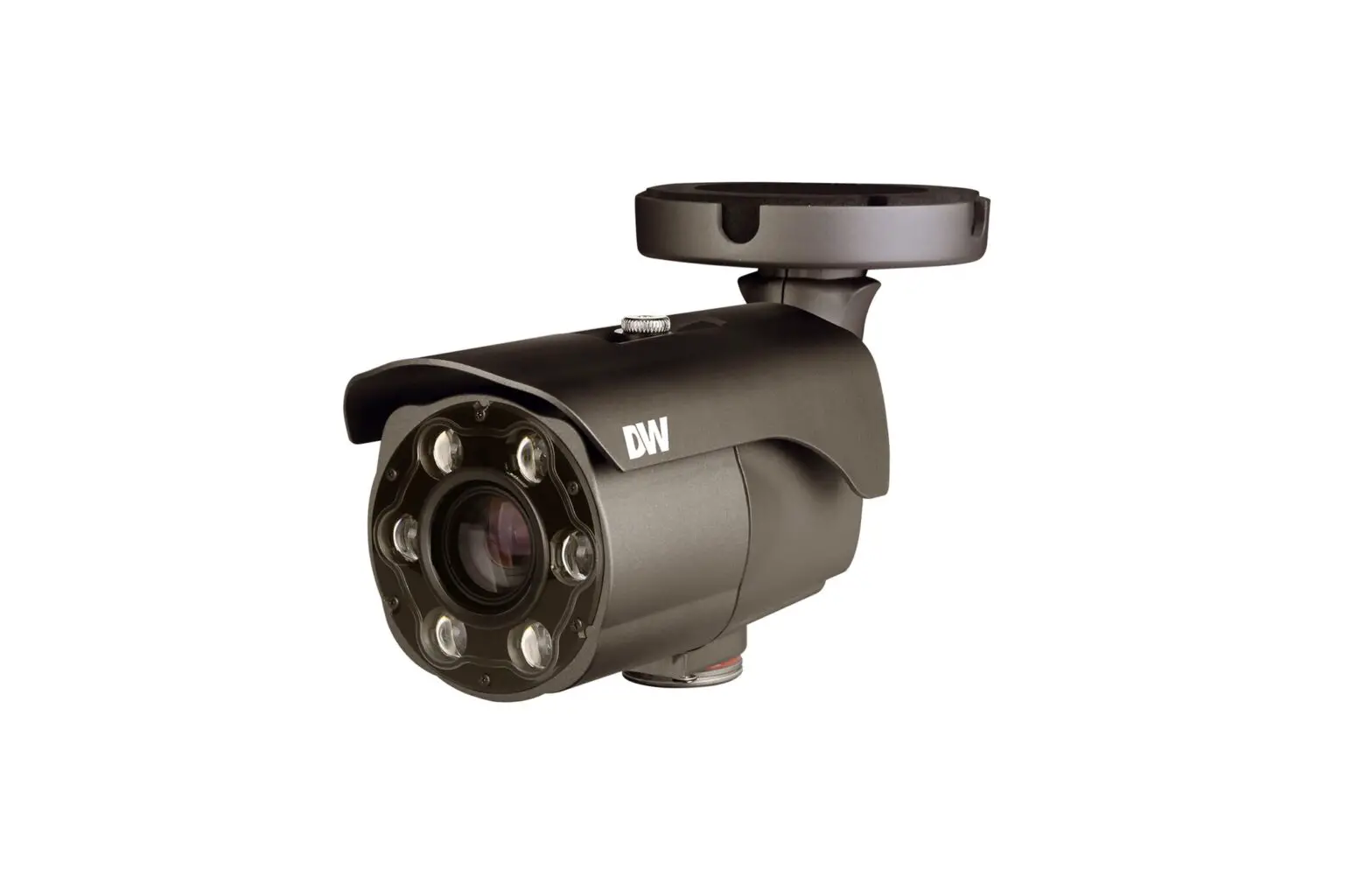
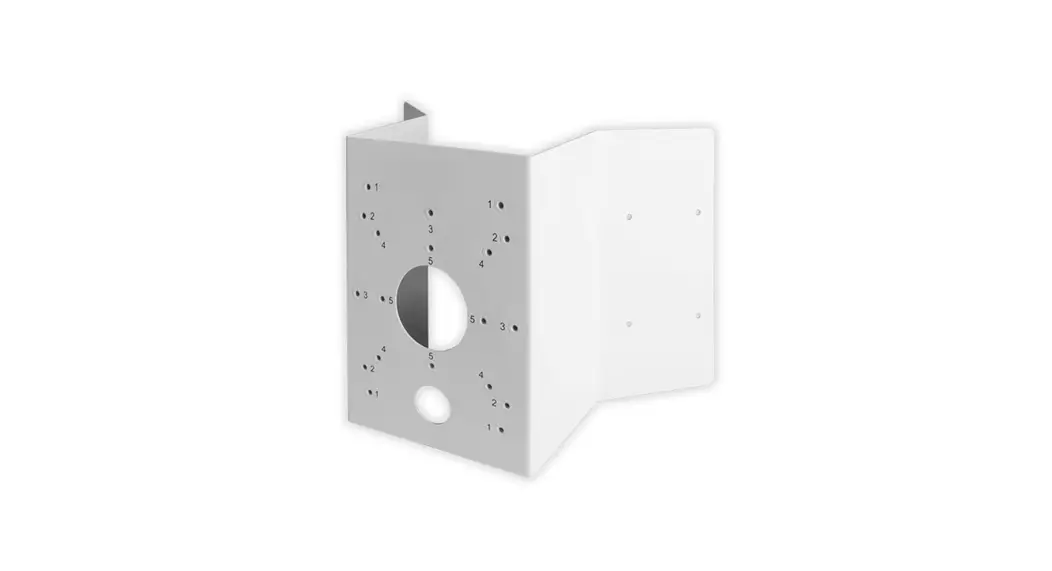
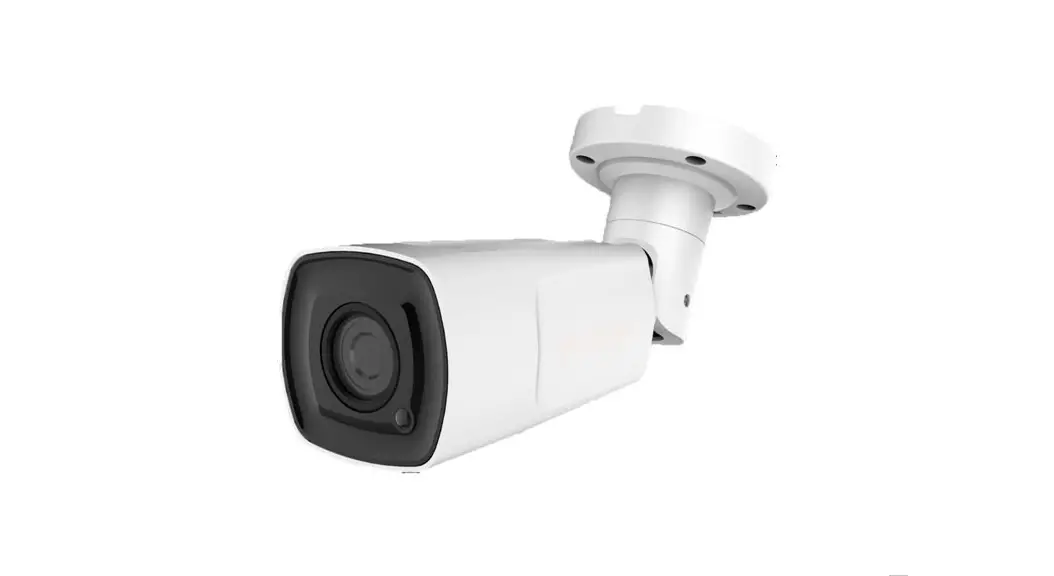
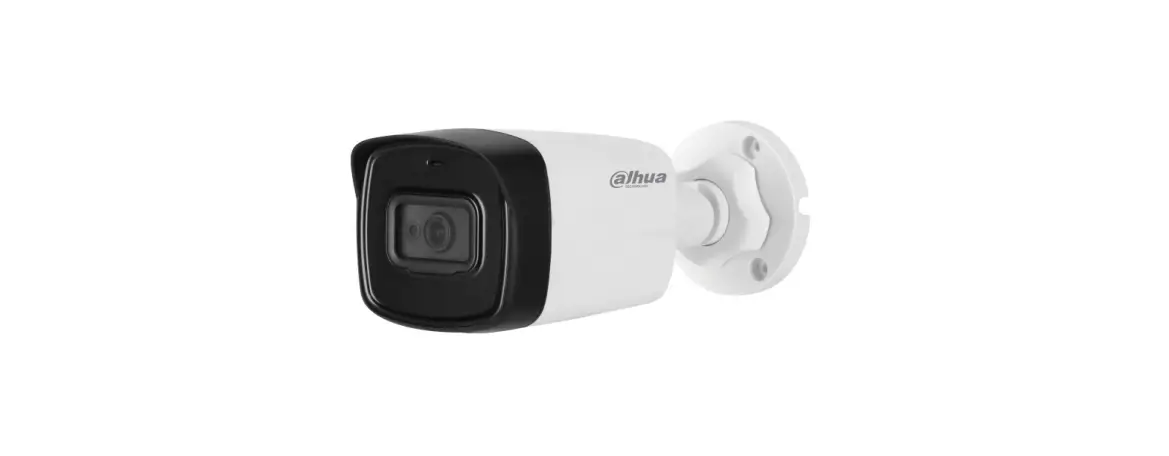
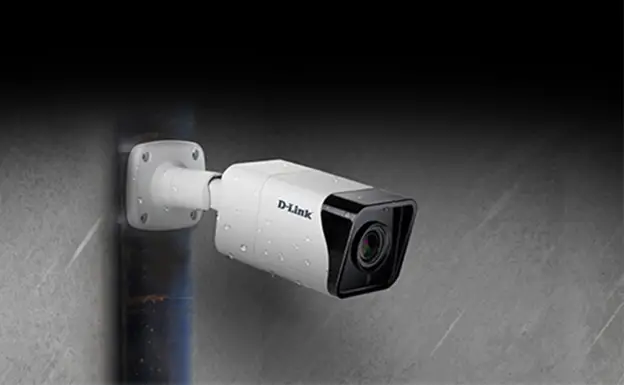
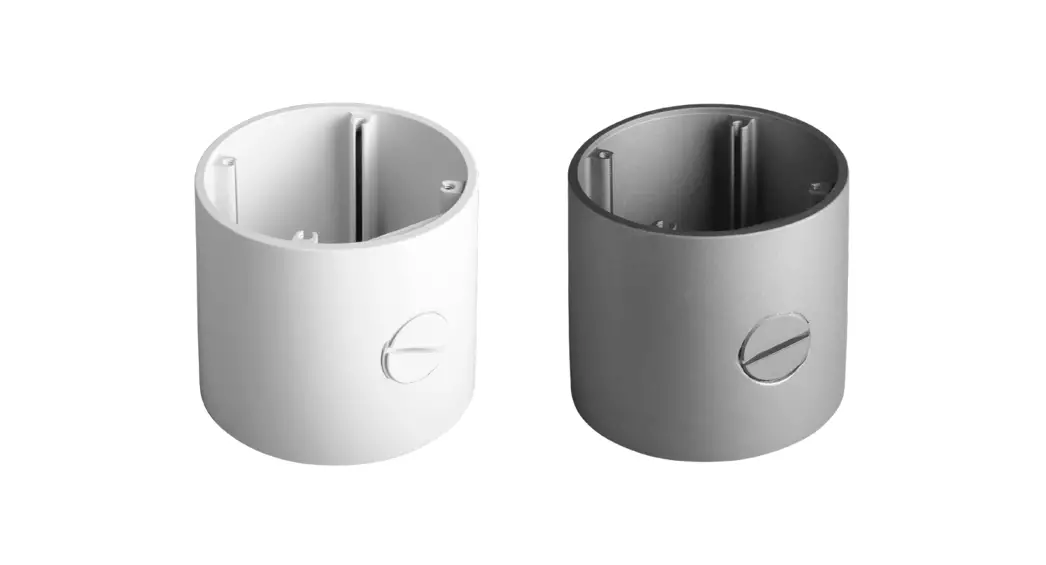
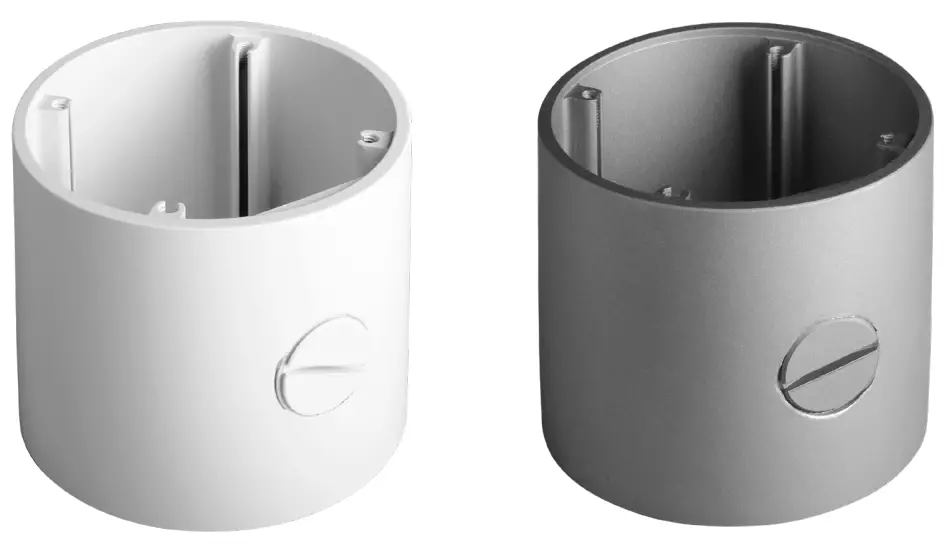
Junction box for bullet cameras
| DWC-BLJUNC-W | DWC-BLJUNC |
WHAT’S IN THE BOX
| Camera Mounting Screws | 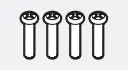 | 4 | Quick Setup Guide |  | 1 |
| Screws and Plastic Anchors | 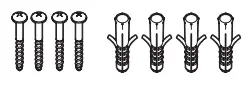 | 4 | Mounting Template | 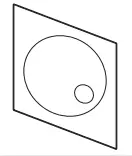 | 1 |
NOTE: Download all your support materials and tools in one place.
- Go to: http://www.digital-watchdog.com/resources
- Search your product by entering the part number in the ‘Search by Product’ search bar. Results for applicable part numbers will populate automatically based on the part number you enter.
- Click ‘Search’. All supported materials, including manuals and quick start guide (QSGs) will appear in the results.
INSTALLATION
- Using the mounting template or the junction box itself, mark and drill the necessary holes in the mounting surface.
- Use the screws and anchors included with the junction box to secure it to the mounting surface.
- Pass wires through and make all necessary connections to the camera. See the camera’s QSG for more information.
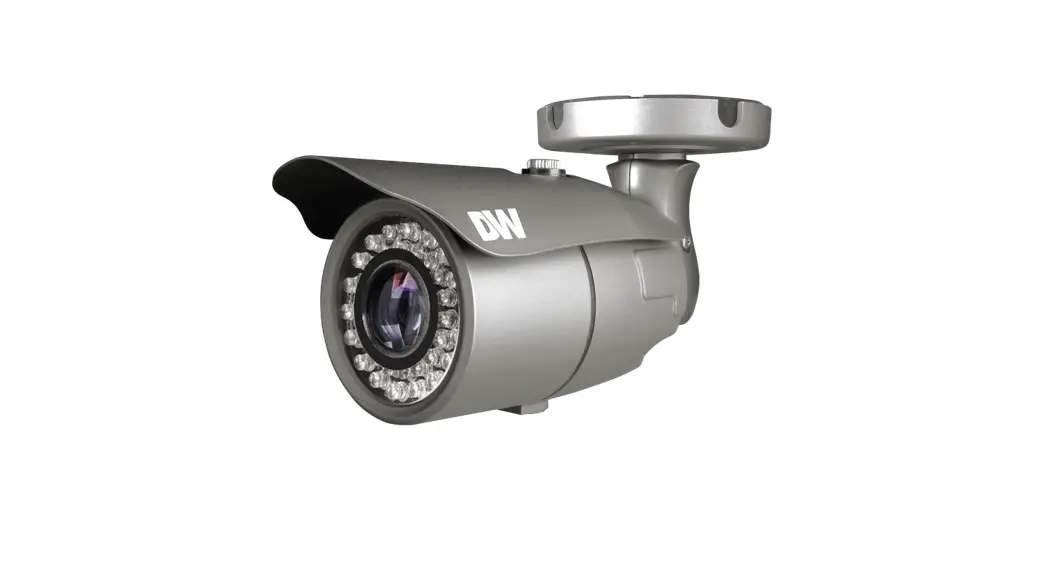
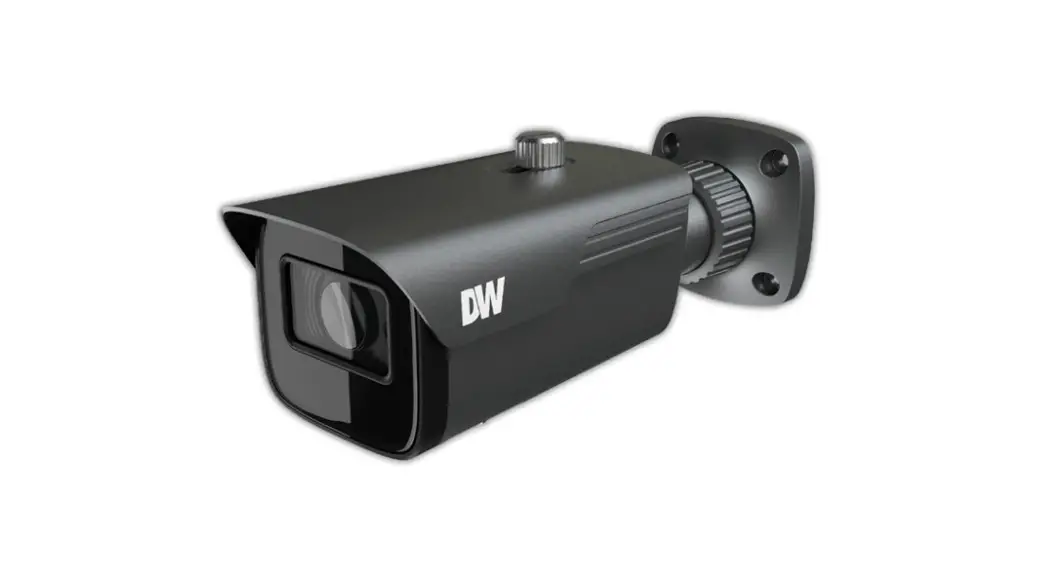
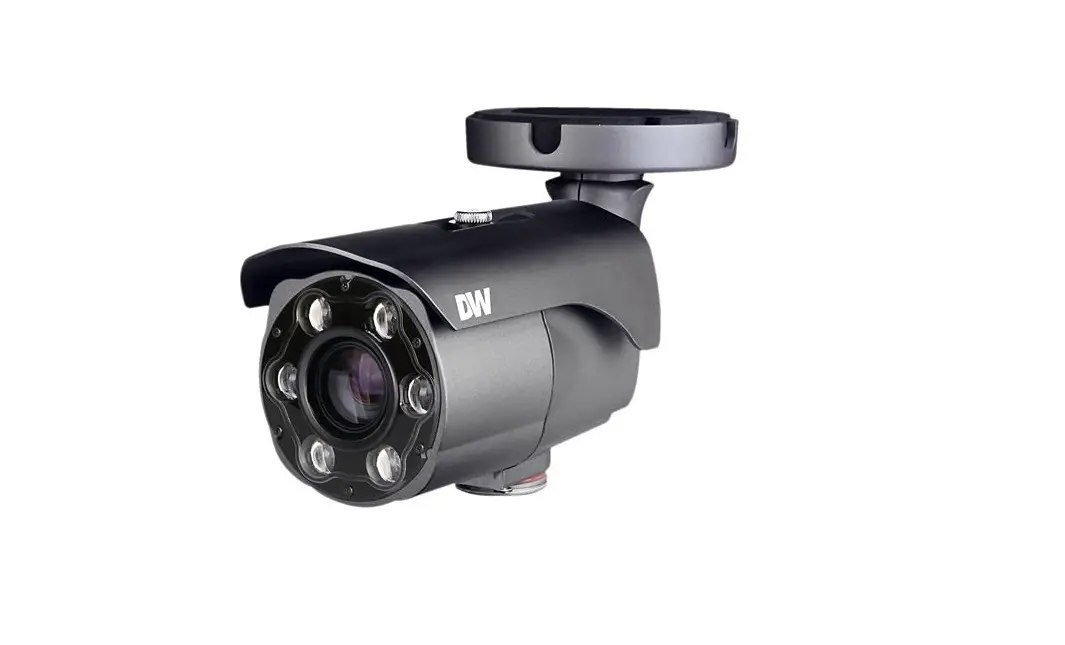
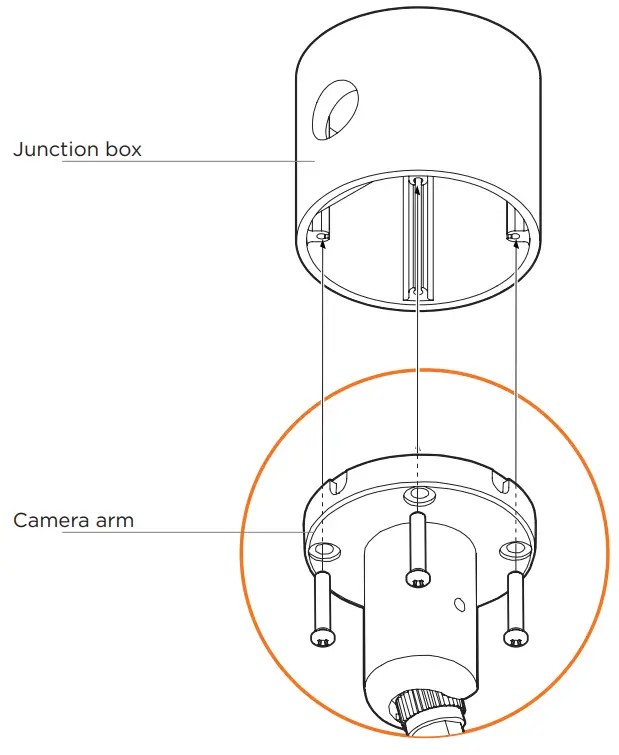
- Using the camera mounting screws included with the junction box, align the orientation of the camera’s installation holes and secure it to the junction box.
Rev Date: 08/21
Copyright © Digital Watchdog. All rights reserved.
Specifications and pricing are subject to change without notice.
Tel: +1 (866) 446-3595 / (813) 888-9555
Technical Support Hours: 9:00AM – 8:00PM EST, Monday through Friday
digital-watchdog.com
 Digital Watchdog l Welcome
 Resources