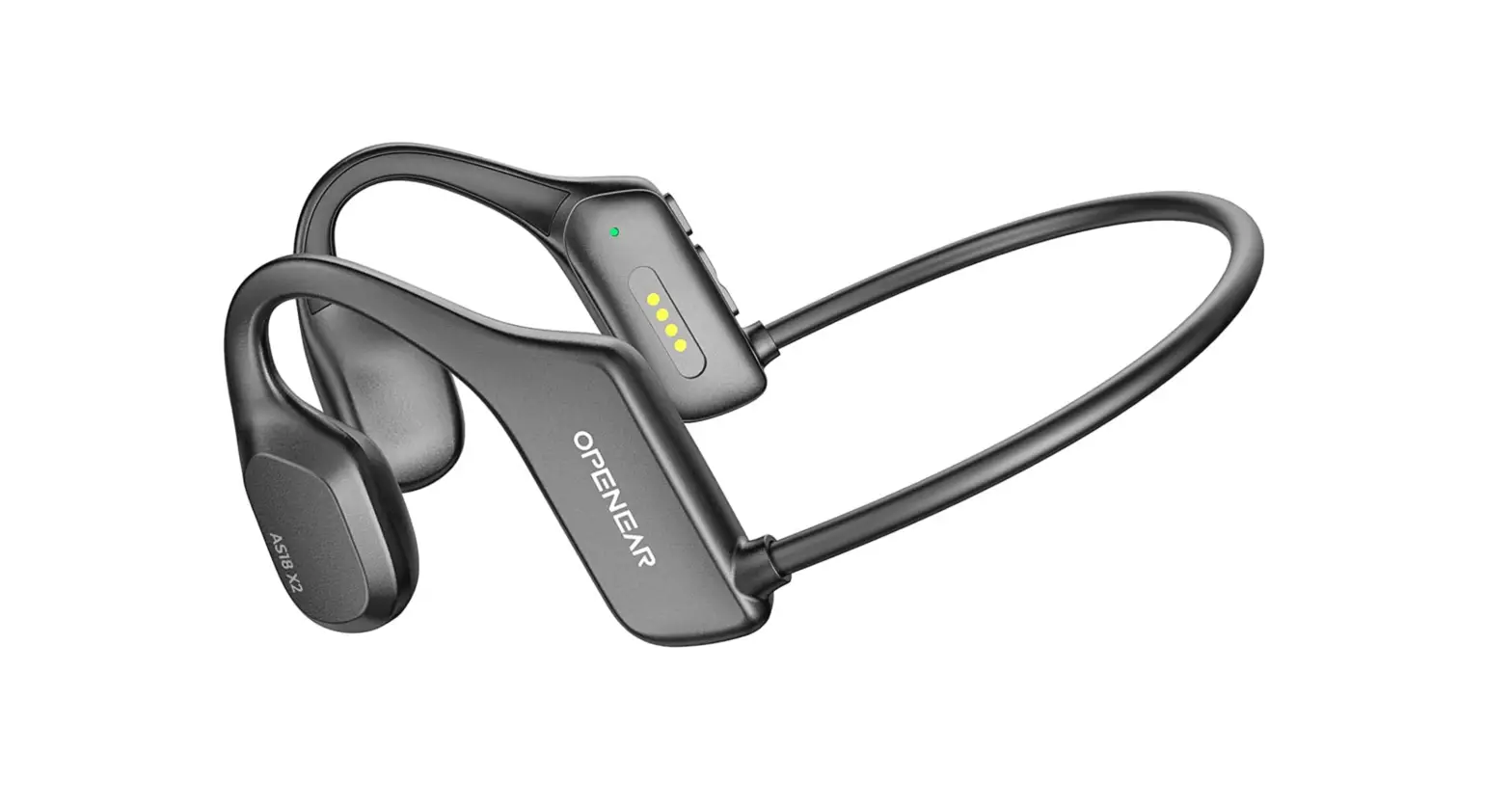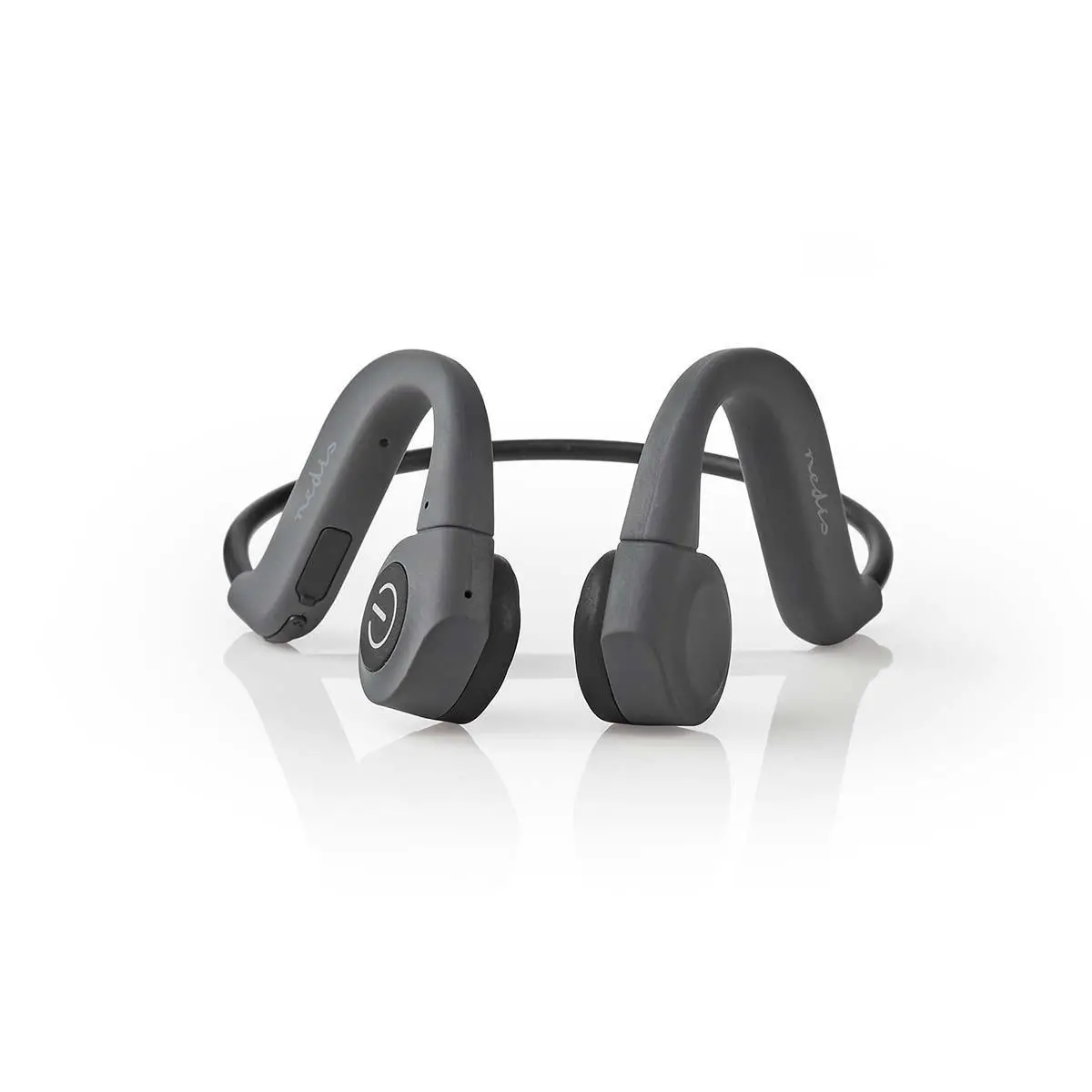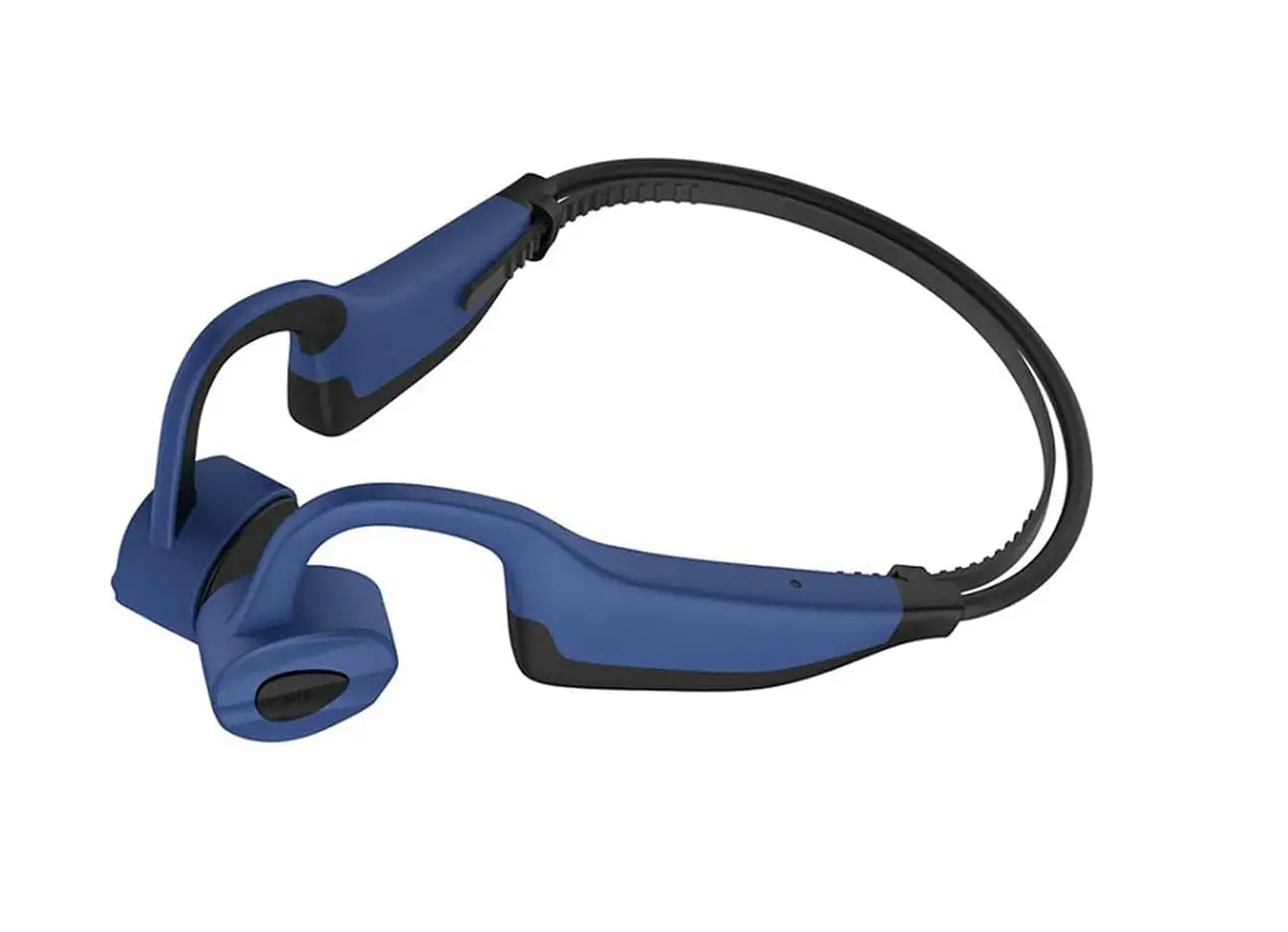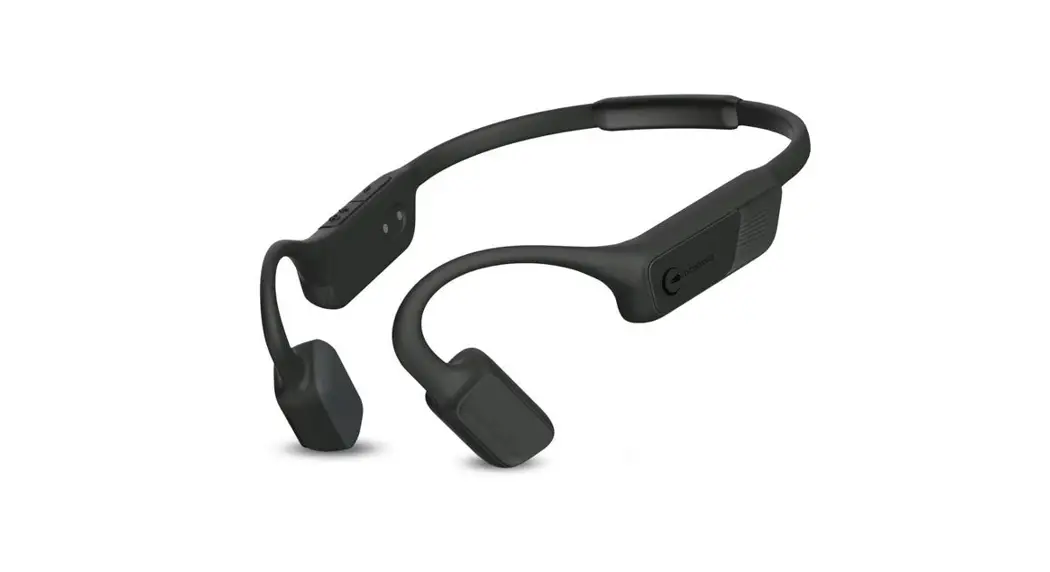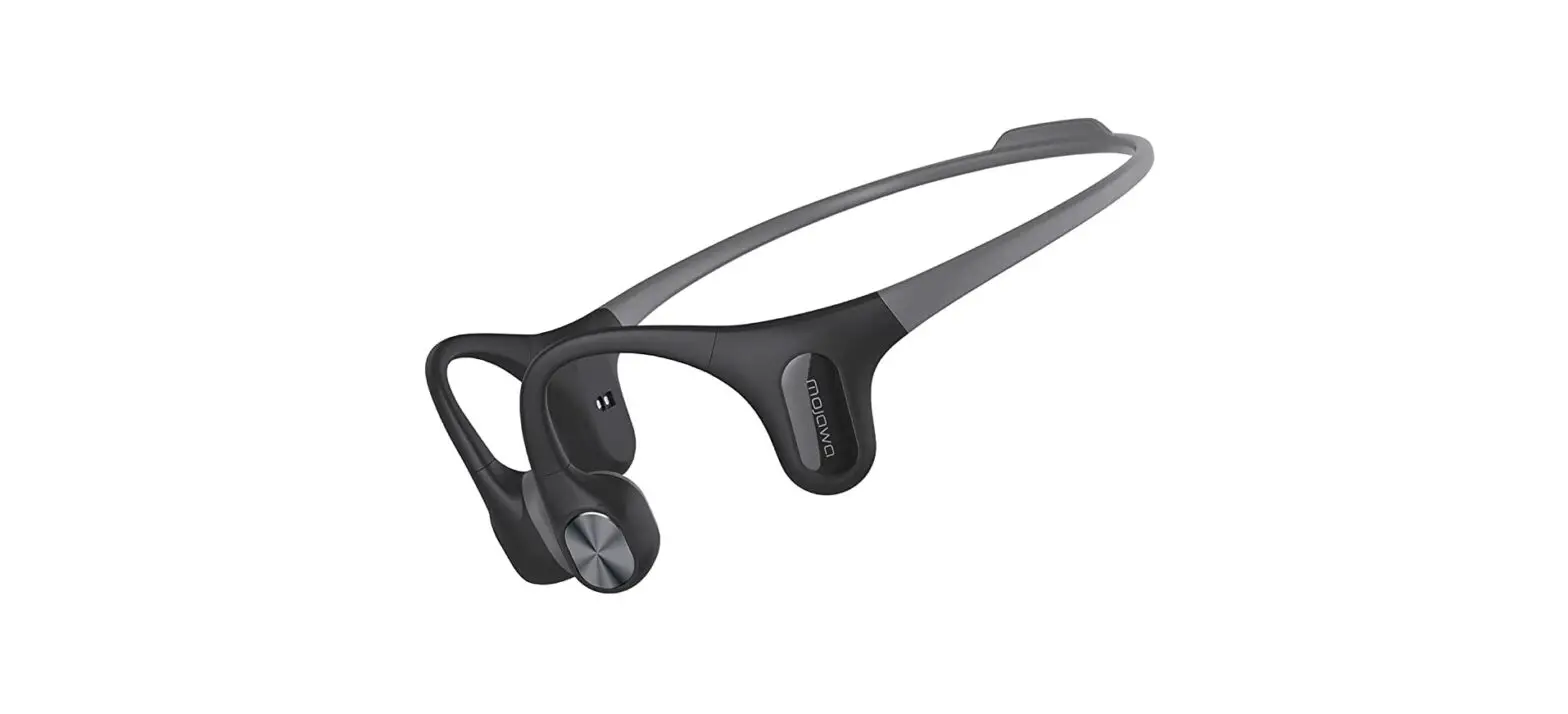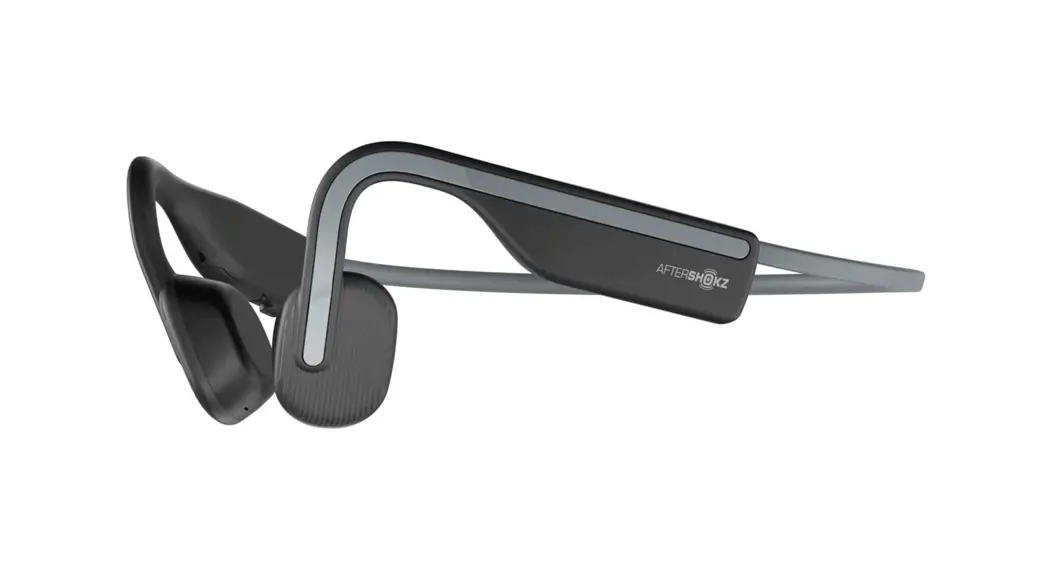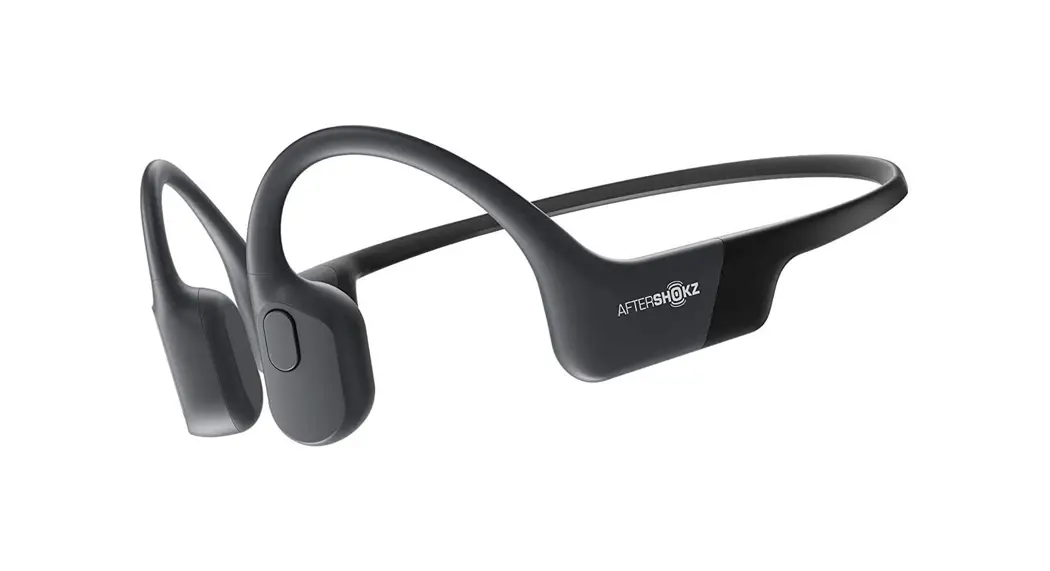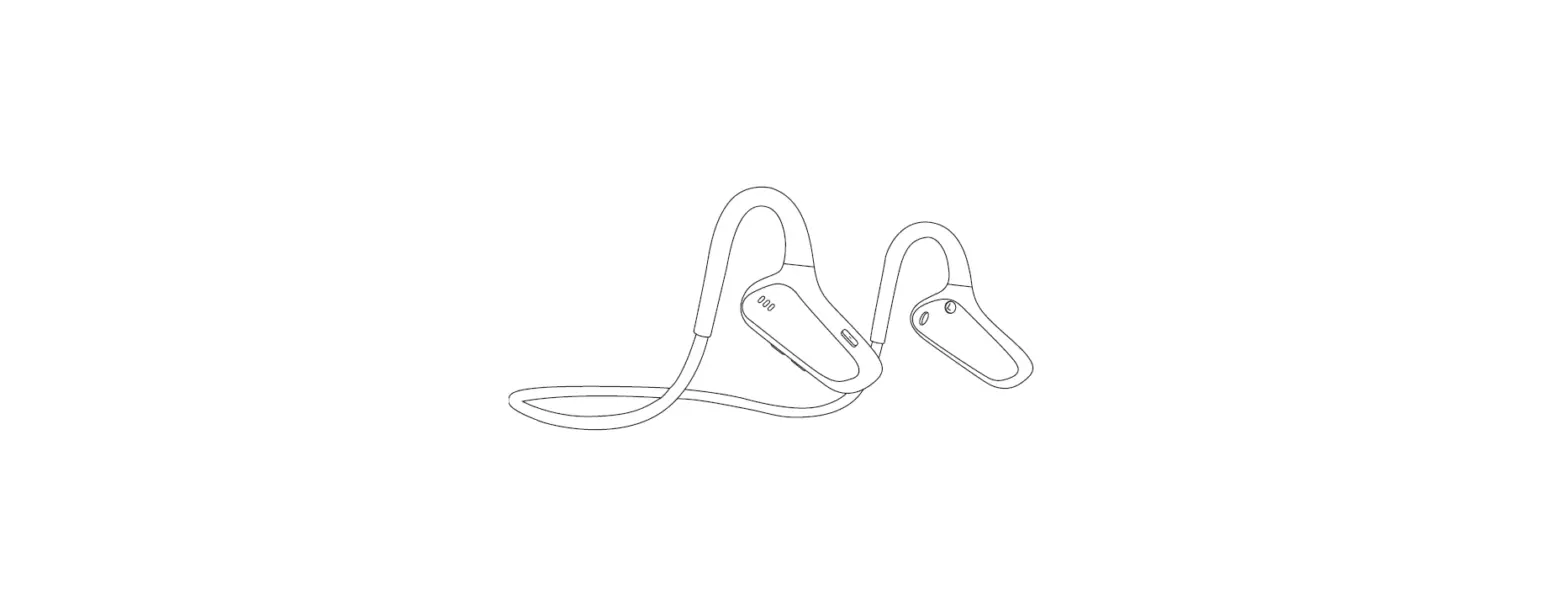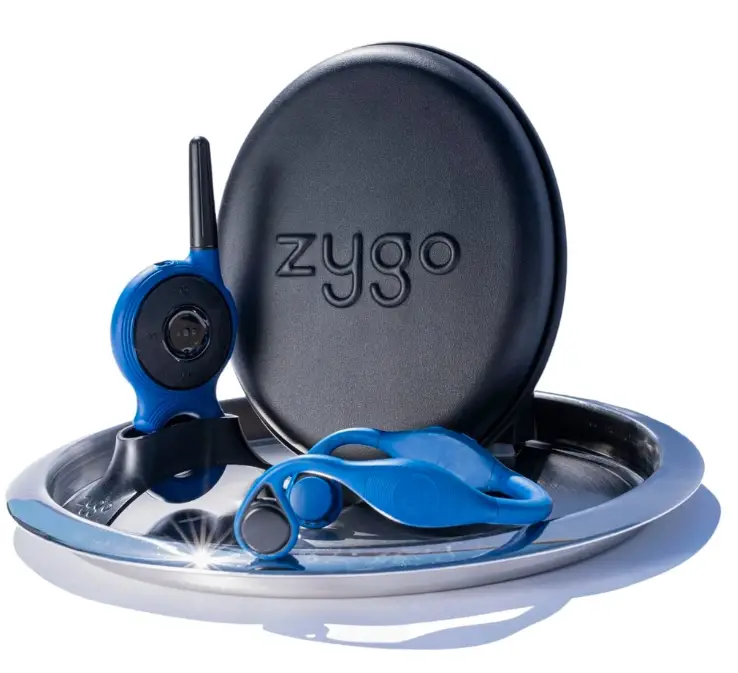

zygo Waterproof Bone Conduction Headset
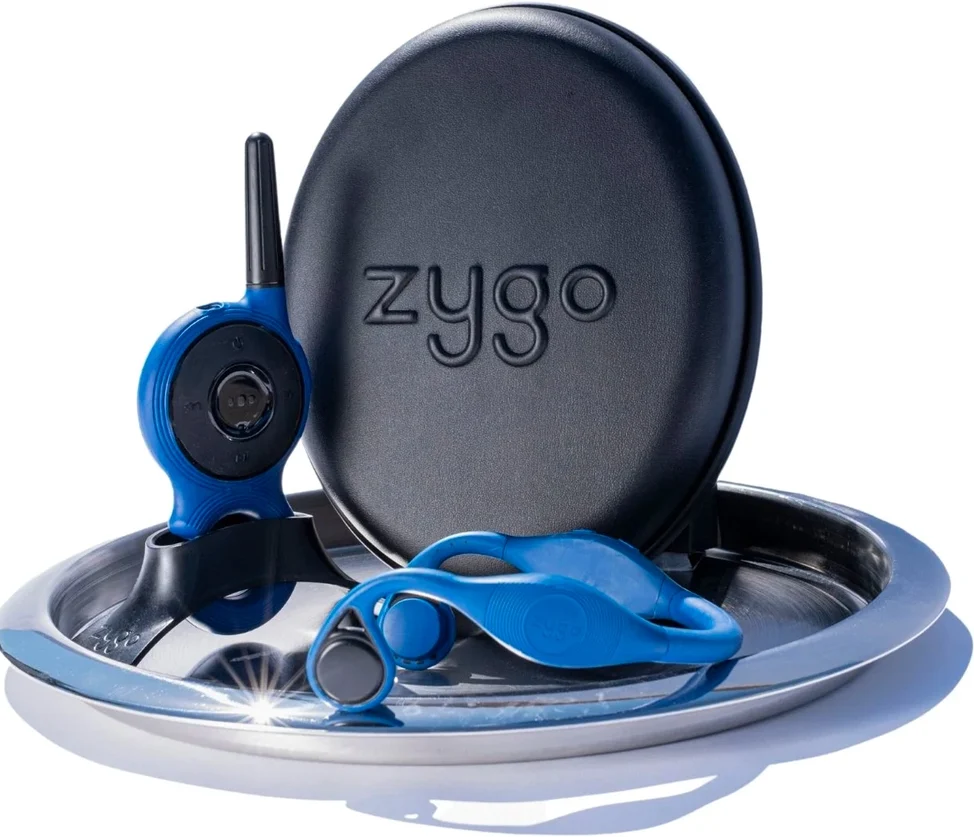
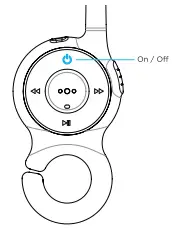
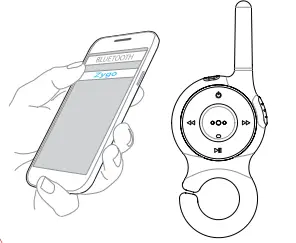
- Place the transmitter next to the headset and turn it on by holding C) for 3 seconds.

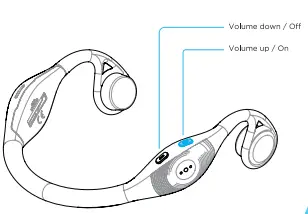
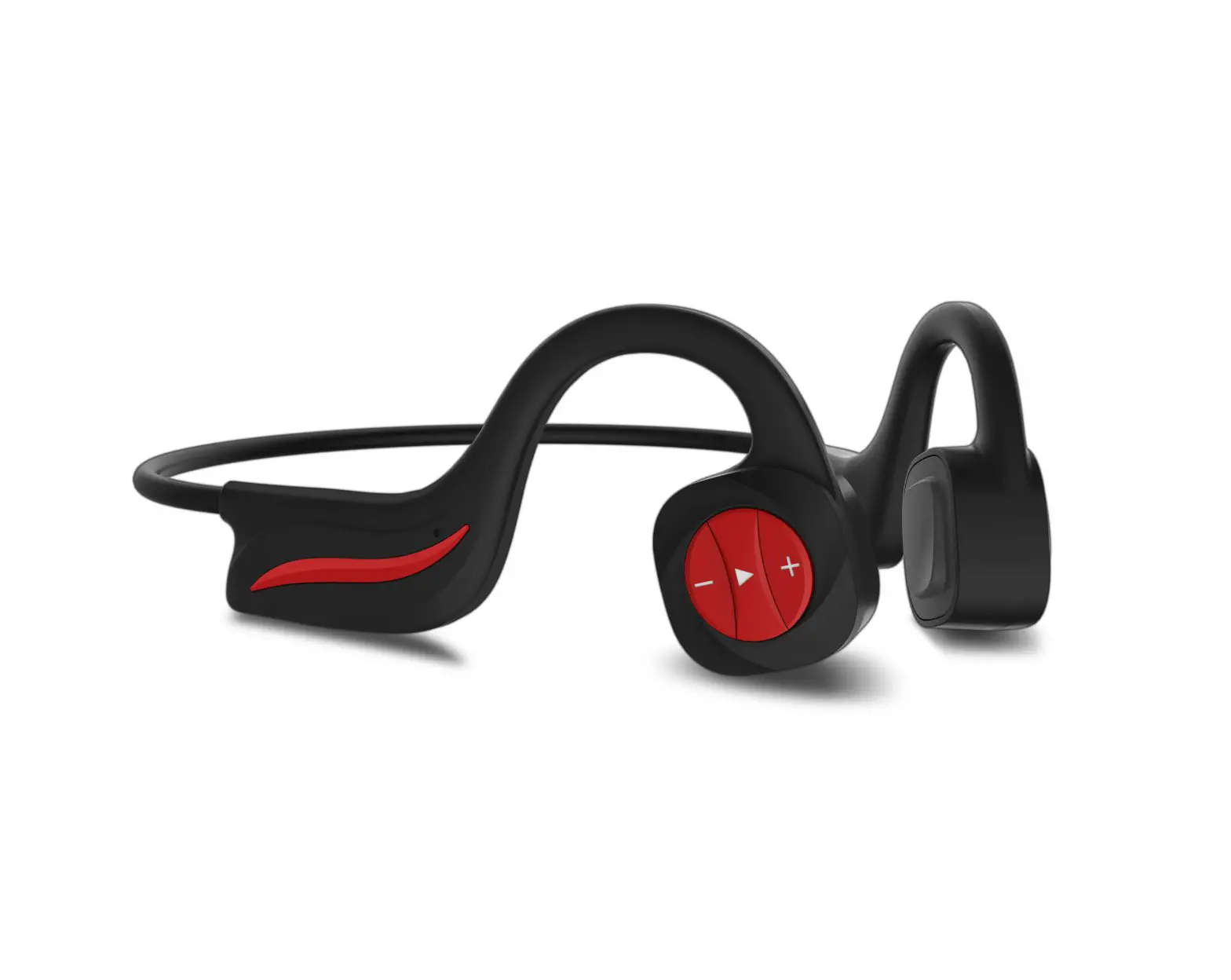
- Turn on the headset by holding+ for 3 seconds.

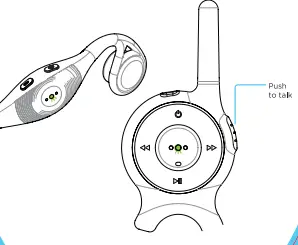
- Blinking green lights indicate that they’re pairing. Solid green lights indicate that they’ve paired.

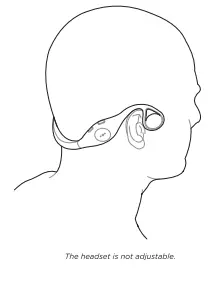
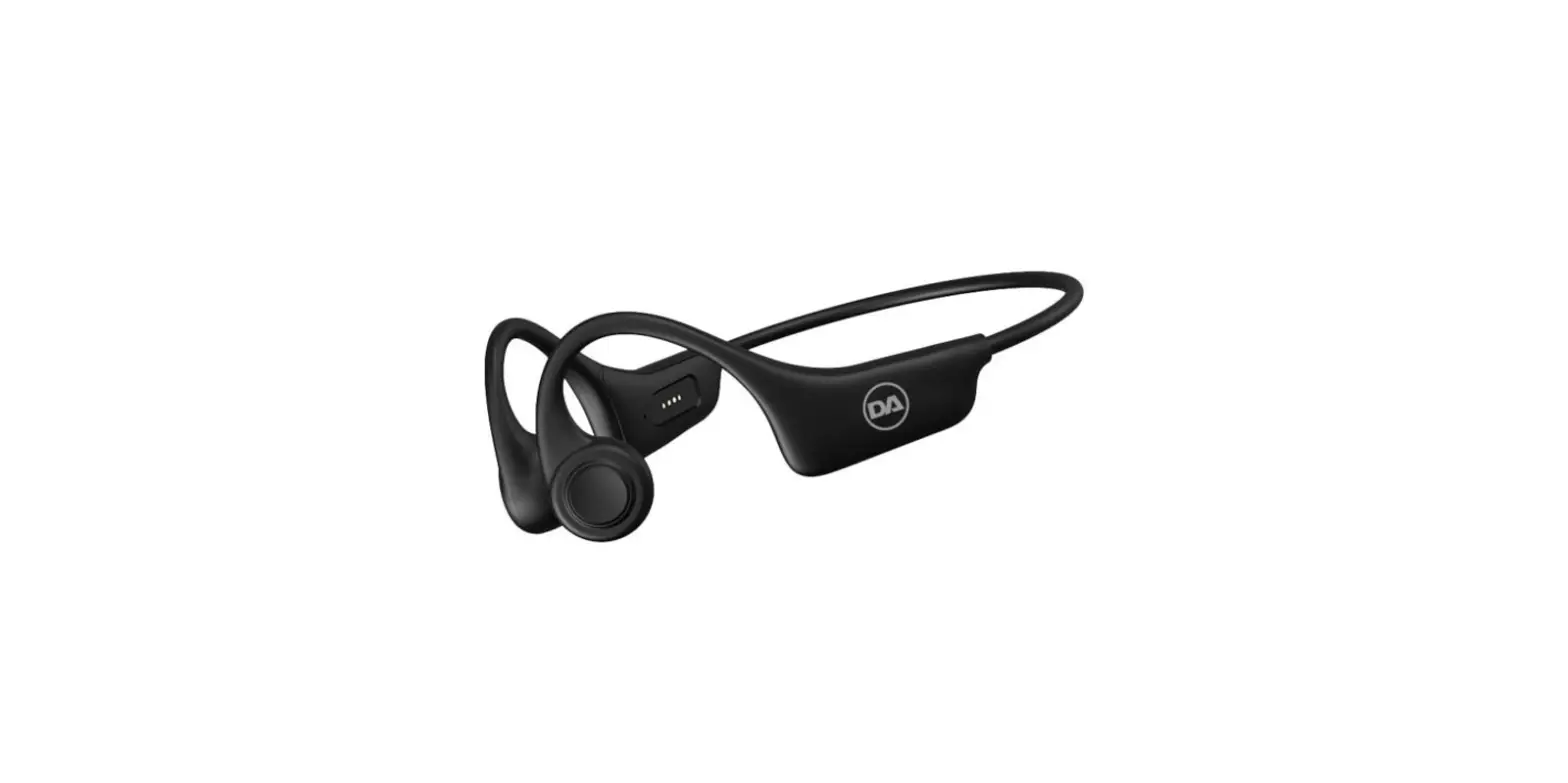
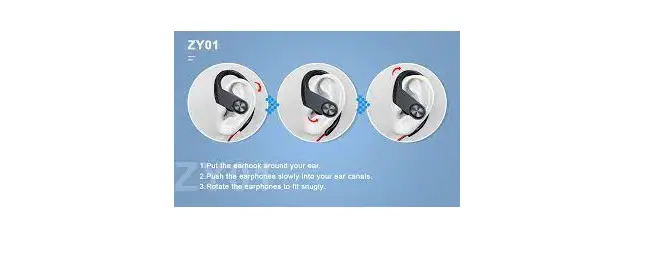
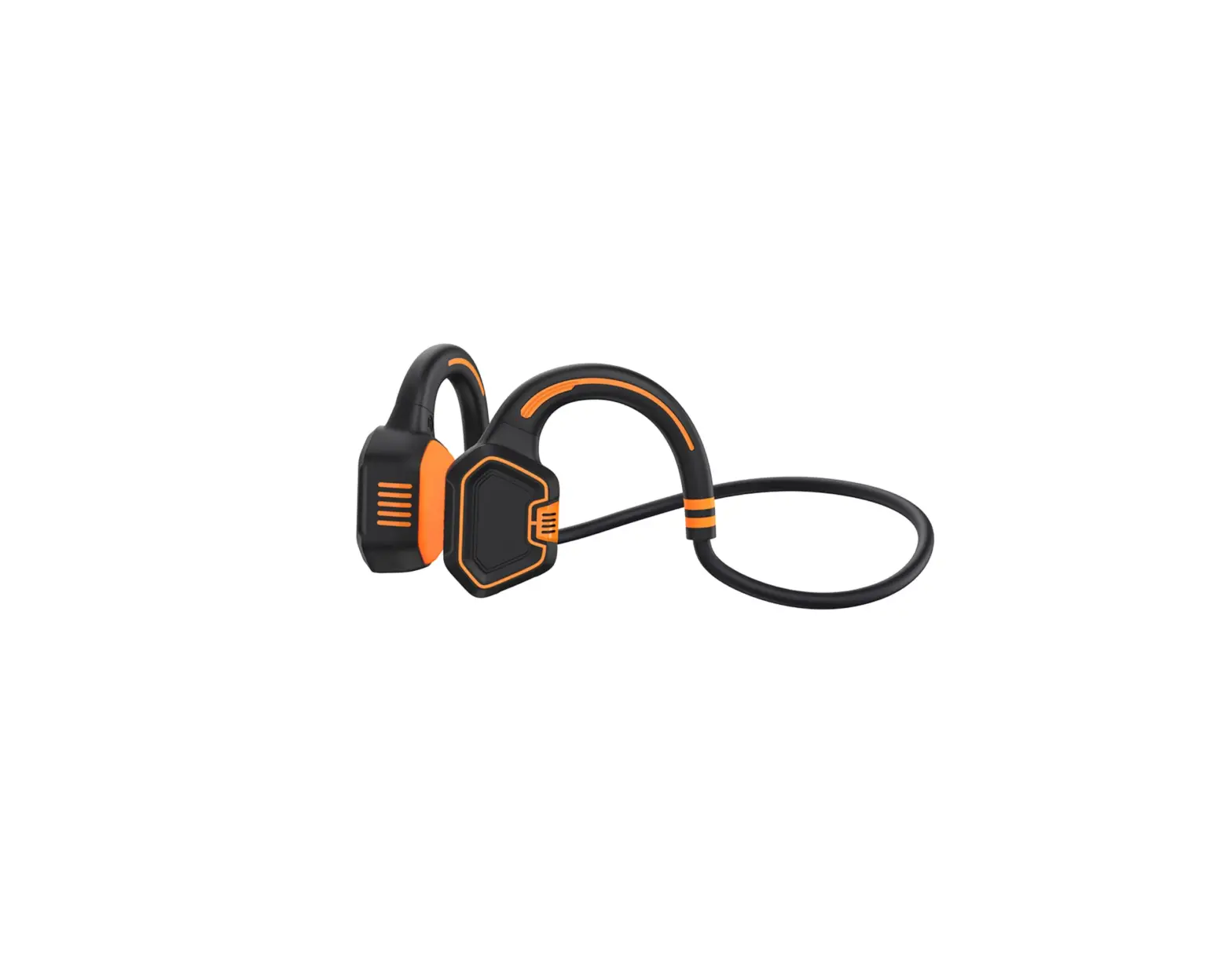
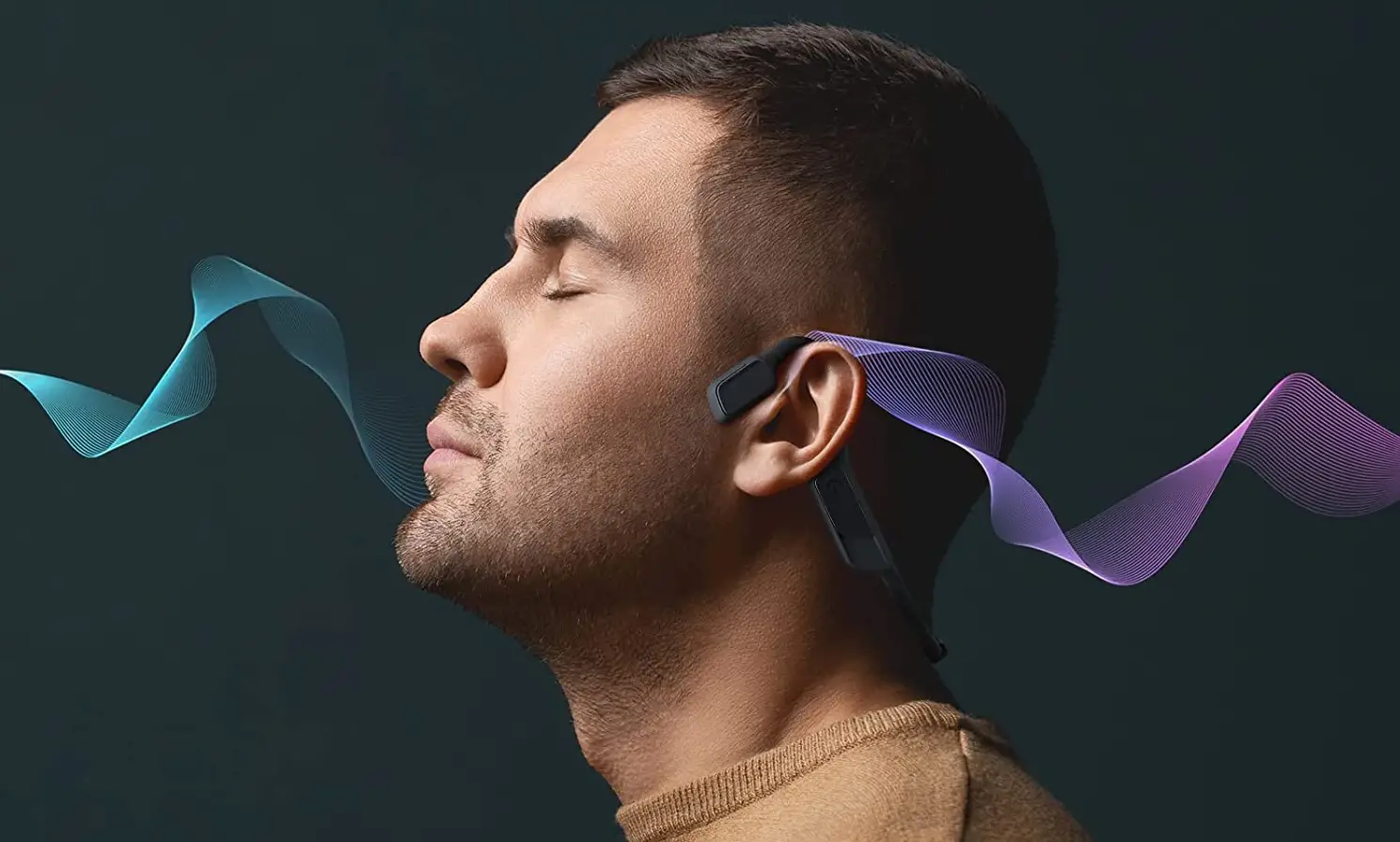
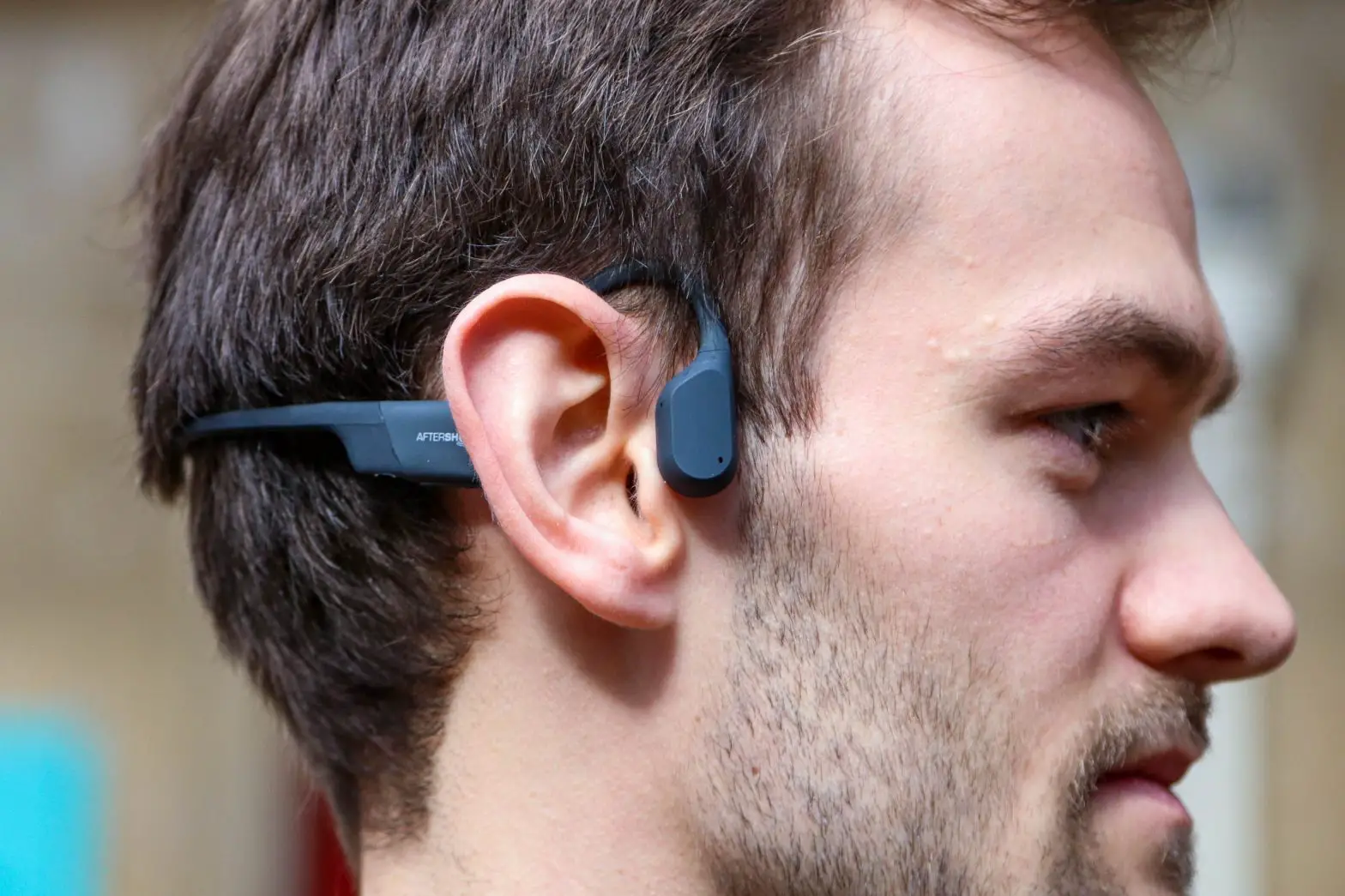
- The headset uses bone conduction. The pads rest in front of your ears, not in them.

- Activate Bluetooth on your phone and select Zygo from the list of devices.

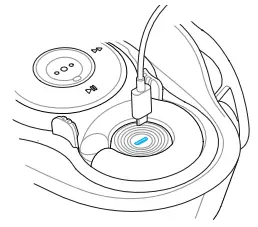
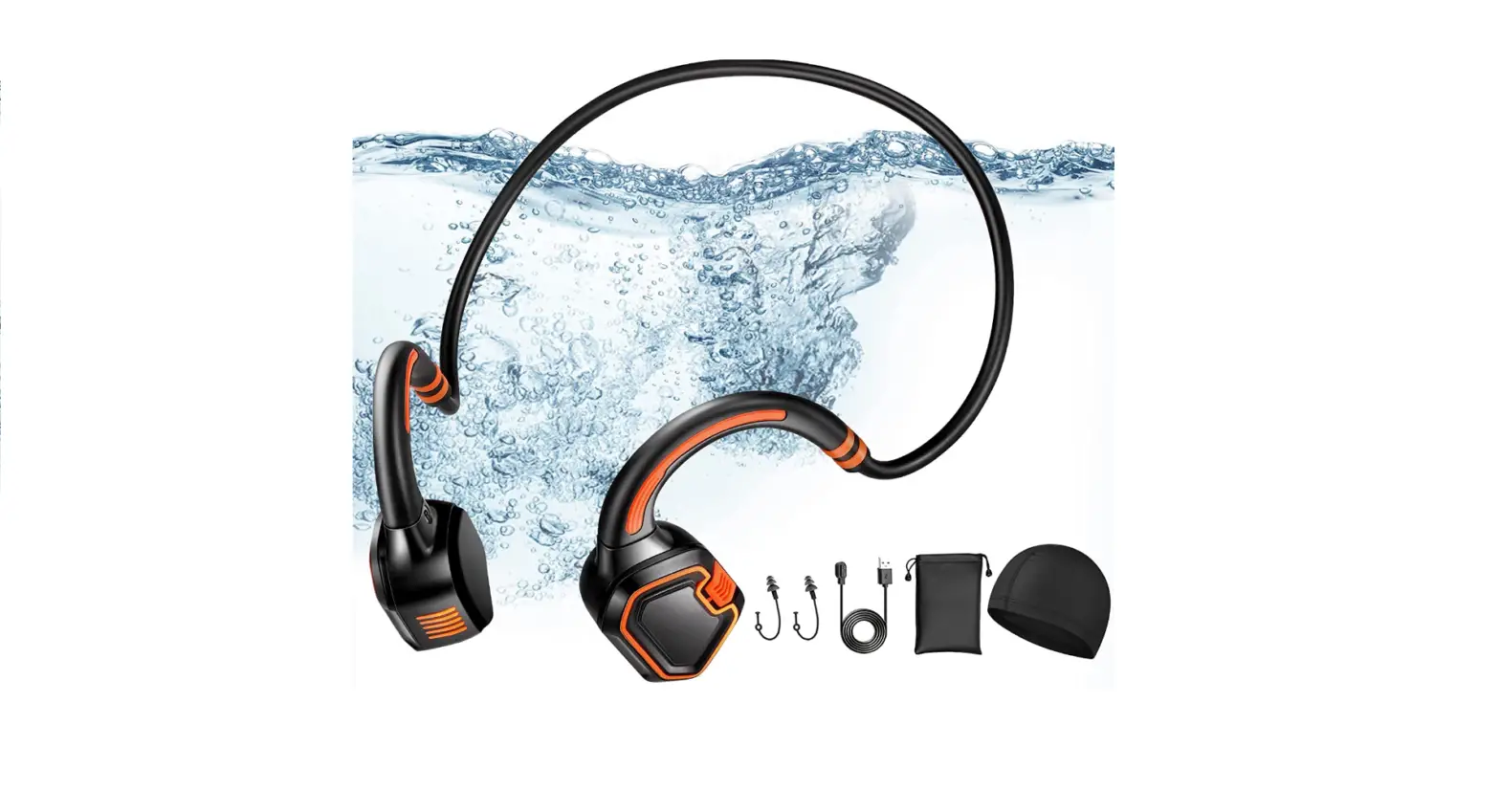
- Charge using the micro USB cable provided. A solid orange light on both units indicates that they’re charging. The orange light goes off when they reach a full charge.