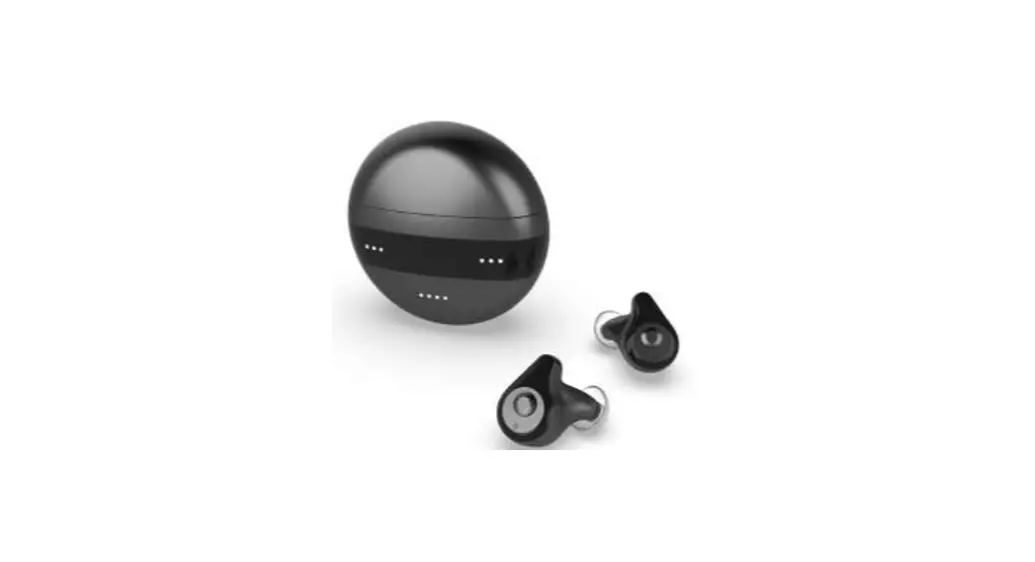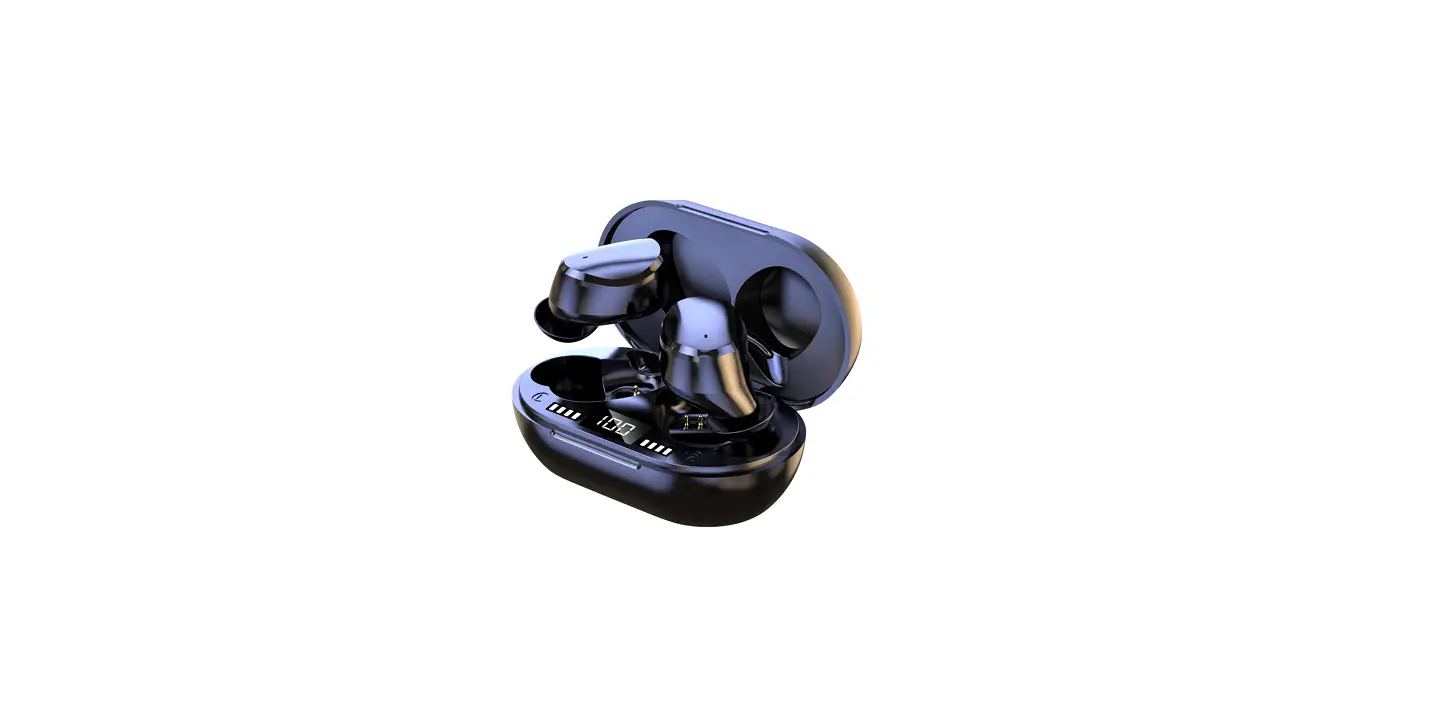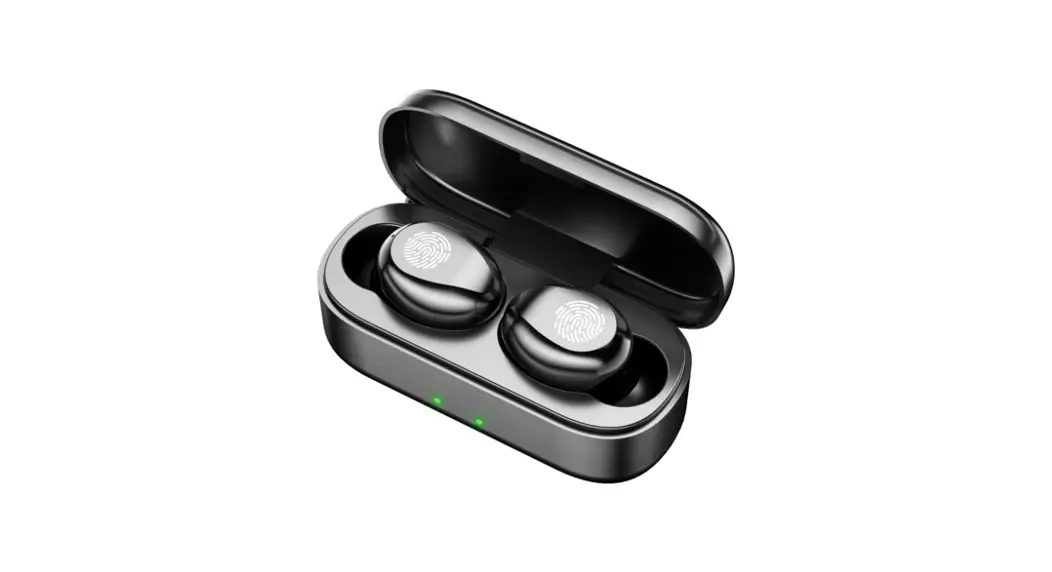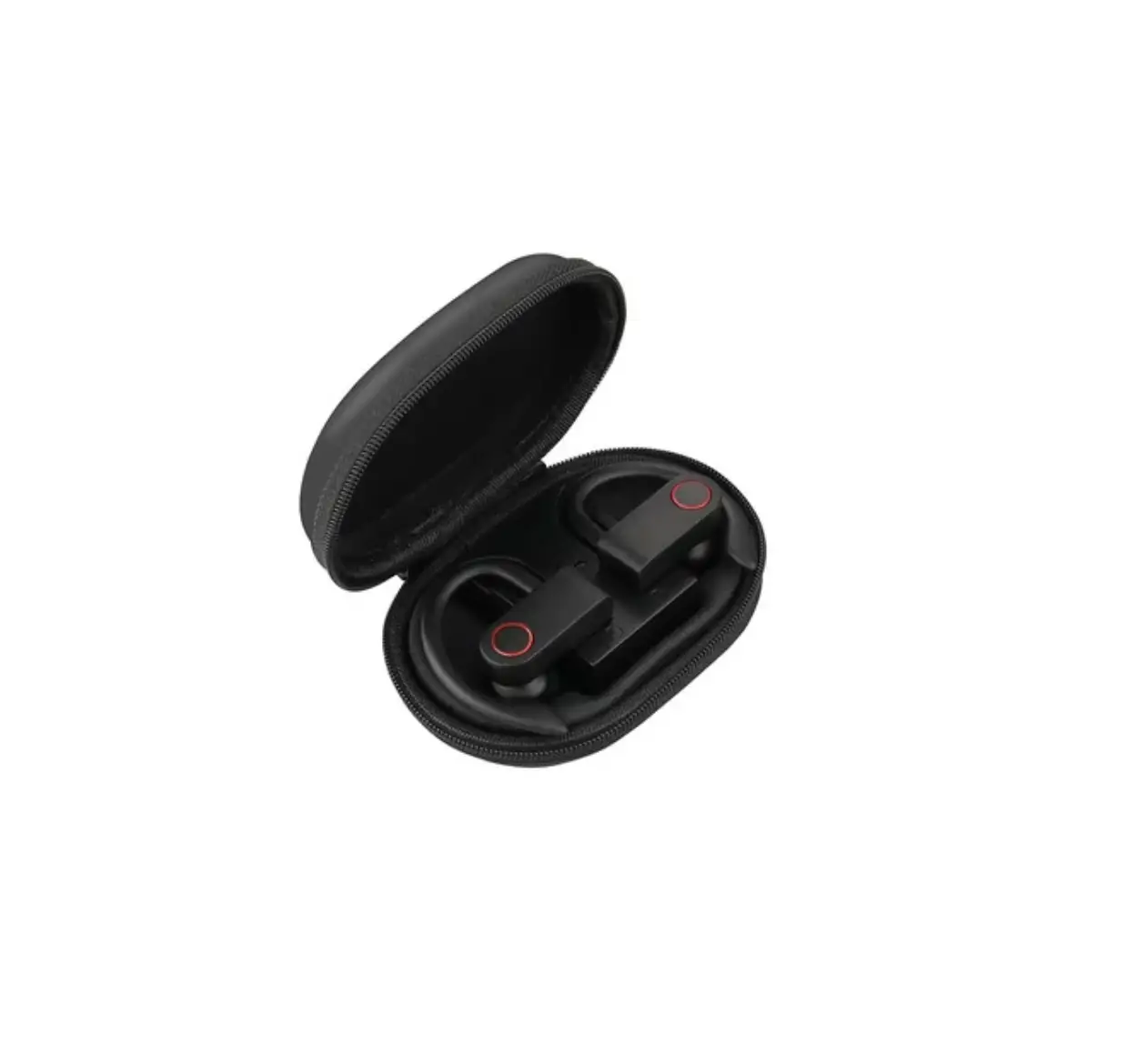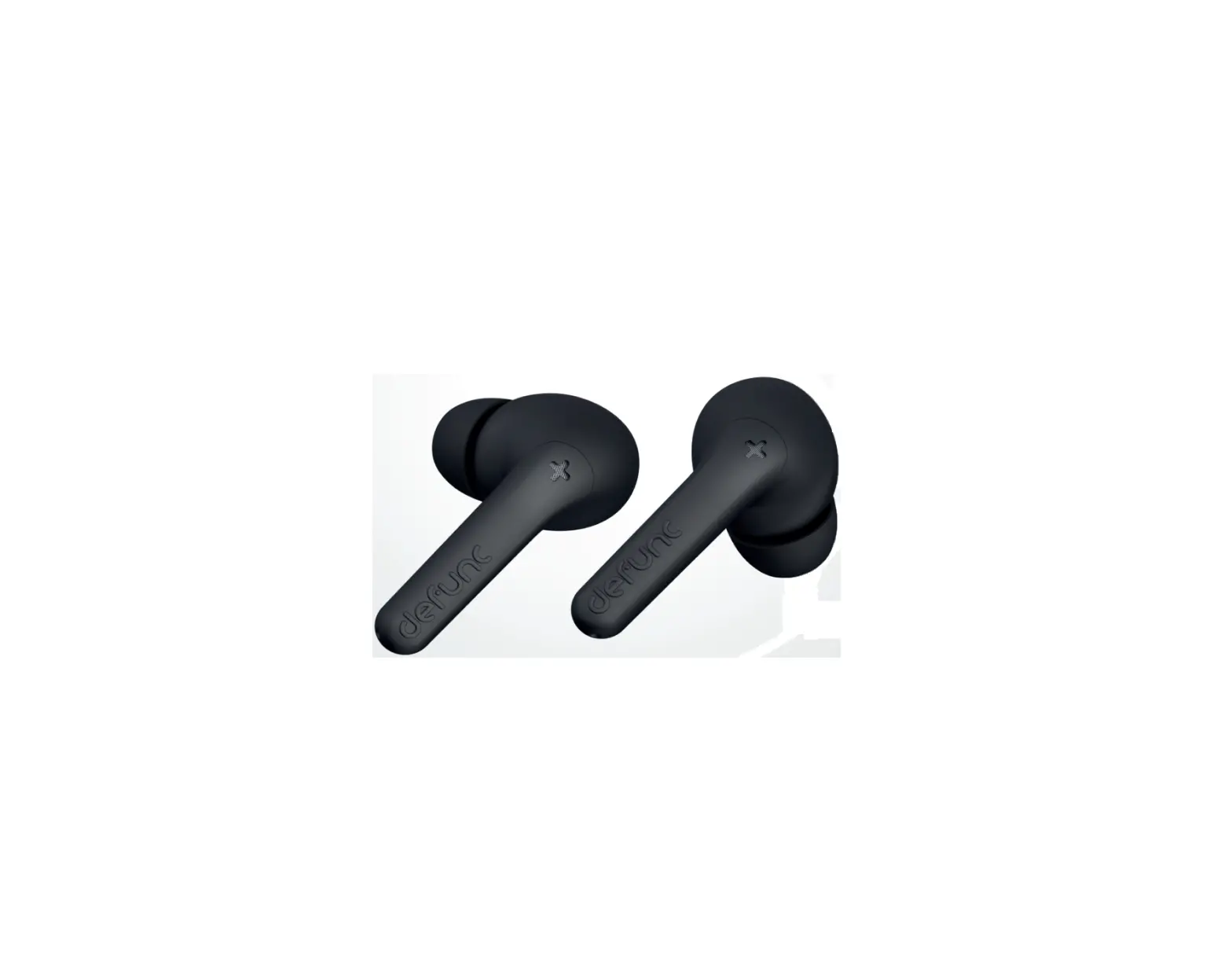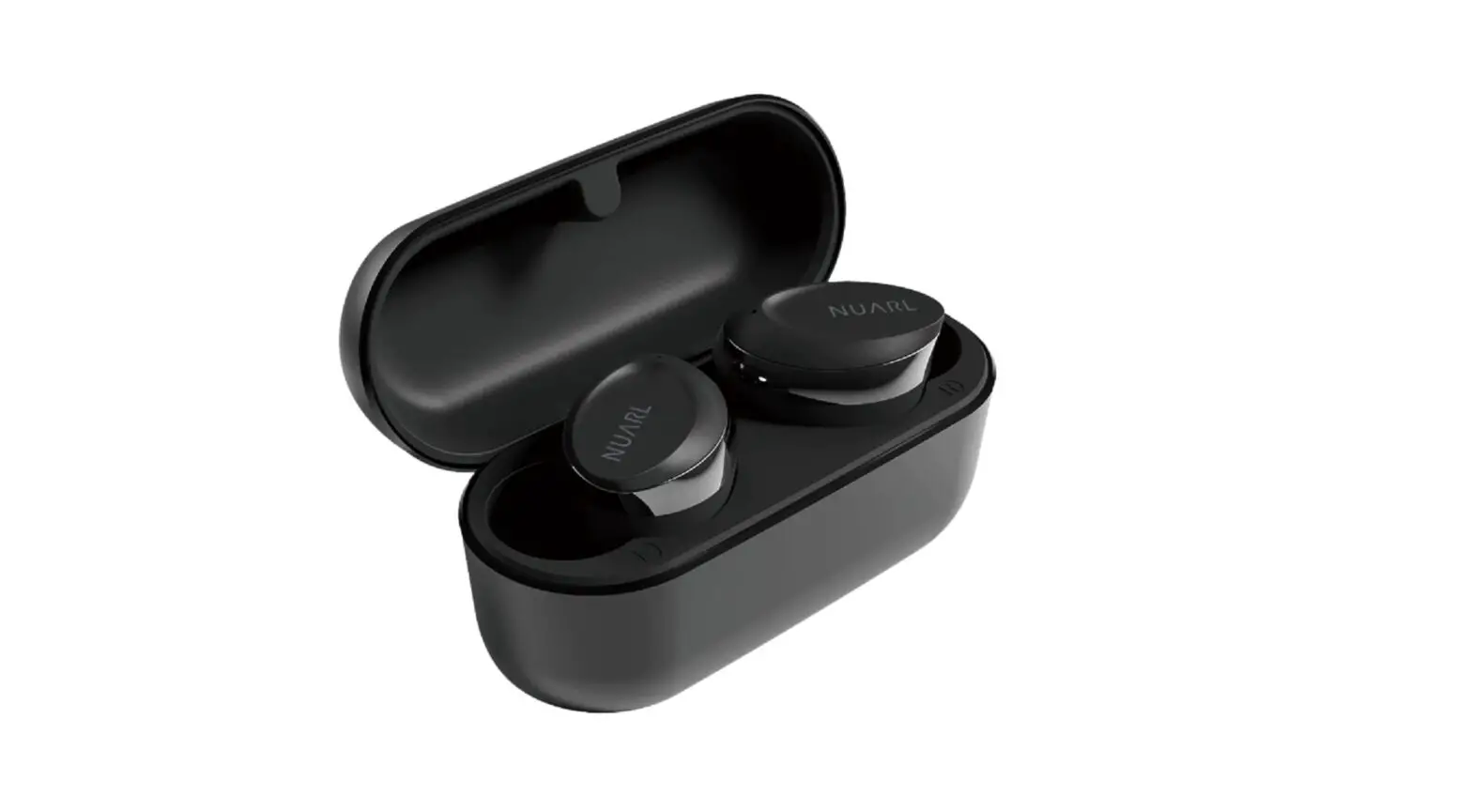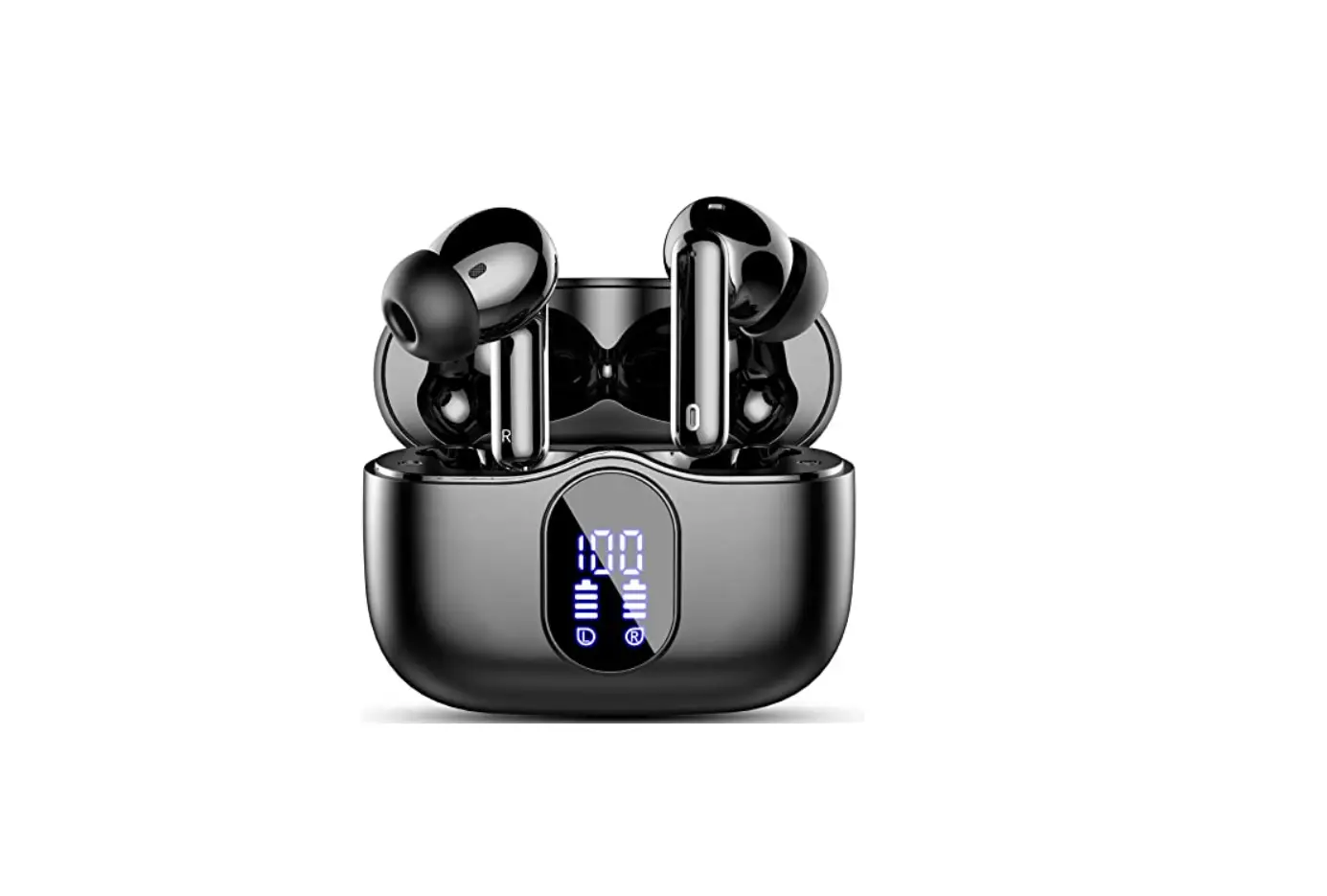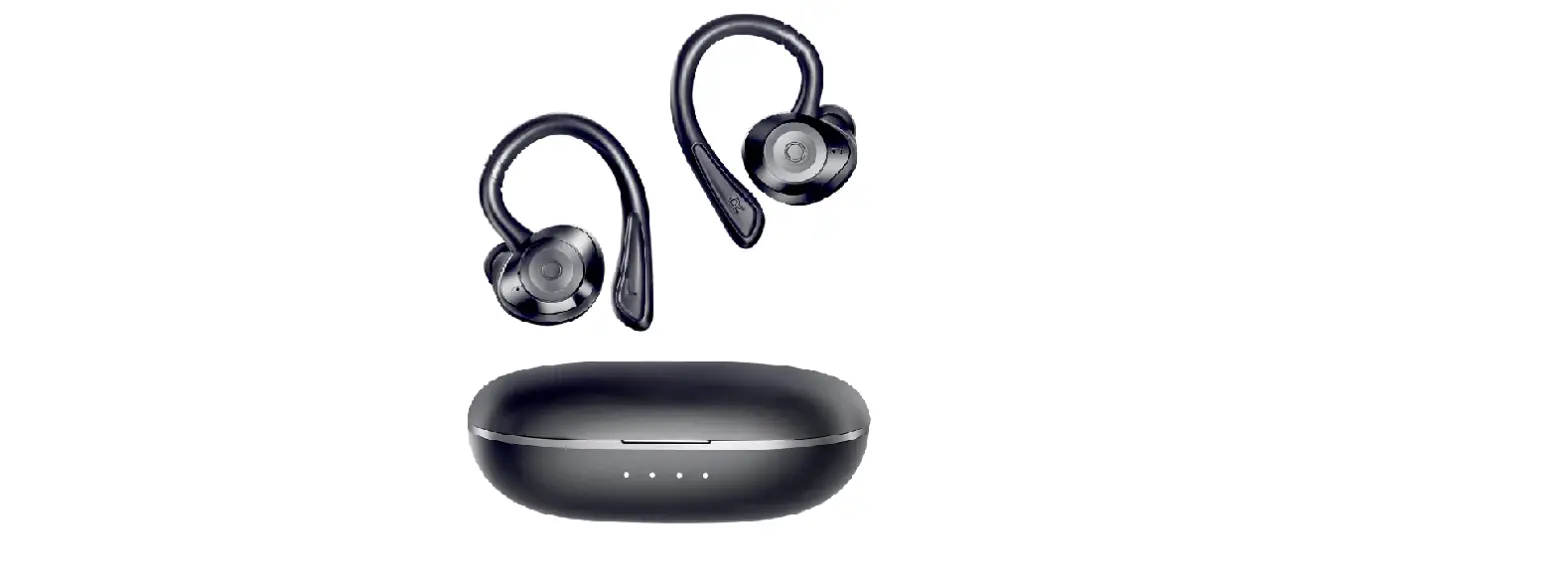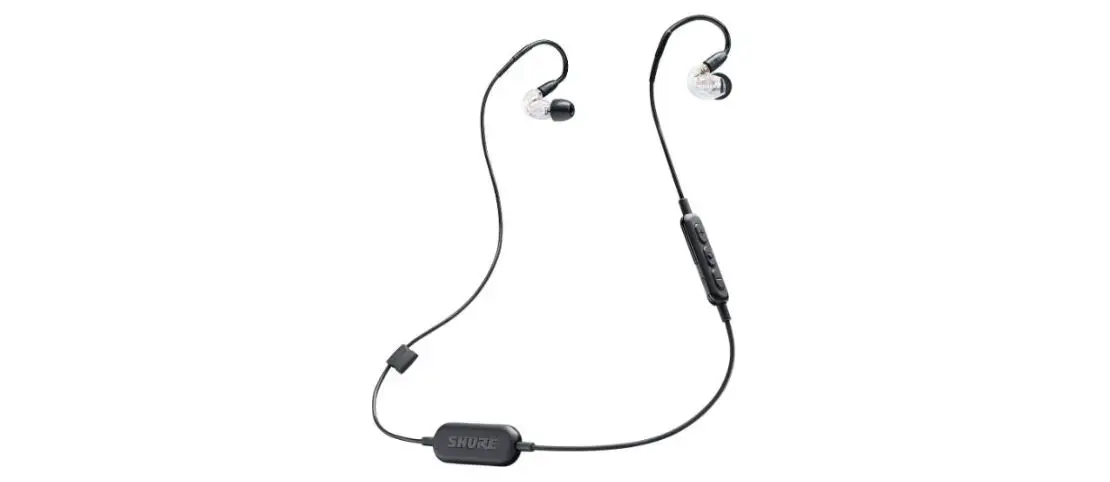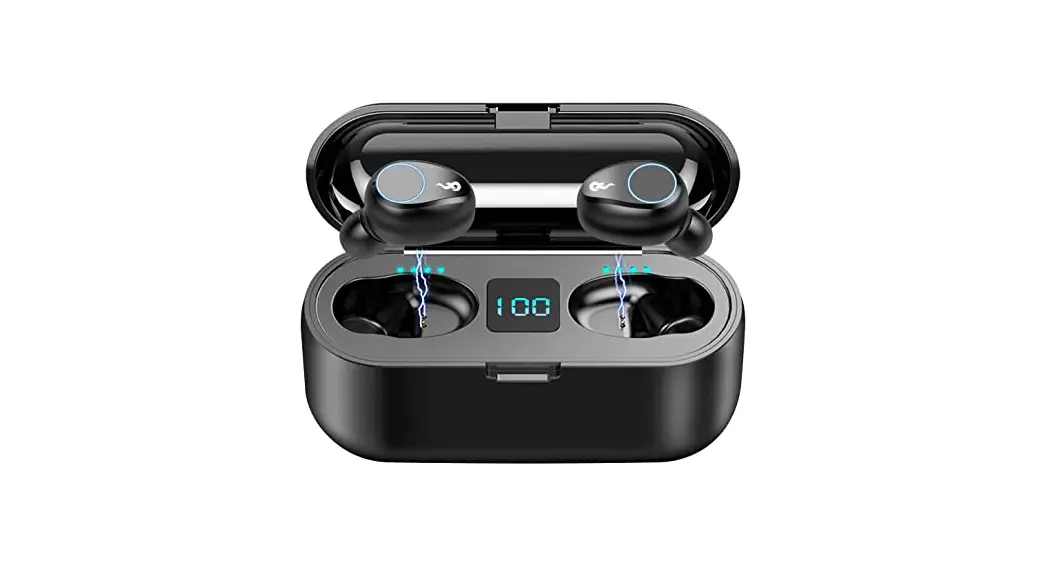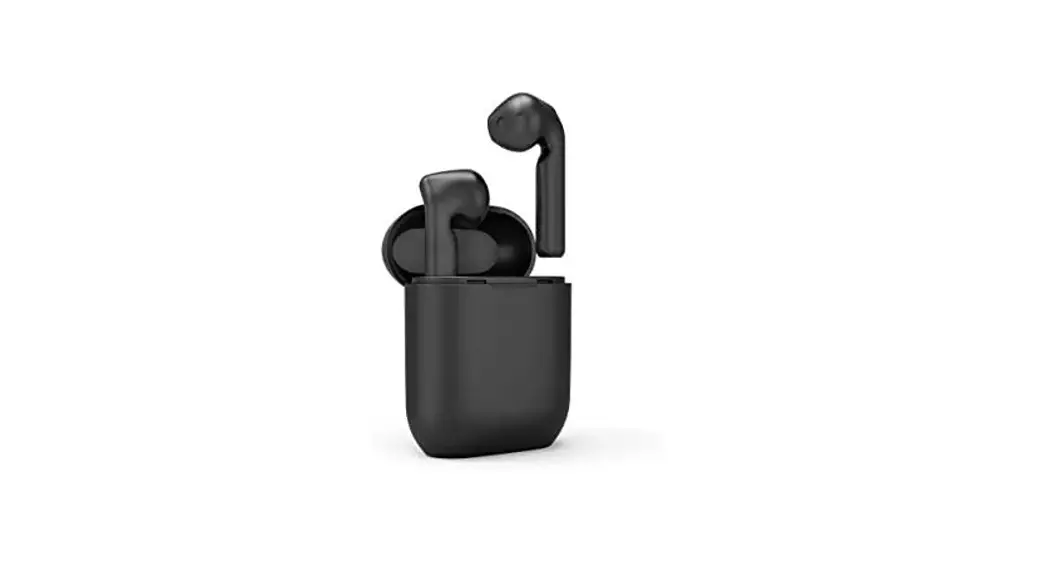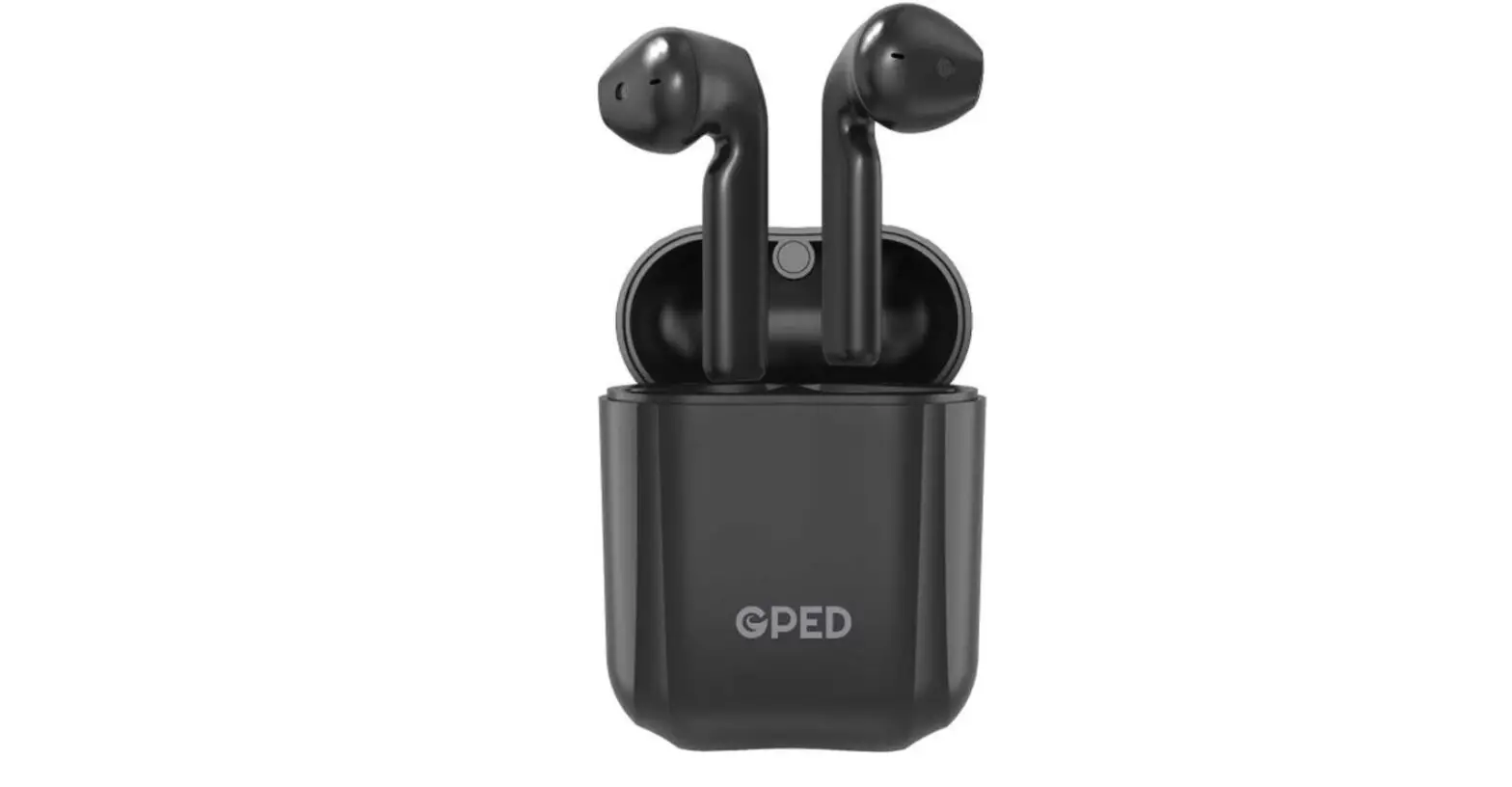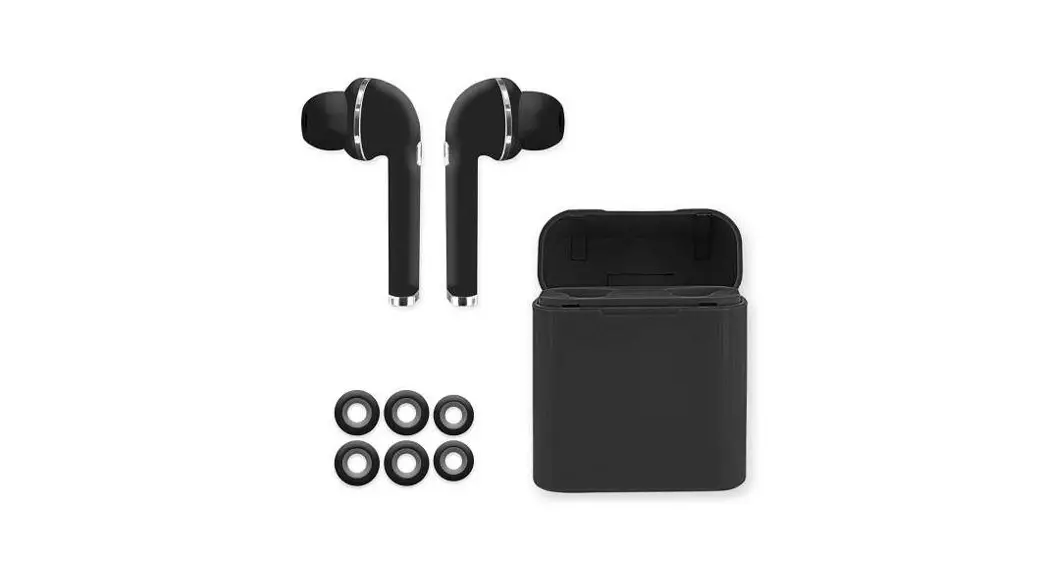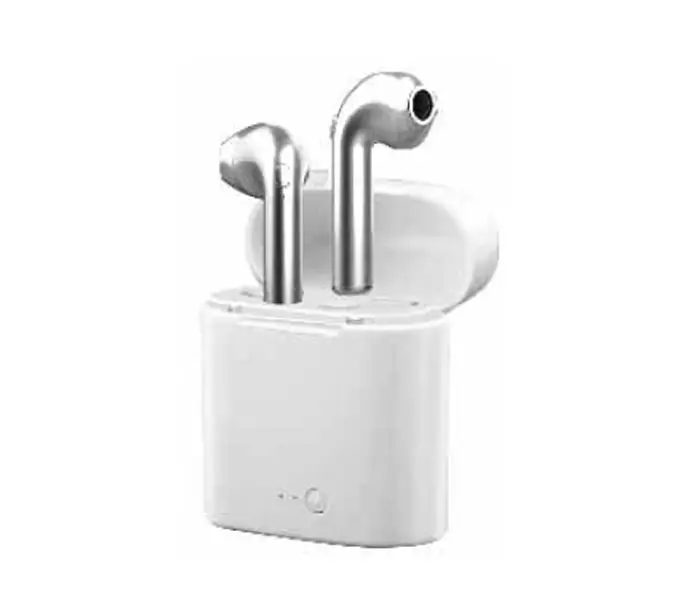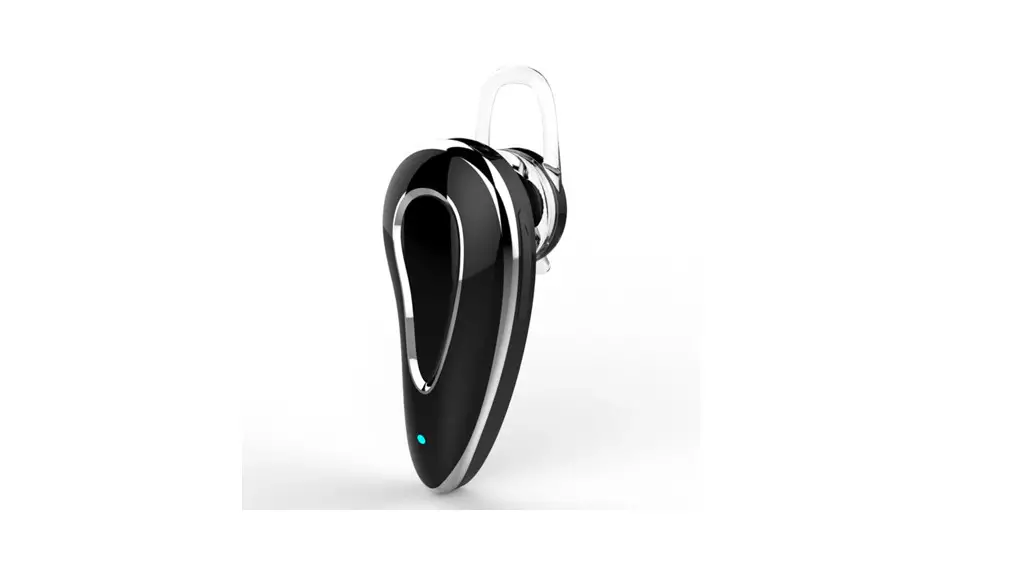
Earphones D9 Series Bluetooth Hearing Devices
User Guide
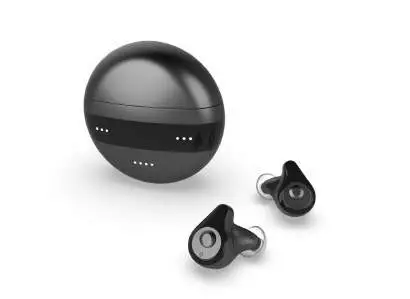
Congratulations
Thank you for choosing a new rechargeable Bluetooth hearing device—the D9 series.
This is a multi-channel digital hearing device. It supports Bluetooth 5.0 By connecting mobile phones and other Bluetooth transmitters, you can easily make calls, listen to music, and watch TV and other audio directly.
With superior sound quality and thoughtful design, when you are familiar with using D900, it will bring you a more exciting world with sound, bless you.
Getting To Know Your Device
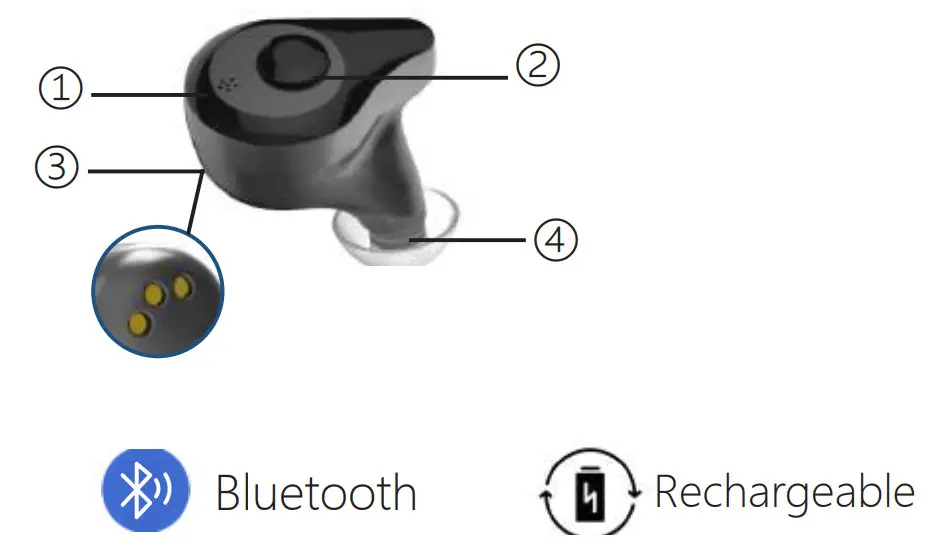
- Microphone
- Volume control/Program switch
- Charging contacts
- Ear dome
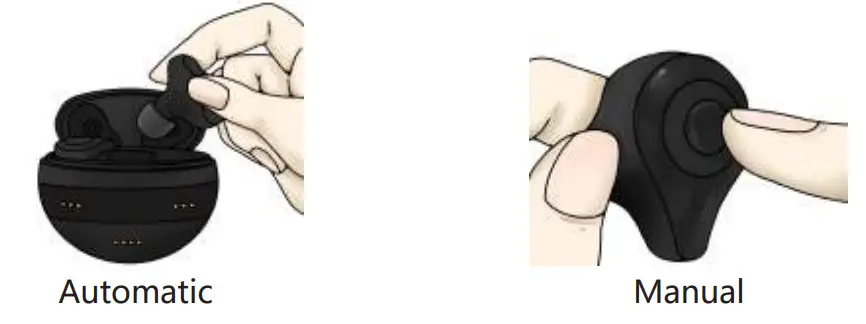
How To Turn On/Off Devices
- Turn on
– Automatic: take it out of the charging box;
– Manual: press and hold the VC button for 5S to turn on. - Turn off
– Automatic: put it back in the charging box;
– Manual: Press and hold the VC button for 5S to turn off.
Adjusting Volume Levels
- When in amplifier mode:
– Short press the VC button on the device to adjust the volume levels
– Volume levels change in cycle, such as1…5…10…1…5…10.
- When in Bluetooth mode:
Volume levels need to be adjusted on your phone.
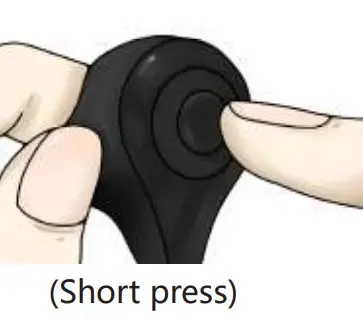
Tips: You will hear a SINGLE beep when the volume is adjusted.
DOUBLE beeps when the volume limit has been reached.
How To Change Programs
Long press the VC button on the device for 2s to change programs. Programs change in cycle, such as 1-2-3-1-2-3
- P1: General Hearing Mode
- P2: Noise Reduction Hearing Mode
- P3: Outdoor Hearing Mode you will hear the beep(s).
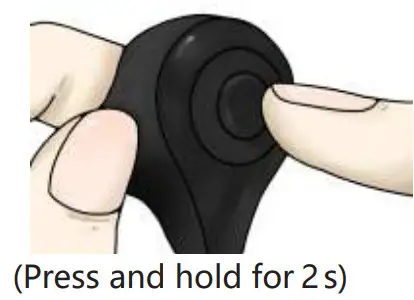
Tips: Devices will remember the setting that was used last time.
Programs Introduction
| 3 Programs | Environment | Alert |
| P1:General Hearing Mode | In a constant quiet environment like at home having a conversation with people. | Beep |
| P2:Noise Reduction Hearing Mode | In a noisy restaurant have a conversation with the people beside you. | Beep, beep |
| P3:Outdoor Hearing Mode | In a loud place with a limited noise level around you. | Beep, beep, |
How To Wear The Device
- Hold your hearing device with your thumb and forefinger.
- Gently insert the device into your ear canal.
- Gently push the hearing device into your ear until it feels comfortable in your canal.
- Make sure you insert the device as quickly as possible to avoid feedback.

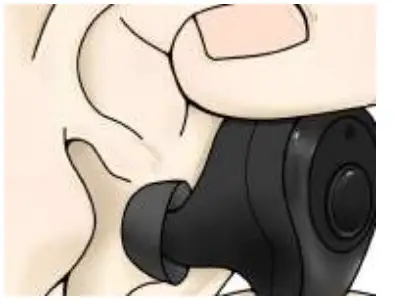
Tips:
- To help wear, you can pull the outer ear backward and upwards with the opposite hand.
- The device would whistle for a while until the ear tip feels secure and tight.
Pair With Mobile Phone For The First Time
- Take the hearing device out of the charging box.
- Turn on the Bluetooth in your phone settings to allow the phone to communicate with the device.
- You can wear it normally after pairing successfully.
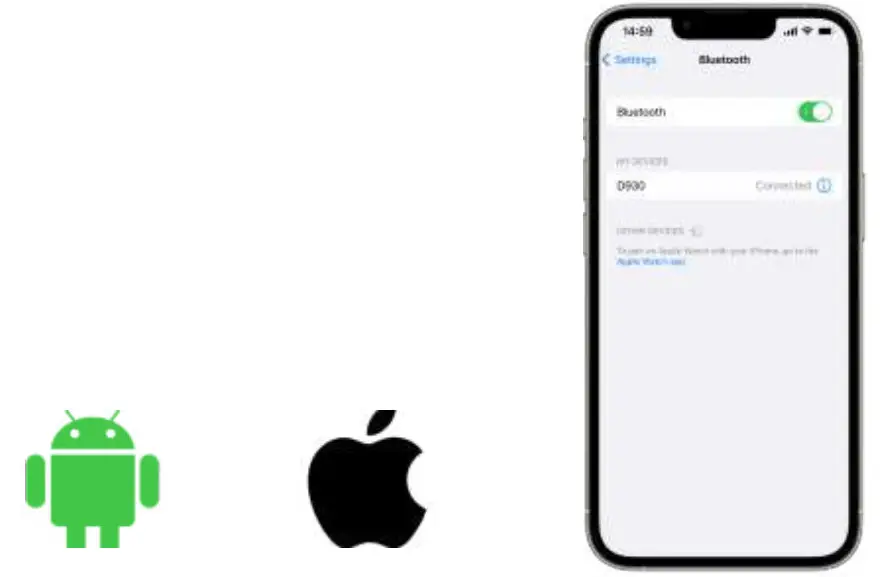
Tips:
The First connection requires manual pairing, and the second and subsequent connections are automatic connections (if the phone is difficult to connect, please connect manually).
When the mobile phone is not connected within 3 minutes after the signal search, the Bluetooth function will be turned off.
If the connection fails, please close the Bluetooth page and open it again.
How To Make Calls And Listen To Music
After completing the pairing, wear your hearing devices.
- Answer the call: short press the VC button on one device to answer the call or press the answer on your mobile phone.
- Hang up the call: short press the VC button on one device to hang up the call or hang up on your mobile phone.

After completing the pairing, wear your hearing devices.
Open the music/video on the mobile phone and play it, and then you can hear the music/video.
- Stop playback: short press the VC button to stop or stop on the phone, and then the devices will automatically switch to amplifier mode.
- Replay: the Bluetooth connection is successful, play the audio again on your phone, and you can listen to music through hearing devices again.
Prompt Tone
- Turn off devices: POWER OFF;
- Bluetooth connection is successful: CONNECTED.
- Bluetooth disconnected: DISCONNECTED.
- Low voltage prompt: LOW BATTERY
Tips:
After the Bluetooth connection is successful.
- When you have been wearing hearing devices, Bluetooth will always be connected.
- When you turn off the hearing devices manually or put them back in the charging case, the Bluetooth will disconnect.
- When you turn on the hearing devices manually or take them out of the charging case, the Bluetooth will automatically connect again.
Charging Box
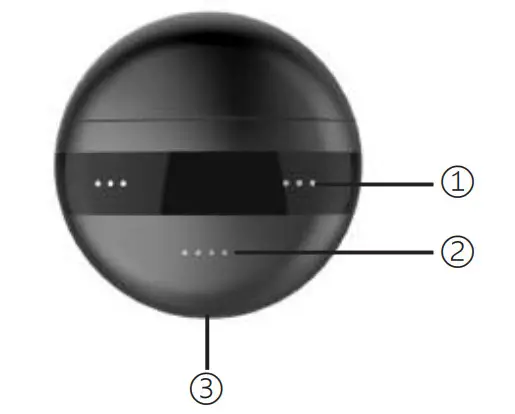
- Power Indicator
• Charging: white
• Discharge: white
• Full charge: light off - Devices Charging Indicators
• Charging: Breathing light white
• Full charge: lights off - Type-C charging interface
Tips:
It takes 2-3 hours for a pair of devices to be fully charged, and the charging case will stop charging automatically.
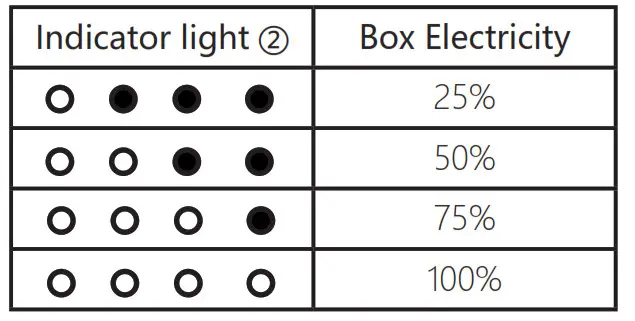
Charging The Hearing Devices
- This product includes hearing devices and a charging case.
- Before using the hearing devices for the first time, it is recommended that you charge it for 3-4 hours.
- The hearing devices have a built-in and non-removable rechargeable battery.
- The charging case has a built-in and non-removable rechargeable battery.
- Be sure to keep the devices dry before charging.
- Please make sure to charge and use the hearing devices in the operating temperature range: +5° to +40° C (41° to 104° F).
Battery Reminder
- When the mobile phone is paired with Bluetooth, the hearing device function and the Bluetooth audio function exist at the same time, and they are automatically switched according to the user‘s operation needs.
- When the battery is low, the Bluetooth connection function will automatically disconnect and notice: low battery, please charge. At this time, the hearing device function can still last for about 10-30 minutes, and then the hearing device function is completely closed.
- The charging box of this product has a power storage function. It is recommended to maintain sufficient power for the power storage function to ensure the long-term battery life of the hearing device.
Hear Better In 4 Steps
STEP 1: Dome size
A right-size ear dome would feel secure and tight in your canal.
STEP 2: Programs
Choose the right program for your environment.
STEP 3: Volume
Slowly increasing the volume as needed.
STEP 4: MAINTENANCE
Clean your devices regularly and replace the ear dome as needed.
Maintenance
- Daily maintenance of your hearing devices
After taking off the hearing devices, clean earwax and debris from the device’s ear dome sound outlet and the microphone using the provided cleaning brush. - Weekly maintenance
Wipe the charging case and hearing devices body with a soft lint-free cloth. Cleaning the charging contact on devices and charging case with the provided cleaning brush. - Quarterly maintenance
Replace the device ear domes every 2-3 months.
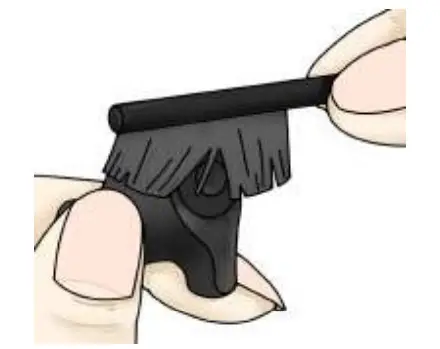
Changing Ear Dome
Removing the domes
- Pinch the body of the device, and turn the dome upside down.
- pinch under the dome and wiggle slightly to pull it off the device.

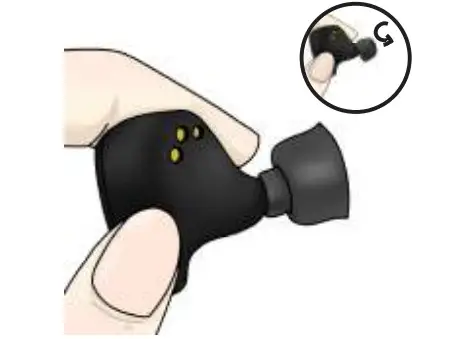
Installing the domes
- Title the ear dome head at 45° .
- Fix the ear dome on the device.
- Press the ear dome head clockwise with your thumb until putting it on.

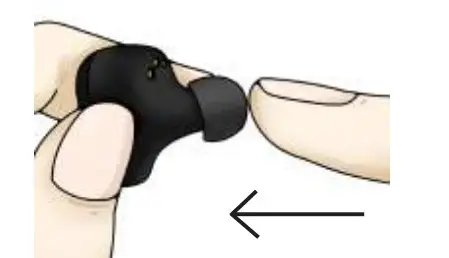
TIPS:
- Whistling/feedback occurs when amplified sound leaks out of the ear and returns to the device microphone and is re-amplified.
- If you experience feedback at higher volumes try changing a new dome with the right size for you.
- For optimum performance, replace the ear tip every one or two weeks.
Any blockage inside your ear, like ear wax, can cause a feedback reaction. - Avoid physical shock like dropping your device on a hard surface.
Avoid exposure to moisture or heat. Store in a cool, dry place.
Trouble Shooting
SYMPTOM | POSSIBLE CAUSES | SOLUTIONS |
| No Sound | Volume too low | increase volume if the volume control is available |
| The device is not charged | Place charging the hearing device until the indicator is lit in white color | |
| Microphones are clogged | Clean out any debris from the mic holes | |
| Ear Domes clogged | Clean out any debris from the ear domes | |
| Voices are low, very weak, or unclear | Low battery | Place the devices into the charging base to charge |
| Ear Domes are too loose | Choose a suitable size ear dome, wear it correctly. | |
| Earwax in ear dome | Clean out any debris from the ear domes and receiver area with the cleaning brush | |
| Hearing has changed | Contact your physician to report any sudden drop in hearing | |
| Bluetooth connection | The hearing device cannot connect to your phone, or take a long time to connect | Make sure that your headphones are not connected to other devices, and that your device is not connected to other Bluetooth devices. |
| 1. Put the devices into the charging case and take out them. 2. Long press the button on the device for 5s to turn them off. Turn them on again. 3. Forget D930 on your smartphone’s Bluetooth setting. And then connect devices again. | ||
| Your hearing device is connected to another phone | Turn off Bluetooth on another phone. It will immediately disconnect your hearing device from the phone. To reconnect your phone again | |
| Bluetooth connection is not stable and causes some interruptions | Try shortening the distance between your hearing device and device. Avoid solid barriers in between. | |
|
Hearing devices whistling in the charger | Incorrect orientation | Ensure the USB cable is connected to the Charging base plugged into power. The base power status lights will blue to indicate charging. |
| Charger battery depleted | Reposition your hearing devices in their slots, ensuring the contact points are touching the charge points in the base. | |
| After the hearing device is connected, the hearing device indicator is not lit | Poor contact between the hearing device and the charging base | Reinsert the hearing device into the charging base |
| Hearing device reverse | Check to see if the hearing device is reversed |
Device Failure Self-Checking
[Fault self-check] project | Possible Causes | Solutions |
| The hearing device has no sound | The button time is too short to start | Long press the button for 3 seconds, restart |
| Battery fully discharged | Connect the hearing device to the charging base for charging | |
|
The voice is very weak and unclear | Low battery | Connect the hearing device to the charging base for charging |
| Volume is set too low | Increase volume if the volume control is available | |
| Ear Domes are too loose | The hearing device is not inserted correctly into the ear wear it correctly | |
| The hearing device plays a notification sound | Indication for low battery | Charge hearing device |
| The hearing device plays a notification sound | Indication for low battery | Charge hearing device |
| The indicator light on the hearing device does not light up when the hearing device is placed in charging inserts | The hearing device was not inserted correctly into the charger | Insert the hearing device correctly into the charger |
| The charger is not connected to a power source | Connect the charger to the external power supply | |
| Battery fully discharged | Wait three hours after placing the hearing device in the charger, regardless of LED behavior | |
| After the hearing device is connected, the hearing device charging indicator is not lit | Poor contact between the hearing device and the charging base | Reinsert the hearing device into the charging base |
| Hearing device reverse | Check to see if the hearing device is reversed | |
| Hearing device indicator lights are dark or dim | Dirty charging contacts | Clean the contacts of the hearing device and the charger |
| Charging does not start | The hearing device was not inserted correctly into the charger | Insert the hearing device correctly into the charger |
Technical Specification
| Max-OSPL90 | ≤ 120dB |
| HAF-OSPL90 | 106±4dB |
| FOG50 | ≤ 42dB |
| FHA Avg | 32±3dB |
| Frequency Range | F1 ≤ 350Hz F2 ≥ 4000Hz |
| Eq.Input Noise Level | ≦ 32dB |
| THD at | 500/800/1600Hz ≦ 3% |
Product Parameters
- Bluetooth protocol: HFP/A2DP/AVRCP
- Bluetooth specification: Bluetooth 5.0
- Communication distance: 6 meters (barrier-free)
- Working hours:
Music play only is up to about 6-7hours (affected by volume and audio content);
When the Bluetooth is disconnected, the hearing device function is up to about 35 hours;
- Charging time: 2-3 hours
Hearing device/charging case battery capacity: 70mAh/400mAh
Tips: The above specifications are laboratory testing data.
Hearing Rehabilitation Plan
Hearing devices reproduce an abundance of sounds that frequently haven’t been experienced for many years. Every person reacts differently the first time he or she wears a hearing device.
The familiarization phase, therefore, differs from person to person. Below is a rehabilitation plan for first-time users or those using a new hearing device.
Hearing Rehabilitation Plan
a) The First Stage (week 1)
1 to 2 hours wearing per day, you are suggested to wear in a relatively quiet environment to familiarize and distinguish various sounds.
b) The Second Stage (week 2)
4 to 8 hours wearing per day, you may wear your hearing devices and walk in a relatively quiet environment to listen around.
c) The Third Stage (week 3)
You may wear hearing devices and go to public areas. You may have a dialogue with your friends.
d) The Fourth Stage (week 4)
You may prepare for traveling, go to supermarkets, or restaurants, participate in a music concert, or watch videos. Then you may find many enjoyments in life with clear hearing again.
FCC Warning Statement
Changes or modifications not expressly approved by the parties
Responsibility for compliance may void the user’s authority to operate the equipment. This equipment has been tested and found to comply with the limits for a Class B digital device, pursuant to Part 15 of the FCC Rules. These limits are designed to provide reasonable protection against harmful interference in a residential installation. The device is intended for use and can radiate radio frequency energy, if not installed and used in accordance with the instructions, may cause harmful interference to radio communications. However, there is no guarantee that interference will not occur in a particular installation. If this device does cause harmful interference to radio or television reception can be determined by turning the equipment off and on, the user is encouraged to try to correct the interference by one or more of the following measures:
- Reorient or relocate the receiving antenna.
- Increase the separation between the equipment and the receiver.
- Connect the equipment to an outlet on a circuit different from that to which the receiver is connected.
- Consult the dealer or an experienced radio/TV technician for help.
This device complies with Part 15 of the FCC Rules. Operation is subject to the following two conditions: (1)This device may not cause harmful interference, and (2)This device must accept any interference received, including interference that may cause undesired operation
HEARING BETTER ENJOY LIFE