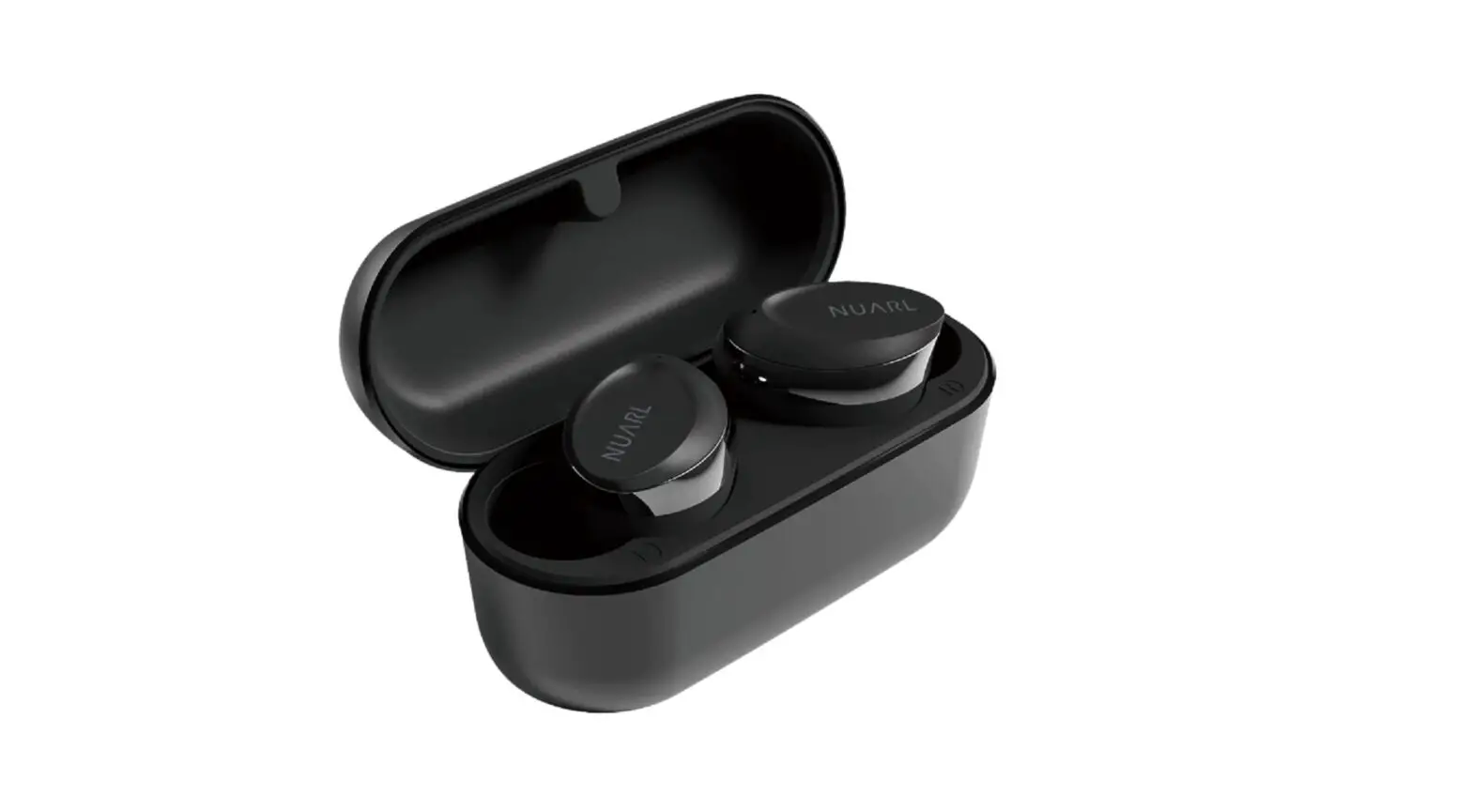
NUARLN6MINI Bluetooth Earphones User Guide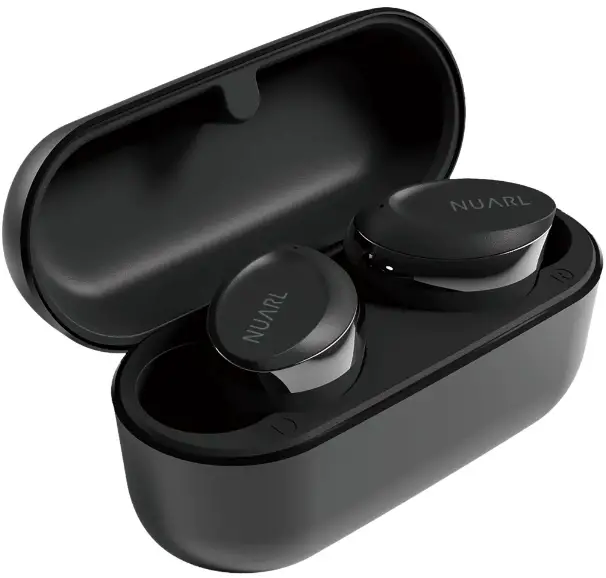
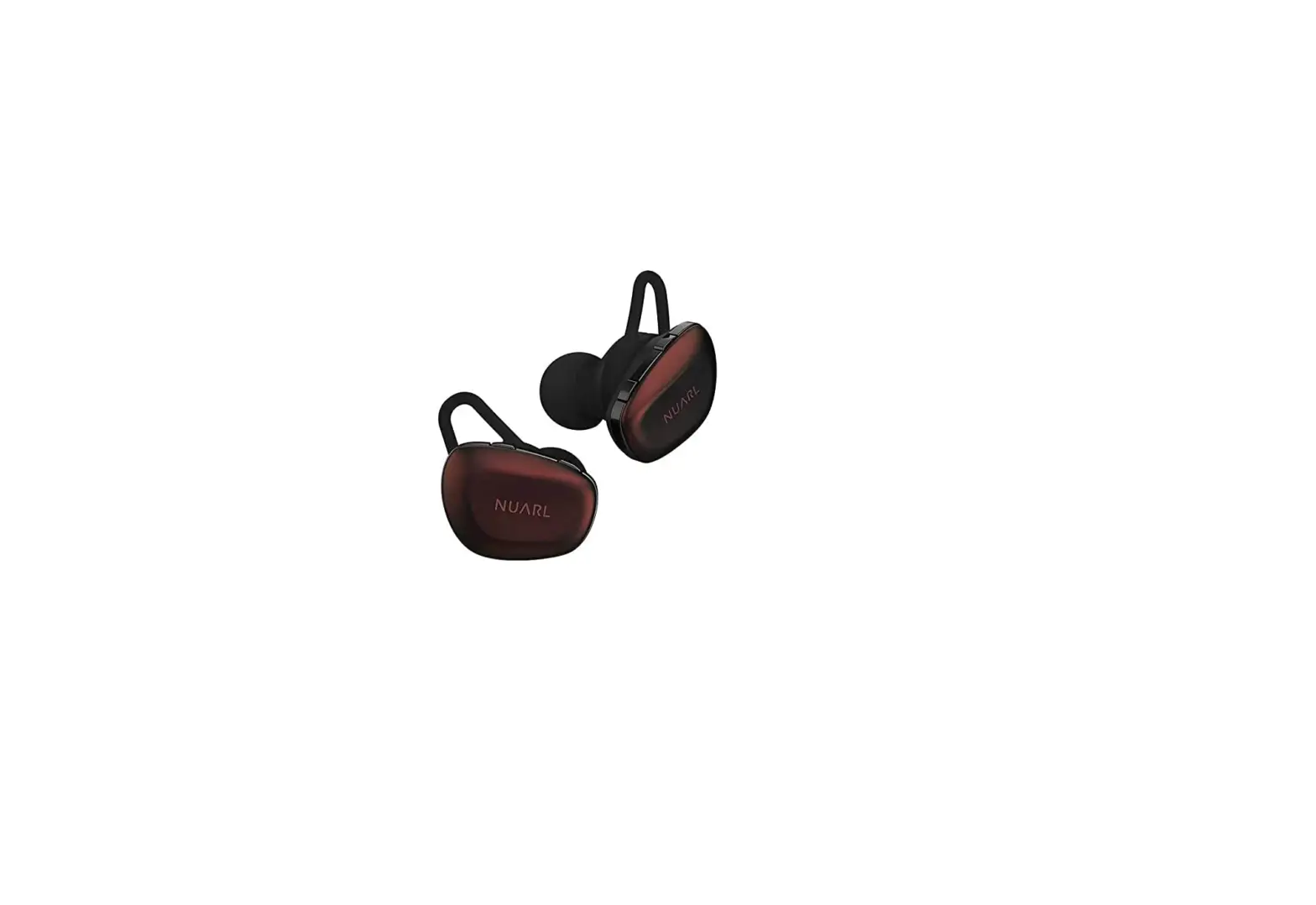
Product Diagram
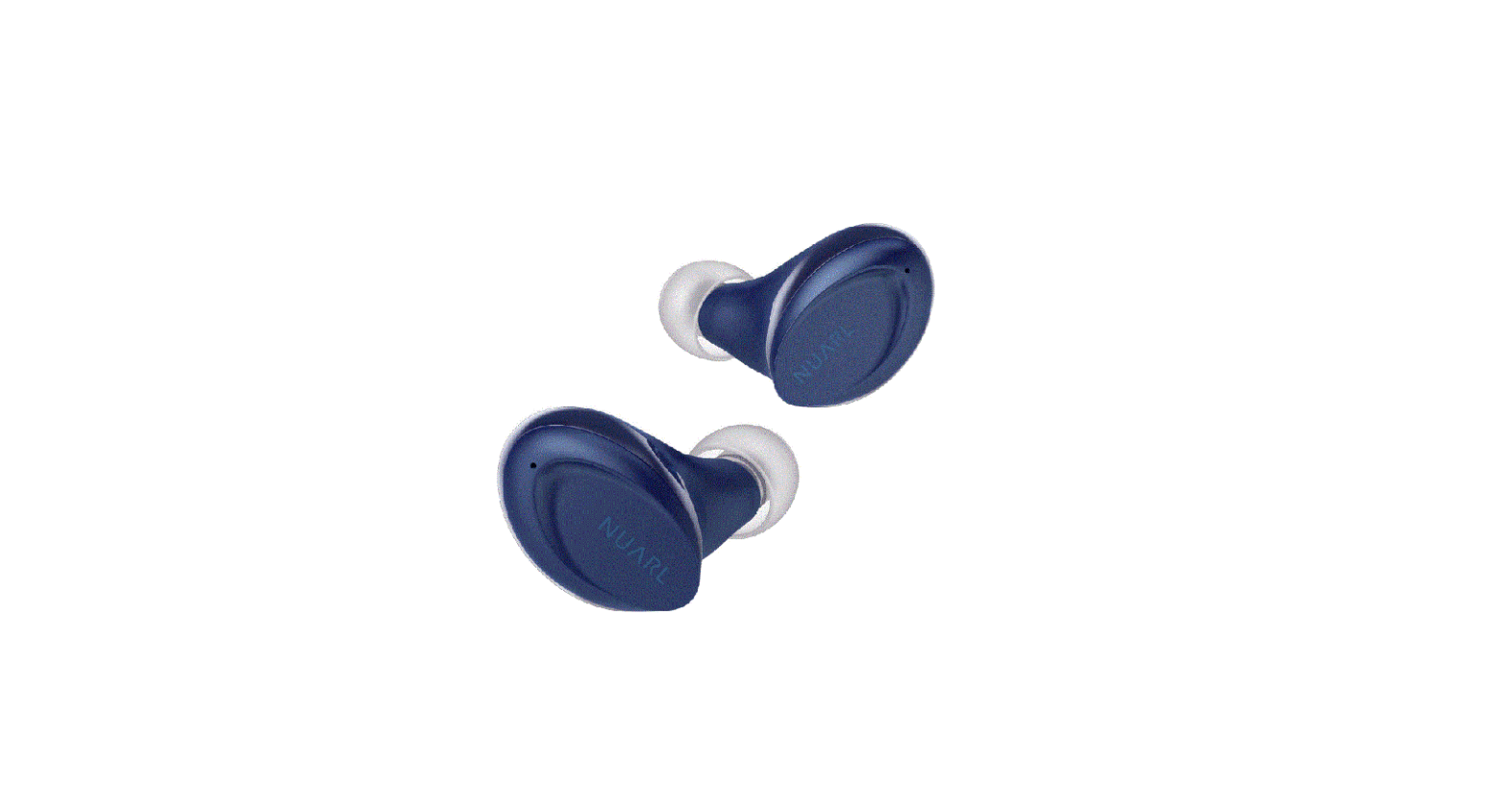
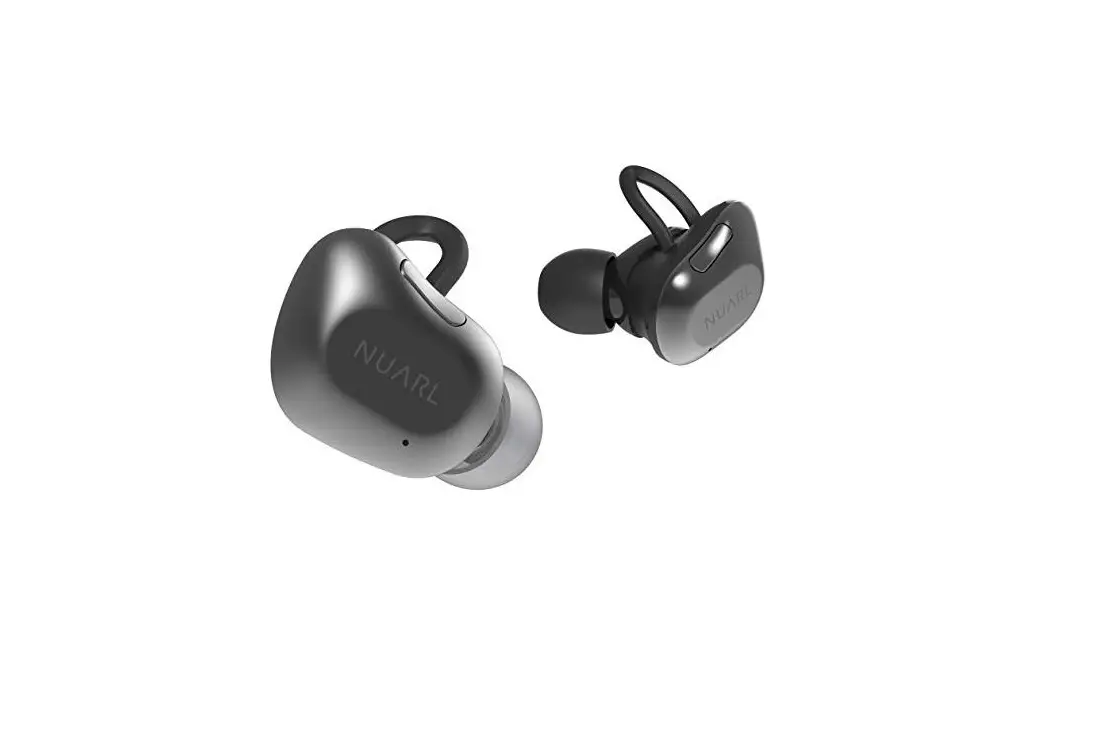
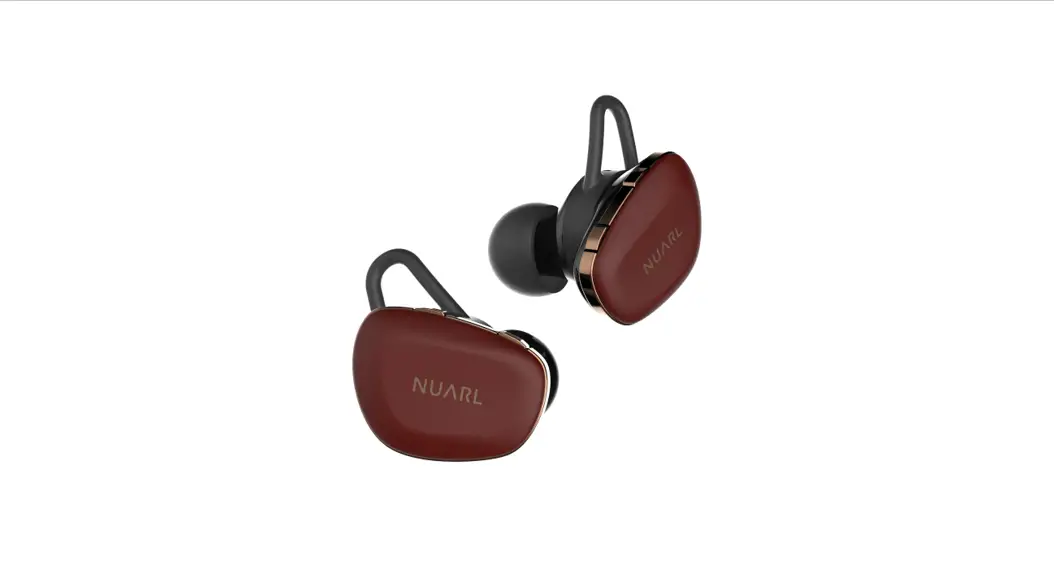
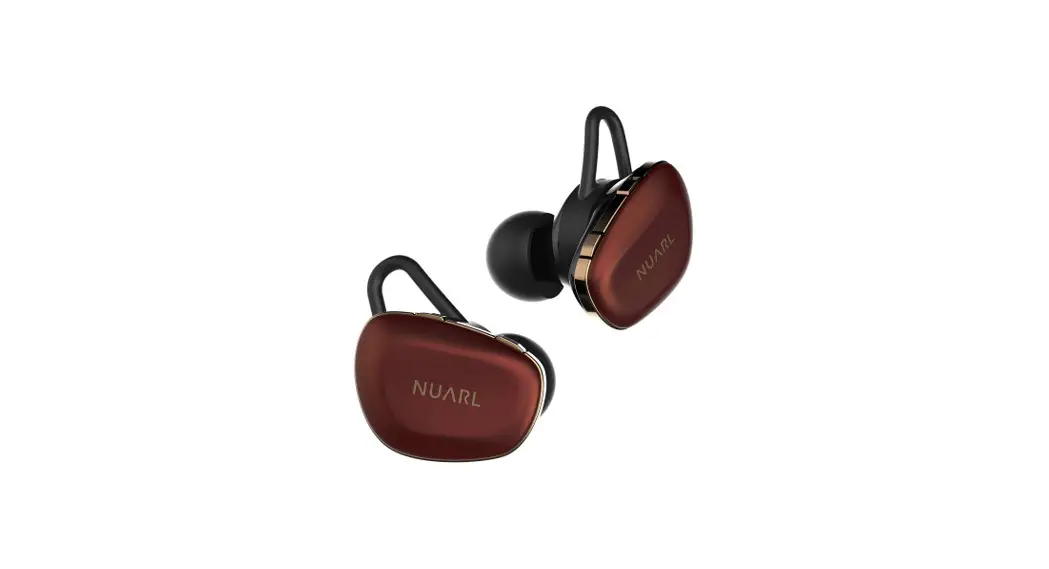
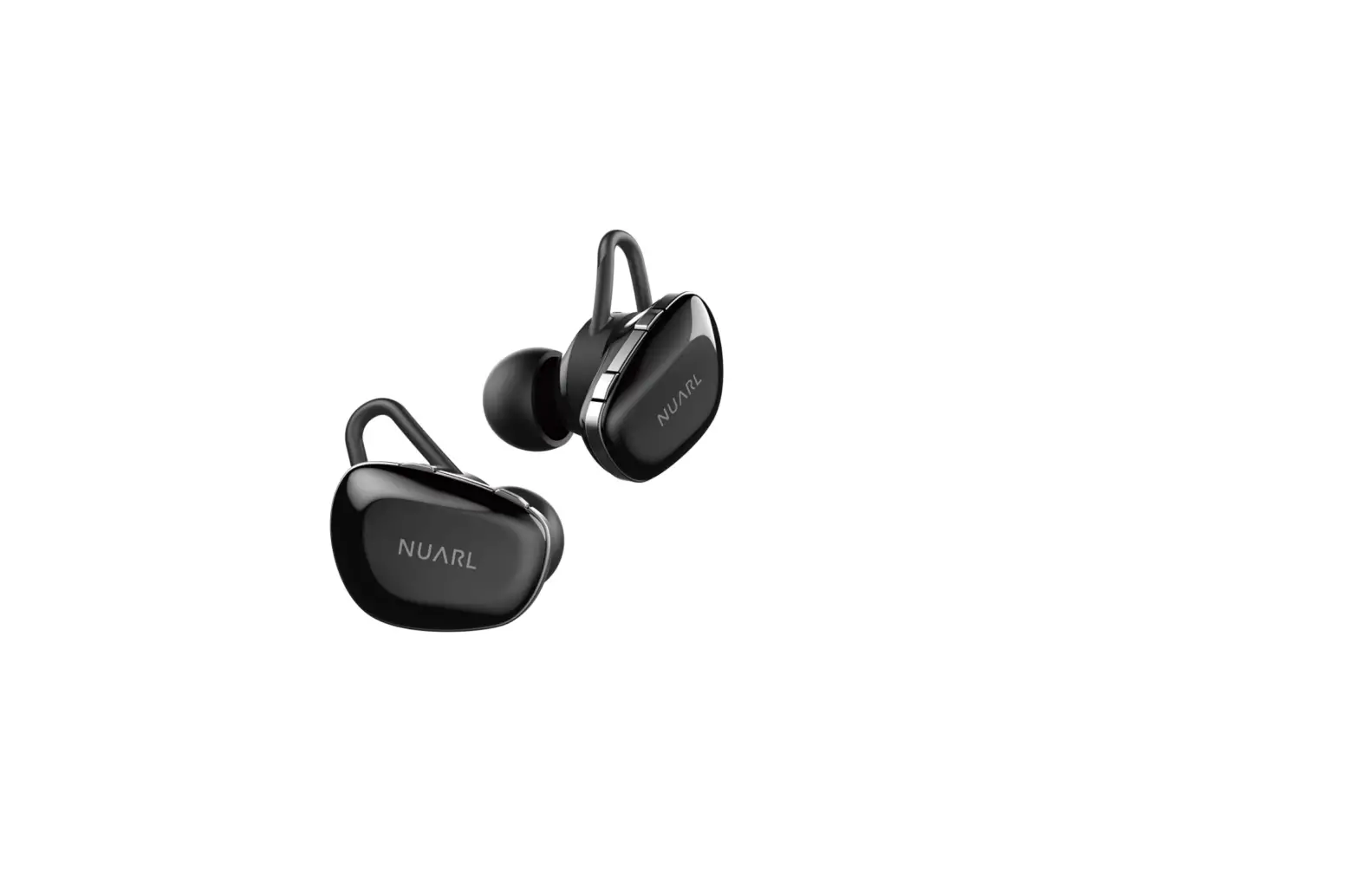
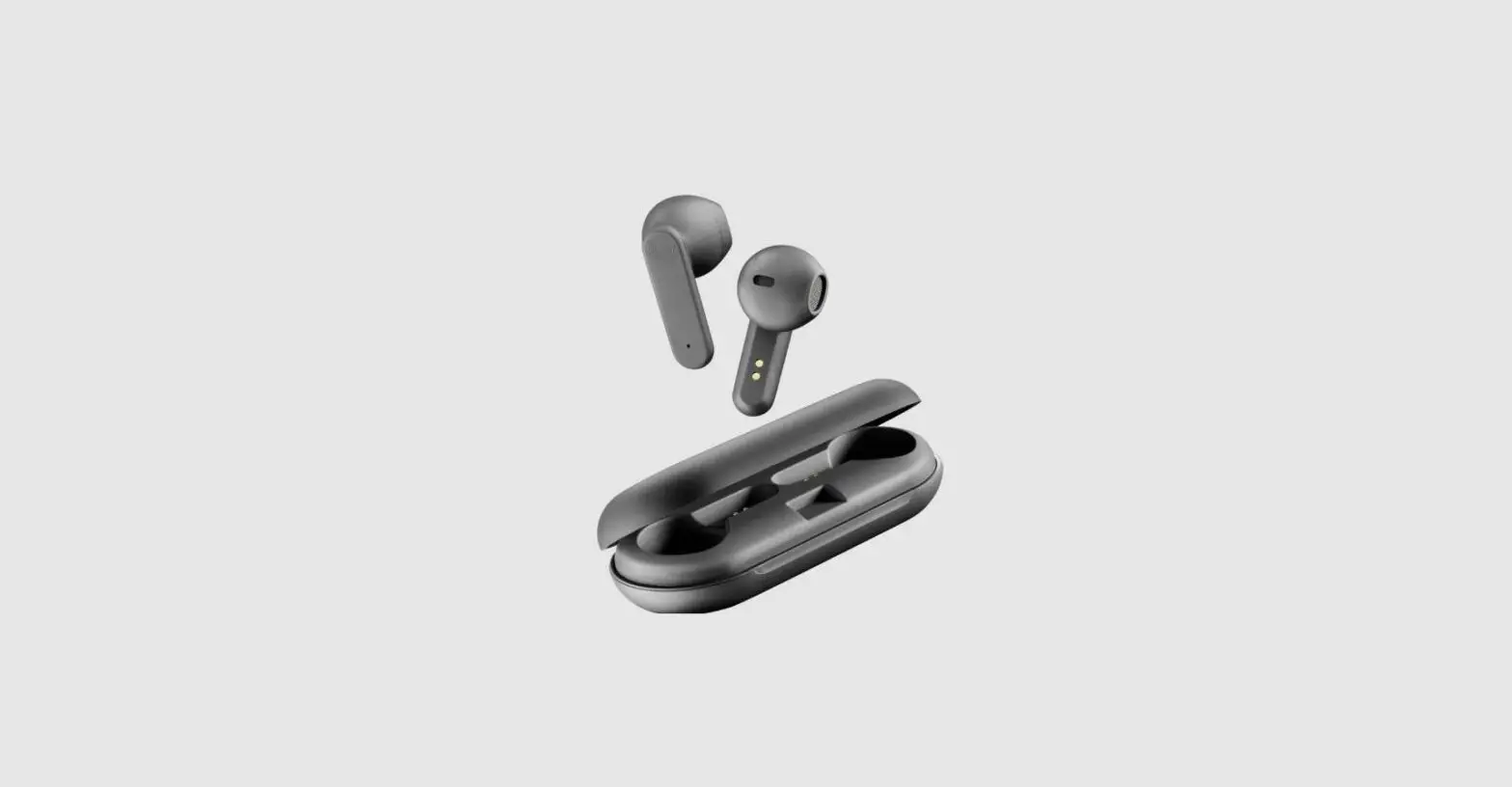
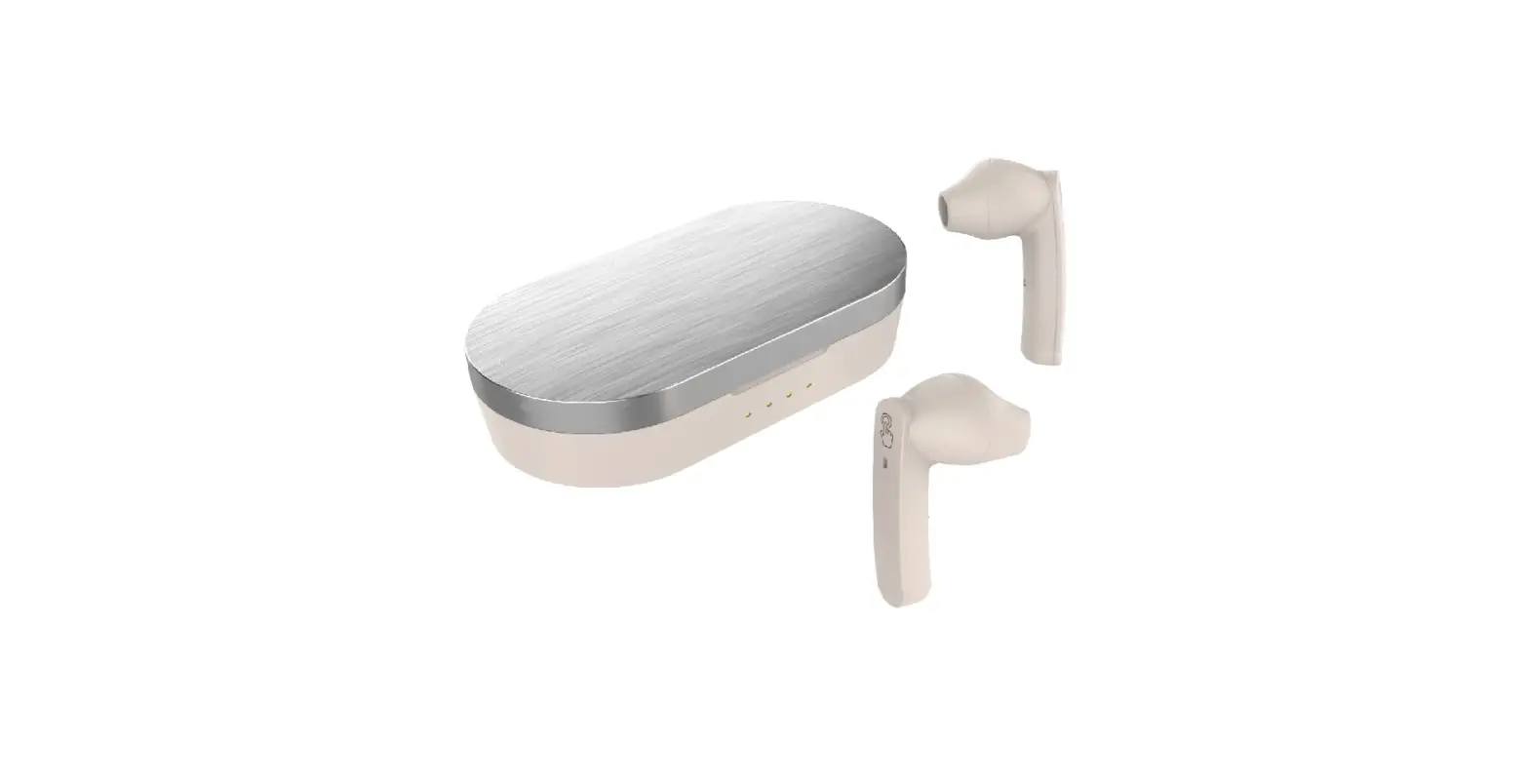
- Ear Buds

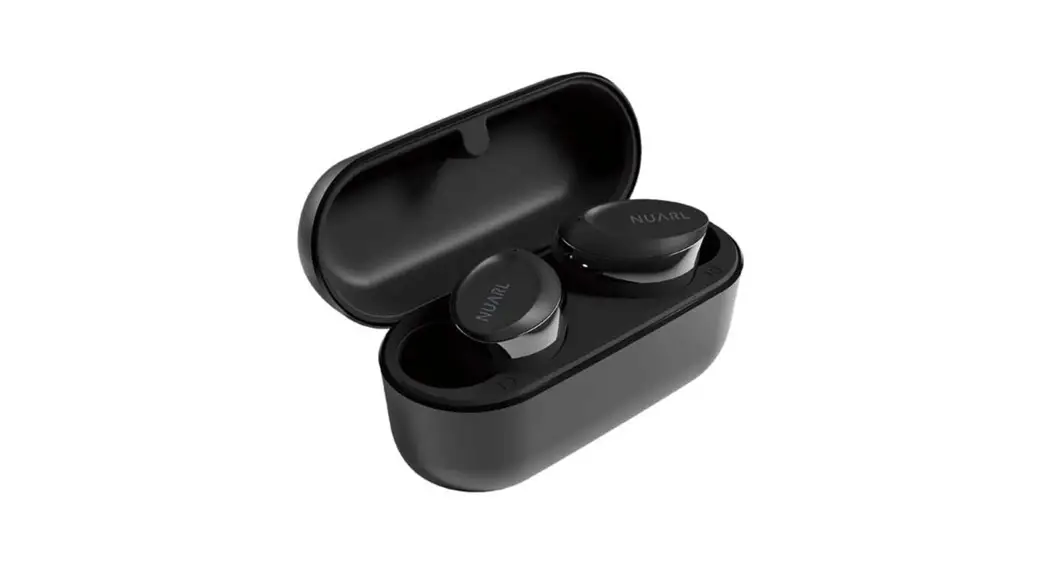
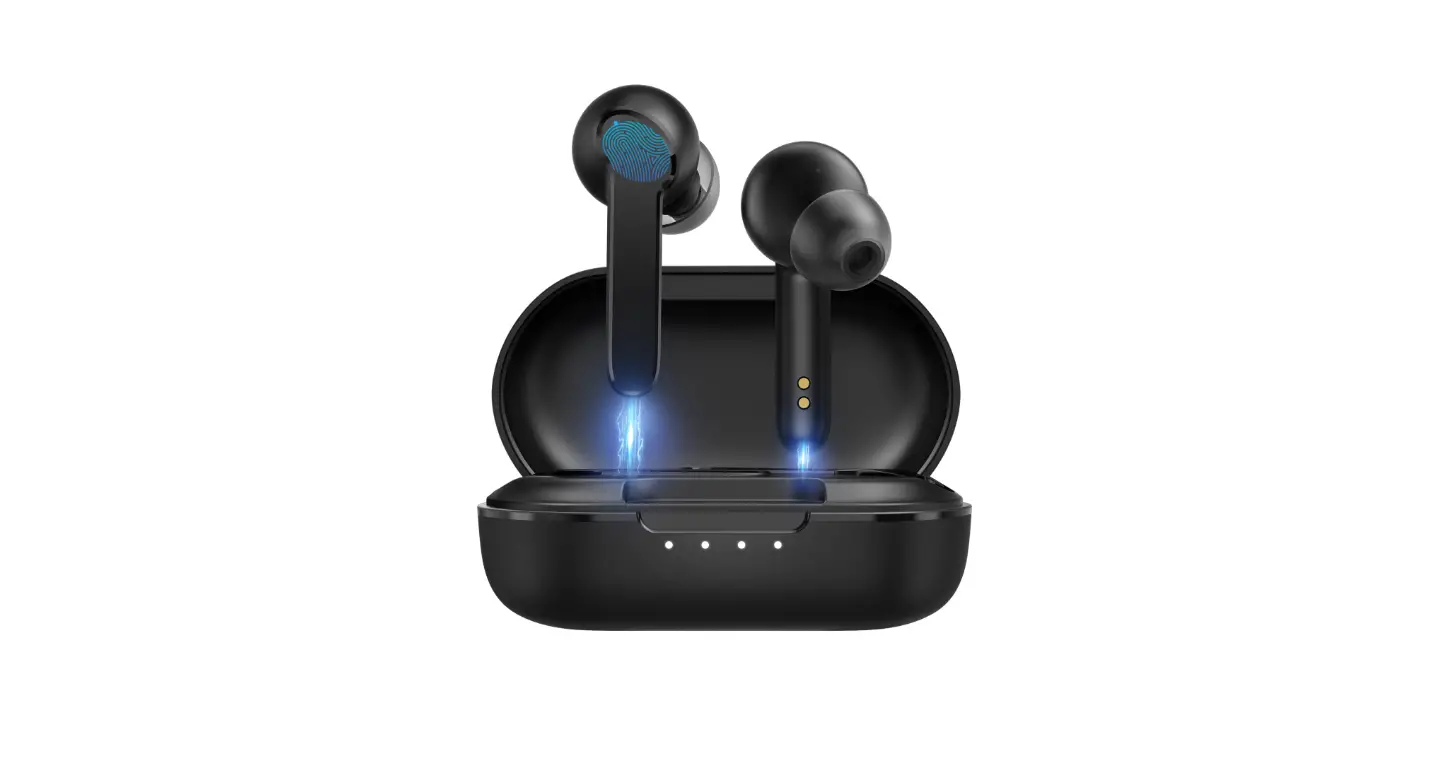
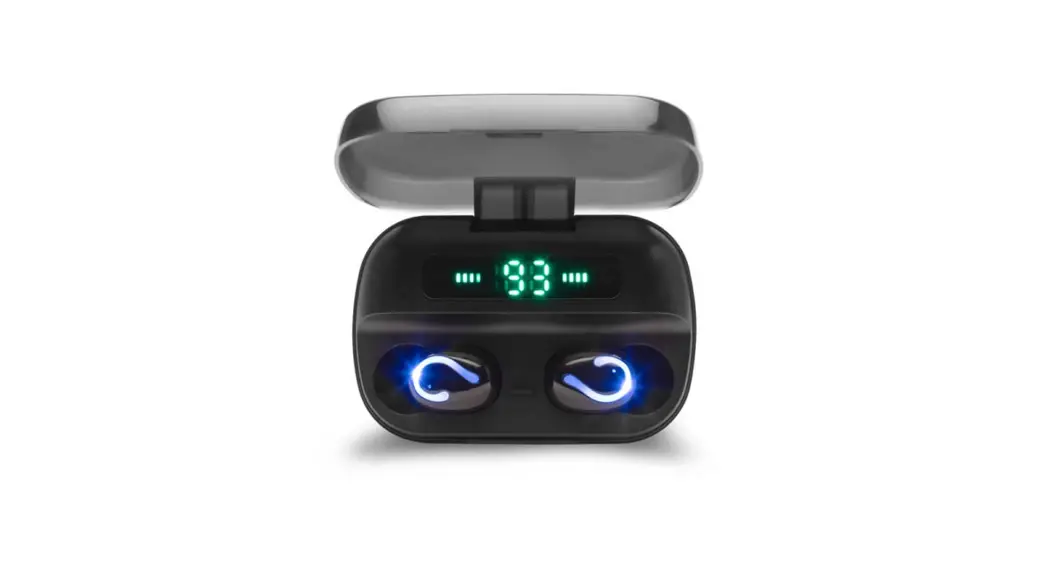
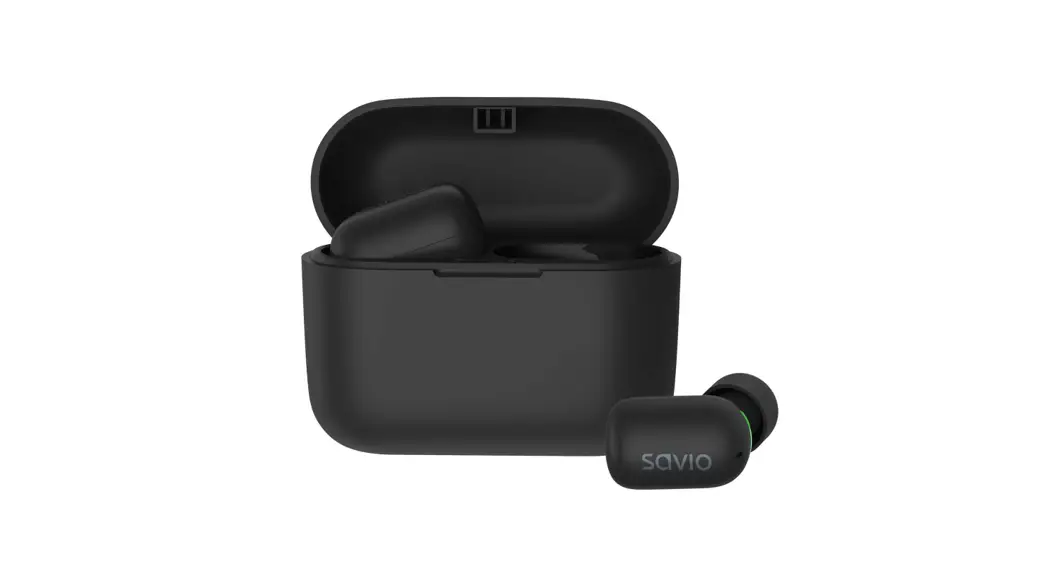
- Charging Case

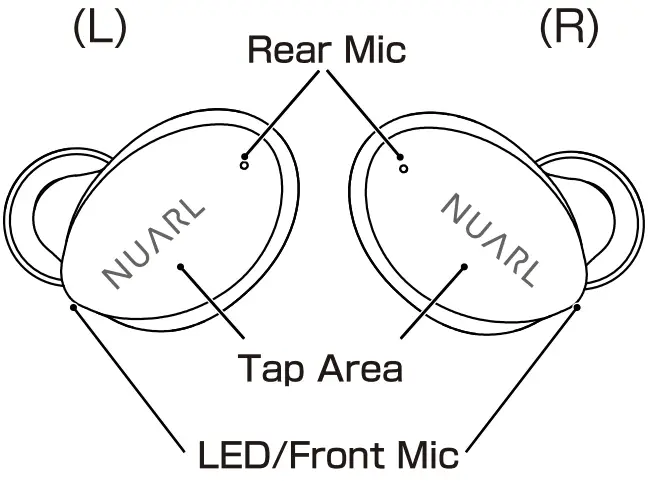
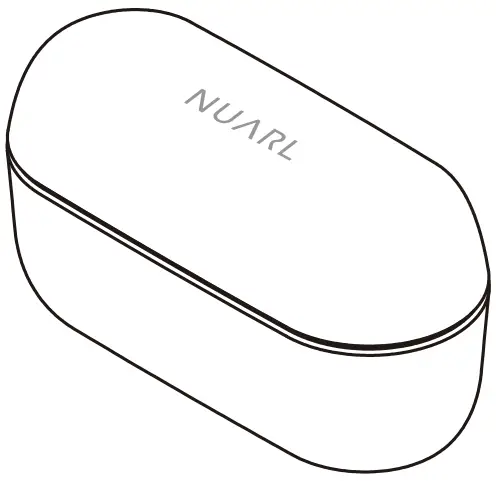
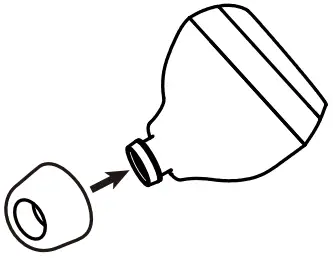
Please choose and replace Ear Tip to suit your preference.
Accessory
- USB Charging Cable

Type C USB ↔ USB (A)

Before Use
- Remove Insulating Sheet
Remove Insulating sheet from back side of earbuds.
- Battery Charge
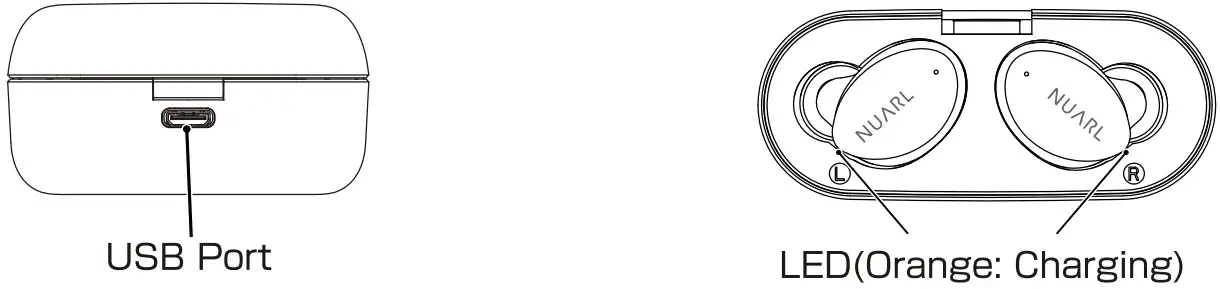
Insert USB type A connector of USB Charge Cable to USB AC charger or USB port of PC, and insert Type C USB connector to USB port of Charging Case. Put the Ear Buds into Charging case . While charging,the LED light constantly. When charging is completed, the LED will turn off.
- Power On/Power Off
Put the Ear Buds into Charging Case , Ear Buds power OFF automatically. When pick up the Ear buds, power ON automatically. When Case battery is low, this function does not work.

Pairing
Pairing
To use Ear Buds first time, you must pairing Ear Bud with mobile phone or player. Once your Ear Buds is paired with other devices, they will remain paired and automatically recognize each other.
[First time to use]
- Turn on Bluetooth function of your mobile phone.
- Turn on the power of both earbuds.
- Select “NUARL N6 mini” in discovered device list of the phone.
- Click “Pair” in the phone display.
[Re-pairing or Pairing with second mobile phone]
- Turn on Bluetooth function of your mobile phone.
- When Earbuds is not connected to any other device, the LED indicator will blink alternately in white and orange after 6 seconds.
- Select “NUARL N6 mini” in discovered device list of the phone.
- Click “Pair” in the phone display.
Charging Case
Charge Case Battery
Insert USB type A connector of USB Charge Cable to USB AC charger or USB port of PC, and insert Micro USB connector to USB port of Charging Case. Depending of battery level , the number of lit LED will change.
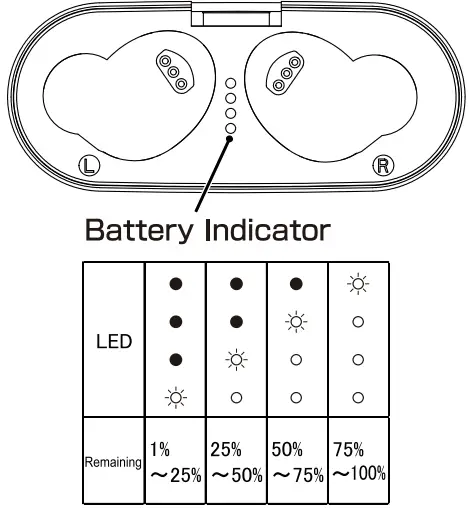
When put on or take out the earphones with no charger cable connected, the LED lights up for about 3 seconds to show the battery level.
Auto Power ON/OFF
Put the Ear Buds into Charging Case, Ear Buds power OFF automatically. When pick up the Ear buds power ON automatically. When Case battery is low, this function does not work.
Ambient Mode
This device is equipped with an Ambient mode that allows you to listen to ambient sounds from the microphone. This function works only when music playback is stopped.
The Ambient mode works only when music playback is stopped. If you stop music playback while the Ambient mode, then it is automatically enabled.
Meaning of LED
| Power ON | White 1 Second |
| Charging | Orange |
| Disconnected | White 2time each 3Seconds |
| Connected | White 1 time each 7Seconds |
| Music Play/Talking | No Flash |
| Low Battery | Orange 1 time each 3Seconds |
| Pairing | Flashing White and Orange |
| L | R | ||
| Power | ON | Long press 2seconds | Long press 2seconds |
| Music | Play/Pause | 1 Tap | |
| Next Track | – | Long press 1 Second | |
| Previous Track | Long press 1 Second | – | |
| Volume | Volume Up | 2Tap | – |
| Volume Down | – | 2Tap | |
| Phone | Answer Call | 2Tap | |
| Hang Up | 2Tap | ||
| Reject Call | Long press 2seconds | ||
| Ambient Mode | ON/OFF | – | Long Press 1 sec without Music play |
| Siri/GA | Start | Long Press 1 sec without Music play | – |
Frequently Asked Questions
Q)Suddenly I heard no sound from one earbud.
A)Please turn off earbud and turn on it again.
Q) The white LED lamp of the earphone is continuous blinking.
A) With the earphones on the side that is not blinking continuously white, put the earphones in the charging case, press and hold for about 10 seconds, then remove them. When the continuous white flashing of both earbuds stops, try pairing them again.
Q) Bluetooth connection has dropped.
A) Please delete rNUARL N6 miniJ from Bluetooth device list and pairing with your device again.
Q) The pairing between L and R earbud has dropped.
A) Turn off both earbuds and turn on them again.
Q) When I place the earbud in the case, it won’t turn off itself. When I get the earbud out from the case it won’t turn on.
A) While the case’s power is low, the automatic on off function will not be active. Please turn on/off it manually.
Q) I want to know about warranty and repair in outside of Japan.
A) The warranty for this product is valid for 1 years from the day of purchase. During the warranty period, we will repair the product. The warranty is only valid in the country in which the product was purchased. Please contact purchased store directly for the specific repair of the goods.
Specification
| Product Specification | |
| Driver | (1)6mm PTT Diaphragm NUARL DRIVER[N611/3 |
| Frequency Response | 20–20,000Hz |
| Power | Earbuds: 3.7V/50mAh Li-Po Battery Charger Case: 3.7v/400mAh Li-Po Battery |
| Continuous Play time (Max) | 8hours(SBC/AAC) / 5.5hours(aptX) |
| Total Play time (Max) | 32hours(with Charger Case) |
| Charging Time (Min) | 1.5hours |
| Bluetooth Specificatiion | Version5.0/Class2/Multi-Pairing(4) |
| Bluetooth Codec | aptX, AAC, SBC |
| Bluetooth Profile | A2DP, H FP, HS P, AVRCP |
| Bluetooth Passkey | 0 |
| Microphone | cVc NC/Am bient sound combined use x2 |
| Wateproof Level | IPX7 |
| Operation Tempature | 5^-50°C |
| Accsso ri es | Charger Case ,Charging Cable, Earpices (4size),User’s Guide |
| Certification | R210-142301(JP) |