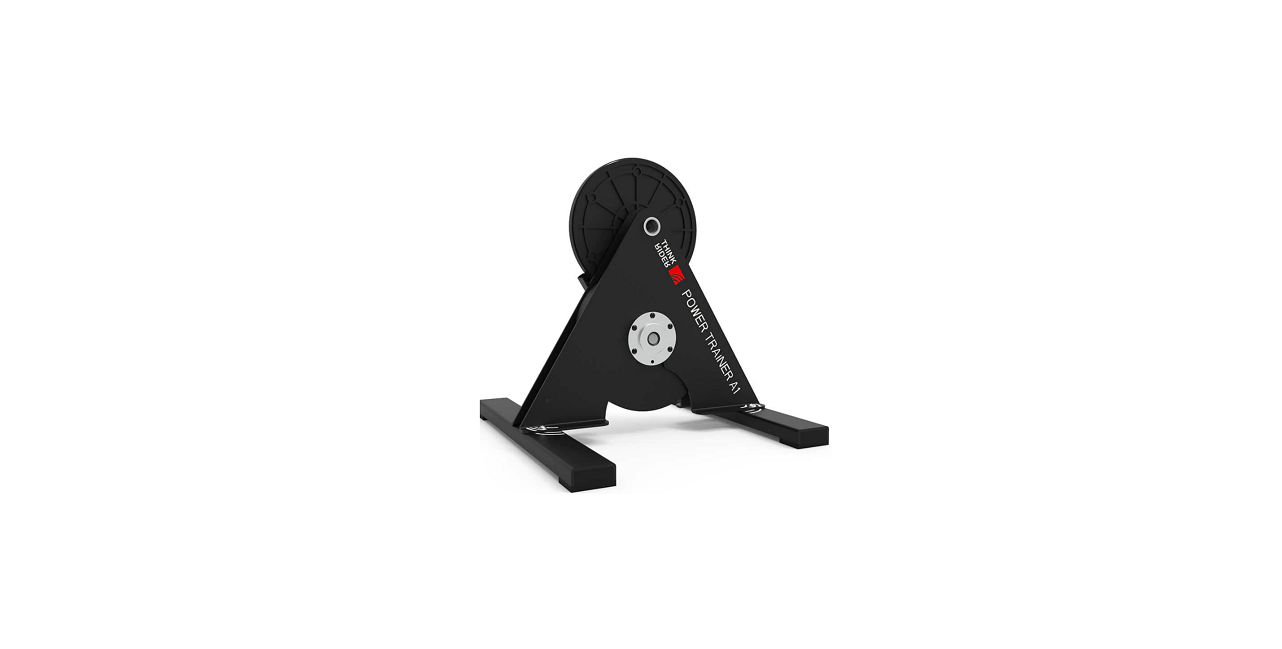
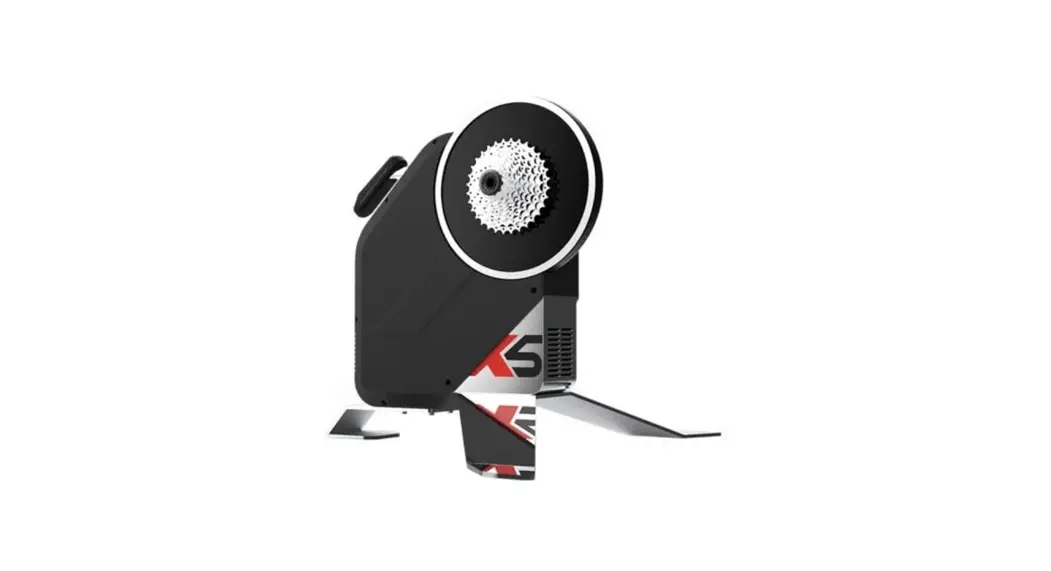
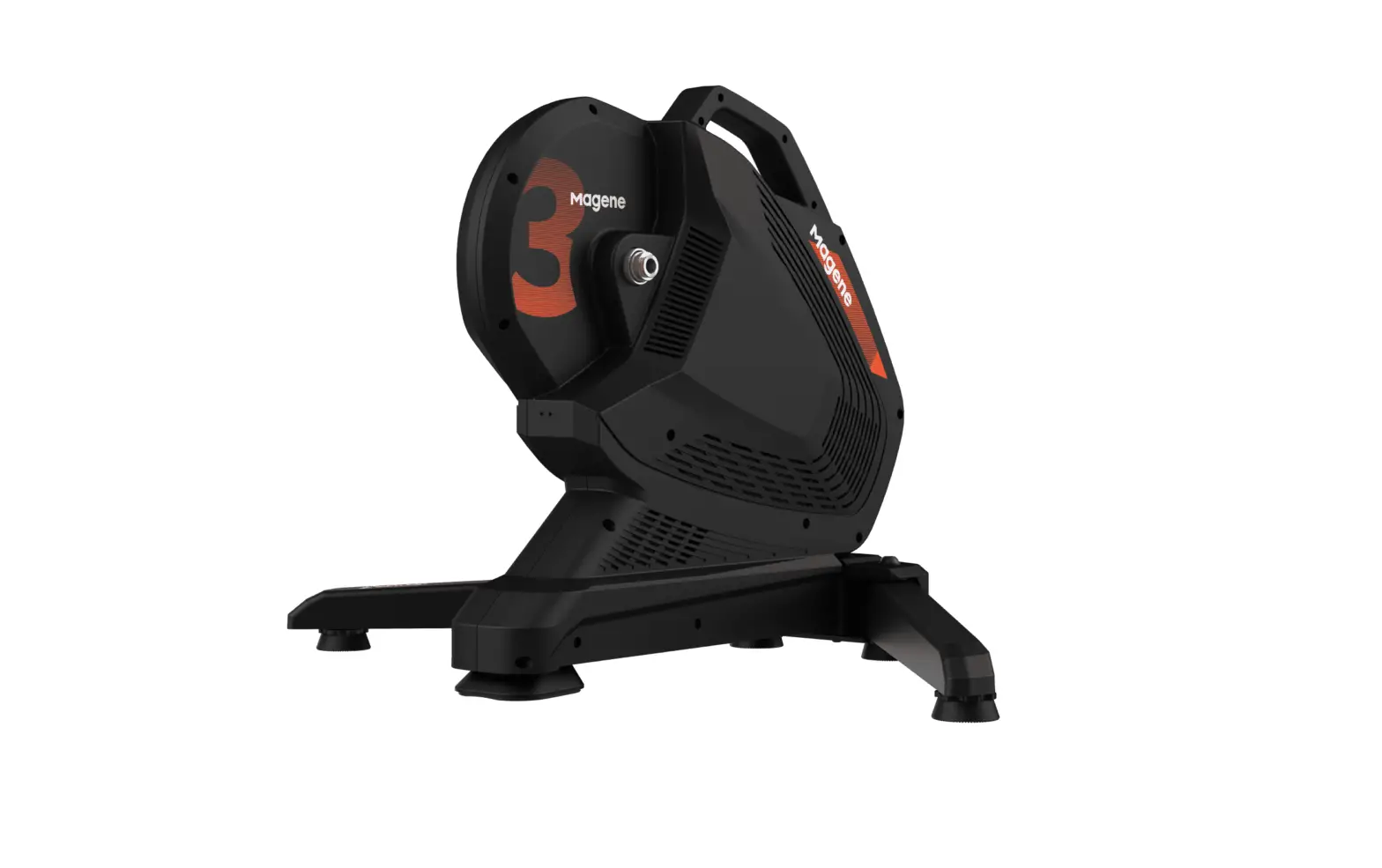
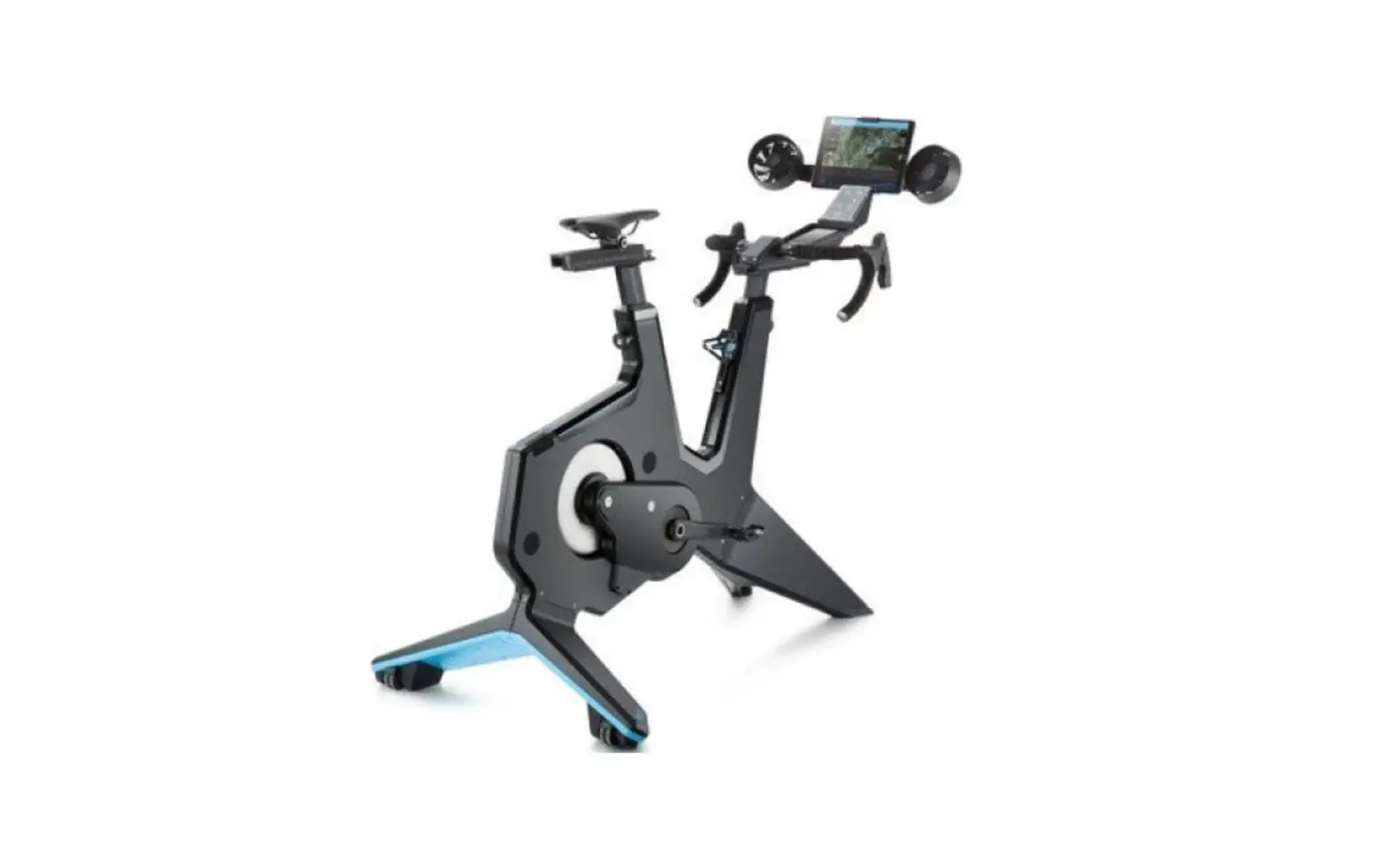
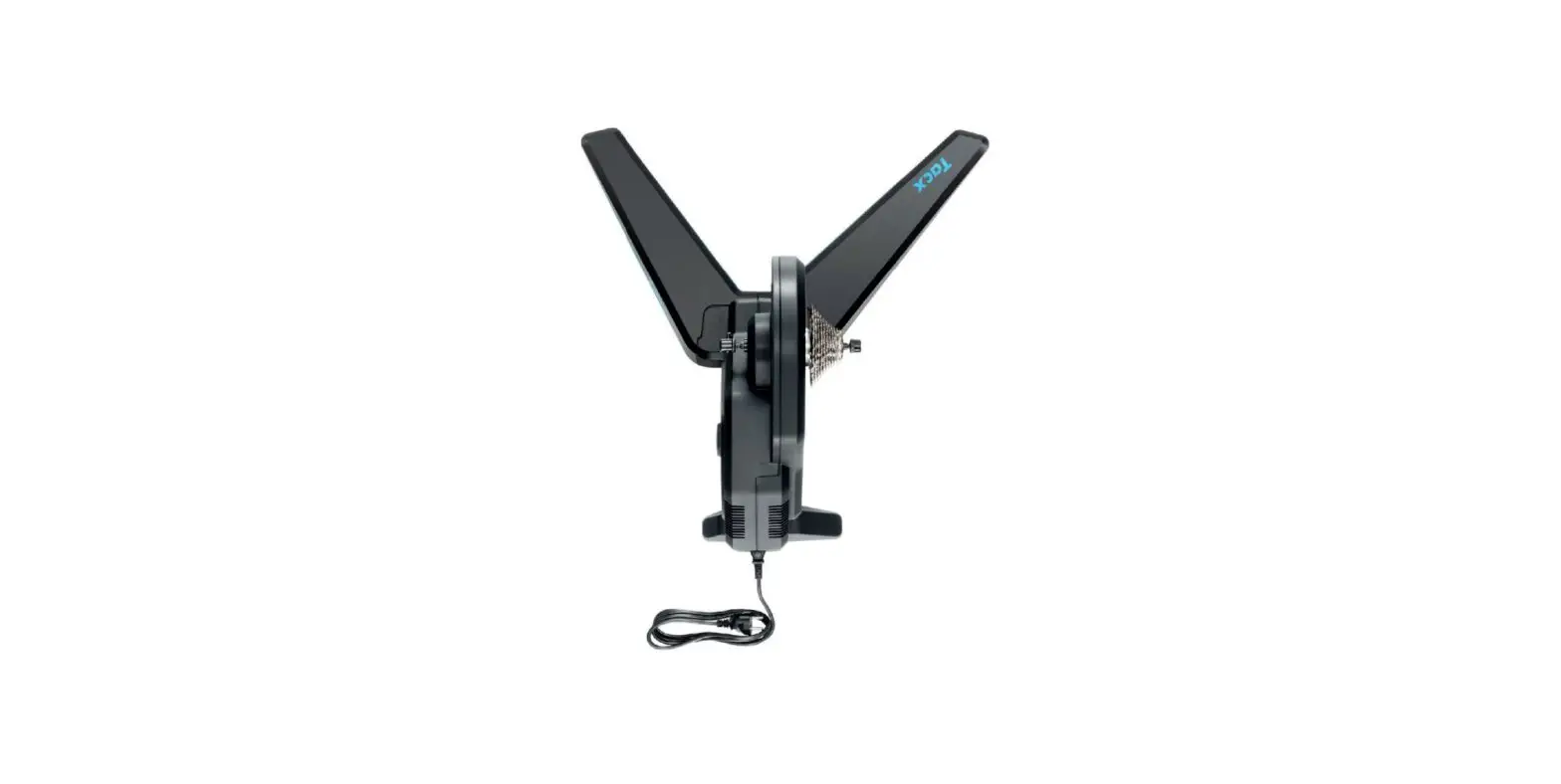
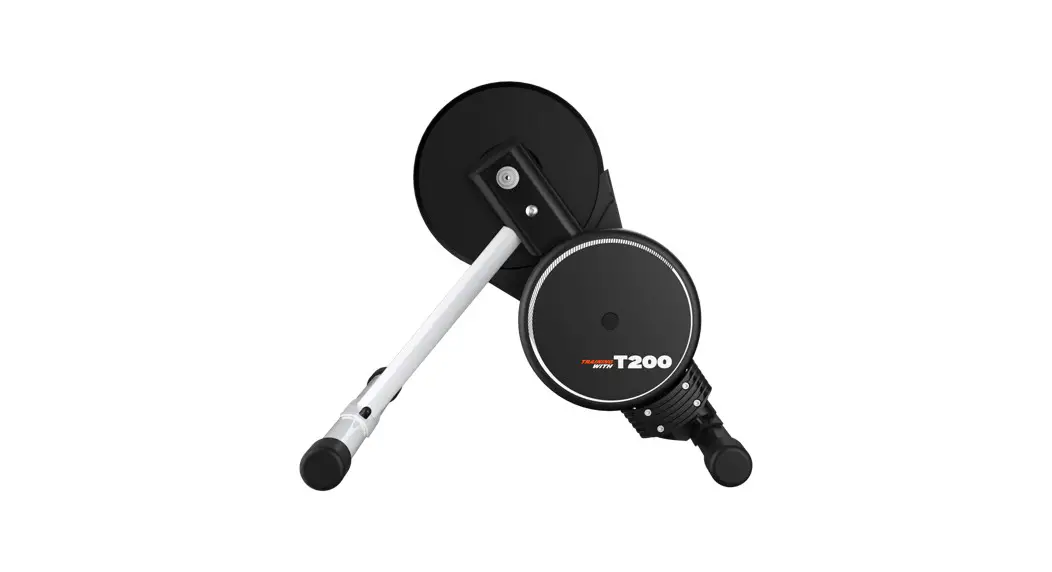
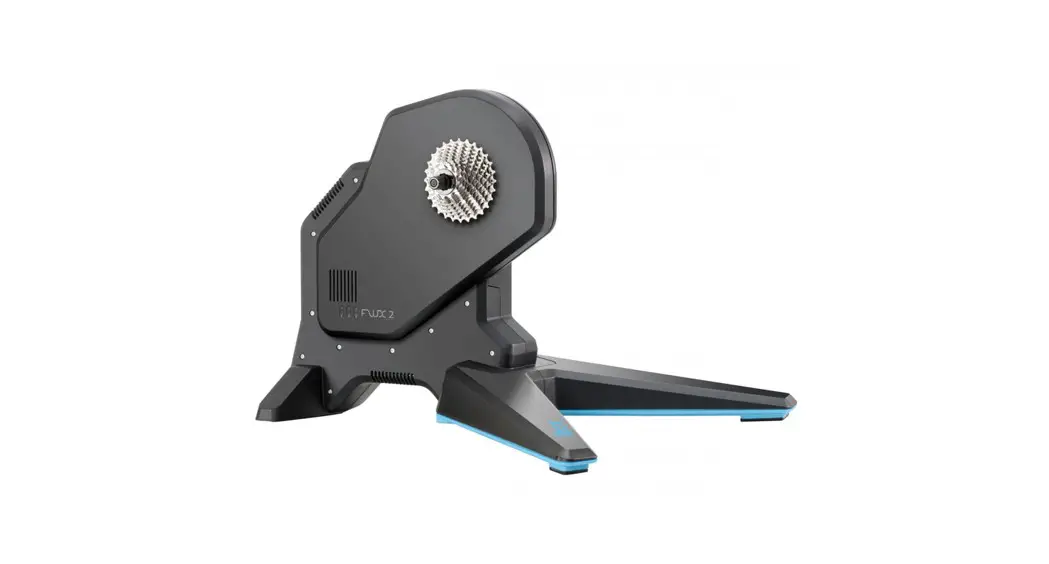
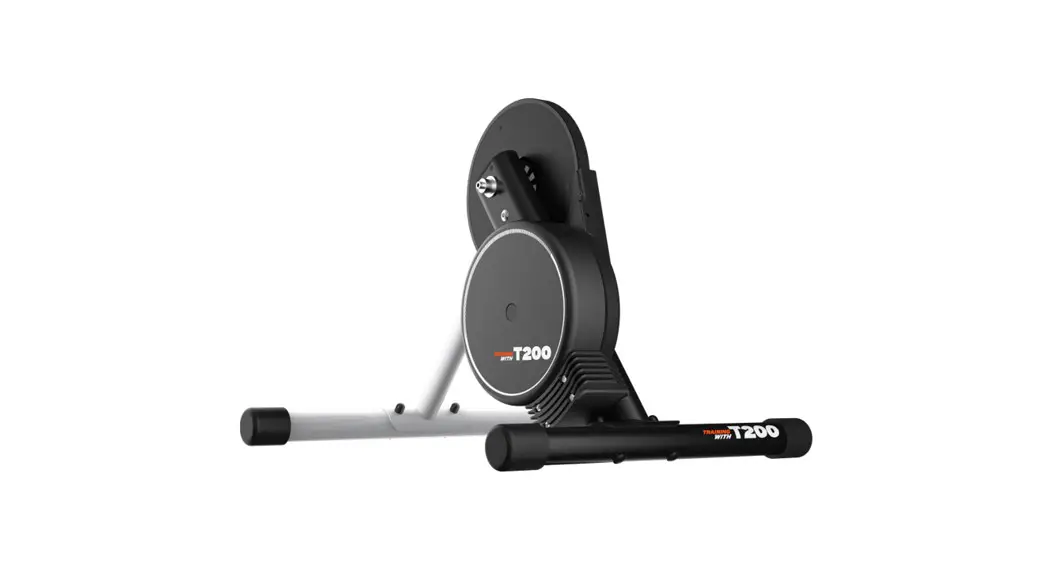
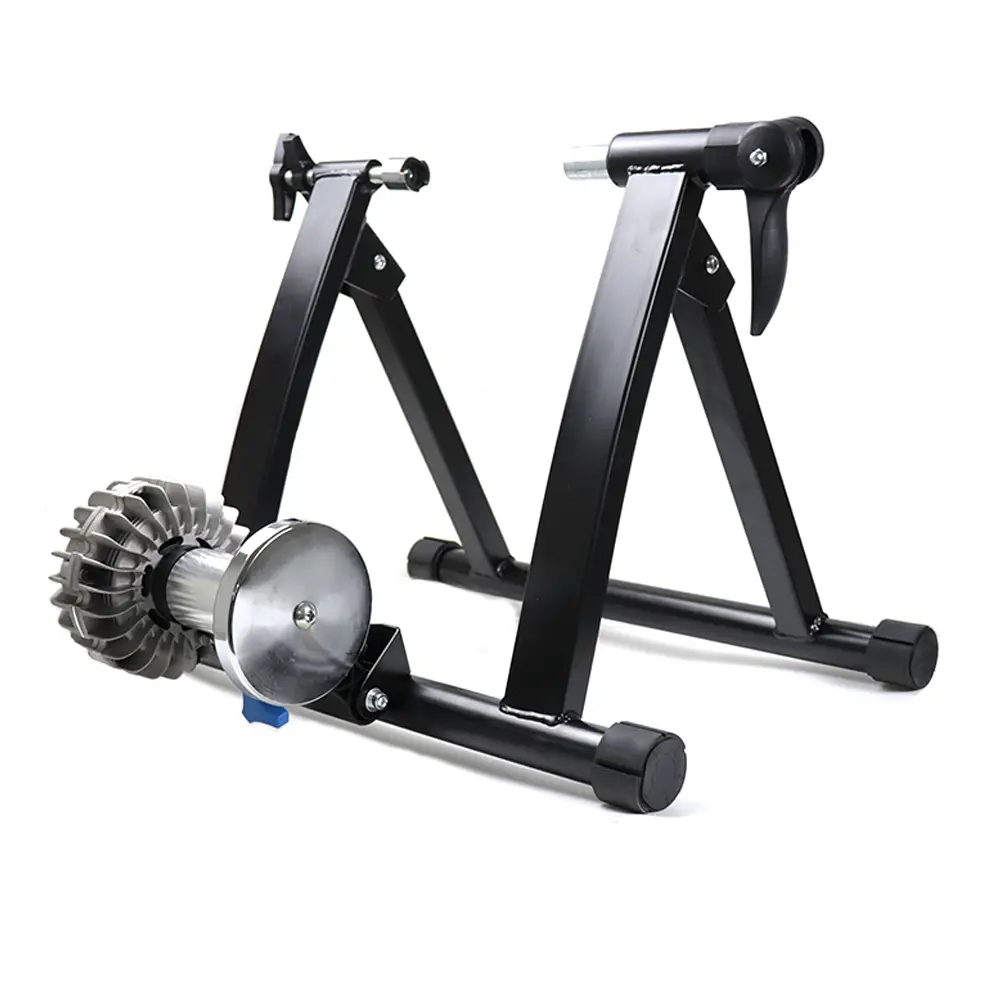
659690 X7 Smart Trainer
Product Information
- Product Name: Thinkrider X7 Smart Trainer
- Model Number: Art. 659690
- Languages: English (EN) and German (DE)
- Features:
- New generation X7 with a classic and steady shape
- Unique swaying skills without frame damage
- Improved functional performance through software upgrade
- Enhanced reliability and practicability
- Safety Instructions:
- Caution: Crushing of hands
- Caution: Hot
- Specifications:
- Type: Smart Trainer
- Structure: Not specified
- Power Accuracy: Not specified
- Power Calibration: Not specified
- Damping Type: Not specified
- Max. Slope: Not specified
- Max. Power: Not specified
- Folded Size: Not specified
- Expansion Size: Not specified
- Transmission Mode: Not specified
- Power Supply: Not specified
- Wireless Signal: Not specified
- Weight: Not specified
- Inertia Flywheel Weight: Not specified
- Cassette: Not specified
- Noise Level: Not specified
- Compatibility: Not specified
- Wheel Size: Not specified
- Product Composition:
- 1 x Thinkrider X7 Smart Trainer
- 2 x Power adapter (EU2 Pin)
- 3 x ANT +
- 4 x 8-10 speed flywheel washer
- 5 x Quick release
- 6 x Quick release adapter
- 7 x Manual
Product Usage Instructions
- Installation of Cassette:
- Attach the spacer ring (supplied) if using a cassette with
fewer sprockets. - Ensure the narrow notch on the freewheel aligns with the
cassette. - Place the cassette onto the freewheel.
- Install the individual sprockets starting with the larger
one. - Hand-tighten the locking ring in a clockwise direction. Use a
torque wrench (not included) to tighten the cassette to 35-50
Nm.
- Attach the spacer ring (supplied) if using a cassette with
- Trainer Installation:
- Ensure the quick-release or thru axle is securely locked.
- Select the appropriate spacing for your bike: 130mm, 135mm,
142mm, or 148mm.
- Bicycle Installation:
- Make sure the release lever is properly tightened to prevent
personal injury and property damage.
- Make sure the release lever is properly tightened to prevent
- Compatibility:
- Compatible Protocol: Not specified
- Compatible Apps: Zwift, PowerFun, Onelap, PerfPRO, Peripedal,
TrainerRoad, Rouvy Mobile, Sufferfest, ERCVIDEO
- Firmware Update & Software Setting:
- Firmware Update: Download the Thinkrider tools app from the
official website (www.thinkrider.com) and keep your phone within 1
meter of the cycling trainer during the upgrade. Do not exit the
upgrading interface, perform any other operation, or turn off the
power until the firmware upgrade is completed. - Calibration: The trainer is pre-calibrated before delivery.
Calibration is not necessary for normal use. However, if you ride
more than 5000 km or experience serious belt skidding, calibration
is recommended.
- Firmware Update: Download the Thinkrider tools app from the
- Pilot Lamp: Not specified
Owner´s manual
THINKRIDER X7
Art. 659690
Read the instructions carefully before using. Keep them in a safe place for future reference. Lesen Sie die Anweisungen vor der Verwendung sorgfältig durch. Bewahren Sie die Anleitung zum späteren Nachschlagen an einem sicheren Ort auf.
EN / DE
1. Thinkrider X7 Smart Trainer
New generation of X7 persists the classic and steady shape and the unique skills of swaying without frame damage, which also achieves overall upgrade of functional performance as software upgrade and the reliability and practicability are greatly improved.
Features
·1 Unique ,,Y” shape, realistic riding feeling, reduce hard damage to the carbon fibre frame, the elastic steel base + adjustable supporting feet perfectly simulates the ±5° swaying range.
·2 New real-time temperature control upgraded algorithm, an automatic temperature compensation function, accurate power can be up to ± 2%, which means it has stepped into the high-end intelligent riding platform with a power accuracy error within 2%.
·3 Upgraded Bluetooth, ANT + dual protocol wireless signal, and also support FE-C protocol and compatible with most mainstream apps and ANT + protocol supported GPS bike computers.
·4 Optimized target power algorithm, which made it applicable of efficient power training for professional riders.
·5 Calibration software provided for improving power accuracy, meanwhile, it also supports bluetooth firmware upgrade and algorithm upgrade.
2. Safety instructions
·1 Do not let children and pets get close to the bike trainer. ·2 Please use the trainer on a stable ground. ·3 Please consult your doctor before starting or modifying any exercise program. ·4 Do not touch the moving parts of the trainer with your hands or objects. ·5 The flywheel will generate high temperatures after using for a long time.
Do not touch it. ·6 Do not touch the flywheel or disassemble the bicycle while the flywheel is
still rotating. ·7 Be careful when standing on the trainer. ·8 Keep the trainer away from fire, water and other obstacles . ·9 lt is strictly forbidden for people with heart or brain diseases and other users who
are not suitable for high-intensity exercise to use the trainer. 1·0 Users who are not responsible for their own behavior should not use the trainer.
Caution!
Caution crushing of hands!
Caution hot!
3. Specifications
Type Structure Power accuracy Power calibration Damping type Max. slope Max. power Folded size Expansion size Transmission mode Power supply Wireless signal Weight Inertia flywheel weight Cassette
Noise level Compatibility Wheel size
X7 Y-Shape ± 2 % Calibration, automatic temperature compensation electromagnetic coil 16 % 2.500 W 410*250*480 mm 410*250*850 mm Rubber octagon multi-wedge belt 100 – 240 V ~1.5 A 50-60 Hz ANT +, Bluetooth 22 kg 5.7 kg SHIMANO/SRAM 8-11 Speed; (XD/XDR 12 speed and CP freehub is optional.) 58db(@1.0m&30KPH) Quick-release 130/135mm, thru axle 12*142/148 24″ RD/ 24″ MTB/ 650c RD/ 26″ MTB/ 700c RD/ 650b MTB/ 29″ MTB
Standard Configuration Power adapter (EU2 Pin), ANT +, 8-10 speed flywheel washer, quick release, quick release adapter, manual.
4. Product composition
The package should contain:
·1 X7 Smart bike trainer ·2 power adapter (EU2 Pin) ·3 quick-release ·4 ANT+ adapter ·5 speed washer ·6 quick release conversion components
(Support 130 / 135 QR) ·7 thru axle conversion components
(Support 12×142 / 12×148 thru axle)
1
2
3
4
5
6
7
Remove the bike trainer and accessories from the box and be sure to keep the box and foam for future transportation and storage.
(When you encounter an after-sales problem, be sure to use the original packaging for mailing. The manufacturer will not bear any loss caused by the use of non-original packaging)
5. Installation
Cassette Installation Note: The assembly is explained using an 11-speed cassette. In the case of a cassette with fewer sprockets, the spacer ring supplied (scope of delivery, figure no. 5) must first be attached. Then follow these instructions.
1
2
The cassette only fits in one position on the freewheel. Pay attention to the narrow notch.
There is also only a narrow elevation on the freewheel.
3
4
Put the cassette on the freewheel. 5
Now the individual sprockets, starting with the larger one, come onto the freewheel.
6
Put on the locking ring and screw it hand-tight in a clockwise direction.
A torque wrench (not included) should be used for tightening; the cassette is tightened to 35-50 Nm.
Trainer Installation
·1 Place the trainer on a level surface, ensure that there are no obstacles or dangerous objects around.
·2 Unfold the movable feet and adjust the leg height of the outer side of the feet to ensure that the trainer is stable.
·3 Connect the trainer to a standard 110 V – 220 V power outlet with the original power adapter.
·4 There is a free hub on the cycling trainer, which supports the Standard shimano and sram B-11 speed cassettes (Note: 11 speed cassettes can be directly installed, others need to add the cassette spacer.)
·5 Please follow the instructions below
Rotate 180°
Suitable for 130 mm spacing Suitable for 135 mm spacing
Rotate 180°
Suitable for 142 mm spacing Suitable for 148 mm spacing
Please make sure the quick-release or thru axle is securely locked.
5. Installation
Bicycle Installation
·1 Change the rear derailleur to the highest gear / smallest sprocket. ·2 Release the rear wheel`s quick release and remove the rear wheel from the frame. ·3 lnstall the frame to the bike trainer just like installing the rear wheel to the frame. ·4 Lock the quick release lever and make sure the installation is firm. ·5 Before using, please ensure that the quick release lever is locked. lf the quick
release lever is not tightened properly, it may result in personal injury and property damage.
6. Compatibility
Cycling APP Settings This trainer is a general equipment, can adapt to most of the standard agreement of third-party cycling software. After downloading and installing the cycling software on your smartphone or computer, switch on the power of the trainer, open the software, find the device connection interface in the software, search and connect the “cycling trainer”. THINKRIDER SMART TRAINERS can provide the maximum range of compatibility and connectivity, compatible with or connected to smartphones, tablets, laptops / PC´s or GPS cycling computer, depends on the third party software which device you can use. Comapitble System
·1 Support iPhone systems above IOS8, and support Bluetooth ·2 Support Android systems above 4.3, and support Bluetooth ·3 MAC OS requires ANT+ ·4 PC systems above Windows 7, requires ANT+
Comapitble Protocol
Comapitble Apps
Zwift
PowerFun
Onelap
PerfPRO
Peripedal
TrainerRoad
Rouvy Mobile
Sufferfest
ERCVIDEO
7. Firmware update & software setting
Firmware update The cycling trainer needs firmware upgrade. For firmware updates, please download the app on your mobile phone: Thinkrider tools (please use your smartphone and download the app from the official website.) (Website: www.thinkrider.com)
Special note: during the upgrade, please keep the phone within 1 meter of the cycling
! trainer. Do not exit the upgrading interface, do not carry out any other operation and do not turn off the power of the cycling trainer until the firmware upgrade is completed.
Calibration The trainer has been calibrated before delivery, so calibration is not necessary for normal use. lf riding more than 5000 km or if the belt is seriously skidding, please calibrate.
8. Pilot lamp
Bike trainer status standby mode ANT+ mode Bluetooth mode Equipment failure
Pilot lamp status The red light is on and the blue light is blinking The red light is on and the blue light is blinking The red and the blue lights are on and not blinking Lights do not shine
Please look into the detailed manual service if the equipment is abnormal.
9. Warranty
·A The product is guaranteed for one year. If the product fails during the warranty period and the fault is due to a quality problem with the original device or an assembly process, the company offers free maintenance and replacement parts.
·B Please use the original packing materials when you need to ship the package. ·C Product damage or malfunction caused by the following reasons is not covered by
the warranty.
·1 Damage caused by use or installation in accordance without the instructions.
·2 Product damage caused by human factors or accident. ·3 lf you have not contacted the company or the dealer to confirm and disassemble
the product yourself without authorization. ·4 lngress of water causes equipment failure. ·5 Aging and scratches caused by normal use.
After the expiration of the warranty period, the company will still provide maintenance services, but the corresponding maintenance costs are charged.
1. Thinkrider X7 Smart Trainer
Die neue Generation von X7 behält die klassische und stabile Form und die einzigartigen Fähigkeiten des Schwankens ohne Rahmenschäden bei, wodurch auch eine allgemeine Verbesserung der funktionalen Leistung als Software-Upgrade erreicht wird und die Zuverlässigkeit und Praktikabilität erheblich verbessert werden.
Merkmale
·1 Einzigartige ,,Y”-Form, realistisches Fahrgefühl, reduziert harte Schäden am Carbonrahmen, die elastische Stahlbasis + verstellbare Stützfüße simulieren perfekt den Schwankungsbereich von ±5°.
·2 Neuer verbesserter Algorithmus für die Temperaturregelung in Echtzeit, eine automatische Temperaturkompensationsfunktion, die genaue Leistung kann bis zu ± 2% betragen, was bedeutet, dass sie mit einem Leistungsgenauigkeitsfehler innerhalb von 2% in die intelligente High-End-Fahrplattform eingetreten ist.
·3 Verbessertes Bluetooth, ANT + Dual-Protokoll-Funksignal und Unterstützung des FE-C-Protokolls und kompatibel mit den meisten Mainstream-Apps und ANT + -Protokoll-unterstützten GPS-Fahrradcomputern.
·4 Optimierter Zielleistungsalgorithmus, der für effizientes Krafttraining für professionelle Fahrer geeignet ist.
·5 Zur Verbesserung der Leistungsgenauigkeit wird eine Kalibrierungssoftware bereitgestellt, die auch ein Bluetooth-Firmware-Upgrade und ein Algorithmus-Upgrade unterstützt.
2. Sicherheitshinweise
·1 Lassen Sie Kinder und Haustiere nicht in die Nähe des Fahrradtrainers. ·2 Bitte verwenden Sie den Trainer auf einem stabilen Untergrund. ·3 Bitte konsultieren Sie Ihren Arzt, bevor Sie ein Trainingsprogramm beginnen oder
ändern.
·4 Berühren Sie die beweglichen Teile des Trainers nicht mit Ihren Händen oder Gegenständen.
·5 Das Schwungrad erzeugt nach längerem Gebrauch hohe Temperaturen. Berühre es nicht.
·6 Berühren Sie nicht das Schwungrad und zerlegen Sie das Fahrrad nicht, während das Schwungrad sich noch dreht.
·7 Seien Sie vorsichtig, wenn Sie auf dem Trainer stehen. ·8 Halten Sie den Trainer von Feuer, Wasser und anderen Hindernissen fern . ·9 Es ist Personen mit Herz- oder Gehirnerkrankungen und anderen Benutzern, die
für hochintensive Übungen nicht geeignet sind, strengstens untersagt, den Trainer zu benutzen. 1·0 Benutzer, die für ihr eigenes Verhalten nicht verantwortlich sind, sollten den Trainer nicht verwenden.
Achtung!
Quetschgefahr!
Warnung vor
heißer Oberfläche!
3. Spezifikationen
Art Struktur Leistungsgenauigkeit Leistungskalibrierung Dämpfungstyp Max. Neigung Max. Energie Gefaltete Größe Erweiterungsgröße Übertragungsmodus Stromversorgung Drahtloses Signal Gewicht Trägheitsgewicht des Schwungrads Kassette
Geräuschpegel Kompatibilität Radgröße
X7 Y-Form ± 2 % Kalibrierung, automatische Temperaturkompensation elektromagnetische Spule 16 % 2.500 W 410*250*480 mm 410*250*850 mm Oktagon-Mehrkeilriemen aus Gummi 100 – 240 V ~1.5 A 50-60 Hz ANT +, Bluetooth 22 kg 5,7 kg SHIMANO/SRAM 8-11 Speed; (XD/XDR 12 speed und CP-Freilauf ist optional.) 58db(@1.0m&30KPH) Schnellspanner 130/135mm, Steckachse 12*142/148 24″ RD/ 24″ MTB/ 650c RD/ 26″ MTB/ 700c RD/ 650b MTB/ 29″ MTB
Standard Configuration
Netzteil (EU2 Pin), ANT+, 8-10 Gang Schwungradscheibe, Schnellspanner, Schnellspannadapter, Bedienungsanleitung.
4. Produktzusammensetzung
Das Paket sollte Folgendes enthalten:
·1 X7 Smart Fahrradtrainer ·2 Netzteil (EU2 Pin) ·3 Schnellspanner ·4 ANT+ Adapter ·5 Schwungradscheibe ·6 Schnellspanner Umbaukomponenten
(Unterstützt 130 / 135 QR) ·7 Umbaukomponenten für Steckachsen
(Unterstützt 12×142 / 12×148 Steckachse)
1
2
3
4
5
6
7
Nehmen Sie den Fahrradtrainer und das Zubehör aus der Verpackung und bewahren Sie die Verpackung und den Schaumstoff für zukünftigen Transport und Lagerung auf.
(Wenn Sie auf ein Problem nach dem Verkauf stoßen, verwenden Sie unbedingt die Originalverpackung für den Versand. Der Hersteller übernimmt keine Schäden, die durch die Verwendung einer Nicht-Originalverpackung entstehen.)
5. Installation
Kassetteninstallation Hinweis: Die Montage wird anhand einer 11-fach Kassette erklärt. Bei Kassetten mit weniger Ritzel muss zuerst der mitgelieferte Distanzring (Lieferumfang, Bild Nr. 5) angebracht werden. Befolgen Sie dann diese Anweisungen.
1
2
Die Kassette passt nur in einer Position auf den Freilauf. Achten Sie auf die schmale Kerbe.
Auch am Freilauf ist nur eine schmale Erhebung vorhanden.
3
4
Setzen Sie die Kassette auf den Freilauf. 5
Nun kommen die einzelnen Ritzel, beginnend mit dem größeren, auf den Freilauf.
6
Sicherungsring aufsetzen und im Uhrzeigersinn handfest anziehen.
Zum Anziehen sollte ein Drehmomentschlüssel (nicht enthalten) verwendet werden; Die Kassette wird mit 35-50 Nm angezogen.
Trainer Installation
·1 Stellen Sie den Trainer auf eine ebene Fläche und stellen Sie sicher, dass sich keine Hindernisse oder gefährlichen Gegenstände in der Nähe befinden.
·2 Klappen Sie die beweglichen Füße aus und passen Sie die Beinhöhe an der Außenseite der Füße an, um sicherzustellen, dass der Trainer stabil steht.
·3 Schließen Sie den Trainer mit dem Original-Netzteil an eine standardmäßige 110 V – 220 V-Steckdose an.
·4 Der Radtrainer verfügt über eine Freilaufnabe, die die Standard-Shimano- und Sram-B-11-fach-Kassetten unterstützt (Hinweis: 11-fach-Kassetten können direkt installiert werden, andere müssen das Kassetten-Distanzstück hinzufügen.)
·5 Bitte befolgen Sie die nachstehenden Anweisungen
180° drehen
Geeignet für 130 mm Abstand Geeignet für 135 mm Abstand
180° drehen
Geeignet für 142 mm Abstand Geeignet für 148 mm Abstand
Schnellspanner
Steckachse
Bitte stellen Sie sicher, dass der Schnellspanner oder die Steckachse sicher verriegelt ist.
5. Installation
Fahrradinstallation
·1 Schalten Sie das Schaltwerk auf den höchsten Gang / kleinsten Ritzel. ·2 Lösen Sie den Schnellspanner des Hinterrads und nehmen Sie das Hinterrad aus dem Rahmen. ·3 Montieren Sie den Rahmen genauso am Fahrradtrainer wie das Hinterrad am Rahmen. ·4 Verriegeln Sie den Schnellspannhebel und vergewissern Sie sich, dass die Installation fest ist. ·5 Stellen Sie vor der Verwendung sicher, dass der Schnellspannhebel verriegelt ist. Wenn der
Schnellspannhebel nicht richtig angezogen ist, kann es zu Personen- und Sachschäden kommen.
6. Kompatilibität
Radfahren APP-Einstellungen Dieser Trainer ist eine allgemeine Ausrüstung, die sich an die meisten Standardvereinbarungen von Fahrradsoftware von Drittanbietern anpassen kann. Nachdem Sie die Fahrradsoftware auf Ihr Smartphone oder Ihren Computer heruntergeladen und installiert haben, schalten Sie den Trainer ein, öffnen Sie die Software, suchen Sie die Geräteverbindungsschnittstelle in der Software, suchen und verbinden Sie den ,,Radtrainer”. THINKRIDER SMART TRAINER können die maximale Bandbreite an Kompatibilität und Konnektivität bieten, kompatibel mit oder verbunden mit Smartphones, Tablets, Laptops / PCs oder GPS-Fahrradcomputern, hängt von der Drittanbieter-Software ab, welches Gerät Sie verwenden können.
Kompatibles System
·1 Unterstützt iPhone-Systeme über IOS8 und unterstützt Bluetooth ·2 Unterstützt Android-Systeme über 4.3 und unterstützt Bluetooth ·3 MAC OS erfordert ANT+ ·4 PC-Systeme ab Windows 7 erfordern ANT+ Kompatibles Protokoll
Kompatible Apps
Zwift
PowerFun
Onelap
PerfPRO
Peripedal
TrainerRoad
Rouvy Mobile
Sufferfest
ERCVIDEO
7. Firmware Update & Software Einstellung
Firmware Update Der Radtrainer benötigt ein Firmware-Upgrade. Für Firmware-Updates laden Sie bitte die App auf Ihr Mobiltelefon herunter: Thinkrider Tools (bitte verwenden Sie Ihr Smartphone und laden Sie die App von der offiziellen Website herunter.) (Website: www.thinkrider.com)
Besonderer Hinweis: Halten Sie das Telefon während des Upgrades innerhalb von
! 1 Meter vom Radtrainer. Verlassen Sie die Aktualisierungsschnittstelle nicht, führen Sie keine anderen Vorgänge aus und schalten Sie den Radtrainer nicht aus, bis die Firmware-Aktualisierung abgeschlossen ist.
Kalibrierung Der Trainer wurde vor der Auslieferung kalibriert, daher ist eine Kalibrierung für den normalen Gebrauch nicht erforderlich. Wenn Sie mehr als 5000 km fahren oder wenn der Riemen stark rutscht, kalibrieren Sie bitte.
8. Kontrolllampe
Fahrradtrainerstatus Standby Modus ANT+ Modus Bluetooth Modus Geräteausfall
Kontrolllampenstatus Das rote Licht leuchtet und das blaue Licht blinkt Das rote Licht leuchtet und das blaue Licht blinkt Das rote und das blaue Licht leuchten und blinken nicht Lichter leuchten nicht
Bitte schauen Sie in die detaillierte Bedienungsanleitung, wenn das Gerät nicht normal ist.
9. Garantie
·A Das Produkt ist für ein Jahr garantiert. Wenn das Produkt während der Garantiezeit ausfällt und der Fehler auf ein Qualitätsproblem mit dem Originalgerät oder einen Montageprozess zurückzuführen ist, bietet das Unternehmen kostenlose Wartung und Ersatzteile an.
·B Bitte verwenden Sie die Originalverpackungsmaterialien, wenn Sie das Paket versenden müssen.
·C Produktschäden oder Fehlfunktionen, die aus den folgenden Gründen verursacht werden, fallen nicht unter die Garantie.
·1 Schäden, die durch nicht bestimmungsgemäßen Gebrauch oder Installation entstanden sind.
·2 Produktschäden durch menschliche Faktoren oder Unfälle. ·3 Wenn Sie das Unternehmen oder den Händler nicht kontaktiert haben, um das
Produkt zu bestätigen und ohne Genehmigung selbst zu zerlegen. ·4 Eindringendes Wasser verursacht Geräteausfall. ·5 Alterung und Kratzer durch normalen Gebrauch.
Nach Ablauf der Gewährleistungsfrist erbringt das Unternehmen weiterhin Wartungsleistungen, jedoch werden die entsprechenden Wartungskosten in Rechnung gestellt.
10. Notes / Notizen
If you have any questions or require further information about our products, please call our service hotline, send us an e-mail or visit our website.
Wenn Sie Fragen haben oder weitere Informationen zu unseren Produkten benötigen, rufen Sie unsere Service-Hotline an, schreiben Sie uns eine E-Mail oder besuchen Sie unsere Website.
Manufacturer / Hersteller: Wuxi Thinkrider Technology Co., Ltd. Wanli Village, Huishan District, Wuxi City, Jiangsu Province, China
Importeur:
Messingschlager GmbH & Co. KG, Haßbergstraße 45 96148 Baunach Germany
Tel: +49 (0) 9544/944445 mail: [email protected] www.messingschlager.com
EN / DE
 Messingschlager GmbH & Co. KG - The Bike Experience
 THINKRIDER TRAINER OFFICIAL - thinkrider trainer website