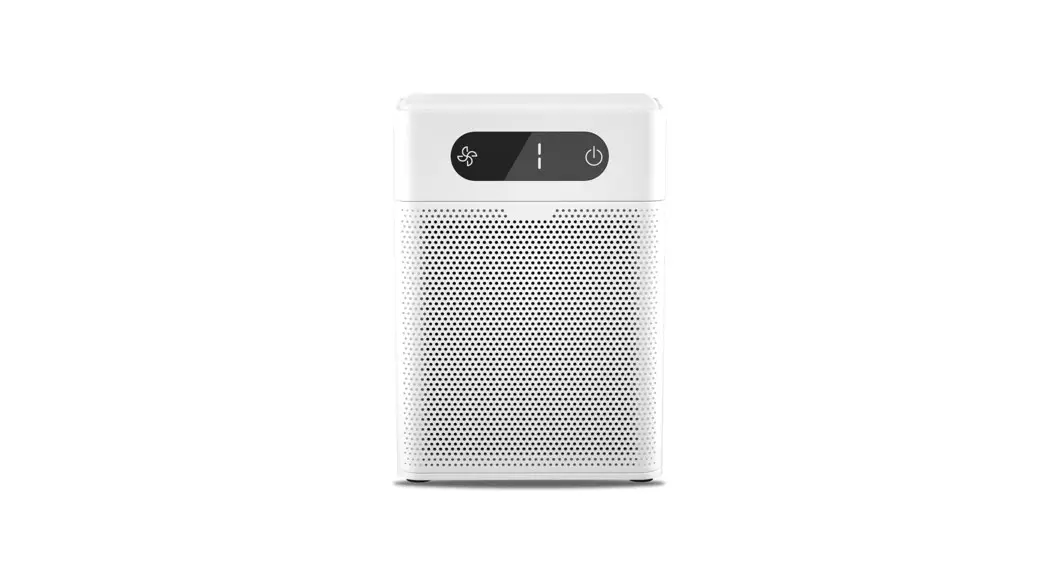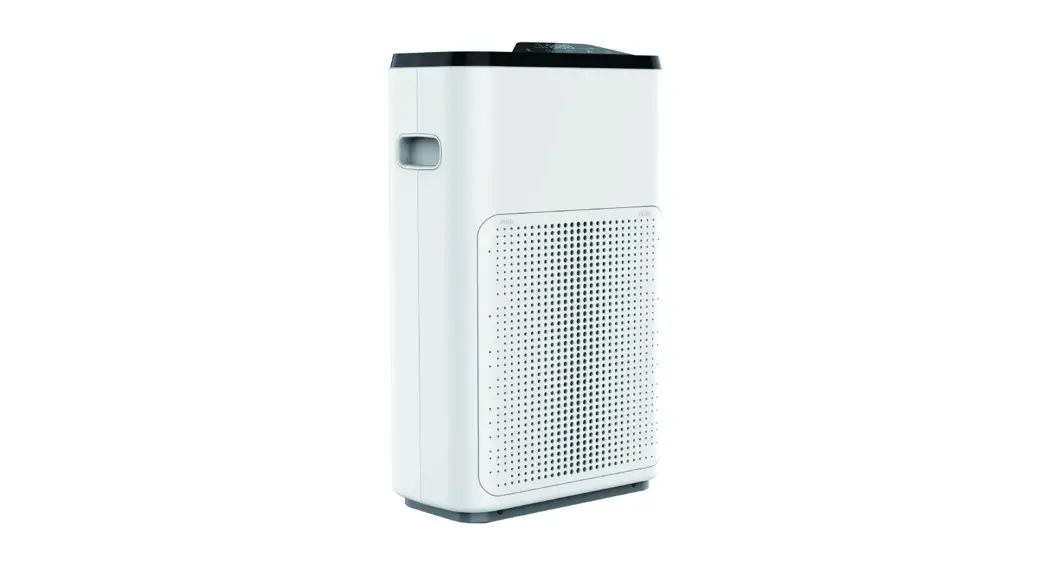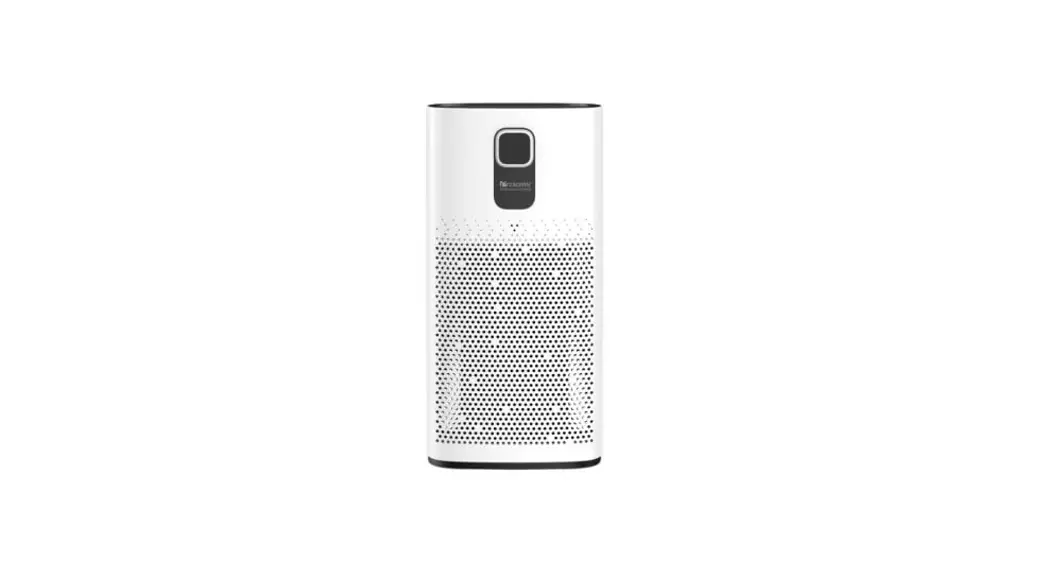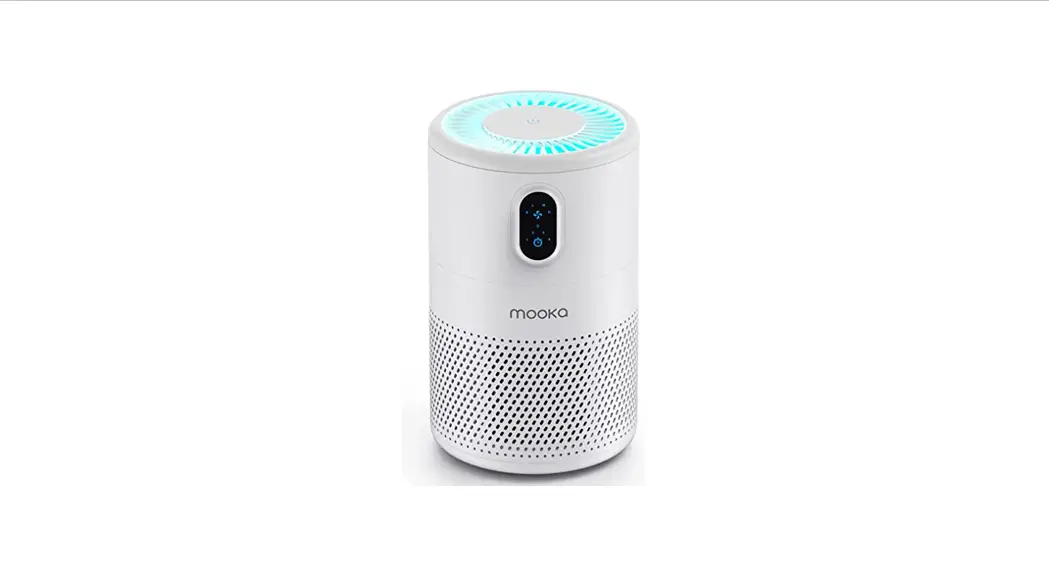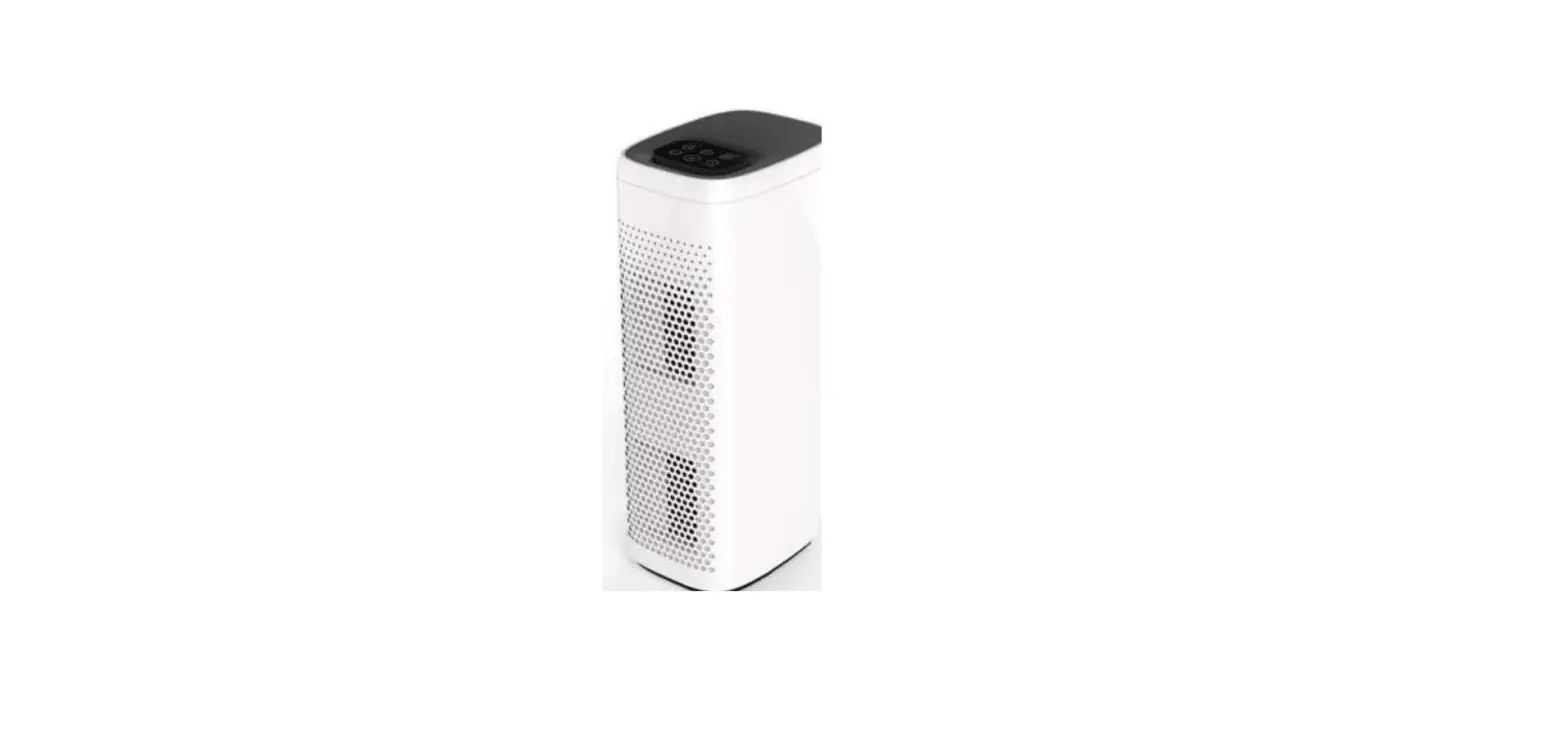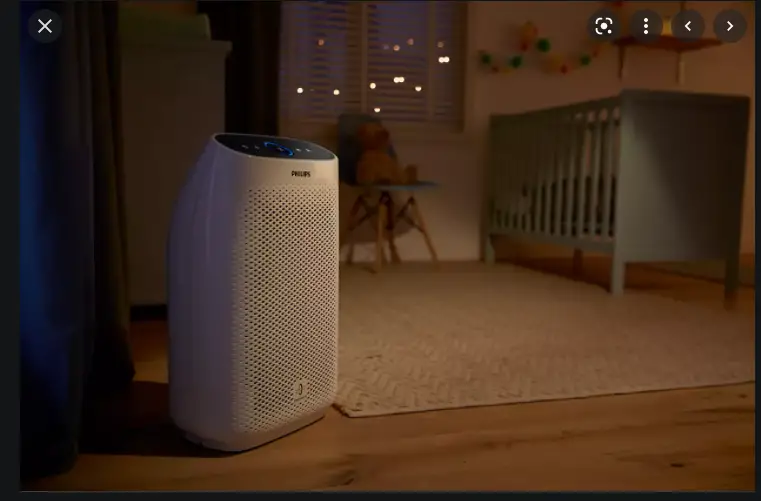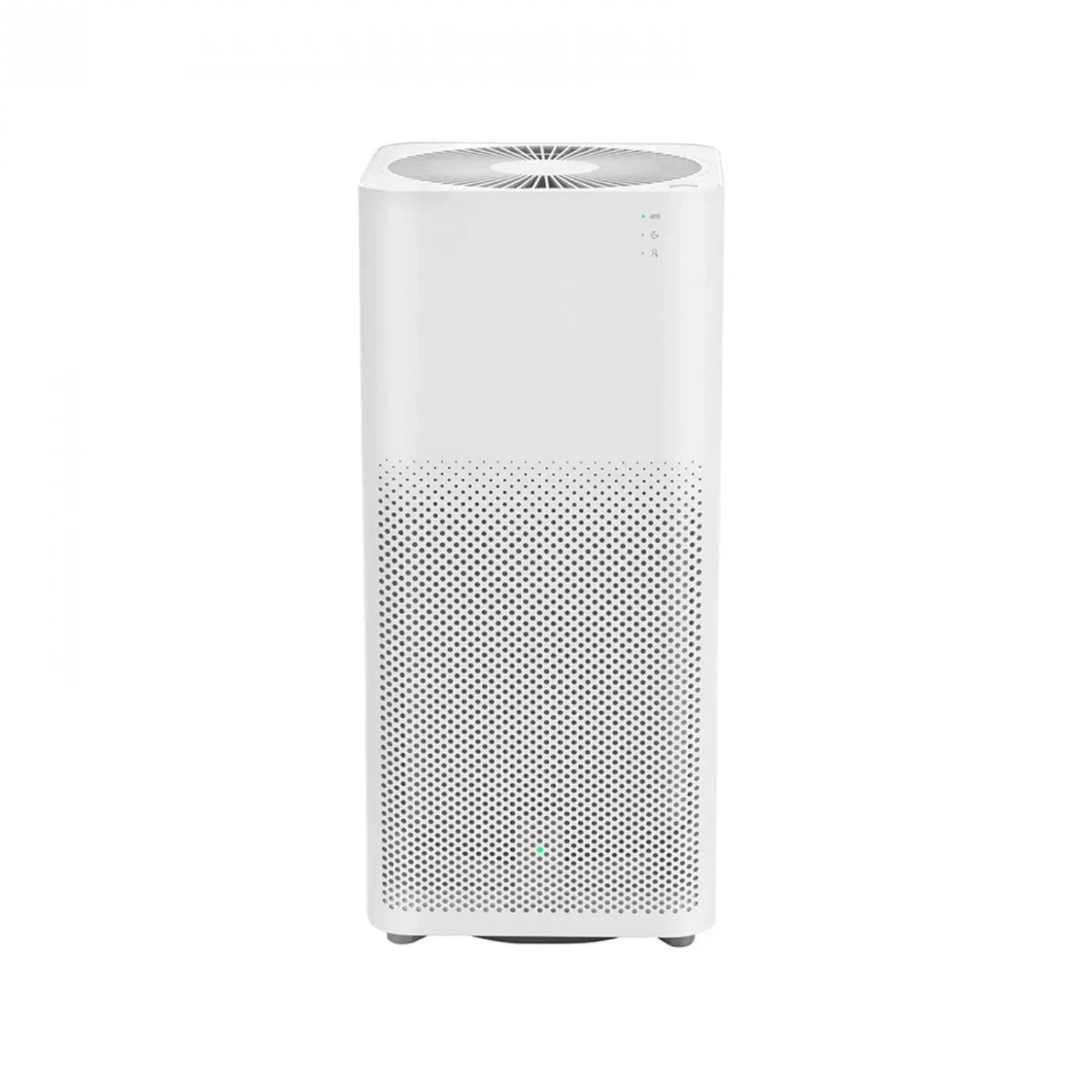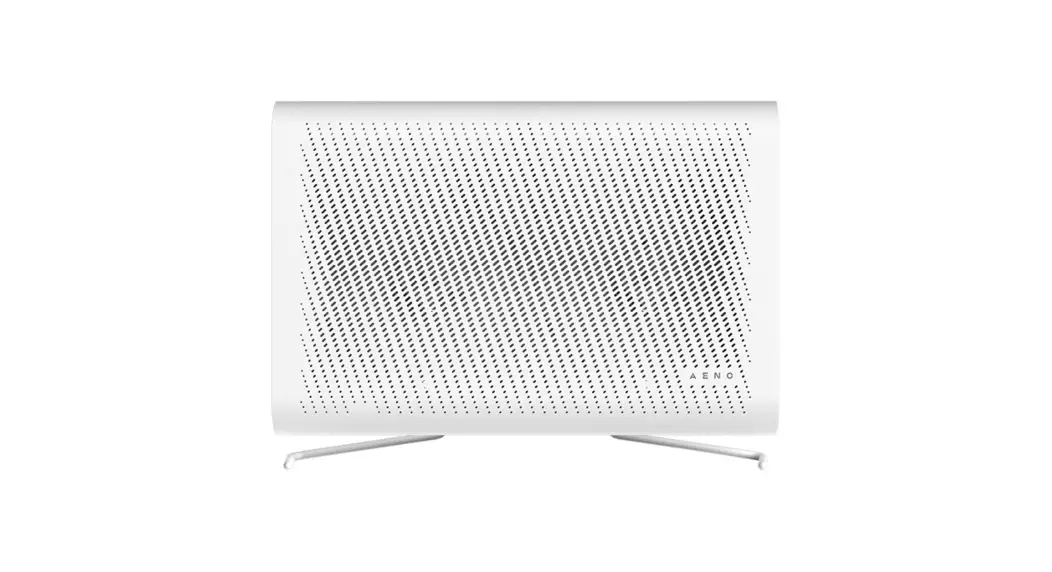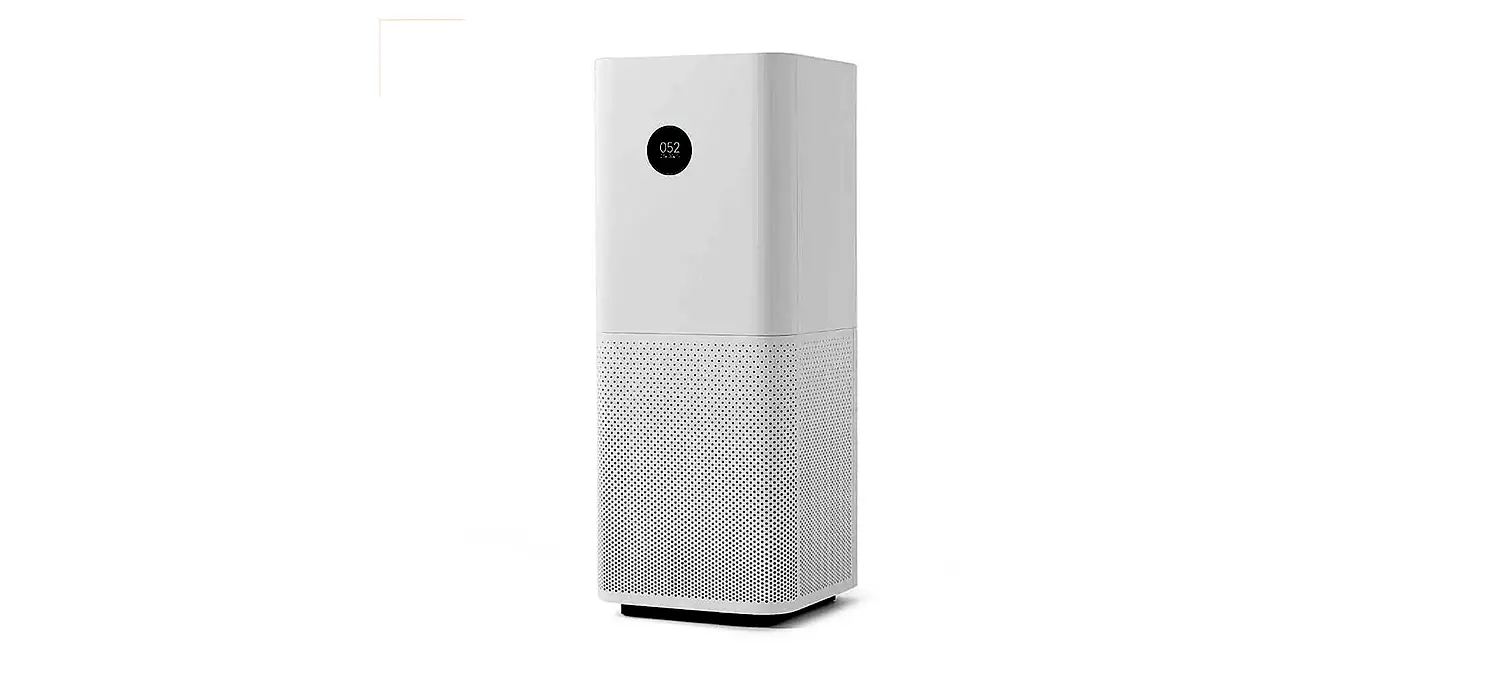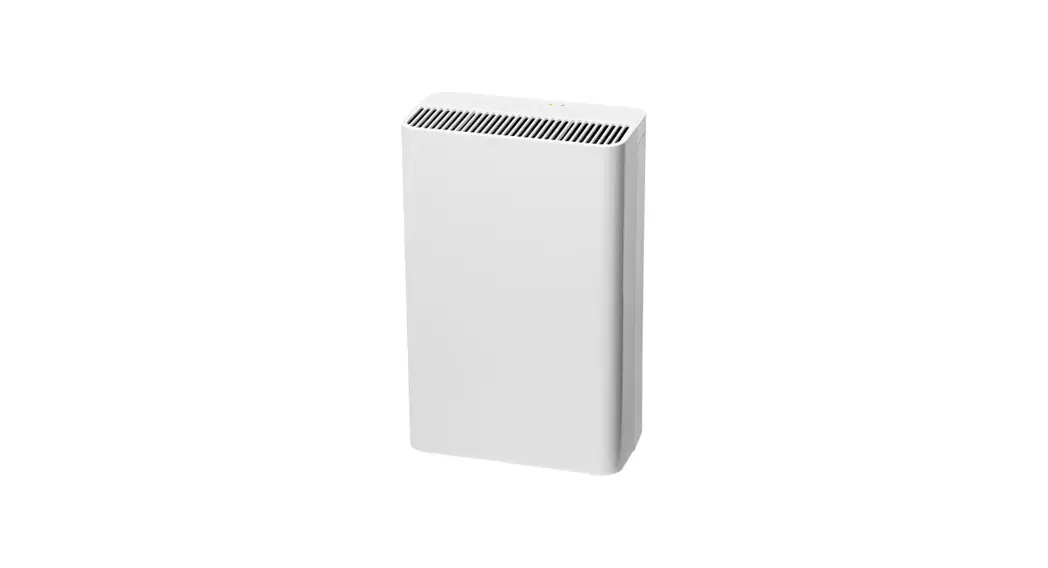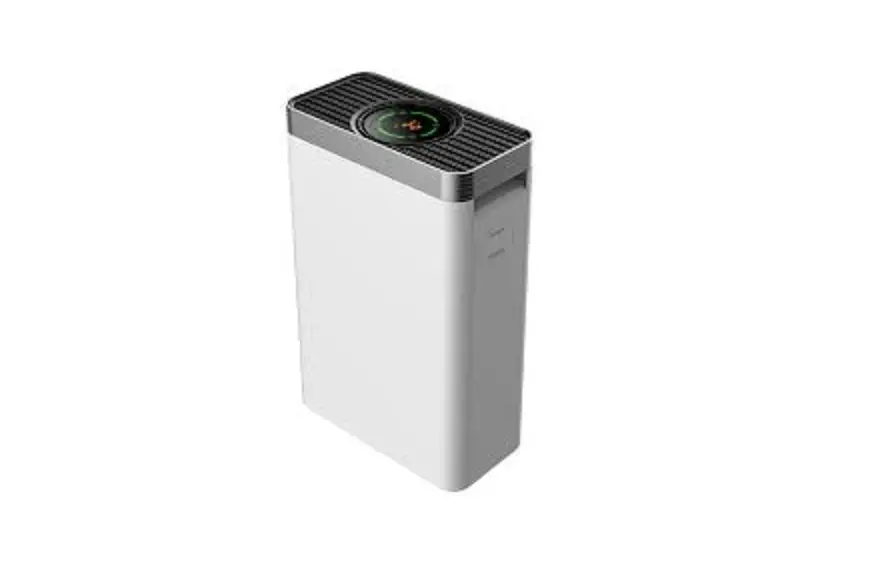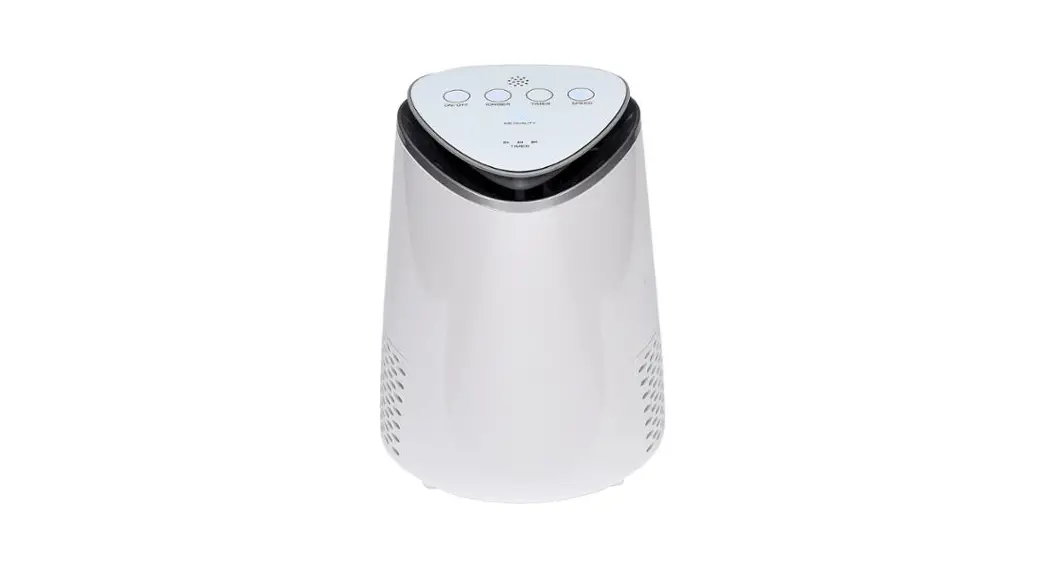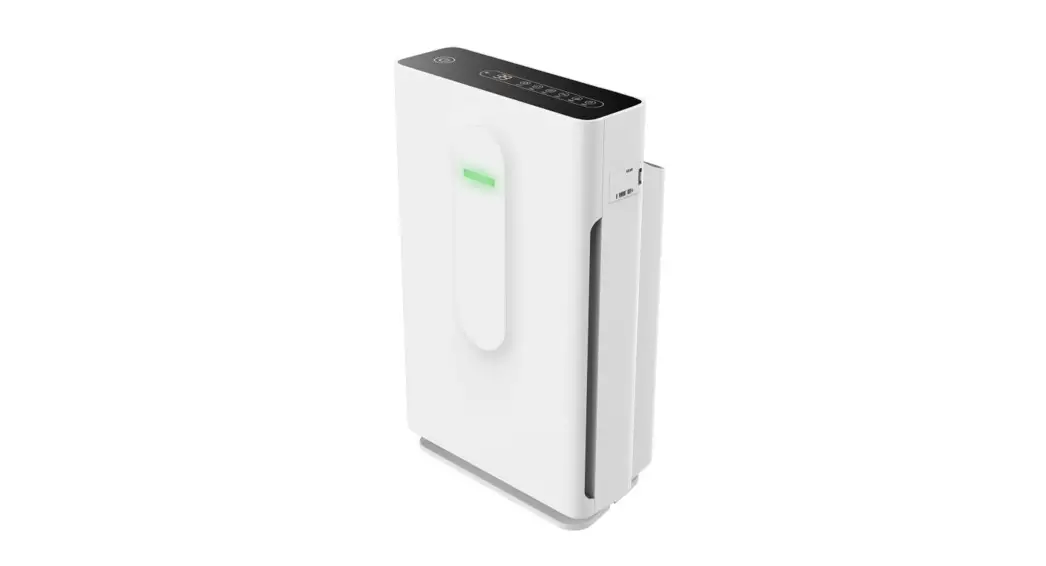
 A1-EA Series A1-EA-PM2.5 Air Purifier
User Manual
Introduction
RuntalAire® A1-EA is a series of wireless sensors, which need to connect with the RuntalAire® L-4-EA controller. It combines temperature and humidity sensors with a PM2.5 sensor(A1-EA-PM2.5) or CO2 sensor(A1-EA-CO2). It is suitable for indoor environmental quality measurement.
Model Specification
| Name | Model | Build-in Sensors | Communication |
| PM2.5 Sensor | Al -EA-PM2.5 | Temperature Humidity, PM2.5 | Wireless |
| CO2 Sensor | Al-EA-0O2 | Temperature Humidity, CO2 | Wireless |
Parameters
| Name | Range | Resolution | Precision |
| Temperature | -10°C — 50°C | 0.1°C | 1 t |
| Humidity | 1 — 99%RH | 1%RH | 3%RH |
| CO2 | 0-5000ppm | 1ppm | ±(75ppm+10% of reading) |
| PM2.5 | 0 – 999 ug/m3 | 1 ug/m3 | 5100pg/m3: ± 10pg/m3 >100pg/m3: ± 10% of reading |
Indicator light
| PM2.5 value | Air quality | Display color |
| 0 -35ug/m3 | A | Green |
| 36 – 75ug/m3 | B | Blue |
| 76 – 15Oug/m3 | C | Red |
| >15Oug/m3 | C | Red |
| CO2 value | Air quality | Display color |
| <600ppm | A | Green |
| 600 – 1000ppm | B | Blue |
| >1000ppm | C | Red |
Technical parameters
Power supply: Battery /USB 5V.
Appearance size: 86mm*86mm.
Appearance material: PC+ABS flame retardant.
Working environment: no condensation at -10-50 ℃ and 5-90%RH.
Operation
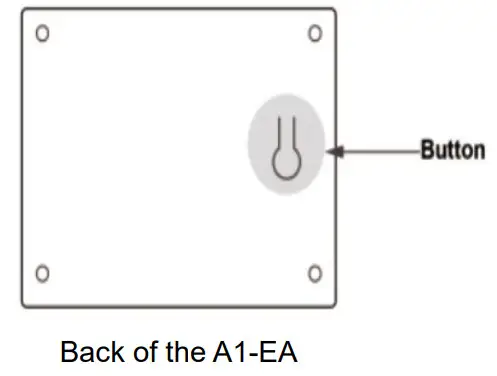
There is a button at the back of the RuntalAire® A1-EA sensor.
- Turn on the sensor: Press the button once.
- Turn off the sensor: Press the button for 6 seconds.
- On/off the indicator light: Press the button once as the sensor is running.
Connect to the Controller
Please refer to“L-4-EA Controller Manual” for details.
Before connection, please make sure the sensor is on. Set the controller to the sensor connection module. Press S3 +S4
+S4 for 3 seconds and the air quality icon (green leaf) in the middle of the controller screen will be blinking.
Press the button at the back of the sensors for 3 times until the indicator light is red and blinking. When the sensor is connected to the controller, the indicator light stops blinking and the air quality icon(green leaf) at the controller will be lighted all the time.
Charging
When the sensor is connected to the USB cable, if the battery power is less than 100%, the sensor will be charged automatically.
The indicator light will blink every 10 seconds and will stop blinking after charging.
Safety instructions
Commissioning and maintenance must be carried out by certified technicians.
During use, it should be kept away from heat sources, high pressure, and not in contact with water. To charge the sensor, please use a 5V charger. It is strictly forbidden to directly connect to high voltage, high current charging, which will flow through the battery and damage it or make the battery heat, smoke, deform or burn.
When not in use for a long time, please store the sensor well. Leave the battery in a half-charged state. During use, if the battery leakage sticks to the skin or clothes, please rinse with water to avoid skin discomfort. In case the electrolyte gets into the eyes, rinse with clean water as soon as possible, do not rub the eyes, and send it to the hospital immediately.
FCC Statement
This device complies with part 15 of the FCC rules. Operation is subject to the following two conditions: (1) this device may not cause harmful interference, and (2) this device must accept any interference received, including interfering ence that may cause undesired operation.
Changes or modifications not expressly approved by the party responsible for compliance could void the user’s authority to operate the equipment.
NOTE: This equipment has been tested and found to comply with the limits for a Class B digital device, pursuant to part 15 of the FCC Rules. These limits are designed to provide e reasonable protection against harmful interference in an r esidential installation. This equipment generates uses and can radiate radio frequency energy and, if not installed and used in accordance with the instructions, may cause harmful interference to radio communications. However, there is no guarantee that interference will not occur in a particular installation. If this equipment does cause harmful interference to radio or television reception, which can be determined ed by turning the equipment off and on, the user is encouraged to try to correct the interference by one or more of the following measures:
- Reorient or relocate the receiving antenna.
- Increase the separation between the equipment and receiver.
- Connect the equipment to an outlet on a circuit different from that to which the receiver is connected.
- Consult the dealer or an experienced radio/TV technician for help.
Important Note:
This transmitter must not be co-located or operating in conjunction with any other antenna or transmitter.
ISED Statement
This device complies with the Industry Canada license-exempt
RSS
standard(s).
Operation is subject to the following two conditions: (1) This device may not cause interference, and (2) This device must accept any interference, including interference that may cause undesired operation of the device.
The digital apparatus complies with Canadian CAN ICES ‐3 (B)/NMB‐3(B).