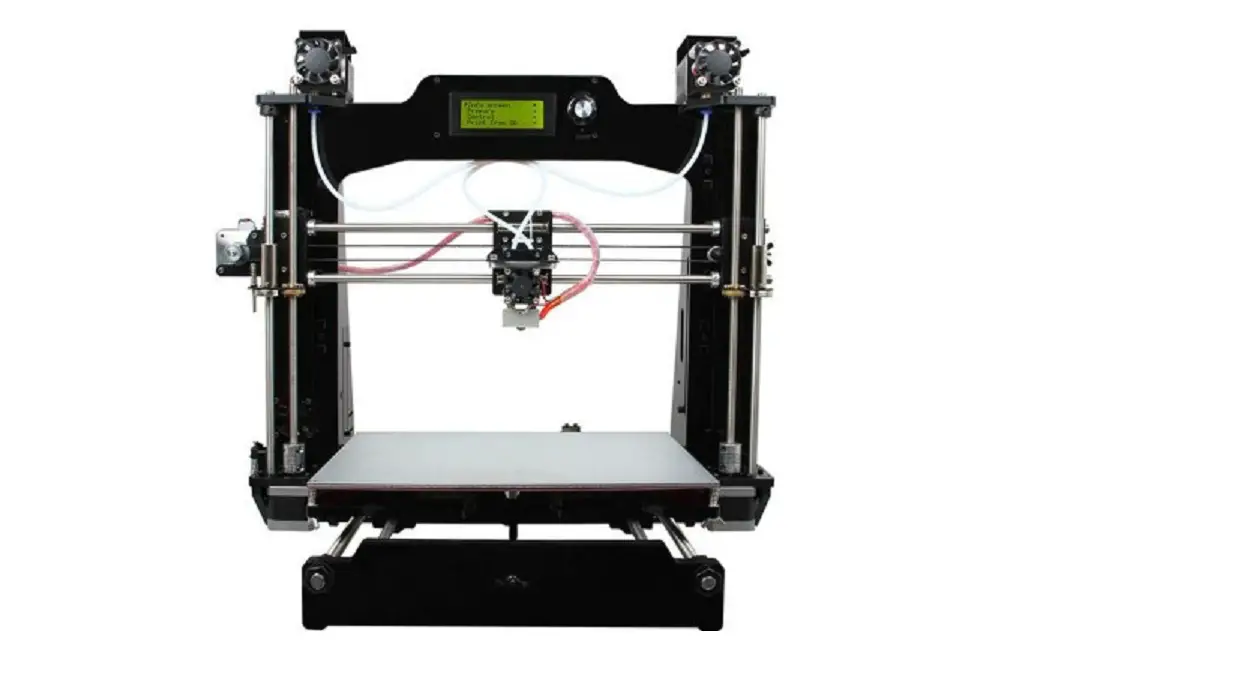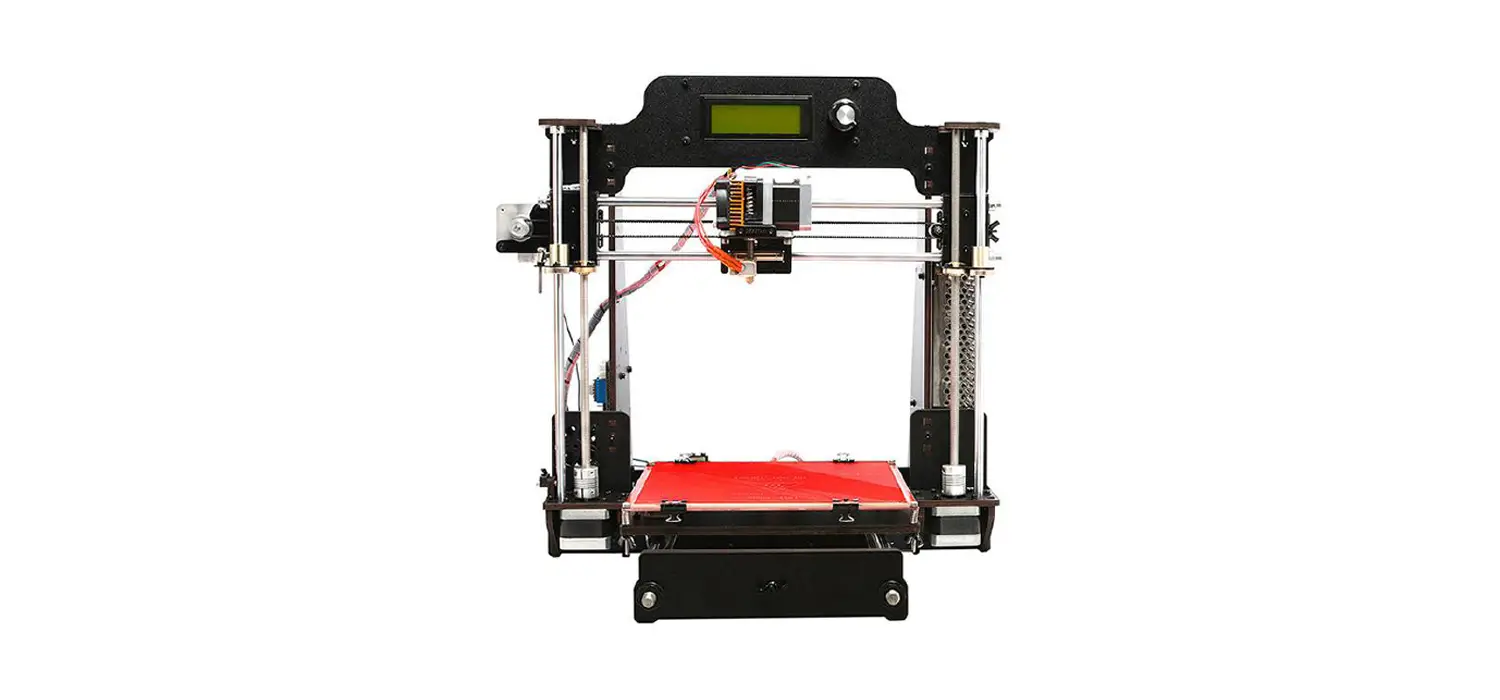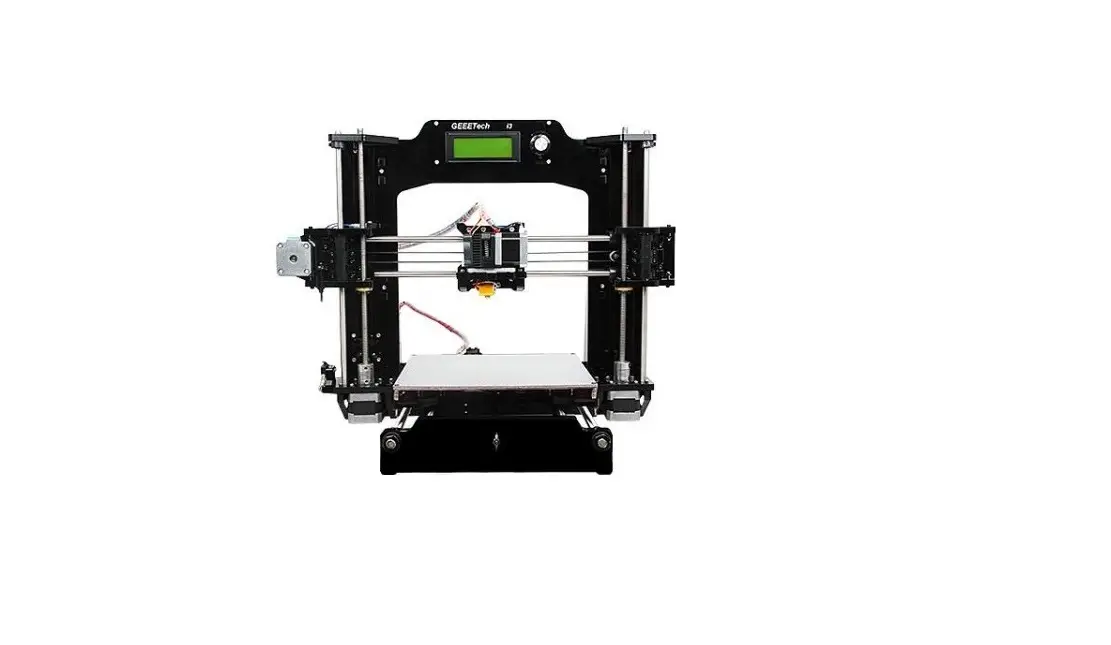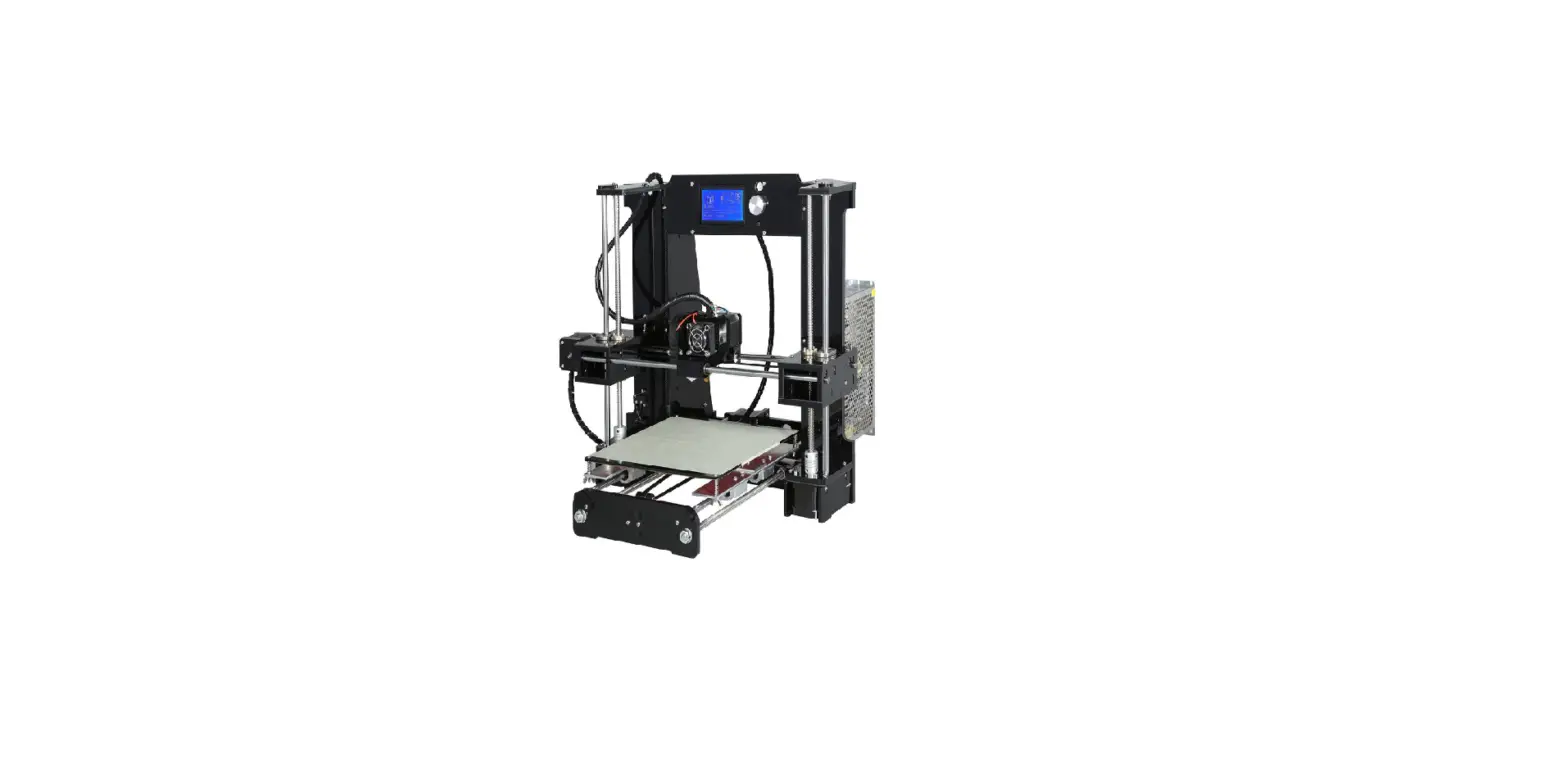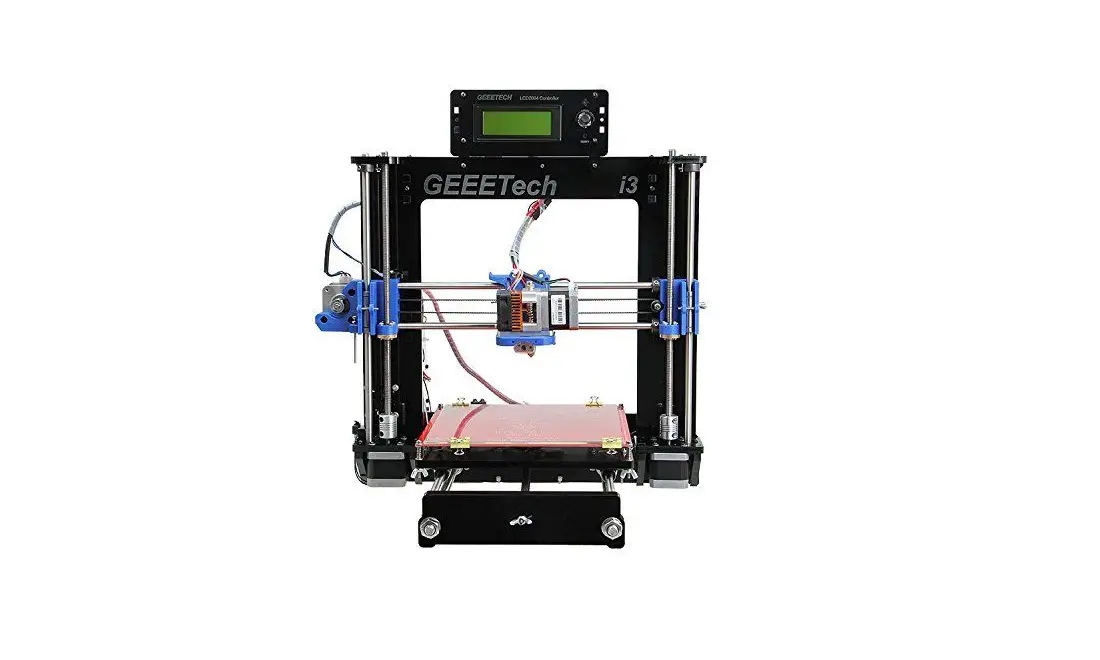
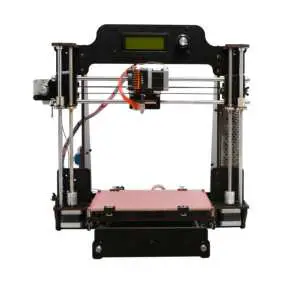
Geeetech Prusa I3 Pro W 3D Printer DIY kit
GEEETECH
Copyright Declaration
The copyright of this manual belongs to the Shenzhen GETECH CO., LTD. (hereinafter referred to as the “Geeetech”), and all rights reserved. No part of this specification should be reproduced or extracted in any forms or means without the prior written consent of Geeetech by any company and individuals.
Technical Support
If you are interested in the technology of 3D printing, flight control and U-home, welcome to Geeetech, we have series of made-up products, main boards, modules and a variety of peripherals for you. Or if you are looking for relevant information or technical support, please log in our Forum where you can find anything you want about open source. To know more about our new products, please visit www.geeetech.com, we will serve you wholeheartedly.
– 1 –
SAFETY INSTRUCTIONS
Building the printer will require a certain amount of physical dexterity, common sense and a thorough understanding of what you are doing. We have provided detailed instructions to help you assemble it easily, please download at geeetech.com.
However ultimately we cannot be responsible for your health and safety whilst building or operating the printer, with that in mind be sure you are confident with what you are doing prior to commencing with building or buying. Read the entire manual to enable you to make an informed decision.
Building and operating involves electricity, so all necessary precautions should be taken and adhered to, the printer runs on 12V supplied by a certified power supply, so you shouldn’t ever have to get involved with anything over 12V but bear in mind there can still be high currents involved and even at 12V they shouldn’t be taken lightly.
High temperatures are involved with 3D Printing, the Extrusion nozzle of the hot end can run about 230°C, the heated bed runs 110°C and the molten plastic extruded will initially be at around 200°C, so
– 2 –
special care and attention should be made when handling these parts of the printer during operation.
We wouldn’t recommend leaving your printer running unattended, or at least until you are confident to do so. We cannot be held responsible for any loss, damage, threat, hurt or other negligent result from either building or using the printer.
– 3 –
INTRODUCTION:
Geeetech Prusa I3 pro W 3D printer is engineered and manufactured by Shenzhen Getech Technology Co., Ltd. Compared with other Geeetech I3 pro printers, the whole frame of I3 pro W, made of high-quality wood, is greatly simplified and portable. Its DIY design would bring great sense of accomplishment when you see a whole machine walking out of fragmentary parts. Beside, I3 pro W keeps the excellent features of the I3 series 3D printers: High printing accuracy and speed, open filament system, smooth and exquisite surface finish and strong structure of the 3D objects, safe and satisfactory printing experience. Paired with EasyPrint 3D printing software, Geeetech I3 pro W makes it a reality to easily manage the whole printing job for both newbies and pros alike.
If you add a Wi-Fi module on it, you can remote control your pro W via our EasyPrint 3D APP, enjoy plentiful free 3D models in our cloud gallery, which enables you to print anywhere, anytime.
Unleash your bold ideation with the Geeetech Prusa I3 pro W!
(Note: Wi-Fi module is not included in this kit, you need to buy separately)
– 4 –
PACKAGE LIST
This list includes all the parts required to assemble your Pro W 3D Printer. After you received your package, please check if all the parts listed are included. Also make sure all the components are in good condition and not damaged during shipping. If anything is missing please contact with our customer service straight away, provide us the NO. , Name, and Qty.
| No | Name | Specifications | Qty | Pic |
| 1 | Smooth Rod | ψ 8*L322mm Z axis | 2 | 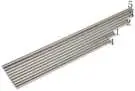 |
| 2 | Smooth Rod | ψ 8*L390mm X axis | 2 | |
| 3 | Smooth Rod | ψ 8*L410mm Y axis | 2 | |
| 4 | Threaded Rod | M8*L300mm Z-axis screw | 2 | |
| 5 | Threaded Rod | M10*L450mm Y-axis | 2 | |
| 6 | Washer | M2.5 | 6 | 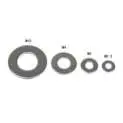 |
| 7 | Washer | M3 | 100 | |
| 8 | Washer | M10 | 12 | |
| 9 | Nut | M2.5 | 6 | 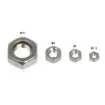 |
| 10 | Nut | M3 | 26 | |
| 11 | Nut | M4 | 2 | |
| 12 | Nut | M10 | 12 | |
| 13 | Lock nut | M4 | 2 | |
| 14 | Wing nut | M3 | 5 |  |
| 15 | Square nut | M3 | 25 |  |
| 16 | Z-axis nut | Φ8 (tin-bronze) | 2 |  |
| 17 | Spring washer | M10 | 6 |  |
| 18 | locking ring | Φ8 with Jimmy screws | 8 |  |
| 19 | Screw | M2.5×8 mm | 2 | 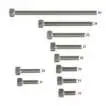 |
| 20 | Screw | M2.5×16 mm | 4 | |
| 21 | Screw | M3x6mm | 25 | |
| 22 | Screw | M3x10mm | 17 | |
| 23 | Screw | M3x12mm | 7 | |
| 24 | Screw | M3x16mm | 46 | |
| 25 | Screw | M3x20mm | 4 | |
| 26 | Screw | M3x35mm | 5 | |
| 27 | Screw | M3x40mm | 1 | |
| 28 | Screw | M4x6mm | 4 |  |
| 29 | Screw | M4x25mm | 2 | |
| 30 | Screw | countersunk head M3x16mm | 2 |  |
| 31 | Spring | 20mm | 5 |  |
| 32 | Linear Bearings | LM8UU | 3 |  |
| 33 | Linear Bearings | LM8LUU | 2 |  |
| 34 | Linear bearings | LMH8UU | 2 |  |
| 35 | Timing Belts | Y axis | 1 |  |
| 36 | Timing Belts | X axis | 1 |  |
| 37 | Driven wheel holder | Metal plate | 2 |  |
| 38 | Couplings | 5-8mm | 2 |  |
| 39 | Pulleys | 20T D5 | 2 |  |
| 40 | Driven wheel | 2 |  | |
| 41 | Ball bearing | MR84zz (Placed in No.40) | 4 |  |
| 42 | Spacer | For control board | 4 |  |
| 43 | Spacer | For LCD | 4 |  |
| 44 | Dovetail clam | 19mm | 4 |  |
| 45 | Heat sink | 4 |  | |
| 46 | Sticker | 1 |  | |
| 47 | Belt bracket | 2 | 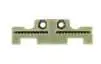 | |
| 48 | Knob | For LCD | 1 |  |
| 49 | Fan | 40x40x10mm 12V | 1 |  |
| 50 | Fan extension cable | 3-Pin M-F | 1 |  |
| 51 | USB Cord | A-B | 1 |  |
| 52 | End stop | blue / red / black | 3 |  |
| 53 | Power input cable | 1 | 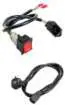 | |
| 54 | Power output cable | 1 |  | |
| 55 | Heat bed set | With heating wire and Thermo-wire | 1 kit |  |
| 56 | Borosilic ate glass | 1 |  | |
| 57 | Power supply unit | 110V- 240V DC12V/0-15A | 1 |  |
| 58 | Stepper motor | 4 |  | |
| 59 | Extruder | MK8 extruder | 1 | 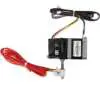 |
| 60 | Control board | GT2560+4 A4988 | 1 set | 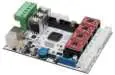 |
| 61 | LCD 2004 | LCD2004 | 1 | 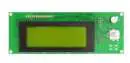 |
| 62 | Zip ties | 3*150mm | 30 |  |
| 63 | Coil | 3M | 1 |  |
| Wooden kits | ||||
| W1- A | XZ frame (up) | I3-01 | 1 | 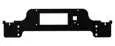 |
| W1-B | XZ frame (bottom) | I3-01 | 1 | 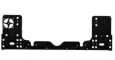 |
| W2 | Left side frame | I3-02 | 1 | 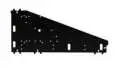 |
| W3 | Right side frame | I3-03 | 1 | 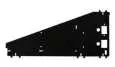 |
| W4 | Z motor fix plate (left) | I3-04 | 1 |  |
| W5 | Z motor fix plate (right) | I3-05 | 1 |  |
| W6 | Z motor support plate | I3-06 | 3 |  |
| W7 | Z motor support plate | I3-07 | 1 |  |
| W8 | Z top mount | I3-08 | 2 |  |
| W9 | Front support plate A | I3-09 | 1 |  |
| W10 | Front support plate B | I3-10 | 1 |  |
| W11 | Rear support plate C | I3-11 | 1 |  |
| W12 | Rear support plate D | I3-12 | 1 |  |
| W13 | Y motor fix plate | I3-13 | 1 |  |
| W14 | Y axis connect plate | I3-14 | 2 |  |
| W15 | Building platform | I3-15 | 1 |  |
| W16 | Y bearing block | I3-16 | 3 |  |
| W17 | belt bracket mount | I3-17 | 1 |  |
| Metal Parts | ||||
| M1 | X-axis left end | left | 1 |  |
| M2 | X-axis right end | Right | 1 |  |
| M3 | Bearing mount | PI3F-S07 | 1 | 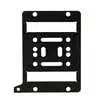 |
| M4 | Bearing Bracket | PI3F-08 | 4 |  |
| M5 | Extruder bracket | PI3B-S01 | 1 |  |
| Free add-on | ||||
| F1 | Ejector pin | 1 |  | |
| F2 | File | 1 |  | |
| F3 | Filament spool set | Wooden kits | 1 kit |  |
| F4 | Starter filament | About 3 meters | 1 |  |
| F5 | Screw driver kit |  | ||
| F6 | Ball-point pen | 1 |  | |
-20-
GENERAL CARE AND MAINTENANCE
As with all the electronic equipment, it is important to keep your printer clean to extend its life. Regularly remove dust and debris with a microfiber cloth or compressed air. Dredge the tube and the nozzle after use every time to ensure fluent performance.
- Don’t leave the heaters on the printer turned on for a long periods of time when not used.
- Don’t leave your printer in shady and moist places, which may exacerbate the problems associated with erosion.
- The three axes of the GEEETECH I3 Pro W are lubricated with grease for smooth operation and can last for a long time. Grease may need to be re-applied to your printer to maintain smooth performance.
- Avoid positioning your power supply unit in such a way that the brick is hanging, pulling, or putting any unnecessary stress in the electrical wires and components.
– 21 –
SUPPROT
Thanks for choosing Geeetech, we strive to provide a satisfied and pleasant shopping experience for you, but we do understand there may be some questions you may encounter in using our product. If so, you can contact us directly or post on our forum, our technique staff will help you resolve it. For more detailed information, you can also visit Geeetech wiki from our home page.
For detailed building instructions, please download at: https://www.geeetech.com/geeetech-prusa-i3-pro-w-3d-printer-diy-kit-p-1014.html
For detailed building videos, please check at YouTube: https://www.youtube.com/playlist?list=PLODCkot3GrigDNAiILi4PDbKfZE41VtgG
Subscribe our YouTube channel for more videos. https://www.youtube.com/user/geeetech
– 22 –

GEEETECH
www.geeetech.com
References
 geeetech 3d printers onlinestore, one-stop shop for 3d printers,3d printer accessories,3d printer parts
-
geeetech 3d printers onlinestore, one-stop shop for 3d printers,3d printer accessories,3d printer parts
-
geeetech 3d printers onlinestore, one-stop shop for 3d printers,3d printer accessories,3d printer parts
-
geeetech 3d printers onlinestore, one-stop shop for 3d printers,3d printer accessories,3d printer parts
 youtube.com/playlist?list=PLODCkot3GrigDNAiILi4PDb
-
Geeetech Prusa I3 Pro W 3D Printer building instruction - YouTube
-
Geeetech - YouTube
 geeetech 3d printers onlinestore, one-stop shop for 3d printers,3d printer accessories,3d printer parts
 geeetech 3d printers onlinestore, one-stop shop for 3d printers,3d printer accessories,3d printer parts
 youtube.com/playlist?list=PLODCkot3GrigDNAiILi4PDb