
MOUNT-E-WM075 Remote Control
Instruction Manual
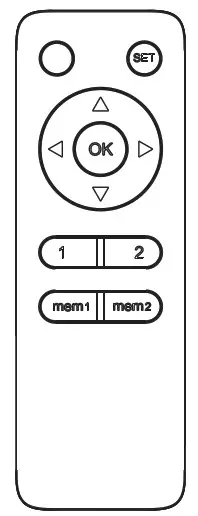
SKU: MOUNT-E-WM075 Remote Control
Scan the QR code with your mobile device or follow the link for helpful videos and specifications related to this product.
https://vivo-us.com/products/mount-e-wm075

GET IN TOUCH | Monday-Friday from 7:00am-7:00pm CST
 | [email protected] |
 | www.vivo-us.com Chat live with an agent! |
 | 309-278-5303 |
 WARNING!
If you do not understand these directions, or if you have any doubts about the safety of the installation, please call a qualified technician. Check carefully to make sure there are no missing or defective parts. Improper installation may cause damage or serious injury. Do not use this product for any purpose that is not explicitly specified in this manual and do not exceed weight capacity. We cannot be liable for damage or injury caused by improper mounting, incorrect assembly, or inappropriate use.
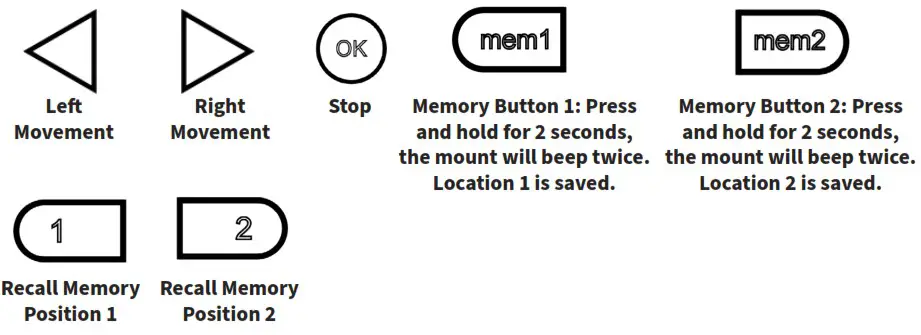
REMOTE CONTROL OPERATING INSTRUCTIONS
Install two AAA batteries (not included) in the remote.
OPERATION
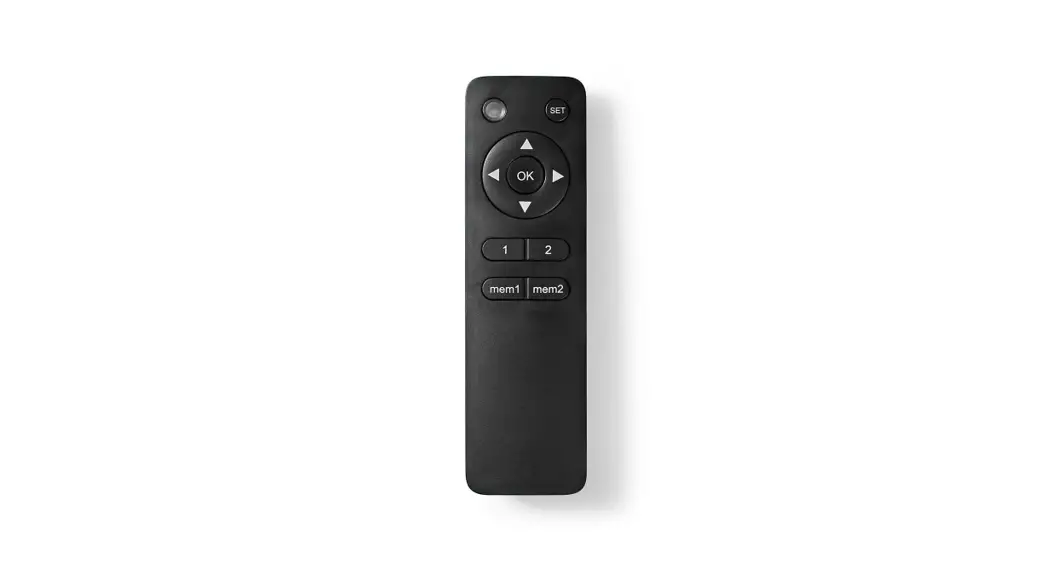
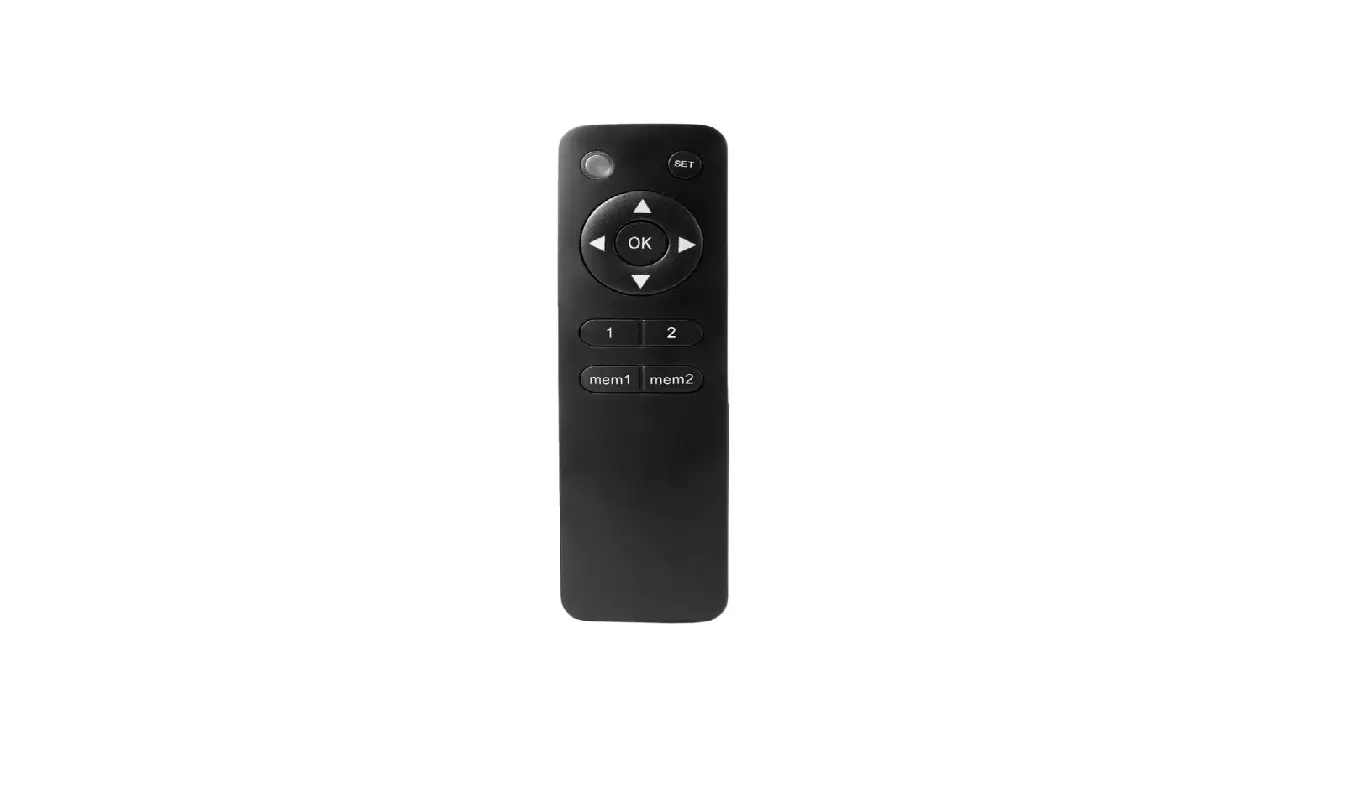
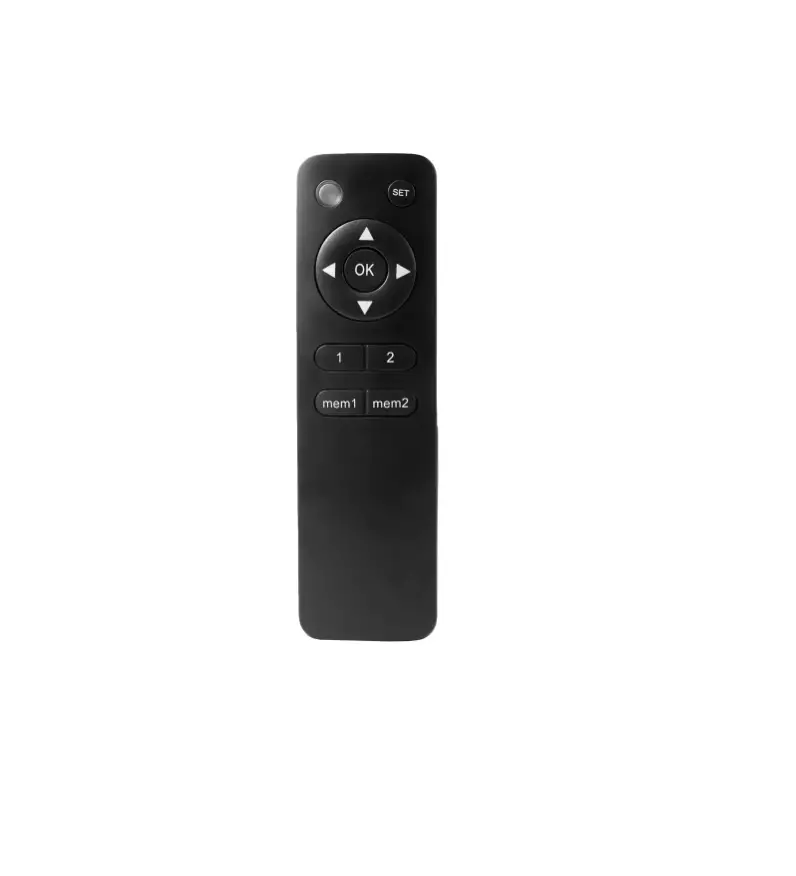
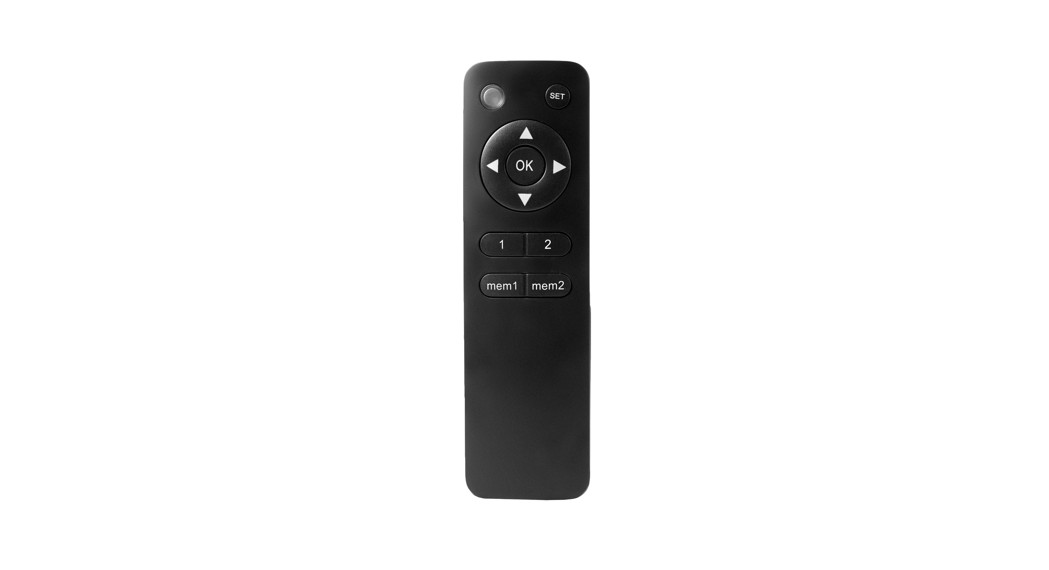
Use left and right buttons to manually swing the mount in and out.
SAVE AND RECALL MEMORY
To save a certain location to memory, press and hold the mem1 or mem2 buttons for 2 seconds. The mount will beep, indicating the position has been saved to memory. To recall memory locations, press the ( 1 ) or ( 2 ) button. The TV mount will automatically adjust to saved memory locations 1 or 2.
INCREASE THE SWIVEL RANGE
The default swivel range of the TV mount is 0°-90°. To increase the swivel range:
- Adjust the TV wall mount to your desired position manually.
- Unplug and re-plug the power. Press and hold “mem1” until you hear one beep. Repeat this step five times until you hear two consecutive beeps; thie new swivel range is now saved successfully. Note: The max swivel range is 170°.
SWITCH REMOTE DIRECTION
To switch the remote direction, press and hold the up button for 5 seconds and wait for the mount to beep.
ERROR INDICATIONS
Over-Current Protection: The unit makes a “beep beep” (2 beeps) once
Sensor indicates the mount is out of range: The unit makes a “beep beep” (2 beeps) twice
Sensor indicates an operating fault: The unit makes a “beep beep” (2 beeps) three times
Unit senses abnormal power: The unit makes a “beep beep” (2 beeps) four times
PAIRING THE REMOTE CONTROL
- Use a thin tool (such as a paperclip) to press the small button on the left side of the mount. The mount will beep once.
- Press the SET button on the replacement remote. The mount will beep repeatedly for 10 seconds to indicate that the remote is being programmed to the mount. When the beeping has stopped, the mount will be ready for operation.
PAIRING A REMOTE TO MULTIPLE UNITS
The included remote may be paired to multiple units, allowing all installed mounts to be controlled simultaneously. Follow the steps outlined above in “Pairing the Remote Control” for each mount to pair to a single remote.
To change each unit back to using individual remotes, repeat the programming steps using the individual remotes for each.
RESET MOUNT
If the TV wall mount operates abnormally, it may be necessary to perform a reset of the mount. To reset the TV wall mount, unplug the mount from power for 10 seconds and plug back in. Hold the OK button for 6 seconds to return mount to the minimum (folded) position.
| PROBLEM | SOLUTION |
| Remote Control Range is Too Short | Replace the batteries. If the problem is not resolved, please contact us to replace the remote control. |
| Abnormal Operation | Reset the system by following instructions under Reset Mount. If problem is not resolved, contact us to replace the product. |
| Mount Will Not Operate | Ensure power supply is properly connected to the product. If so, ensure power outlet is working. If there is no beeping sound or red light (power indication) on the TV mount, please contact us to replace the power supply. |
| Abnormal Noise | Please contact us to replace the product. |
 Love your new VIVO setup and want to share?
Tag us in your photo! @vivo_us
LAST UPDATED: 07/14/22
REV1.2

| 309-278-5303 | AVG. RESOLUTION TIME (within office hrs): 5M 4S |
| www.vivo-us.com Chat live with an agent! | AVG. RESOLUTION TIME (within office hrs): < 15 M |
| [email protected] | AVG. RESPONSE TIME (within office hrs): 1HR 8M – 23% within < 15m – 38% within < 30m – 61% within < 1hr – 83% within < 2hr – 92% within < 3hr |
FOR MORE VIVO PRODUCTS, CHECK OUT OUR WEBSITE AT: www.vivo-us.com
 Register a .US.COM domain today!
 VIVO - Desks, Monitor Mounting, and More Home & Office Solutions – VIVO - desk solutions, screen mounting, and more
 Electric Swing Wall Mount for 32” to 75” TVs – VIVO - desk solutions, screen mounting, and more