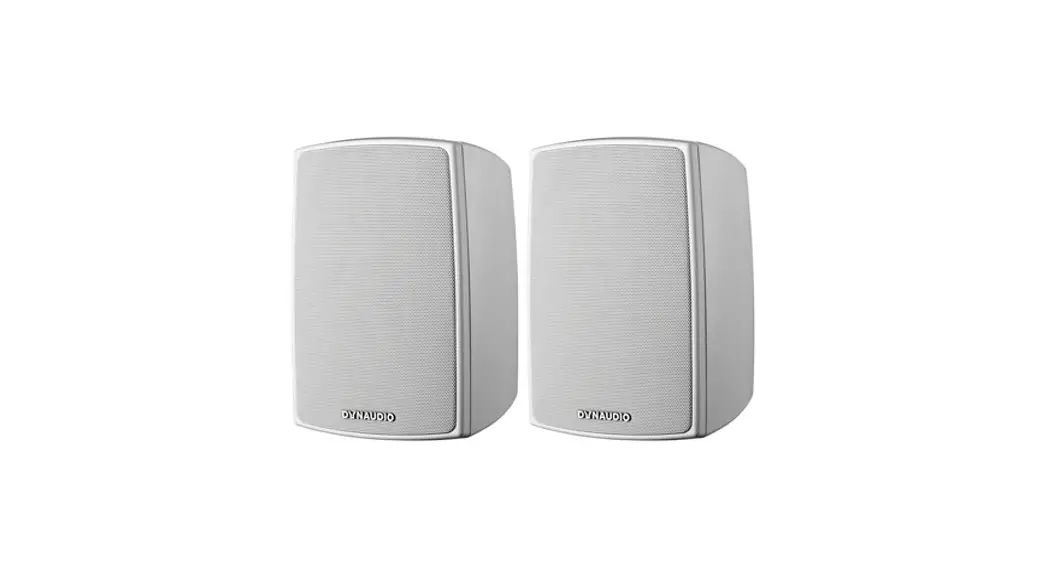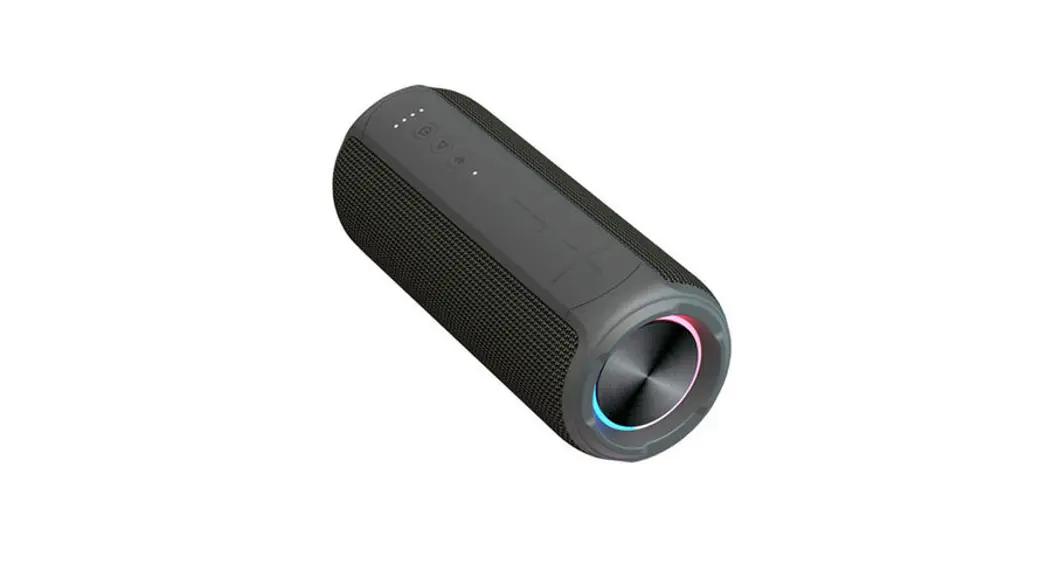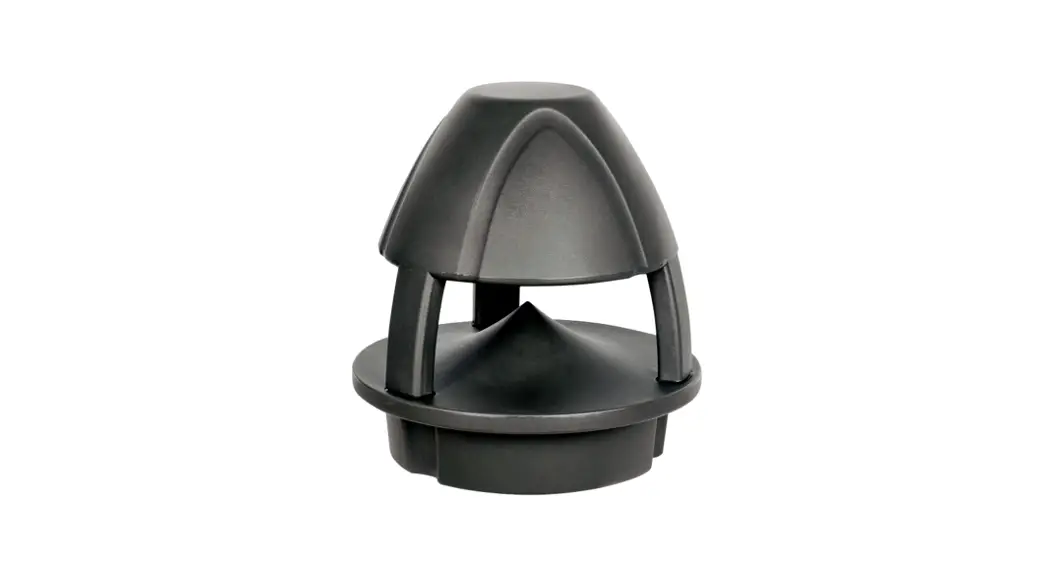

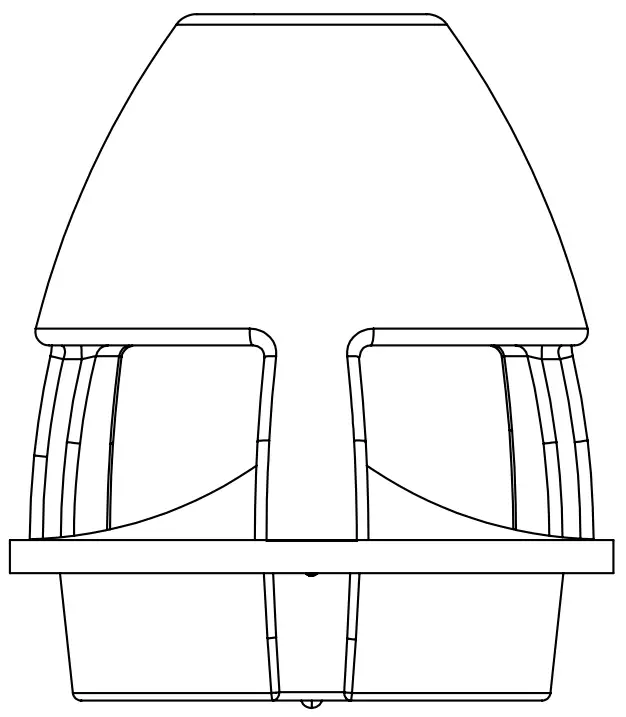

GARDEN PLUG & PLAY
STREAM
OUTDOOR SPEAKER
Wireless
SAFETY INSTRUCTIONS
- Read the instructions carefully before installation and use. Keep the manual safe for future reference.
- Ensure the location you have selected to install the speaker will provide proper support and does not have obstructions that might interfere with the sound. Never submerge the speaker in water.
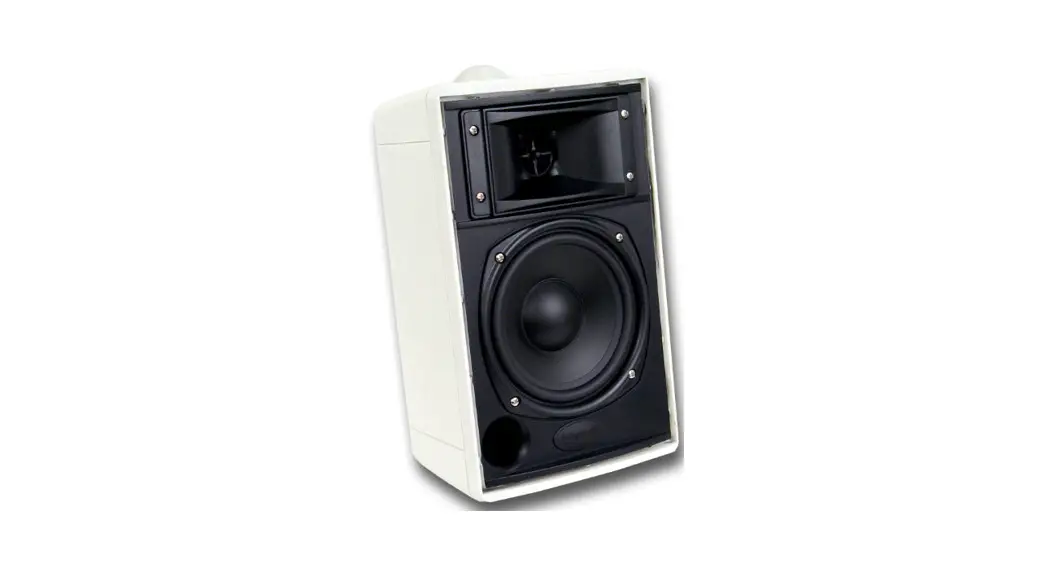
- Do not touch or bump the woofer and tweeter. lf these are damaged, the sound will be distorted.
- Protect the power cable from being damaged.
Do not stretch the power cable or place it near sharp objects that may damage it. - A damaged cable must be repaired or replaced by an autorised electrician.
- Never turn up your speaker volume to the point of distortion and always reduce volume prior to switching input sources.
CARE & MAINTENANCE
Ensure all equipment is turned OFF prior to cleaning. Surfaces and cabinet need only occasional dusting/cleaning. Never touch the speaker drivers. Never use chemicals or solvents as they may damage the surface. Clean using a damp cloth.
KNOW YOUR SPEAKER
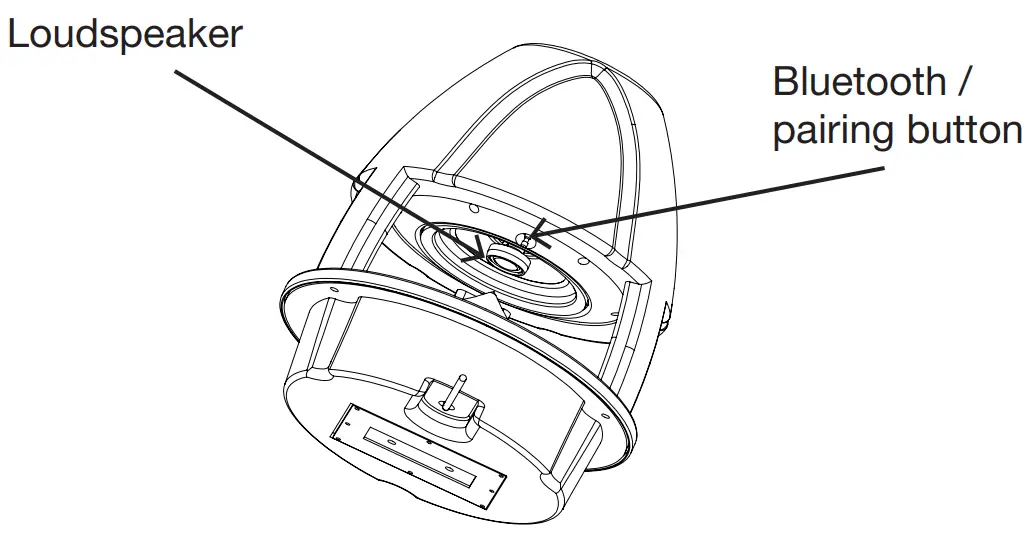
The speaker usually needs a break-in period of 20-30h play time to reach optimal sound quality.
Stream has a built in equalizer that is optimized for great outdoor sound. If you prefer different sound characteristics, please adjust the equalizer, or treble / bass, on your music source.
BLUETOOTH CONNECTION
- Connect the speaker to the power supply.
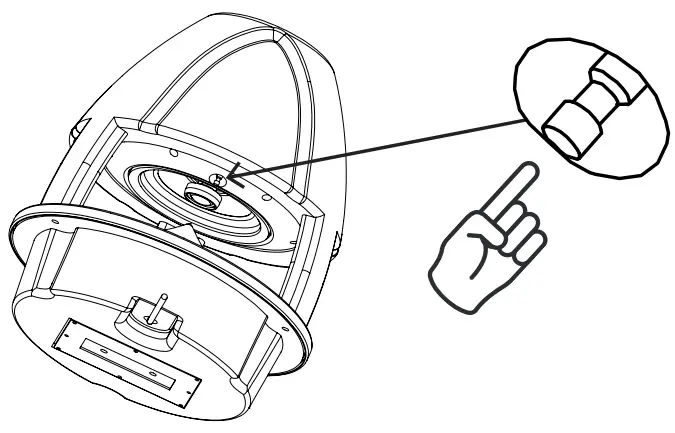
- Press the Bluetooth button briefly (do not hold). The speaker is now ready to connect to your phone.

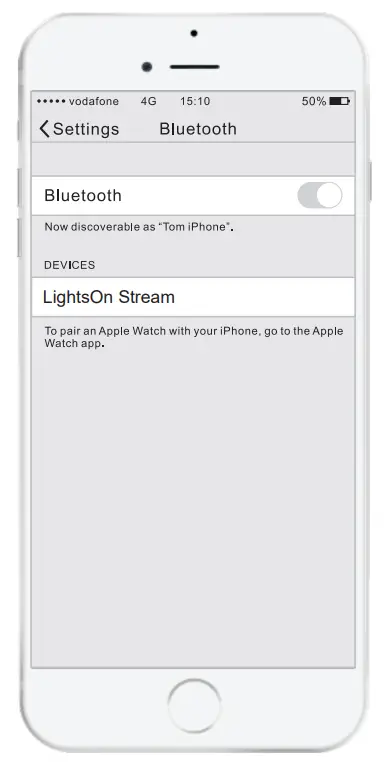
- Locate the speaker (named LightsOn Stream) in the Bluetooth settings on your phone and connect.

PAIRING SPEAKERS (optional)
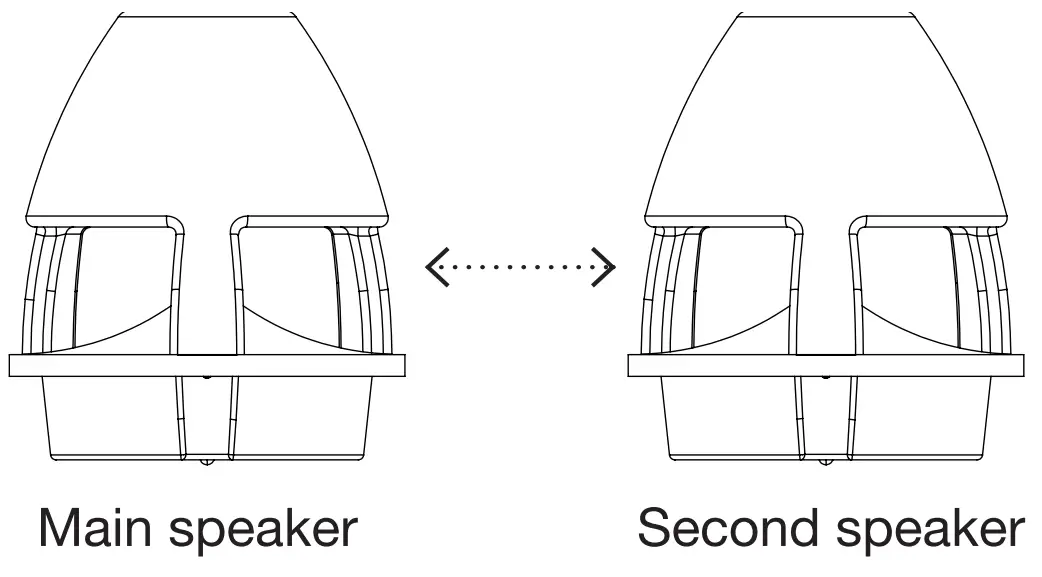
- Press the Bluetooth button on the main speaker for two seconds. The main speaker is now ready to pair with the second speaker.
- Now press the button on the second speaker for two seconds. The speakers are now paired together for wireless stereo sound.
 If you wish to disconnect the second speaker, briefly press (do not hold) the Bluetooth button twice.
 If you wish to disconnect the second speaker, briefly press (do not hold) the Bluetooth button twice.
TROUBLESHOOTING
If a problem arises, please check the FAQ below
– A:
– 1. Please check that the power cable is connected.
– 2. Make sure that you have pressed the speaker Bluetooth button to activate Bluetooth.
– 3. Make sure that the speaker is within 10m range of your phone during setup.
– A: Ensure that the volume is turned up on the phone and that it is not muted.
– 1. Turn down the volume until the distortion disappears.
– 2. Adjust the bass level in the equalizer (or treble / bass) on your phone.
– A: Follow the steps for pairing two speakers and make sure that the distance between the two speakers is max 10m.
Press the speaker button for 10 seconds if you wish to delete all connection data and restore to factory default setting.
SPECIFICATIONS
| Art. | 5103 |
| Voltage: | 230V |
| Amplifier: | Active, integrated |
| RMS Power: | 60W |
| Woofer: | 6.5” |
| Tweeter: | 1” |
| Diameter: | 36cm |
| Height: | 41cm |
| Cable length: | 2m |
| IP Class: | IP56, weatherproof |
| Bluetooth: | Up to 20m |
| Wireless pairing: | Max 2 units, up to 10m |

Scan for more information
https://qr.net/63tKsi

THANK YOU FOR CARING
Always recycle!
Please refer to the local environmental laws for recycling.LightsOn AB
Terminalgatan 3
235 39 Vellinge
Sweden
www.lightson.se
 LightsOn - trädgårdsbelysning