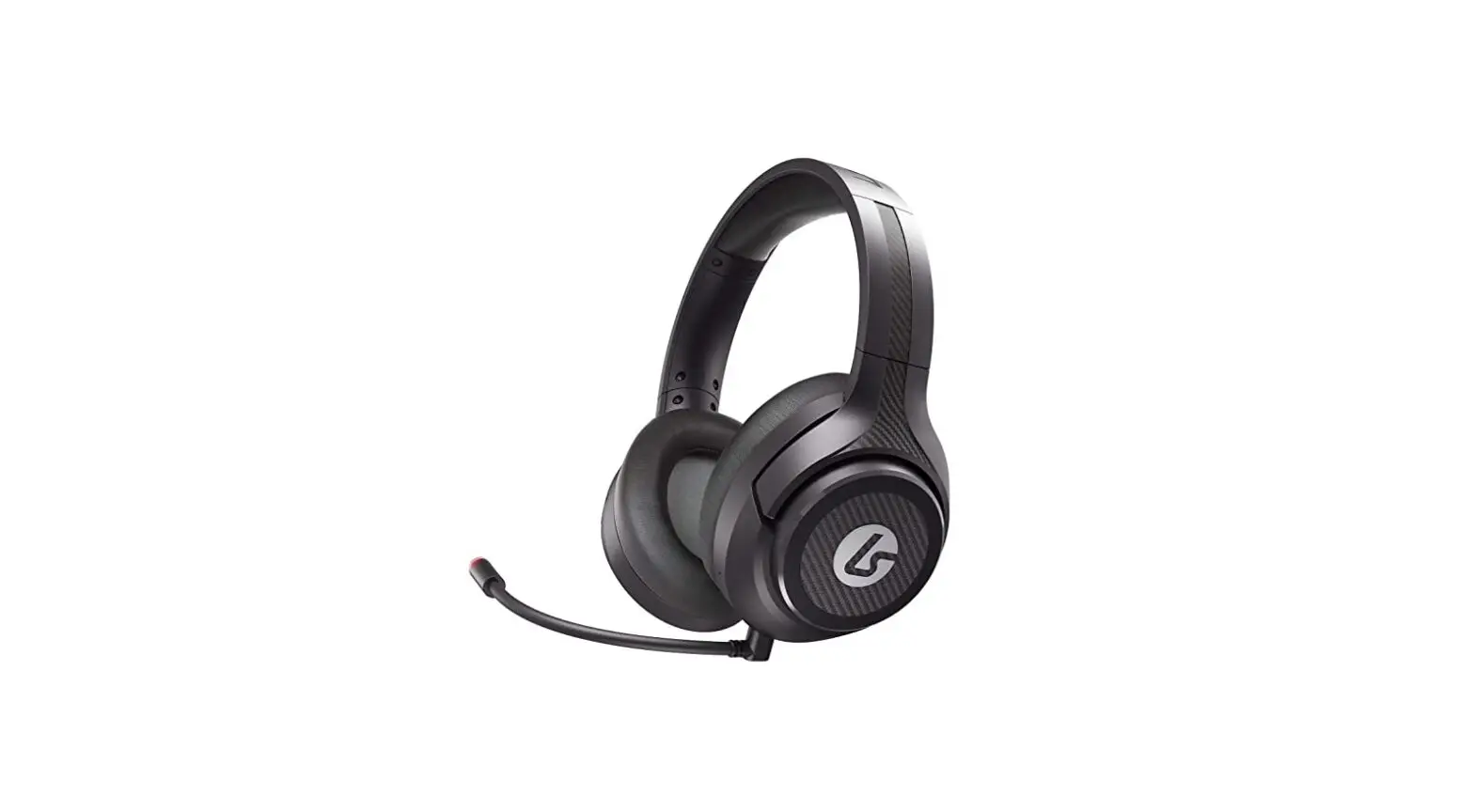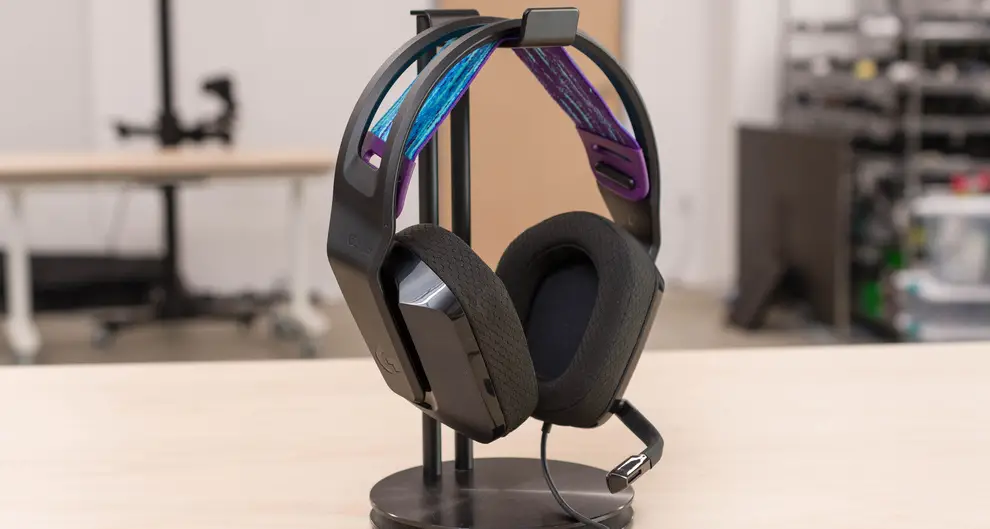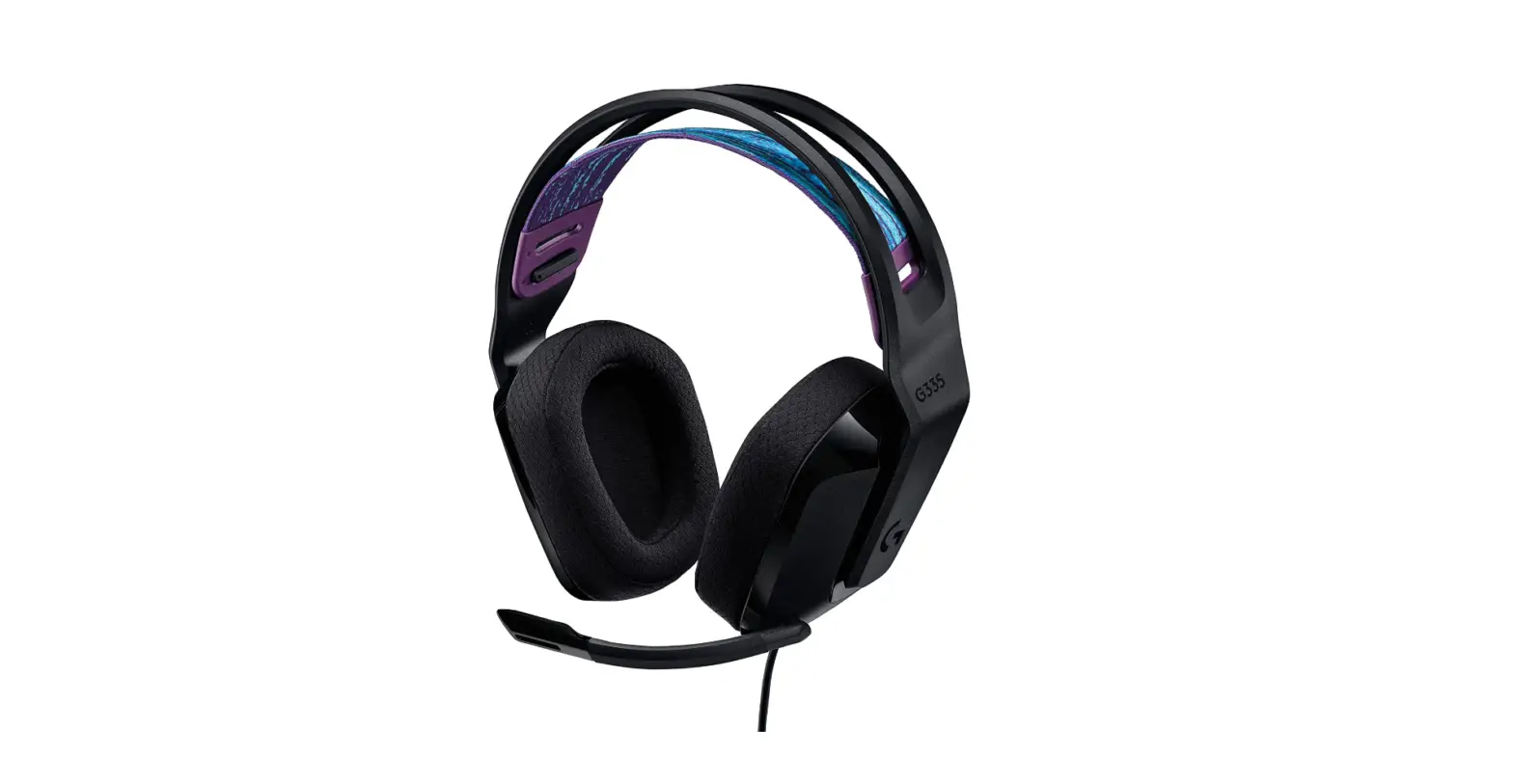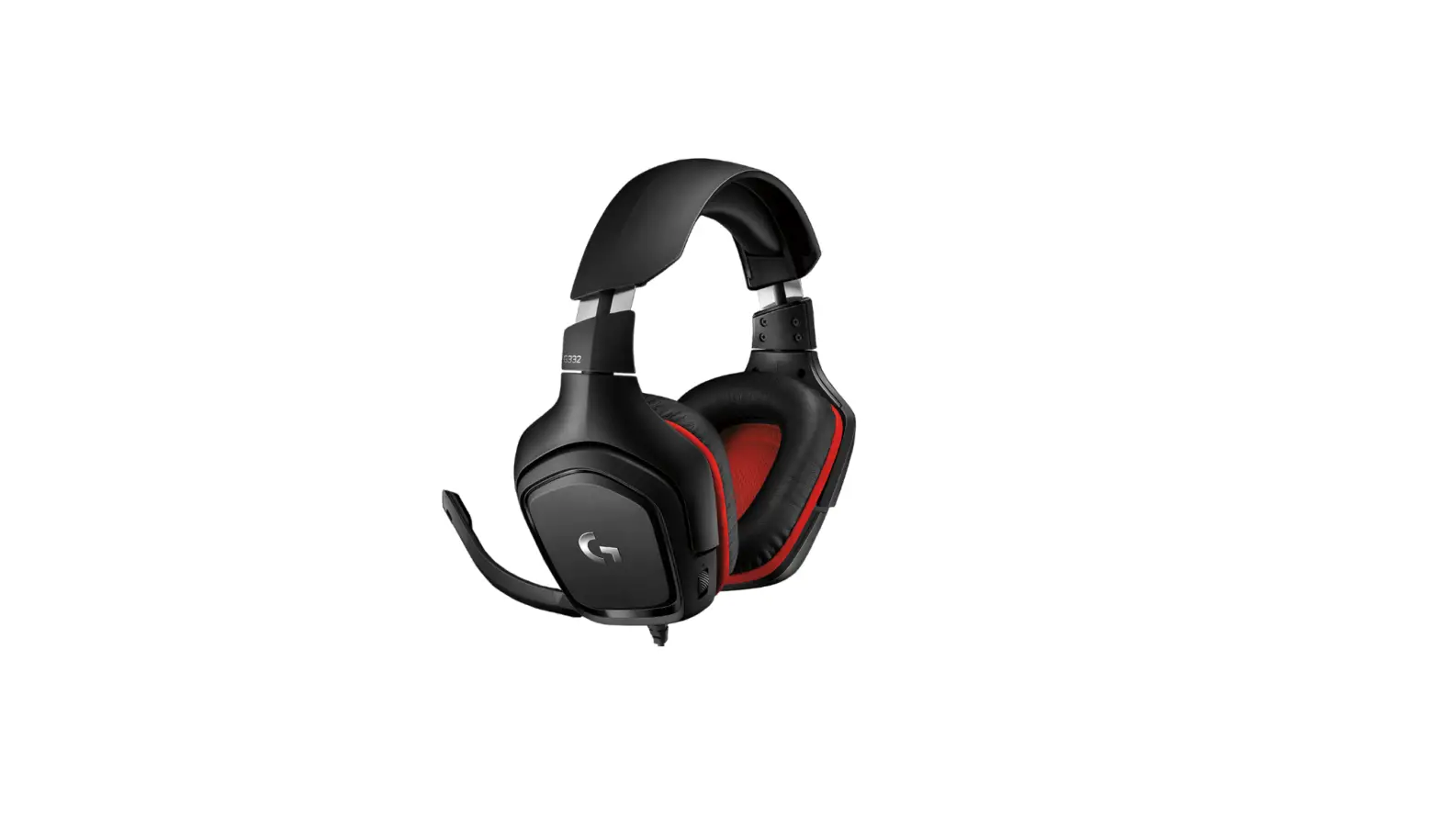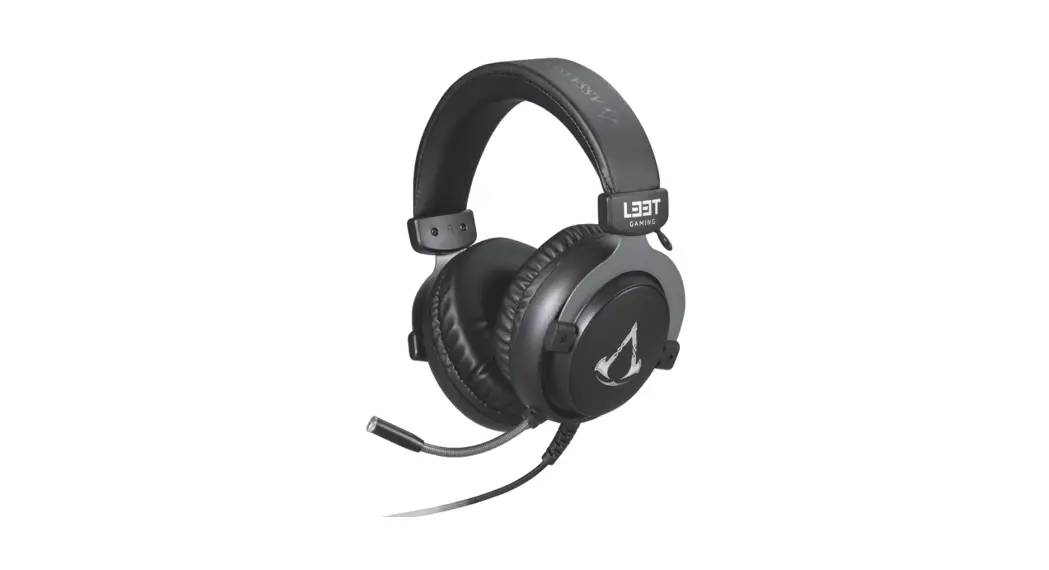


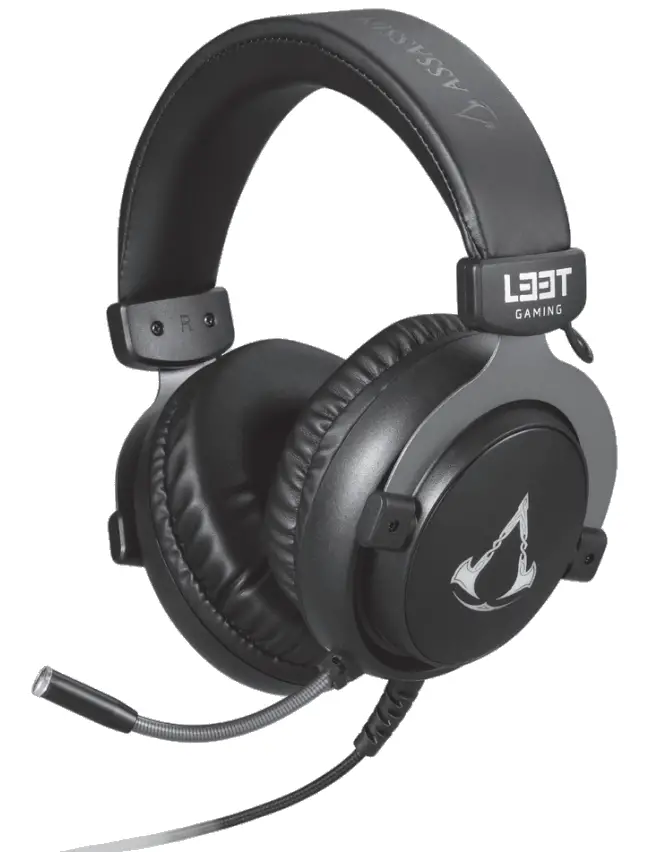
Mosfet Gaming Headset
© 2021 Ubisoft Entertainment. All Rights Reserved. Assassin’s Creed®, Ubisoft, and the Ubisoft logo are trademarks of Ubisoft Entertainment in the U.S. and/or other countries.
GJERMUNDBU
Overview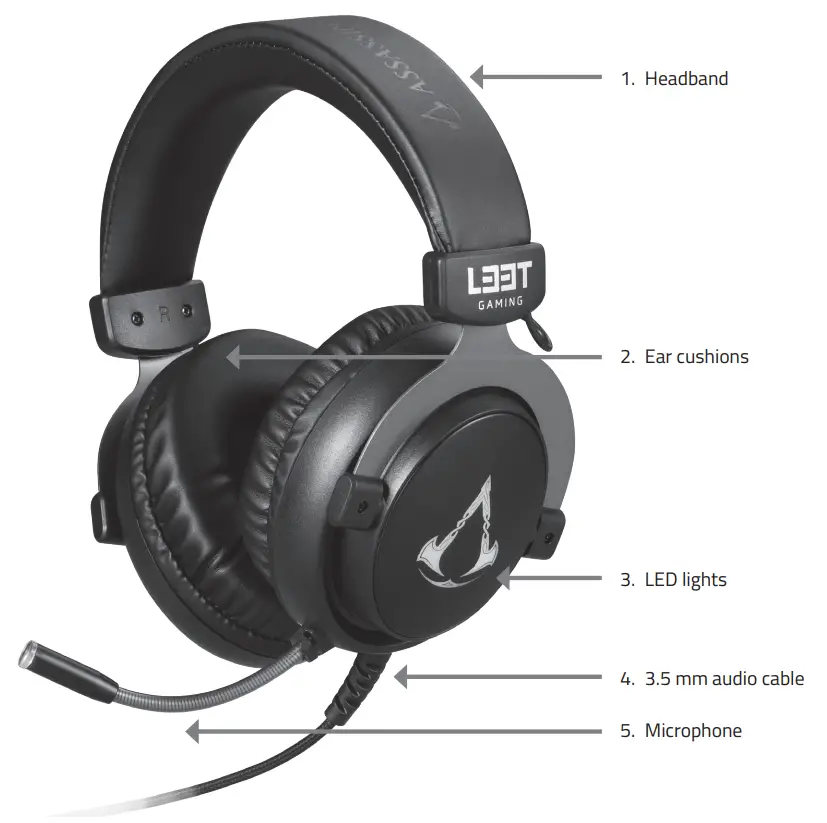
Usage
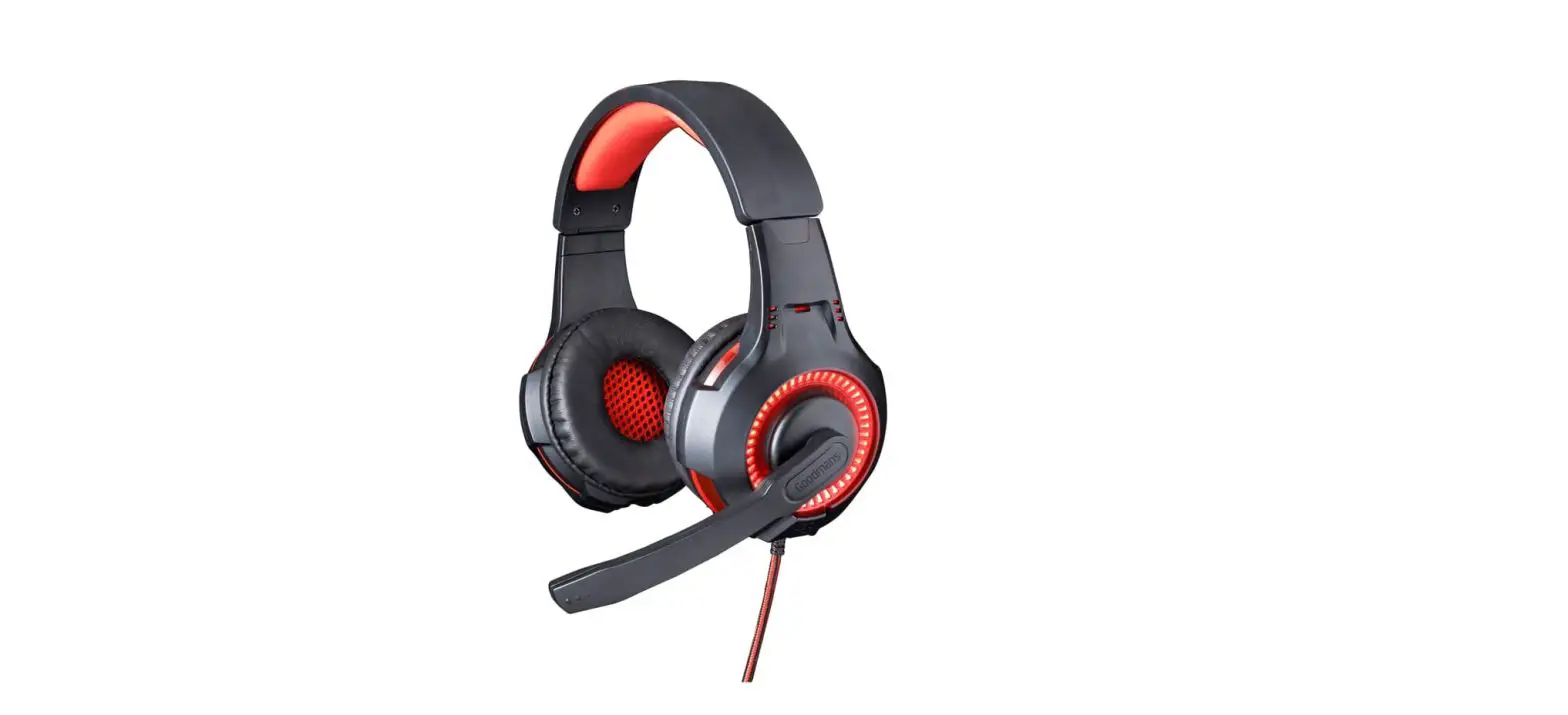
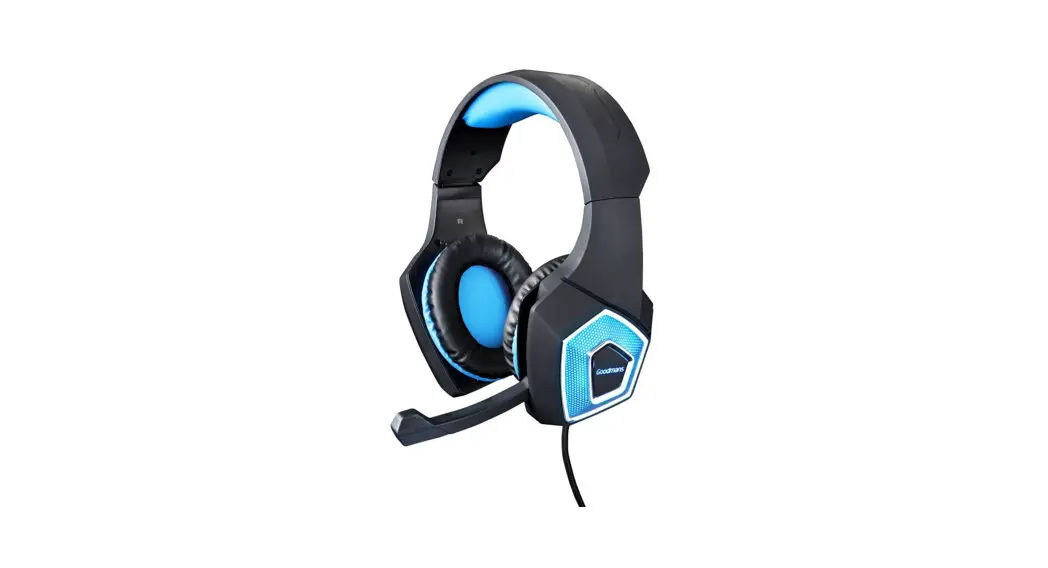
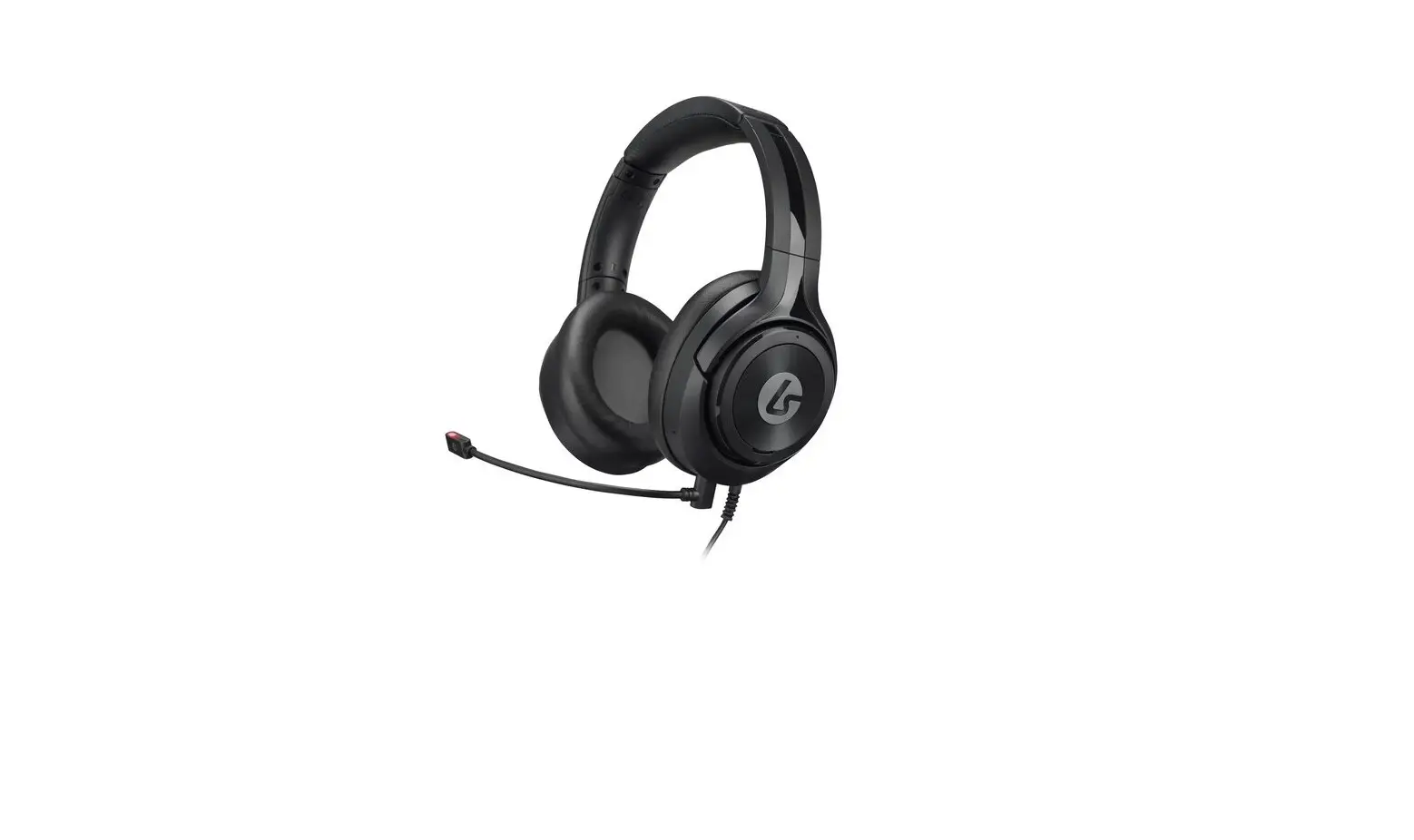
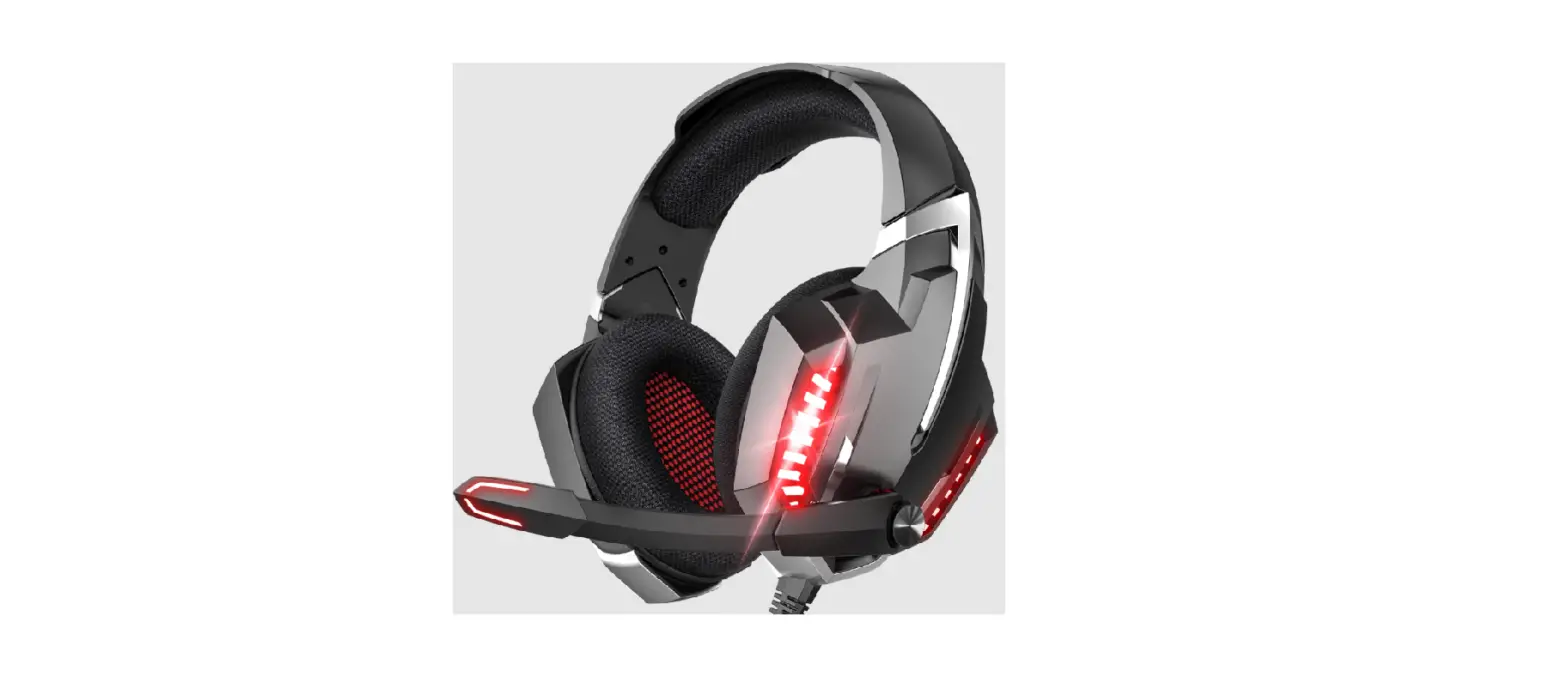
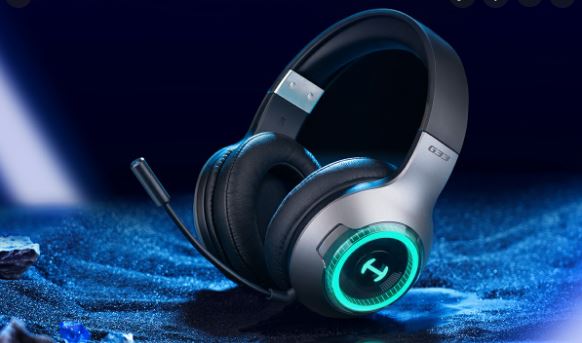
The USB-A connector can only be used to power the LED lights. The headset’s speakers and microphone are powered by 3.5 mm connectors. Connect the 3.5 mm connectors (microphone and audio) to the ports on your device or if it is needed, use the included 3.5 mm adapter to combine them into one 3.5 mm connector. Connect the USB-A connector to a USB-A port on your device to power the LED lights. Using the LEDs is optional.
Mute/unmute
There are 2 microphone mute buttons. Press the microphone mute button on the cable or the headset to turn the microphone on or off.
Volume
Use the volume wheel on the headset to adjust the volume.
Compatibility
Compatible with PC, Mac, PS4/PS5, Xbox One, smartphones, and tablets.
Cleaning
Clean the product by using a dry cloth.
Safety instructions
- Keep the product dry. Keep it away from all liquids. This product is not waterproof.
- Do not open up or try to repair the product by yourself.
- Keep the product and packaging out of reach of children to prevent accidents and choking hazards.
- Do not drop or expose to shock damage.
Support
More product information can be found at l33t-gaming.com.
Contact us by e-mail: [email protected].
 © 2021 Ubisoft Entertainment.
All Rights Reserved.
Assassin’s Creed®, Ubisoft, and the Ubisoft logo are trademarks of Ubisoft Entertainment in the U.S. and/or other countries.
Aurora Group Danmark A/S
Lautruphøj 5-7, DK-2750 Ballerup, Denmark
 Home - L33T-Gaming.com