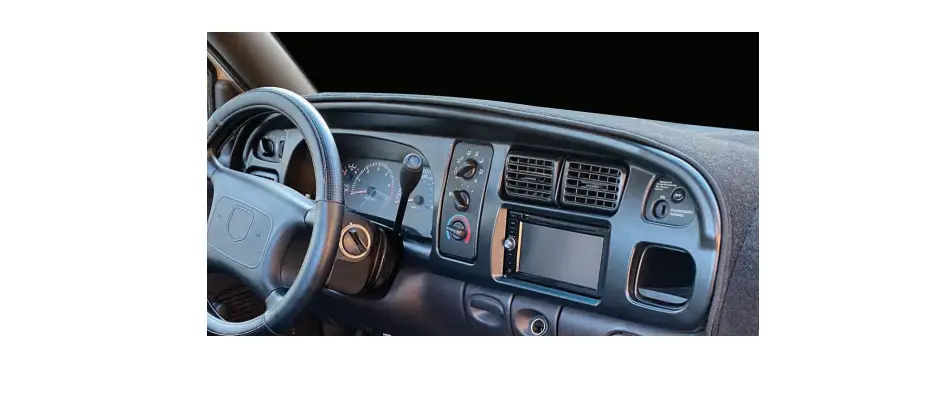

 RAM 1500/2500/3500 2019-UP*
LVDS Camera Replacement
TE-RMTH
INSTALLATION INSTRUCTIONS
#IBEAMSAFETY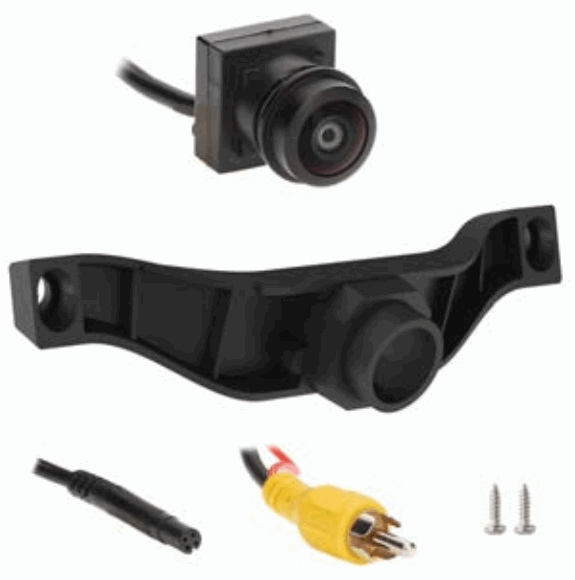
RAM 1500 LVDS Camera Replacement
Visit iBEAMUSA.com for more detailed informatuon about the product and up-to-date vehicle specific applications.
Product Features
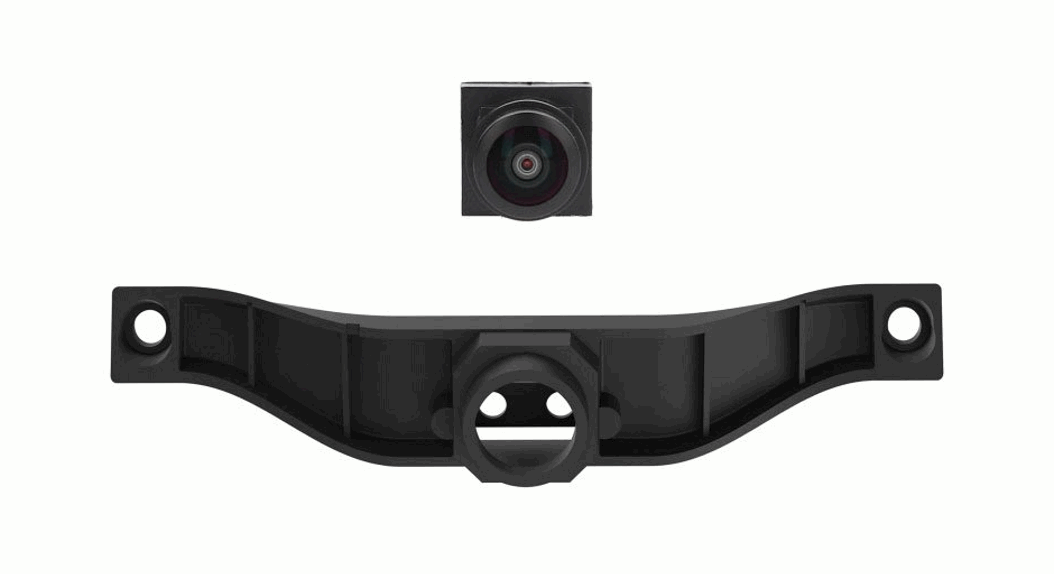
- Replaces the rearview camera that cannot normally be retained with swapping to an aftermarket radio.
- Resolution: 550 TV lines
- Field of view: Diagonal 160°
- Selectable parking lines
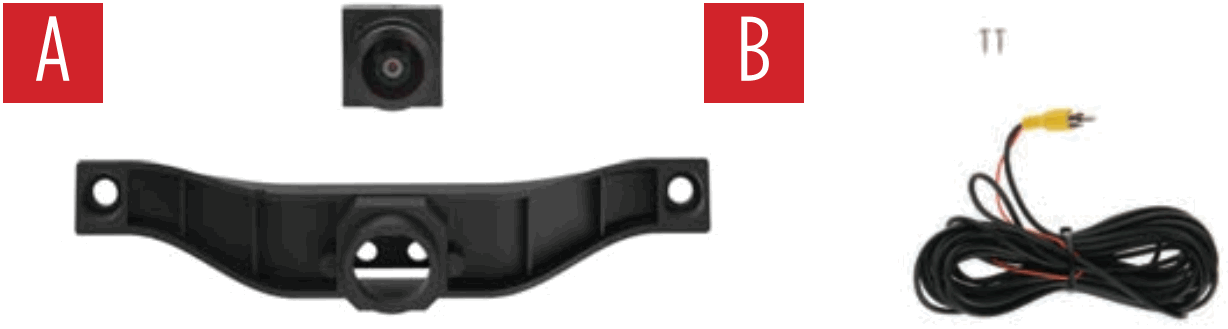
Part Components
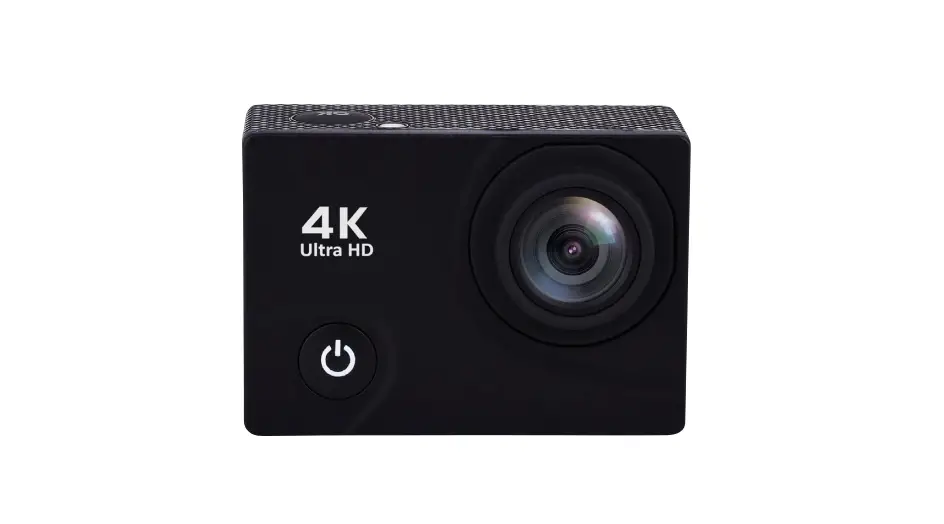
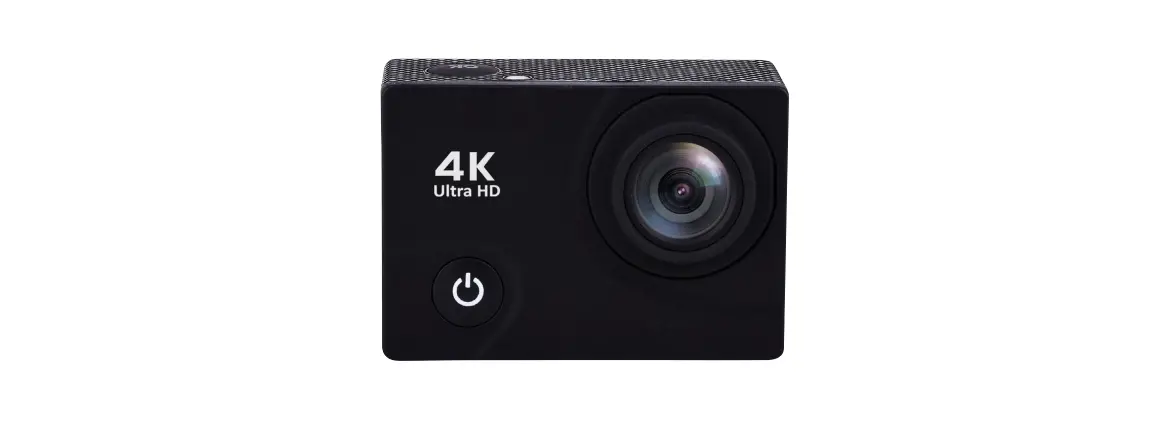
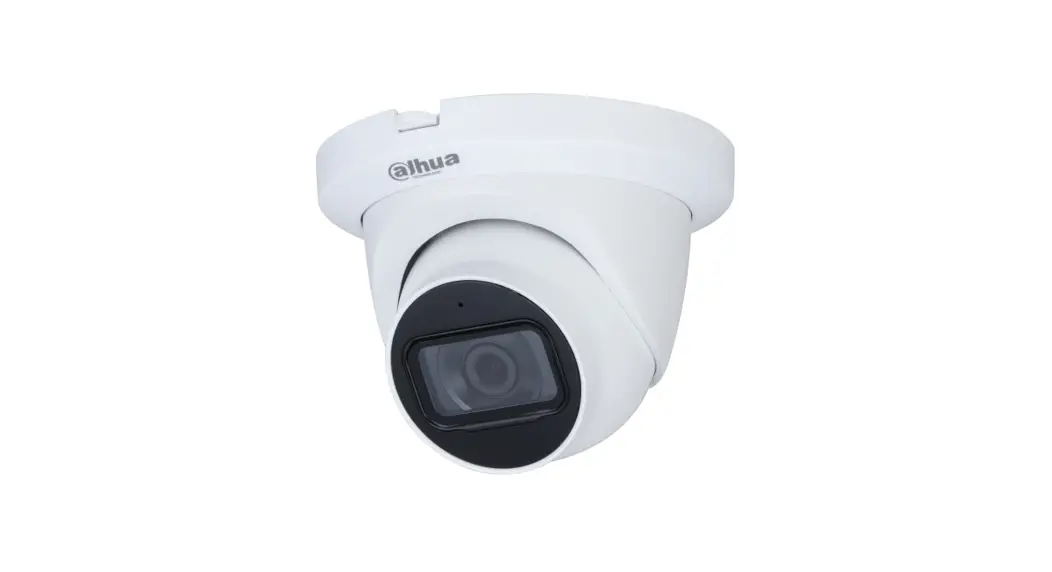
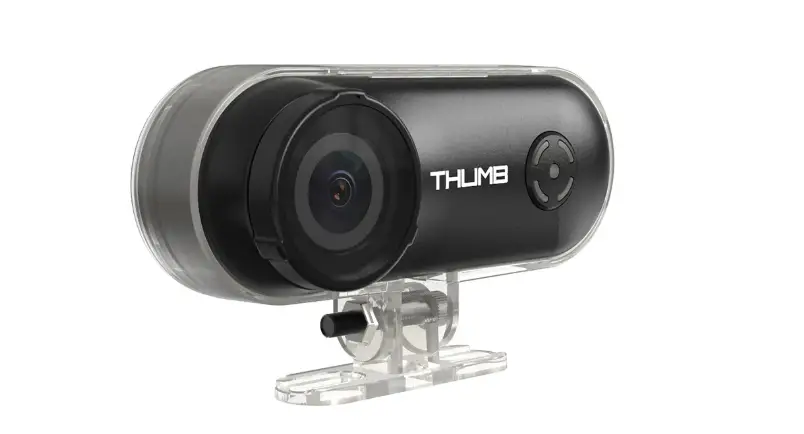
A) Camera and bracket
B) Accessories
TOOLS REQUIRED
- T-20 & T-30 Torx bits and driver
- 10mm socket and driver
- Phillips head screwdriver
- Tape
- Digital Multi-meter
Attention! When testing the aftermarket equipment, ensure that all factory equip- ment is connected before cycling the key to ignition.
INSTALLATION
- Remove the screws from the tailgate cover with a T-30 bit and driver.
- Lift the cover off to expose the inside of the tailgate.
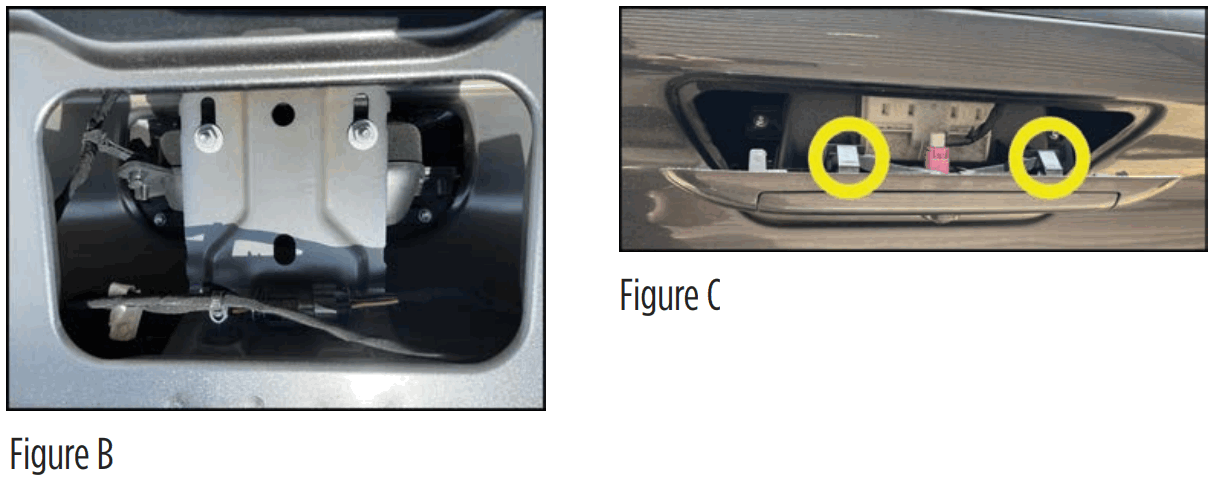
- Remove the two 10mm nuts from the tailgate handle. (Figure B)
- Lift up the tailgate (but don’t close it), keeping slight pressure on the handle. (Figure C) Use your free hand on the left and right side to reach in from behind, and press down to release the clips.
NOTE: Be careful not to close the tailgate after removing the handle. The 2-pin connector is the button to pop the electronic tailgate.
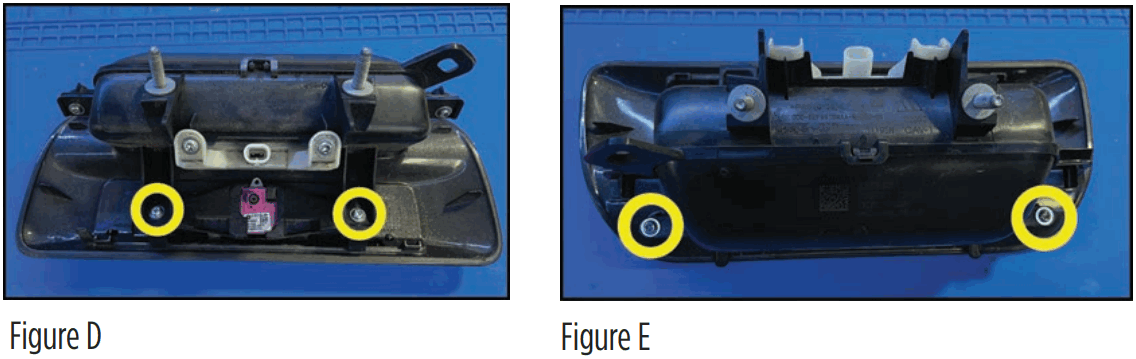
- Remove the (4) T-20 screws holding the camera and bracket in place. (Figures D and E) Retain the (4) T-20 screws as they will be used to secure the new bracket and camera to the handle.
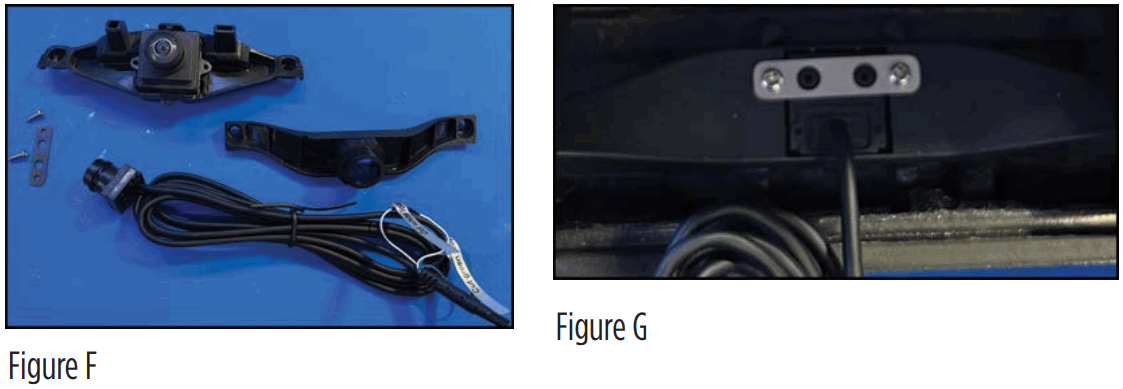
- Take the brackets shown in Figure F and the two silver screws provide in the kit.
- Insert the camera into the bracket making sure the two locators match up with the two screw holes on the bracket. (Figure G)
- Place the back bracket in place over the locators on the camera and secure with the provided two phillips screws.
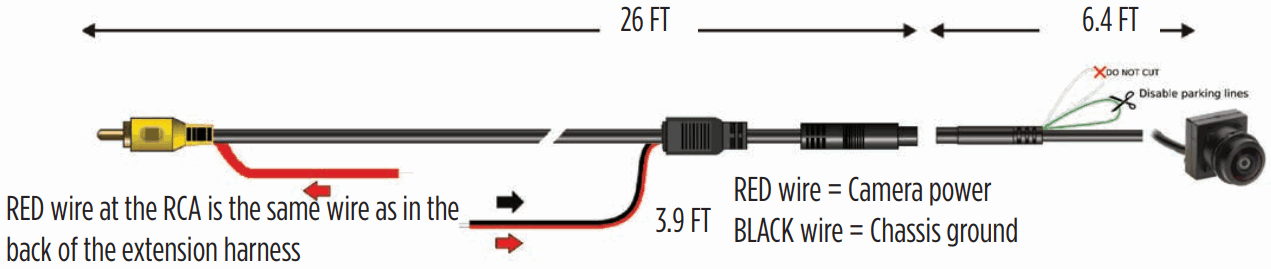
NOTE: To disable parking lines, cut the green wire.
- After installing the camera into the ABS housing with the metal back bracket, re-install into the handle. Reverse the steps to install back into the tailgate.
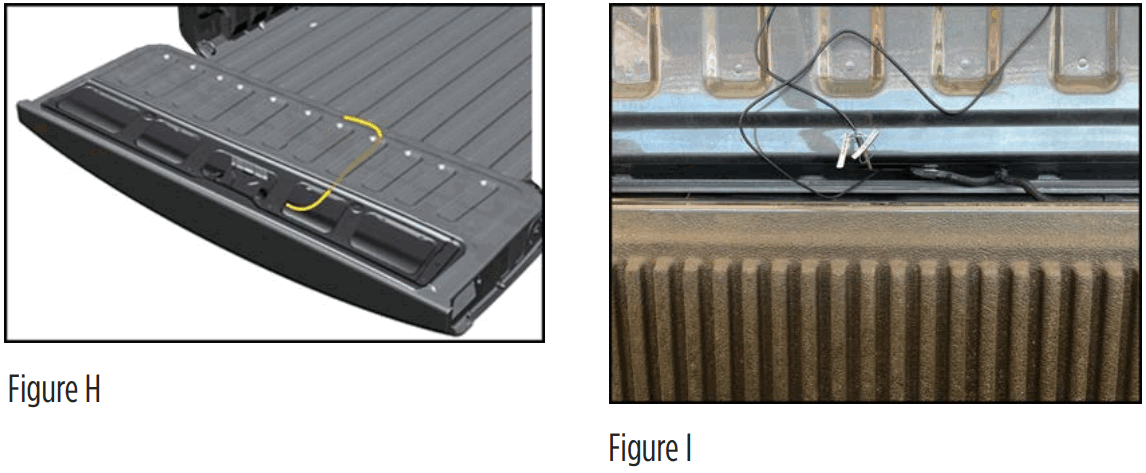
- Tie up the extension wire with the factory wiring to keep it from snagging on other moving parts in the tailgate.(Figure H)
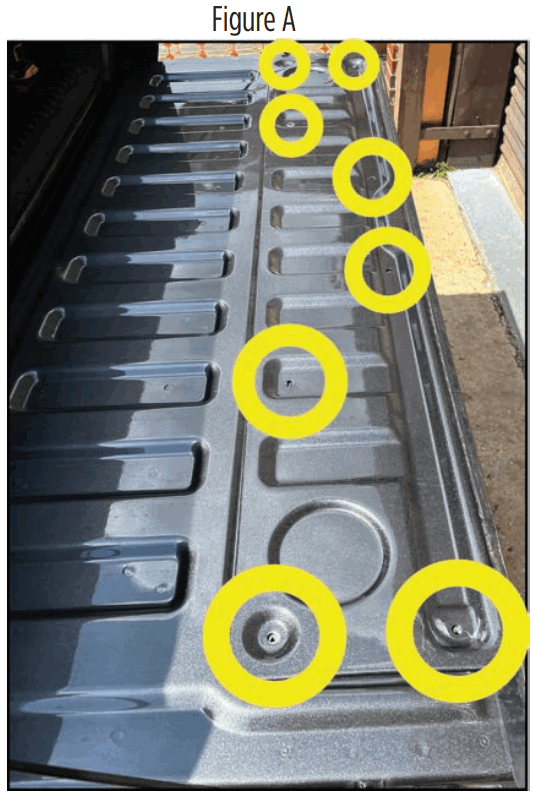
- There is a hole at the bottom of the tailgate that goes directly into the frame of the truck. Follow the factory wiring. (Figure I)
- Run the wire under the vehicle and find a grommet to get into the cab. Connect the RCA to the monitor input.
SPECIFCATIONS
- RCA output for aftermarket radios or monitors
- Can be viewed while driving with compatible monitor
- ABS plastic housing to mount camera
- (2) Stainless steel screws provided for mounting
- Direct OE replacement
- Resolution: 550 TV Lines
- Selectable parking lines
- Viewing angle – 160 degrees
- Water resistant – IP68
Kit Includes
- 1 camera and extension cable
- ABS camera housing
- 2 stainless steel screws
- Instruction booklet

Having difficulties? We’re here to help. Contact our Tech Support line at: 386-257-1187
 Or via email at: [email protected]
Tech Support Hours (Eastern Standard Time)
Monday – Friday: 9:00 AM – 7:00 PM
Saturday: 10:00 AM – 7:00 PM
Sunday: 10:00 AM – 4:00 PM
 KNOWLEDGE IS POWER
Enhance your installation and fabrication skills by enrolling in the most recognized and respected mobile electronics school in our industry.
Log onto www.installerinstitute.com or call 800-354-6782 for more information and take steps toward a better tomorrow. Metra Recommends MECP certified technicians
TE-RMTH
INSTALLATION INSTRUCTIONS
#IBEAMSAFETY
iBEAM Vehicle Safety Sytems®
iBEAMUSA.com
©COPYRIGHT 2022 METRA ELECTRONICS CORPORATION
REV. 4/8/22 INSTTE-RMTH
 iBEAM | Vehicle Safety Systems
 Installer Institute | Car Audio Installation and Mobile Electronics Education