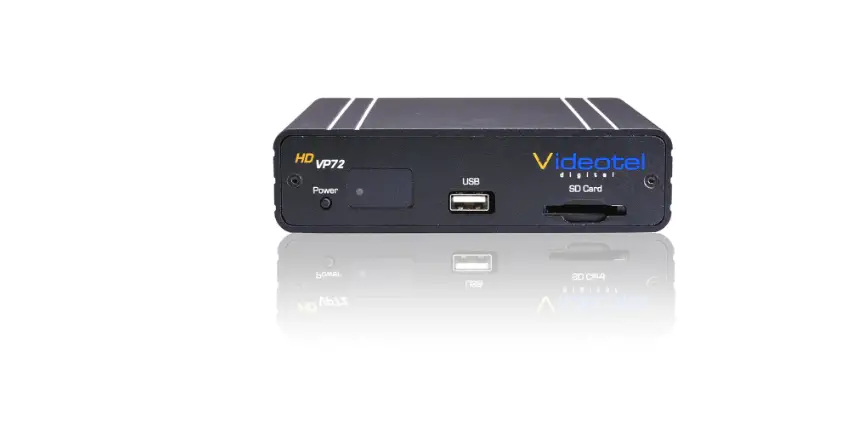
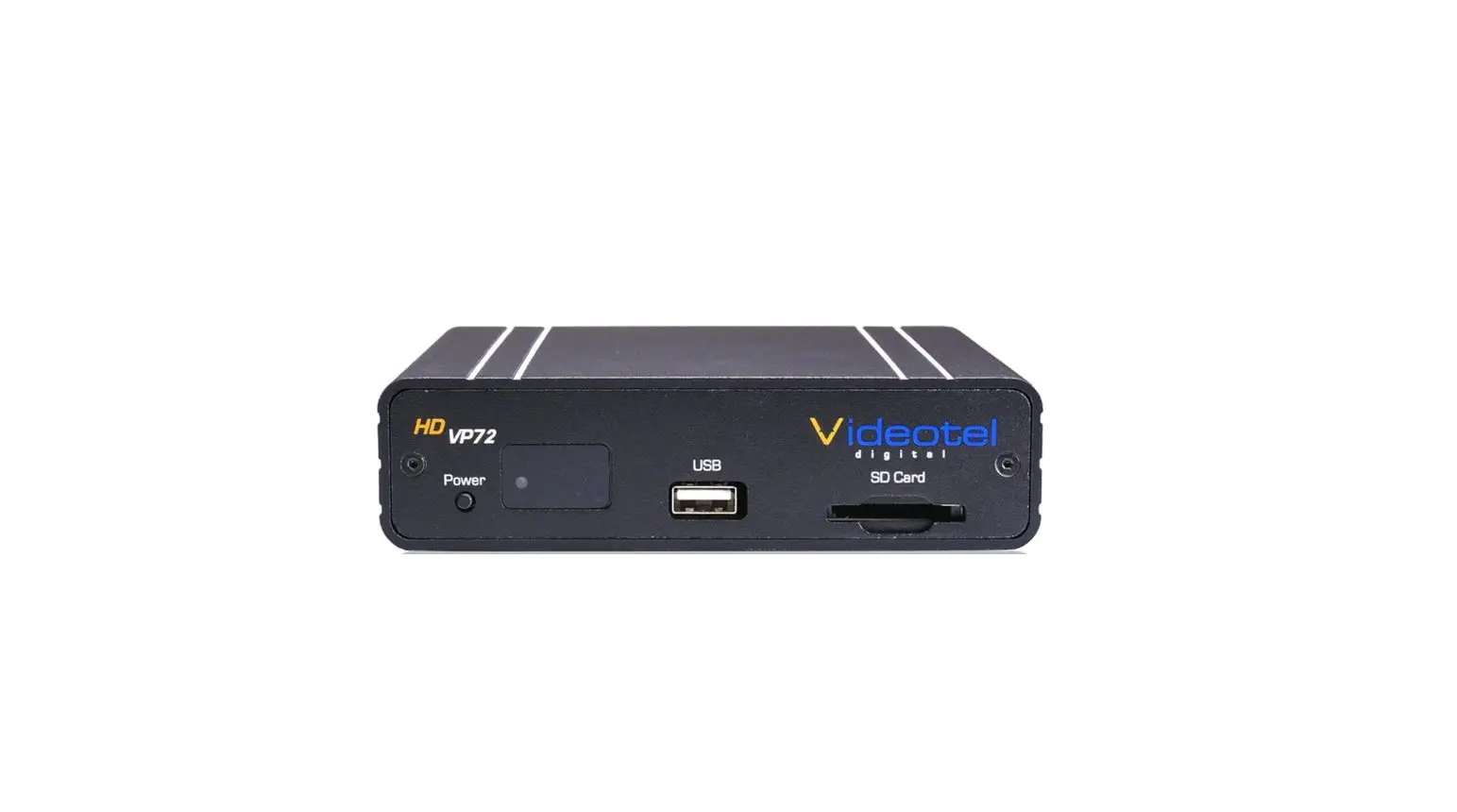
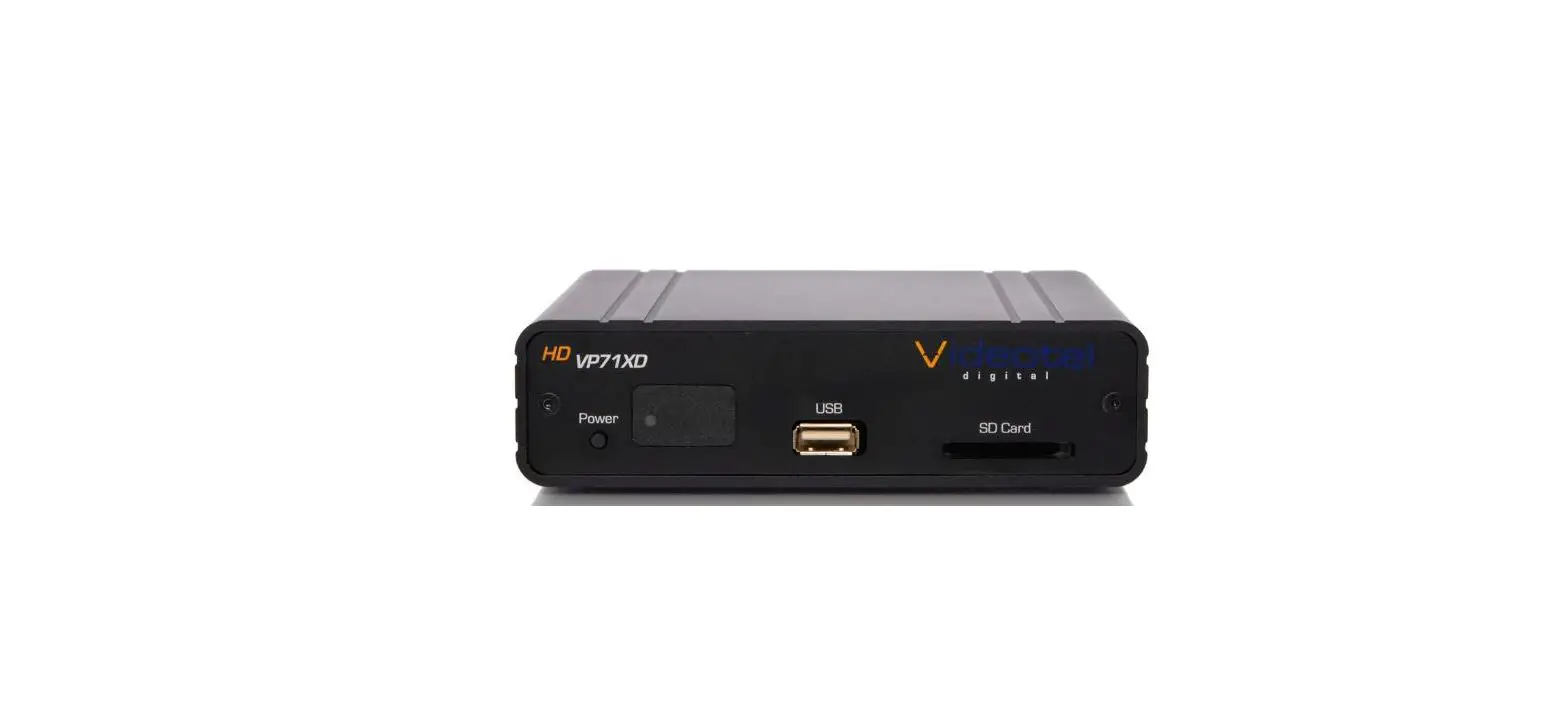
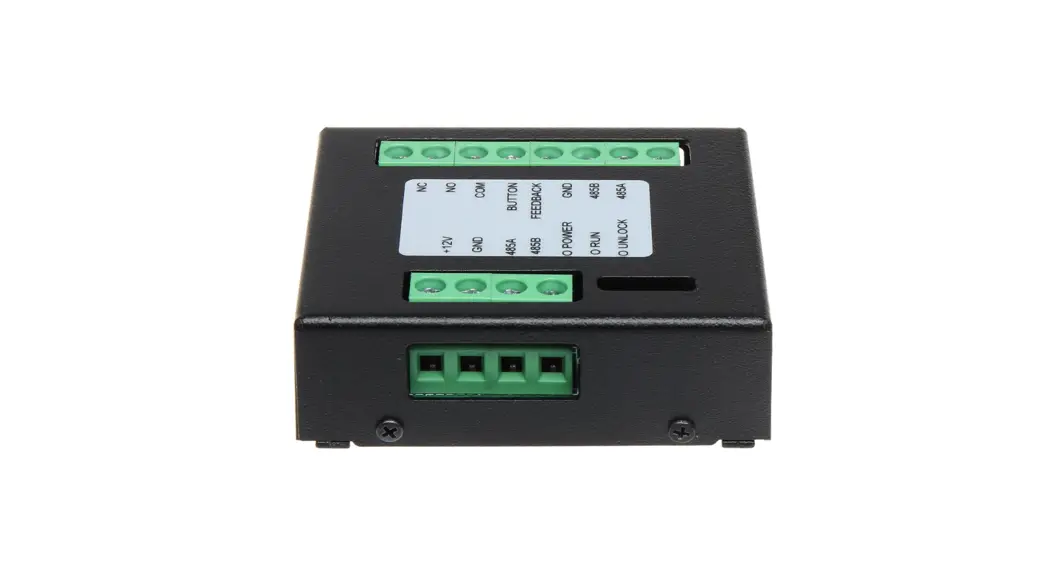
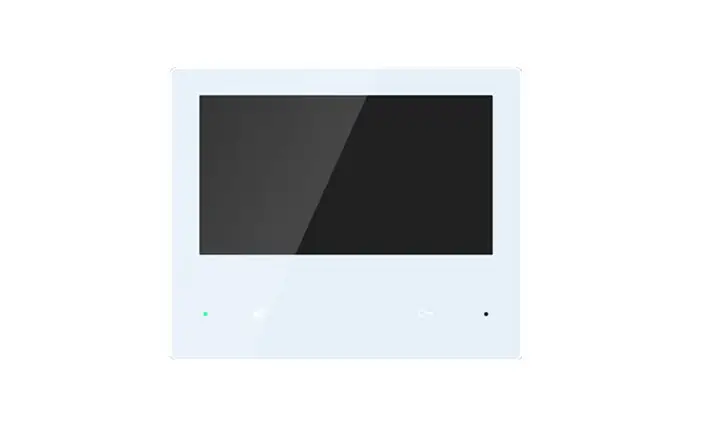
VP71XD Interactive Sync Module
Interactive Sync Module
The Interactive Sync Module is designed to synchronize multiple
VP71XD and VP90 players with each other. It sends a trigger event
for video 001.xxx at timed intervals, allowing the players to play
their content in sync with each other.
Usage Instructions
- Set the VP71XD or VP90 player in Interactive mode.
- Connect the Interactive Sync Module to the players using the
appropriate cables. - Set the trigger event at desired intervals between 1 second and
100 minutes. - Start playing the video on the connected players.
Note: Ensure that all the players are set to the same starting
point for the video to ensure proper synchronization.
INTERACTIVE SYNC MODULE INSTRUCTIONS
To use the Interactive Sync Module, the VP71XD or VP90 will need to be set in Interactive mode.
Interactive Sync Module Usage The Interactive Sync Module will send a trigger event for video 001.xxx to multiple VP71XD and VP90 players at timed intervals. This allows the players play their content in sync with each other. The trigger event can be set at intervals between 1 second and 100 minutes.
To set the time: Plug the Sync Module into the players and power the players on. Set the left tens digit dial and right ones digit dial to the desired minutes setting. (for example: to set 12 minutes, set the left tens digit dial to 1 and the right ones digit dial to 2) Press and hold the set button for approximately 4 seconds until red light flashes then release the set button. Set the left tens dial and right ones dial to the desired seconds setting. Press and release the set button. The red light will go solid and start normal operation.