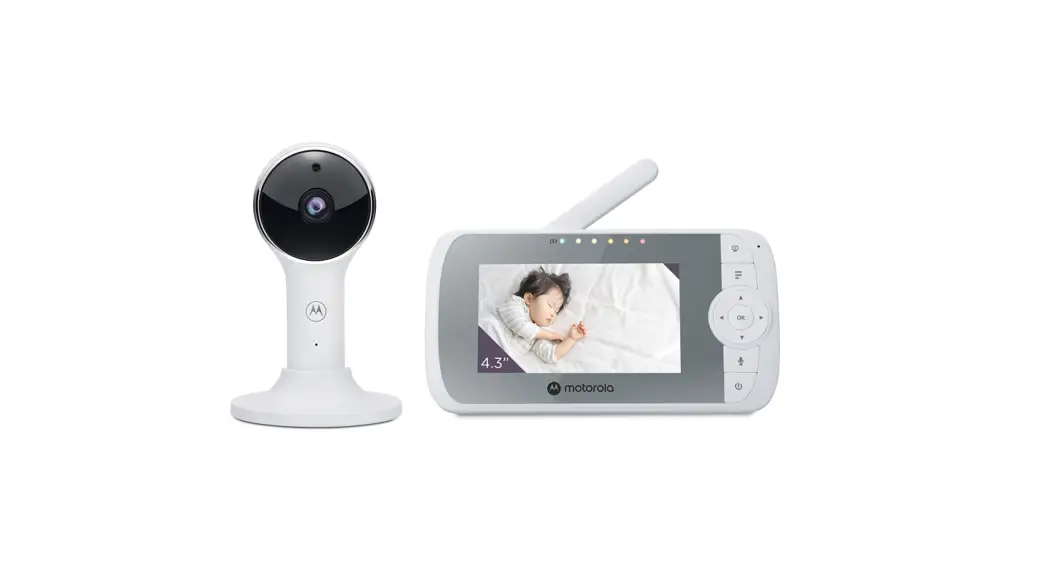
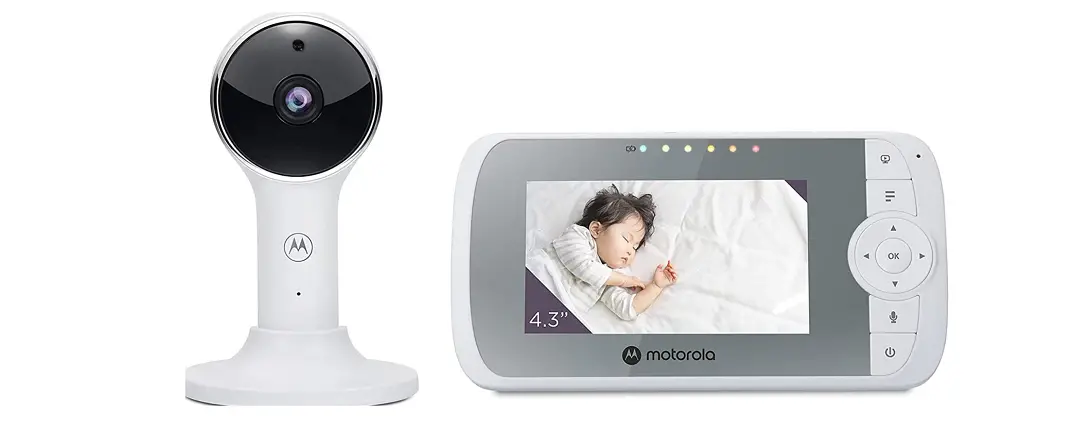
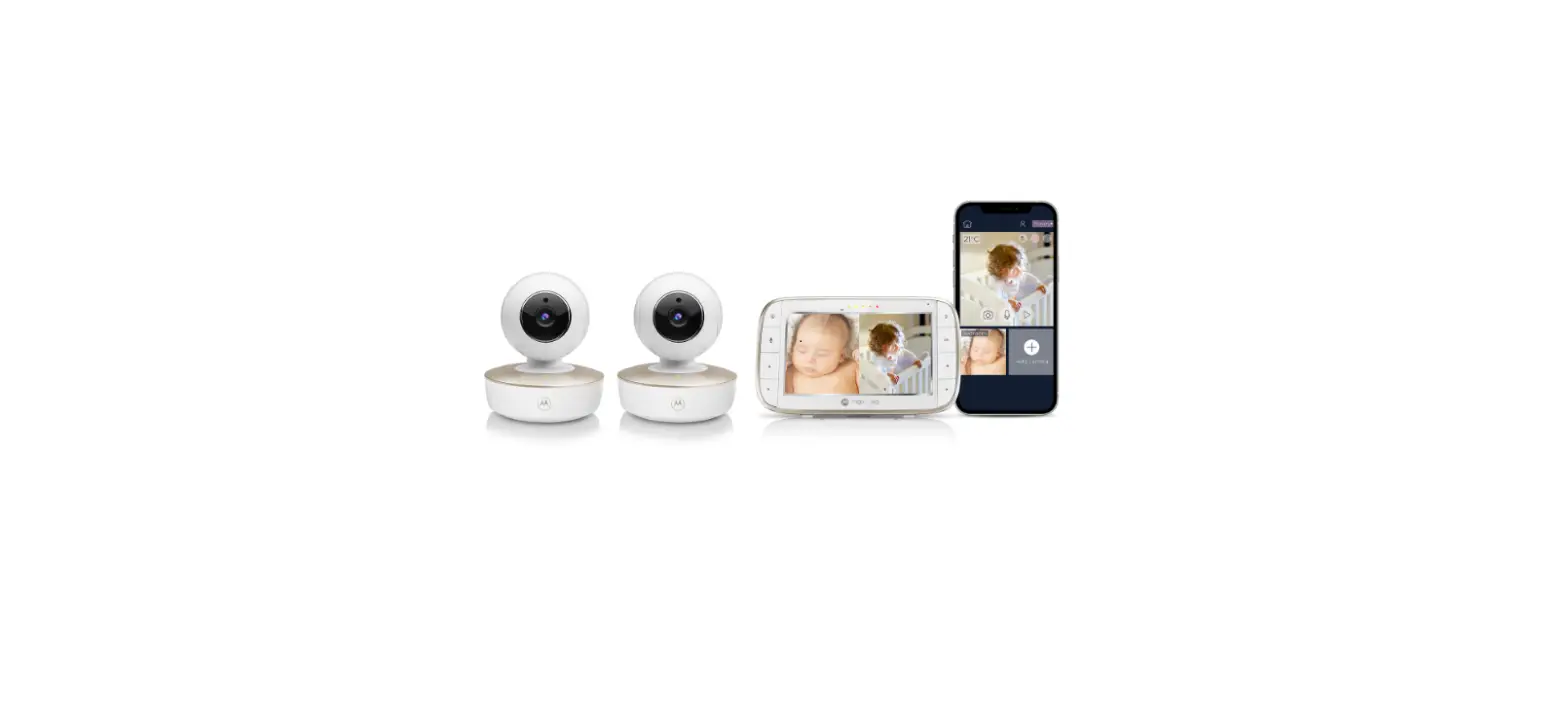
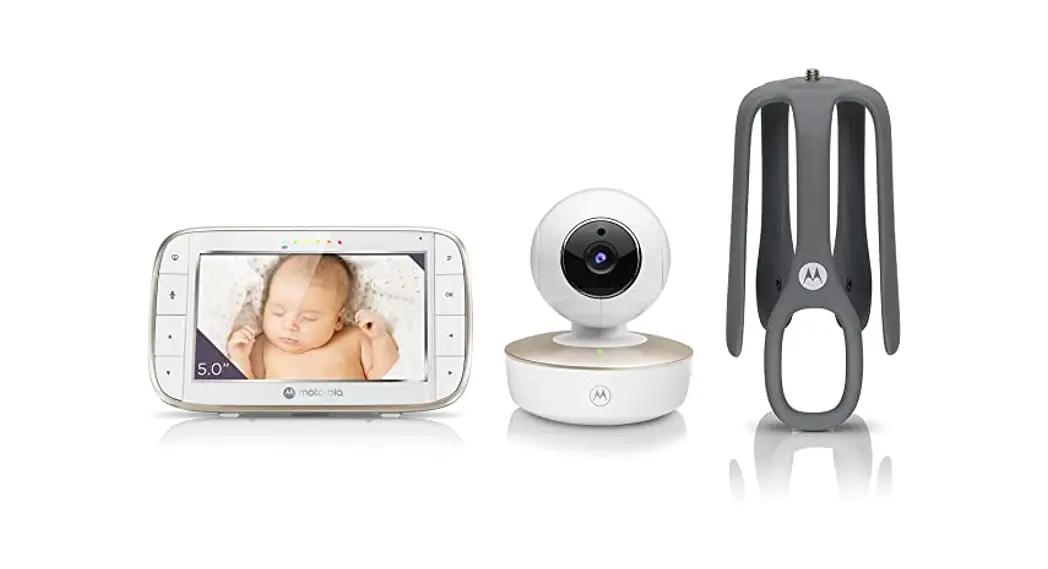
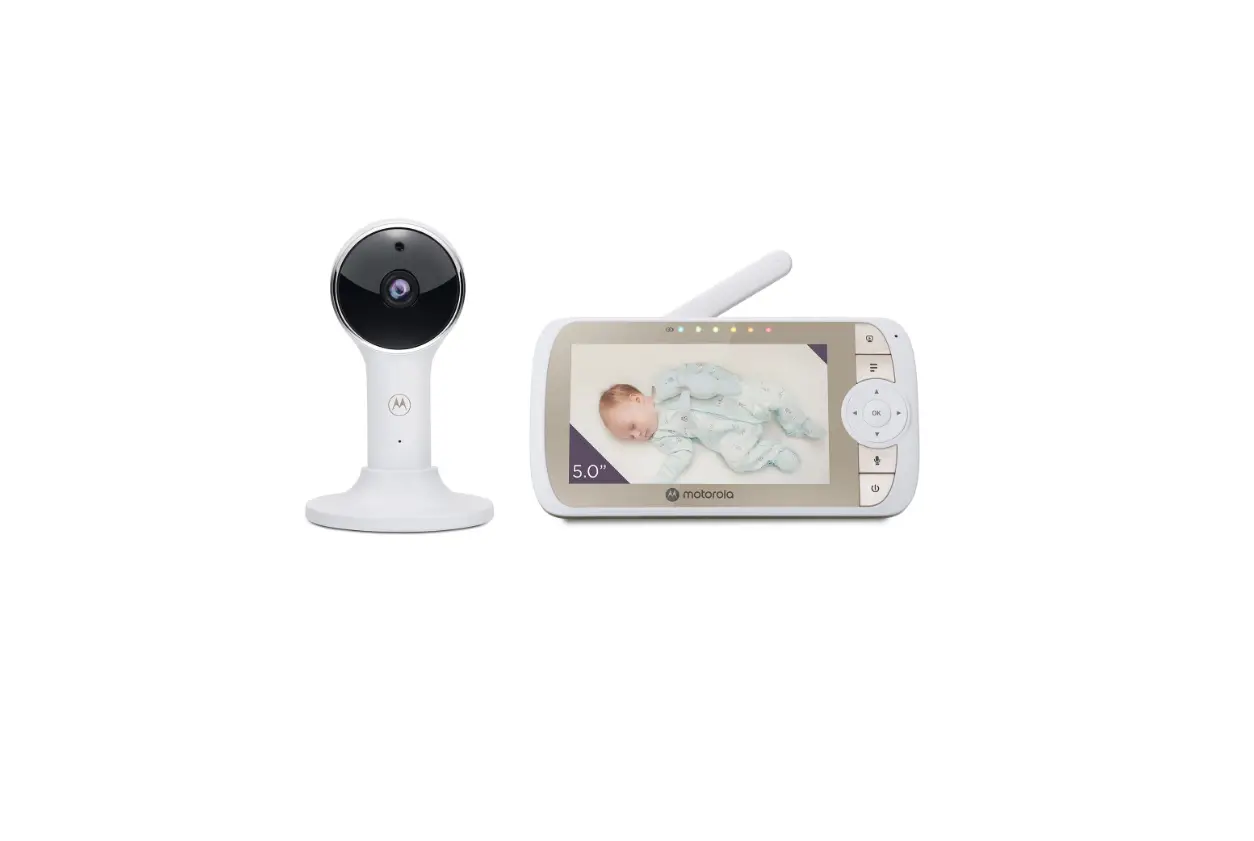
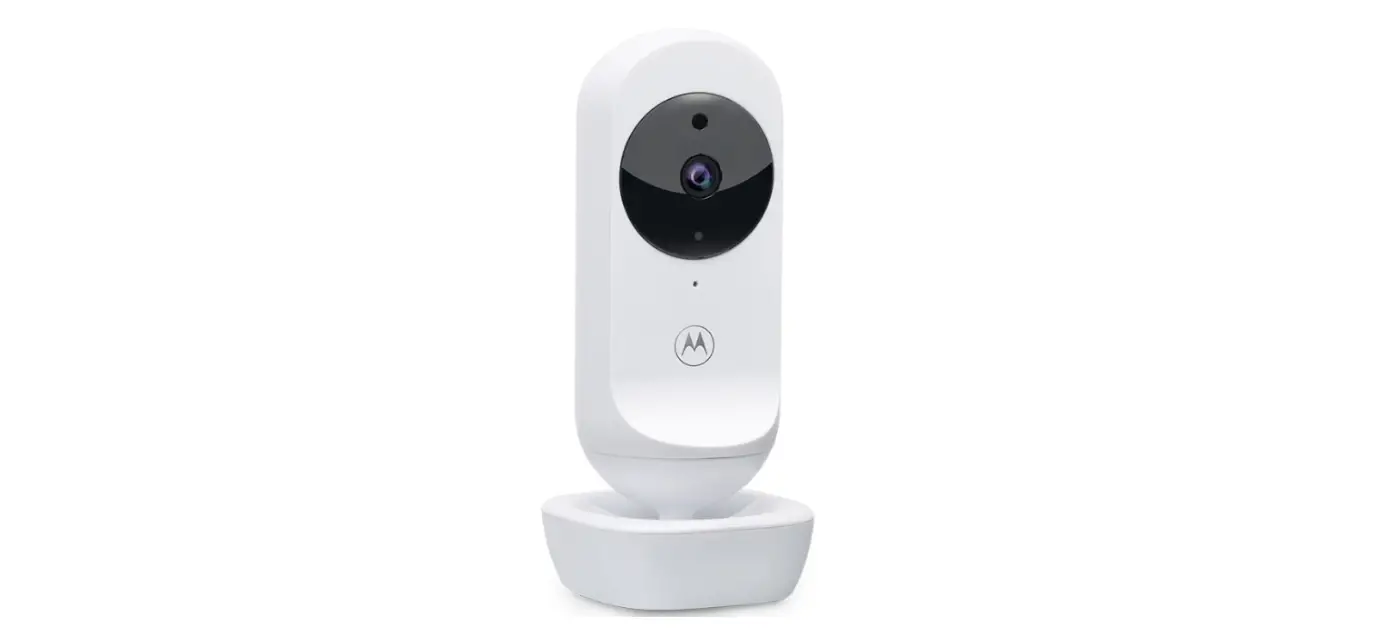
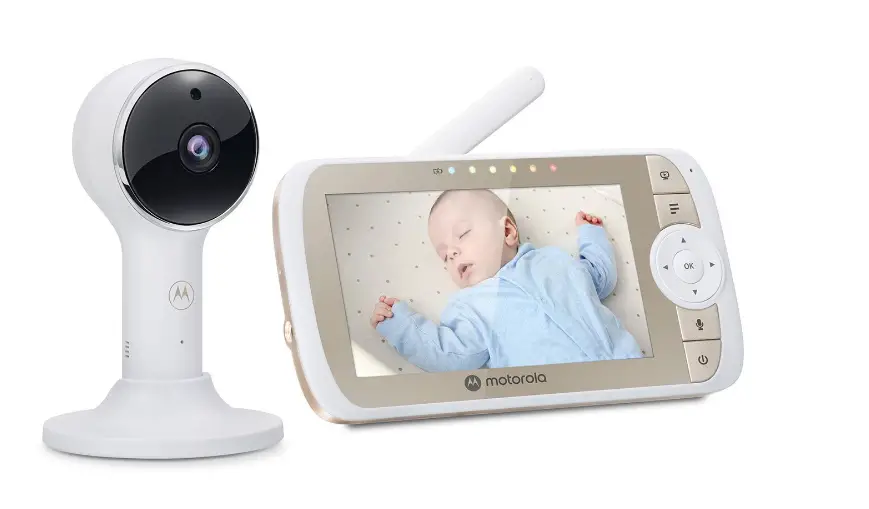
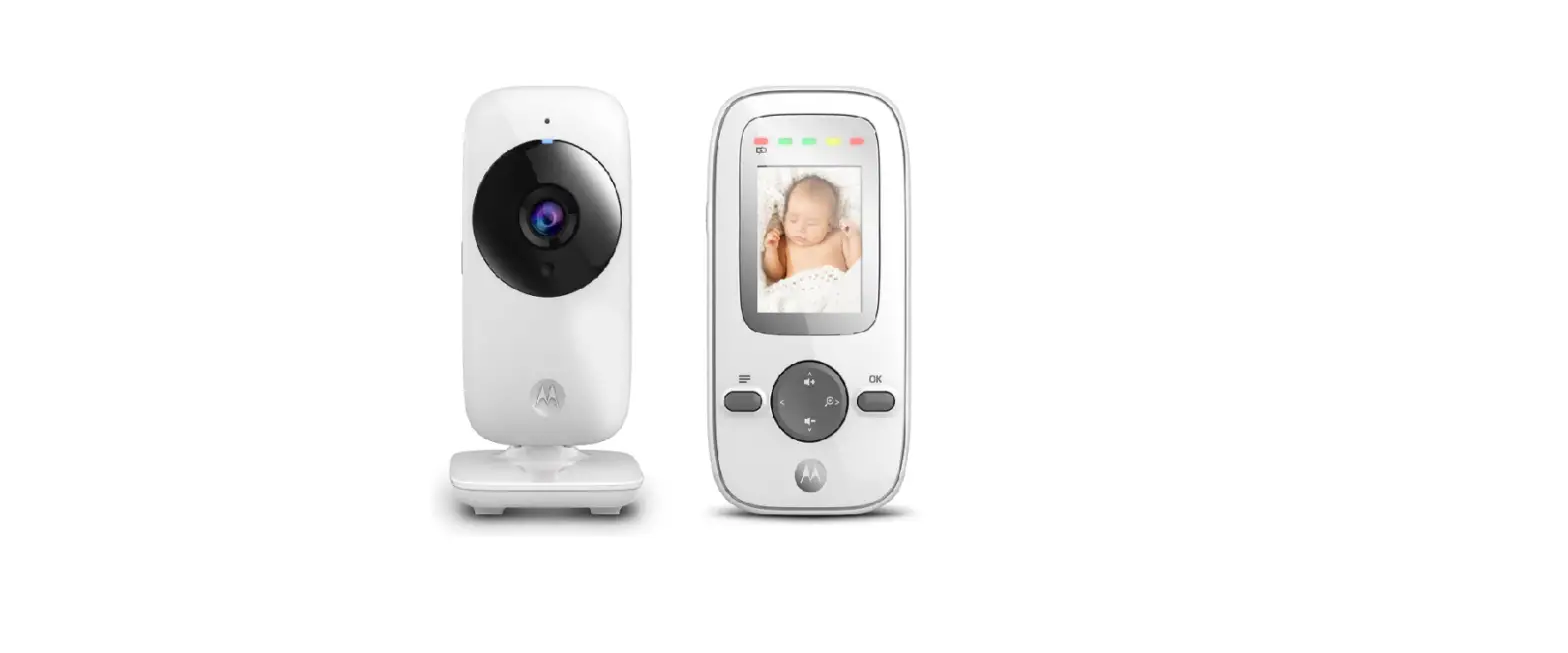
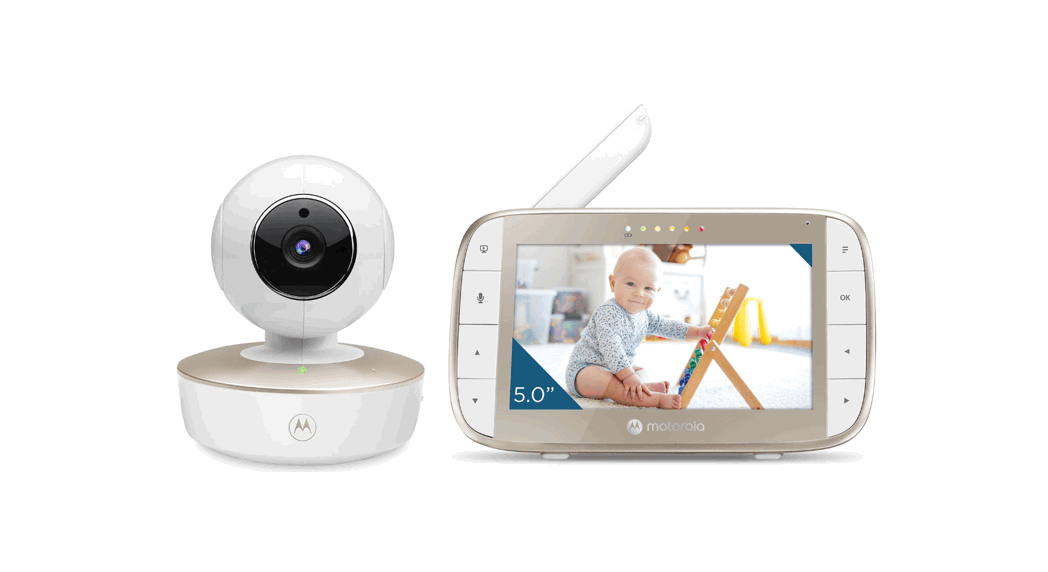
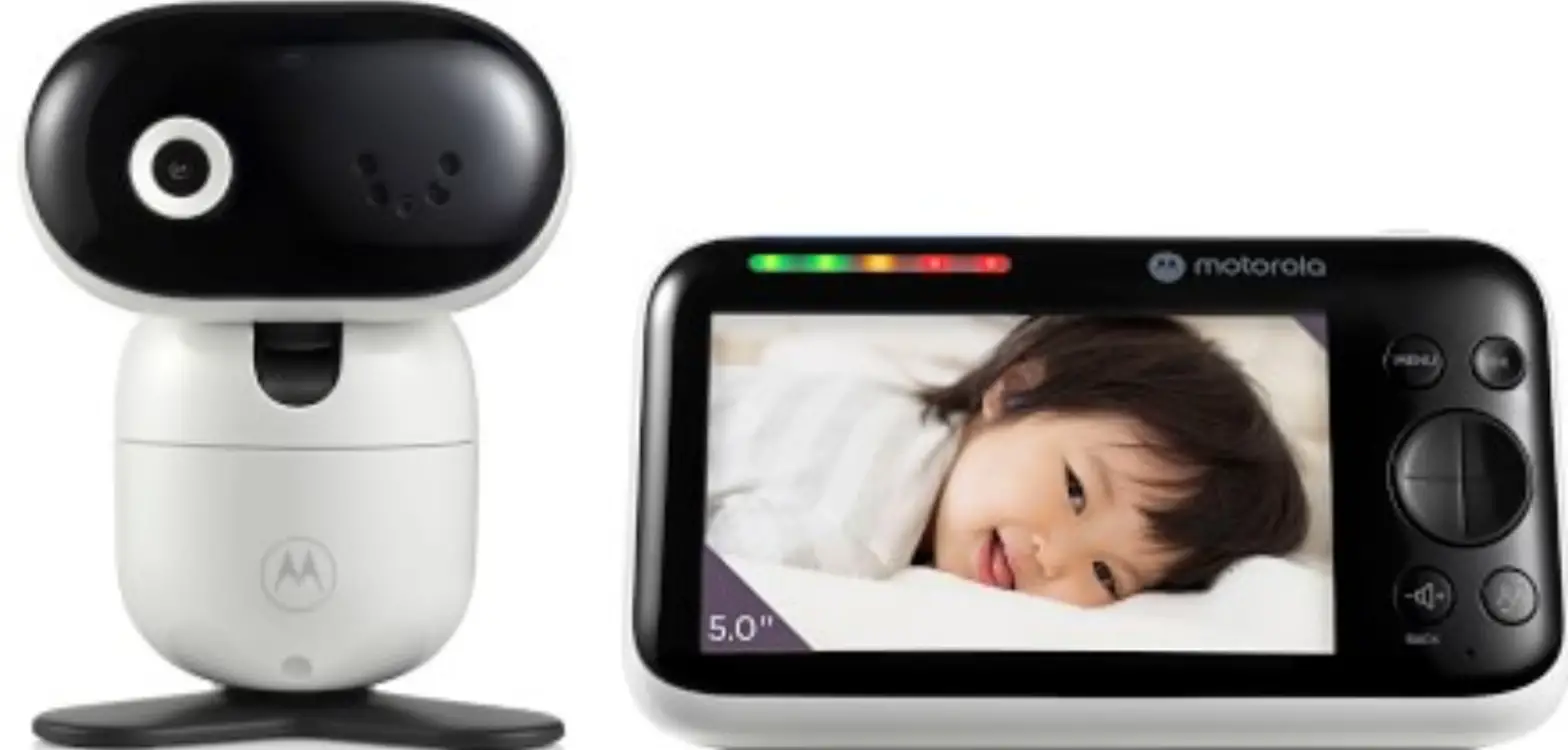
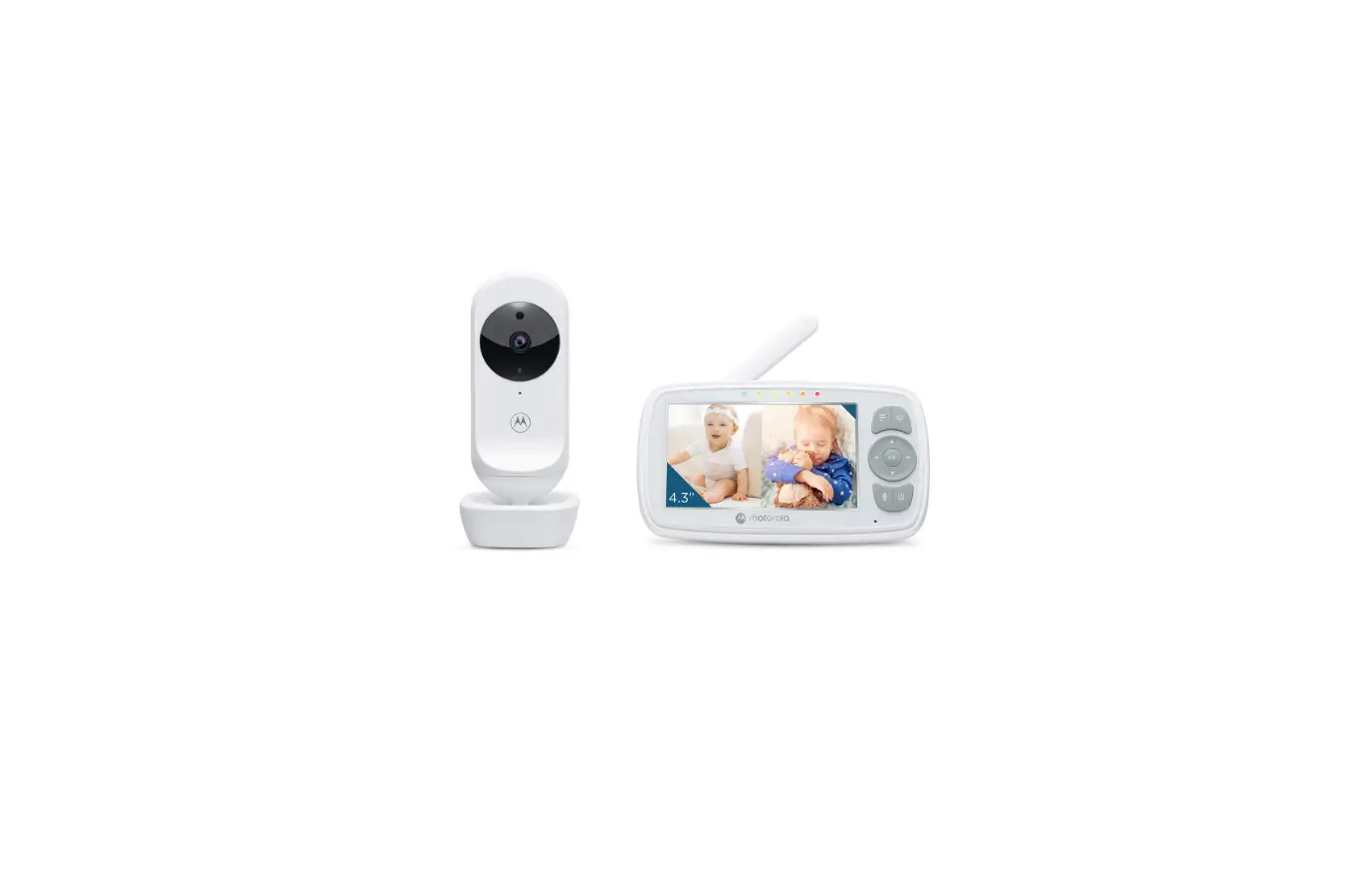
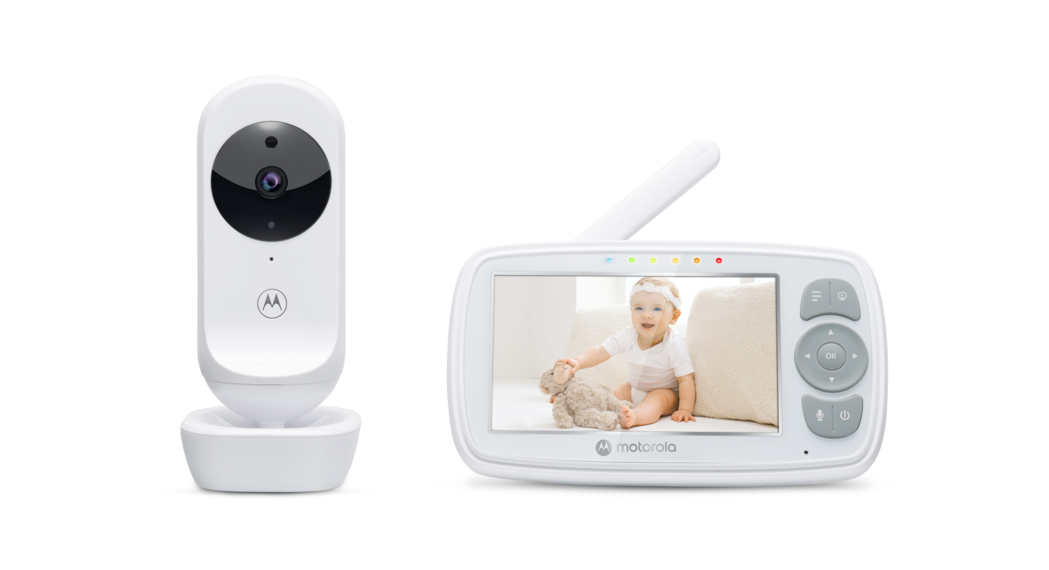
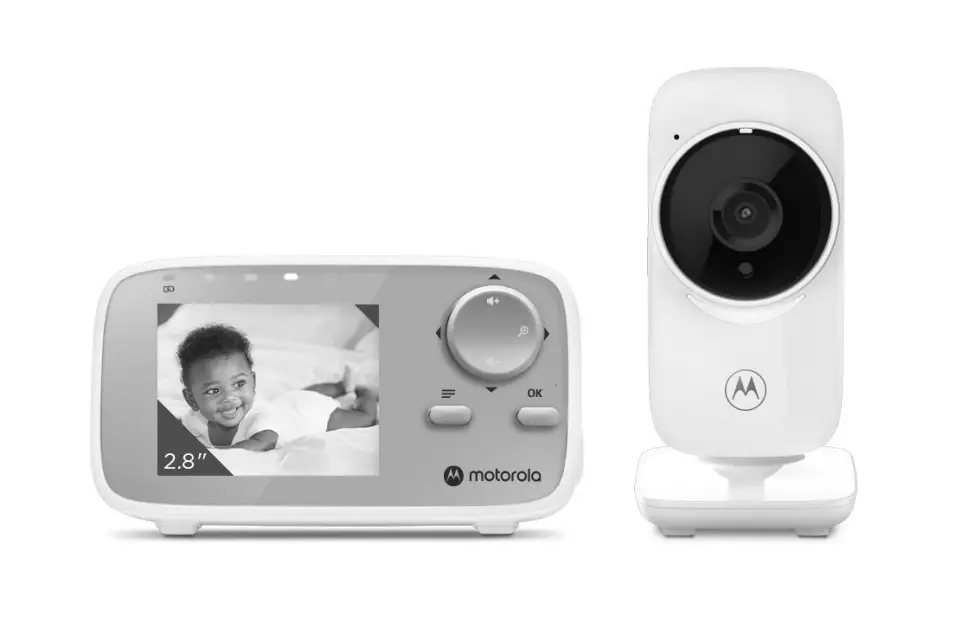
VM64 CONNECT 4.3 Inch Full HD Wi-Fi Video Baby Monitor
Product Information: Digital Video Baby Monitor
The Digital Video Baby Monitor is a device designed to help
parents monitor their baby’s activities and ensure their safety.
The device comes with a parent unit that has an LCD screen and a
baby unit that includes a camera and a microphone. The device also
has a magnetic mount that can be fixed to the wall for easy
installation and use. The baby unit is powered by a DC5V/1000mA
adapter, which is supplied with the device.
Product Usage Instructions
Setting up your Digital Video Baby Monitor
- Connect the power supply for the baby unit using the supplied
power adapter (DC5V/1000mA). - Fix the magnetic mount to the wall, keeping the cord out of
reach of children and not removing the tags from the AC
adapters. - Connect the power supply of the parent unit.
- Set up the desktop stand of the parent unit.
Basic operation of the keys
The parent unit has several keys for basic operation:
- ON/OFF button: Press and hold to switch the
Parent Unit ON/OFF. - UP/DOWN buttons: Press to tilt the camera
upward or downward. Press to adjust menu setting when menu is
active. - LEFT/RIGHT buttons: Press to pan the camera
left or right. Press to access menu options when menu is
active. - MENU button: Press to open menu options or
exit the menu. - OK button: Press to confirm a selection.
- VIDEO button: Press to turn the LCD screen
ON/OFF. - TALK button: Press and hold to talk to your
baby. - Volume button: Press -/+ to select volume
level of the Parent Unit. - RESET button: Press and hold with a small pin
to reset the unit.
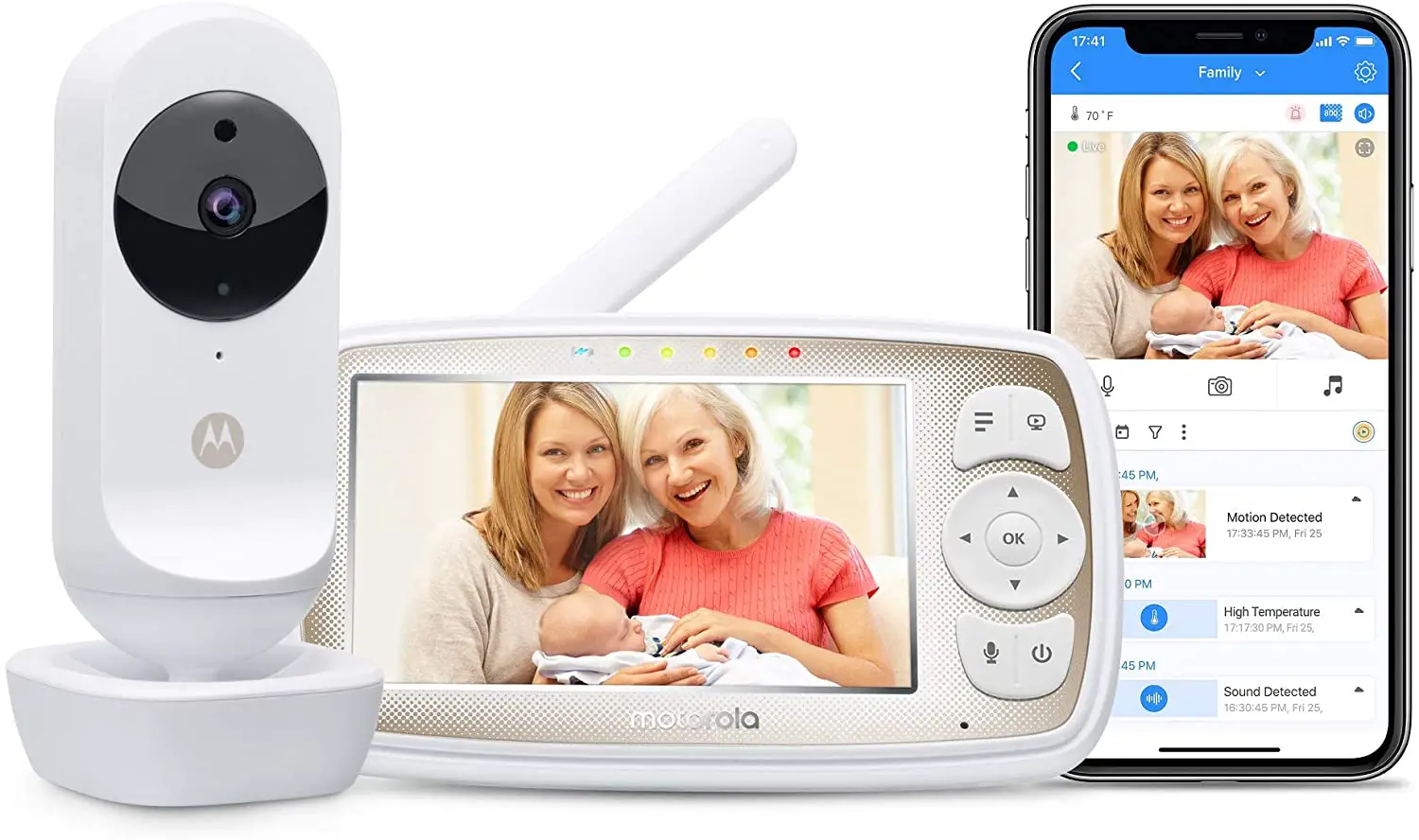
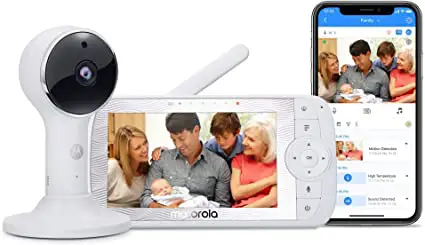
Using the Motorola Nursery App
The Digital Video Baby Monitor can also be viewed on compatible
smartphones and tablets using the Motorola Nursery App. To use the
app:
- Install the Motorola Nursery App on your compatible smartphone
or tablet. - Follow the in-app instructions to create your account and
connect to your device.
Please note that the minimum system requirements for
smartphones/tablets are iOS 10.0 and AndroidTM 7.0. You can check
your internet speed at http://www.speedtest.net/.
General Information
If your product is not working properly, refer to the Quick
Start Guide or User Guide of one of the models listed on page 1.
For further support, visit motorolanursery.com/support.
The product is covered by a Consumer Products and Accessories
Limited Warranty (Warranty) that extends only to the first consumer
purchaser and is not transferable. MZGW or its authorized
distributor will repair or replace any Products or Accessories that
do not conform to this Warranty within a commercially reasonable
time at no charge. They may use functionally equivalent
reconditioned/ refurbished/ pre-owned or new Products, Accessories
or parts.
QUICK START GUIDE
EU EN
For a full explanation of all features and instructions, please refer to the User Guide. (Available for download from motorolanursery.com).
1. Setting up your Digital Video Baby Monitor
A. Connecting the Power Supply for the Baby Unit
MODELS: VM64 CONNECT VM64-2 CONNECT VM64-3 CONNECT VM64-4 CONNECT
· Insert the DC plug of the power adapter into the DC socket on the back of the Baby Unit.
· Connect the other end of the power adapter to a suitable electrical outlet.
· The baby unit turns on and the power indicator lights up blue.
Note Only use the supplied power adapter (DC5V/1000mA).
WARNING: B. Fixing magnetic mount to the wall
Strangulation hazard. Children have STRANGLED in cords. Keep this cord out of the reach of children (more than 3 feet away). Do not remove the tags from the AC Adapters. Only use the AC Adapters provided.
· Mark the position of the screw holes on the wall.
· Install wall anchors (Not provided) suitable for the wall type and mounting screws if needed.
· Fasten the mounting screws (Not provided) to the wall.
· Position the cable behind the base as the picture shows before hooking the base on the wall.
Pair button
HIZLI BALANGIÇ KILAVUZU
TR
Tüm özellikler ve talimatlarin tam açiklamalari için lütfen Kullanim Kilavuzuna bakiniz. (dale.com.tr web sitesinden indirebilrisiniz.)
1. Video Bebek Kameranizin Kurulumu
A. Güç Kaynaini Bebek Ünitesine Balama
MODELLER: VM64 CONNECT VM64-2 CONNECT VM64-3 CONNECT VM64-4 CONNECT
· Güç adaptörünün DC fiini, Bebek ünitesinin arkasindaki DC giriine takiniz.
· Güç adaptörünün dier ucunu elektrik prizine takiniz.
· Bebek ünitesi açilir ve güç göstergesi iii Mavi yanar.
Not Sadece paketten çikan güç adaptörünü kullaniniz (DC5V/1000mA).
UYARI:
B. Manyetik altlii d uvara sabitleme
Boulma tehlikesi. Kablolar çocuklari BOABLR. Bu kabloyu çocuklarin eriemeyecei yerde (1 metrenin üzerinde bir mesafede) tutunuz. AC Adaptör etiketlerini çikarmayiniz. Yalnizca temin edilen AC Adaptörlerini kullaniniz.
· Vida deliklerinin konumunu duvarda iaretleyiniz.
· Duvar tipine uygun dübelleri (Pakete dahil deildir) ve montaj vidalarini yerletiriniz.
· Montaj civatalarini (Pakete dahil deildir) duvara monte ediniz.
· Altlii duvara sabitlemeden önce ekilde görüldüü üzere kabloyu altliin arkasina yerletiriniz
PAIR tuu
C. Connecting the Power Supply of the Parent Unit
· Connect the small plug of the power adapter to the parent unit and the other end to the electrical outlet. Only use the enclosed adapter (5VDC/1000mA).
· A rechargeable battery (Lithium ion battery 2000mAh) inside the Parent Unit allows you to move it without losing the link and picture from the Baby Unit. The battery provides up to 5 hours operation of the Parent Unit. We recommend charging for at least 16 hours before first use, and when the Parent Unit indicates the battery is low.
· Press and hold the POWER button 0 on the Parent Unit to turn it ON.
D. Desktop Stand of the Parent Unit
· Flip out the stand on the back of the Parent Unit · We recommend to rotate it by 90 degree to set up the desktop stand.
Step 1 Step 2
Reset button
C. Güç kaynaini Ebeveyn Ünitesine Balama
· Güç adaptörünün küçük fiini ebeveyn ünitesine ve dier ucunu da elektrik prizine takiniz. Sadece paketten çikan güç adaptörünü kullaniniz (5VDC/1000mA).
· Ebeveyn Ünitesi içerisinde bulunan arj edilebilir pil (Lityum iyon batarya 2000mAh) sayesine üniteyi, Bebek Ünitesi ile balanti ve görüntü kaybi olmaksizin baka yere taiyabilirsiniz. Bu pil ile Ebeveyn Ünitesi 5 saat boyunca çalimaya devam eder. lk kullanimdan önce ve Ebeveyn Ünitesi pil seviyesi düük sinyali verdii zaman, pilini en az 16 saat boyunca arj etmenizi öneririz.
· Ebeveyn Ünitesini AÇIK konuma getirmek için üzerindeki GÜÇ tuu 0’a basiniz ve basili tutunuz.
D. Ebeveyn Ünitesinin Masaüstü Stand i
· Ebeveyn Ünitesinin arkasindaki standi çikarin. · Masaüstü standi yerletirmek için onu 90 derece döndürmeniz tavsiye edilir.
Adim 1 Adim 2
Sifirlama tuu
2. Basic operation of the keys
Parent unit
0 ON/OFF button
Press and hold to switch the Parent Unit ON/OFF.
+-
UP/DOWN buttons
Press to tilt the camera upward or downward. Press to adjust menu setting when menu is active.
<>
LEFT/RIGHT buttons
Press to pan the camera left or right. Press to access menu options when menu is active.
M MENU button
Press to open menu options or exit the menu.
O OK button
Press to confirm a selection.
V VIDEO button T TALK button
Press to turn the LCD screen ON/OFF. Press and hold to talk to your baby.
Volume button
Press -/+ to select volume level of the Parent Unit.
RESET button
Press and hold with a small pin to reset the unit.
Baby Unit PAIR button
Press and hold to pair with the parent unit or Motorola Nursery Wi-Fi® Setup.
3. Setting up the Baby Unit for Wi-Fi® internet viewing
A. Install Motorola Nursery App.
· Scan the QR code with your smart device and download Motorola Nursery App from the App Store for iOS devices or from the Google PlayTM Store for AndroidTM devices.
· Install Motorola Nursery App on your device.
B. View on Compatible Smartphones and Tablets
Camera
Connect to Internet via Wi-Fi®
Compatible Viewing Devices
1. Open the Motorola Nursery App on your compatible smartphone or tablet. 2. Follow the in-app instructions to create your account and connect to your device.
Please take note of the following minimum system requirements: Smartphones/Tablets: iOS 10.0, AndroidTM 7.0
Wi-Fi® requirements: At least 0.6 Mbps upload bandwidth per Smart Monitoring Companion, test your Internet
speed at: http://www.speedtest.net/
2. Tularin temel ilevleri
Ebeveyn ünitesi
AÇMA/KAPAMA tuu Ebeveyn Ünitesini AÇMAK/KAPAMAK için basiniz ve basili tutunuz.
YUKARI/AAI tulari
Kamerayi yukari veya aai çevirmek için basiniz. Menü açikken menü ayarlarini deitirmek için basiniz.
LEFT/RIGHT buttons
Kamerayi sola veya saa çevirmek için basiniz. Menü açikken menü seçeneklerine erimek için basiniz.
Menü tuu
Menü seçeneklerini açmak veya menüden çikmak için basiniz.
OK tuu
Seçiminizi onaylamak için basiniz.
VIDEO tuu
LCD ekranini AÇMAK/KAPAMAK için basiniz.
KONUMA tuu
Bebeinizle konumak için basiniz ve basili tutunuz.
Ses seviyesi tuu
Ebeveyn Ünitesi ses seviyesi seçmek için -/+ tuuna basiniz.
SIFIRLAMA tuu
Üniteyi sifirlamak için küçük bir pim ile basiniz ve basili tutunuz.
Bebek Ünitesi PAIR tuu
Ebeveyn ünitesi ile eletirmek veya Motorola Nursery Wi-Fi® Kurulumu için basiniz ve basili tutunuz.
3. Wi-Fi® internette görüntüleme için Bebek Ünitesi ayarlari
A. Motorola Nursery Uygulamasini Kurun
· QR kodunu akilli cihaziniz ile taratiniz ve iOS cihazlarda App Store ve AndroidTM cihazlarda Google PlayTM kullanarak Motorola Nursery Uygulamasini indiriniz.
· Cihaziniza Motorola Nursery Uygulamasini kurun.
B. Uyumlu Akilli Telefonlar, Tabletler ve Bilgisayarlarda zleyin.
Kamera Wi-Fi®
Wi-Fi® ile nternete Balanm Uyumlu Görüntüleme Cihazlari
1. Motorola Nursery Uygulamasini uyumlu akilli telefon veya tabletinizde açiniz. 2. Motorola Nursery hesabinizi oluturmak ve cihaziniza balanmak için uygulama içi
talimatlari takip ediniz.
Lütfen u minimum sistem gereksinimlerini dikkate aliniz:: Akilli telefonlar/Tabletler: iOS 10.0, AndroidTM 7.0
Wi-Fi® gereksinimleri: Akilli Görüntüleme Cihazi baina minimum 0,6 Mbps yükleme bant genilii (internet hizinizi bu siteden test edebilirsiniz: http://www.speedtest.net/
4. General Information
If your product is not working properly, read this Quick Start Guide or the User Guide of one of the models listed on page 1. Please visit us at: motorolanursery.com/support
Consumer Products and Accessories Limited Warranty (“Warranty”) Thank you for purchasing this Motorola branded product manufactured under license by Meizhou Guo Wei Electronics Co., Ltd. (“MZGW”).
What Does this Warranty Cover? Subject to the exclusions contained below, MZGW warrants that this Motorola branded product (“Product”) or certified accessory (“Accessory”) sold for use with this product that it manufactured to be free from defects in materials and workmanship under normal consumer usage for the period outlined below. This Warranty is your exclusive warranty and is not transferable. THIS WARRANTY GIVES YOU SPECIFIC LEGAL RIGHTS, AND YOU MAY HAVE OTHER RIGHTS THAT VARY BY STATE, PROVINCE OR COUNTRY. FOR CONSUMERS WHO ARE COVERED BY CONSUMER PROTECTION LAWS OR REGULATIONS IN THEIR COUNTRY OF PURCHASE OR, IF DIFFERENT, THEIR COUNTRY OF RESIDENCE, THE BENEFITS CONFERRED BY THIS LIMITED WARRANTY ARE IN ADDITION TO ALL RIGHTS AND REMEDIES CONVEYED BY SUCH CONSUMER PROTECTION LAWS AND REGULATIONS. FOR A FULL UNDERSTANDING OF YOUR RIGHTS YOU SHOULD CONSULT THE LAWS OF YOUR COUNTRY, PROVINCE OR STATE.
Who is covered? This Warranty extends only to the first consumer purchaser, and is not transferable.
What will MZGW do? MZGW or its authorized distributor at its option and within a commercially reasonable time, will at no charge repair or replace any Products or Accessories that do not conform to this Warranty. We may use functionally equivalent reconditioned/ refurbished/ pre-owned or new Products, Accessories or parts.
What Other Limitations Are There? ANY IMPLIED WARRANTIES, INCLUDING WITHOUT LIMITATION THE IMPLIED WARRANTIES OF MERCHANTABILITY AND FITNESS FOR A PARTICULAR PURPOSE, SHALL BE LIMITED TO THE DURATION OF THIS LIMITED WARRANTY, OTHERWISE THE REPAIR OR REPLACEMENT PROVIDED UNDER THIS EXPRESS LIMITED WARRANTY IS THE EXCLUSIVE REMEDY OF THE CONSUMER, AND IS PROVIDED IN LIEU OF ALL OTHER WARRANTIES, EXPRESS OR IMPLIED. IN NO EVENT SHALL MOTOROLA OR MZGW BE LIABLE, WHETHER IN CONTRACT OR TORT (INCLUDING NEGLIGENCE) FOR DAMAGES IN EXCESS OF THE PURCHASE PRICE OF THE PRODUCT OR ACCESSORY, OR FOR ANY INDIRECT, INCIDENTAL, SPECIAL OR CONSEQUENTIAL DAMAGES OF ANY KIND, OR LOSS OF REVENUE OR PROFITS, LOSS OF BUSINESS, LOSS OF INFORMATION OR OTHER FINANCIAL LOSS ARISING OUT OF OR IN CONNECTION WITH THE ABILITY OR INABILITY TO USE THE PRODUCTS OR ACCESSORIES TO THE FULL EXTENT THESE DAMAGES MAY BE DISCLAIMED BY LAW. Some jurisdictions do not allow the limitation or exclusion of incidental or consequential damages, or limitation on the length of an implied warranty, so the above limitations or exclusions may not apply to you. This Warranty gives you specific legal rights, and you may also have other rights that vary from one jurisdiction to another.
Products Covered Consumer Products
Length of Coverage
Two (2) years from the date of the products original purchase by the first consumer purchaser of the product.
Consumer Accessories
Ninety (90) days from the date of the accessories original purchase by the first consumer purchaser of the product.
Consumer Products and
The balance of the original warranty or for Ninety (90)
Accessories that are Repaired or days from the date returned to the consumer, whichever is
Replaced
longer.
Exclusions Normal Wear and Tear. Periodic maintenance, repair and replacement of parts due to normal wear and tear are excluded from coverage. Abuse & Misuse. Defects or damage that result from: (a) improper operation, storage, misuse or abuse, accident or neglect, such as physical damage (cracks, scratches, etc.) to the surface of the product resulting from misuse; (b) contact with liquid, water, rain, extreme humidity or heavy perspiration, sand, dirt or the like, extreme heat, or food; (c) use of the Products or Accessories for commercial purposes or subjecting the Product or Accessory to abnormal usage or conditions; or (d) other acts which are not the fault of MOTOROLA or MZGW, are excluded from coverage. Use of Non-Motorola branded Products and Accessories. Defects or damage that result from the use of Non-Motorola branded or certified Products or Accessories or other peripheral equipment are excluded from coverage. Unauthorized Service or Modification. Defects or damages resulting from service, testing, adjustment, installation, maintenance, alteration, or modification in any way by someone other than MOTOROLA, MZGW or its authorized service centers, are excluded from coverage. Altered Products. Products or Accessories with (a) serial numbers or date tags that have been removed, altered or obliterated; (b) broken seals or that show evidence of tampering; (c) mismatched board serial numbers; or (d) non conforming or non-Motorola branded housings, or parts, are excluded from coverage. Communication Services. Defects, damages, or the failure of Products or Accessories due to any communication service or signal you may subscribe to or use with the Products or Accessories is excluded from coverage.
How to Obtain Warranty Service or Other Information? To obtain service or information, please visit us at: motorolanursery.com/support You will receive instructions on how to ship the Products or Accessories at your expense and risk, to a MZGW Authorized Repair Center. To obtain service, you must include: (a) the Product or Accessory; (b) the original proof of purchase (receipt) which includes the date, place and seller of the Product; (c) if a warranty
card was included in your box, a completed warranty card showing the serial number of the Product; (d) a written description of the problem; and, most importantly; (e) your address and telephone number.
These terms and conditions constitute the complete warranty agreement between you and MZGW regarding the Products or Accessories purchased by you, and supersede any prior agreement or representations, including representations made in any literature publications or promotional materials issued by MZGW or representations made by any agent, employee or staff of MZGW, that may have been made in connection with the said purchase.
Disposal of the Device (environment) At the end of the product life cycle, you should not dispose of this product with normal household waste. Take this product to a collection point for the recycling of electrical and electronic equipment. The symbol on the product, user’s guide and/or box indicates this. Some of the product materials can be re-used if you take them to a recycling point. By reusing some parts or raw materials from used products you make an important contribution to the protection of the environment. Please contact your local authorities in case you need more information on the collection points in your area.
EU Declaration of Conformity (DoC) Hereby, MZGW declares that the radio equipment type is in compliance with RE Directive 2014/53/EU. The full text of the EU declaration of conformity is available on the website: motorolanursery.com
Manufactured, distributed or sold by Meizhou Guo Wei Electronics Co. LTD., official licensee for this product. MOTOROLA and the Stylized M Logo, are trademarks or registered trademarks of Motorola Trademark Holdings, LLC. and are used under license. All other trademarks are the property of their respective owners. © 2021 Motorola Mobility LLC. All rights reserved.
Printed in China Version 1 (EN_APAC)
4. Genel Bilgiler
Ürününüz düzgün çalimiyorsa bu Hizli Balangiç Kilavuzu’nu veya Kullanim Kilavuzu’nu okuyun. Web sitemizi ziyaret edin: motorolanursery.com/support
Tüketici Ürünleri ve Aksesuarlari Sinirli Garanti (“Garanti”) Meizhou Guo Wei Electronics Co. LTD (“MZGW”) tarafindan özel lisans izniyle üretilen bu Motorola markali ürünü satin aldiiniz için teekkür ederiz.
Bu Garantinin Kapsami Nedir? Aaidaki istisnalara bali olarak MZGW, bu Motorola markali ürünü (“Ürün”) veya bu ürünle birlikte kullanilmak üzere satilmi lisansli aksesuarlari (“Aksesuar”) aaida belirtilen dönem içinde normal tüketici kullanimi altinda malzemesi ve içiliinin hatasiz olduu garantisini verir. Garanti sadece size aittir ve bakasina verilemez. BU GARANT SZE BELRL YASAL HAKLAR VERMEKTEDR. BULUNDUUNUZ DEVLET, L VEYA ÜLKEYE GÖRE DEEN BAKA HAKLARINIZ OLABLR. BU SINIRLI GARANTNN SUNDUU AVANTAJLAR, SATIN ALDIKLARI VEYA KAMET ETTKLER ÜLKEDEK TÜKETC KORUMA HAK VE KANUNLARI TARAFINDAN KORUNAN VATANDALAR YA DA FARKLI VATANDALIKLARI BULUNAN TÜKETCLERN YARARINADIR. HAKLARINIZI TAM ANLAMAK ÇN BULUNDUUNUZ ÜLKE, L VEYA DEVLET KANUNLARINA BAVURMALISINIZ.
Bu Garanti Kimleri Kapsar? Bu garanti sadece ilk satin alan müteriyi kapsar ve bakasina transfer edilemez.
MZGW Ne Yapacak? MZGW, bu Garantiyle uyum salamayan Ürün ya da Aksesuarlari kendi tercihine göre ve ticari olarak makul bir zamanda tamir etmek veya deitirmekten ücret almayacaktir. Ayni ekilde yeniden iyi bir duruma getirilmi, yenilenmi ya da ikinci el veya yeni Ürün, Aksesuar ya da parçalari fonksiyonel olarak kullanabiliriz.
Dier sinirlamalar nelerdir? TCAR ELVERLLK VE BELL BR AMACA UYGUNLUK GARANTLER DE DAHL OLMAK ÜZERE AMA BUNLARLA SINIRLI OLMAMAK KAYDIYLA, HERHANG BR ZMNI GARANT BU SINIRLI GARANTNN SÜRESYLE SINIRLI OLMALIDIR. AKS HALDE BU MAHSUS SINIRLI GARANTYE GÖRE YAPILAN TAMR YA DA YENLEMELER TÜKETCNN MÜNHASIR BAVURU YOLUDUR VE AÇIK YA DA ZIMN DER TÜM GARANTLERN YERNE GEÇER. 17 TÜRKÇE Genel Bilgi MOTOROLA, ÜRÜN YA DA AKSESUARIN SATIN ALMA FYATINDAN FAZLA OLAN HASARLARDAN, VEYA HERHANG BR EKLDE DORUDAN OLMAYAN, RASTLANTISAL, ÖZEL YA DA DOLAYLI HASARLARDAN, VEYA ÜRÜNLERN YA DA AKSESUARLARI KULLANMA EHLYET YA DA EHLYETSZLNDEN KAYNAKLI YA DA BUNLARLA BALANTILI HERHANG BR GELR YA DA KÂR KAYBINDAN, KAYBINDAN, BLG KAYBINDAN YA DA DER MAL KAYIPLARDAN HERHANG BR EKLDE YÜKÜMLÜ TUTULAMAZ. Bazi yargi mercileri kazadan kaynaklanan ya da bali hasarlari sinirlama ya da kapsam dii birakmaya veya sözü geçen garantinin süresi üzerinde sinirlamaya izin vermemektedir, bu nedenle yukarida sayilanlar sizi balamiyor olabilir. Bu Garanti size özel bazi haklar verir ve sizin bunlar diinda yargi mercilerine göre deien farkli haklariniz olabilir.
Garanti kapsamindaki ürünler Tüketici ürünleri
Tüketici Aksesuarlari
Kapsam Süresi
Ilk müteri tarafindan ürünün orijinal alinma tarihinden itibaren iki (2) yil.
Ilk müteri tarafindan ürünün orijinal alinma tarihinden itibaren doksan (90) gün.
Orijinal garantinin geri kalan süresi ya da müteriye geri verilme tarihinden doksan (90) gün sonra, hangisi daha uzunsa.
Kapsam dii durumlar Normal Ainma ve Yirtilma. Periyodik bakim, normal ainma ve yirtilmadan kaynakli olarak parçalarin tamiri ve yenilenmesi garanti kapsami diindadir. Yanli kullanim. unlardan kaynaklanan ariza ya da hasarlar garanti kapsami diindadir: (a) uygunsuz kullanim, depolama, yanli kullanim, kötü kullanimdan kaynakli ürün yüzeyinde oluan fiziksel hasar (kirik, çizik vb) gibi kaza ya da ihmaller; (b) sivi, su, yamur, airi nem ya da air terleme, kum, kir vb, airi sicak ya da besinlerle temas; (c) Ürün ve Aksesuarlarin ticari amaçla kullanimi ya da Ürün veya 18 Genel Bilgi Aksesuarlarin anormal kullanima ya da artlara maruz kalmasi; (d) MOTOROLA / MZGW’nin hatasi olmayan dier eylemler. Motorola markali olmayan ürün ve aksesuarlarin kullanimi. Motorola markali olmayan ürün ve aksesuarlarin kullanimindan kaynaklanan ariza ve hasarlar garanti kapsaminda deildir. Yetki verilmemi servis ya da yenileme. Yetki verilmemi servis ya da yenileme. MOTOROLA, MZGW ya da yetkili servisleri diinda verilen servis hizmeti, yapilan testler, düzenlemeler, kurulumlar, bakim, düzeltme, deitirme vb garanti kapsami diindadir. Deitirilmi Ürünler. (a) seri numaralari ya da tarihleri silinmi, deitirilmi ürün ya da aksesuarlar; (b) deitirme iaret eden uygulamalar ya da açilmi mühürler; (c ) elemeyen seri numaralari; ya da (d) uyumlu olmayan veya Motorola markasi olmayan ürünler ya da parçalar garanti kapsami diindadir. Iletiim Hizmetleri. Abonesi olduunuz ya da ürün veya aksesuarlarla birlikte kullandiiniz herhangi bir iletiim hizmeti ya da sinyalinden kaynaklanan herhangi bir ariza, bozulma ya da hata kapsama alani diindadir.
Garanti Hizmetini ya da Baka Bilgileri Nasil Elde Edebilirsiniz? Servis hizmeti almak için lütfen aaidaki numaralari arayiniz: Türkiye: +90 216 336 9674 Ürün ya da aksesuarlari nasil yetkili bir MZGW servisine göndereceinizle ilgili talimatlar alabilirsiniz. Hizmet almak için aaidakileri servise göndereceklerinize dahil etmelisiniz: (a) Ürün ya da Aksesuarlari; (b) Tarih, yer ve satici bilgilerini içeren orijinal satin alma belgesi (fatura);
(c) ürününüzün seri numarasini gösteren bir garanti karti (varsa); (d) sorunun yazili bir tarifi; ve (e) adresiniz ve telefon numaraniz.
Bu koul ve hükümler, sizin tarafinizdan satin alinan Ürün ya da Aksesuarlarla ilgili sizin ve MZGW ‘un arasindaki garanti anlamasini oluturur ve adi geçen satin alma ile ilgili olan yapilmi olabilecek daha önceki anlama ya da beyanlarin (MZGW tarafindan çikarilmi basim, yayinda yer alan ya da herhangi bir MZGW çaliani tarafindan yapilan beyanlar da dahil) önünde yer alir.
Kullanim kilavuzunu aaidaki web sitesinden indirebilirsiniz: dale.com.tr
Bu ürün, resmi lisans sahibi olan, Meizhou Guo Wei Electronics Co. LTD. tarafindan üretilmekte, daitilmakta ve satilmaktadir. MOTOROLA ve Stilize M Logosu tescilli markalardir veya Motorola Trademark Holdings, LLC’ye ait tescilli Markalardir ve lisans altina alinarak Kullanilmaktadir. Dier tüm tescilli markalar ilgili sahiplerinin mülkiyetindedir. © 2021 Motorola Mobility LLC. Tüm haklari saklidir.
Çin’de basilmitir Versiyon 1 (TR_APAC)
 ANA SAYFA - Dale Dış Ticaret
 Motorola Nursery | Connected Nursery Care Products
 Speedtest by Ookla - The Global Broadband Speed Test