
User Instructions ClimaRad Verti
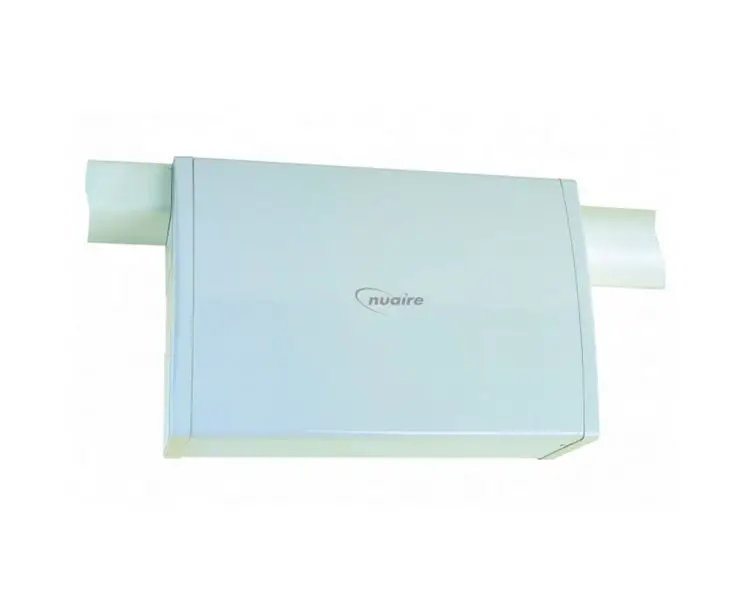
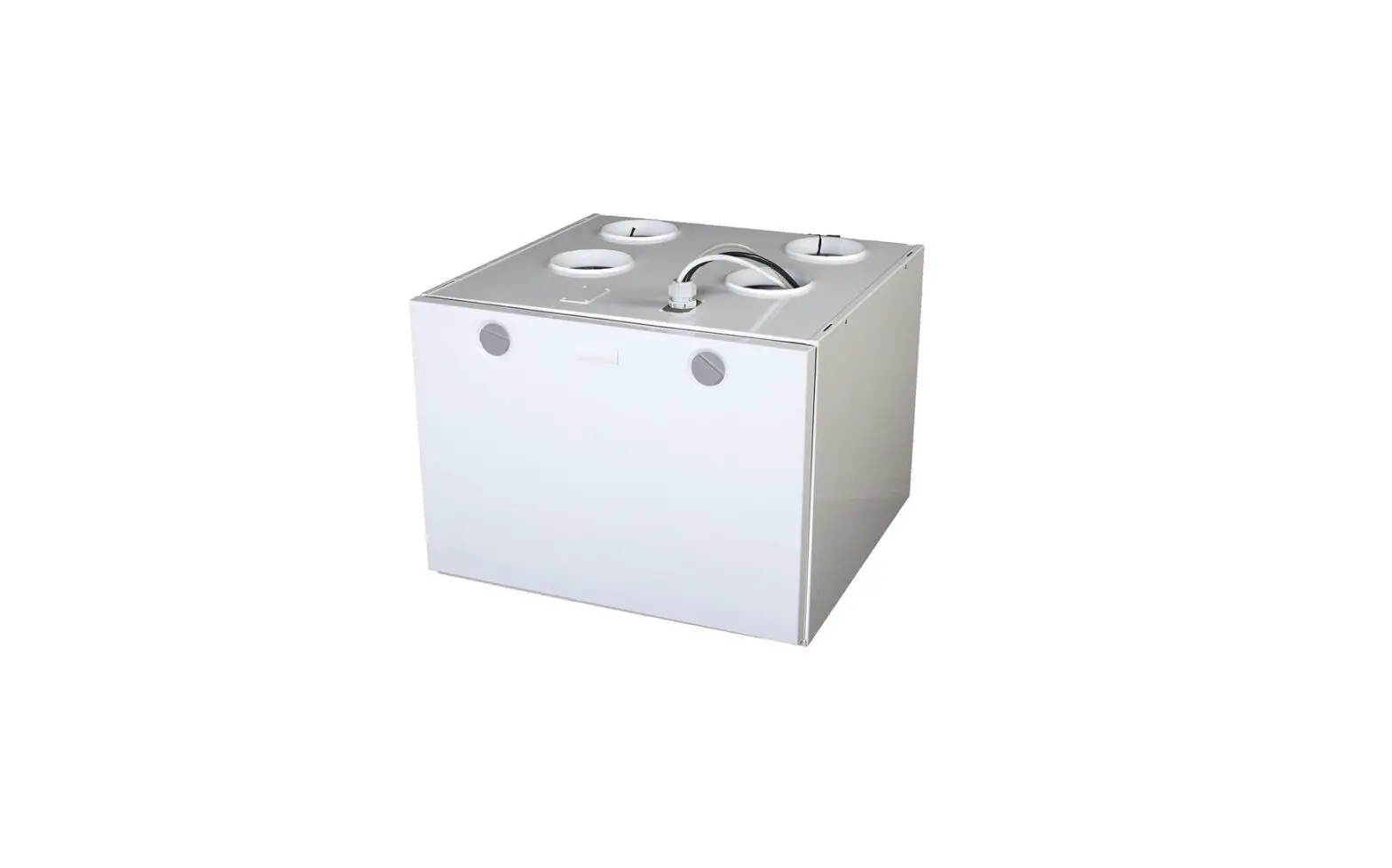
Verti Ventilation Unit
What is the purpose of a ClimaRad ventilation unit?
A ClimaRad ventilation unit is a device that ensures an optimum air quality through ventilation and air filtration.
The unit also recovers heat, so as to minimise heat loss.
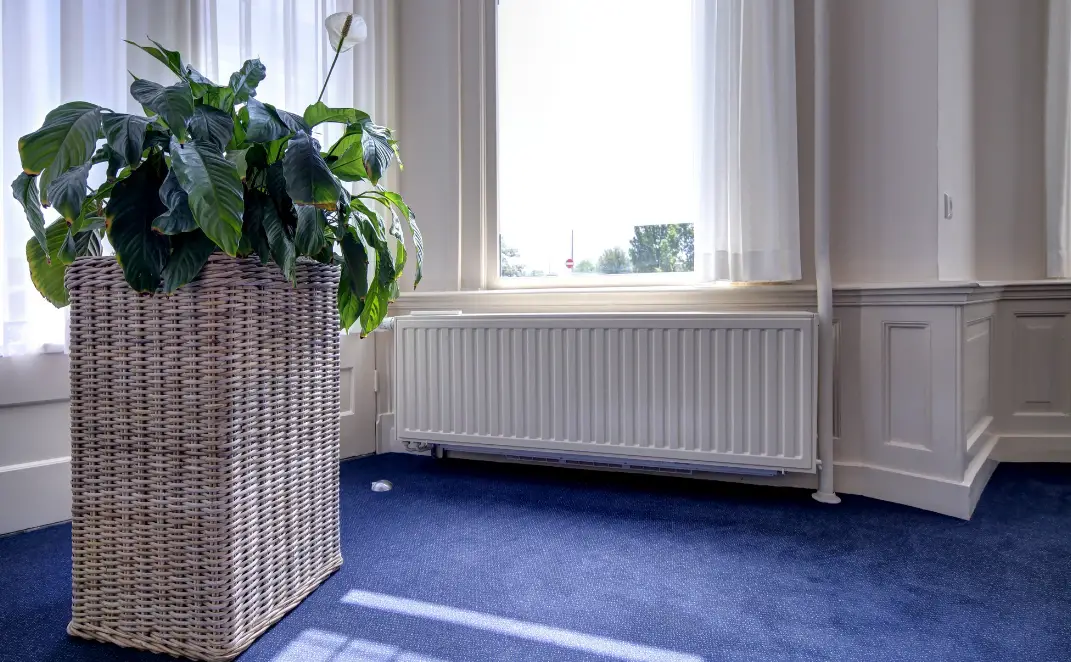
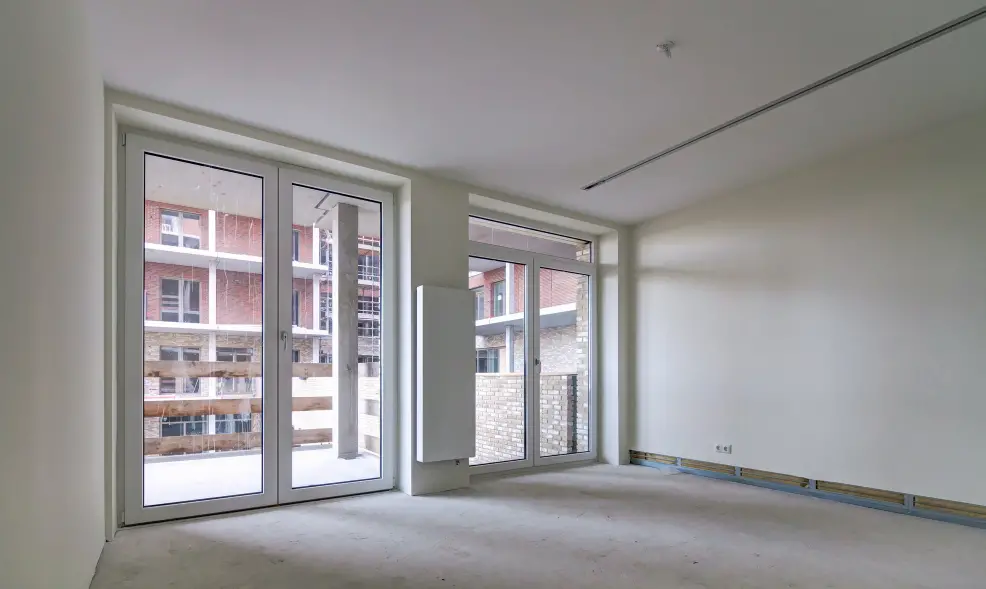
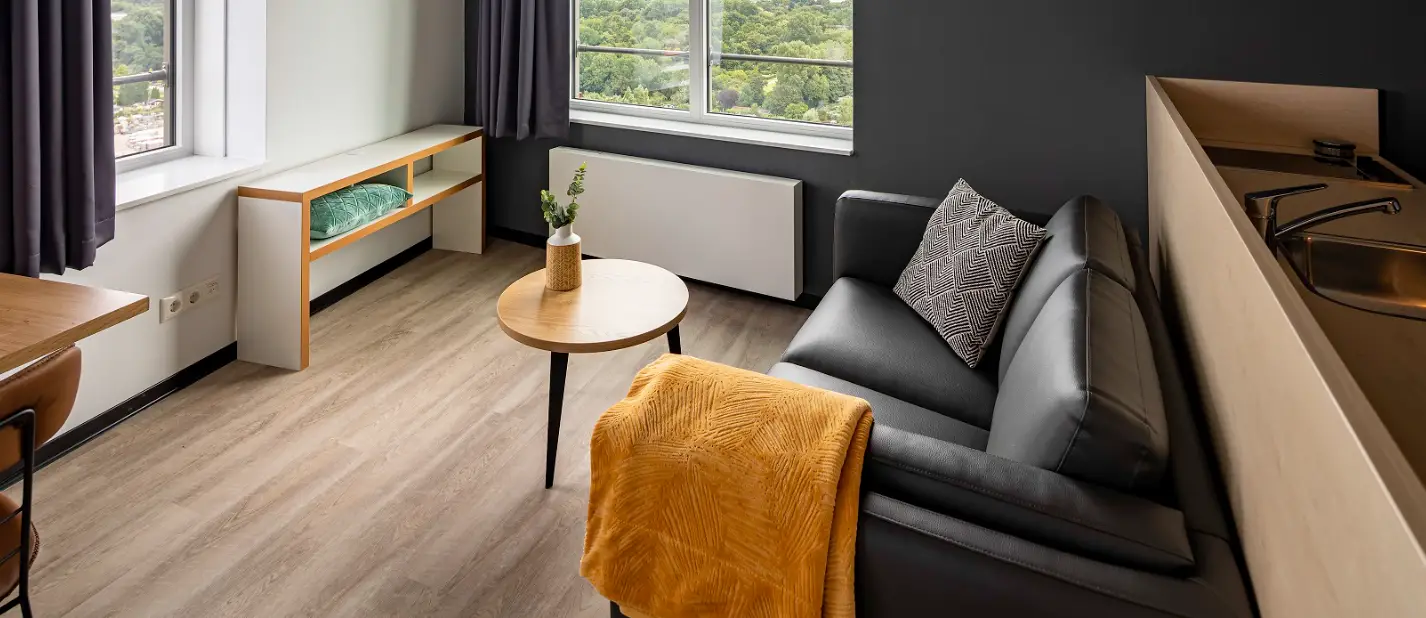
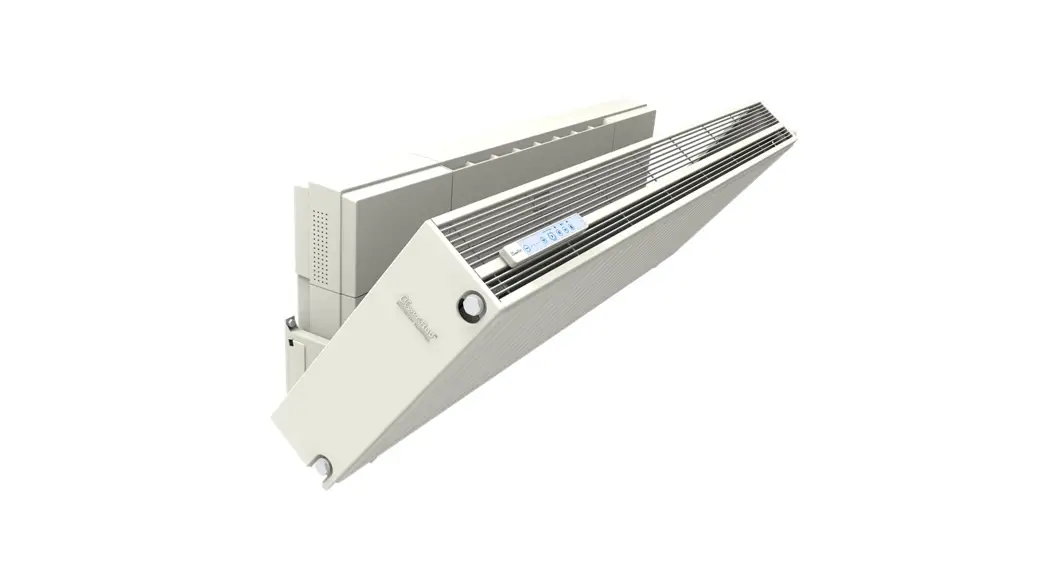
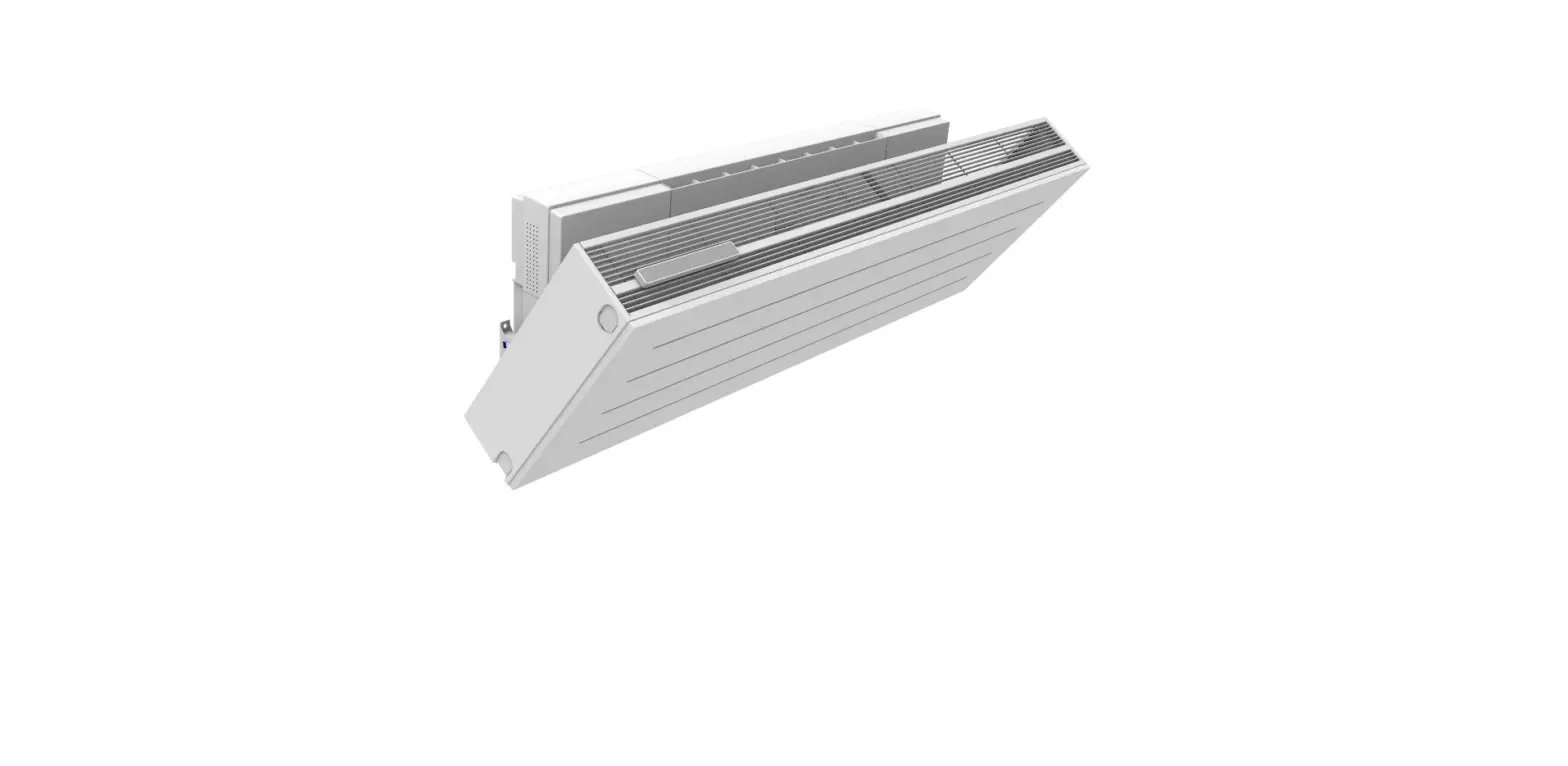
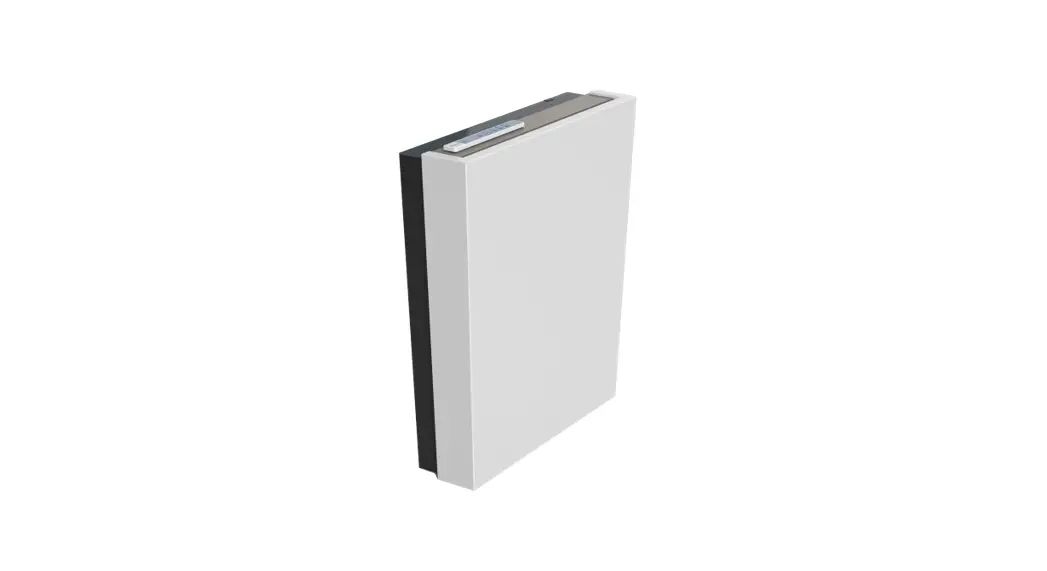
The ClimaRad Verti consists of a ventilation unit with a radiator and a door. The unit as well as the radiator of the ClimaRad Verti are positioned vertically.
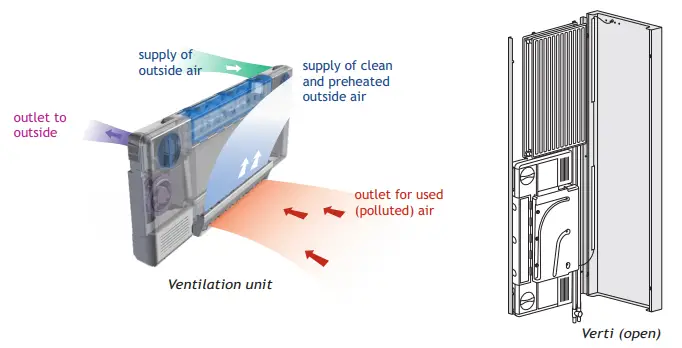
Use of the ClimaRad ventilation unit
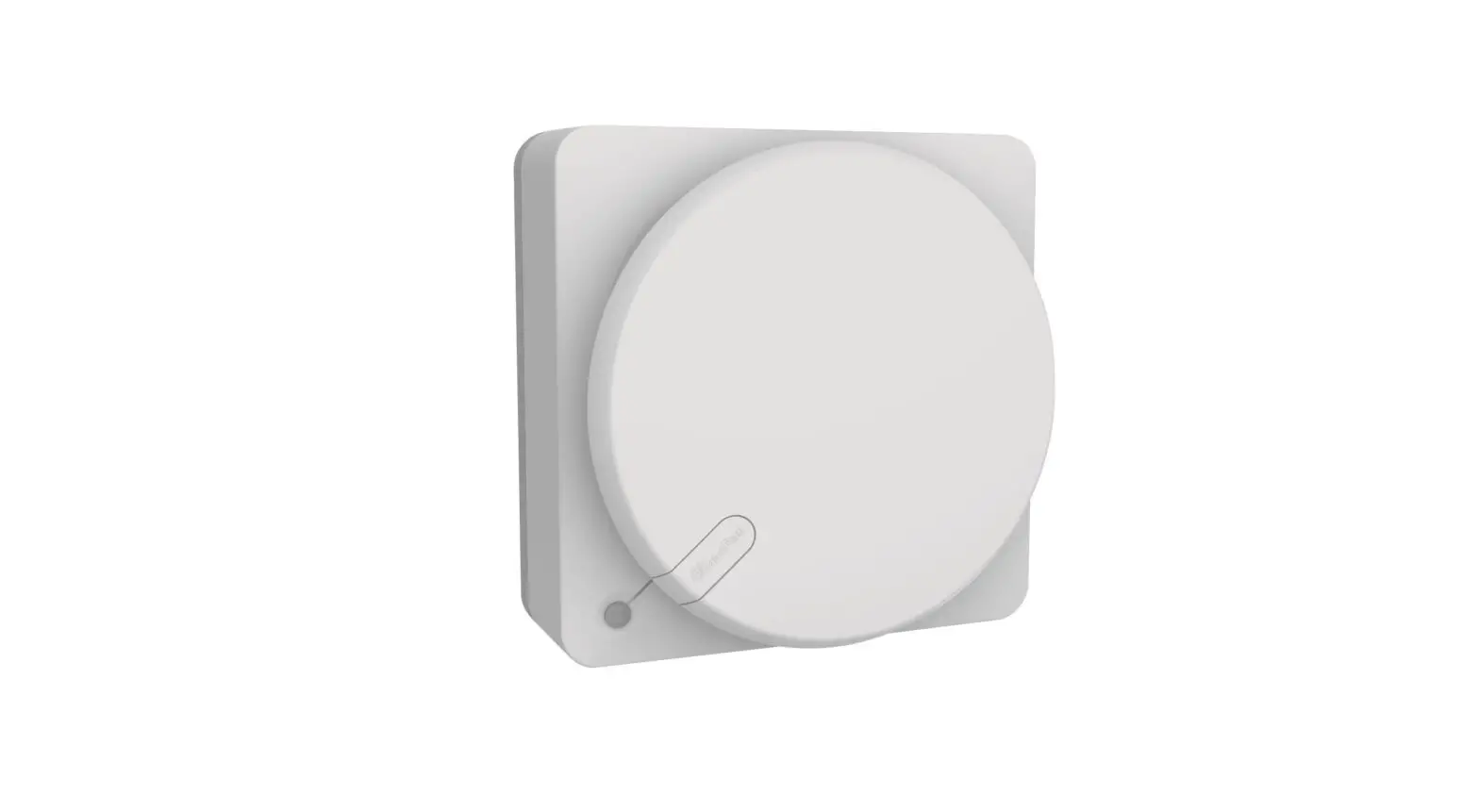
You can operate your radiator, as usual, with the radiator button on the side of the radiator. The ClimaRad ventilation unit is operated with the control panel on top of the unit.
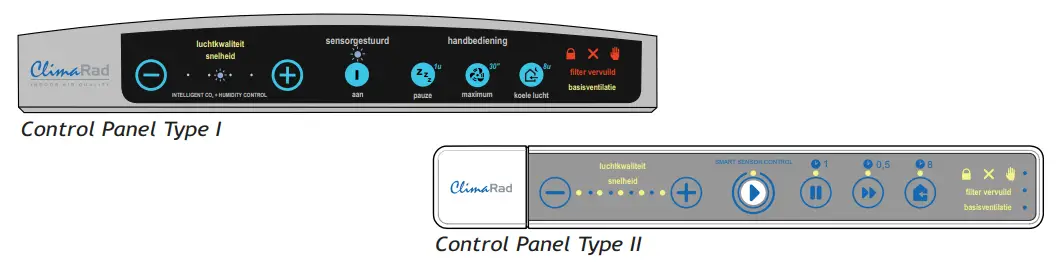
The installer will have adjusted the settings of the ClimaRad to the room in which it is installed. That is why we only explain the function keys you will need for daily use.
Functions already set up for you
 | The air quality is standard set at 1000 ppm. This means that the ventilation unit starts to ventilate (air quality indicator light flashes) the moment this limit is exceeded. If you want to customise the settings you can adjust the air quality with the + and – buttons. |
Other function keys
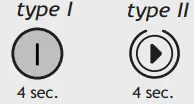 | Basic ventilation. Ventilates the air for 15 minutes every hour, regardless of the air quality. Starts when the button is pressed for 4 seconds. Repeat this when you want the basic ventilation to end. You can use this function, for instance, if the room hasn’t been used for a few weeks and you want to increase the ventilation, such as after a holiday. |
 | Pause. Pauses the ventilation for 1 hour. The valves will close. This ends as soon as you start a different function. Use this function, for instance, to temporarily block out any outside odours. |
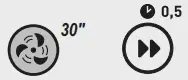 | Maximum ventilation. Maximum ventilation for 30 minutes. This ends as soon as you start a different function. Use this function to remove unpleasant odours, such as smoke or cooking smells. |
 | Ventilation with cooler outside air. Ventilates for 8 hours with outside air if this outside air is at least 2 degrees colder than the inside air. Ends automatically after 8 hours. Use this function, for instance, at night to reduce the temperature a few degrees in a warmed-up room. |
 | Child lock. Locks the control panel. Press the indicated buttons simultaneously for 4 seconds. Ends as soon as you repeat this action. |
| Messages | Switch off | |
 | Child lock. The child lock is activated. | Press 4 seconds simultaneously |
 | Error. A fault has occurred. Please contact your installer. | |
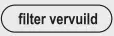 | Dirty filter. Replace the air filters or contact your installer. After replacing the filters, press the + and – buttons for 4 seconds. | Press 4 seconds simultaneously |
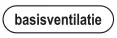 | Basic ventilation. The basic ventilation is activated. |  |
 | Manual control. Manual control is activated. The ventilation is not controlled automatically. | 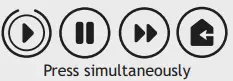 |
 | Outside temperature higher than within. The ClimaRad will temporarily not ventilate because the outside temperature is higher than the inside temperature (warning light flashes). |
ClimaRad B.V. – Lübeckstraat 25 – 7575 EE – Oldenzaal –
NL – [email protected]
– www.climarad.co.uk
– tel. +31 541 358130