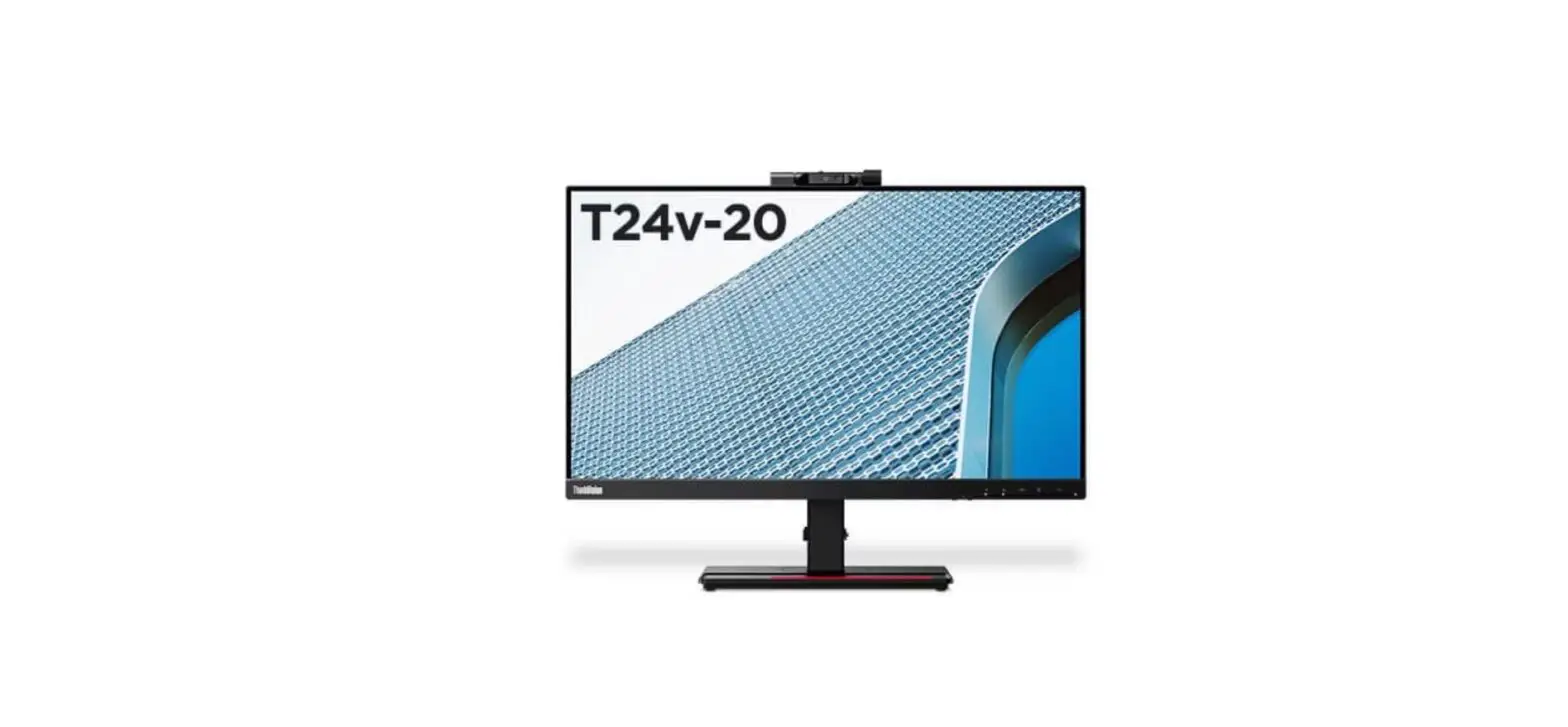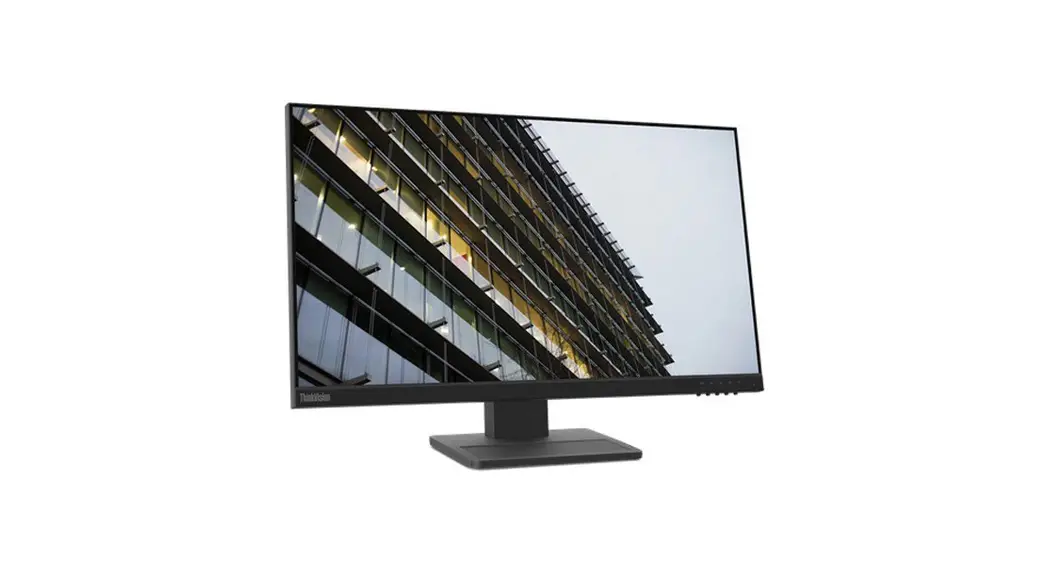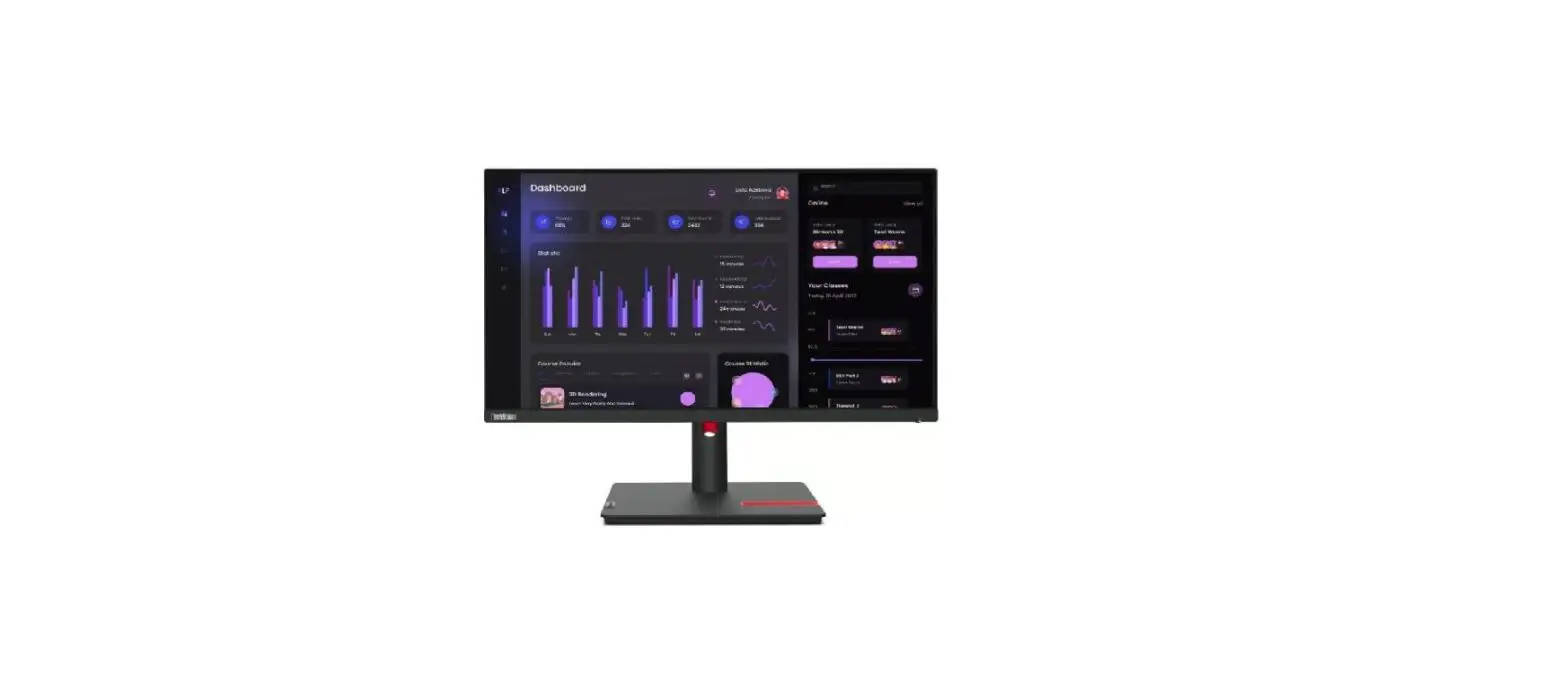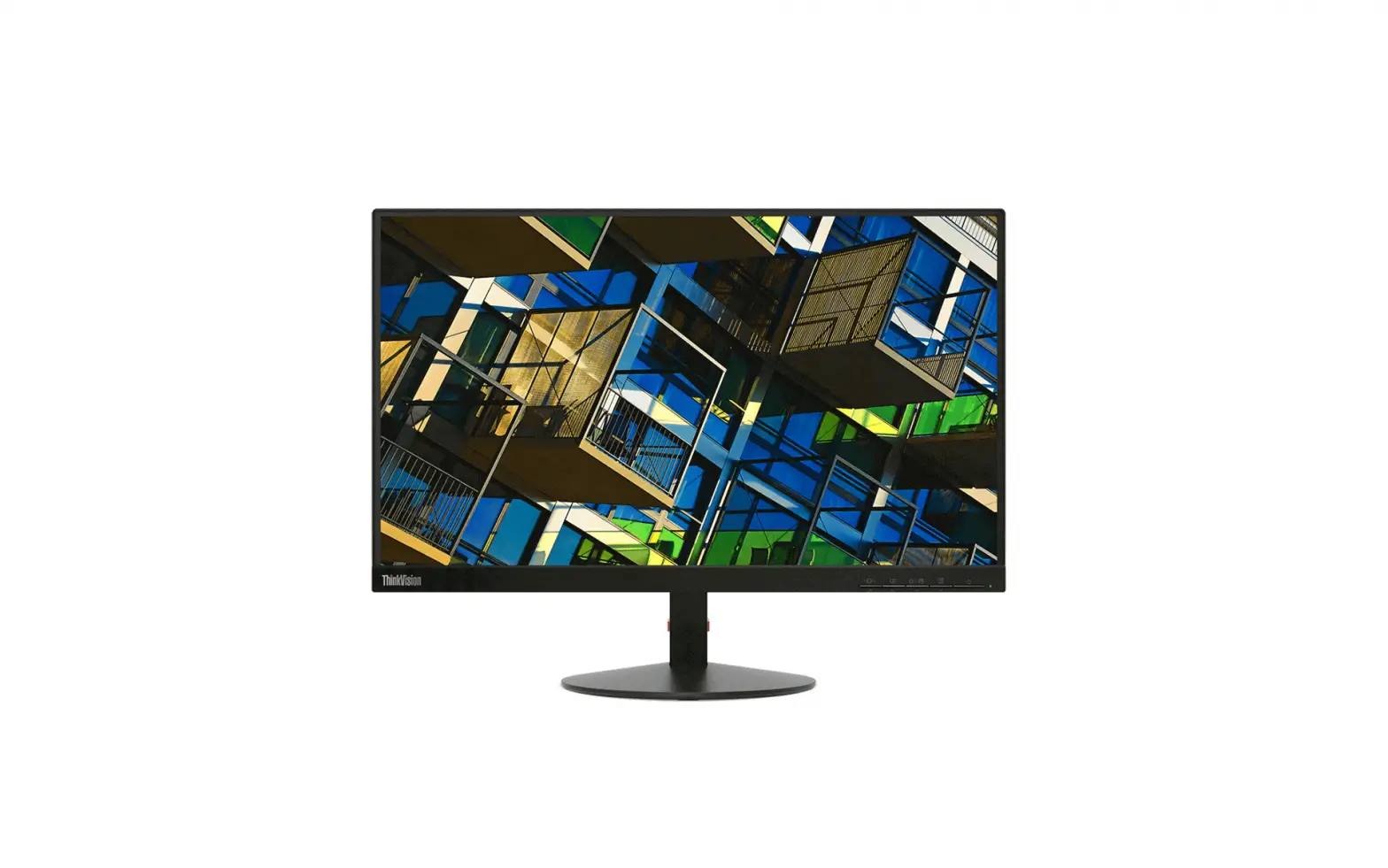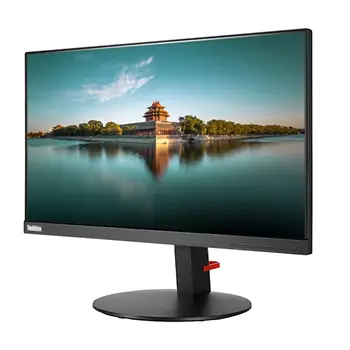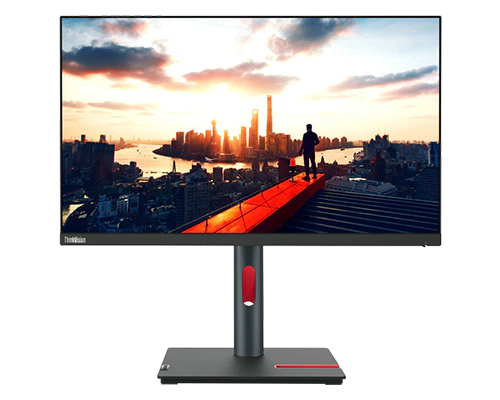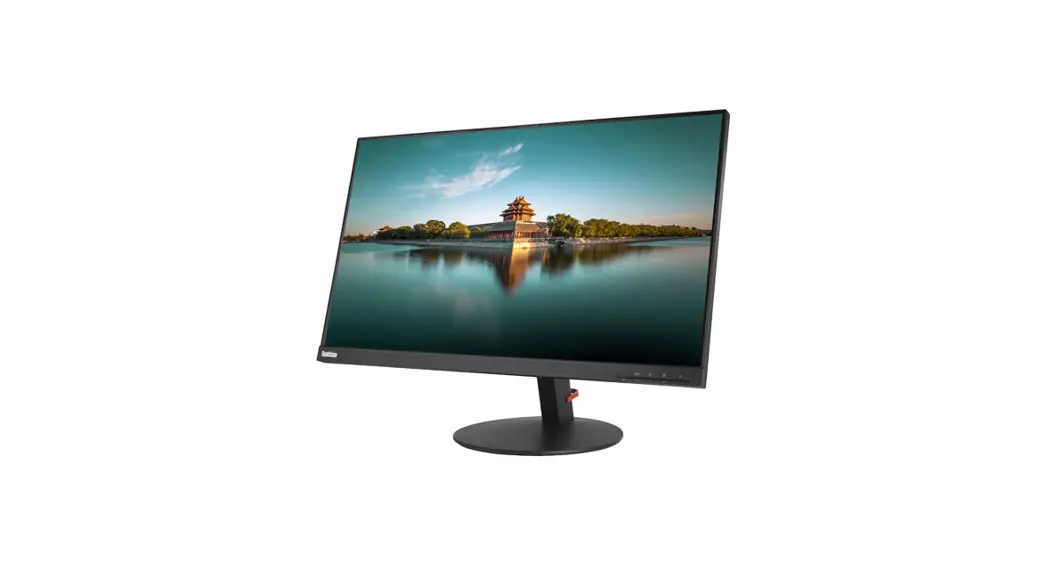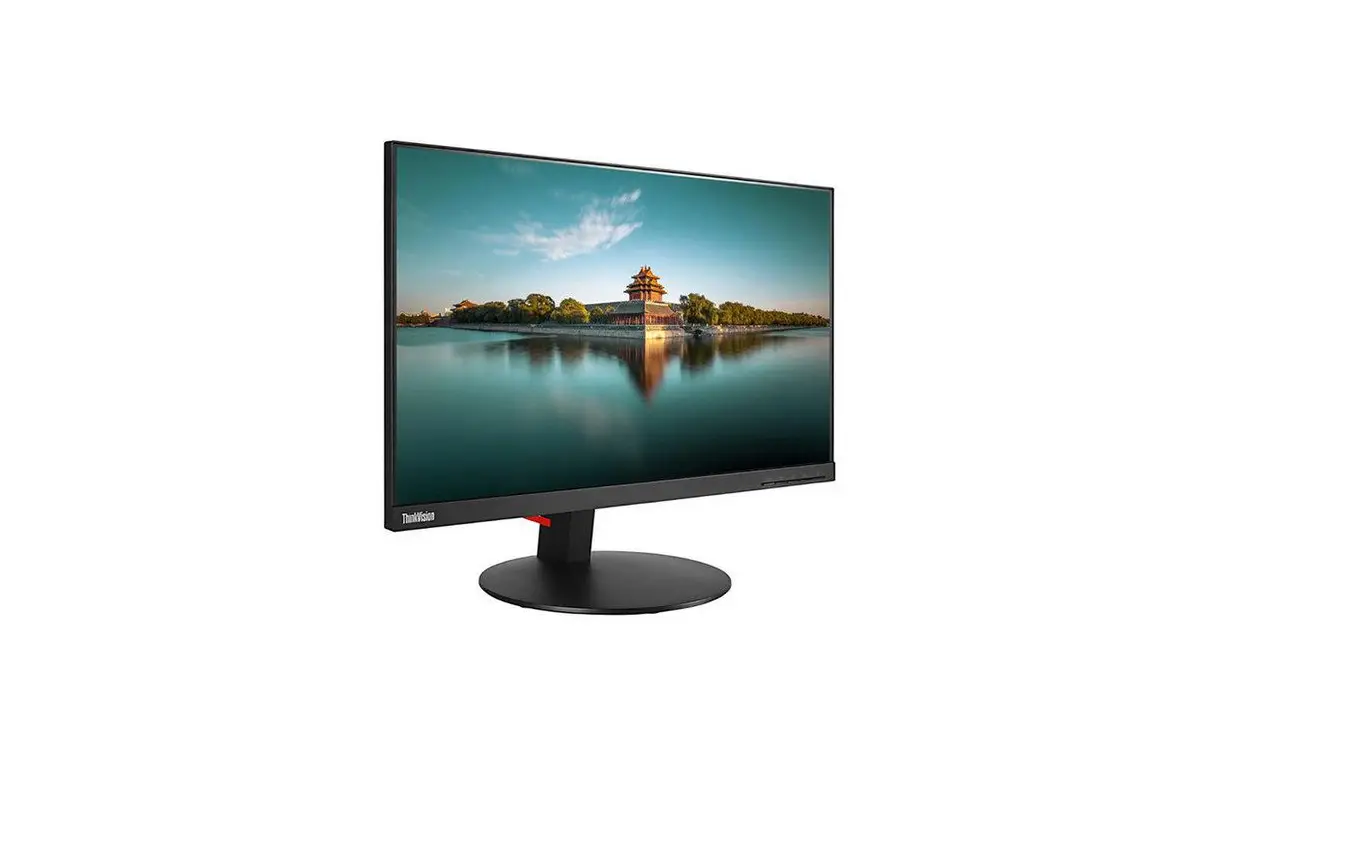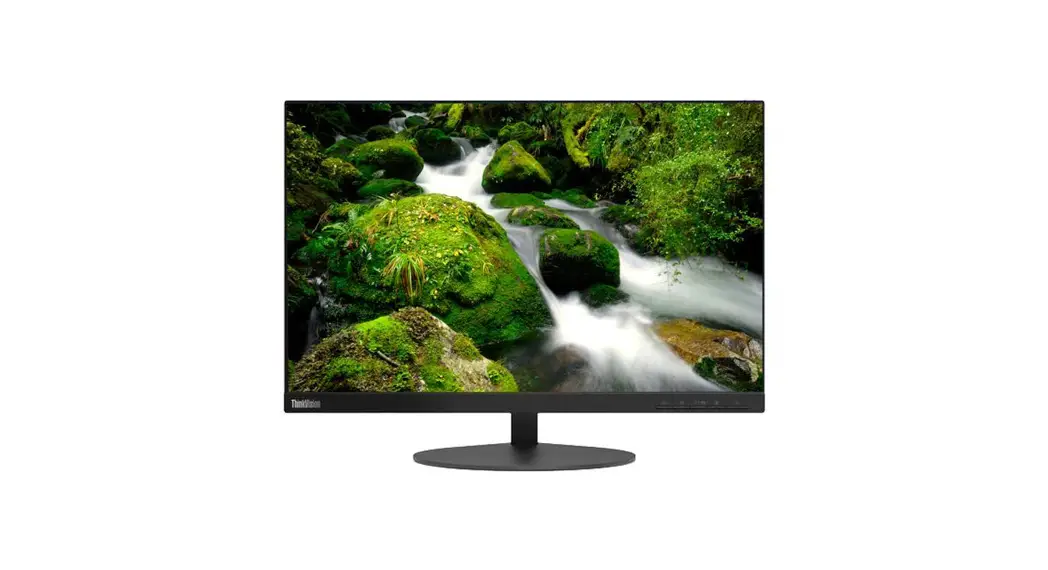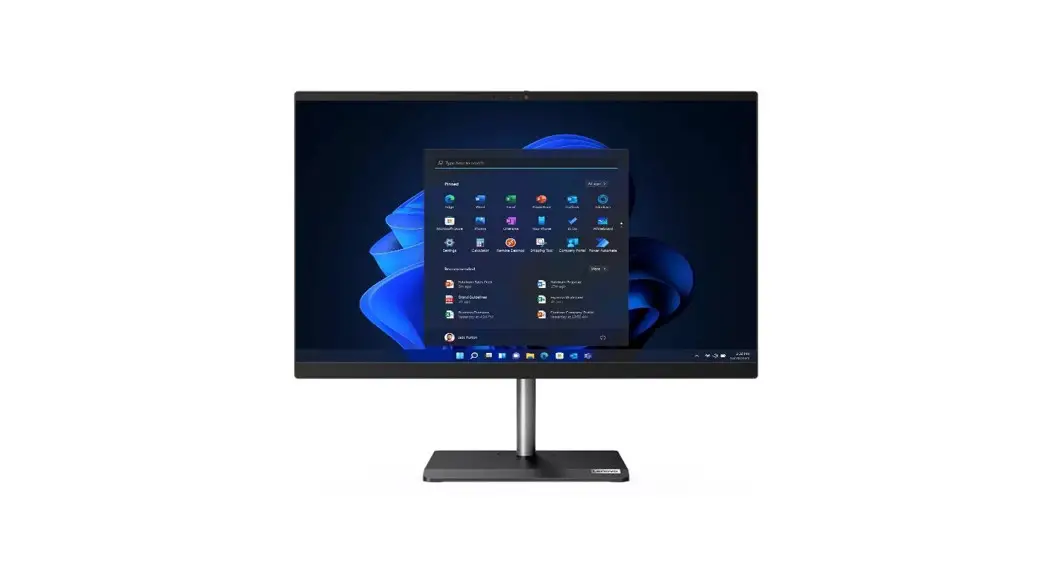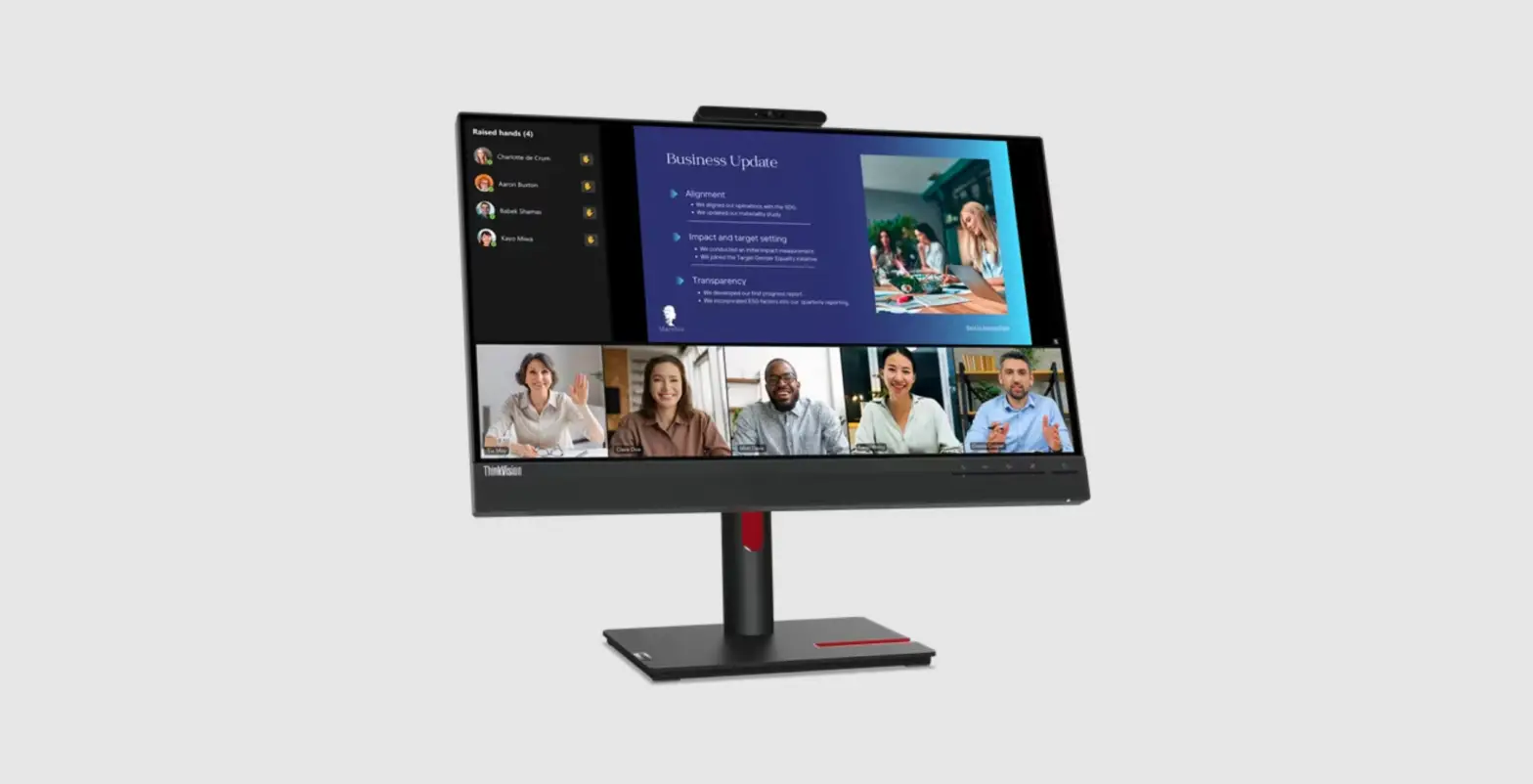
Lenovo ThinkVision T24v-30 63D8MAT3EU Full HD LED Black Instruction Manual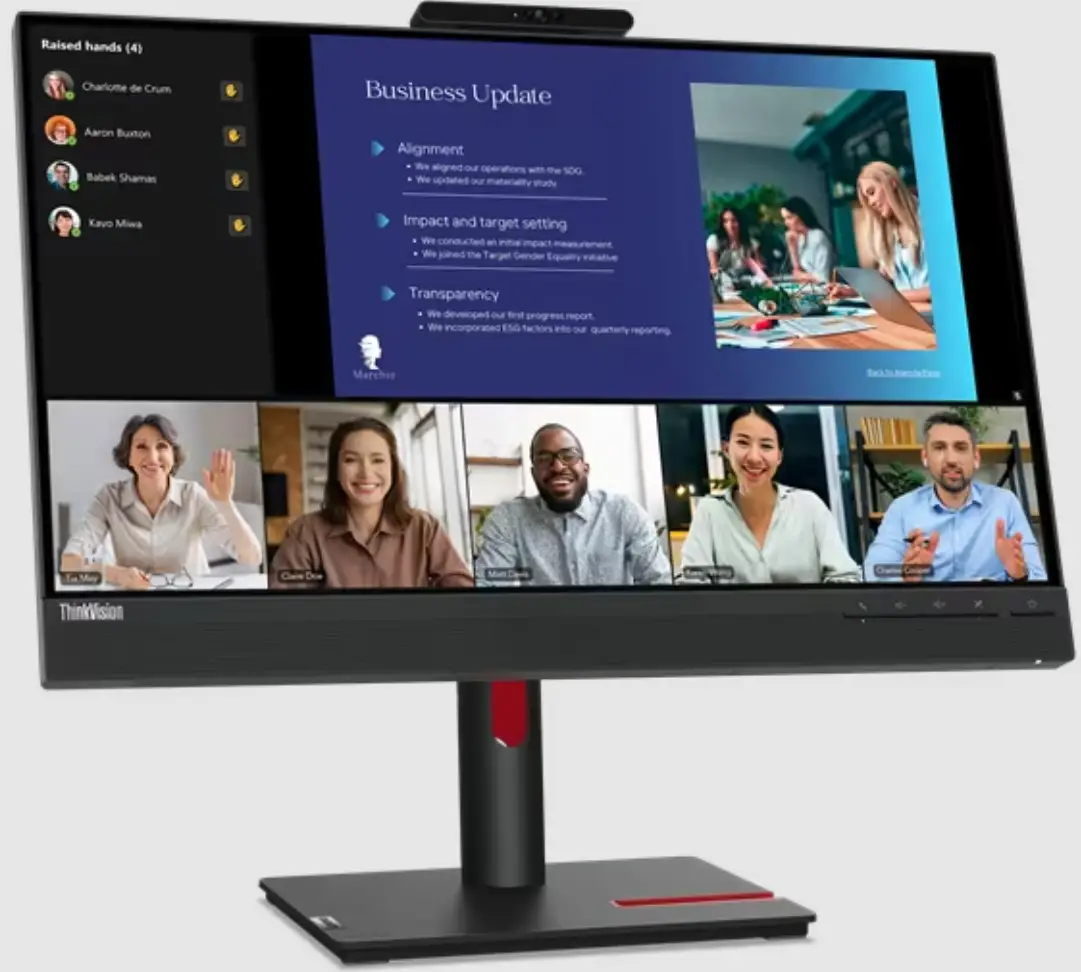
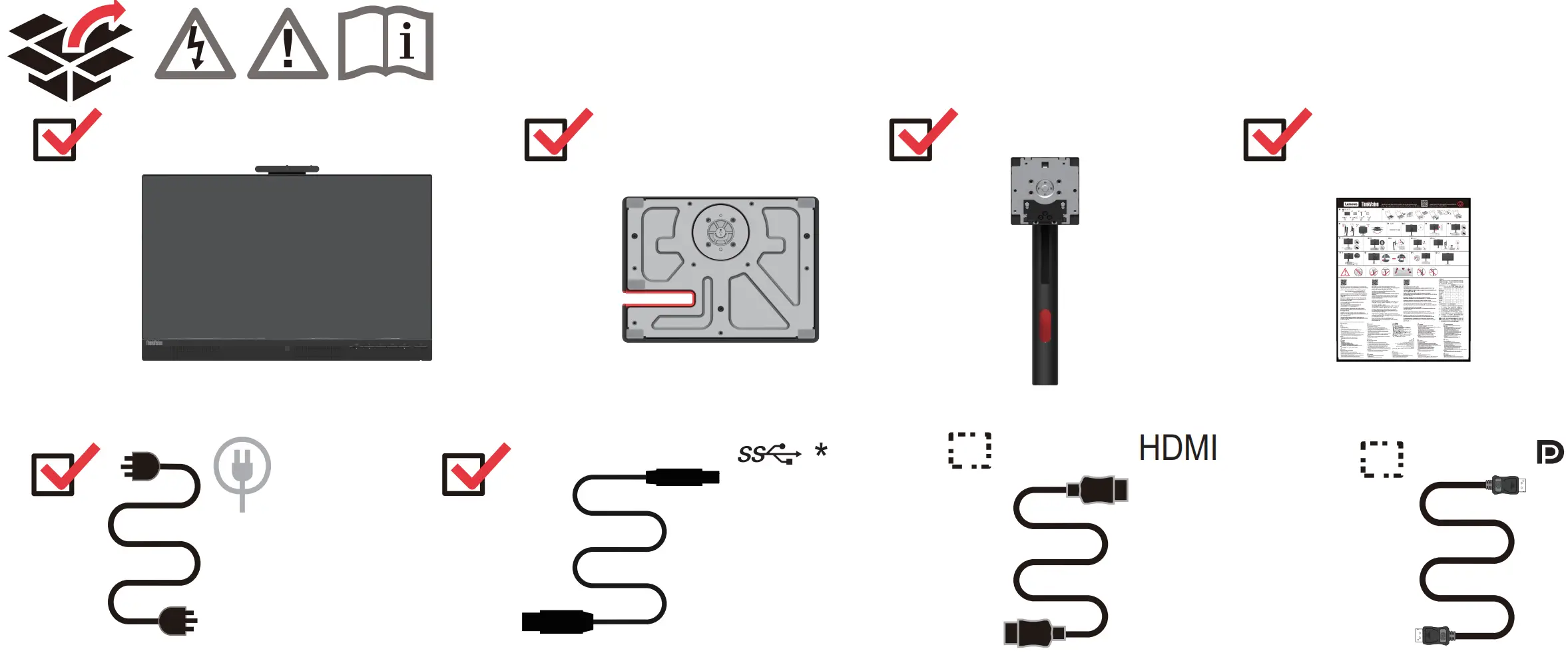
Package Content
Assembly Instructions
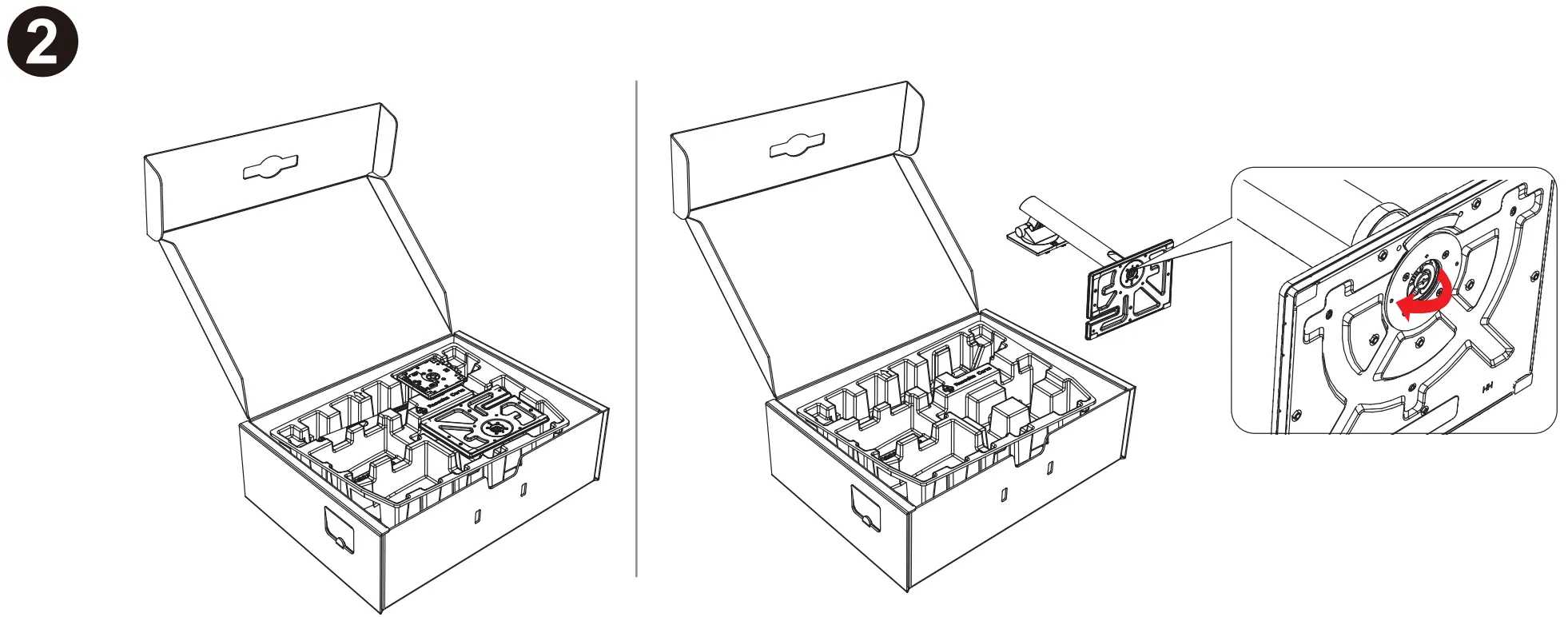
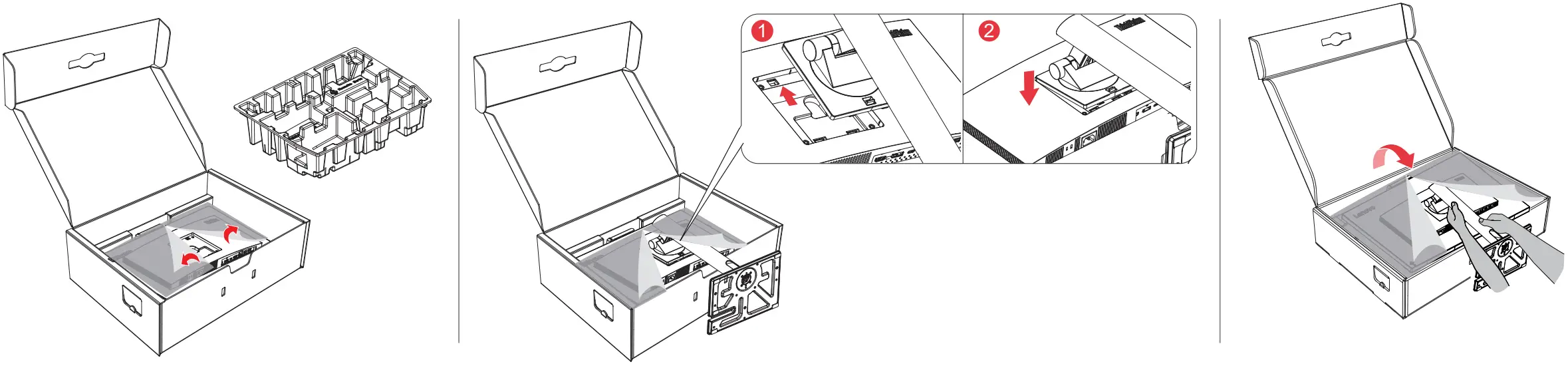
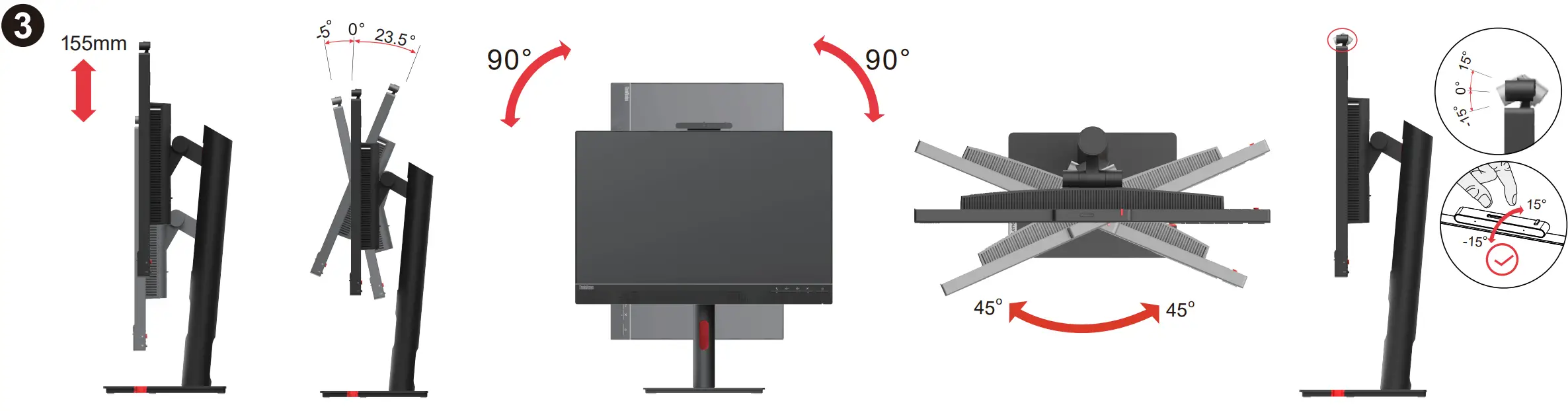
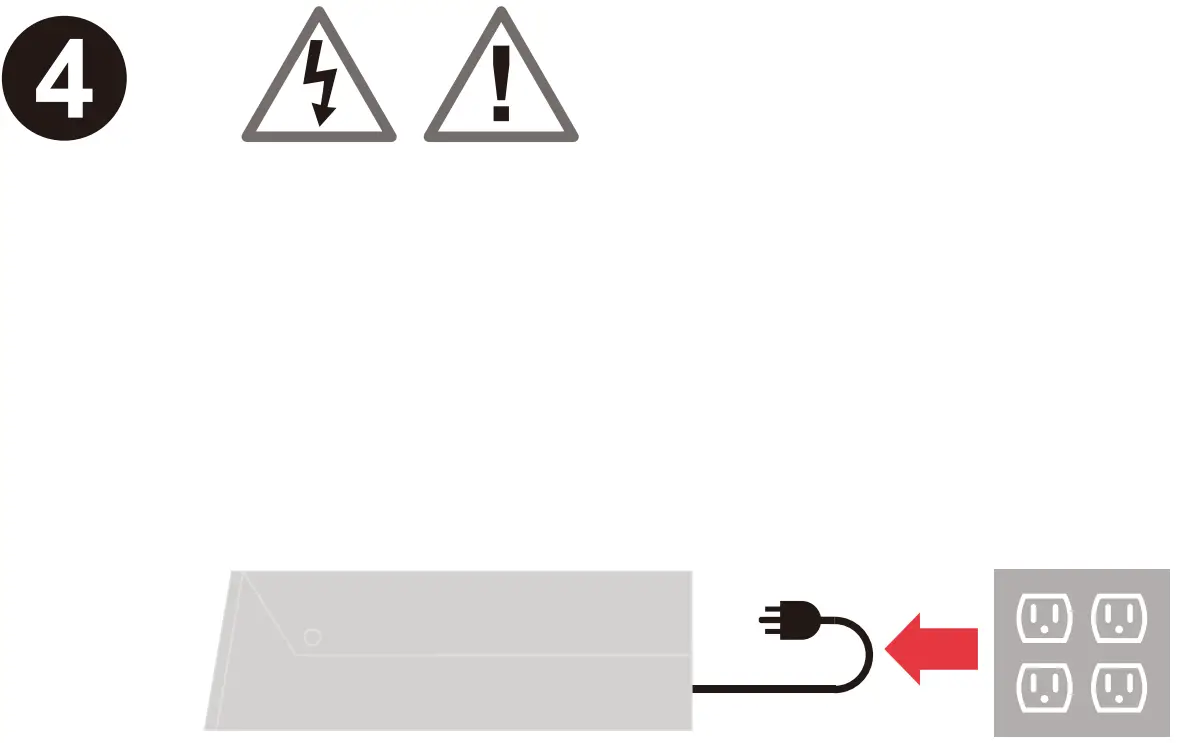
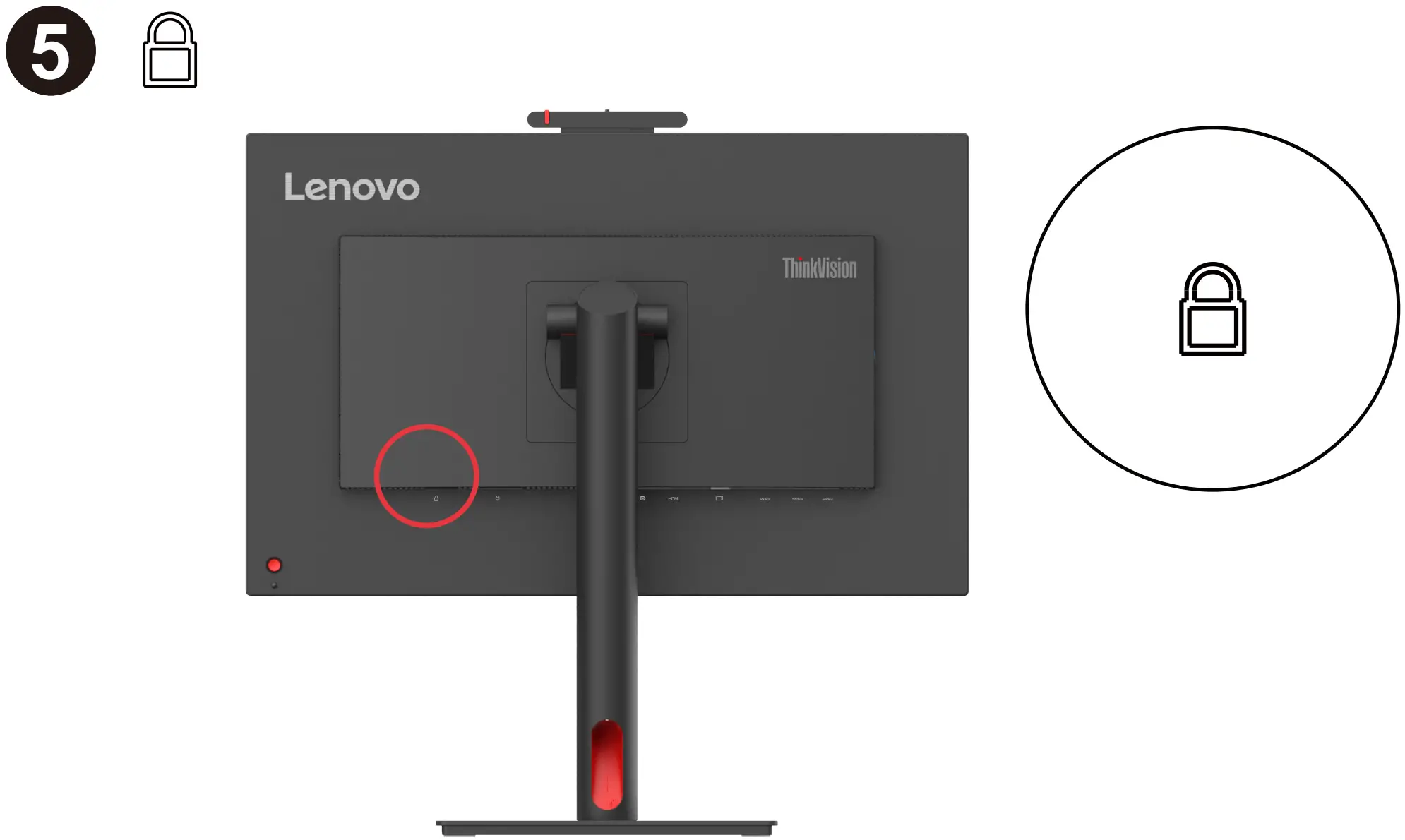
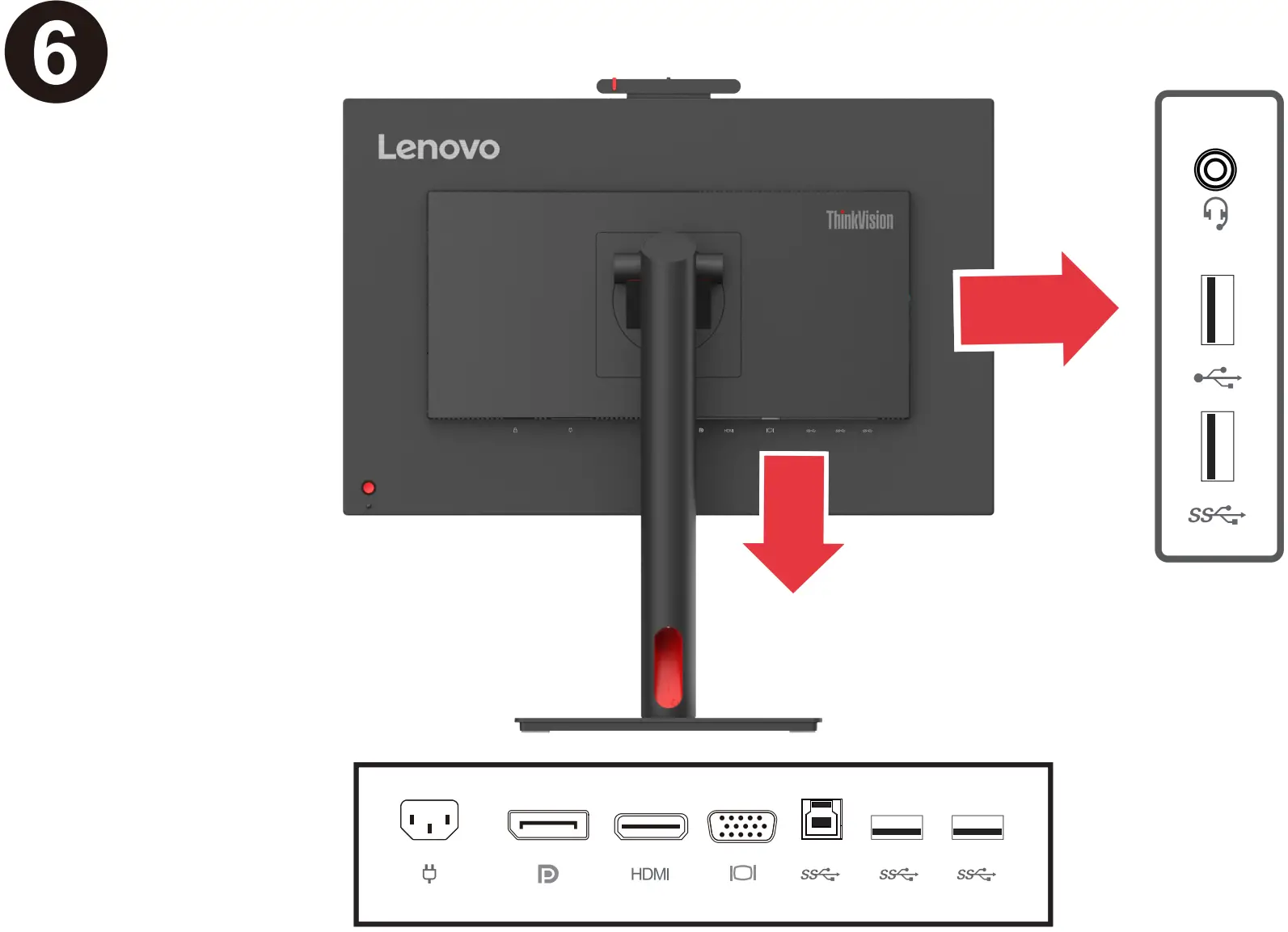
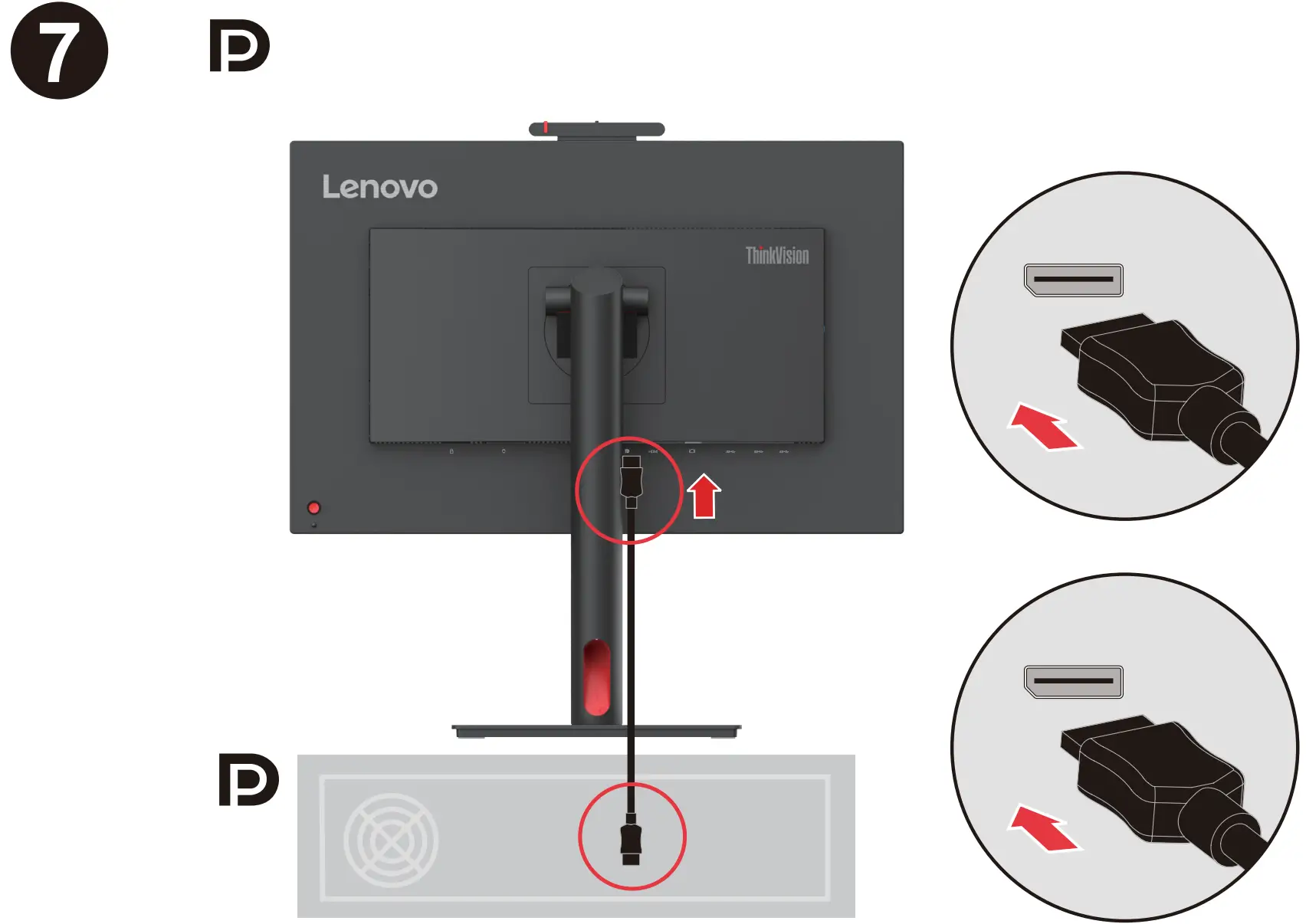
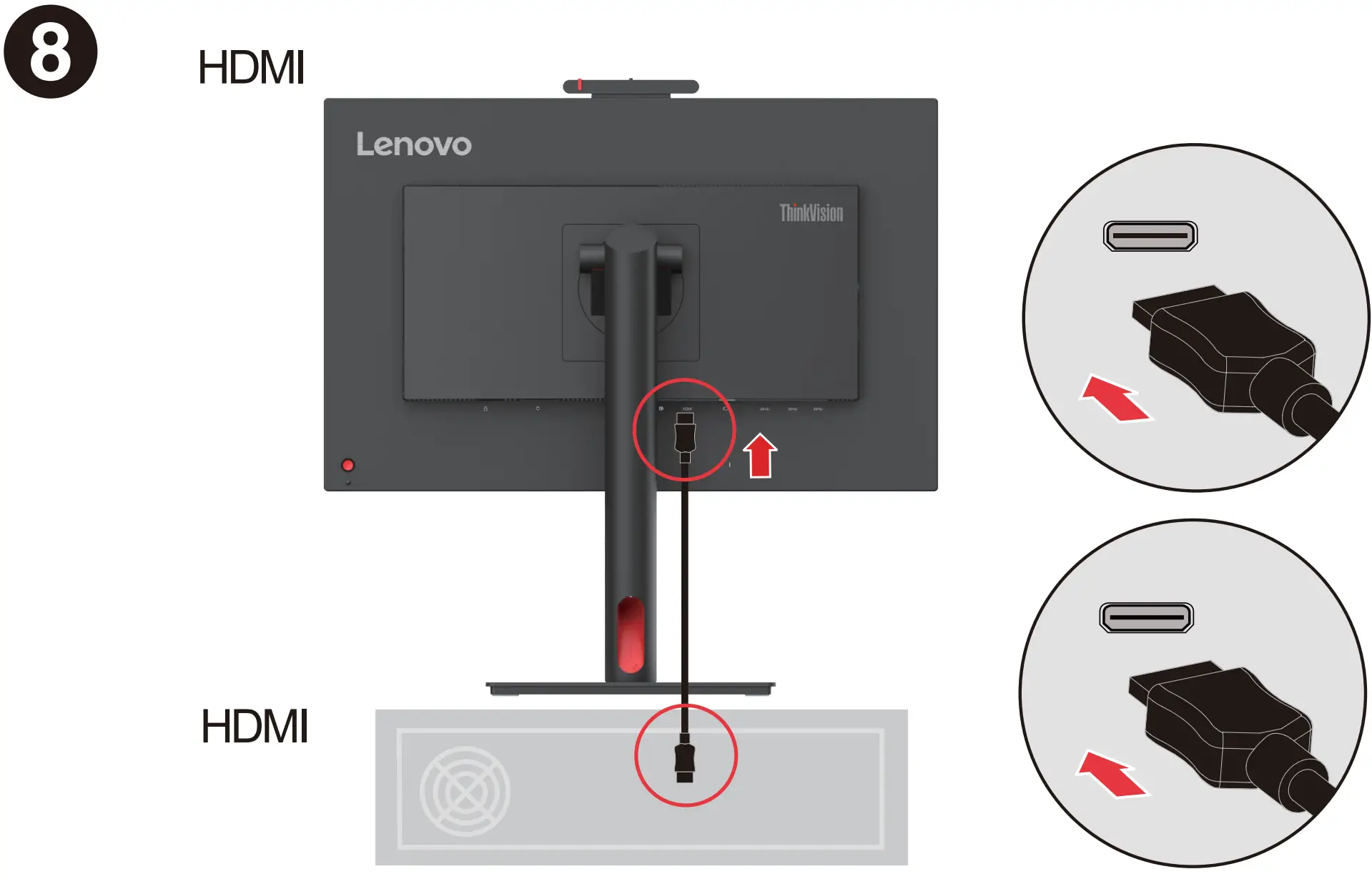
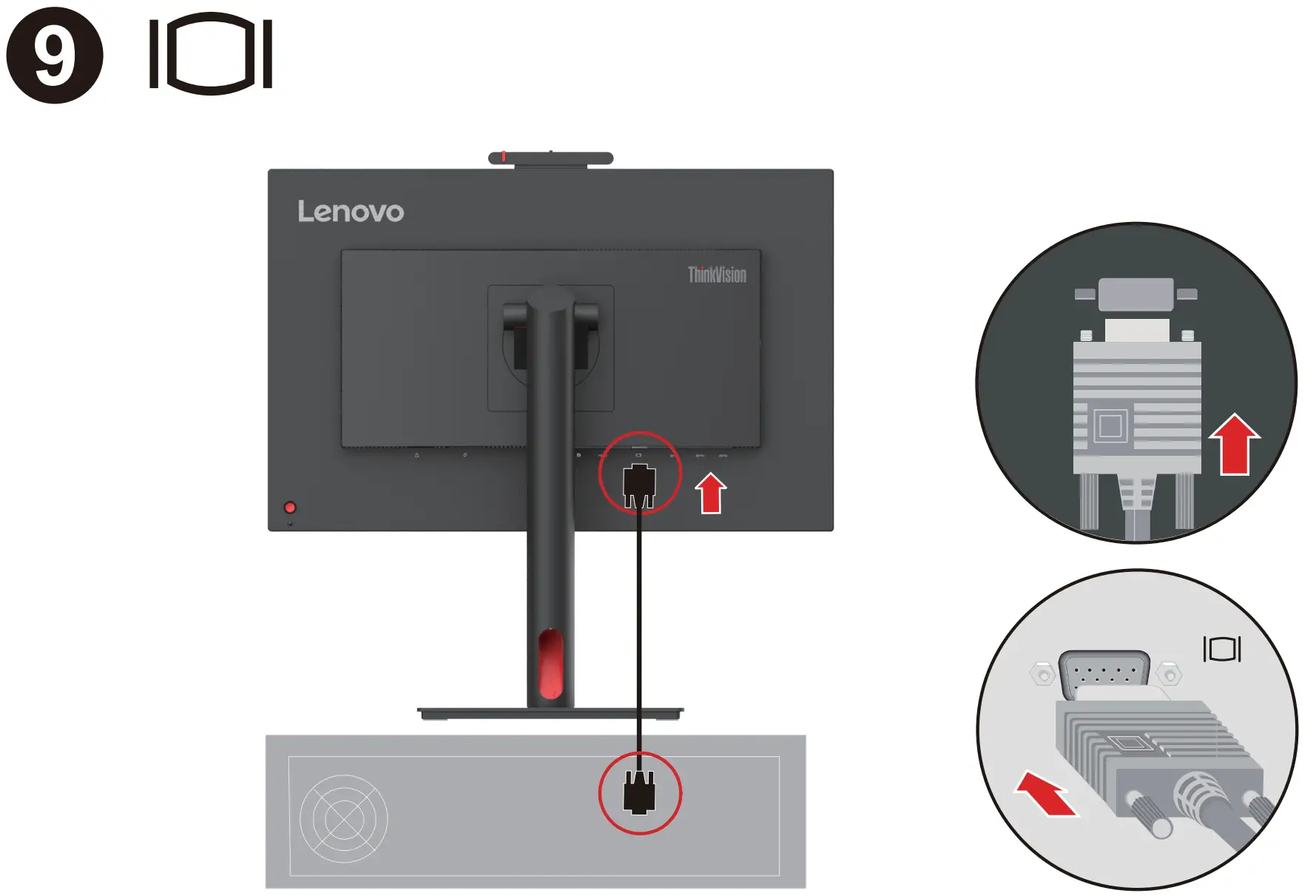
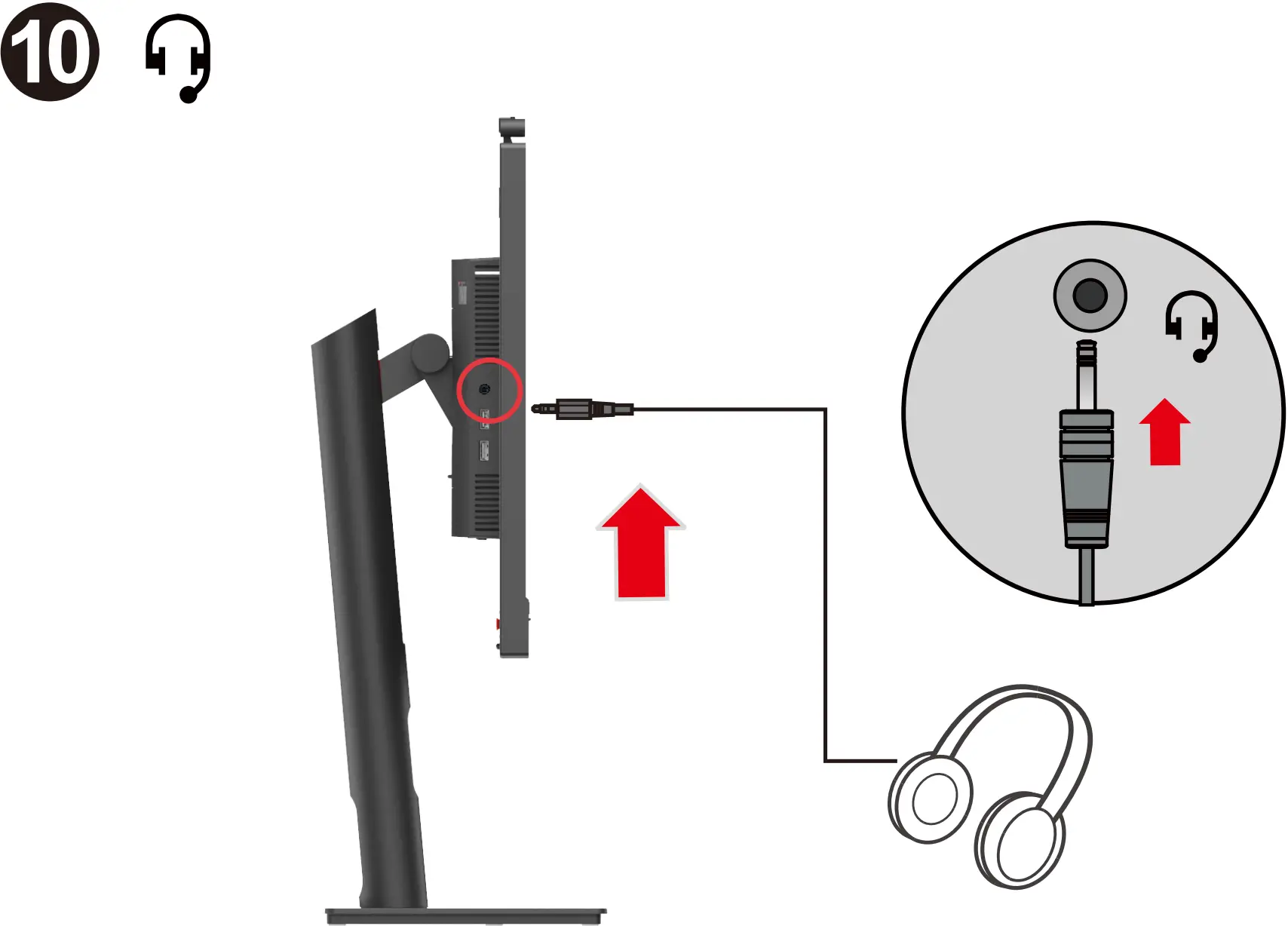
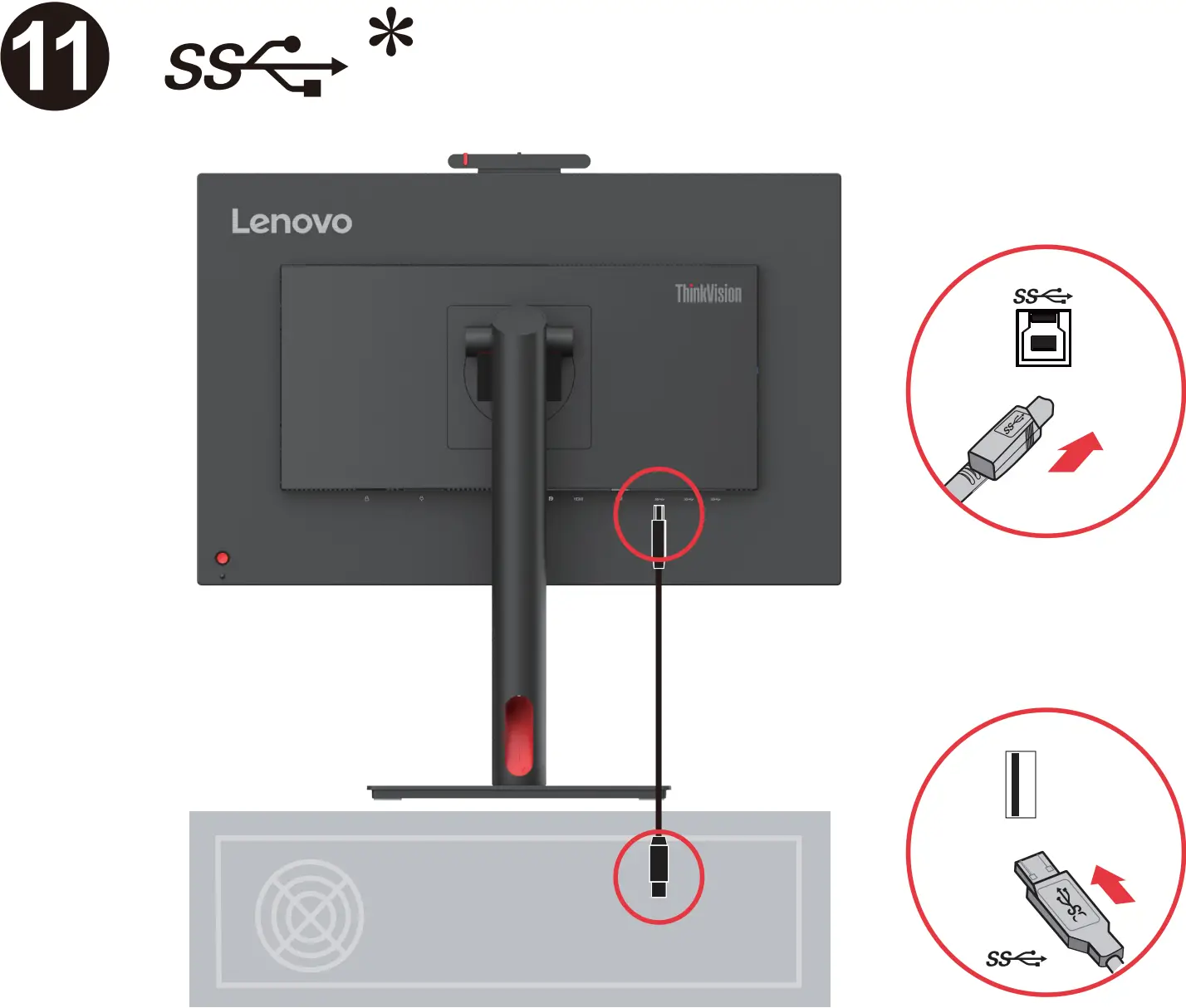
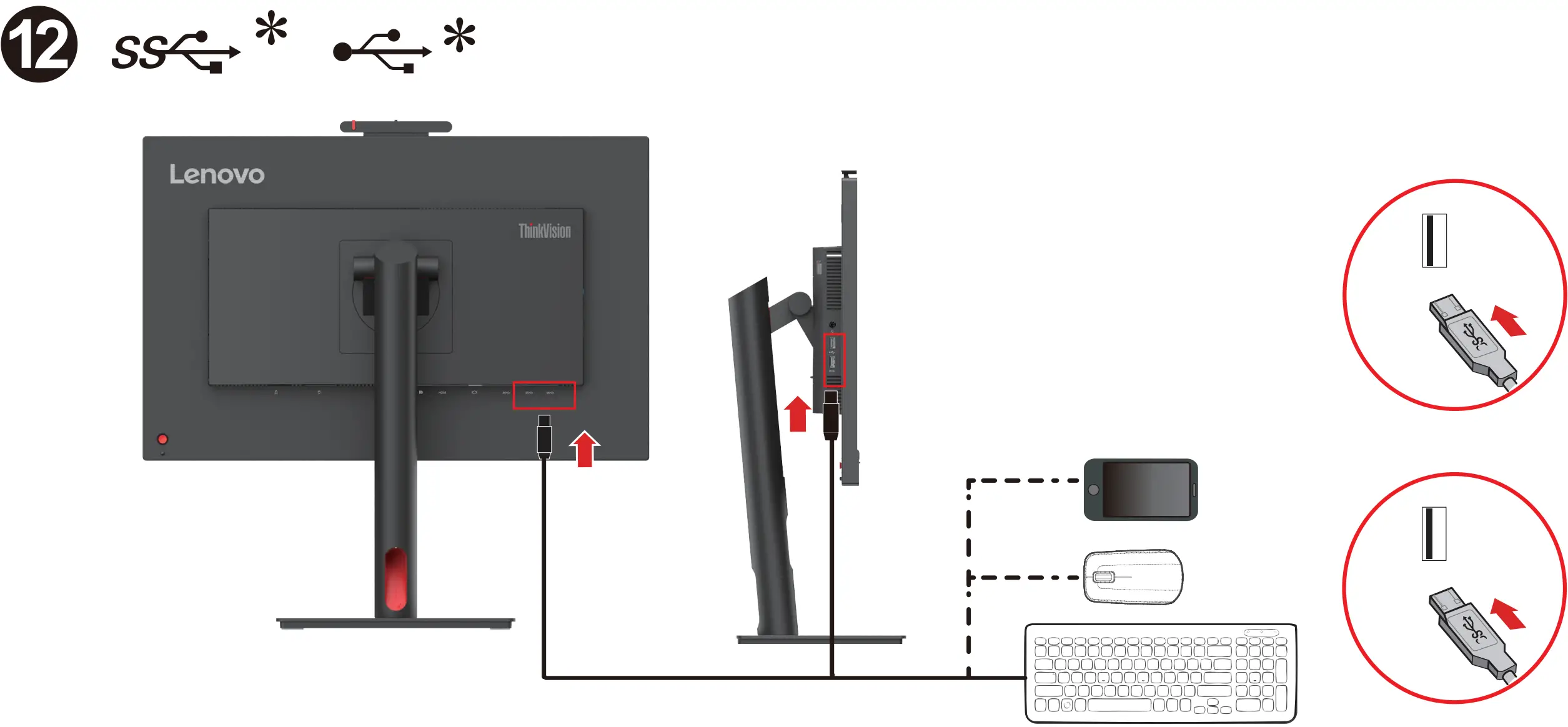
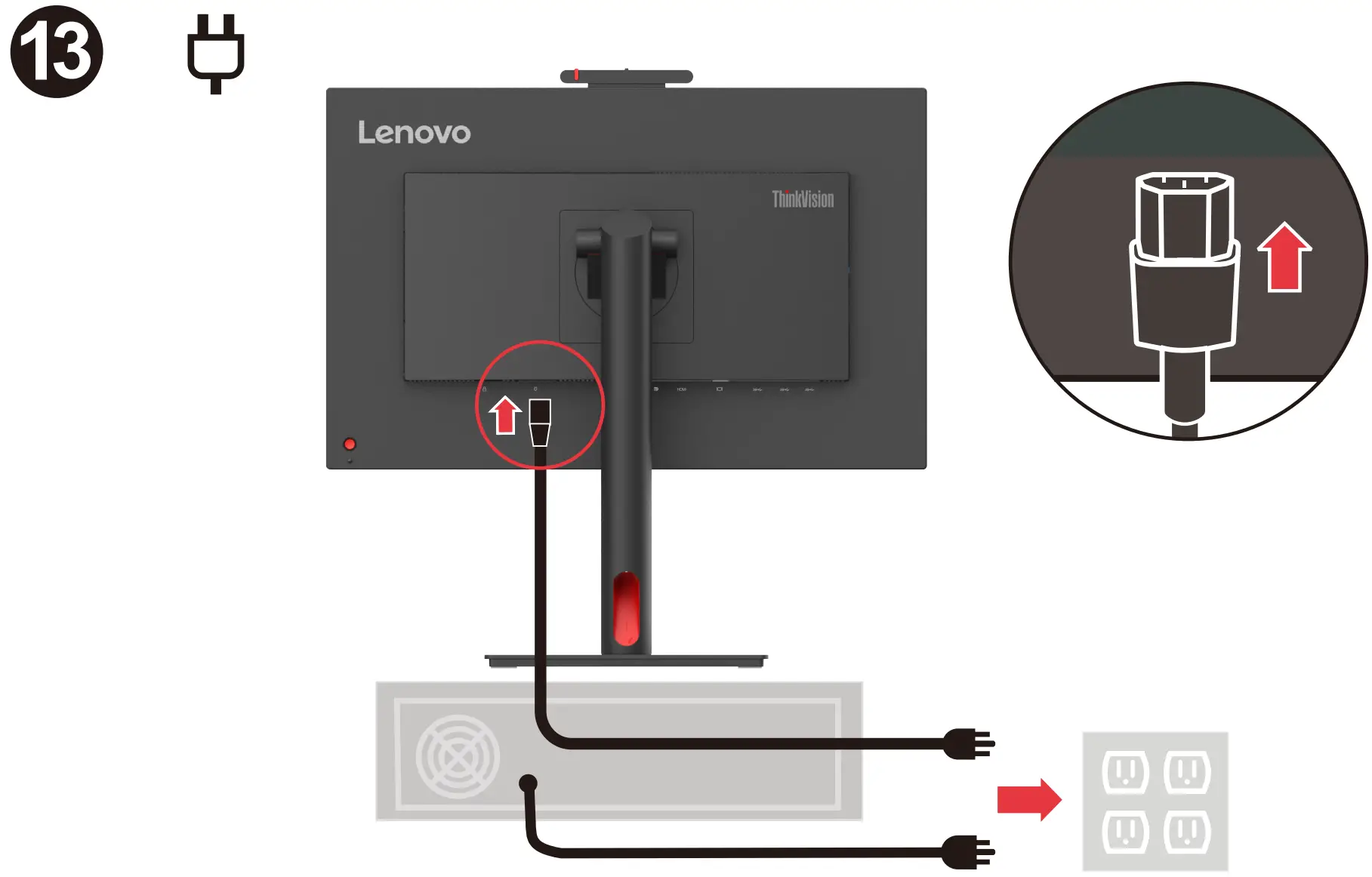
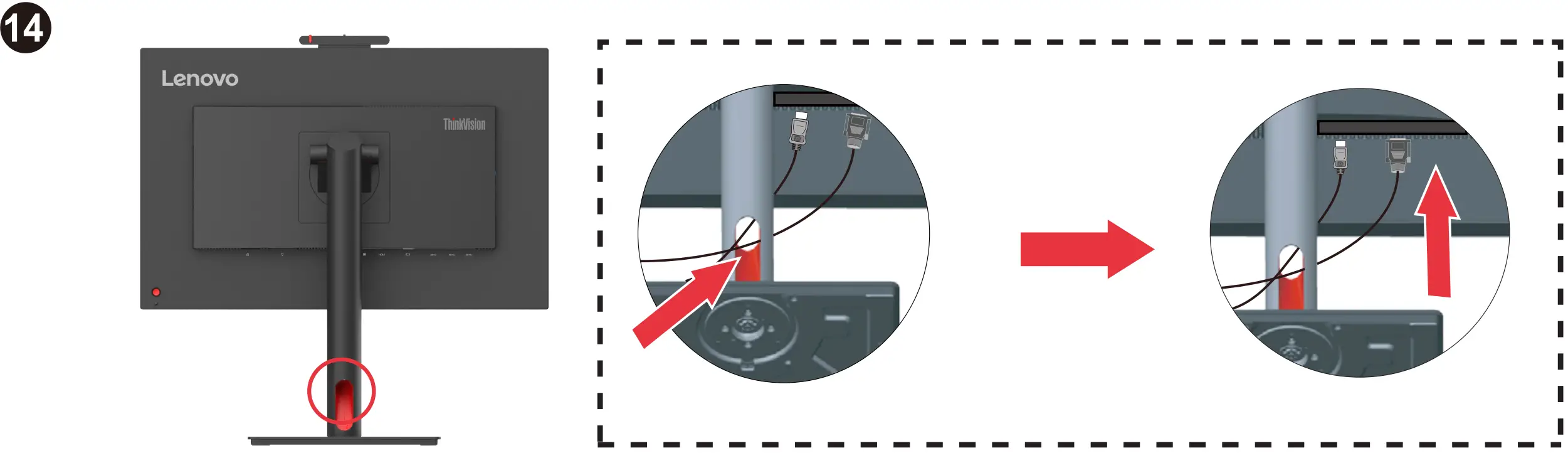
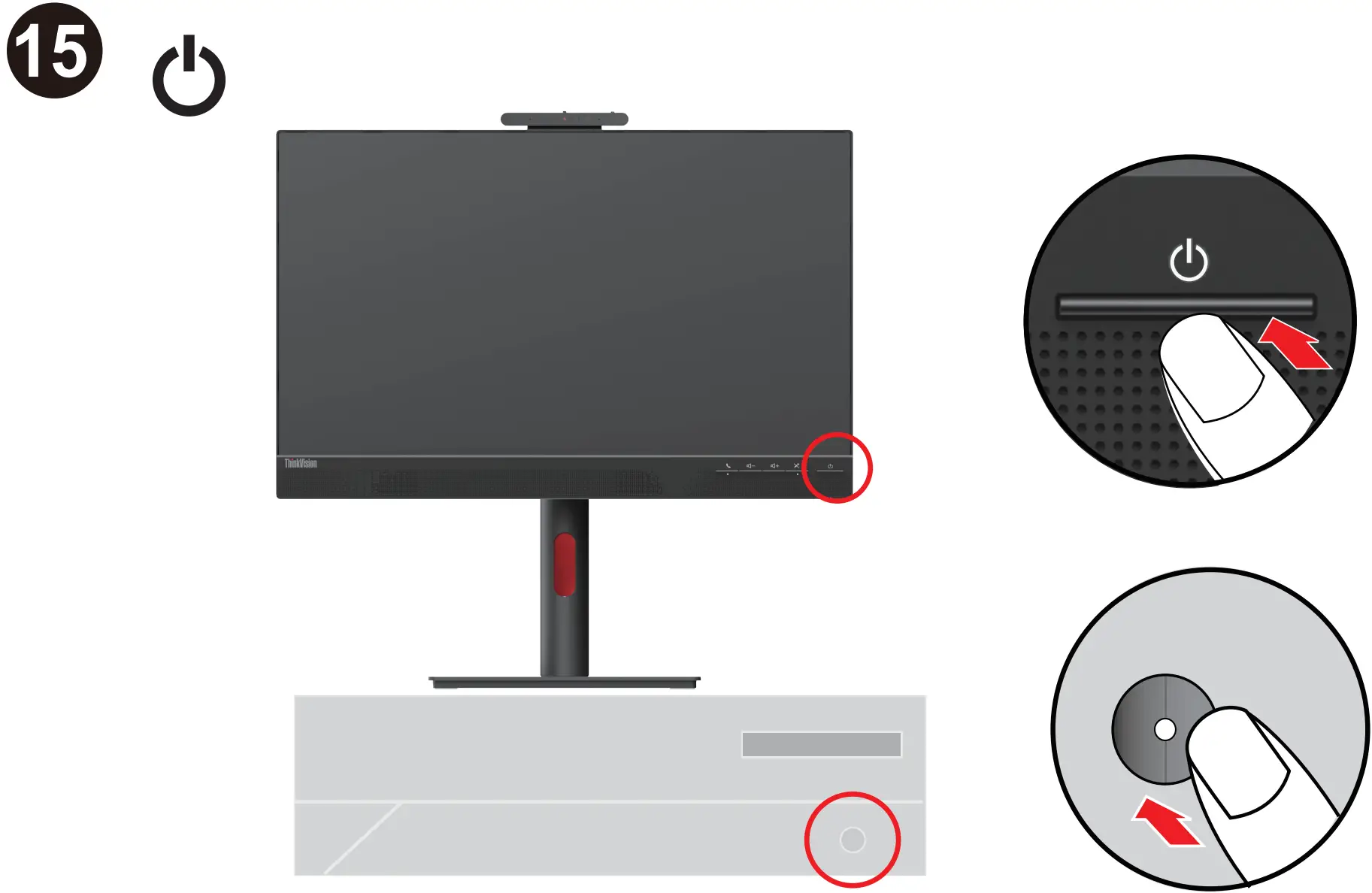
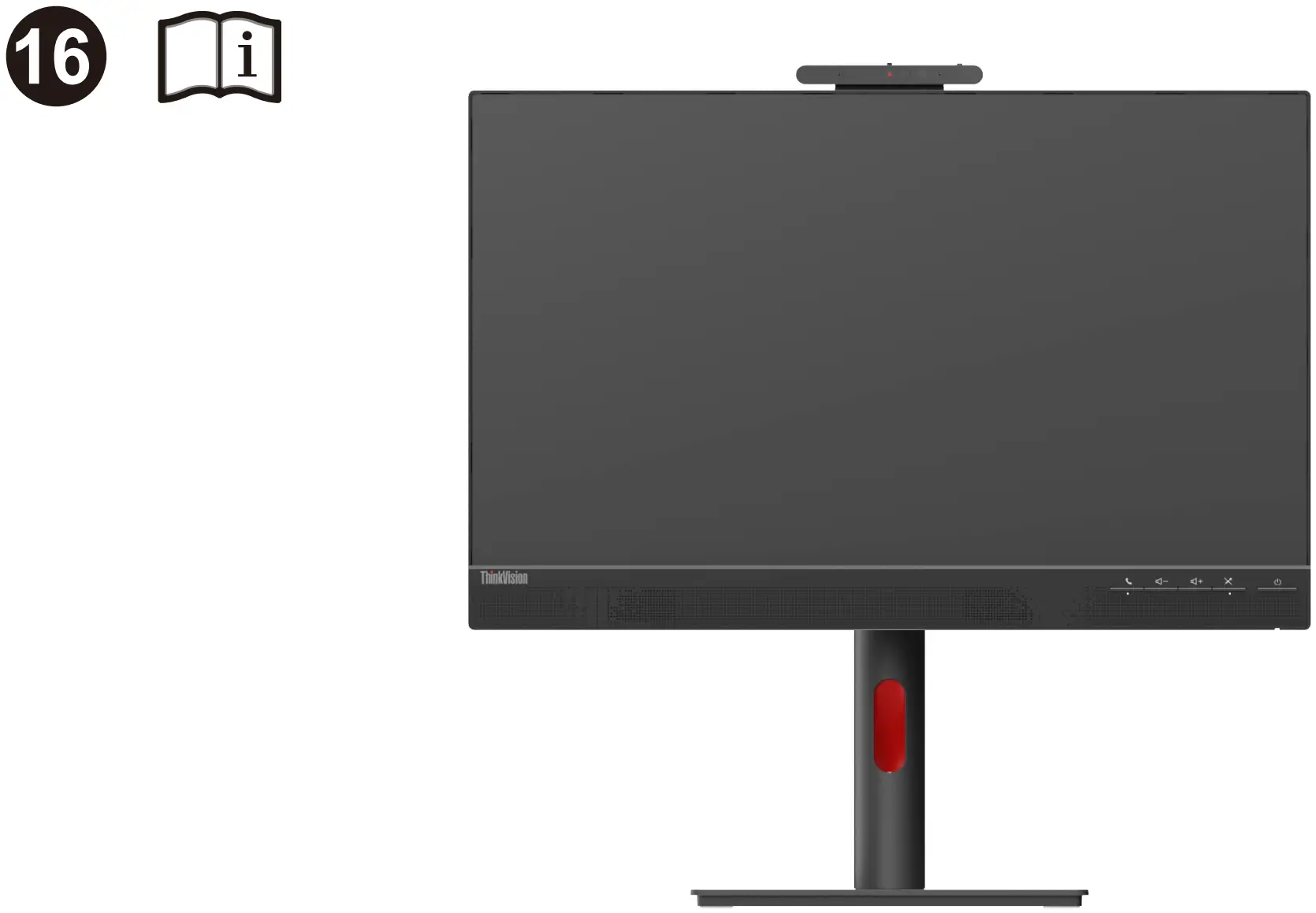


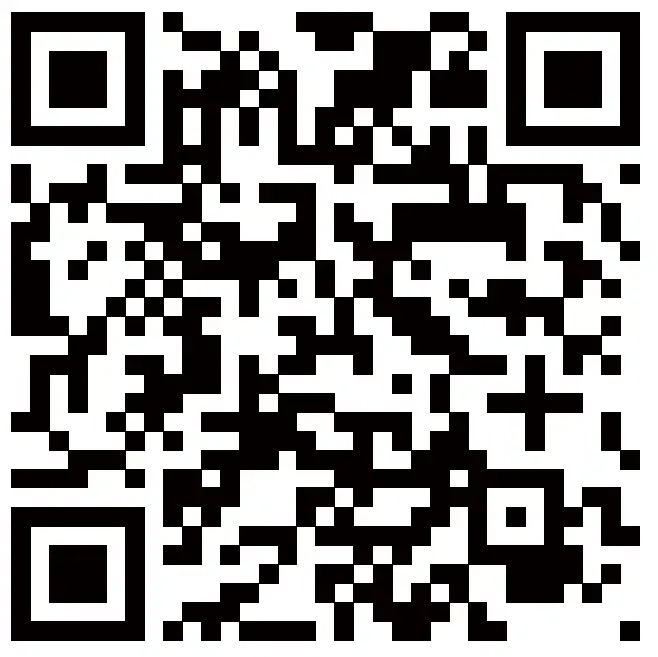
The drivers and files for this monitor can be download from https://pcsupport.lenovo.com/solutions/t24v_30 or scan QR code
Safety information
DANGER To avoid shock hazard:
- Do not remove the covers.
- Do not operate this product unless the stand is attached.
- Do not connect or disconnect this product during an electrical storm.
- The power cord plug must be connected to a properly wired and grounded power outlet.
- Any equipment to which this product will be attached must also be connected to properly wired and grounded power outlets.
- To isolate the monitor from the electrical supply, you must remove the plug from the power outlet. The power outlet should be easily!accessible.
Handling:
- If your monitor weighs more than 18 kg (39.68 lb), it is recommended that it be moved or lifted by two people.
Troubleshooting information
If you have a problem setting up or using your monitor, you might be able to solve it yourself. Before calling your dealer or Lenovo, try the suggested actions that are appropriate to your problem.
Table 2-1. Troubleshooting
| Problem | Possible cause | Suggested action |
| The power indicator is not lit and there is no image |
|
|
| The power indicator is white, but there is no image. | The video signal cable is loose or disconnected from the system or monitor. | Be sure the video signal is connected with the system properly. |
| The monitor brightness and contrast levels are at the lowest setting. | Adjust the brightness and contrast setting on the OSD (On Screen Display) menu. | |
| The image quality is unacceptable. | The video signal cable is not connected with the monitor or system completely. | Be sure the signal cable is firmly plugged into the system and monitor. |
| The color settings may be incorrect. | Select another color setting from the OSD menu. | |
| The automatic image setup function was notperformed. | Perform automatic image setup. | |
| There is a screen message that reads “Out of range” or “HZ?”.There is no image and the power on indicator is flashing white. | The system is set to a display mode which is not supported by this monitor.for your new monitor. |
|
for additional troubleshooting information, please refer to the User’s Guide.
Lenovo Limited Warranty – Customer Notice
Lenovo Limited Warranty – Customer Notice
Please read the Lenovo Limited Warranty (LLW) Which is available in 30 languages. You can visit http://www.lenovo.com/warranty to read it. If you cannot access the LLW this way, contact your local Lenovo office or dealer to obtain a printed version.
Warranty Information applicable to your Machine:
- Warranty Period: 3 years
- Type of Warranty Service: Customer Replaceable Unit (“CRU”) and Customer Carry-In or Mail-In Service
- Lenovo Limited Warranty Version: L505-0010-02 08/2011
For warranty service consult the telephone list at www.lenovo.com/support/ phone.
Phone numbers are subject to change without notice.
Important Battery Recycling and WEEE information

Don’t dispose of your product or battery with your household waste. Refer to the Compliance Guide that came with your product for further information. or go to https://www.lenovo.com/recycling
This device complies with Part 15 of the FCC Rules. Operation is subject to the following two conditions: (1) this device may not cause harmful interference, and (2) this device must accept any interference received, including interference that may cause undesired operation.

The terms HDMI, HDMI High-Definition Multimedia Interface, HDMI trade dress and the HDMI Logos are trademarks or registered trademarks of HDMI Licensing Administrator, Inc.
Manufactured by:
Lenovo Centro Tecnologico S. de R.L. de C.V.
Apodaca Technology Park
Boulevar Escobedo #316
Apodaca, Nuevo Leon, Mexico
C.P. 66601
https://pcsupport.lenovo.com/solutions/t24v_30
References
 ThinkVision T24v-30 - Overview - Lenovo Support US
 Contact Us - PC, Data Center, Mobile, Smart | Lenovo Support US - Lenovo Support US
-
Lenovo Warranty Check/Lookup | Check Warranty Status | Lenovo Support US
-
ThinkVision T24v-30 - Overview - Lenovo Support US
-
Page Not Found - Lenovo Support US
-
Regulatory Compliance | Recycling | Lenovo US
 ThinkVision T24v-30 - Overview - Lenovo Support US
 Contact Us - PC, Data Center, Mobile, Smart | Lenovo Support US - Lenovo Support US