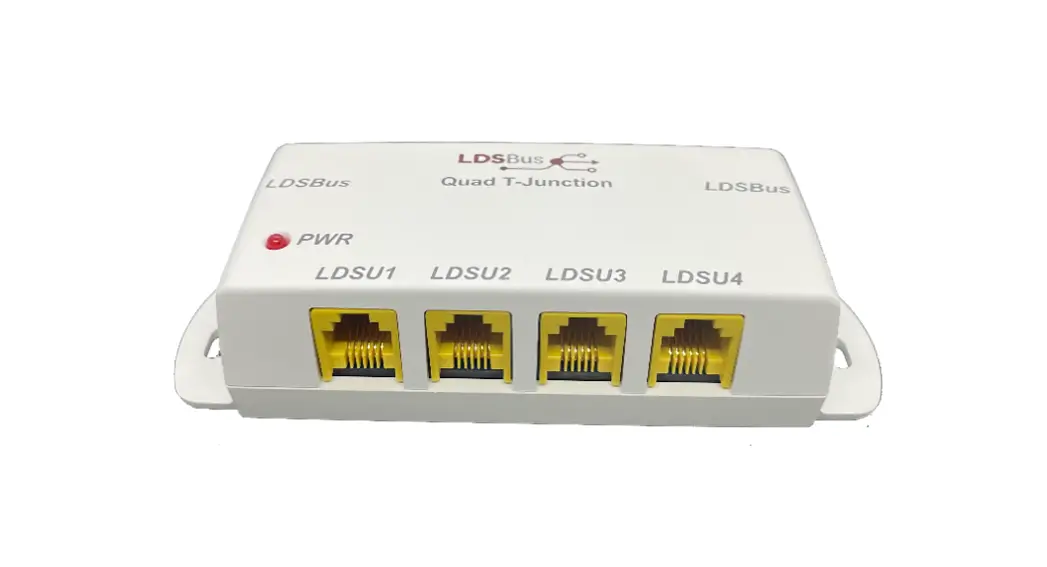

 HVT-Junction
Quick Start Guide
Setup Instructions:
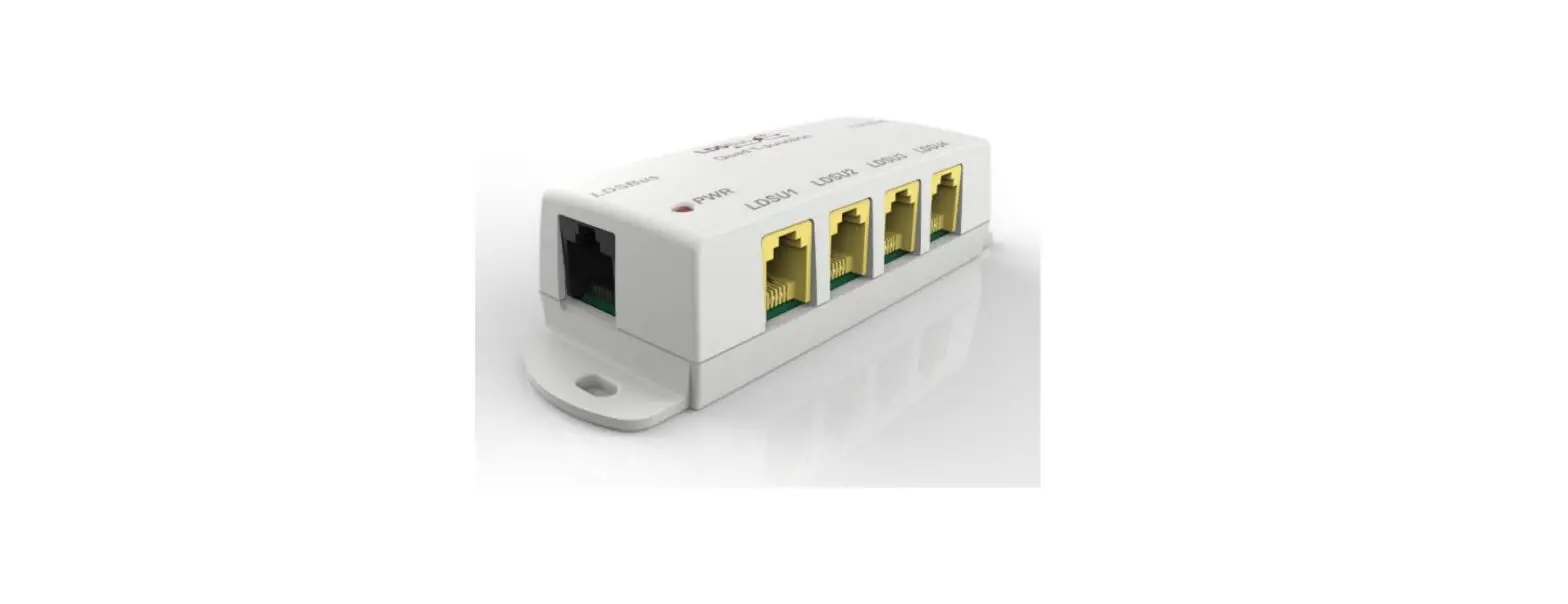
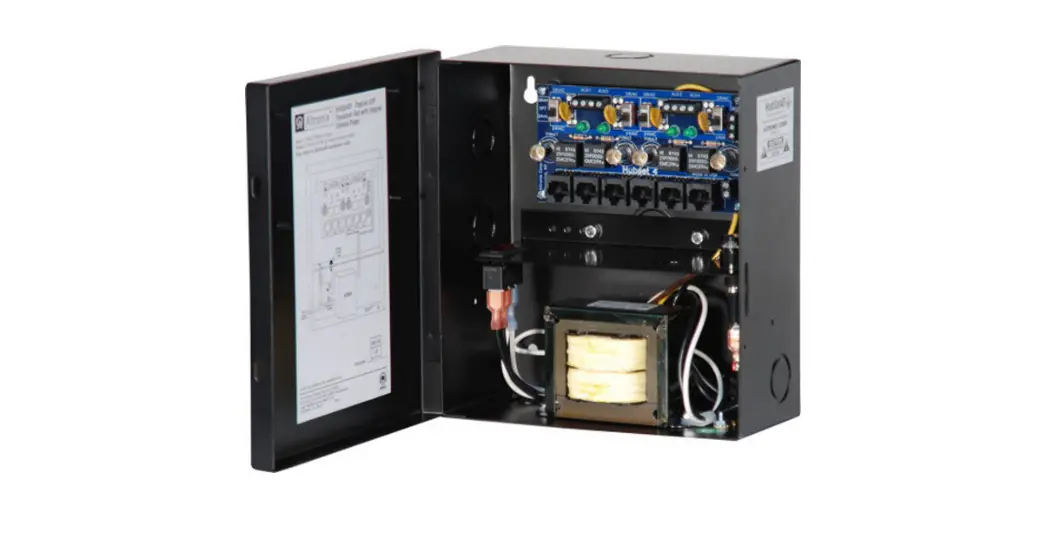
The LDSBus HVT-Junction connects LDSBus Devices (Sensors / Actuators) to the LDSBus. Each junction can connect up to four LDSBus Devices and additional LDSBus HVT-Junctions may be daisy chained to add more LDSBus Devices to the LDS Bus.
Step 1:
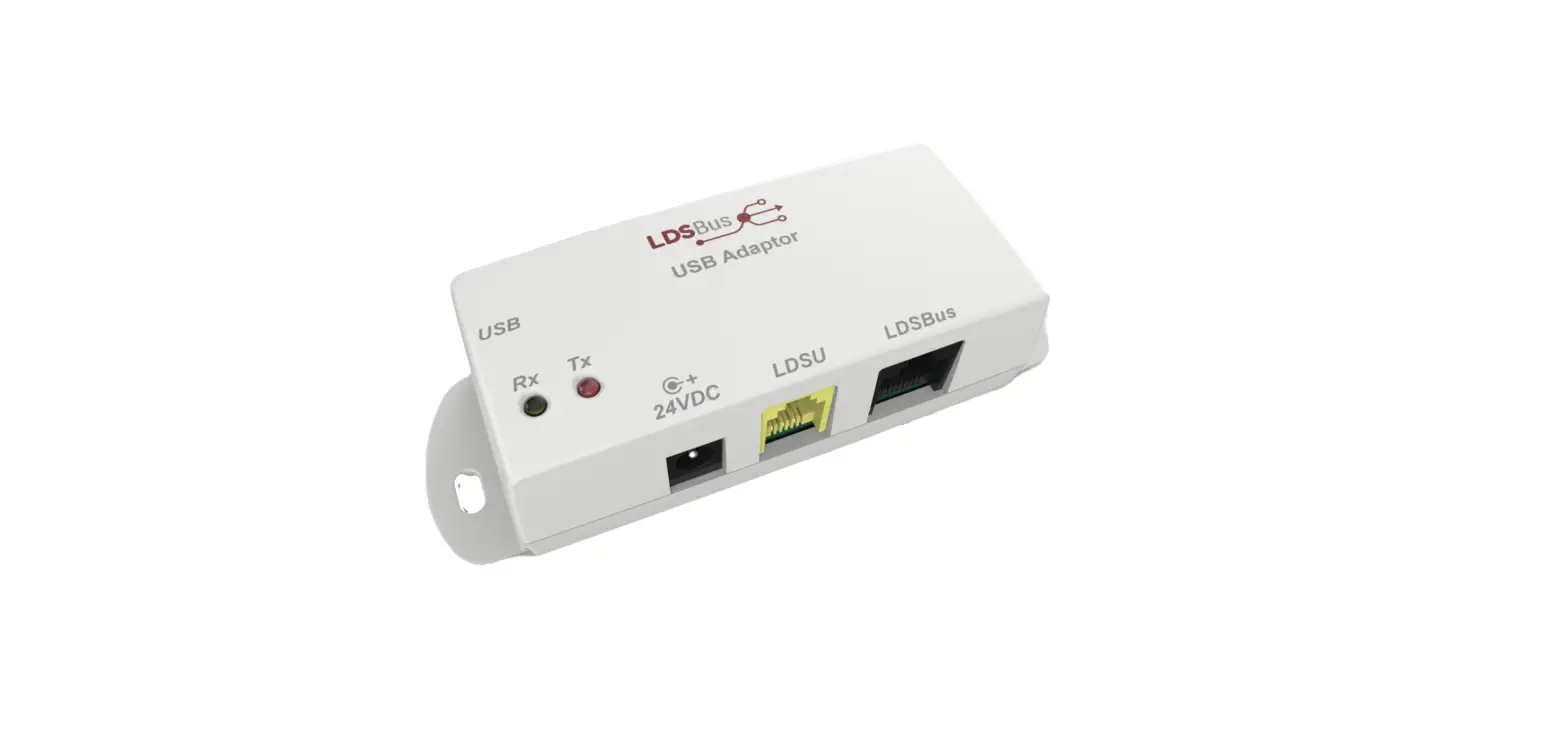
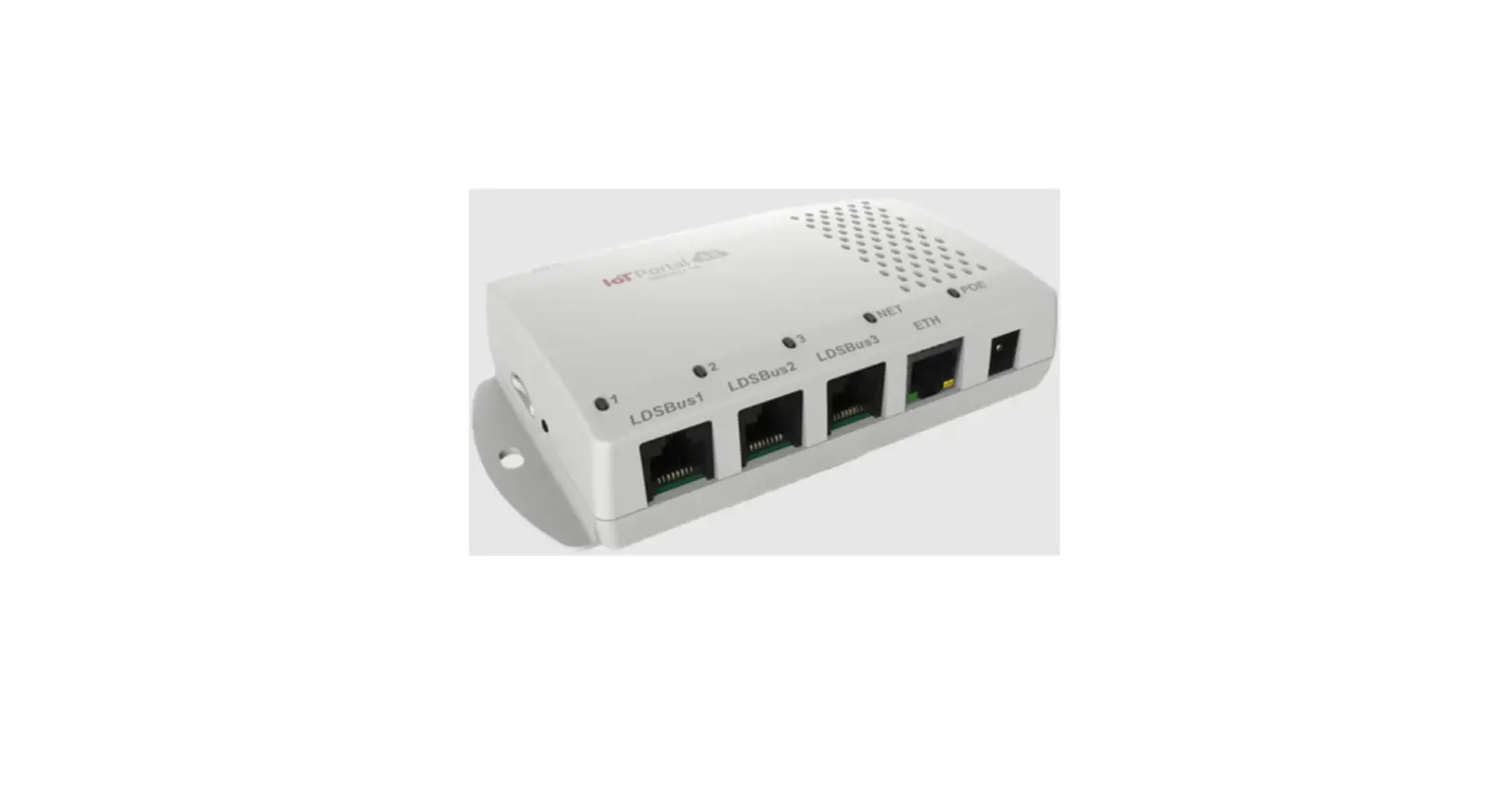
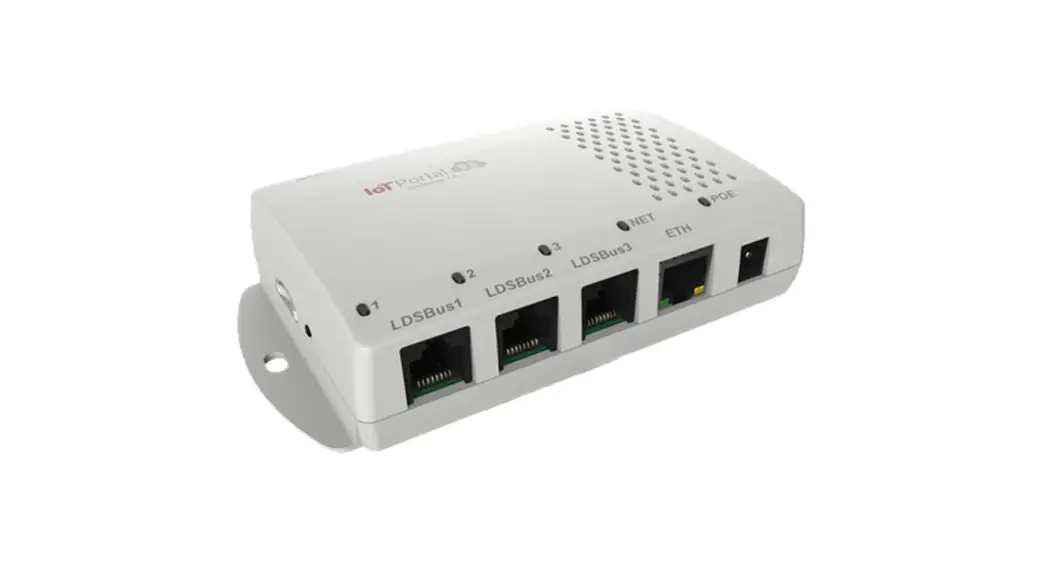
Connect the first LDSBus HVT-Junction to any of the LDSBus Host Systems using an RJ45 (CAT5e) cable.
Step 2:
Connect the configured LDSBus Device(s) to the LDSBus HVTJunction as shown
Step 3:
If there is more than one LDSBus HVT-Junction in the system, chain them together as shown.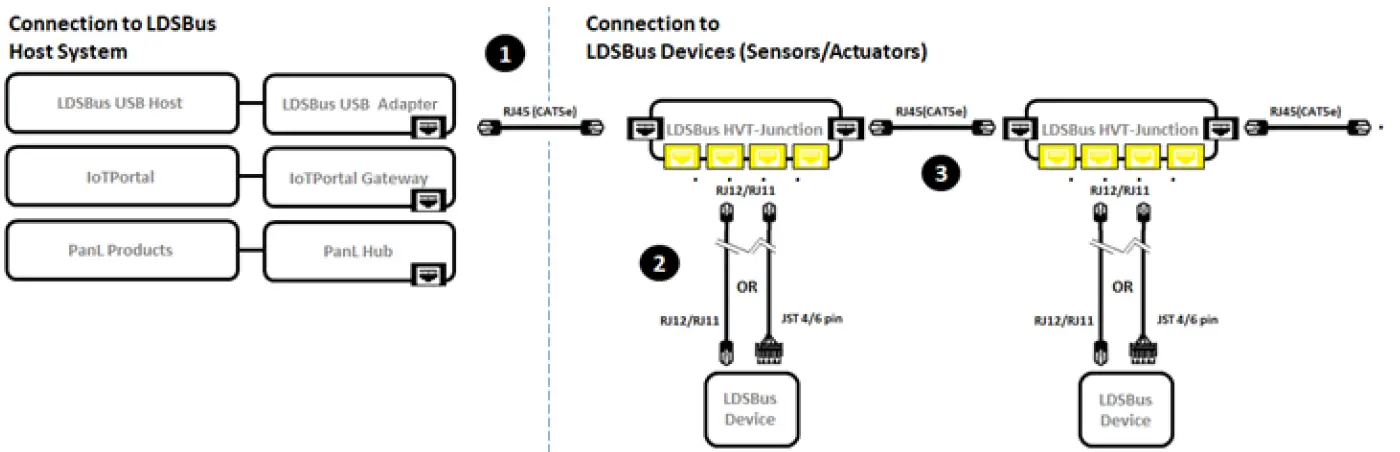 Note: Enable termination for last LDSBus Device in the bus
Please scan QR code A or visit http://bit.ly/system-warranty for warranty registration using the UUID and Product Key.
Sticker Area

View the full information on the LDSBus HVTJunction, application setup and installation at http://bit.ly/ldsbus-resources or scan QR Code B.