Barrier iMaster Complex Water Filter Equipment
Product Information
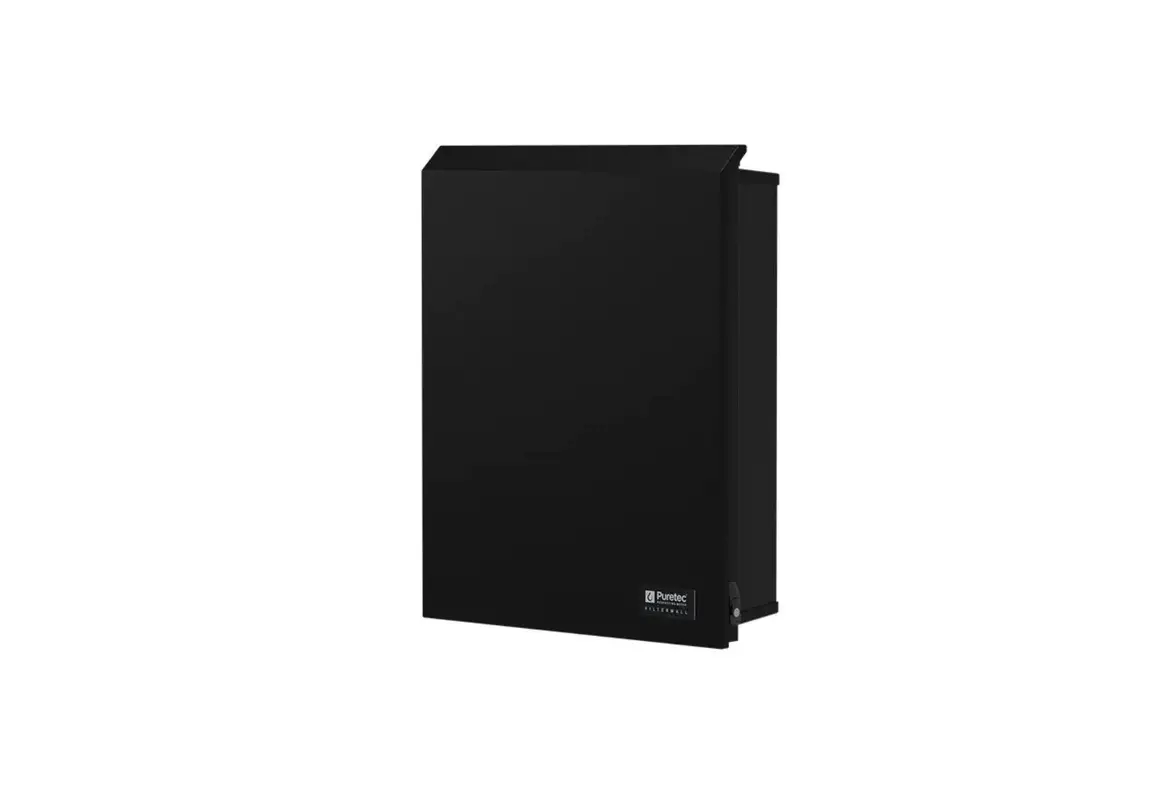
The BARRIER iMaster is a water filter system designed for
post-treatment of tap water from centralized water utilities. It is
not suitable for treating water with microbiological risks. The
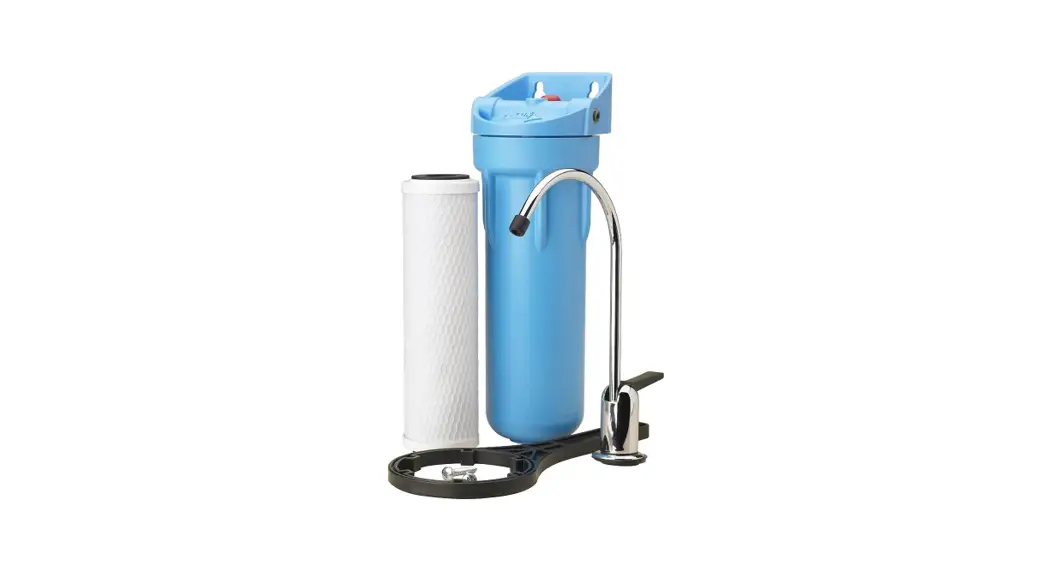
system consists of a filter casing, a set of three filter elements,
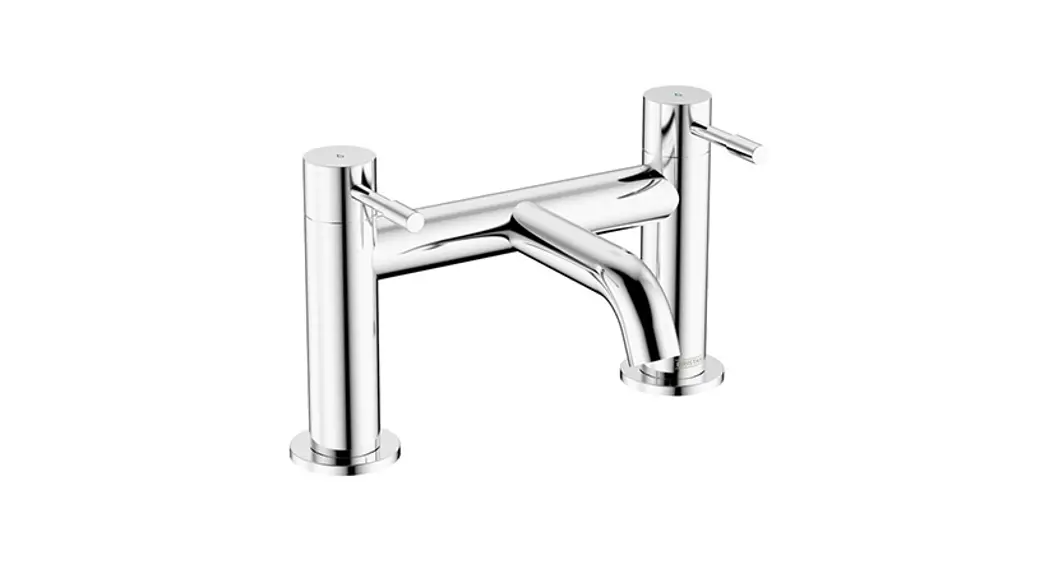
a filtered water faucet with gaskets, washers, and nut, a
connecting plastic tube, a filter mounting positioning sticker, a
filtered water faucet fitting, a corner fitting, a water pipe ball
valve, and a wall mounting self-tapping screw.
The system has three treatment stages and can withstand a
maximum permissible water pressure of +5 to +35 atm. The optimum
water flow from the pure water faucet is 2 l/min. The life of the
filter element sets is approximately 8000-10000 liters. The system
weighs 5.5 kg and has dimensions of 240x150x330 mm when
assembled.
Product Usage Instructions
BARRIER iMaster System Installation
- Installing the Spigot:
- Choose a convenient location to install the spigot and ensure
there is enough space under the sink. - Drill a 12 mm diameter hole.
- Install the spigot and tighten the nut.
- Screw on the straight fitting.
- Choose a convenient location to install the spigot and ensure
- Installing the Adapter:
- Turn on the ball valve connected to the cold water main.
- Disconnect the kitchen mixing faucet from the cold-water inlet
tube. - Screw the inlet tube onto the ball valve.
- Prepare Area for Hanging:
- Select a location under the sink to hang the filter.
- Affix the template sticker to the chosen spot, ensuring a
height of at least 32 cm from the lower edge of the sticker to the
surface under the filter. - Use self-tapping screws to secure the filter at the marked
points on the template.
- Hookup:
- Hang the filter housing on the self-tapping screws.
- Unscrew the nut from the ball valve and put it on the plastic
tube. - Push the plastic tube onto the ball valve and tighten the
nut. - Insert one end of another white plastic tube into the straight
fitting of the filtered water spigot.
- Installing the Filter Elements:
- Ensure that the triangular pointer at the top of each filter
element matches with the symbol on the filter element holder. - Install the filter elements from positions 1 to 3, starting
from the left.
- Ensure that the triangular pointer at the top of each filter
For detailed instructions on starting work with BARRIER iMaster,
please refer to page 18 of the user manual.
USER MANUAL
http://imaster.bwtbarrier.com
1
«BARRIER iMaster» domestic water filtration system is intended for post-treatment of drinking tap water to remove mechanical impurities, active chlorine, organic contaminants, heavy metals and other contaminants. The multi-stage system ensures highly effective purification throughout the service life of the replaceable filter elements. «BARRIER iMaster » water filter is easy to install under the sink. It is completed with everything needed for you to install it. The set includes an elegant filtered water spigot. «BARRIER iMaster » can operate twenty-four hours a day.
Attention! BARRIER iMaster is intended for post-treatment of tap water only from centralized water utilities. It is prohibited to use the water filter to treat water that poses microbiological risks.
http://imaster.bwtbarrier.com
2
Number of treatment stages
Maximum permissible water pressure at the inlet, atm
Temperature of treated water (°C)
Optimum water flow from the pure water faucet (l/min) Life of filter element sets(l) Weight(kg) Dimension of the purifier when assembled (WxDxH), (mm)
3 7
+5…+35
2 8000-10000*
5.5 240x150x330
* The service life may vary from that shown depending on the level of inlet water contamination. The service life of the softening cartridge is shown on page 23 of this manual.
No
Name
1 Filter casing (filter mounting unit)
2 Set of 3 filter elements
3 Filtered water faucet with gaskets, washers and nut
4 Connecting plastic tube (white), 1m
5 Filter mounting positioning sticker
6 Filtered water faucet fitting
7 Corner fitting
8 Water pipe ball valve
9 Wall mounting self-tapping screw
Qty, pcs 1 1 1 2 1 2 1 1 1
http://imaster.bwtbarrier.com
3
http://imaster.bwtbarrier.com
4
BARRIER iMaster System Installation
Before installation please read the instructions carefully and study the filtration system connection diagram. Check that all the required parts are present in the set. First, decide where you are going to hang the filtration system under the sink, as well as where you plan to install the filtered water spigot to ensure maximum convenience in daily use. The filtration system should be hung on the wall using the screws leaving at least 1 cm of clearance below the assembled system. Ensure that the filtration system and the connecting plastic tubes do not come into contact with hot water pipes.
At least 1 cm
1. INSTALLING THE SPIGOT
– Choose a place to install the spigot where it will be convenient to use it, but which also leaves enough space under the sink to fasten and connect the spigot.
– Drill a hole 12 mm in diameter.
– Install spigot. Tighten the nut (See Figure 1).
– Screw on the straight fitting.
http://imaster.bwtbarrier.com
5
2. INSTALLING THE ADAPTER
Figure 2.
– Turn the ball valve on to the cold water main. (Figure 2).
– Disconnect the kitchen mixing faucet from the cold-water inlet tube.
– Screw the inlet tube onto the ball valve.
3. PREPARE AREA FOR HANGING
– Chose a place under the sink to hang the filter. Bear in mind that the filter needs to be connected to the ball valve (water feed) and to the filtered water spigot. For this the filter comes with two plastic tubes, each 1 m long.
– Affix the template sticker to the chosen spot for hanging the filter thus so the height from the lower edge of the sticker to the surface under the filter is at least 32 cm (Figure 3).
– Drive the self- tapping screws into the points shown on the template.
Figure 3.
lf
6
Figure 4.1. Figure 4.2. Figure 4.3.
Figure 4.4. Figure 4.5.
4. HOOKUP – Hang the filter housing (the rack
holding the filter elements) on the screwed-in self- tapping screws. – Unscrew the nut from the ball valve and put it on the plastic tube (Figure 4.1). – Apply force, pull the tube onto the ball valve and tighten the nut (Figure 4.2).
– Push the other end of the plastic tube as far as it will go into the fitting on the inlet (marked with «IN») on filtration system housing. For proper installation the tube must be 17 mm deep in fitting (for all fittings). (Figure 4.3).
– Push one end of another white plastic tube as far as it will go into the straight fitting of the filtered water spigot (Figure 4.4).
– Push the other end of this second white plastic tube as far as it will go into the outlet fitting (marked with «OUT») in the filtration system housing (Figure 4.5).
7
5. INSTALLING THE FILTER ELEMENTS
– Install the new filter element by inserting it into the filter head and turning it clockwise 90° till you hear a distinctive click and the triangular markings match on the filter element and its holder (Figure 5.1 and Figure 5.2).
Figure 5.1.
– Ensure that the triangular pointer at the Figure 5.3. top of the filter element matches with the same symbol on the filter element holder (Figure 5.3).
– Install the filter elements from positions 1 to 3 from left to right (Figure 5.4).
Figure 5.2. Figure 5.4.
Start of work with BARRIER iMaster
Before using «BARRIER iMaster»: 1. Check that the filtration system is properly connected in accordance with the diagram
on page 18 of this Manual. 2. Ensure that the ball valve is shut off. 3. Turn on the filtered water spigot. 4. Open the valve to the cold water main. 5. Open the ball valve. For a few minutes the filtration system will fill with water before it
comes out of the filtered water spigot.* 6. Using the ball valve, set the optimum water flow in accordance with the technical
characteristics of the filtration system.** 7. Turn off the filtered water spigot. 8. Ensure there are no leaks. If needed, tighten the connections and make sure that the
plastic tubes are properly installed in the fittings. 9. Turn on the filtered water spigot and flush 10 I of water through the system to rinse
the filter elements.
” The first few litres of filtered water may have a dark or cloudy appearance. It means that charcoal dust or air bubbles are being rinsed out of the filter elements. The water filter operates correctly.
” During the service life of the filter elements, the flow rate of the filter may decrease. Restore optimum water flow by adjusting the ball valve.
8
The Water Filter Set includes filter elements made of the most effective materials and components. Nevertheless the service life of the filter elements is limited and for the system to continue purifying the water at the same level of efficiency, the elements must be replaced in due time.
For BARRIER iMaster Filter Element Replacement:
– Close the ball valve at the filter inlet.
Ball
– Turn on the filtered water spigot to bleed pressure off the water filtration system then close the spigot.
– Dismantle the filter element by turning it counter-clockwise by 90° and withdrawing it from the filter head.
– Install the new filter element by
inserting it into the filter head and turning
90
it clockwise 90° till you hear a distinctive
click and the triangular markings on the
filter element and its holder match.
– Ensure that the triangular pointer at the top of the filter element lines up with the same symbol on the filter element holder.
9
– Open the filtered water spigot. – Open the valve at the inlet to the
water filter.
– After the water filter fills with water and water comes out of the spigot, close the spigot tap.
– Ensure there are no leaks, and if needed, tighten the connections and ensure the plastic tubes are properly installed in the fittings.
– Turn on the filtered water spigot.
– Set the optimum water flow by adjusting
the ball valve in accordance with the
Ball
technical characteristics of the water
filter.
– Flush the system with 10 litres of water to rinse the filter elements.
I
In case, when the water with high levels of mechanical impurities enters the water filter, the first-stage filter element should be changed if the flow rate of filtered water falls below optimum levels.
The recommended replacement frequency for the «BARRIER iMaster» Softening filter element depends on the pre-filtration water hardness.
10
– Use «BARRIER iMaster» only for intended purpose. – Keep the water purifier clean and protect it from shock and other mechanical damage. – Prevent excessive strain or bending of the plastic tubing. – Do not allow the water filter or plastic tubing to come into contact with hot water pipes. – Do not allow the water in the filter and filter elements to freeze. – When leaving the water filter unused for extended periods (over 2 days), we recommend
shutting off the ball valve at the inlet to the water filter. Before using again, flush the system with at least 10 litres of water.
The manufacturer guarantees the correct operation of the water purifier for a period of 12 months from the date of sale. The service life of the elbow attachment is 5 years. The buyer is entitled to lay claims to the manufacturer (seller) in accordance with Article 18 of the RF Law `On Protecting Consumer Rights’ in the event that flaws are discovered within the warranty period. The Manufacturer is exempt from responsibility in the cases provided for in Article 18, Paragraph 2, Clause 6 of the RF Law `On Protecting Consumer Rights’.
Store at temperature from -25 to +40 °C. The manufacturer retains the right to introduce changes to the design of the water filter that do not worsen its performance. The quality management system at BWT BARRIER RUS is certified as complying with ISO 9001.
11
 Trang chủ - Máy lọc nước bwt barrier imaster