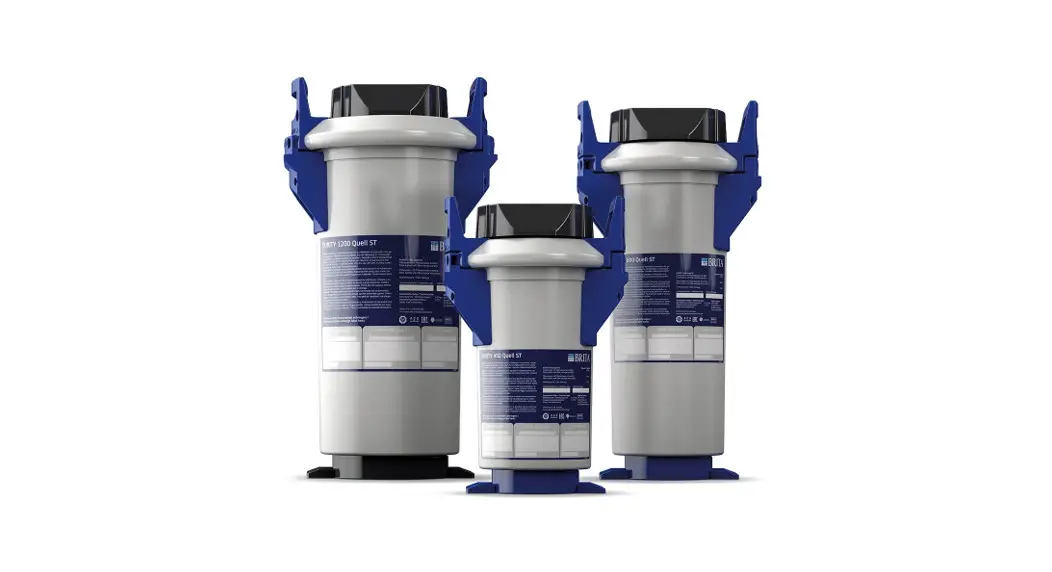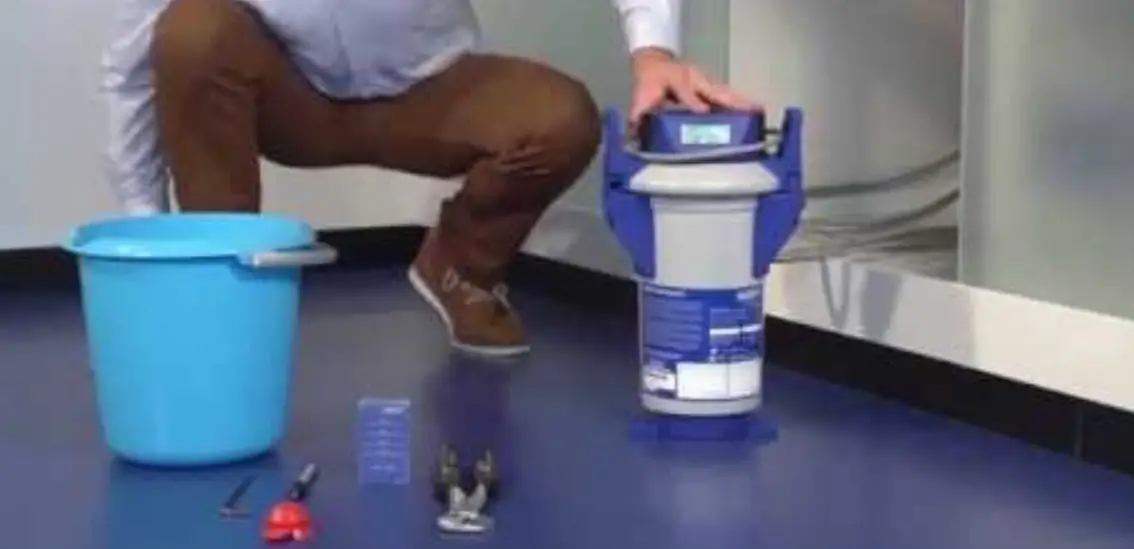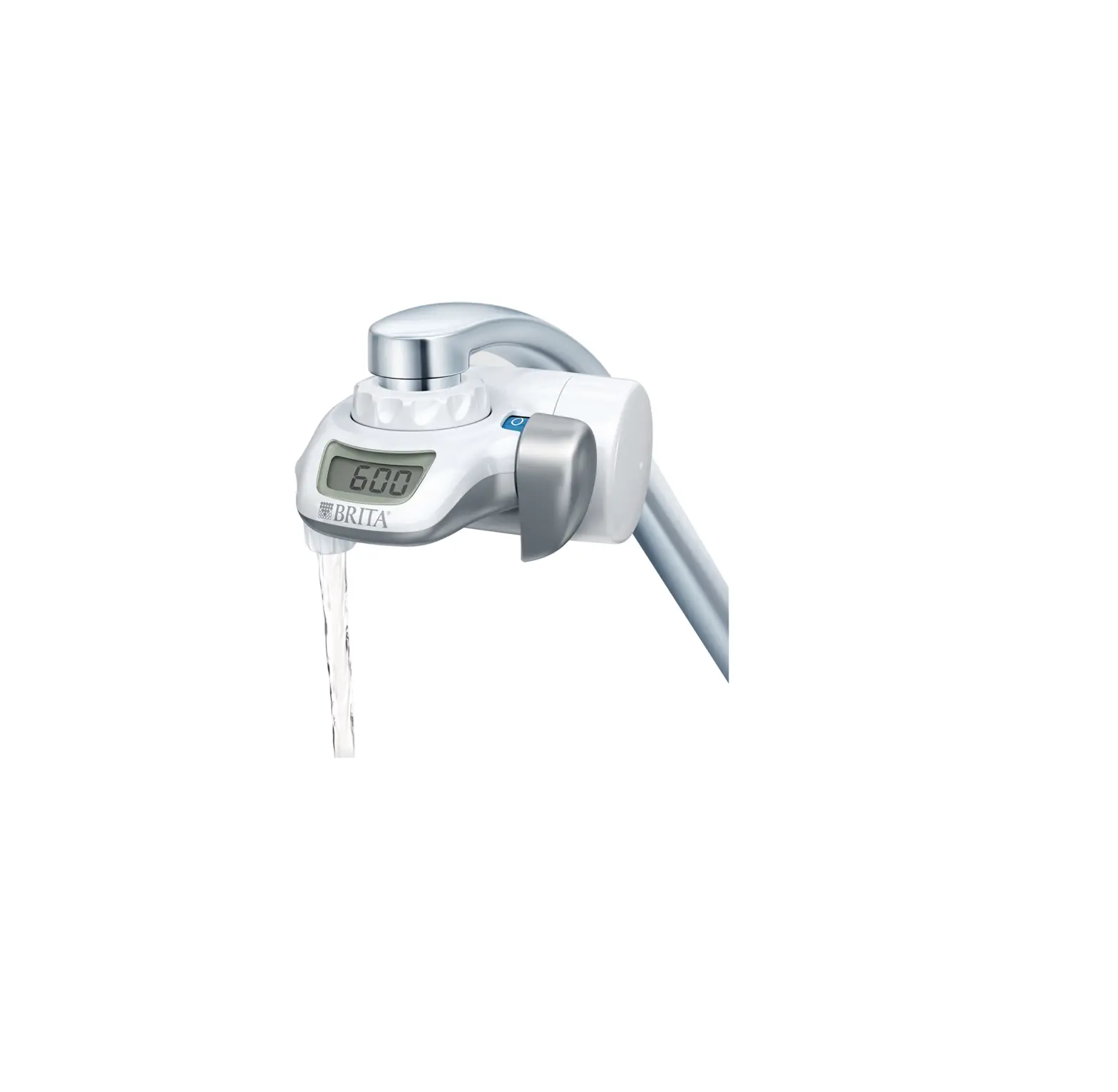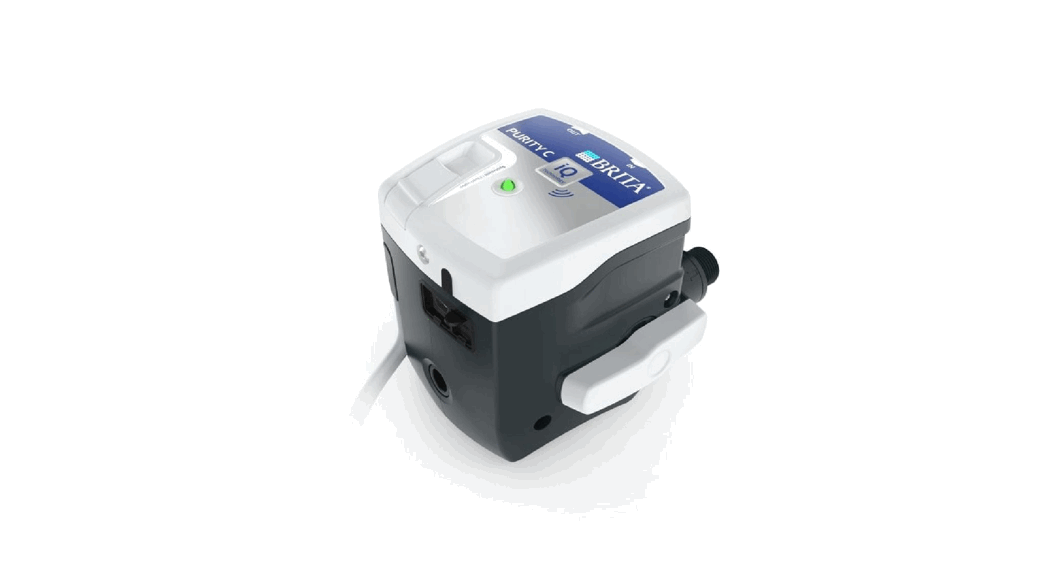
 PURITY C iQ Water Filter System
Instruction Manual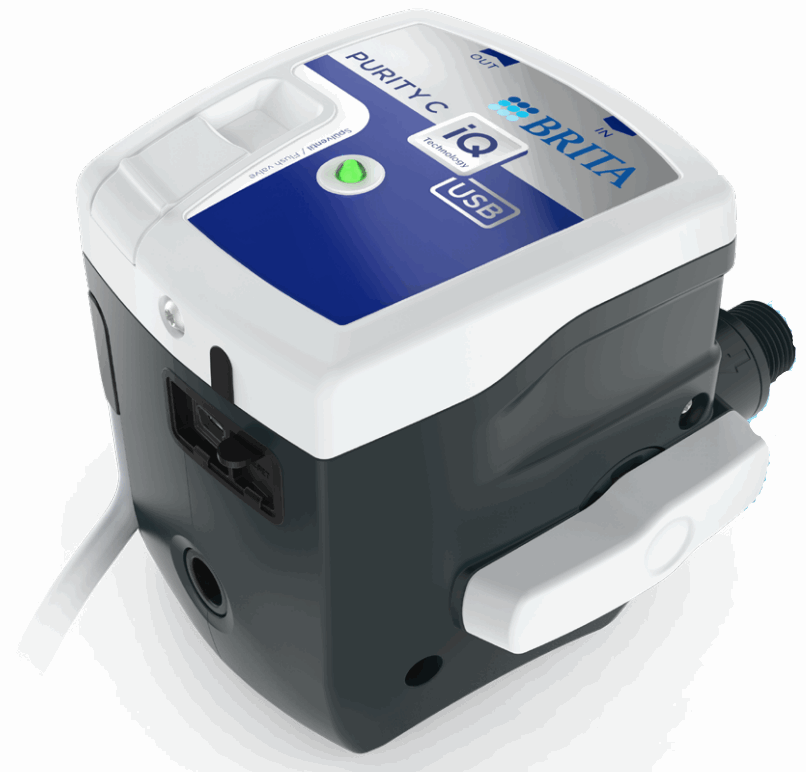
PURITY C iQ Water Filter System
Registration
In order to ensure the full functionality of your PURITY C iQ systems please register your devices on the BRITA iQ Portal. For further information and manuals please visit
the PURITY C iQ Homepage.
Digital Manual
PURITY C iQ Homepage
 https://www.brita.net/purity-c-iq
BRITA iQ Portal
 https://iq.brita.nethttps://iq.brita.net
| Technical data | PURITY C iQ G3/8“ |
| Dimensions | 121 x 98 x 105 mm |
| Orientation | vertical and horizontal |
| Flow range | 0,1 – 2 l/min |
| Operating pressure | 2 bar – 8,6 bar |
| Pressure loss* | 0,1 – 1,1 bar* |
| Intake temperature drinking water | 4 – 30 °C |
| Ambient temperature | 4 – 40 °C |
| emperature (storage/ transport) | -20 – 50 °C |
*With flow range of 0.1 – 2 l/m, bypass 0%, C300 iQ /
| Technical data | PURITY C iQ G3/8“ |
| Degree of protection filter head | IPX4 |
| USB cable length | max. 2 m |
| Inlet connection | G 3/8“ male |
| Outlet connection | G 3/8“ male |
| Rated voltage | 5 VDC/500 mA (USB 2.0 conform) |
| Power adapter | 100-240 V, 50/60 Hz, 0,3 A, Max. output power 5 W (5 VDC/1A) |
Preparation
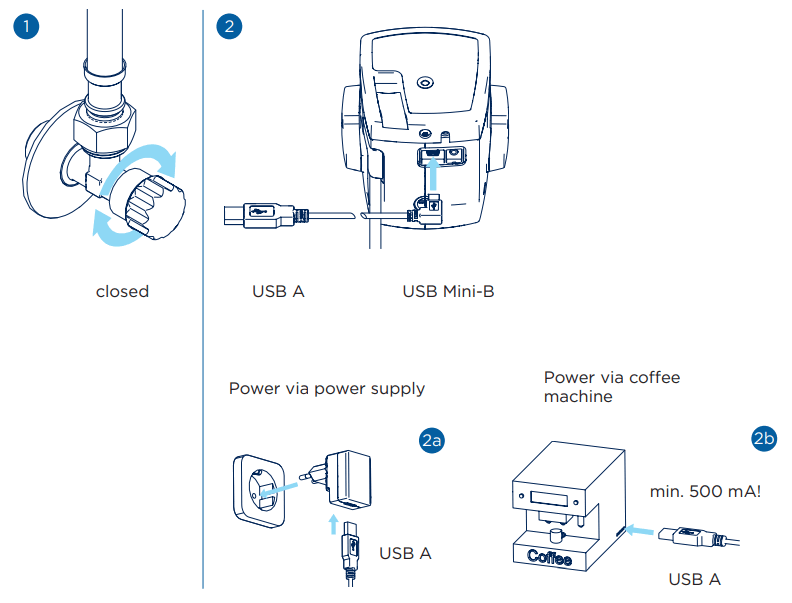
Installation – Connecting filter head and hoses
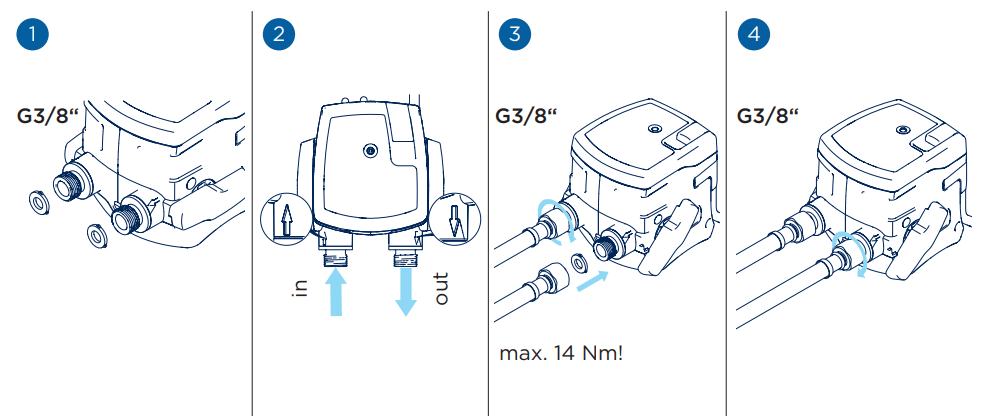 Flat seals
Inserting the filter cartridge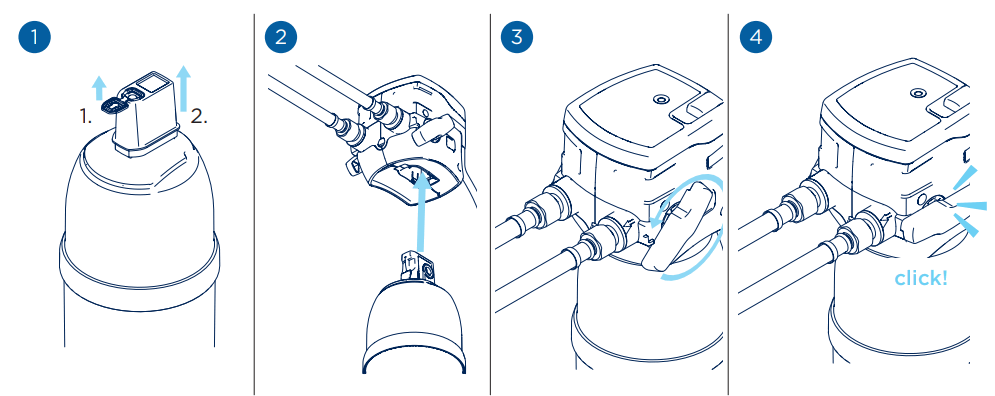 Preparations for flushing
 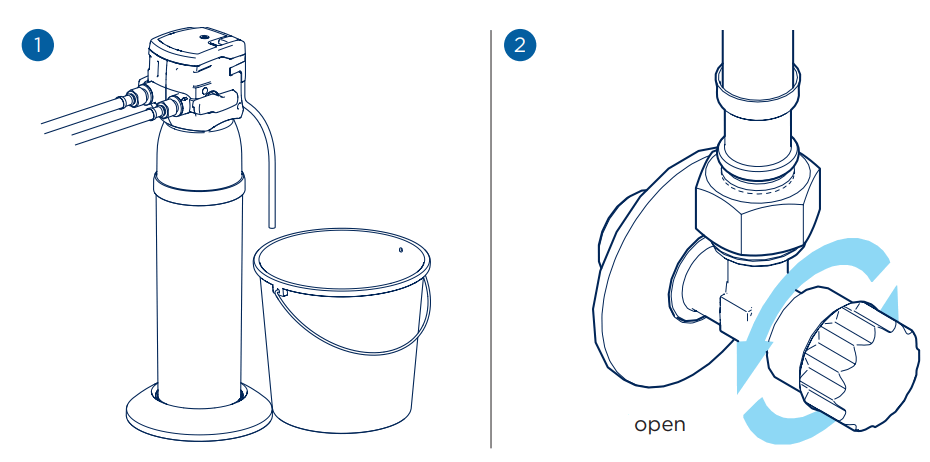 Flushing the filter cartridge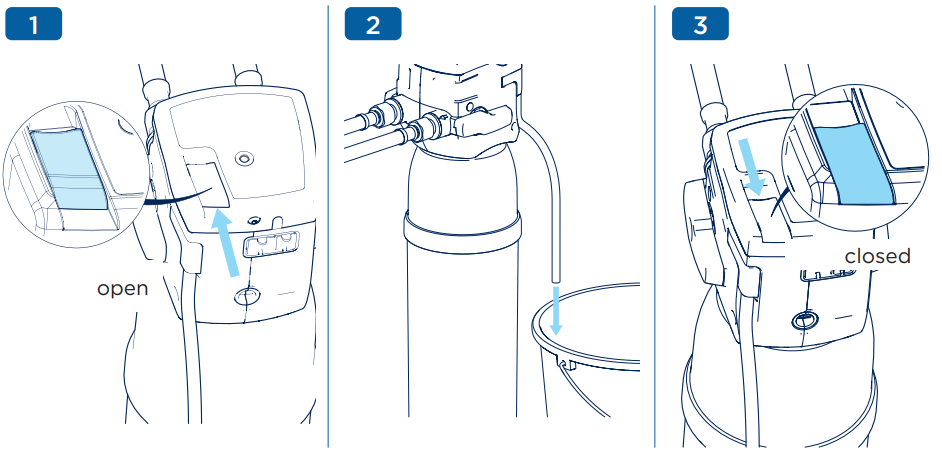
Horizontal installation
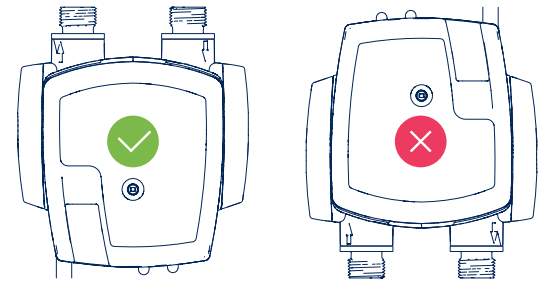 Install with water in- and outlet facing upwards
 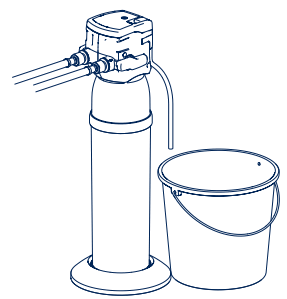 flush vertically
Reset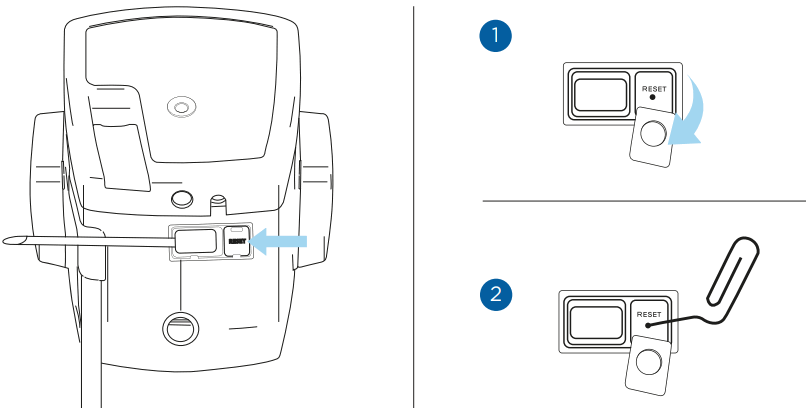 Unexpected malfunctions (e.g. connection problems) can, in certain circumstances, be resolved by restarting the unit. To do this, lift the rubber tab labelled “Reset” and carefully press a pointed object (e.g. a paper clip) into the small hole under the tab. This restarts the filterhead with a “soft reset” and no data is lost.
LED signals
 | 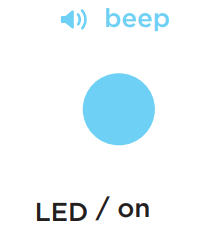 |  |
| Flushing required | Flushing completed | Regular operation |
 |  |
| Filter life time ≤ 6 weeks | Filter life time < 3 weeks |
Waste from electronics, electrical equipment and batteries may not be disposed of in household waste or the commercial equivalent to household waste. These products are correspondingly marked with the symbol of a crossed-out refuse bin above a black bar. If the product can no longer be used, the end-user is obliged to dispose of it separately, i.e., by taking the product to a local collection point or by sending it to a recycling facility in consultation with their local waste-disposal service provider. This ensures that waste products are properly recycled/disposed of, and negative effects on the environment are avoided. Please note that the filter also contains an electronic component. Please remove this component marked with a symbol of a crossed-out refuse bin by using a screwdriver and dispose it in accordance with local legal requirements.
Contact
BRITA Wasser-Filter-Systeme AG
Gassmatt 6
6025 Neudorf/LU
Switzerland
Tel.: +41 41 932-4230
Fax: +41 41 932-4231
[email protected]
www.brita.ch
BRITA Water Filter Systems Ltd.
BRITA House | 9 Granville Way | Bicester | Oxfordshire OX26 4JT
Great Britain
Tel.: +44 844 742-4990
Fax: +44 844 742-4902
[email protected]
www.brita.co.uk
References
 France.fr : Actualités, destinations et infos du tourisme en France
 BRITA waterfilter | BRITA®
-
BRITA Wasserfilter | BRITA®
-
BRITA water filter | BRITA®
-
BRITA filtre à eau | BRITA®
-
BRITA filtri per l'acqua | BRITA®
-
BRITA waterfilter | BRITA®
-
BRITA filtr do wody I BRITA®
-
Accesorios para filtros BRITA: BRITA Professional | BRITA®
-
BRITA Professional Filter products | BRITA®
-
BRITA iQ Portal
-
BRITA water filter | BRITA®
 France.fr : Actualités, destinations et infos du tourisme en France
 BRITA waterfilter | BRITA®
 BRITA Wasserfilter | BRITA®
 BRITA water filter | BRITA®
 BRITA filtre à eau | BRITA®
 BRITA filtri per l'acqua | BRITA®
 BRITA waterfilter | BRITA®
 BRITA filtr do wody I BRITA®
 Accesorios para filtros BRITA: BRITA Professional | BRITA®
 BRITA Professional Filter products | BRITA®
 BRITA iQ Portal
 BRITA water filter | BRITA®