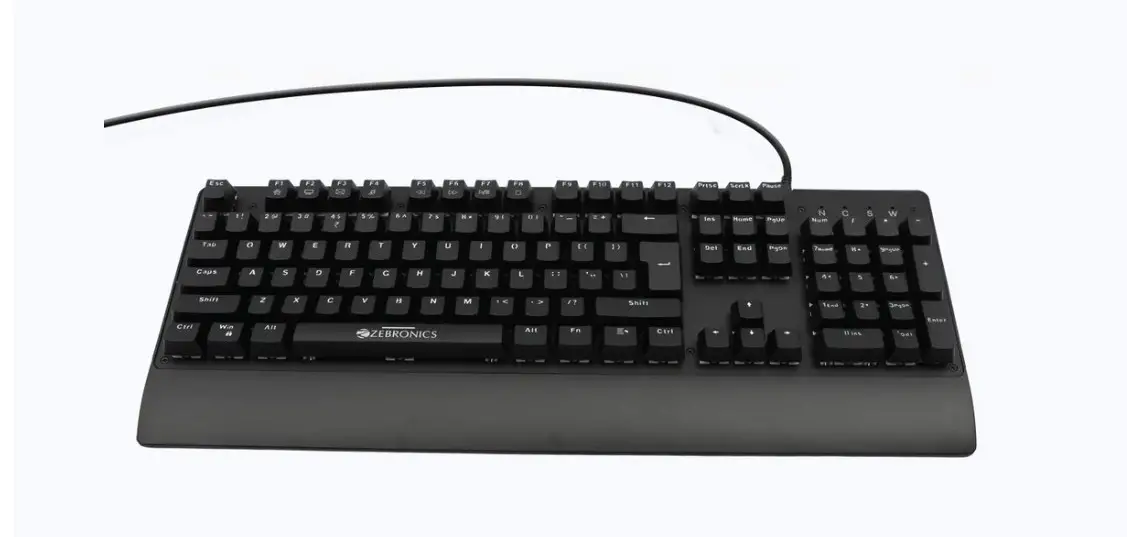
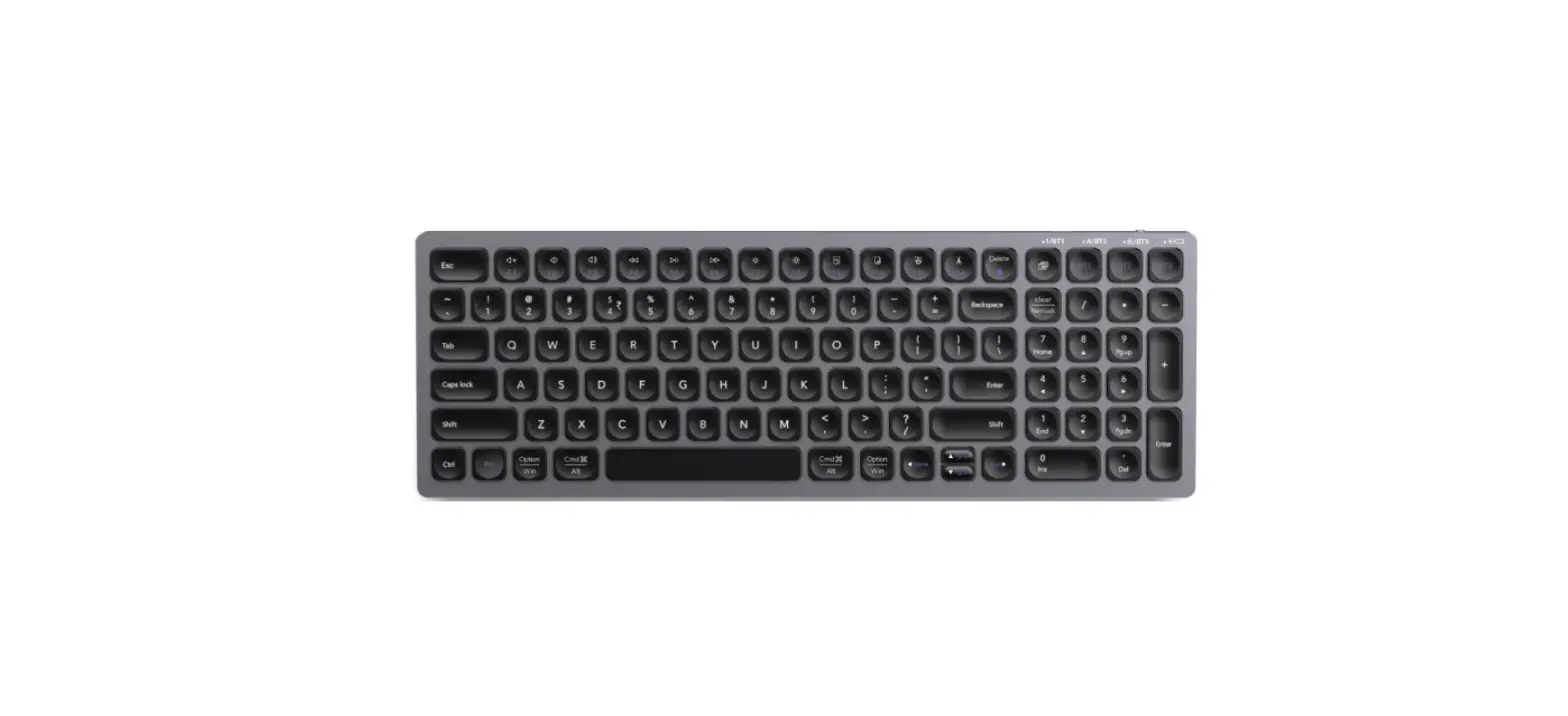
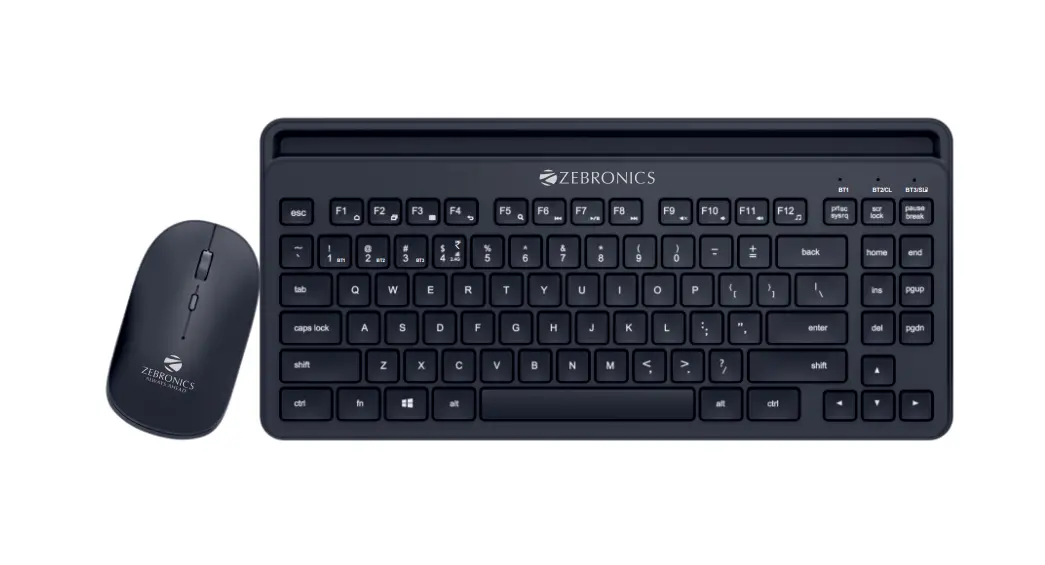
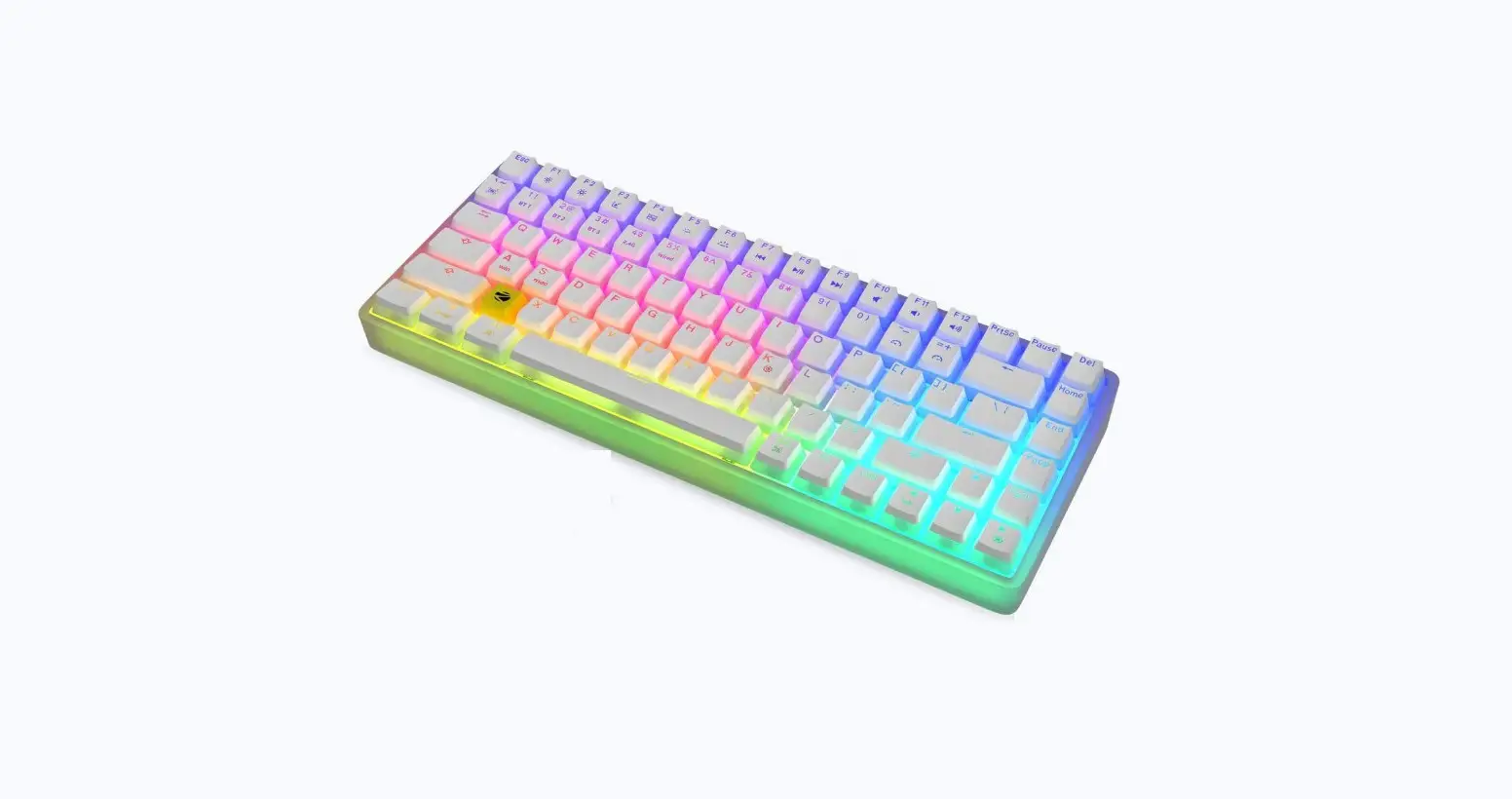
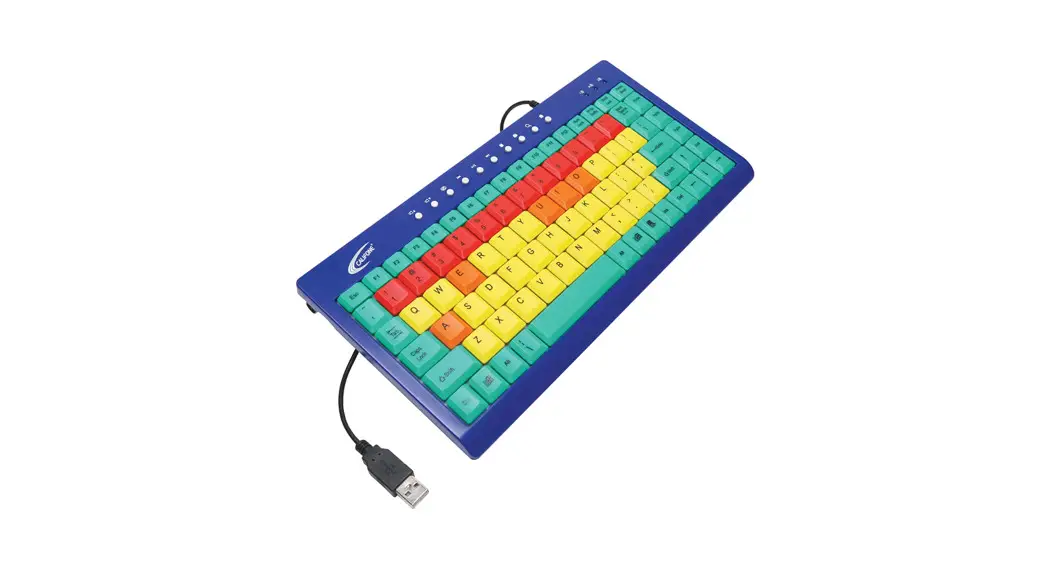
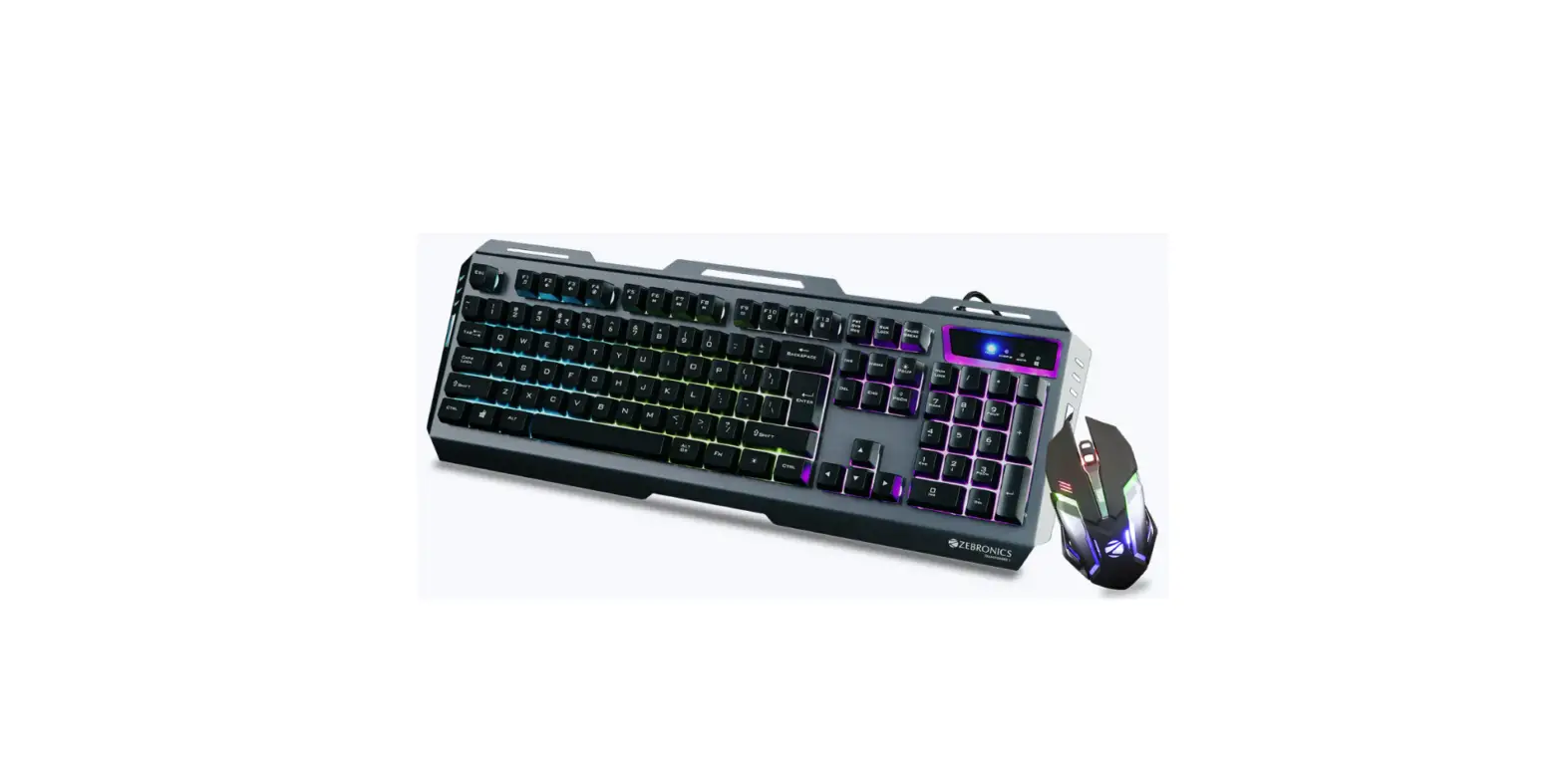
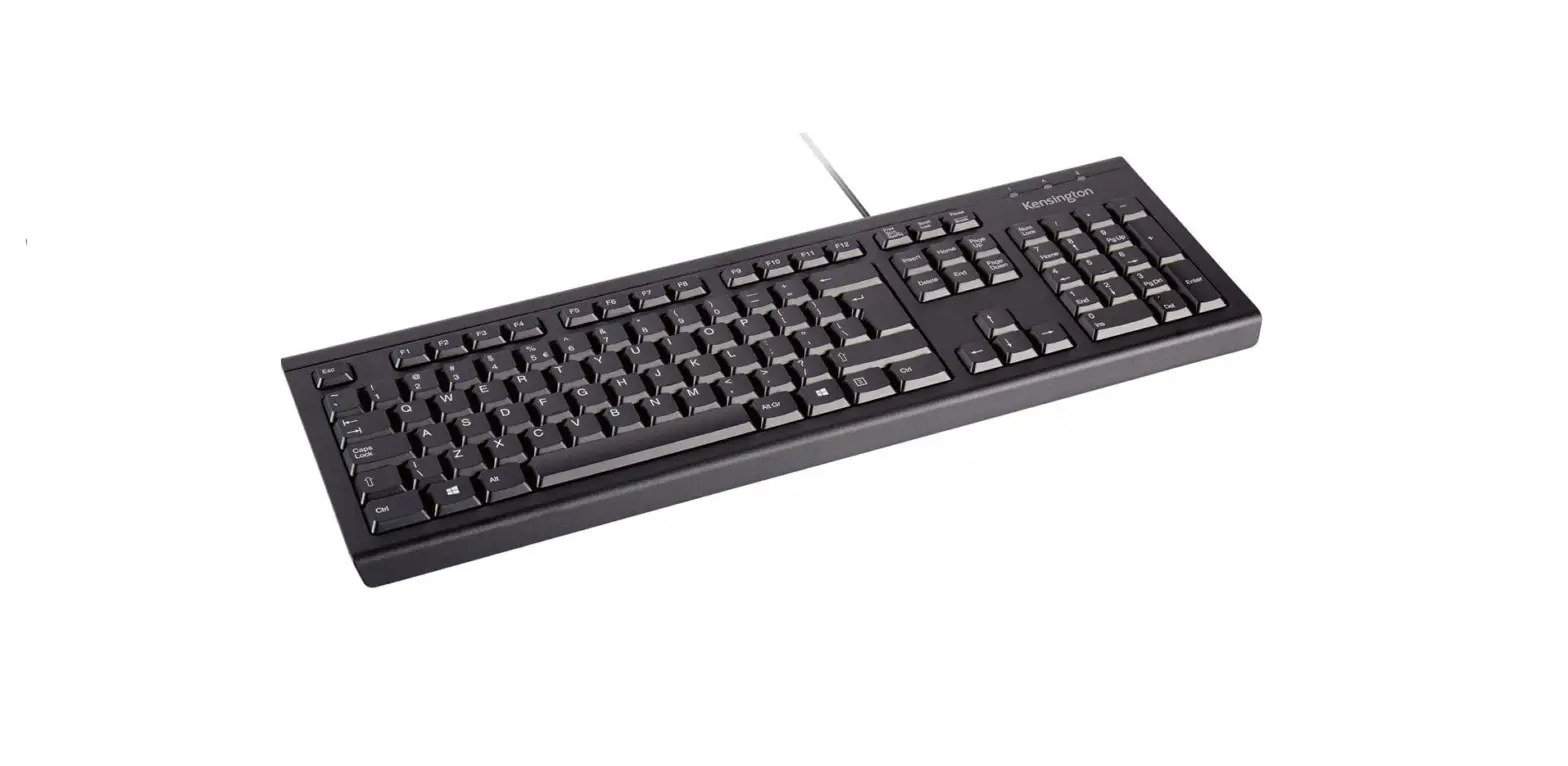
ZEB-KM2100 Multimedia USB Keyboard
User Manual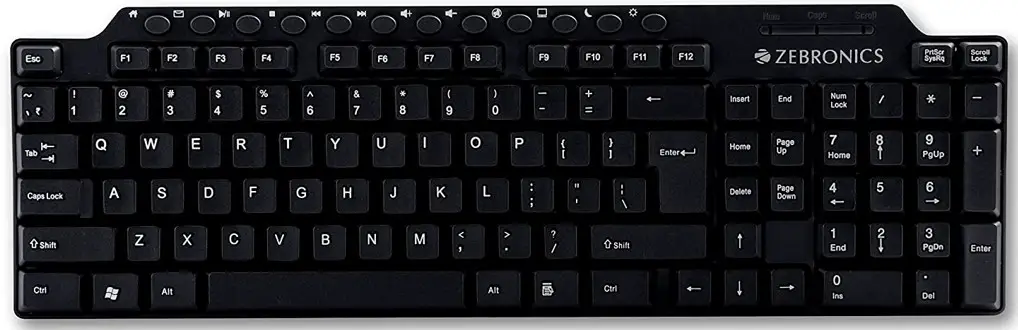 Its plug & play type
Step -1: Connect USB side of Keyboard to any of the USB slots in laptop/Desktop.
Step 2: Wait for a few seconds for hardware to be installed and detected.

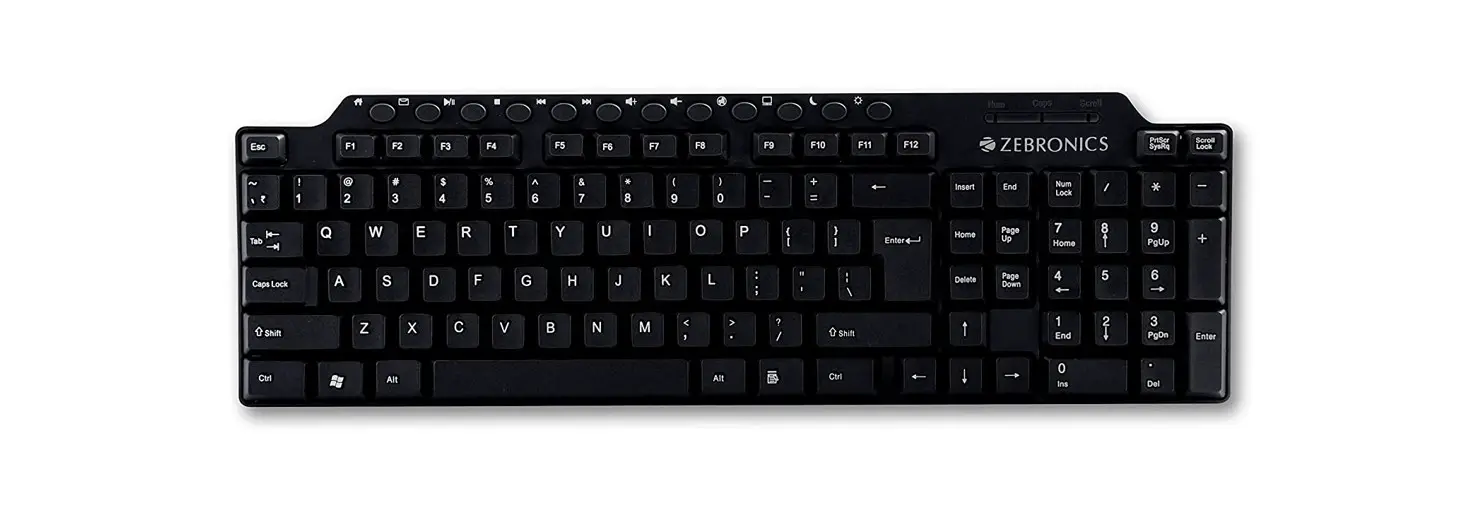
ZEB-KM2100 Multimedia USB Keyboard
User ManualIts plug & play type
Step -1: Connect USB side of Keyboard to any of the USB slots in laptop/Desktop.
Step 2: Wait for a few seconds for hardware to be installed and detected.
Download manual
Here you can download full pdf version of manual, it may contain additional safety instructions, warranty information, FCC rules, etc.