
Battery Charger 2A
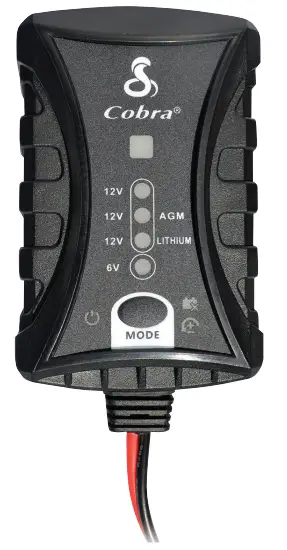
QUICKSTART GUIDE
Connecting Your Charging Cables
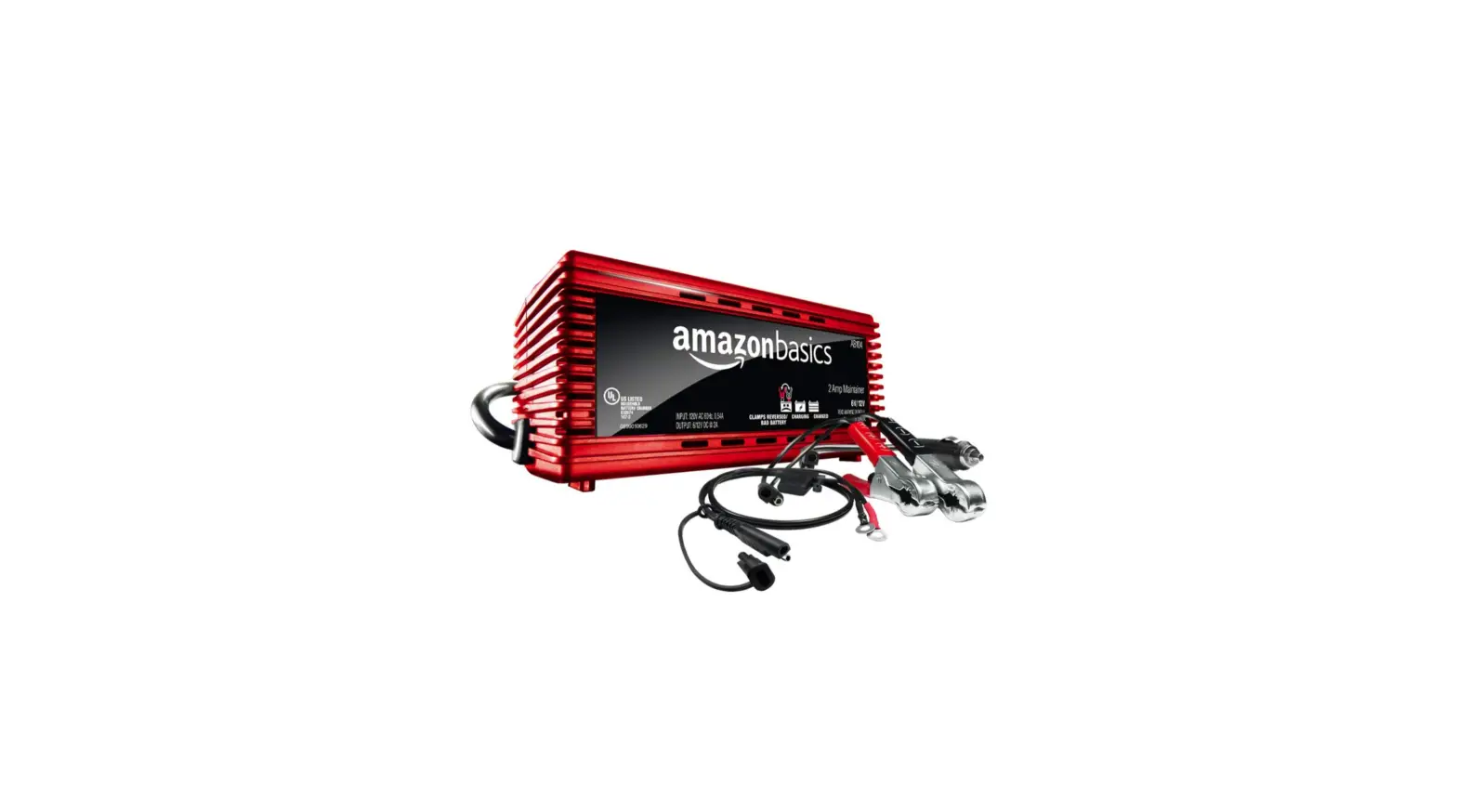
- Determine which connection type is needed (Alligator or 0-ring)
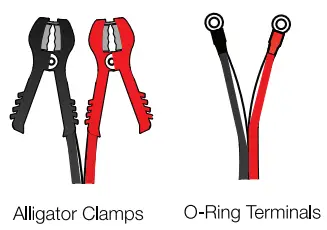
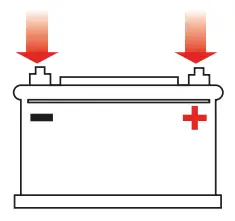
- Connect either the alligator clamps or 0-ring terminals to your battery. (First, red to positive, then black to negative).
- Connect the opposite end of your cable to the battery charger main cable

- Plug the battery charger into a suitable electrical outlet
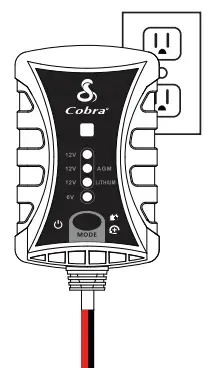
Charging Your Vehicle’s Battery
- Verify your battery’s voltage and type
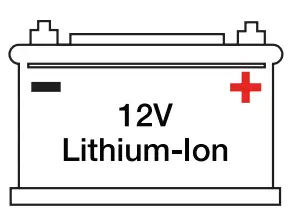
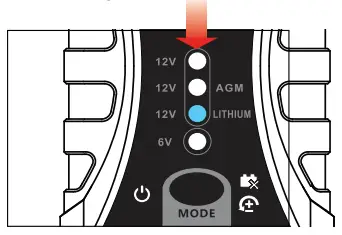
- Select the desired battery voltage and type on the battery charger by pressing the mode button to cycle through
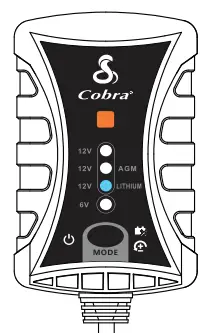
- Charging has begun when the LED status light begins to blink orange
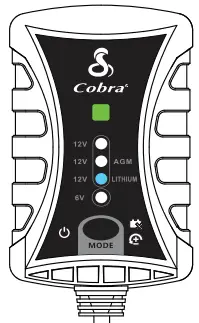
- When charging is complete (solid green light) you can safely leave the charger connected to maintain a full charge or disconnect and store for future use
Thank you for purchasing the
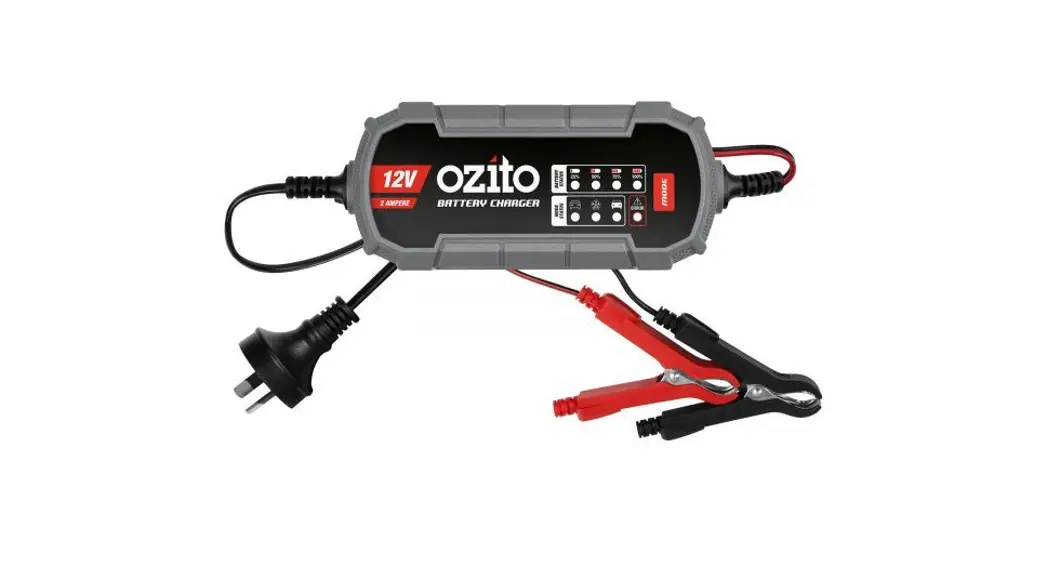
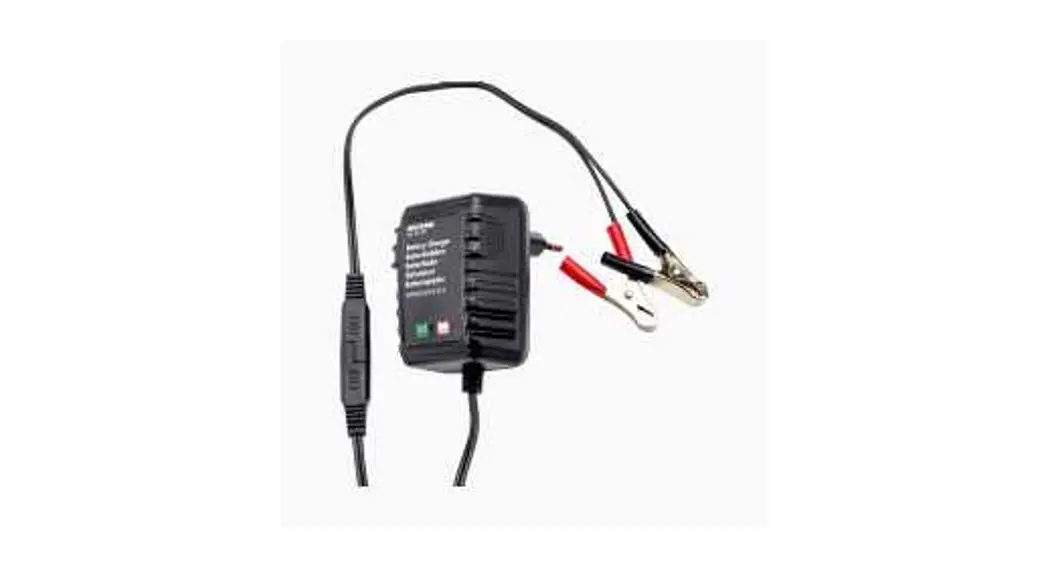
Cobra Battery Charger 2A
Keep your batteries fully charged year-round with the Cobra Battery Charger 2A. Built-in safety protections allow for extended connections without the risk of over-charging — simply set it and forget it. Compatible with 6V and a wide range of 12V batteries.
Count on Cobra for Power When You Need It.
Download the full Battery Charger 2A manual at: cobra.com/manuals Descargue el manual completo del Cargador de Patella 2A en: cobra.com/manuals
Cobra and the snake design are registered trademarks of Cobra Electronics Corporation, USA. Cobra Electronics Corporation” is a trademark of Cobra Electronics Corporation, USA. Other trademarks and trade names are those of their respective owners.
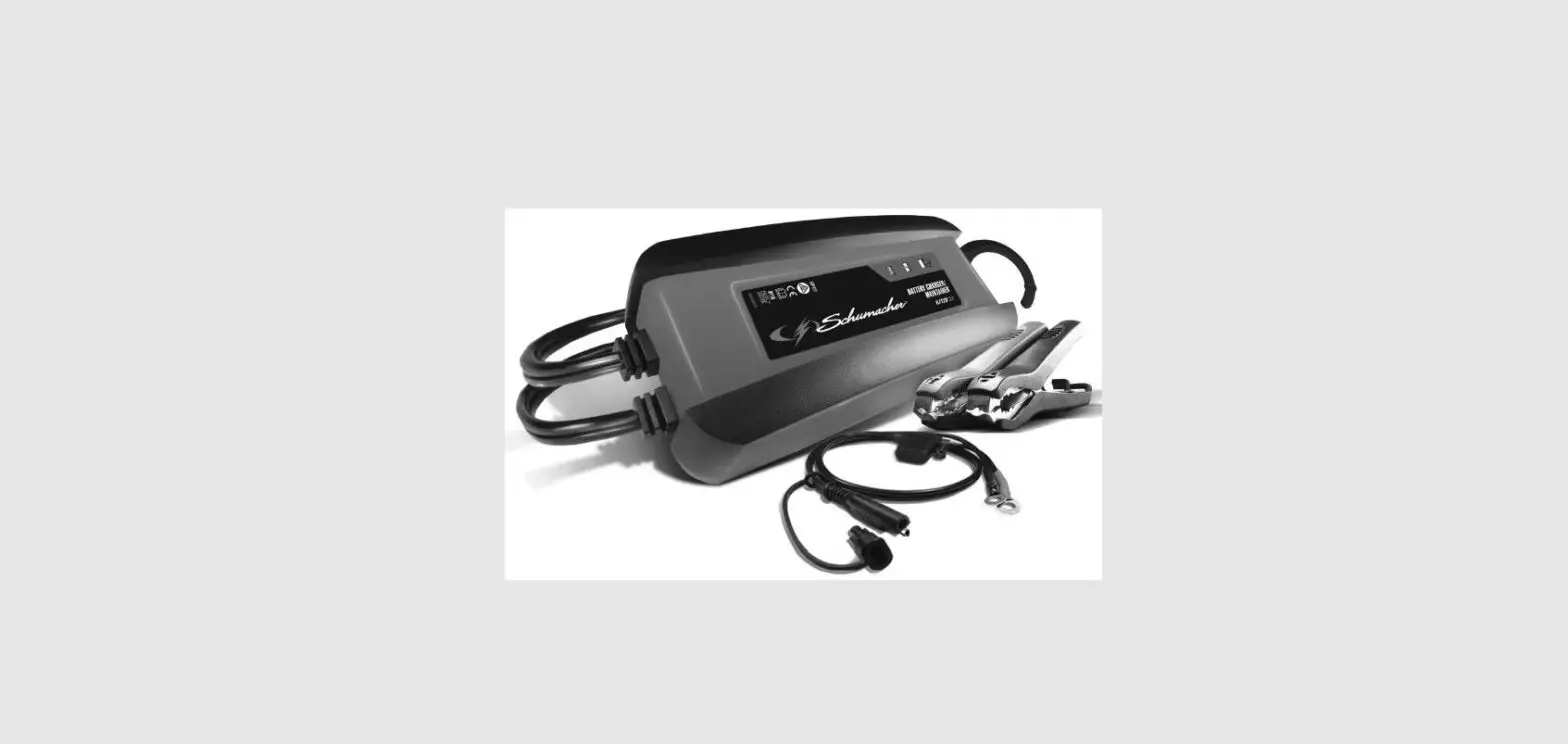
Battery Charger 2A Features
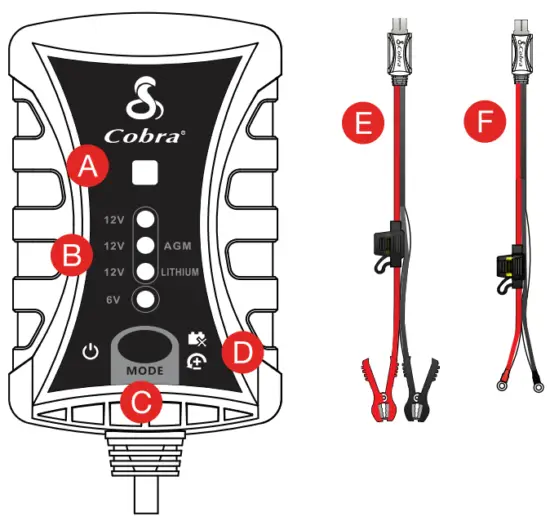
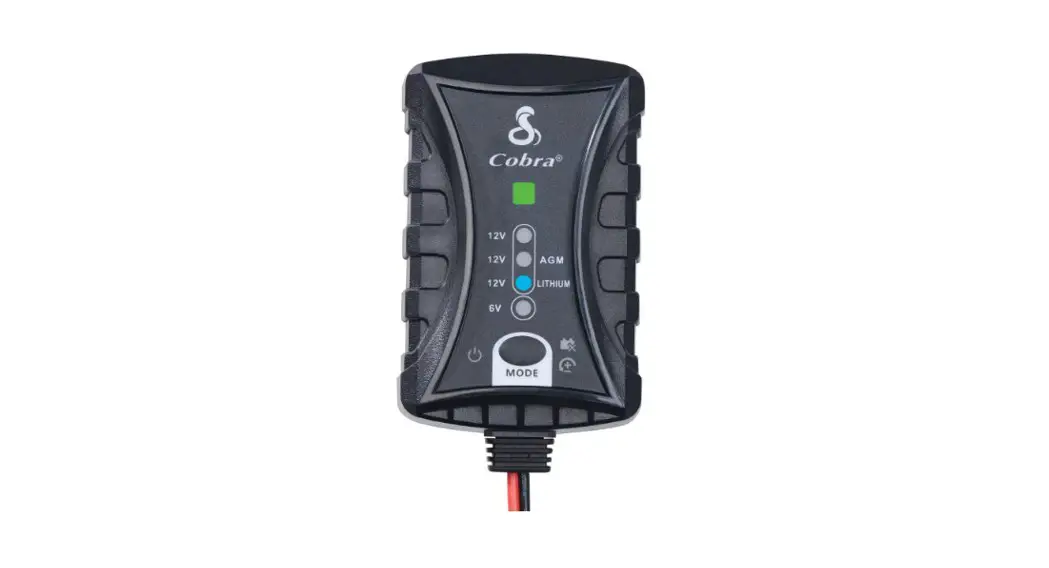
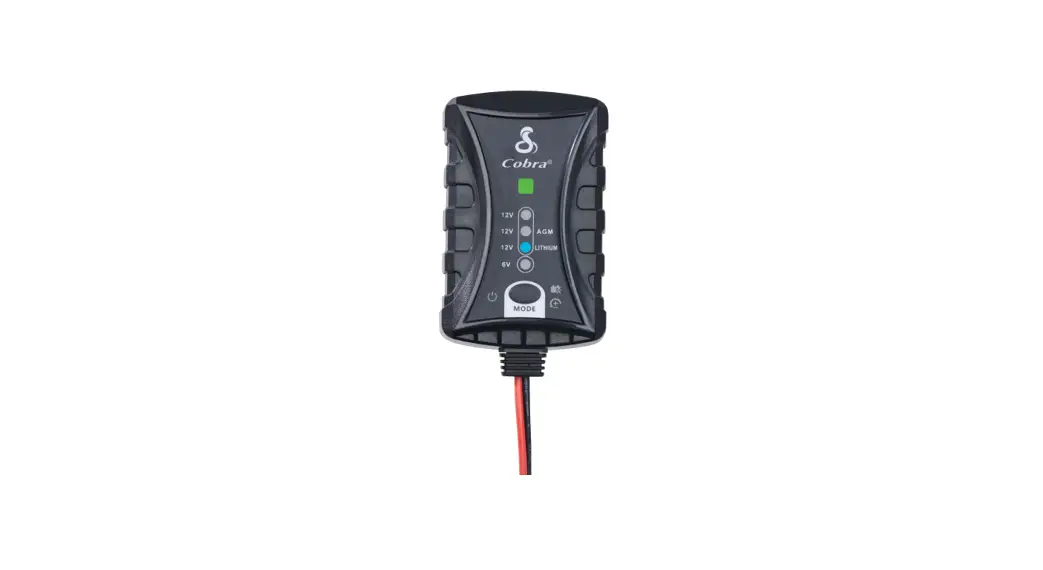
A. LED Status Light
B. Battery Type & Voltage
C. Mode Selection Button
D. Warning Indicators
E. Alligator Cables Selection
F. 0-Ring Cables
Display Light Overview
 Standby Power Indicator Standby Power Indicator | The unit is on and in standby mode, waiting to begin charging. |
 Bad Battery Bad Battery | There is a possible battery short or the battery will not hold a charge. Has the battery been checked by a professional? |
 Reverse Polarity Reverse Polarity | Battery Charger cables are connected to the battery in reverse. Reverse the cable connections. |
| LED | Condition |
| No LED | Charger plugged in but not connected to a battery. Please connect either the alligator or o-ring cables to the desired battery and select the corresponding battery type on the Battery Charger to begin charging. |
| Blinking Orange | The battery is charging. |
| Solid Green | Charging complete. |
| Blinking Red and Green | Low voltage mode. The battery charger uses a low voltage mode to charge batteries whose voltage is too low for normal operation. |
NOTE: For detailed operation including low voltage mode, please see the full product manual at cobra.com/manuals