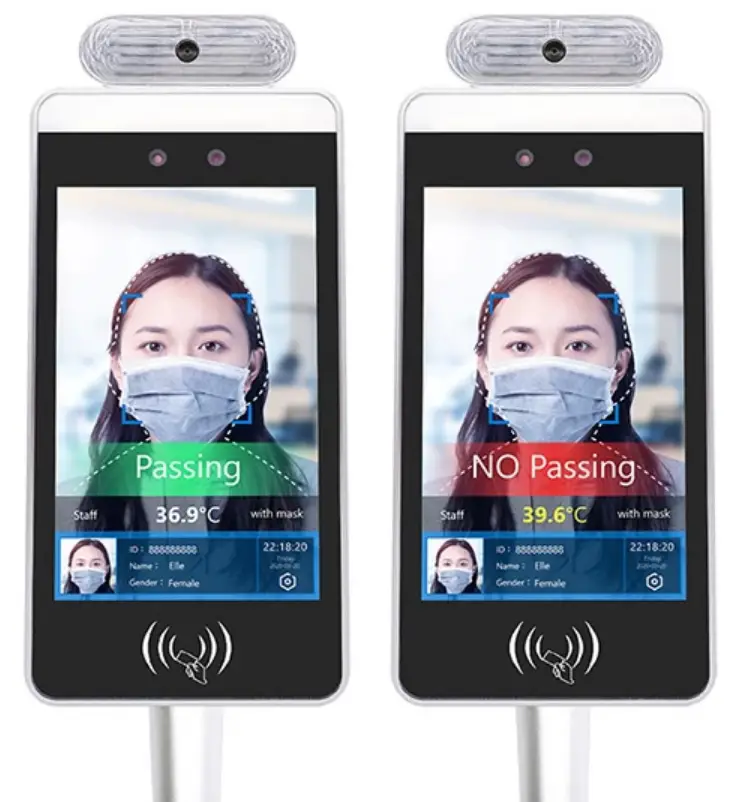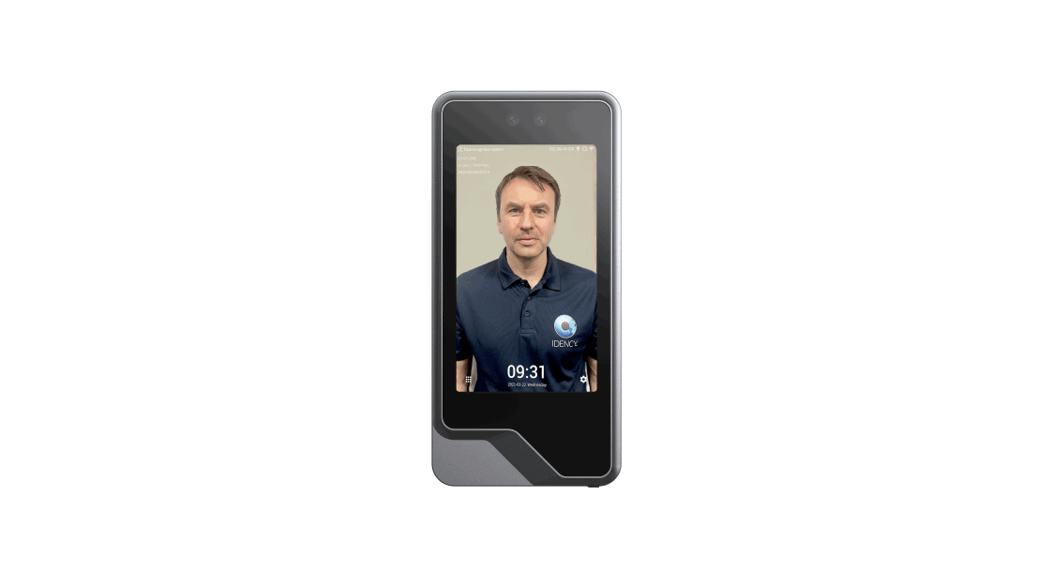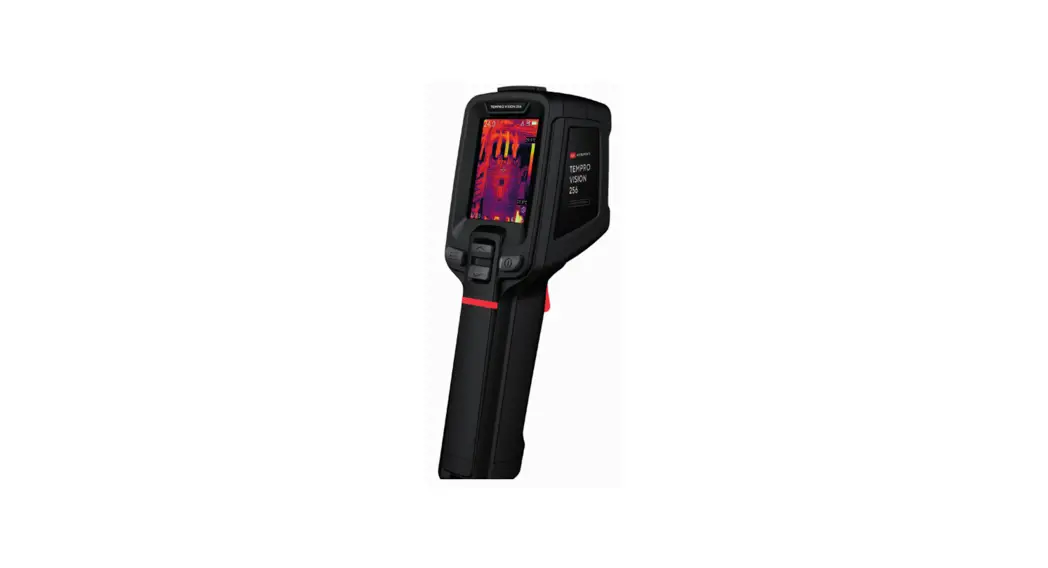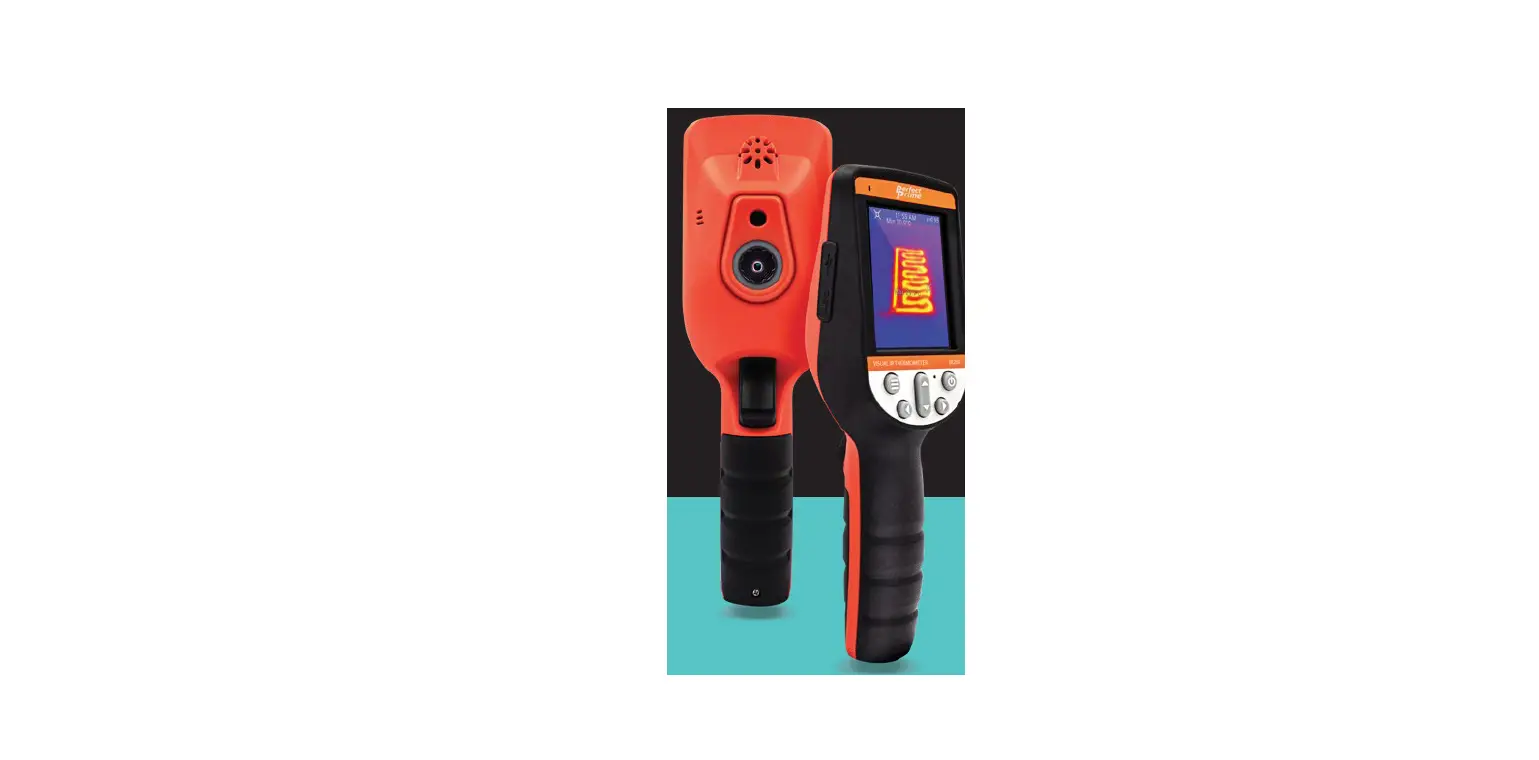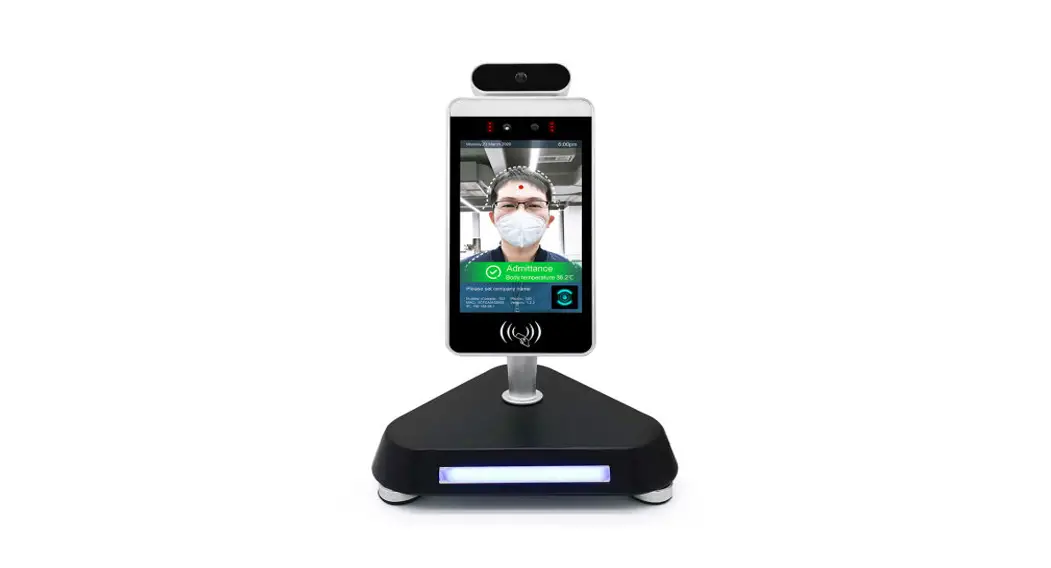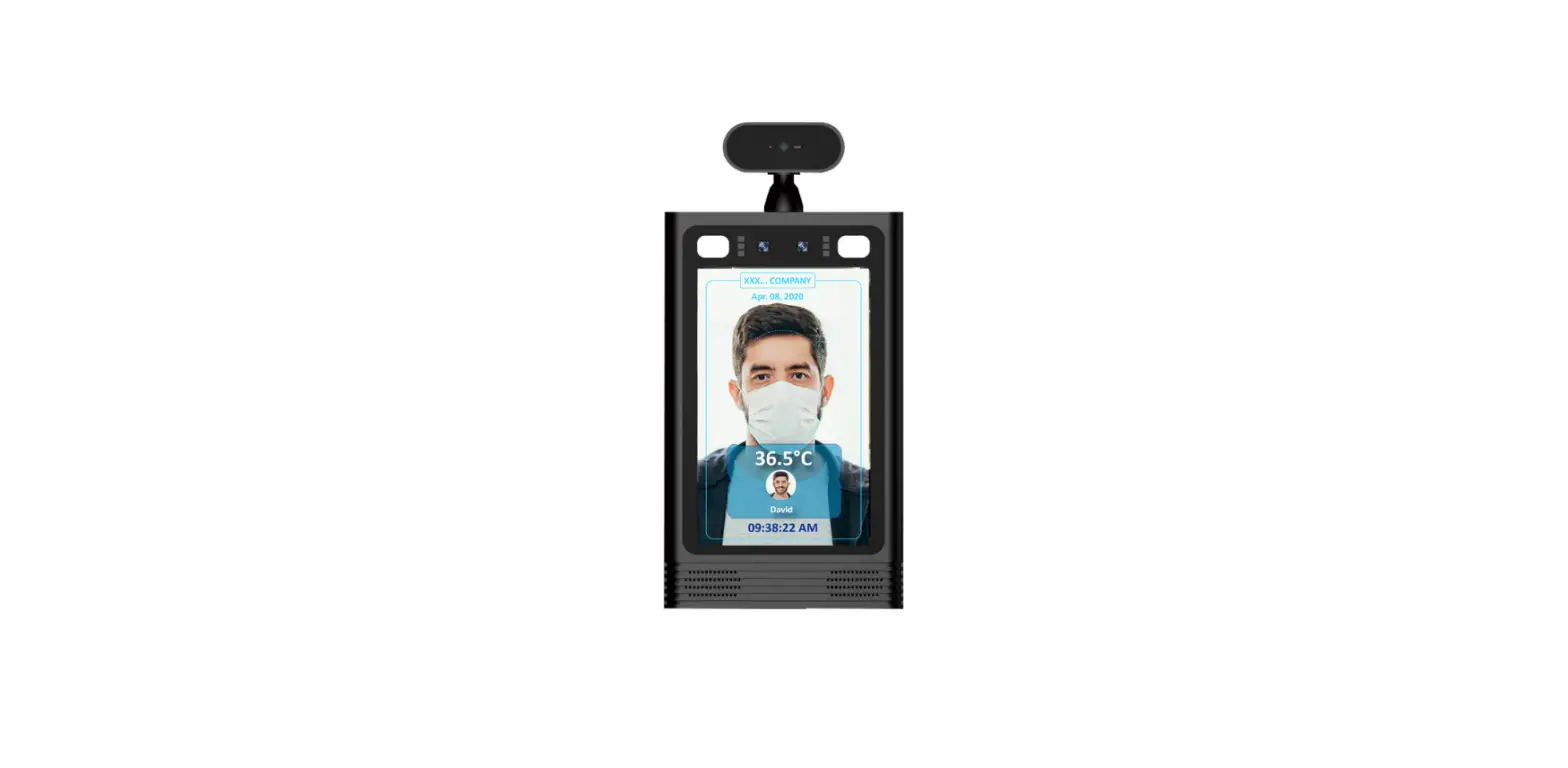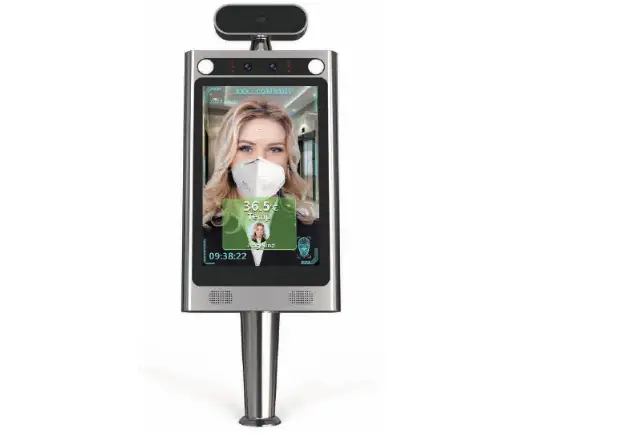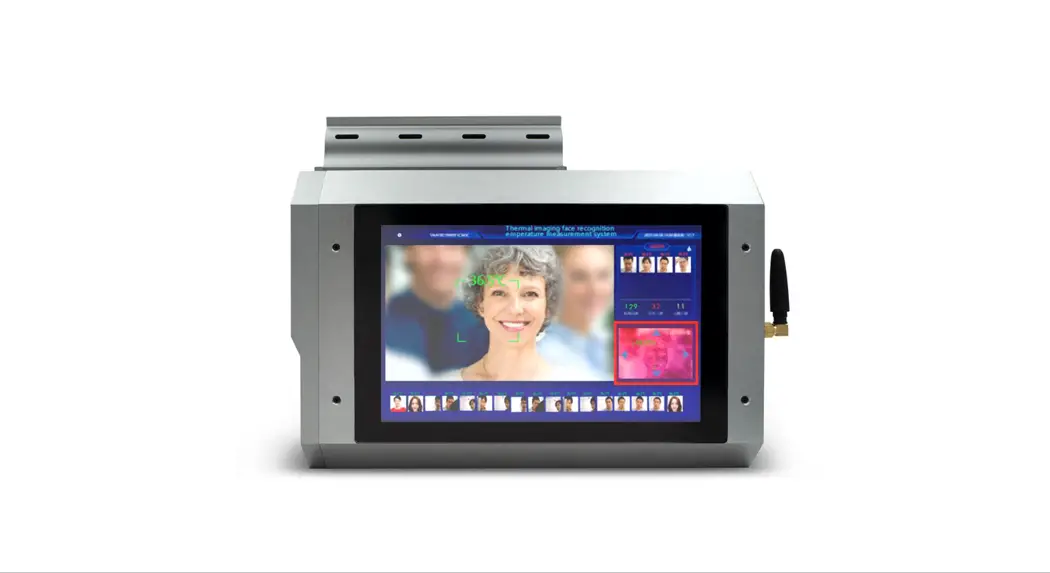
 PerfectPrime AI200 Thermal Imaging Face Recognition System
Instruction Manual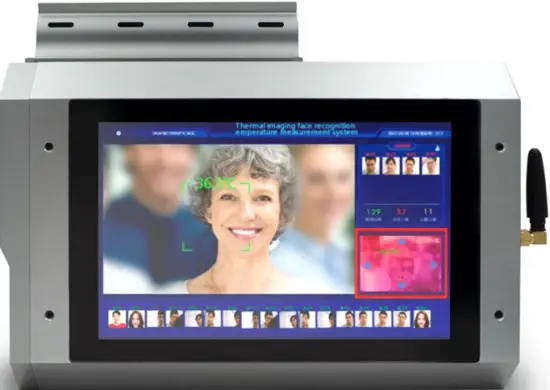
Overview
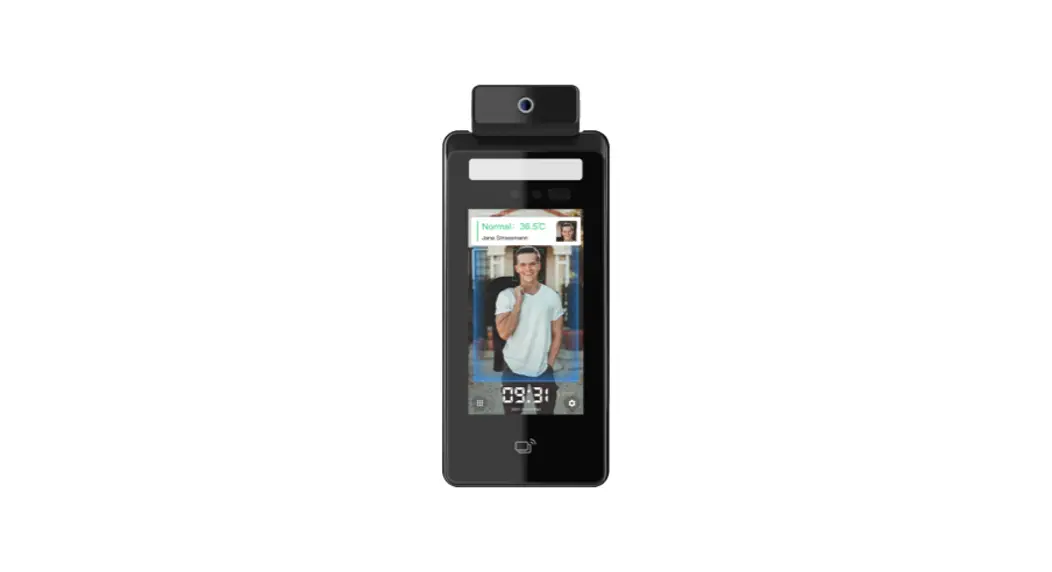
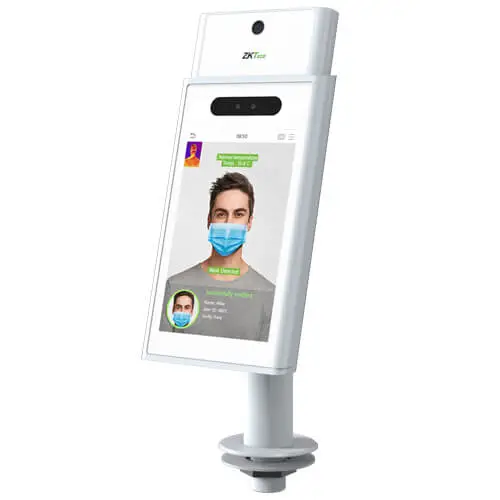
AI200 Thermal Imaging Face Recognition System is suitable for office areas, hotels, access gates, office buildings, schools, shopping malls, stores, communities, public services, management projects, and other places that require rapid access and temperature measurement.
Product Features
- Imported high-precision and high-resolution thermal imaging modules
- High frame rate camera, high-definition pictures can be taken when the human body is moving fast
- It comes with an 8-inch touch screen, which can be used directly without an external display, or it can be connected to a large HDMI screen
- Support simultaneous identification and temperature measurement of 20 people at the same time
- Easy to use, ready to use after power on, built-in black body
- It comes with high-definition alarm prompts, supports direct export of reports, and stores 50,000 records offline
Precautions for use:
The temperature measurement ambient temperature range is between 10℃ to 35℃. This product is not used as a medical device. Please turn on the electric heater for more than 15 minutes before using this machine. This product can be used outdoors!
Product Specifications
Screen
| Size Brightness Resolution Touch screen | 8 inches, IPS LCD screen 500 LU 800*1280 HD screen Capacitive touch screen |
Camera
| Resolution Number of cameras Type Aperture Focal length Focus White balance Wide dynamic | 200W, 1080P 1 RGB camera F2.0 6mm Fixed Automatic Support |
Interface
| Video Relay output Network Interface 4G interface USB | HDMI2.0 Type-A interface 1 1 relay interface 1 RJ45 10M/100M adaptive Ethernet port, WIFI Support (optional accessories) 1 way USB interface |
Temperature measurement function
| Face Detection Temperature measurement distance Temperature range | Supports detection and tracking of 20 people at the same time 1 to 5 meters ≤ ±0.3 ℃ within 2 meters, 3 meters to 4 meters ≤ ±0.4 ℃ 4m to 5m≤ ±0.5 ℃ 32 ℃~42.5 ℃ 206 X 150/320 X 240 Support Support Support Support |
General parameters
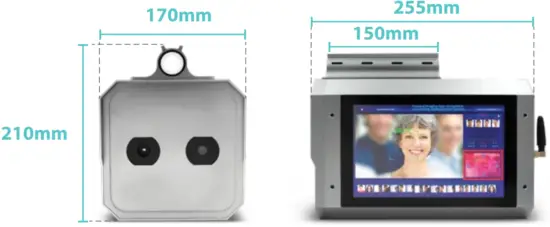
| Protection class Power supply Operating temperature Working humidity Power consumption Equipment size Weight | IP42, Certain dustproof and waterproof function DC12V (±10%) -10 ℃~60 ℃ 10%~90% 10W MAX Length255mm X Width170mm X Height210mm 4.3KG |
Setting
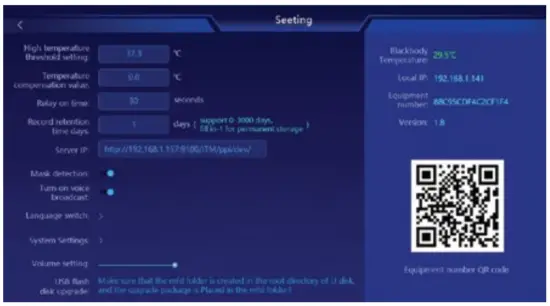
Click setting and enter the password to go to the menu, see below pictures with details(P1, P2)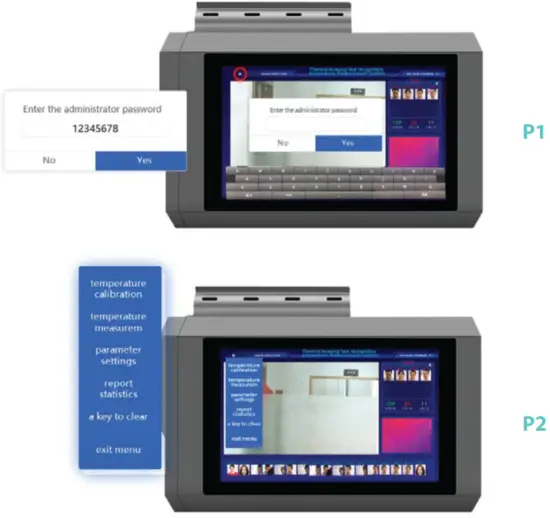
Functions
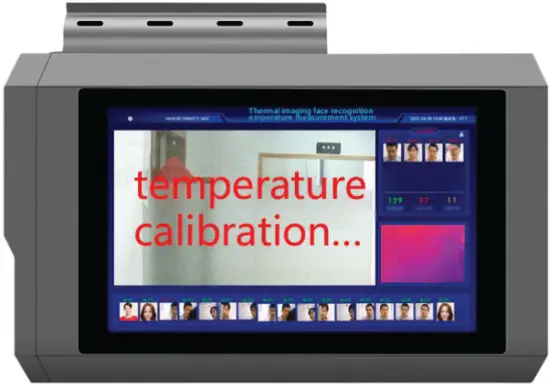
Temperature calibration
Temperature calibration: It can adjust the temperature measurement if the temperature measurement function is inaccurate.
Steps:
- Click Temperature calibration and enter the temperature calibration mode.
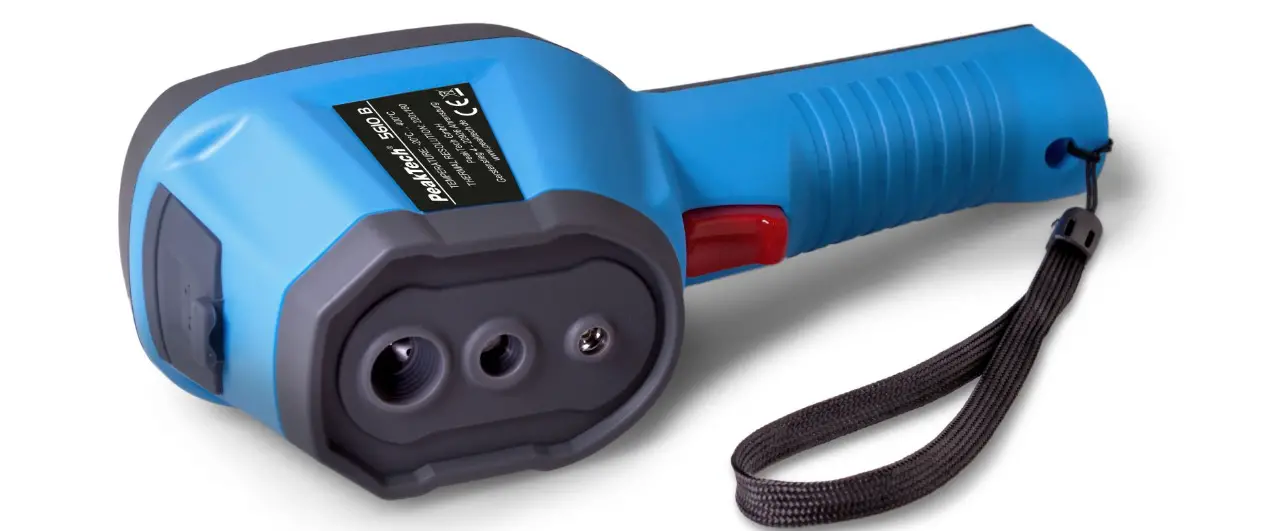
- Let a person who has normal body temperature standstill in front of the temperature measuring gun. (2-3 meters distance)
- The temperature calibration will be automatically completed after 30 seconds.

Temperature measurement calibration
When the temperature measurement is inaccurate, you can check whether the temperature measurement point deviates or not.
Steps:
1. Click [Temperature measurement calibration] and enter the temperature measurement calibration mode.
2. Check whether the frame is in the middle of the face on the thermal imaging interface. If there is a deviation, you can adjust the position by clicking the four arrows (up, left, and right)
3. After the adjustment is completed, click [Exit Calibration] or click 6 times in the middle of the thermal imaging interface to complete the temperature measurement calibration and exit. The system will also automatically save and exit the calibration mode after 3 minutes.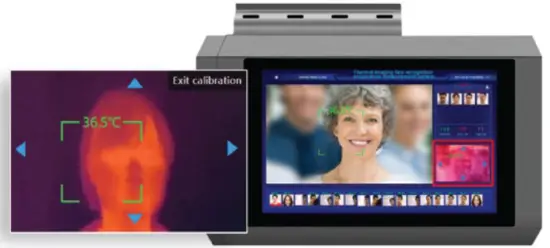
Parameter settings
The function can set high-temperature threshold, temperature compensation value, Relay on time, Record retention time days, IP address, Mask detection, Turn on voice broadcast, Language setting, System setting, volume setting, and USB flash disk upgrade.
- High-temperature threshold setting: Set temperature measurement threshold, voice alarm over temperature.
- Temperature compensation value: Manually set the test body temperature for calibration.
- Relay on time: The time interval between the opening and closing of the relay.
- Record retention time days: store test data (support 0-3000 days, fill in -1 for permanent storage).
- Mask detection: Turn on: When the person does not wear the mask, it will take a snapshot and save the data; If turned off the function it will not take a picture and save the data.
- Turn on voice broadcast: Turn on: Voice broadcast; Turn off: Silent.
- Language switch: Switch system language.
- System setting: Jump to the system settings interface.
- Volume setting: Adjust the volume.
- Server IP: The IP address of the server connects to the device. (Need to install ITM to the computer in advanced (installation manual for reference). Configure the server address to the device and the data can be transmitted to the system backstage( http://192.168.1.157:9100/ITM/api/dev/)).

System setting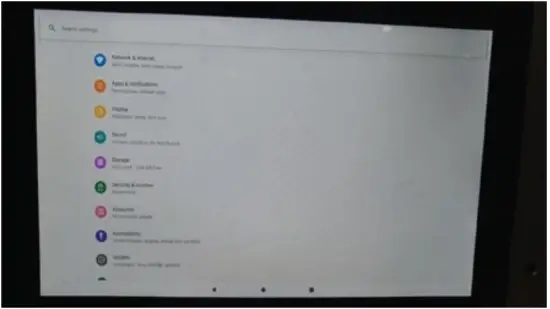
Report statistics
It can query, export, and clear inspection records.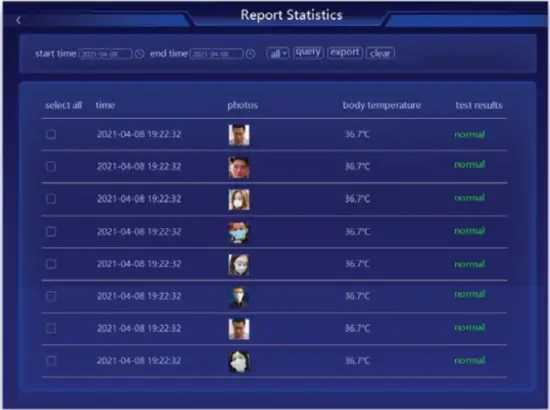
A key to clear
Clear all inspection data.
Exit the temperature measurement system.
Device Interface Indication
Size Description
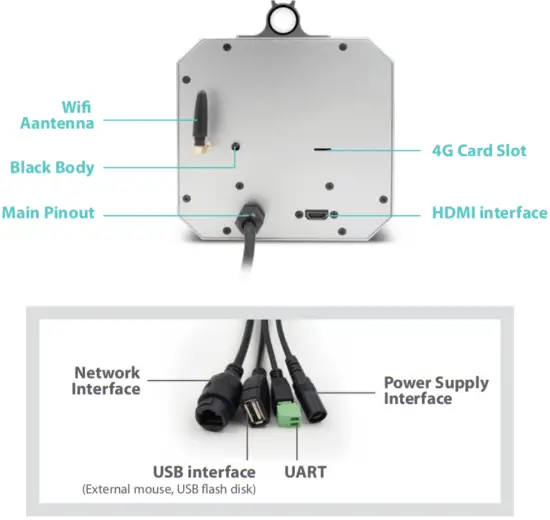
Interface Description
Power interface
In the rear tail of the device is the power input interface.
Details are as follows:
| Signal Name | Signal Direction | Function Description |
| 12V | Neizheng | 12VDC±10% DC input |
| GND | External negative | Power ground |
The internal power input of the device has reverse polarity protection and surge protection.
Relay output
The alarm output is passive relay switch output, the contact voltage capacity is: 220V DC, 250V AC; the contact current capacity is 1 A; the power capacity is 30W.
The network interface marked in the device tail is the Ethernet interface of the face device, and the user can configure the parameters of the face device through the configuration tool.
USB interface
1 USB interface, can be used to connect the mouse and USB flash disk.
HDMI high-definition video interface
An external high-definition large display screen can display temperature measurement information in real-time.
CUSTOMER SERVICE INQUIRIES
Your emails are important to us so we strive to reply to all inquiries and emails within 24 hours. In exceptional cases, we may require more time to respond.
Thank you for your understanding.
For more information about our products and services, please send us an email: [email protected]
or B2B or project-based application, please send an email: [email protected]
FOR MORE INFORMATION ABOUT PERFECTPRIME PLEASE VISIT OUR ABOUT US PAGE AND FEEL FREE TO BROWSE.
 http://qr.w69b.com/g/r4oLxa2l2
Scan QR Code for the Youtube channel for video manual http://qr.w69b.com/g/qRw248shO
Scan QR Code for the Product Manual page (Multi-Language available for certain products) http://qr.w69b.com/g/mT0iM63Vm
Scan QR Code to register the product for a 1-year warranty
Retailer: HOME LIMITED
Email: [email protected]
Address: G/F UNIT 3, 61 GLENTHORNE ROAD,
LONDON W6 0LJ UNITED KINGDOM
Telephone: +44 203 7695377