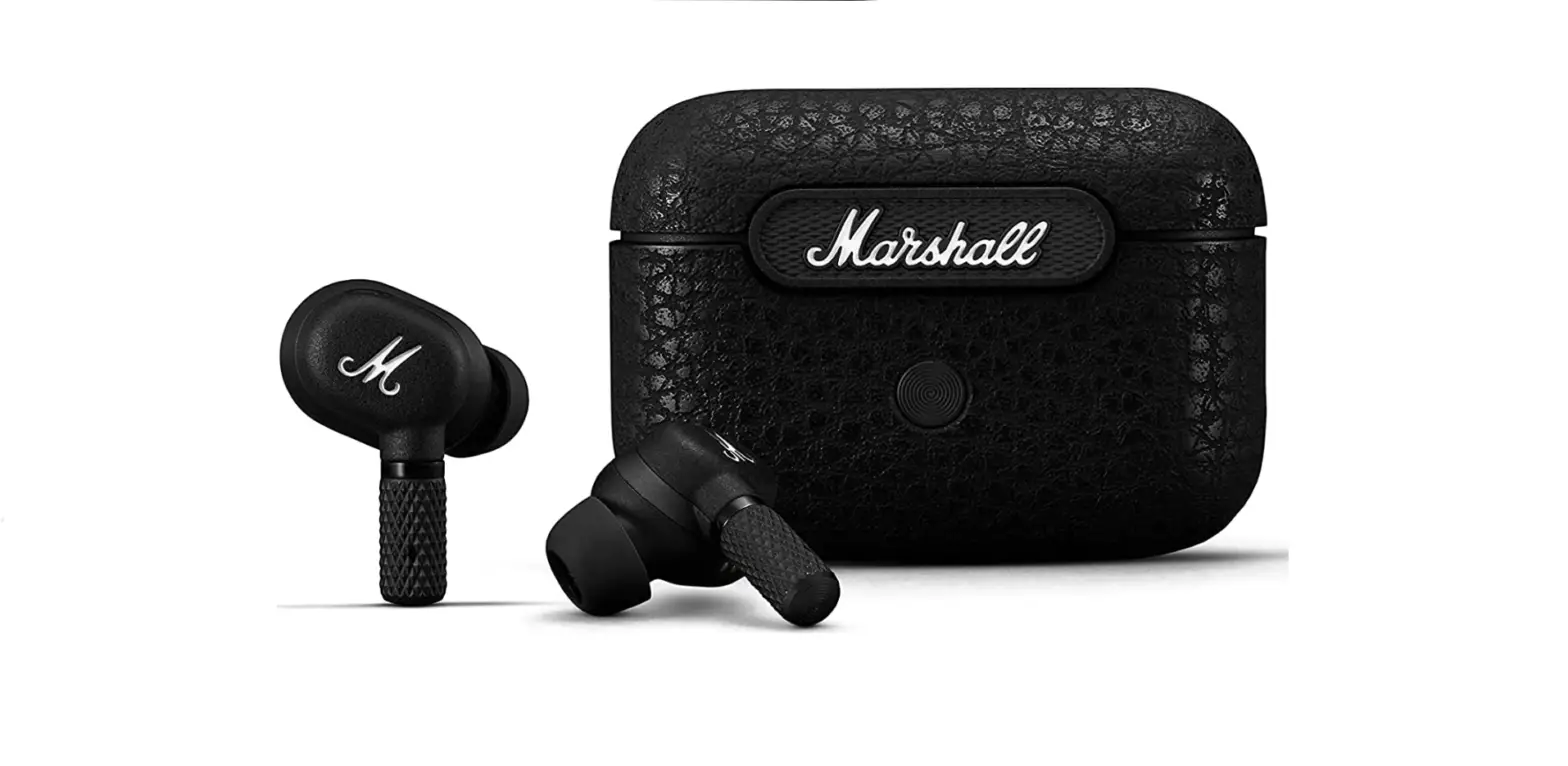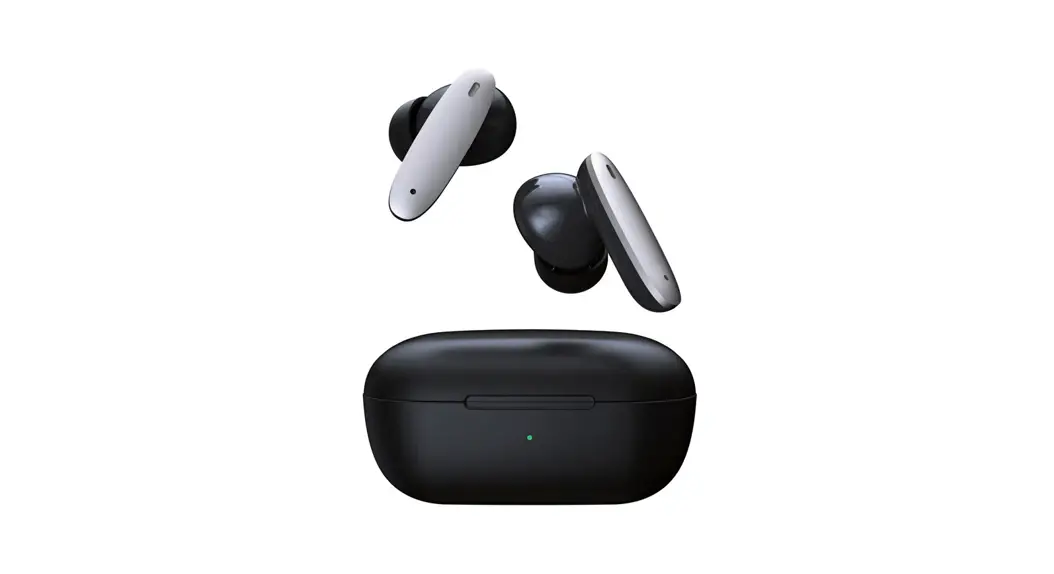
 ASC1104 ANC Earphone
Operating Manual
The Packing Accessories
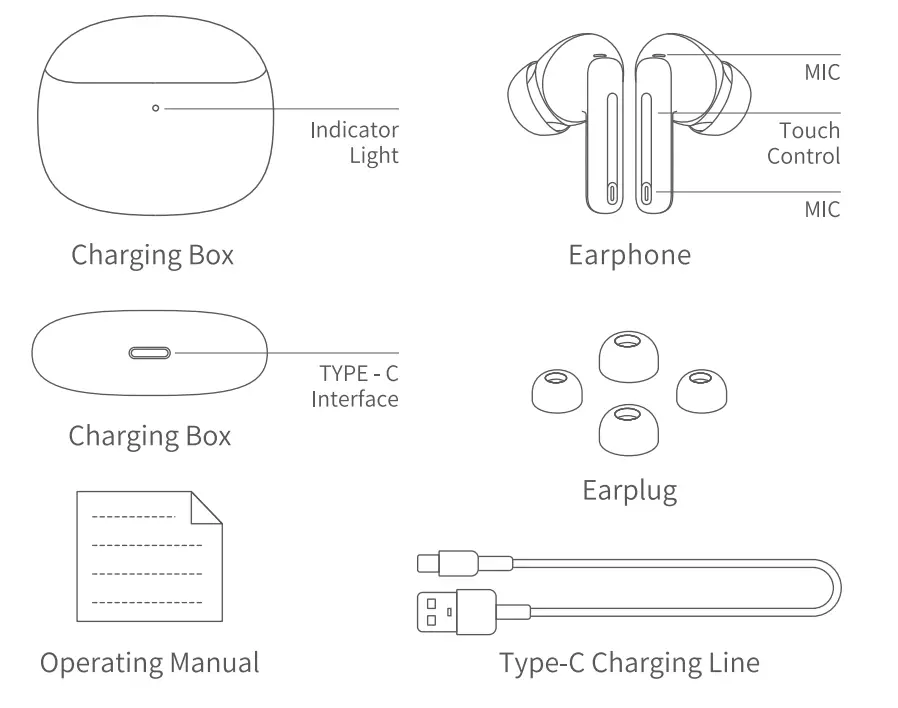
Function Operation Description
Power on-off
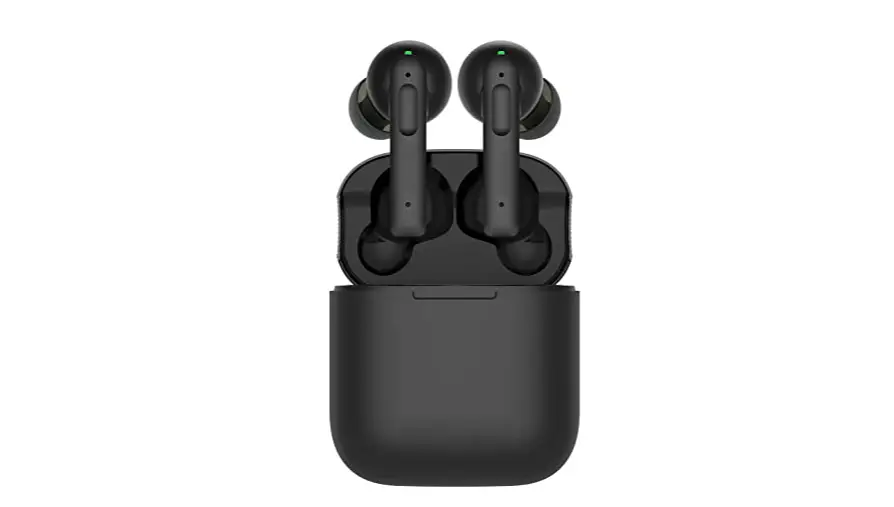
Power on open the cover of the charging box, and the earphone will start up automatically Power off: Put the earphone into the charging case, close the cover 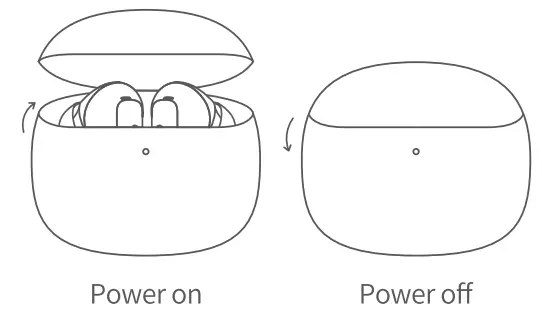
Bluetooth connected
| 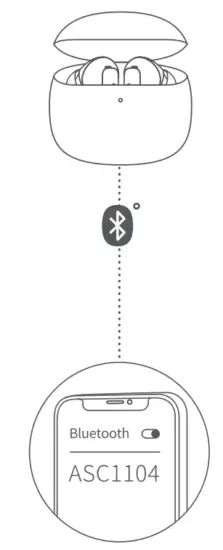 |
| Automatic Bluetooth connection When the connection is recorded, the headset opens the charging box and automatically connects to the nearest connected device |
Pair with other devices
The headset is outside the charging case and five clicks on the left or right ear
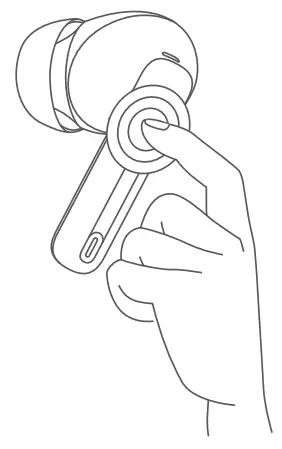
Touch function
- Play last song: three strikes on the left ear
- Next track: Three clicks on the right ear To answer/hang up a call: double-click your right or left ear
- Refuse to answer the phone: press your right or left ear
- Open permeability/noise reduction: long press right ear Common mode: long press left ear
Replace the earplugs
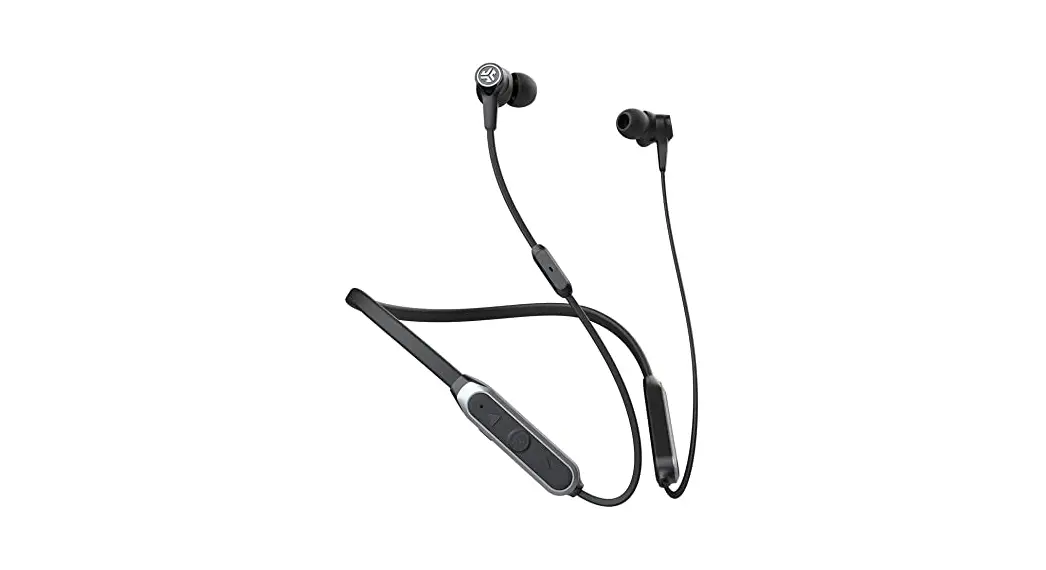
Please change the earplugs for the left and right ears according to the comfort level and noise reduction effect. The M earplugs are pre-installed on the earphones. 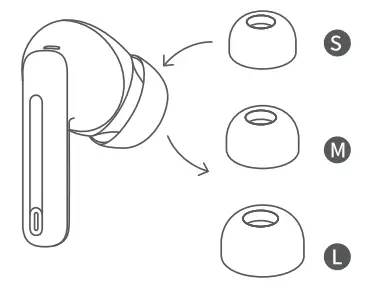
Charging
Charging case being charged: white light flashing Low power of charging box: white light of charging box blinks 4 times Charging case fully charged: white light long on
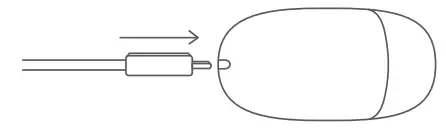
The USB cable
Use the charging cable to charge the charging box
Beijing Ancsonic Technology Co., LTD
Address (Shenzhen) Room 801, Building D3, Kexing Science Park, Nan than District, Shenzhen
Service Call +86 136 9102 0705
Website www.ancsonic.com  http://weixin.qq.com/r/PjlFXQjEvlXBrUw_92ws
Federal Communications Commission (FCC) Statement. This device complies with part 15 of the FCC Rules. Operation is subject to the following two conditions: (1) This device may not cause harmful interference, and (2) this device must accept any interference received, including interference that may cause undesired operation. Note: This equipment has been tested and found to comply with the limits for a Class B digital device, pursuant to part 15 of the FCC Rules. These limits are designed to provide reasonable protection against harmful interference in a residential installation. This equipment generates, uses, and can radiate radio frequency energy and, if not installed and used in accordance with the instructions, may cause harmful interference to radio communications. However, there is no guarantee that interference will not occur in a particular installation. If this equipment does cause harmful interference to radio or television reception, which can be determined by turning the equipment off and on, the user is encouraged to try to correct the interference by one or more of the following measures:
- Reorient or relocate the receiving antenna.
- Increase the separation between the equipment and receiver.
- Connect the equipment into an outlet on a circuit different from that to which the receiver is connected.
- Consult the dealer or an experienced radio/TV technician for help.
Warning: Changes or modifications made to this device not expressly approved by Ancsonic Chongqing) Electronic Science& Technology Co., Ltd may void the FCC authorization to operate this device. Note: The manufacturer is not responsible for any radio or TV interference caused by unauthorized modifications to this equipment. Such modifications could void the user’s authority to operate the equipment.
RF exposure statement:
The transmitter must not be co-located or operated in conjunction with any other antenna or transmitter. This equipment complies with the FCC RF radiation exposure limits set forth for an uncontrolled environment. The installation and use of this equipment are not restricted.