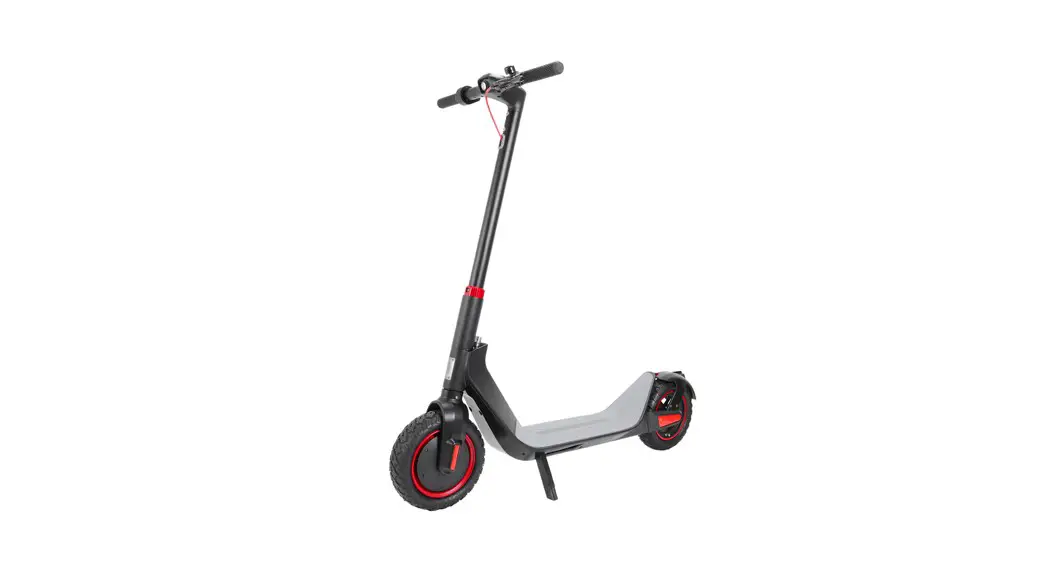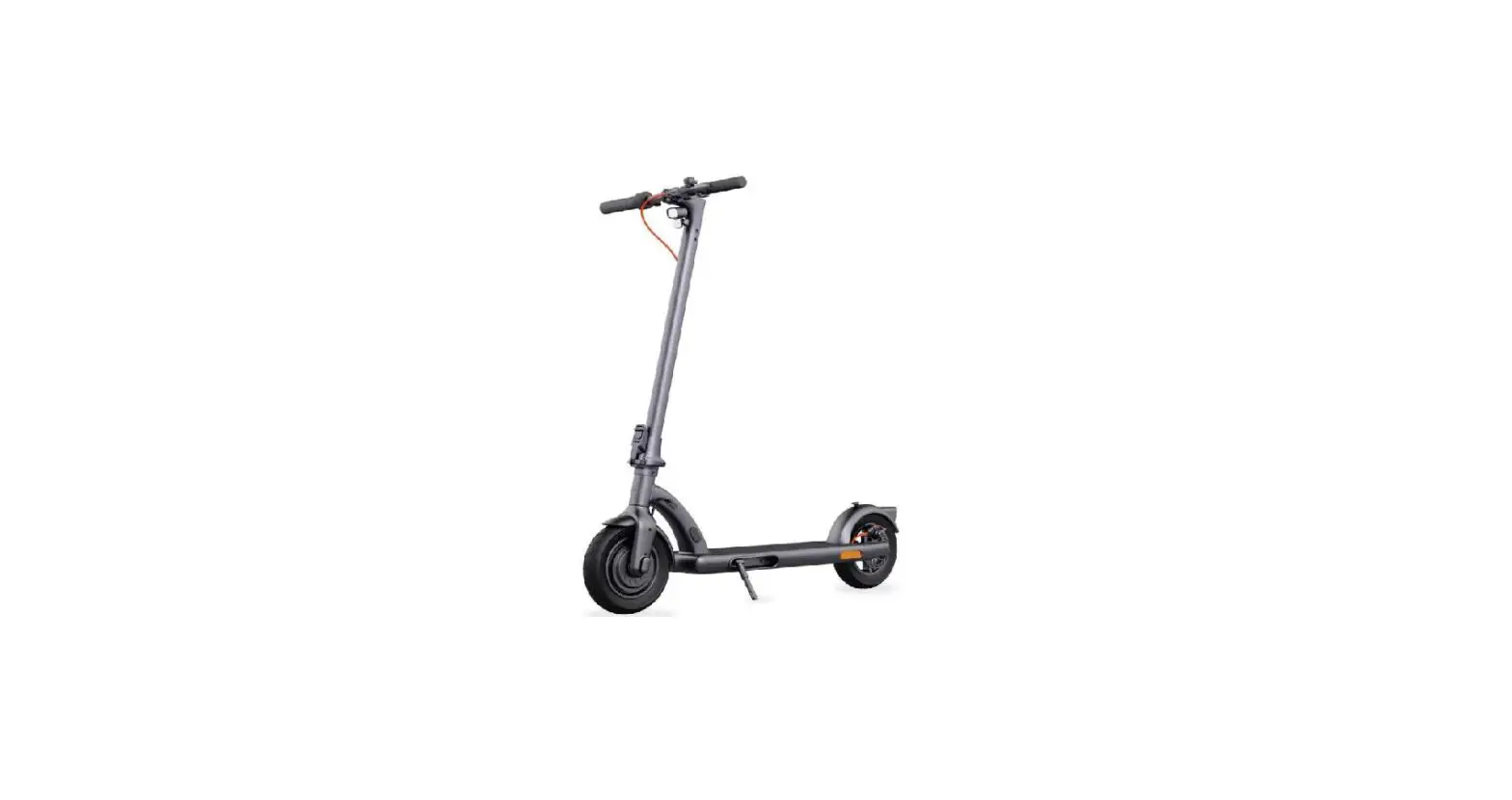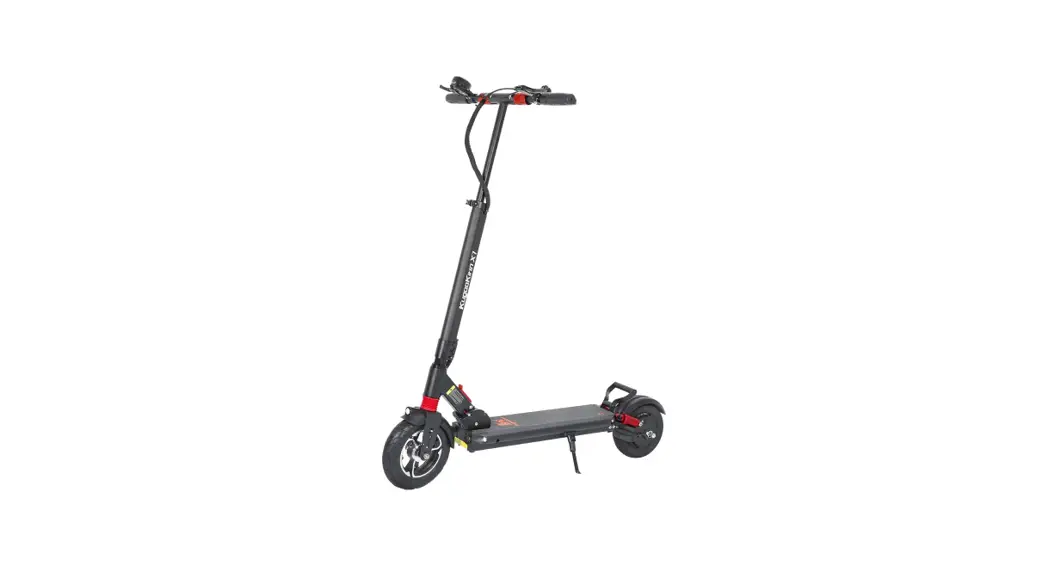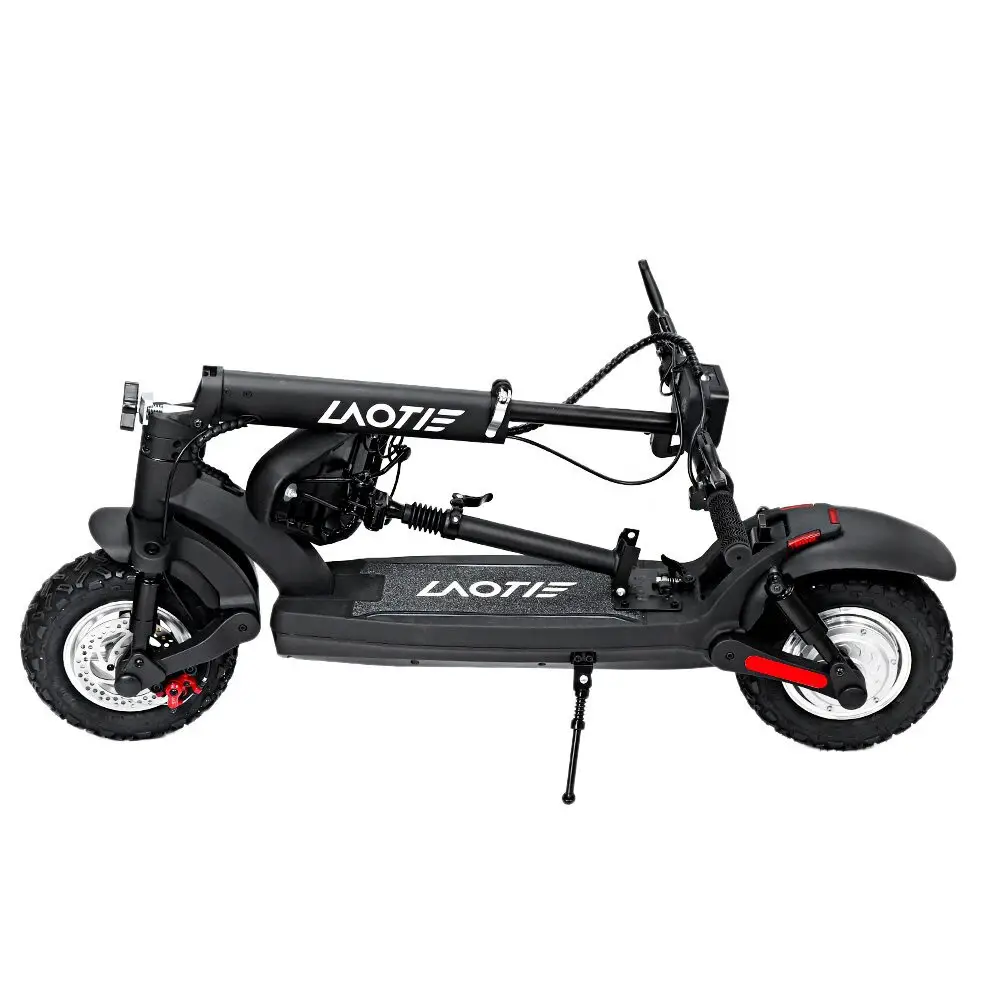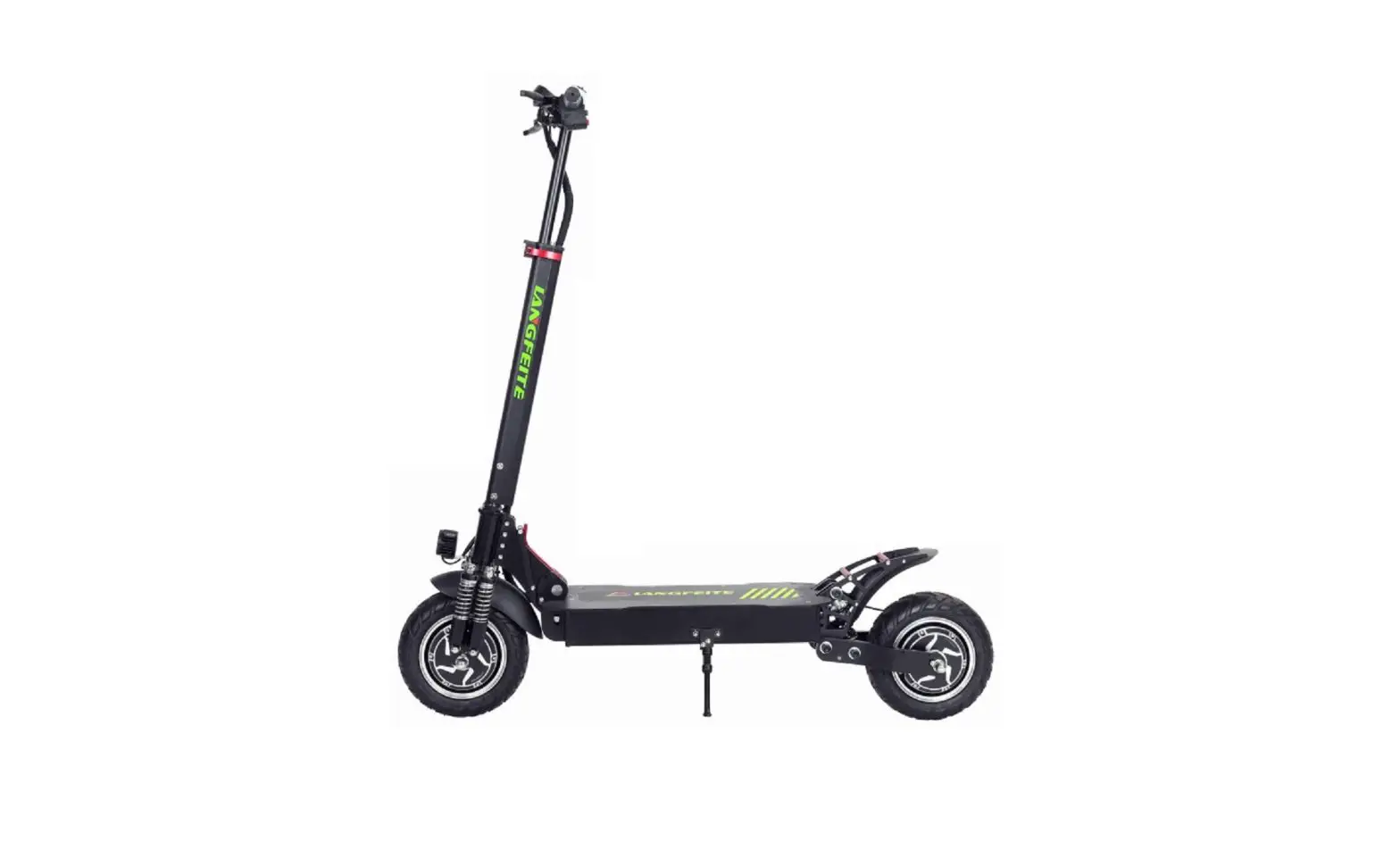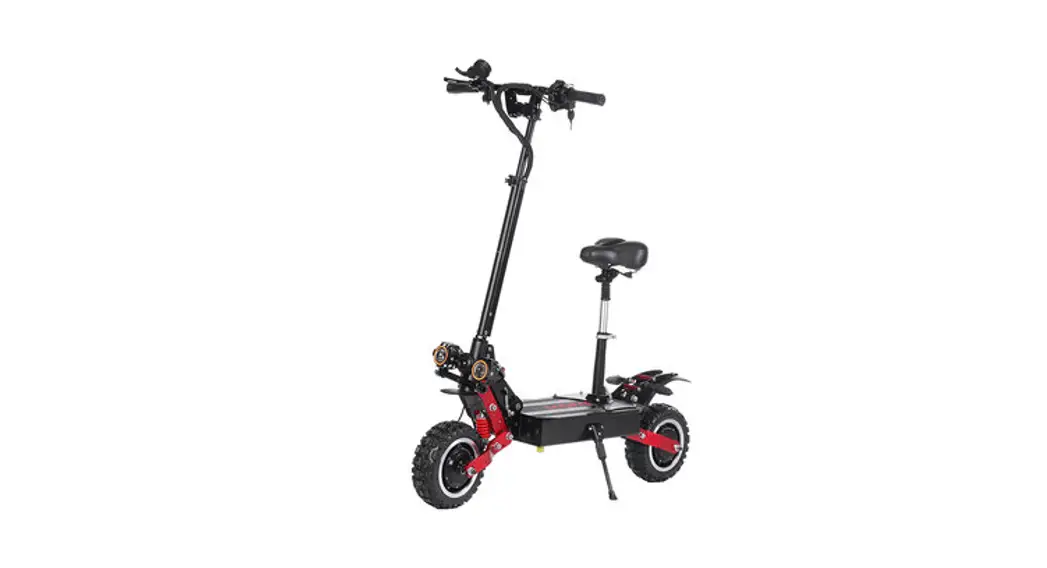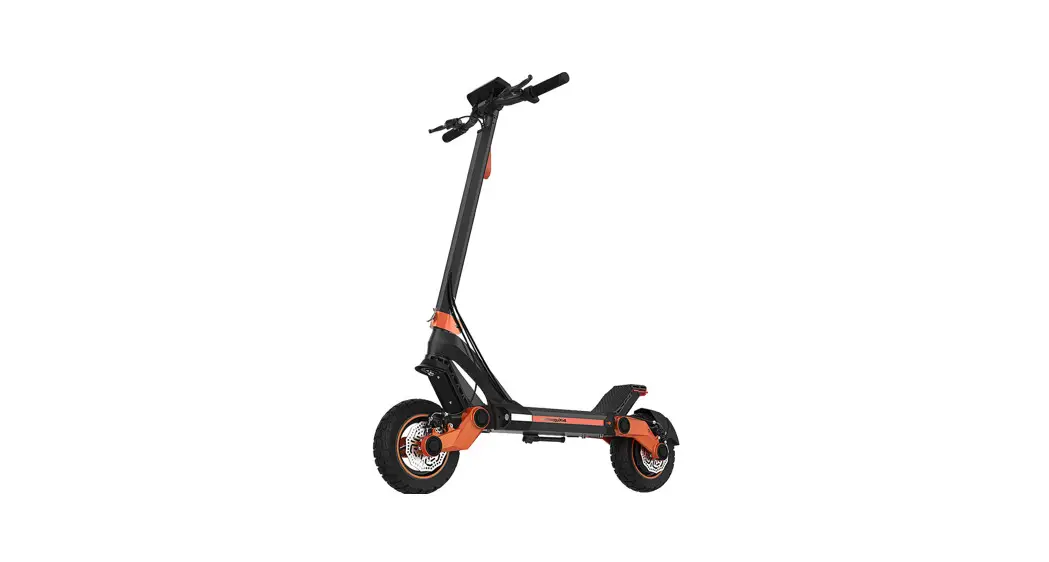
 G3 Electric Scooter
User Manual
Thank you for purchasing the KUGOO KIRIN G3 Electric scooter.
In order to ensure the safety of you and others, please read the instruction before you use it.
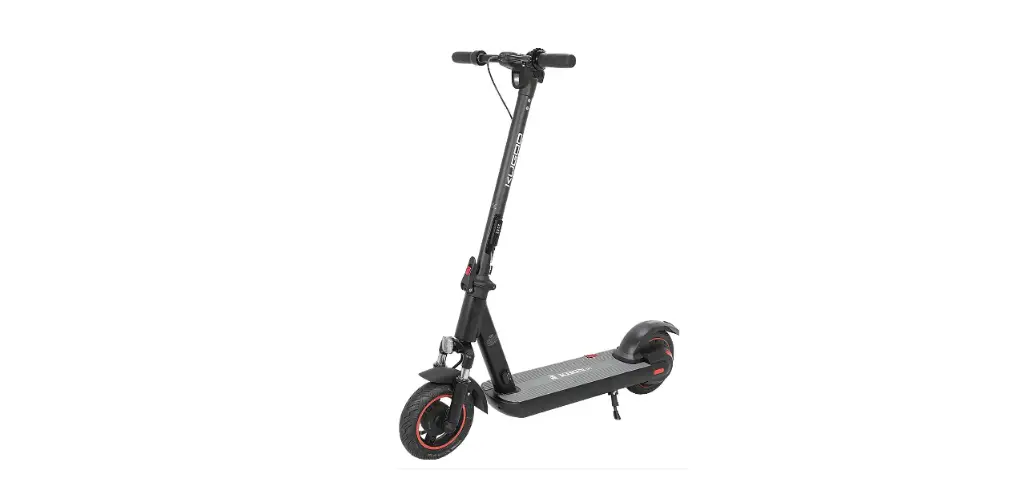
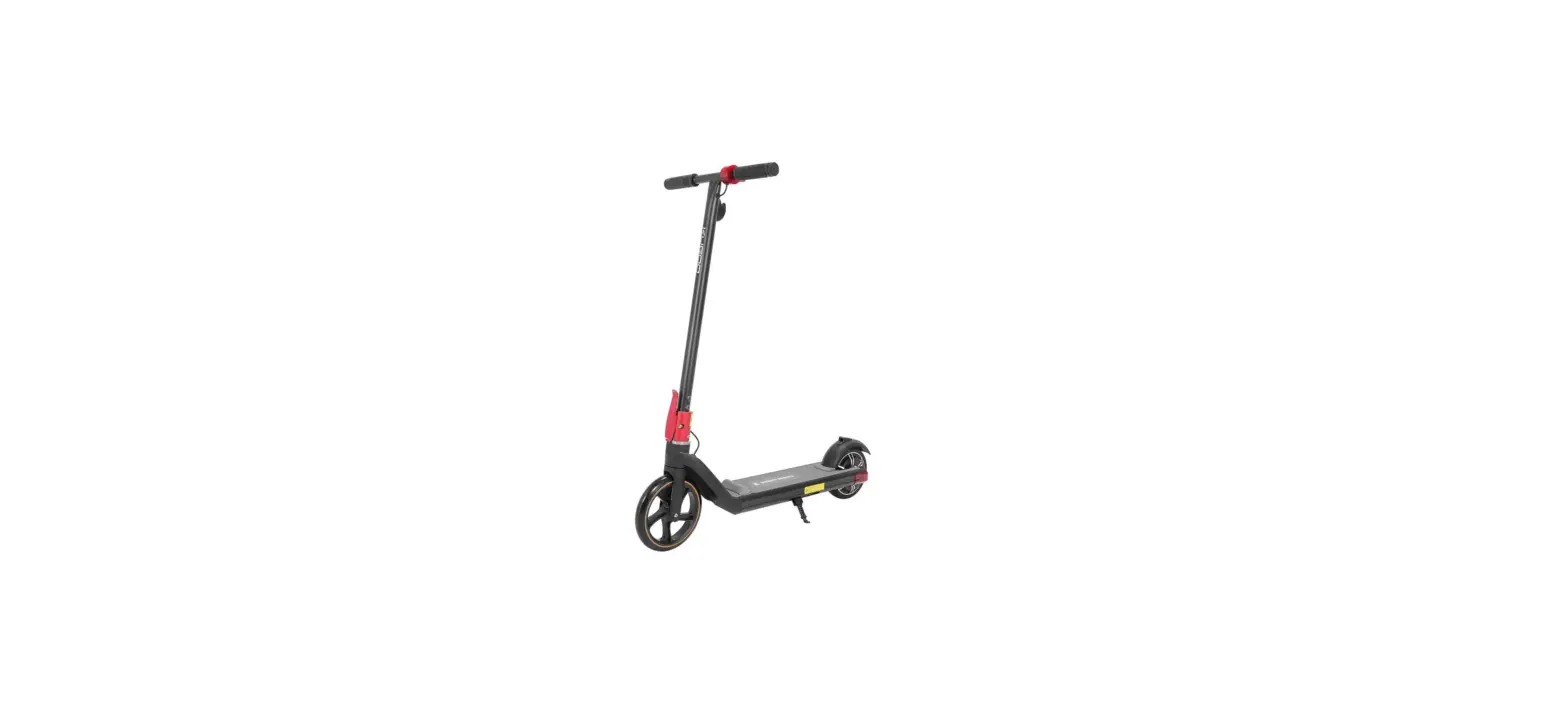
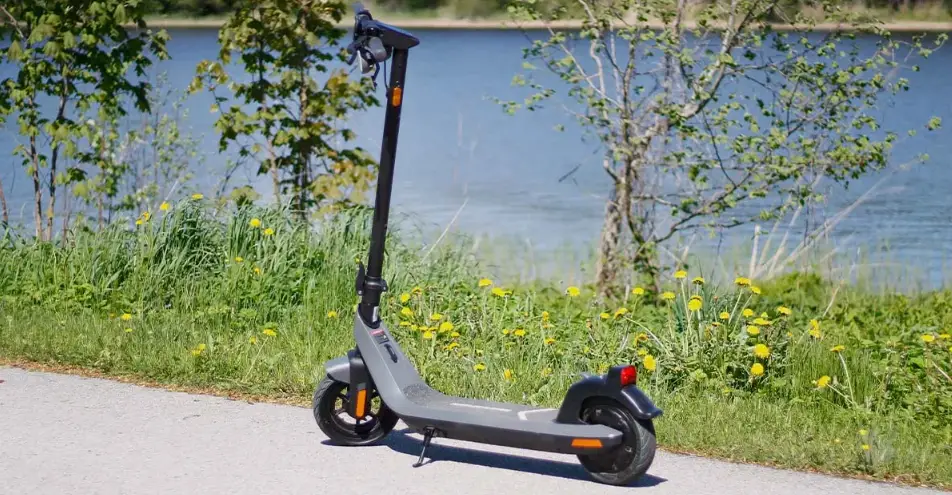
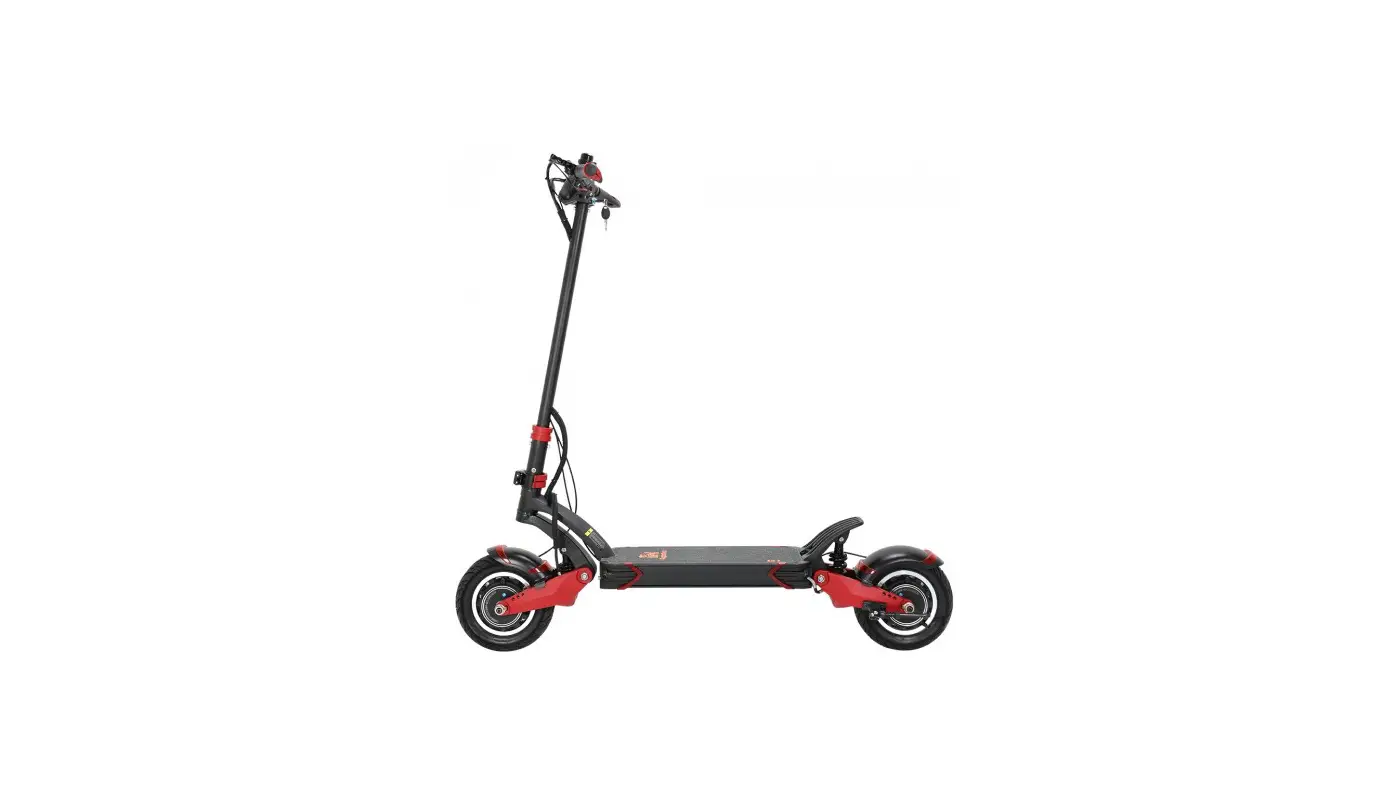
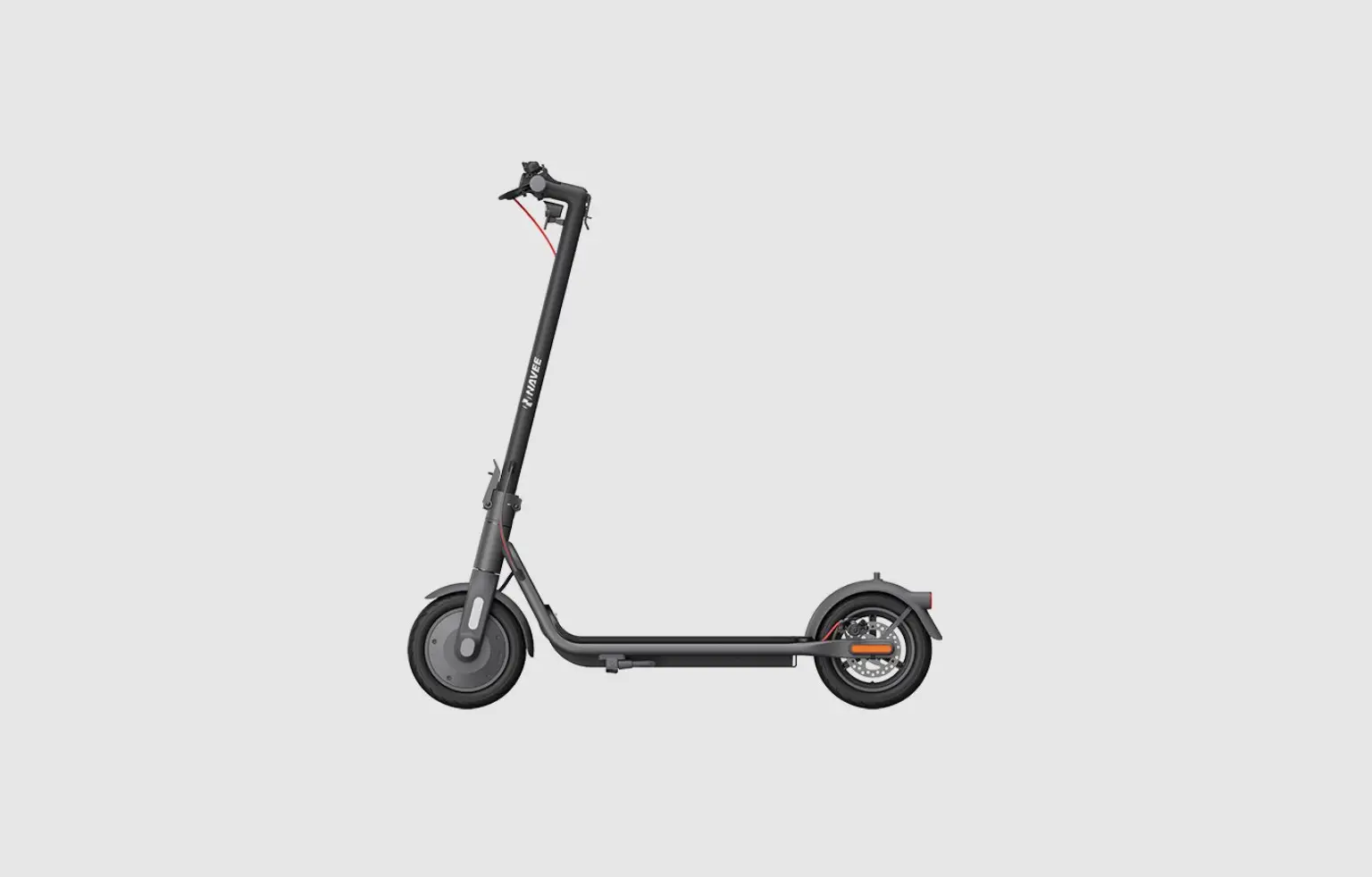
There might be a slightly different between the product and the picture.
Chapter 1 Basic information
This instruction is including the function, usage, and maintenance of the G3. Please prepare your purchase information before contacting customer service, because it is needed during the process.
Purchase Data:————–
Scooter Code: ————–(on the bottom of the scooter)
 please obey the rules in this instruction
1.1 Important information
You must obey the law when riding your thee-scooter. Users have to take risks and responsibilities. It includes, but is not limited to muscle injuries, fractures, lacerations, serious injuries and death, and other risks that may be associated with the riding of a thee-scooter.Make sure to wear the protective sets(helmet, elbow pads, knee pads, ect.)
1.2 Safety warningSafely dispose of the package. It is dangerous for kids and pets.Checking the wholeness of the product, If any parts are missing, please contact the seller.If there is any damage, please don’t use it. (Please use the standard charger.Look after your kid if he or she rides a thee-scooter.Only use the components from our company.Be careful with the electricity. No water or liquid was contacted.Use a dry cloth to remove dust. Do not spray liquid onto the product.Do not immerse the product, any of its components, or accessories in water.Do not use it on the stairs.The e-scooter could only take one person.Cover the product to prevent dust. Do not store it in a dusty environment, which may cause damage.Do not ride in areas with fire hazards.
1.3 Scrap disposition
Do not burn, bury or drop your thee-scooter with the household garbage. If the battery is broken or got a fire, It will cause danger and environmental pollution. Please obey the rules and dispose of it carefully.
1.4 Product standard
| Items | Details | Parameters |
| Specification | Folded Size | 1200 x 660 x 550mm |
| Unfold Size | 1200x 660x 1290mm | |
| Net Weight | 25*1 kgs | |
| Product performance | Maximum load | 100kgs |
| Grade ability | 520% | |
| Suitable terrain | Smooth road, slope less than 20% | |
| Operating temperature | 25°C | |
| Storage temperature | -10°C to 50°C | |
| Speed and mileage | Maximum speed | 55 km/h |
| Cruising distance | 60km (load: 65kg Battery:18Ah)/45km (load: 65kg Battery:15Ah) | |
| Tyre | Front tire | 10.5-inch |
| Rear tire | 10.5-inch | |
| Battery Parameter | Type | 18650 Rechargeable lithium ions/18650 |
| Battery protection type | Overcharge, over-discharge, and overheat automatically shut down | |
| Voltage and current | 52V 18Ah/48V15Ah | |
| Total Power | 936Wh/720Wh | |
| Charger parameters | Input voltage | AC100-240V 50/60Hz |
| Output voltage | DC 58.8v 2a/DC 54.6v 2a | |
| Charging Time | 10-12Hours |
The actual parameters shall be subject to the physical objects received
Chapter 2 Product introduction
2.1 Packing List
- G3 e-scooter x 1
- Charger xl
- Instruction xl
- Setting Tool xl
2.2 Diagram of KUGOO KIRIN G3
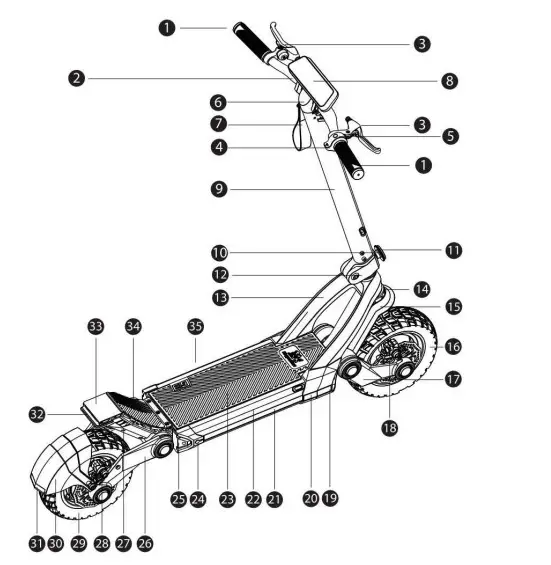
| 1 | handlebar | 19 | front light |
| 2 | steering bar | 20 | side reflector |
| 3 | braking & bell | 21 | side light cover |
| 4 | accelerator | 22 | deck |
| 5 | power Button | 23 | toot pedal |
| 6 | handlebar base | 24 | DC IN |
| 7 | locking ribbon | 25 | rear deck cover |
| 8 | display | 26 | rear suspension |
| 9 | steering pole | 27 | rear deck bottom cover |
| 10 | folding screw | 28 | rear disc brake |
| 11 | front reflector | 29 | rear wheel |
| 12 | folding bar | 30 | rear fender |
| 13 | font axel | 31 | r«ear reflector |
| 14 | front suspension base | 32 | tan light |
| 15 | font fender | 33 | rear deck |
| 16 | font wheel | 34 | rear foot pedal |
| 17 | front suspension | 35 | kickstand |
| 18 | front disc brake |
The actual product details and specifications due to product upgrading and optimization shall be subject to change without notice
2.3 Button information
G3 have different parts of the display, you have to know them before your ride.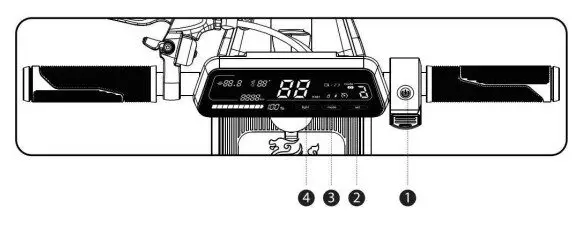
- ON/OFF button: Power ON single click, Power OFF long press, single click ON/OFF button to switch on/off headlight while scootering’s power on.
- SET Single click to switch units (miles & kilometers) long press to switch on/off foot push
- MODE: Single click to change speed mode (1-2-3-1)
Long press to open and close the cruise control ( Light: Click to switch different light modes)
2.4 Display instructions
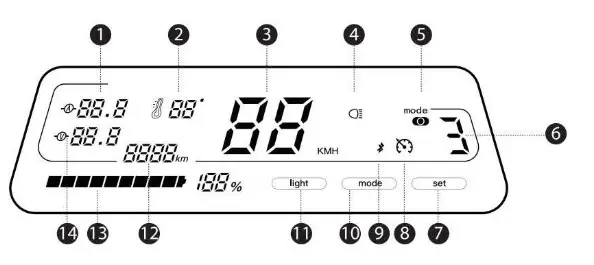
| 1 | Real-time current | 8 | Cruise riding |
| 2 | Temperature | 9 | Bluetooth |
| 3 | speed | 10 | setting button/speed mode setting |
| 4 | ( Headlight status | 11 | setting button/headlight |
| 5 | start mode | 12 | Total mileage |
| 6 | Speed mode | 13 | Battery |
| 7 | Setting button/start mode | 14 | Real-time Voltage |
if there is no power please stop and turn off the power.
Chapter 3 Fold and assemble the scooter
Please ensure that the power of G3 has been turned off before assembling the scooter.
Most of the parts have been assembled before leaving the factory. A few parts are required to be assembled before riding.
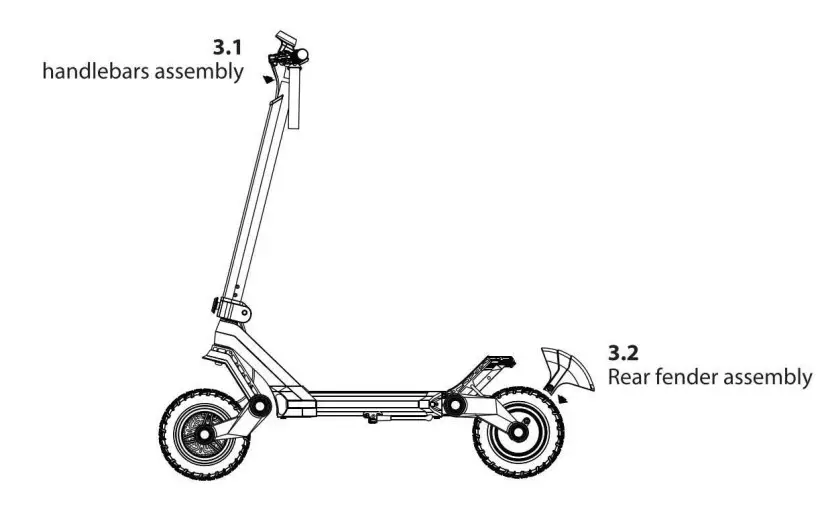
3.1 Handlebars assembly
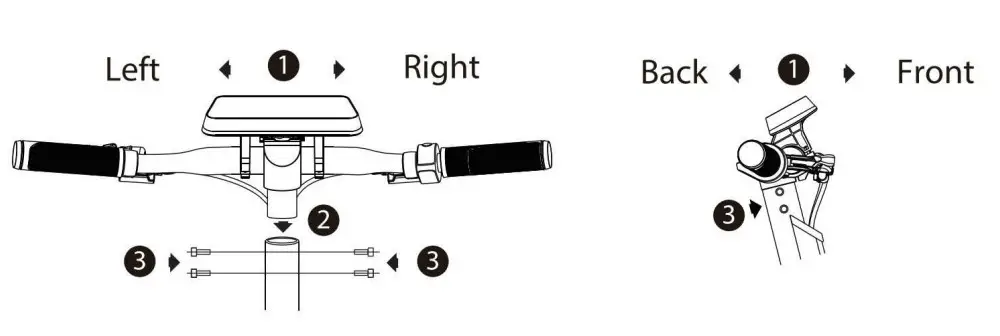
- Following the shown image, adjust the direction of the handlebar faucet.
Make sure the brake on the left side faces frontward, and the thumb accelerator on the right side faces backward. - Align & insert the mounting base in the faucet fixing seat.
- Adjust the direction and fix it with four screws.
3.2 Kickstand of E-scooter
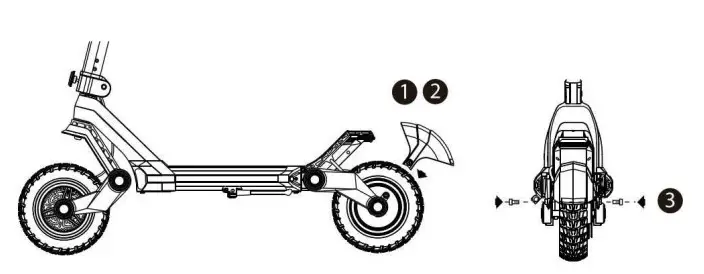
- Insert the rear fender into the installation position where the left and right suspension arms are.
- Pay attention to the left and right direction, Only in the correct direction, the rear fender can be inserted normally.
- Just screw it tightly.
3.3 Kickstand of E-scooter
- Find the kickstand beside the pedal
- Push the kickstand down

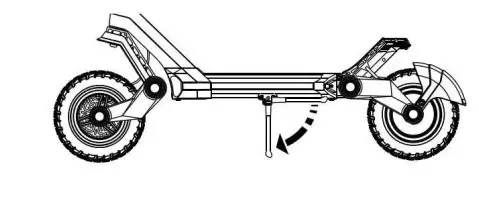
3.4 Fold the scooter
- Loosen the folding set screw until the screw is out of the fold
- Put down the steering pole.
- Hang the locking ribbon to the bottom of the rear pedal

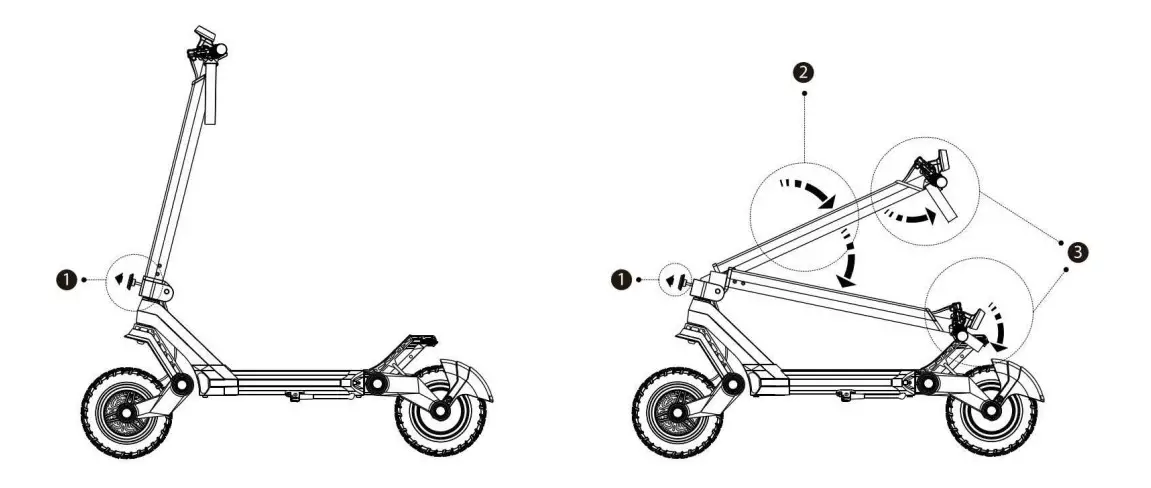
Chapter 4 Battery charge
Please charge the scooter before use.
4.1 How to charge
- Turn off the scooter before you start to charge.
- Find the charging pot and insert the charger into the socket.
- Use the right charger.
- The light will be red while charging.
- The light will be green when charging is completed.
 If it is the first charge, please charge the E-scooter at least 12 hours before using it.Under no circumstances should you use a scooter while charging.Do not charge for longer than necessary. The standard charging time is about 12 hours (18ah battery).Charging too long can affect battery life and performance.To extend battery life, charge it at least every two months.
4.2 Battery standard
| Components | Parameter |
| Type of the battery | Rechargeable lithium ions |
| Charging time | 10-12hours |
| Voltage | 52V/48V |
| Battery capacity | 18Ah/15Ah |
| Operating temperature | -10C to 40C |
| Charging temperature | 5Cto 45C |
| Storage temperature | -20C to 50C |
| KWh | 936Wh/720Wh |
| Protection | Overcharge, overdischarge, and overheat automatically shut down |
Chapter 5 Usage
Before riding the G3, please read the following information.You have to wear a helmet and other protective clothing.Only under 100Kg are allowed.Obey the local law.The G3 contains the motor, which may be classified as a motor vehicle according to your local regulations. It is your responsibility to comply with local regulations.
5.1 Riding teaching
Suppose you are wearing appropriate protective gear and have placed your scooter on a level road with sufficient power, follow these steps.
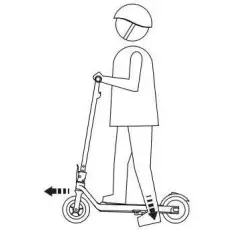 | 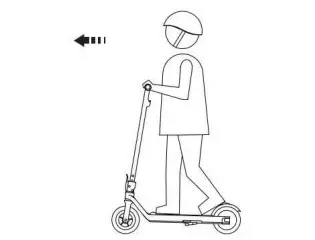 |
| Hold the handlebars with your hands and put your right foot on the deck. With little left foot push(Skm/h) to engine scooter and Right hand triggers the accelerator for riding. | Keep your body and scooter balanced by looking straight ahead |
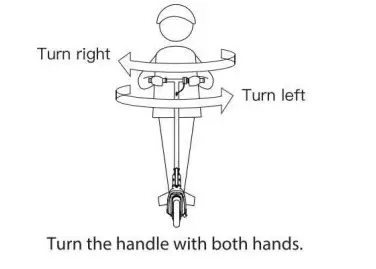 | 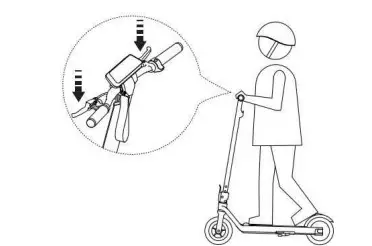 |
| Turn the handle with both hands. | To slow or stop the scooter, release trigger and hold the handbrake. Leave one foot on ground to keep the balance after scooter stopped. |
To turn off the scooter, please press the turn off button for 3 seconds after scooter stopped.
5.2 Practice guidelines
Please practice riding until you can easily use all scooter functions. See the tips below.
- Avoid passing through anything that may stick on or stuck in the wheels.
- Wear fat shoes for fexibility and stability.
- Keep practising until you can easily get on, forward, turn, stop and get off.
- Riding on the road with a 20 degree slope is OK for G3, but not recommended.
- G3 is preferred to relatively fat road conditions.
- Do not ride on slopes, pedestrians or obstacles until you are profcient with the scooter.
The G3’s weight is about 25 KGs. Remember to fold the scooter before you pick it up.
Chapter 6 Cleaning and maintenance
6. 1 Cleaning
After long time riding, you need to clean it to ensure the G3 works well.Turn off the scooter before cleaning.Use dry cloth to scrub it.Avoid contacting from liquid.Donot use alcohol and detergent. Do not spray the liquid directly on any part of the scooter.
6.2 Storing
To store G3, please follow the below instructions:Please charge it before you store it.Charge it every 2 month.Cover G3 to prevent dust.Do not store it in a dusty or moisture environment, which may cause damage.
6.3 Transport
Close and fold the scooter before moving, lifting, or transporting it (see section 3.4 for instructions).When lifting the whole scooter, please note the weight of G3 is about 25KGs.
Chapter 7 Maintaining
Your G3 electric scooter is warranted to the original owner for one year from the date of purchased against defects in material and workmanship under normal use and service.
This warranty gives you specific legal rights and you may have other rights depending on local laws. This warranty lasts for one year from the date of purchase.If the product is repaired or replaced, the warranty period will not be extended.This warranty only covers technical hardware defects under normal use conditions during the warranty period.
Guarantee does not include
(a)transport (b) store (c)usage (d)don t obey the instruction (e)change (f)repair without authorization (g) abrasion (h)accident
Statement: we are not responsible for the accidental use of this product and its liability will not exceed the purchase price of the product in any condition.