 In-Line
Sanitizing
System Operating
Instructions
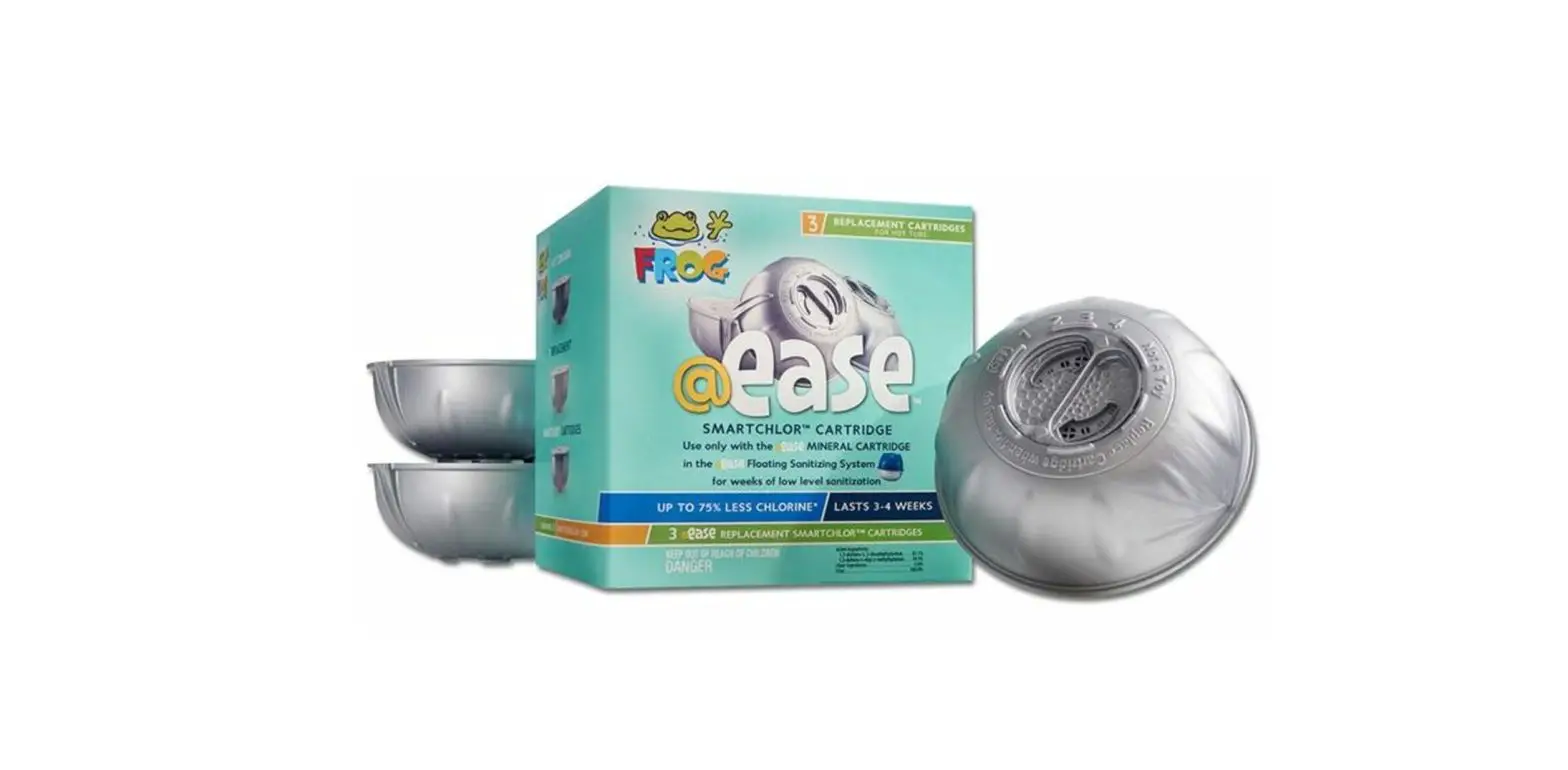
FROG ® @ease ® is the hot tub sanitizing system + that takes the guesswork out of water care so you always feel at ease while enjoying your hot tub.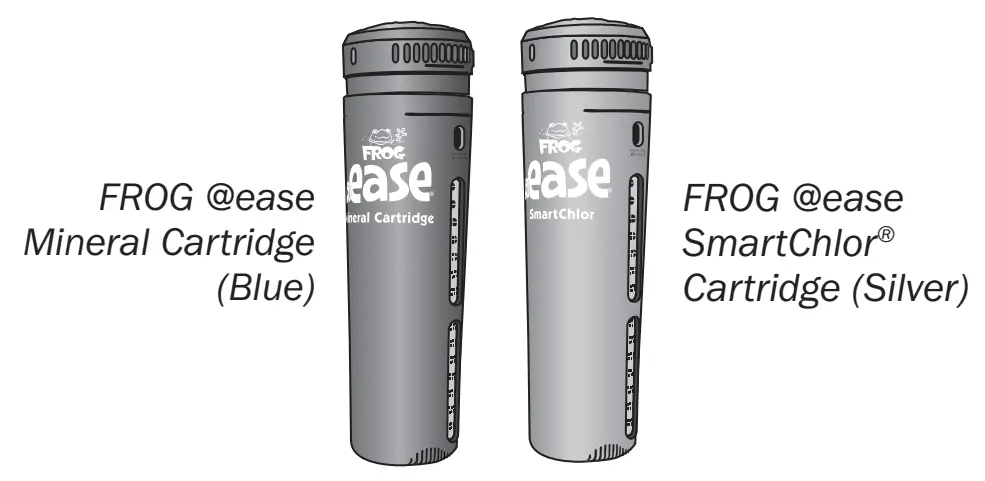
- FROG @ease creates Fresh Mineral Water® that’s cleaner, clearer, and softer®.
- FROG @ease employs SmartChlor Technology that knows when and how much free chlorine is needed so it uses up to 75% less.*
- FROG @ease requires far less shocking – only once a month!
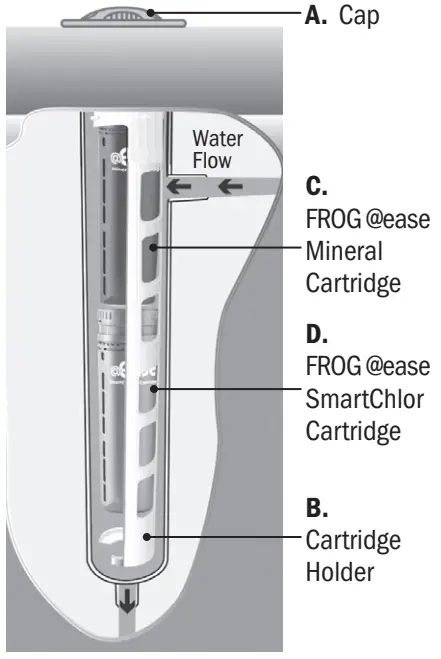
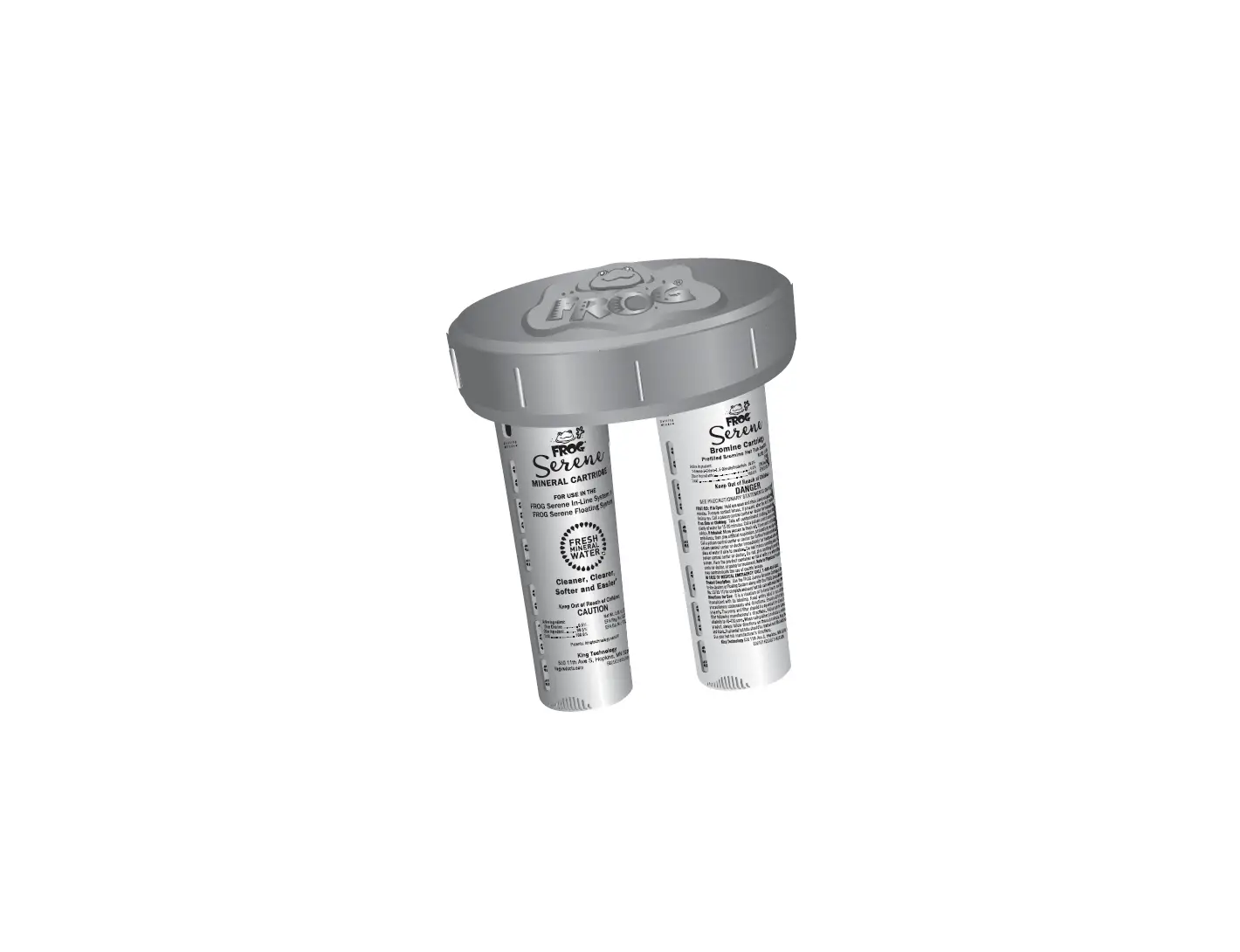
Cut-away view of cartridges snapped into the holder and placed into the In-Line System.
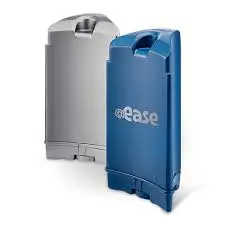
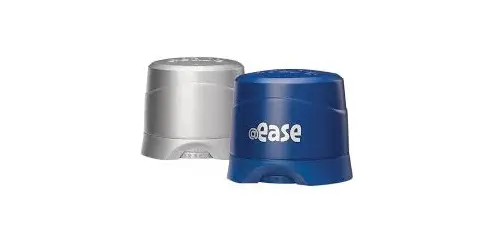
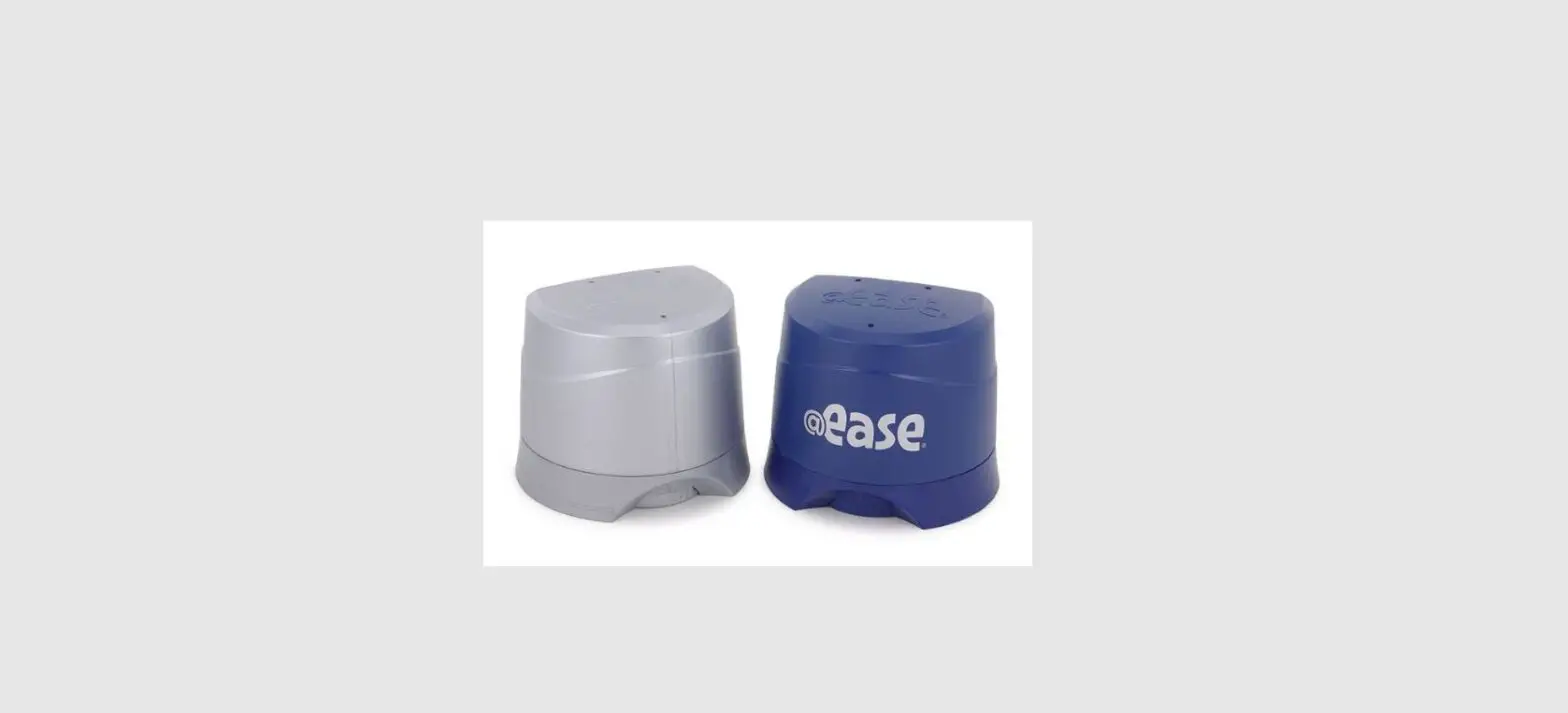
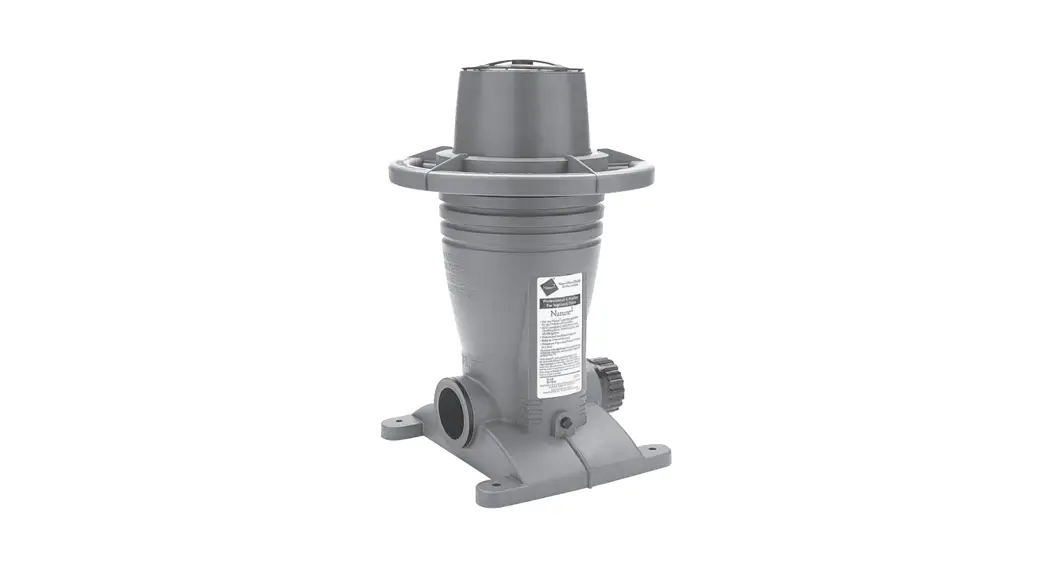
The In-Line System is made up of:
(A) a cap that is easily distinguishable among the fittings on the top of the hot tub
(B) a cartridge holder that pulls out of the system
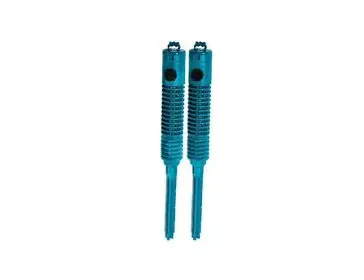
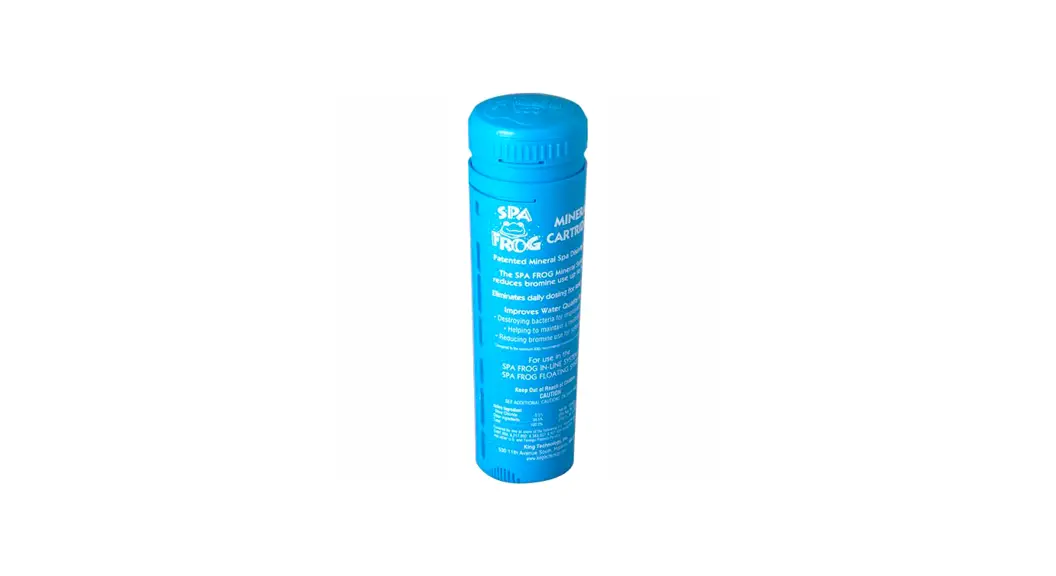
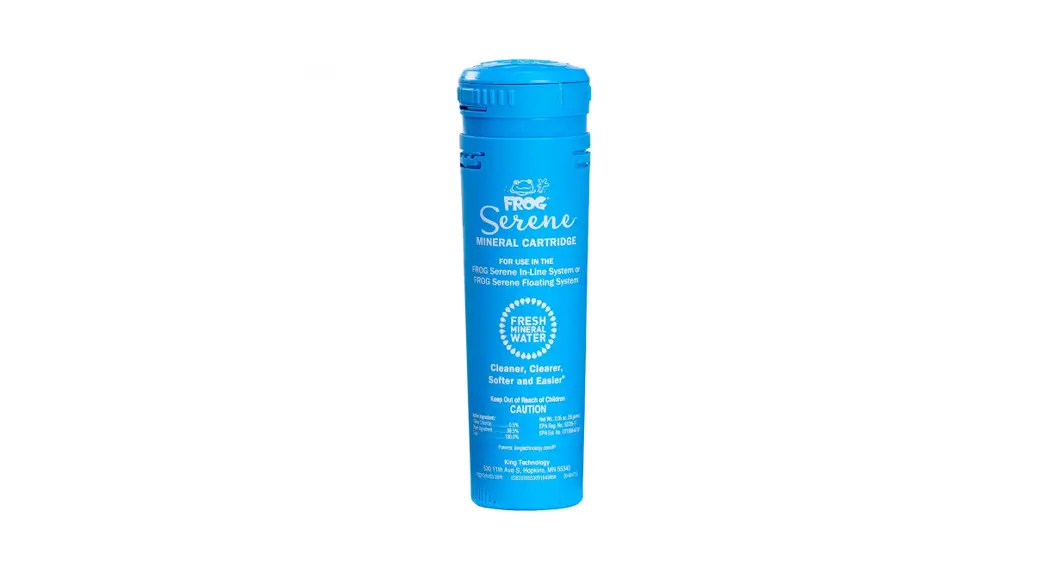
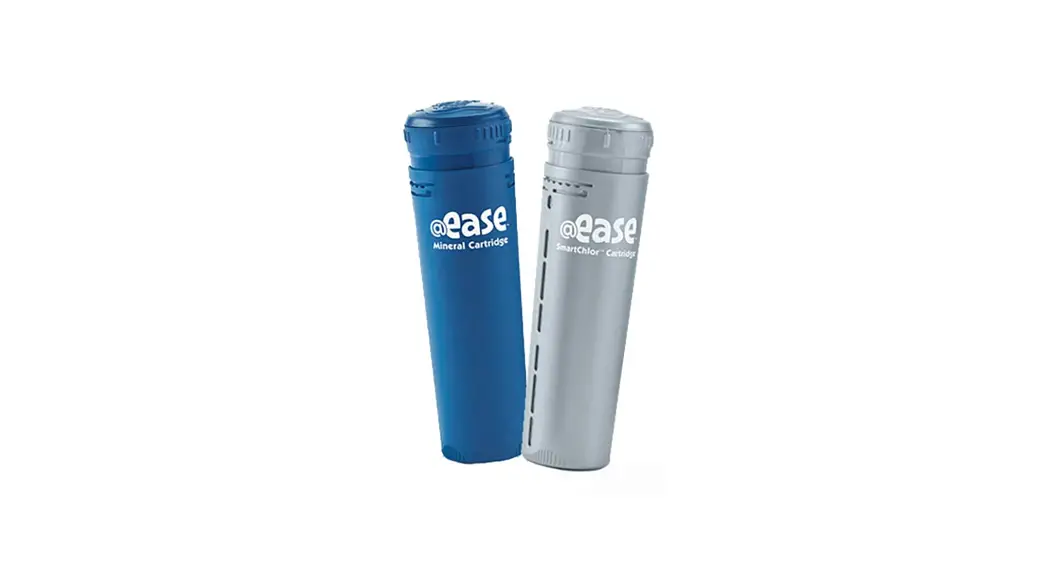
(C) a FROG @ease Mineral Cartridge that helps control bacteria in the water and
(D) a FROG @ease SmartChlor Cartridge helps support the minerals while oxidizing contaminants like body oils and ammonia compounds responsible for smelly chloramines. The cartridges are adjustable to meet your specific hot tub water care needs.
Step 1: Prepare the Hot Tub
- Fill the hot tub with fresh water.
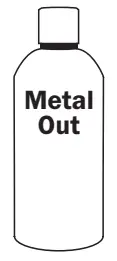
If using source water that is high in calcium, iron, or other metals, see your dealer before filling the hot tub. It may require the use of a metal control product.
If previously using bromine and switching to the FROG @ease System, you must drain and refill your hot tub before using this product.
If previously using dichlor you may convert to the FROG @ease System without having to drain the hot tub, as long as the cyanuric acid level is below 80 ppm.
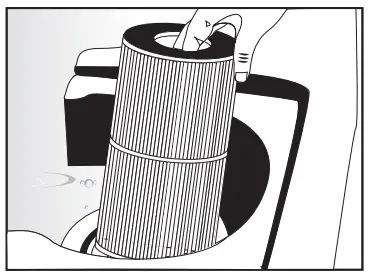
- Clean or replace filter cartridges when dirty. (Follow manufacturer’s instructions).
- Balance water by following STEPS a — d in order.
IMPORTANT: Always follow printed instructions on balancing chemical packages. Add balancing chemicals in small increments one at a time with the jets on and wait 6 hours before testing again and adding any additional balancing chemicals.
Water Balance Guidelines
| pH: | 7.2 – 7.8 |
| Total Alkalinity: | 80 – 120 ppm |
| Hardness: | 150 – 250 ppm |
| Total Dissolved Solids: | <1500 |
| Cyanuric Acid: | 0 – 50 ppm |
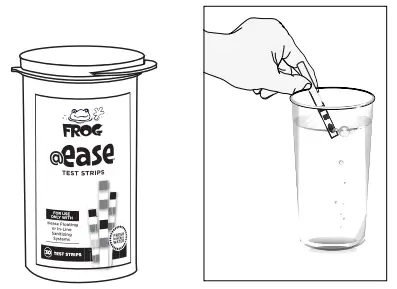
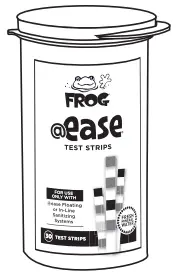
a. Take a water sample from the hot tub and dip a FROG @ease Test Strip into it.
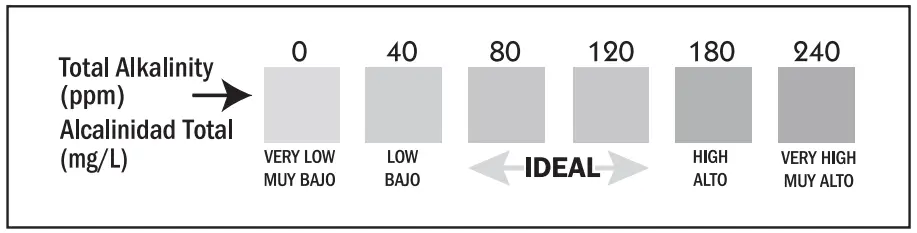
b. Look at the Total Alkalinity reading first. Adjustments should be made to bring the Total Alkalinity in the range of 80 – 120 ppm prior to making any adjustments to pH even if it throws pH off further.
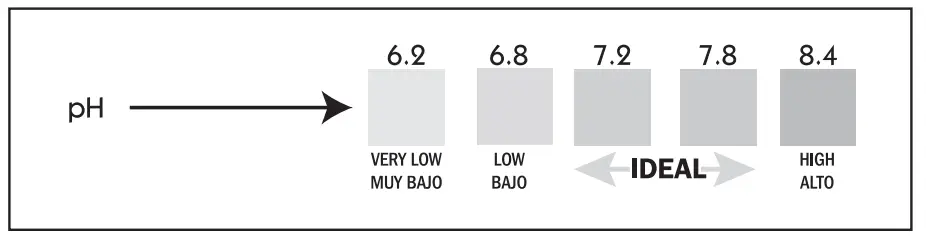
d. Lastly test for Hardness. It should be between 150 and 250 ppm. If higher, partially drain the hot tub (about 6 inches) and fill with water low in calcium. If lower, add Calcium Increaser. If balancing takes longer than 2 days, shock the water and maintain a chlorine level while continuing balancing.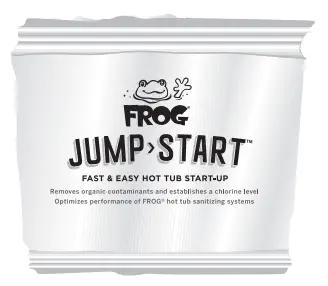
4. Very Important! After balancing and before using cartridges, establish an initial residual of 0.5 – 1.0 ppm free chlorine with FROG ® Jump Start ® start-up shock, included in this package, that quickly dissolves with an effervescent fizzing action – one packet per 600 gallons.
5. Heat water to the manufacturer’s recommended temperature.
Step 2: Set the Cartridges
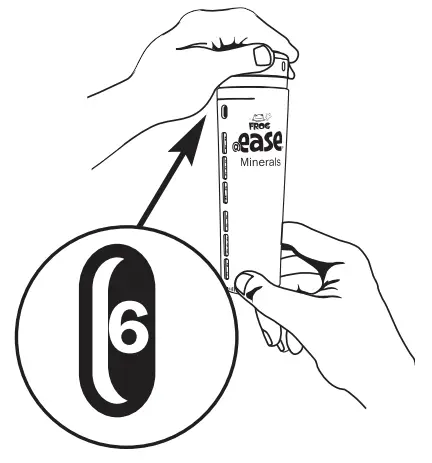
Set the FROG @ease Mineral Cartridge to #6 (hold the bottom and turn the top until 6 appears in the window). No further adjustments are necessary for the life of the cartridge.
| @ease Setting Chart | |
| Gallons | Setting # |
| 200-250 | 1 |
| 251-300 | 2 |
| 301-450 | 3 |
| 451-600 | 4 |
Set the FROG @ease SmartChlor Cartridge to the setting that matches your hot tub size in gallons. FROG @ease SmartChlor Cartridge will maintain a low 0.5 to 1.0 ppm chlorine level as long as the pH stays within 7.2 and 7.8 so there is little need to adjust the cartridge set. If needed, you have two additional settings to increase output.
Step 3: Put the System to Work
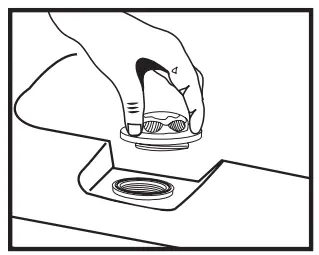
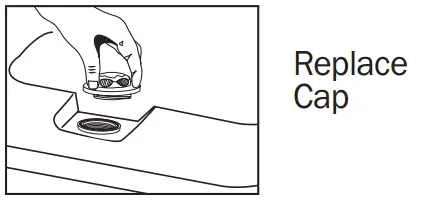
- Open the cap of the In-Line System and set it aside.
DO NOT OPEN THE CAP WHILE JETS ARE ON.
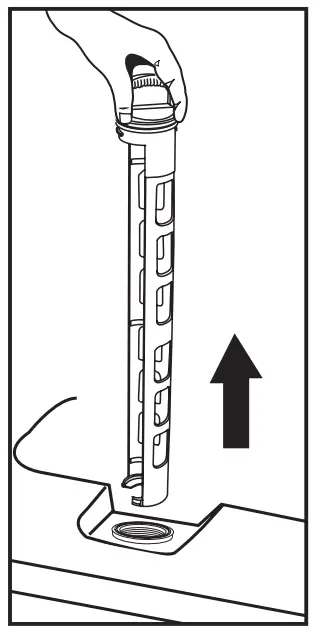
- Remove holder by pushing down and turning counter-clockwise 1/8th turn before pulling out.

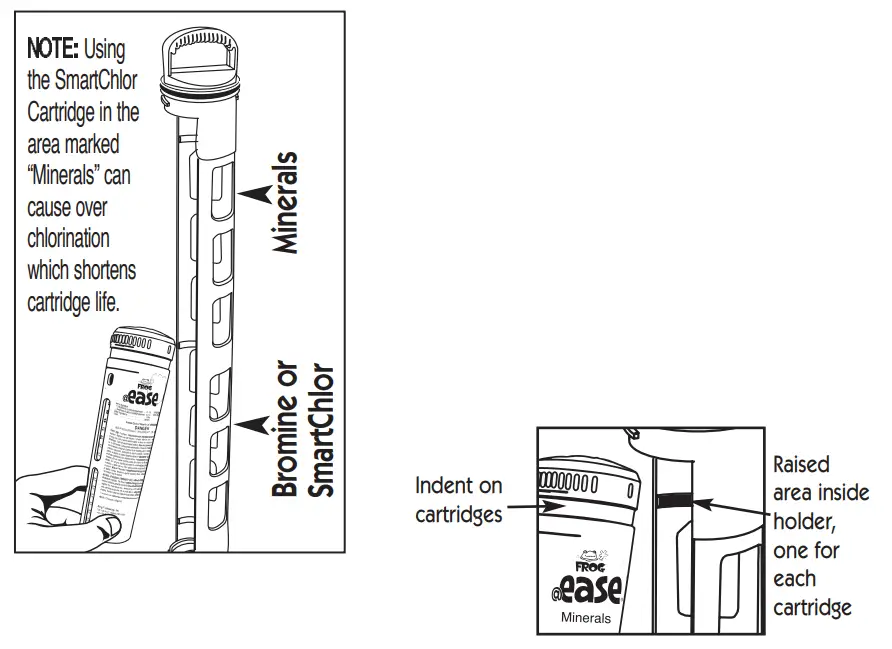
- Snap the FROG @ease Mineral Cartridge into the area marked “Minerals” (top portion) and the FROG @ease SmartChlor Cartridge into the area marked “Bromine or SmartChlor” (bottom portion) making sure to line up the indentation at the top of the cartridges with the raised area on the holder.

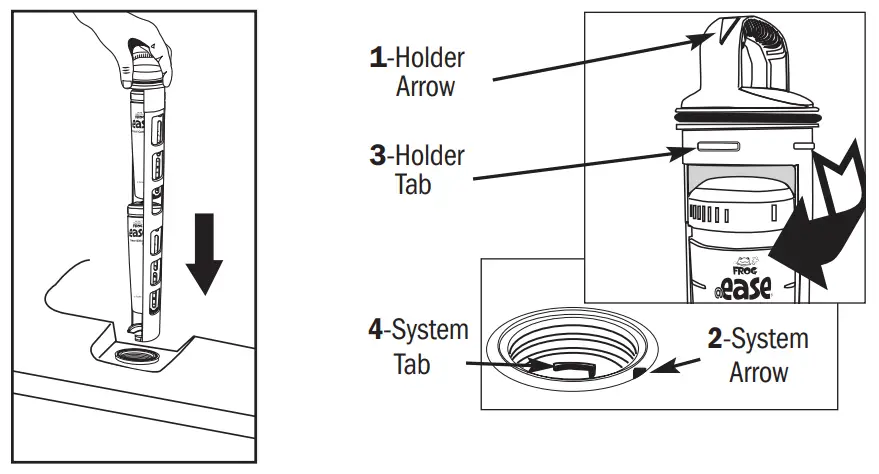
- Slowly insert the holder into the system. Line up holder arrow (1) with system arrow (2). Push down until holder tabs (3) go past system tabs (4) and turn holder to the right (clockwise) until it stops. To ensure a locked position, attempt to pull the holder up. If it stays in place, the lock is secure.

Replacing Cartridges
Replace FROG @ease Mineral Cartridge every four months or when draining and refilling the hot tub.
- Discard it in the trash even if it appears to have media left inside
- Don’t attempt to reuse: the minerals are spent after four months replace FROG @ease SmartChlor Cartridge when empty based on the FROG @ease Test Strip showing a lighter color than the indicator on the bottle.
- The life of the cartridge varies depending on hot tub size and the number of users. The FROG @ease SmartChlor Cartridge will last about 3-4 weeks for an average 400-gallon hot tub.
- Drain water from the cartridge to ensure it is empty.
- Discard in trash or offer for recycling if available.
- Drain and refill the hot tub as directed by your hot tub manufacturer. Whenever you drain and refill, make sure to replace your FROG @ease Minerals.

- Run a filtration system as recommended by your hot tub manufacturer to maintain proper water flow through the system.

- Regularly test the water with FROG @ease Test Strips and follow directions in Step 1 for maintaining pH, Total Alkalinity, and Hardness.
NOTE: pH is affected by the bather load, chemicals used, evaporation, and the make-up of your source water so maintaining water balance regularly is important. - FROG @ease SmartChlor Cartridge will maintain a 0.5-1.0 ppm free chlorine level as long as the water is balanced.
NOTE: Free Chlorine levels are reduced up to 75%* when using FROG Minerals.
NOTE: Why FROG @ease Test Strips? The FROG @ease Smart- Chlor Cartridge forms a chlorine reserve that will be inaccurately measured as total chlorine on other test strips. Unlike conventional chlorine, the SmartChlor reserve readily shifts to free chlorine as needed, maintaining spa health with a low level of chlorine.
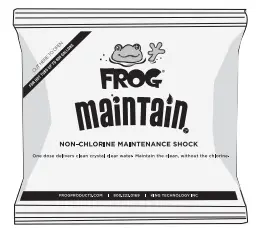
- Shock the hot tub with FROG Maintain™, a non-chlorine shock for single-dose shocking when you replace the FROG @ease SmartChlor Cartridge or once a month.

- Replace your FROG @ease SmartChlor Cartridges and the complete FROG @ease In-Line System (that comes with a FROG @ease Mineral Cartridge) as directed under Step 3: Put the System to Work.
- Lubricate in-line holder o-ring twice a year with a silicone lubricant.

Troubleshooting
Cloudy Water or Low-Chlorine Levels
- Shock the hot tub with FROG Maintain, a non-chlorine shock.
- Check water balance. pH and Total Alkalinity need to be in the proper ranges for the FROG @ease System to work correctly.
- Check FROG @ease SmartChlor Cartridge and replace if empty—see instructions under Step 3: Put the System to Work.
- If the FROG @ease SmartChlor Cartridge is not empty, turn dial setting up one number while maintaining water balance. If needed, turn dial-up again.
- Check your calendar. The entire FROG @ease System including a FROG @ease Mineral Cartridge needs to be replaced every four months. Without the minerals, SmartChlor will not be enough to sanitize the hot tub.
FROG @ease SmartChlor Cartridge Life - If the hot tub is larger than 400 gallons with a significant bather load, you may require a higher dial setting which will shorten the cartridge life.
- If you think the cartridge setting is too high, you can turn the dial setting down one number while maintaining water balance. If needed, turn the dial down again.
High Chlorine Levels - This is highly unlikely with the FROG @ease System because SmartChlor is self-regulating. However, if you use standard test strips, it may appear that total chlorine is higher than the free chlorine.
- No worries—the strip is measuring the SmartChlor reserve, which will shift to free chlorine as needed. Please always use the FROG @ease Test Strips that were included with your System. Learn more at frogproducts.com or call 800.222.0169 Register your FROG @ease Sanitizing System at frogproducts.com
Manufactured by: King Technology, Inc.
530 11th Ave S, Hopkins, MN 55343 U.S.A.
® 952-933-6118 • Customer Service 800-222-0169 frogproducts.com
Made in the U.S.A. Patents: kingtechnology.com/IP
Ver la versión en español de este manual en frogproducts.com
+ FROG @ease System consists of the FROG minerals silver chloride and carbonate used with 0.5 ppm of FROG @ease SmartChlor Cartridge. The FROG @ease Mineral Cartridge must be used in conjunction with the FROG @ease SmartChlor Cartridge.
* Compared to the minimum ANSI recommended chlorine level of 2.0 ppm for a hot tub. For pools and hot tubs.
EPA Est. No.: 64114-MN-1
E050421553082143R4N 20-48-0193
 FROG® Pool and Hot Tub State of the Art Sanitizing Solutions with Fresh Mineral Water
 IP - King Technology