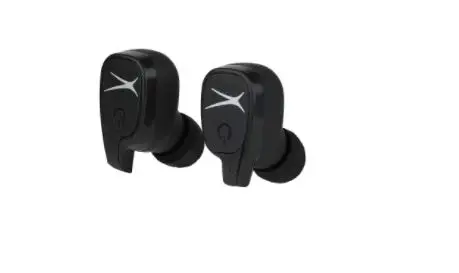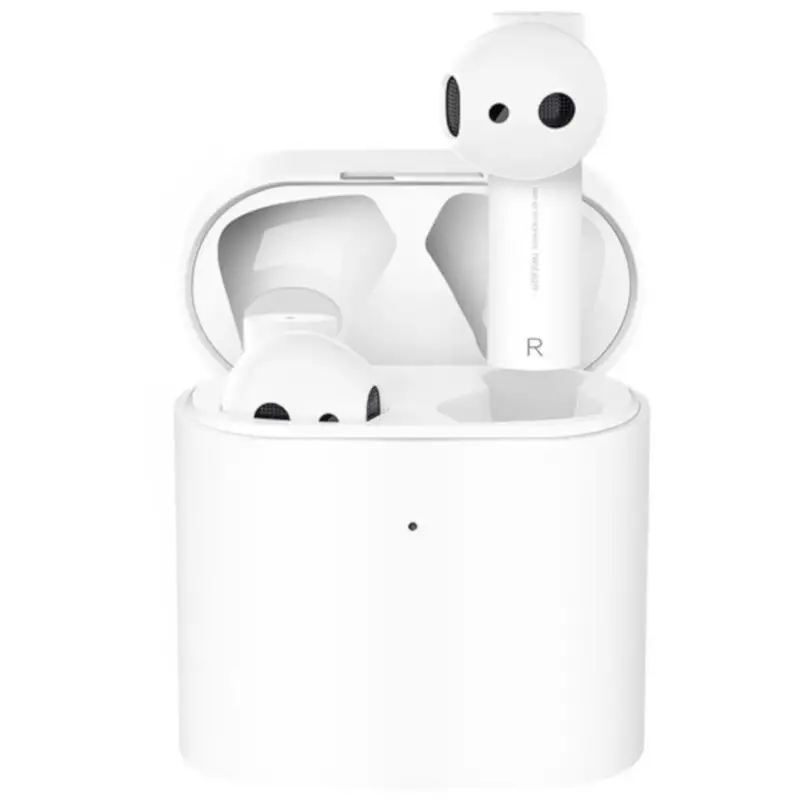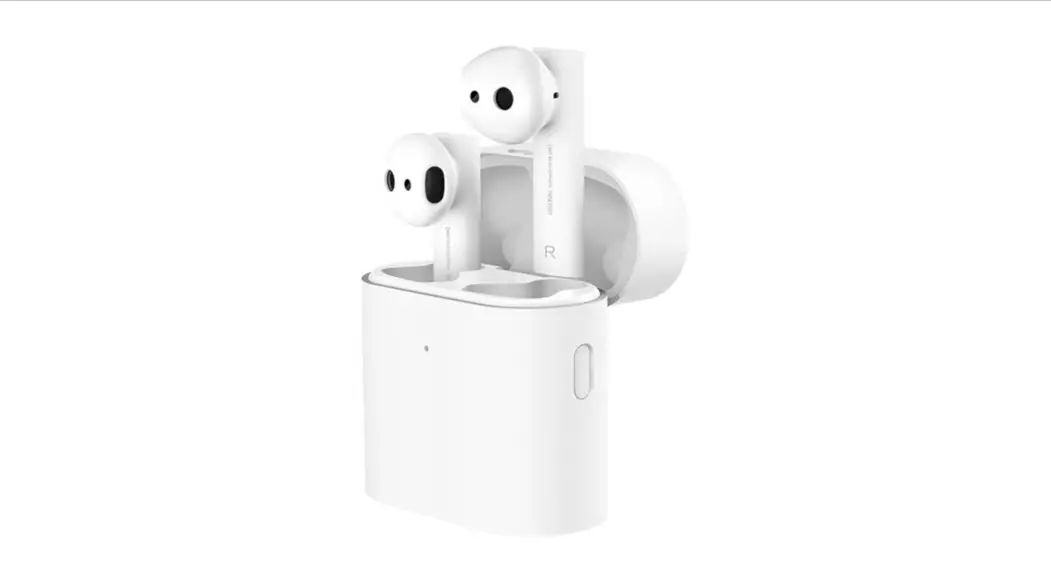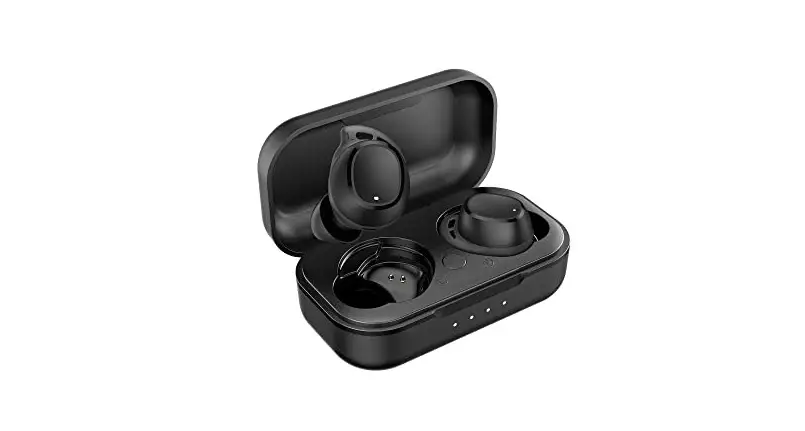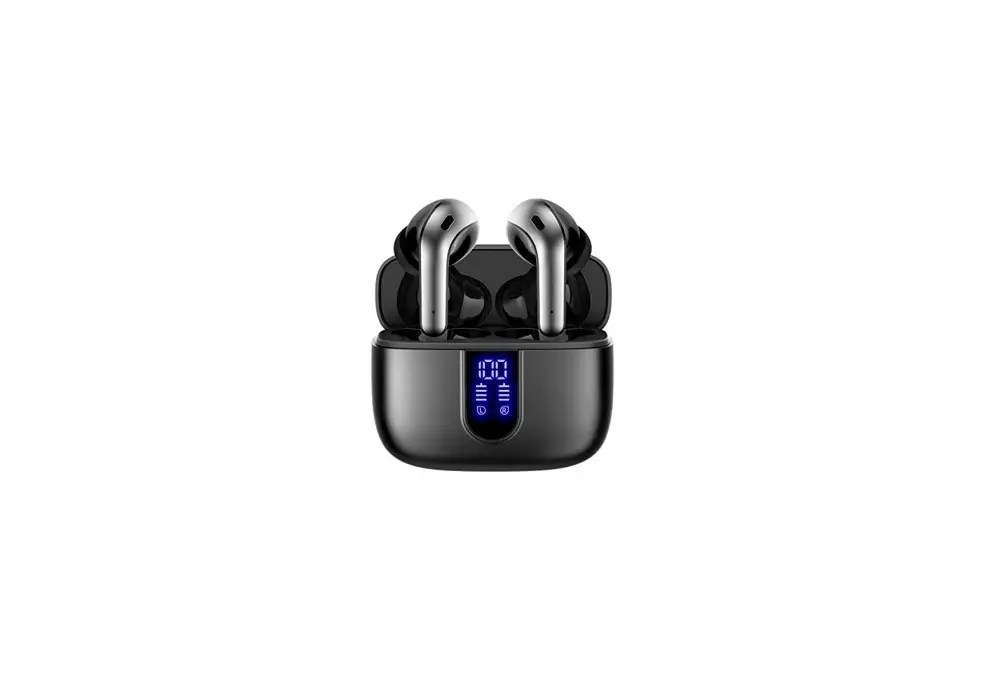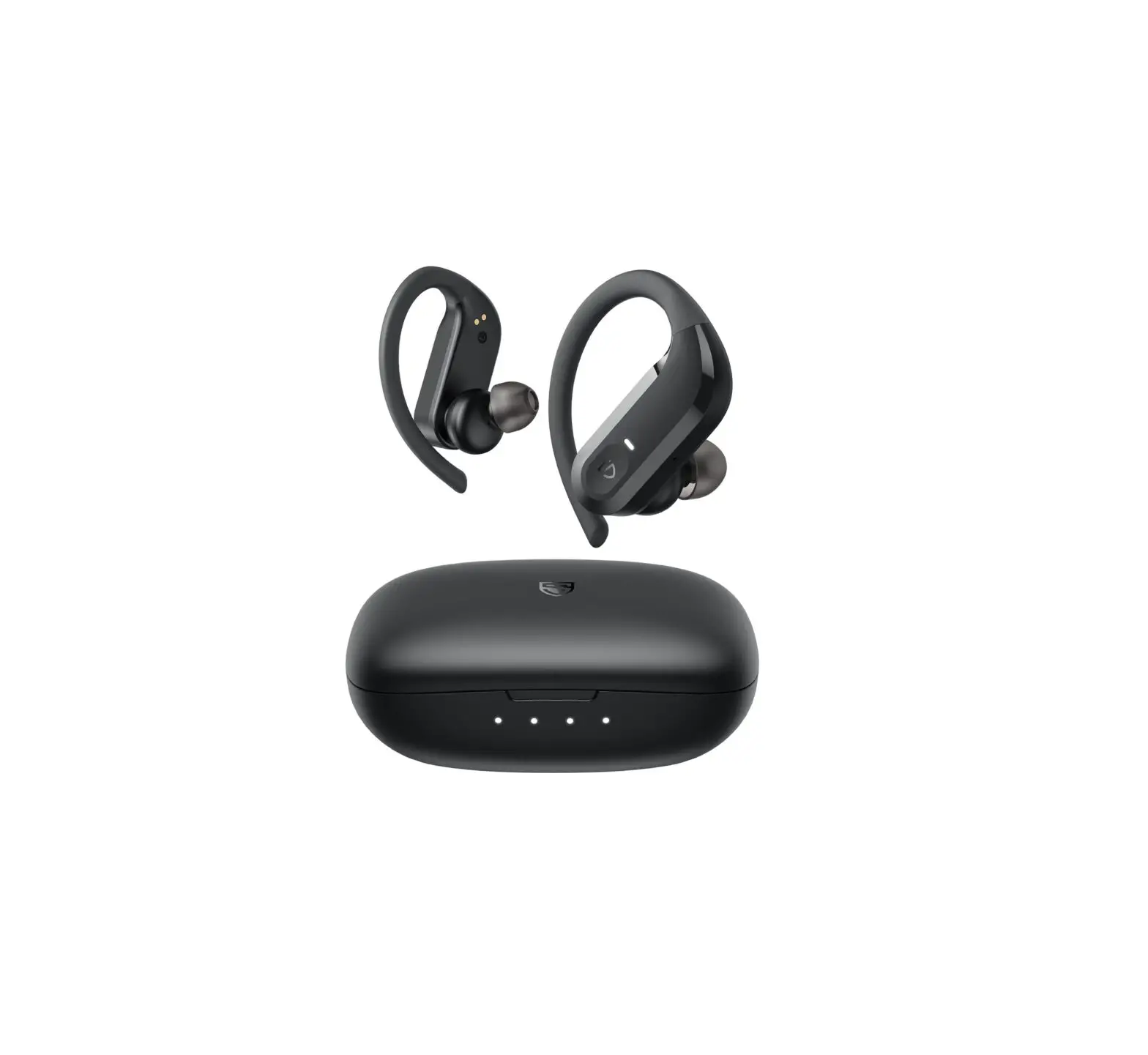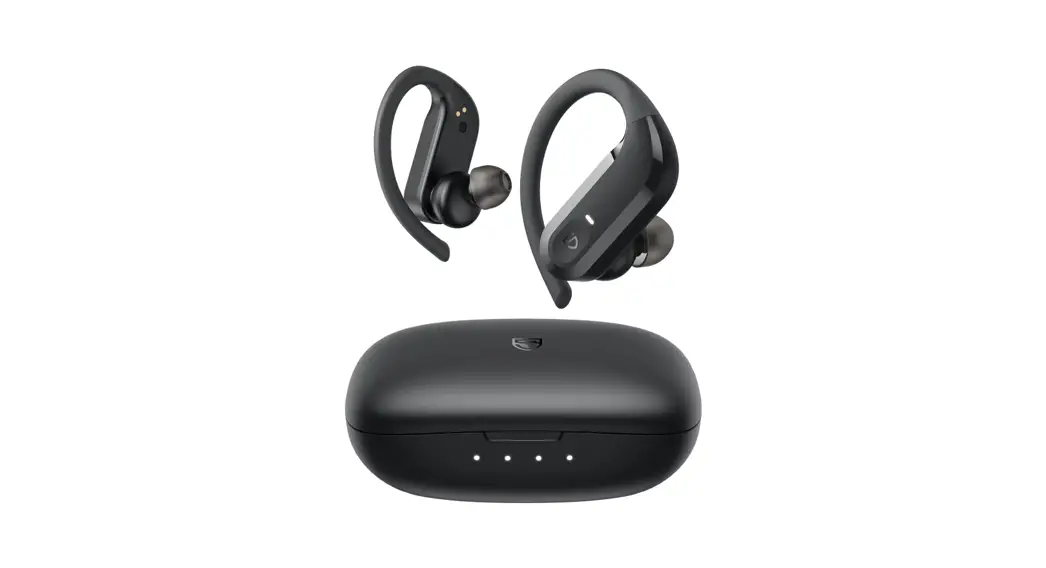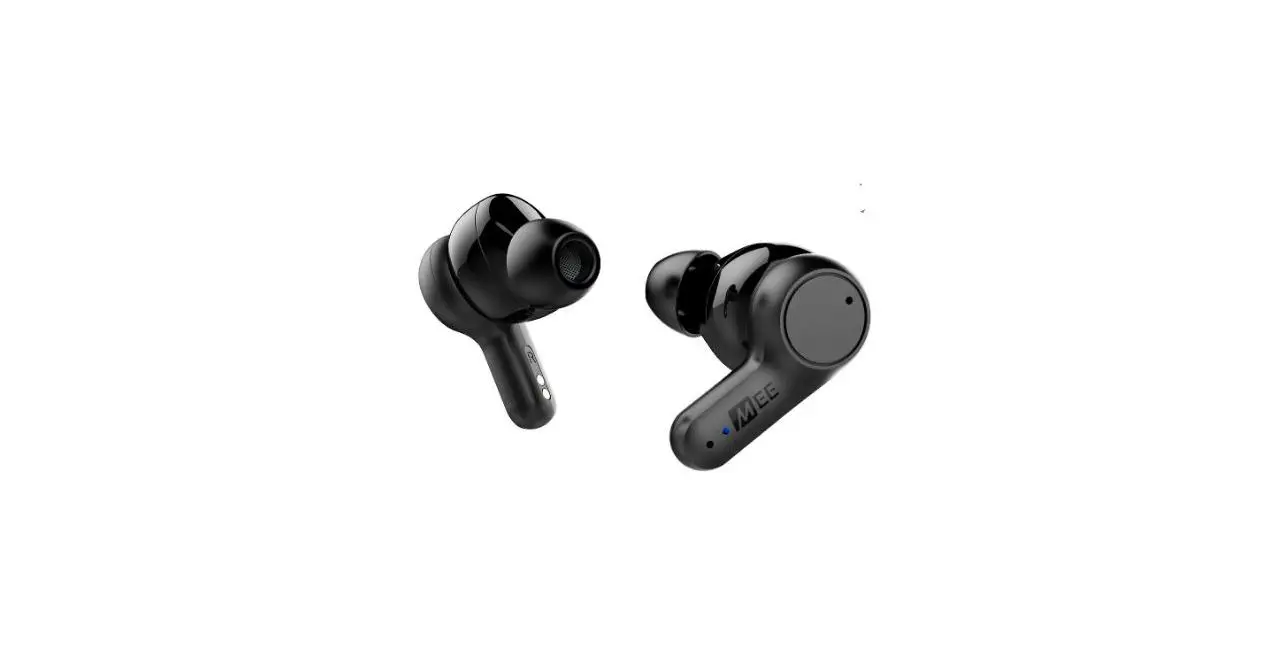

S2E X20 Truly Wireless Earphones
GETTING STARTED
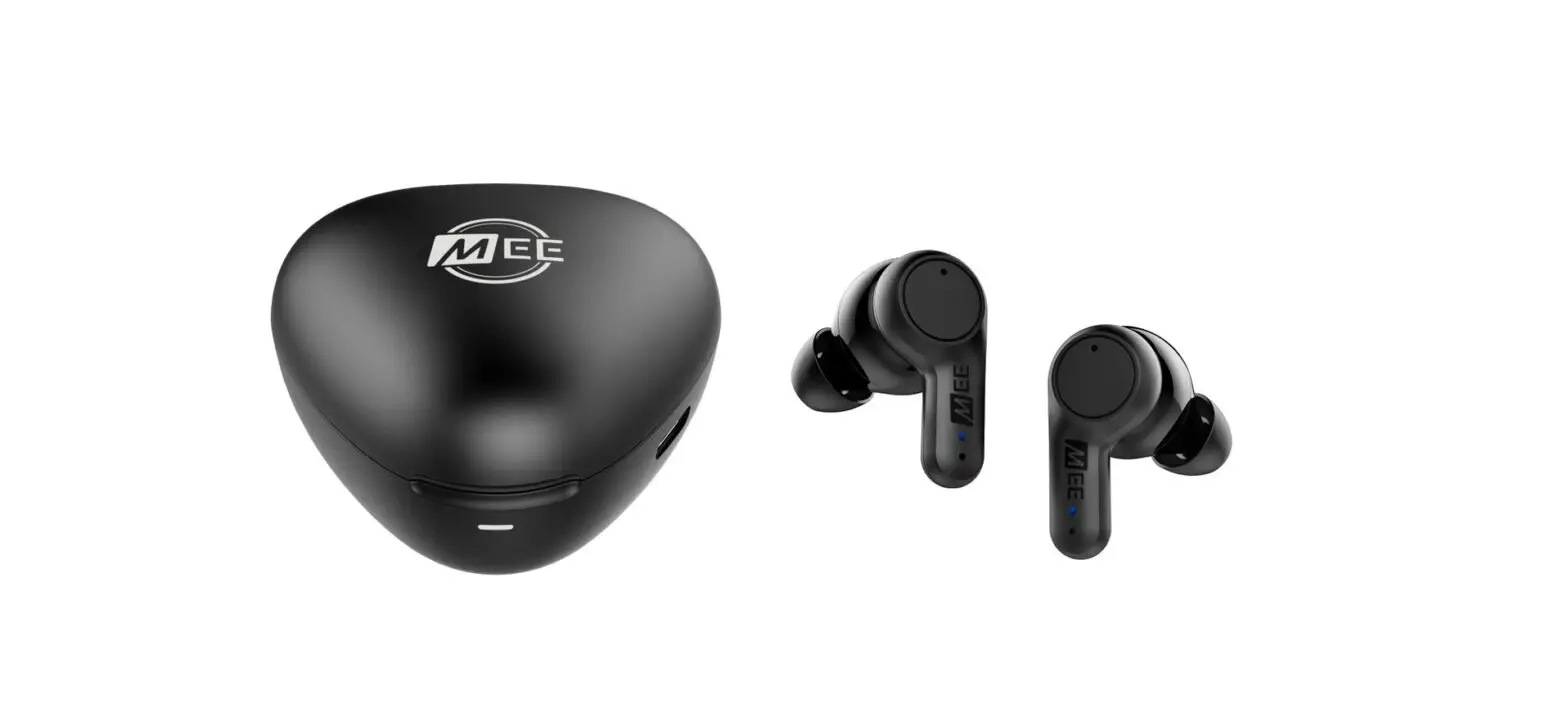
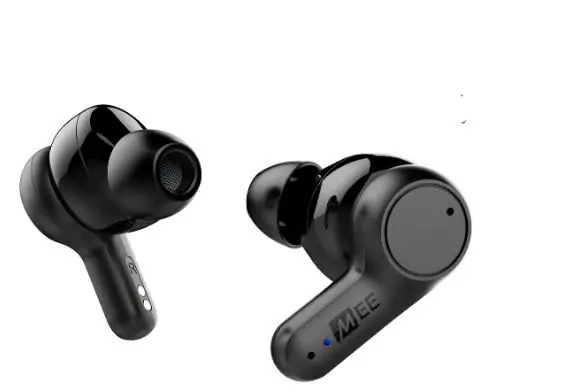
X20 Truly Wireless Earphones 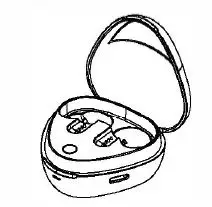
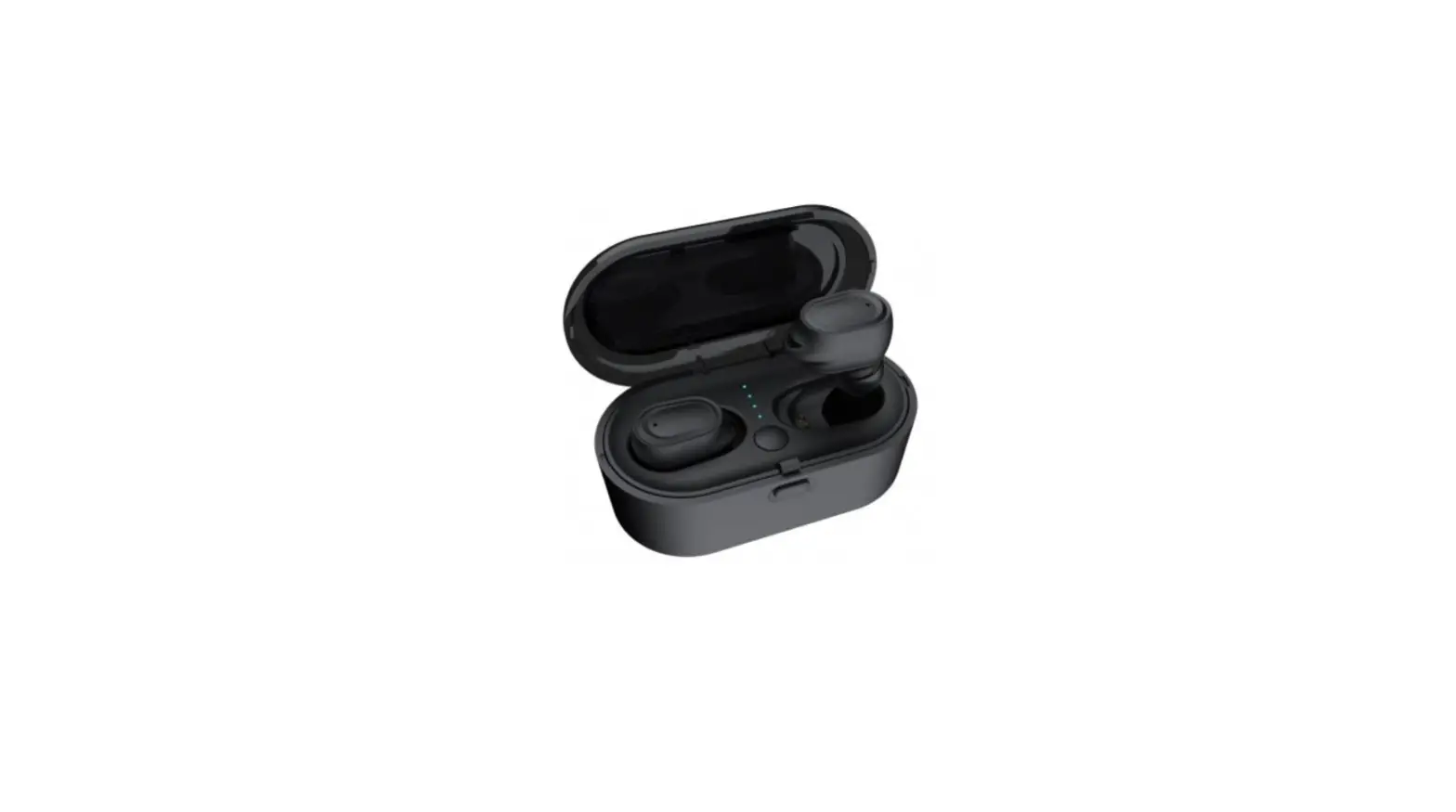
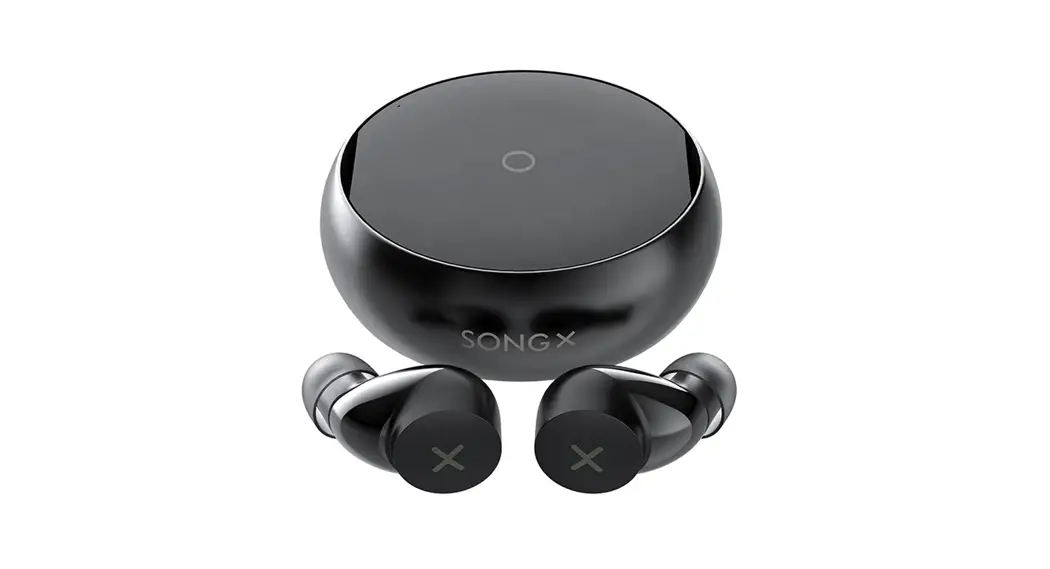
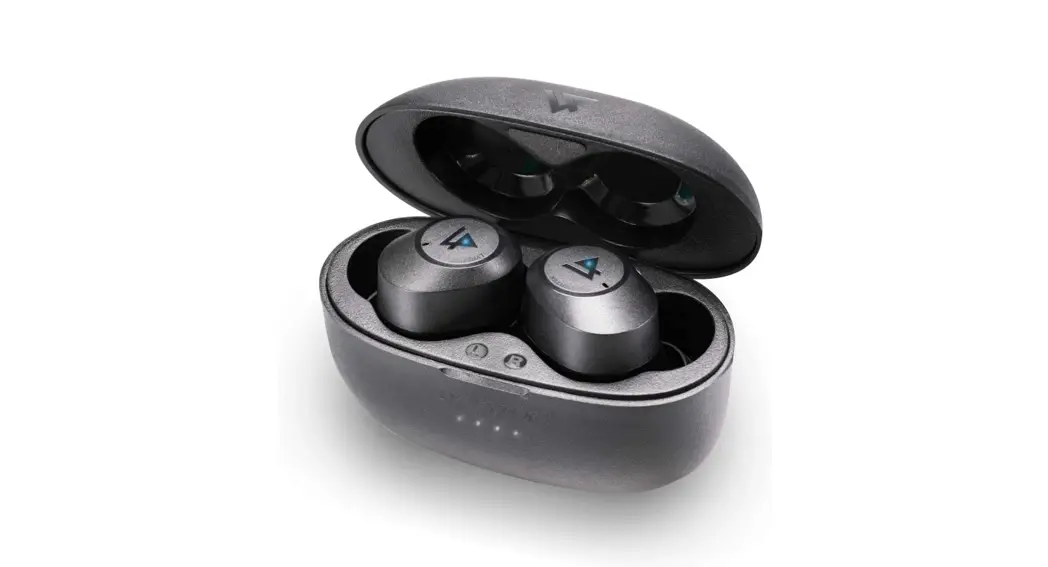
Charging Case 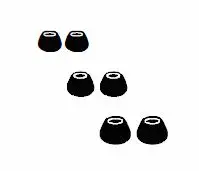 Eartips (3 Pairs)
 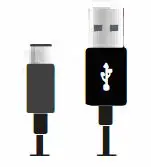 USB-C Charging Cable
CHARGING
Connect charging case to a USB port or wall adapter using the includedUSB cable.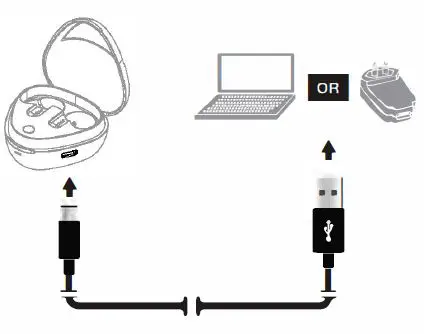
Place both earpieces in the case and close the lid or press the button on the case to charge.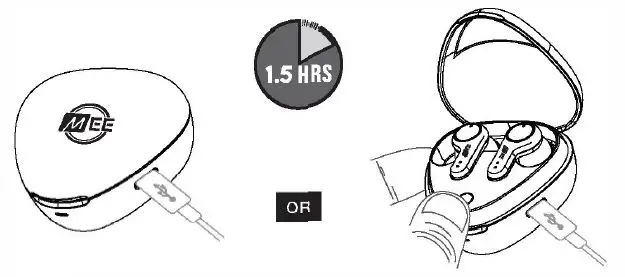
PAIRING
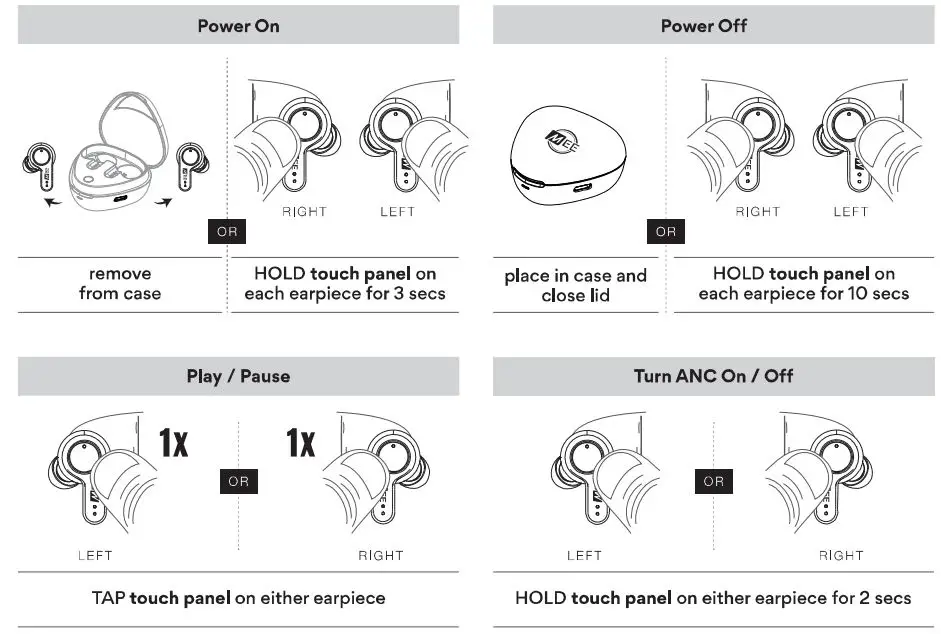
Remove both earpieces from the case.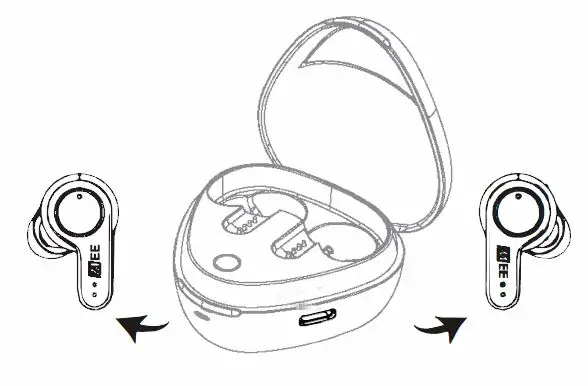
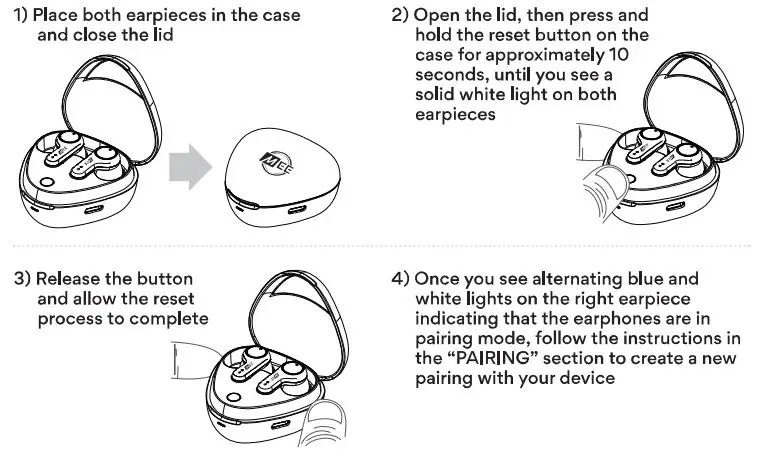
The right earpiece will automatically enter Bluetooth pairing mode. Open the Bluetooth menu on your device and select “MEE audioX20”. 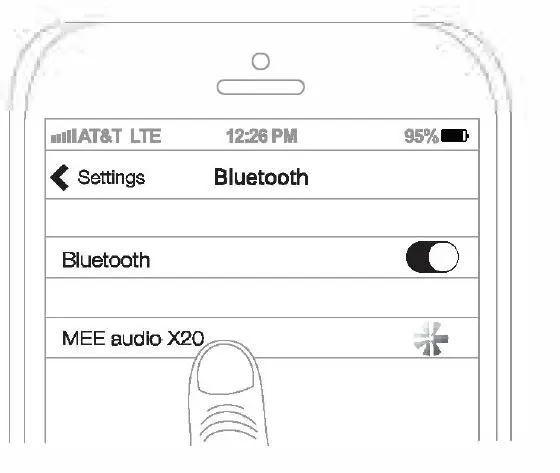
CHANGING CASE INDICATOR
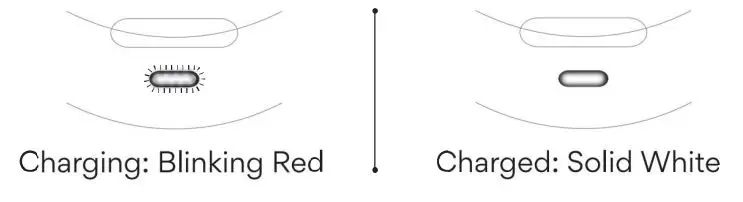
Earpiece Indicator Lights 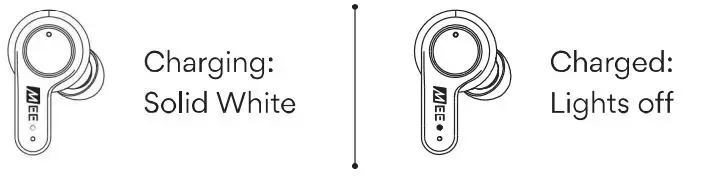
Earpiece Indicator Lights 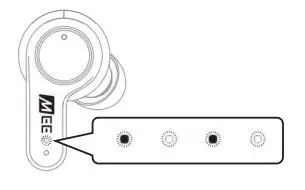
Pairing mode is indicated by flashing alternating blue and white lights
Earpiece Indicator Lights 
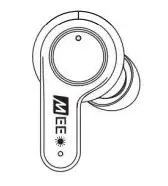
Once pairing is complete, a blue light will blink intermittently
Fitting
Select the eartips with the best sound and comfort for your ears. 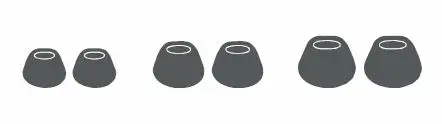
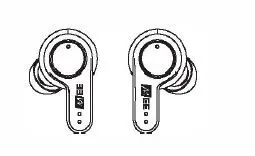
Identify the left and right earpieces.
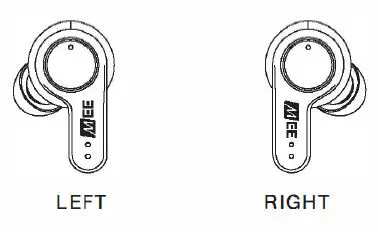
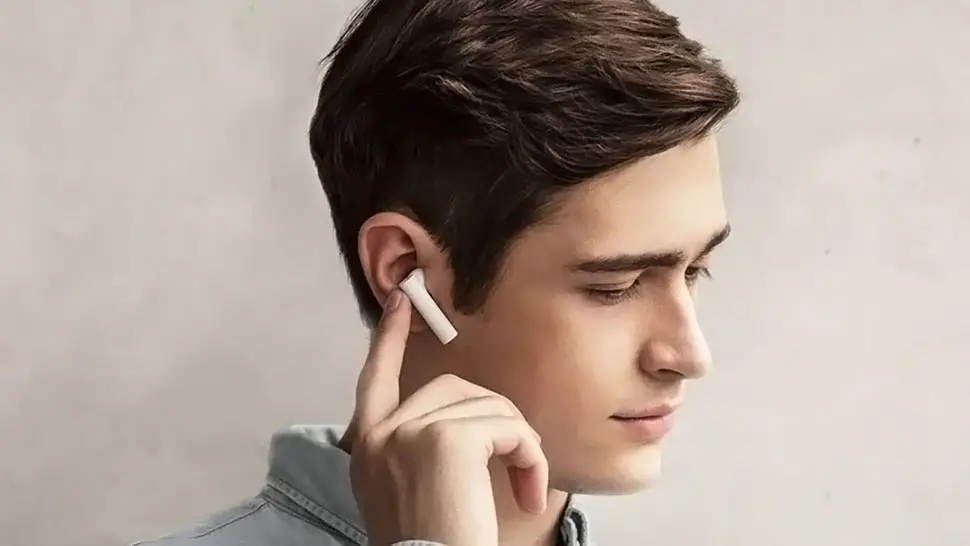
Put each earpiece in the corresponding ear. 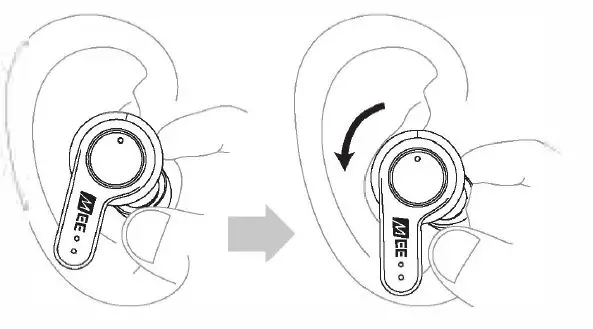
Adjust each earpiece until it fits flush in your ear and the eartip seals the ear canal. If your music sounds tinny or lacks bass, try different ear tips.
Active Noice Cancellation
Press and hold the touch panel on either earpiece for 2 seconds to enable or disable the Active Noise Canceling (ANC) function. A voice prompt will provide the ANC status .
HOLD touch panel on either earpiece for 2 secs
Power Off
When done listening, place both earpieces back in the case and close the case lid. 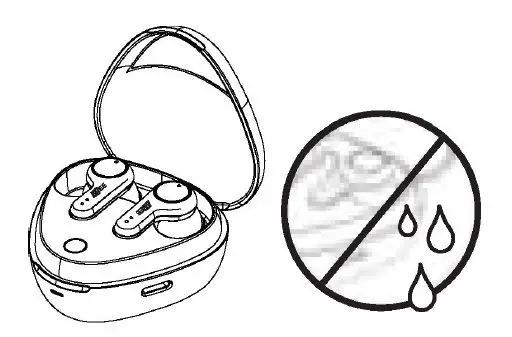
Subsequent Use
When removed from the charging case, the X20 reconnects automatically to the last paired Bluetooth device that is in range.
To reconnect manually, open the Bluetooth menu on your device and select “MEE audio X20” from the Bluetooth device list.
You can also use either earpiece as a single-ear headset by leaving the other earpiece in the case.
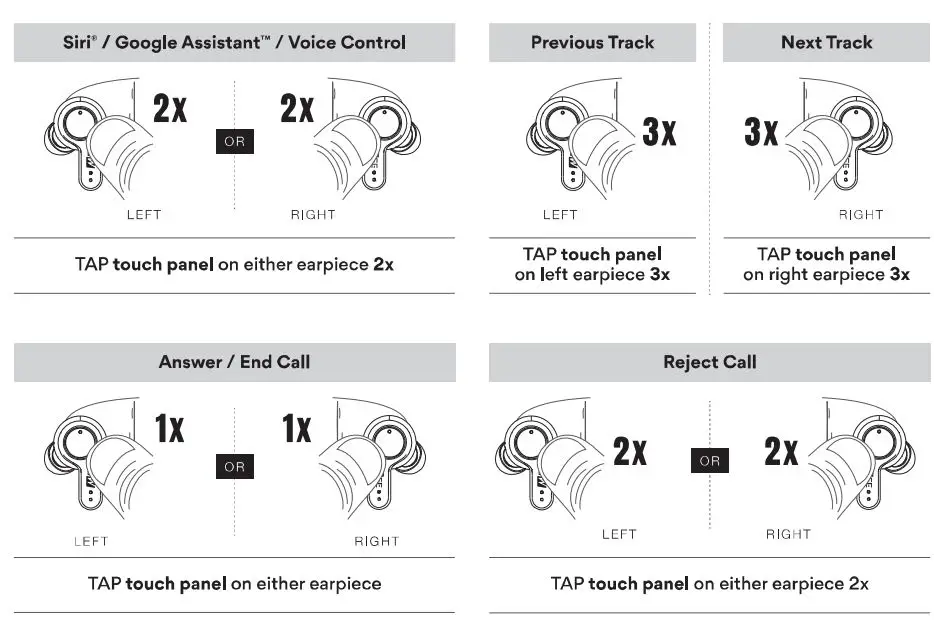
Functionally and control
Troubleshooting