Gather Synapse 3 logs from a PC
Synapse logs are helpful information you need when troubleshooting any issues you may experience with Synapse.
Simply follow the steps provided below.
Note: To collect Synapse 2 logs, see How to collect Synapse 2 logs.
- Download the Razer Log Collector.
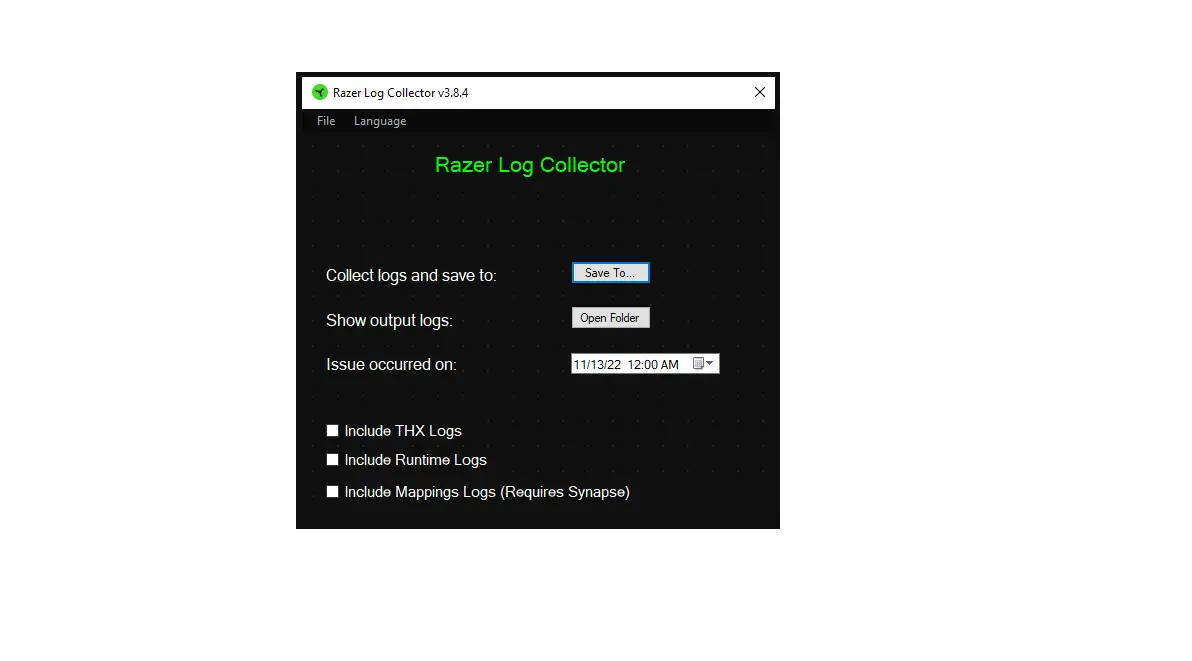
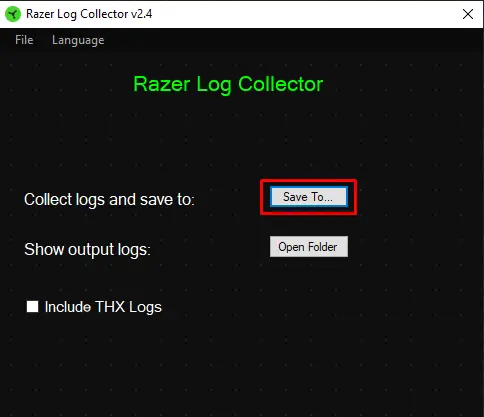
- Unzip and run the executable application.


- Click “Save To…”.

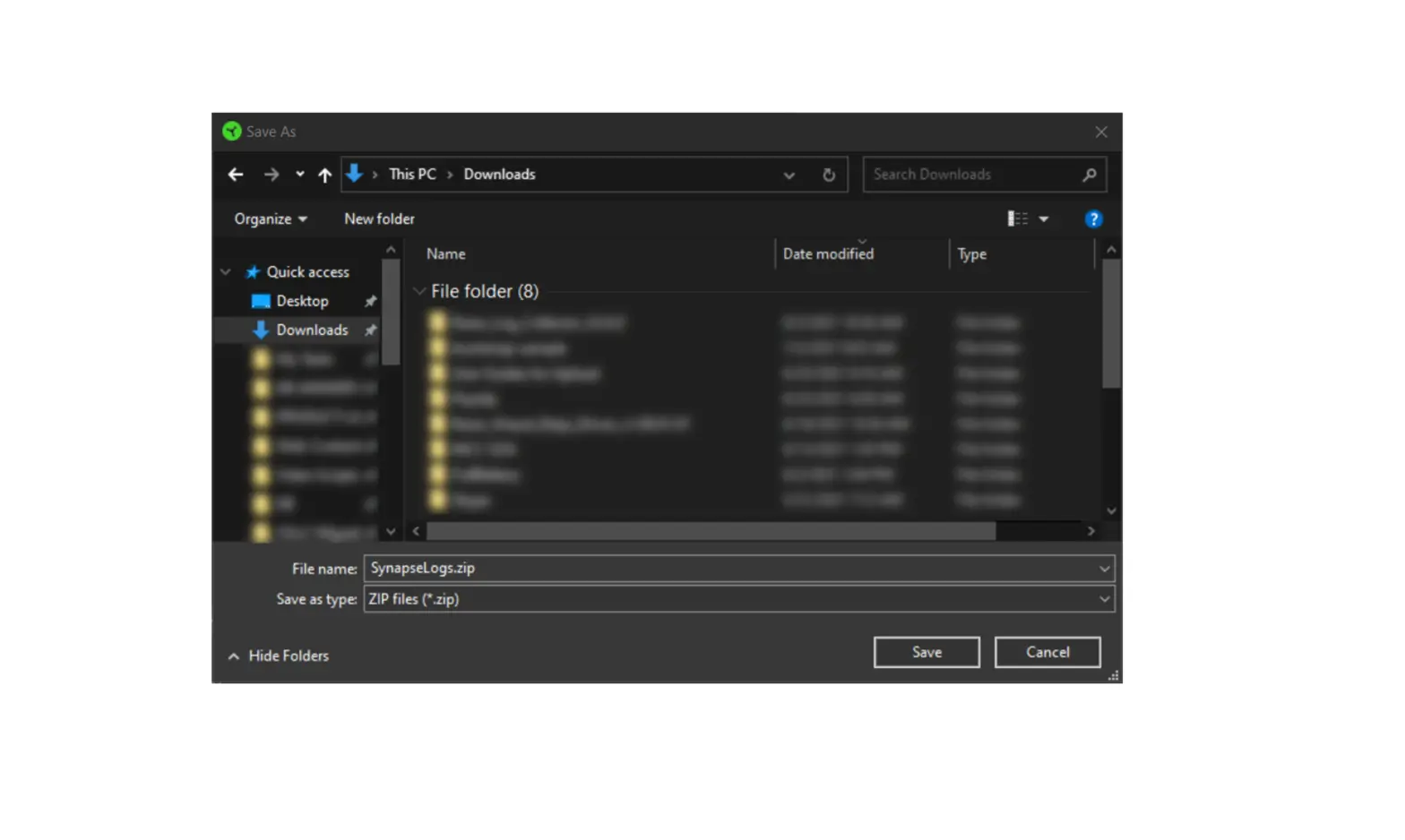
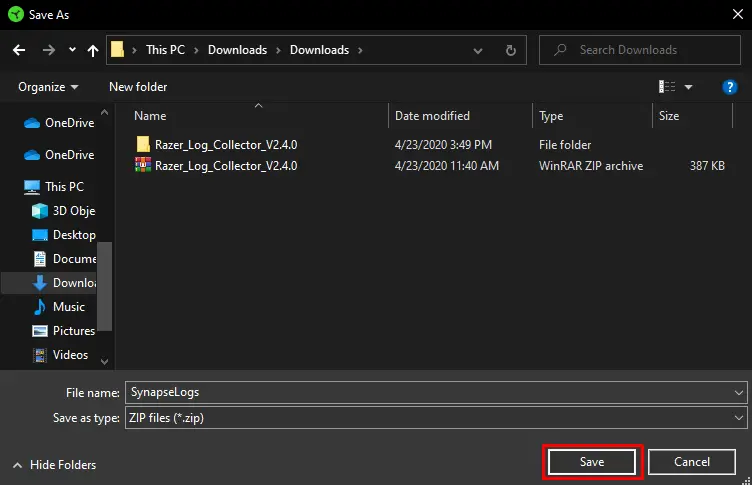
- Select your preferred target location and file name, then click “Save”.

- The collected logs are now saved in a single zip file.




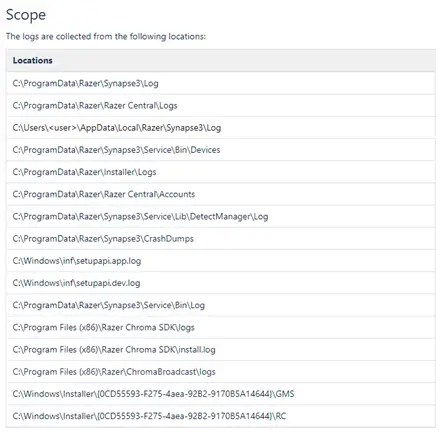
This application collects logs from the following locations: