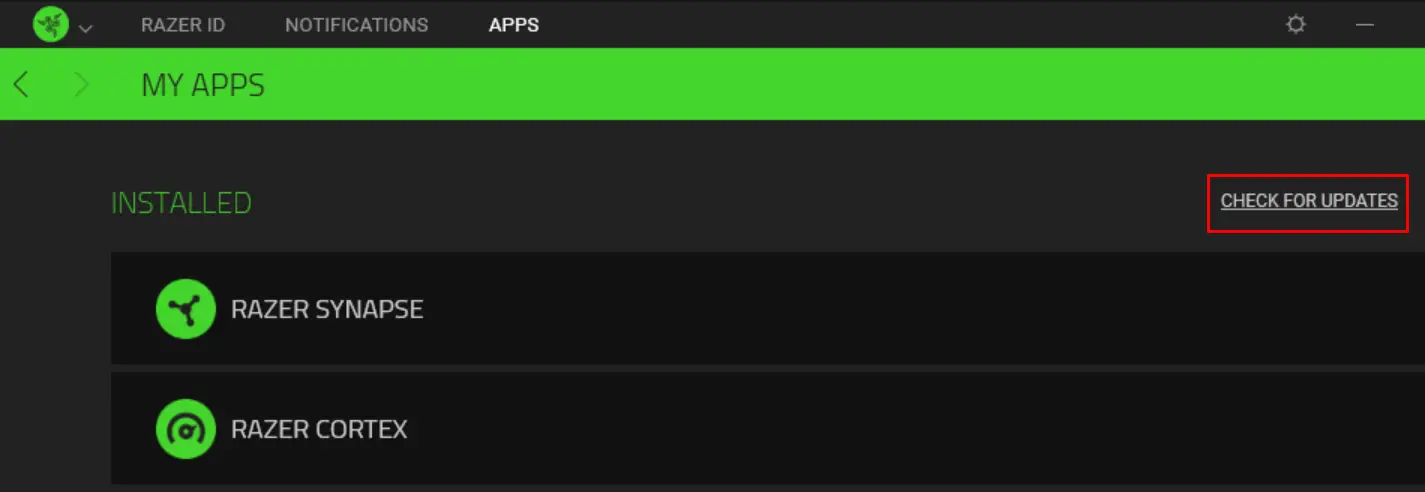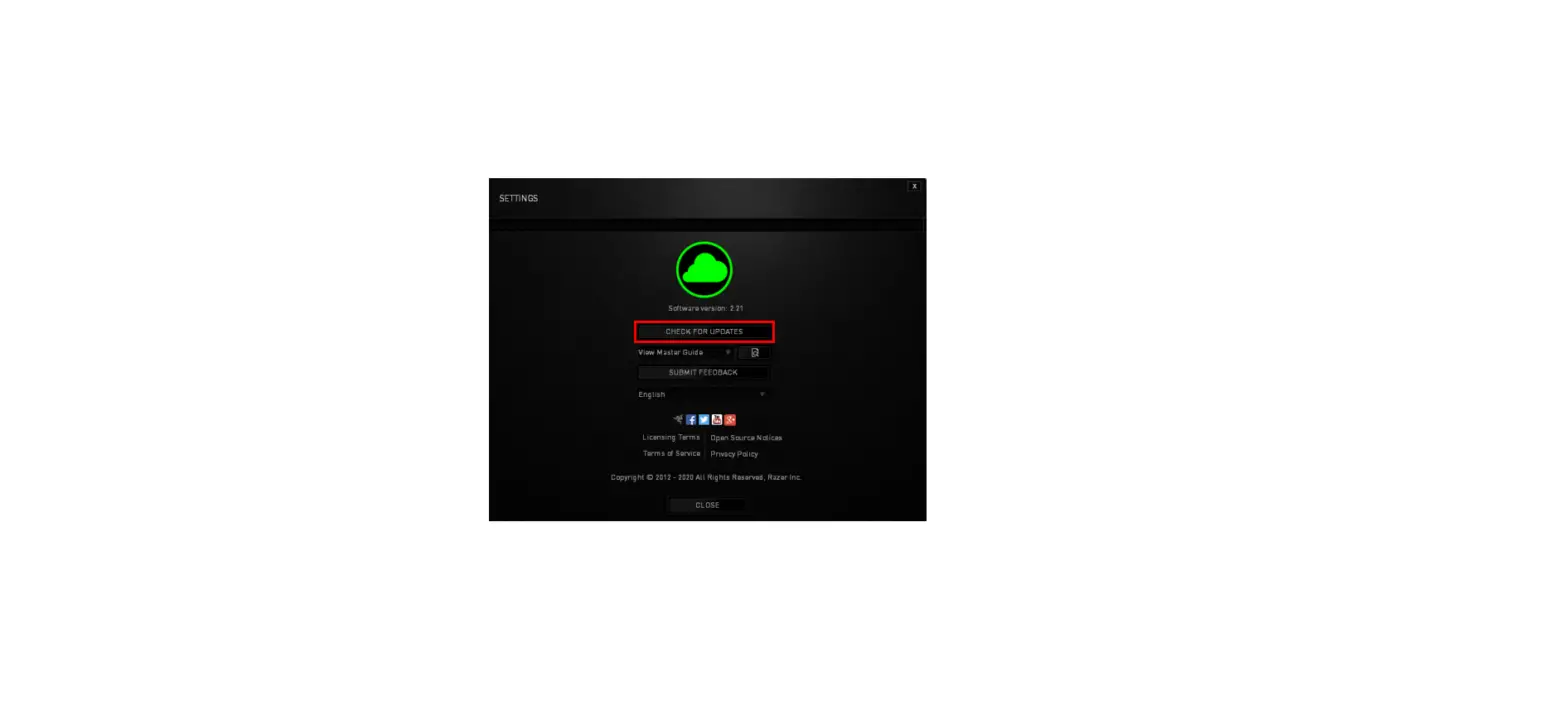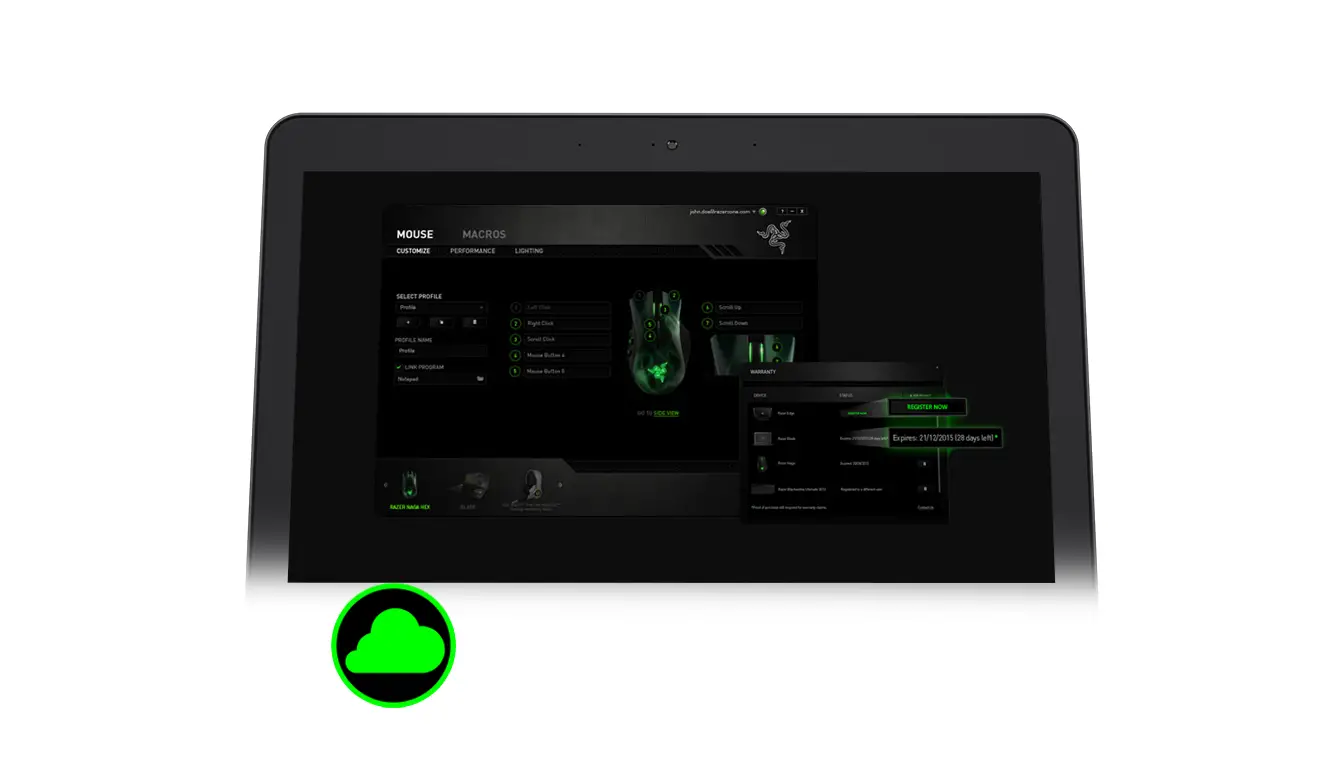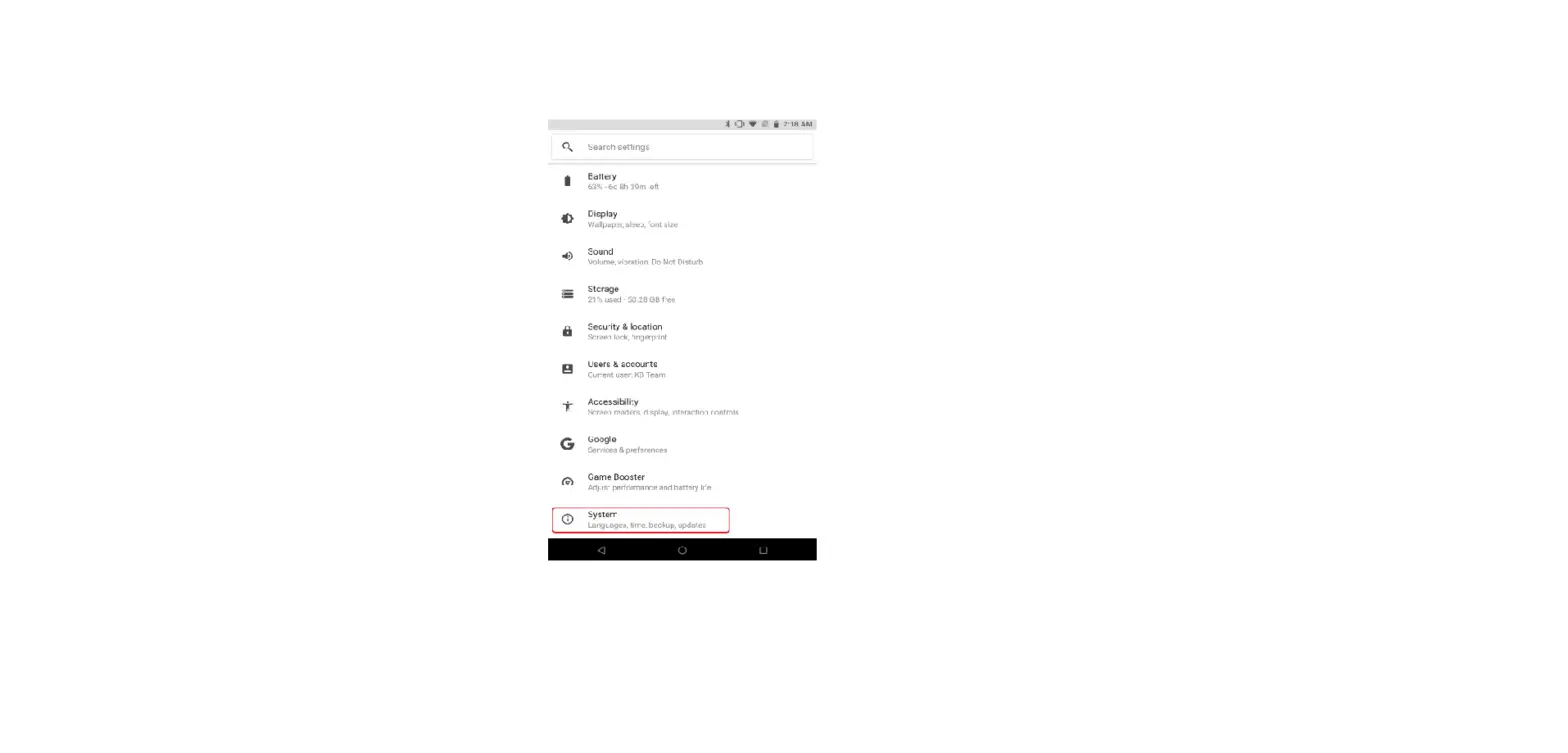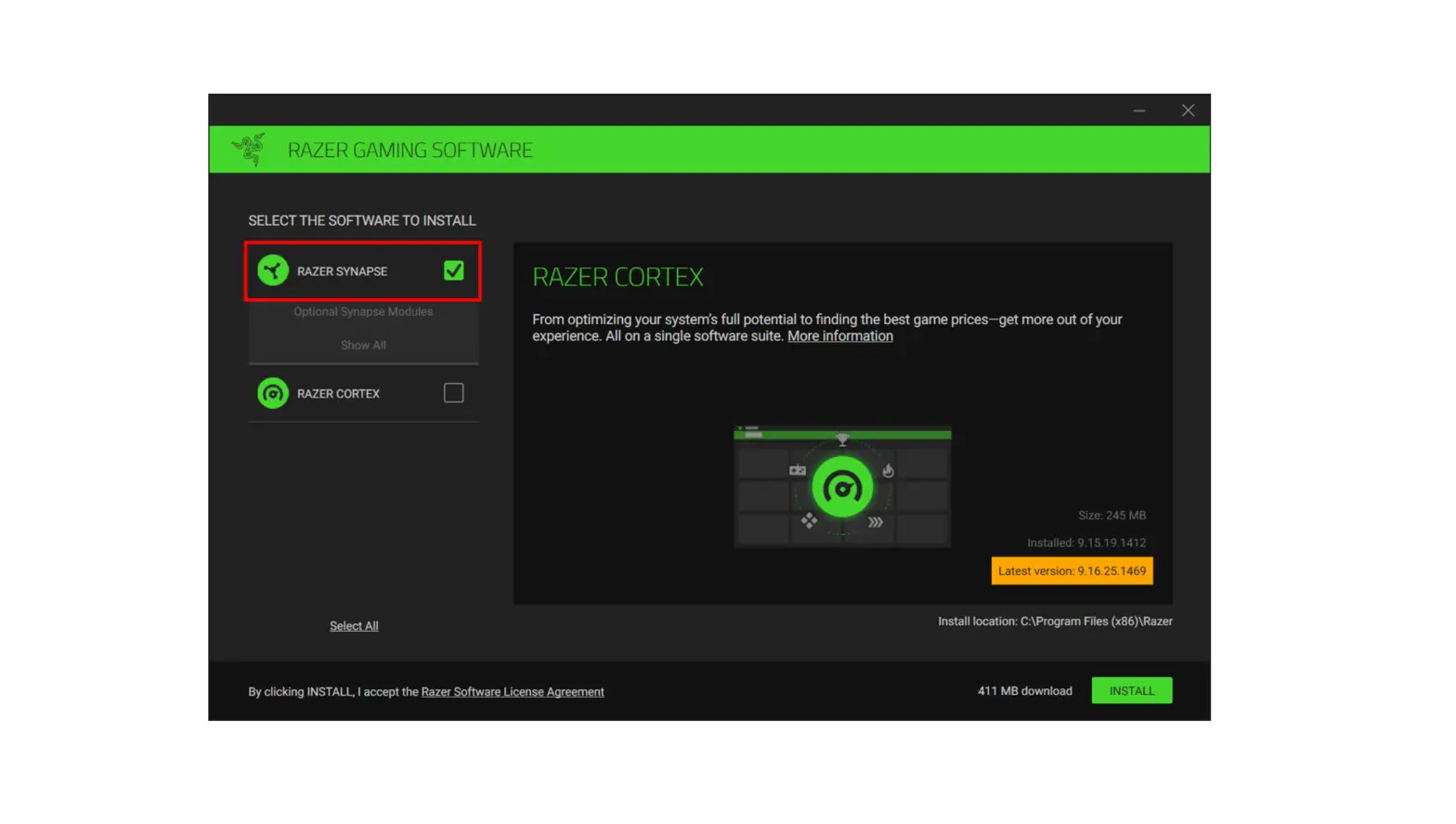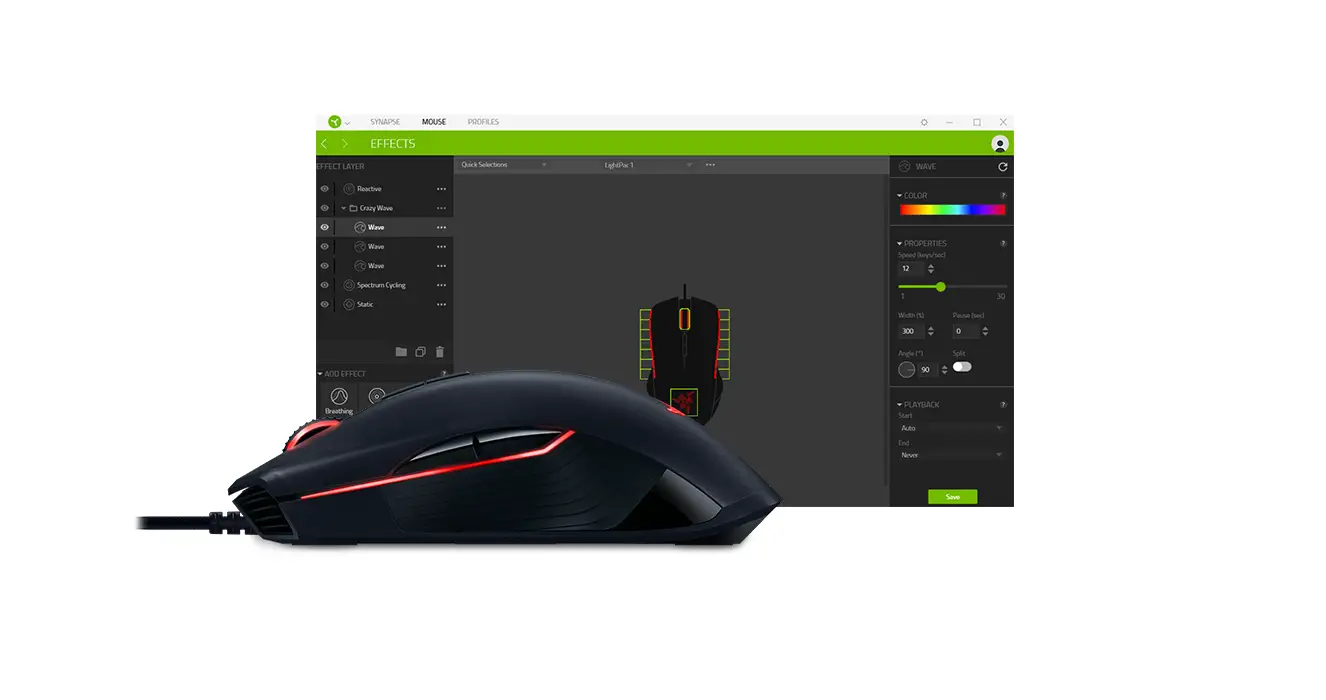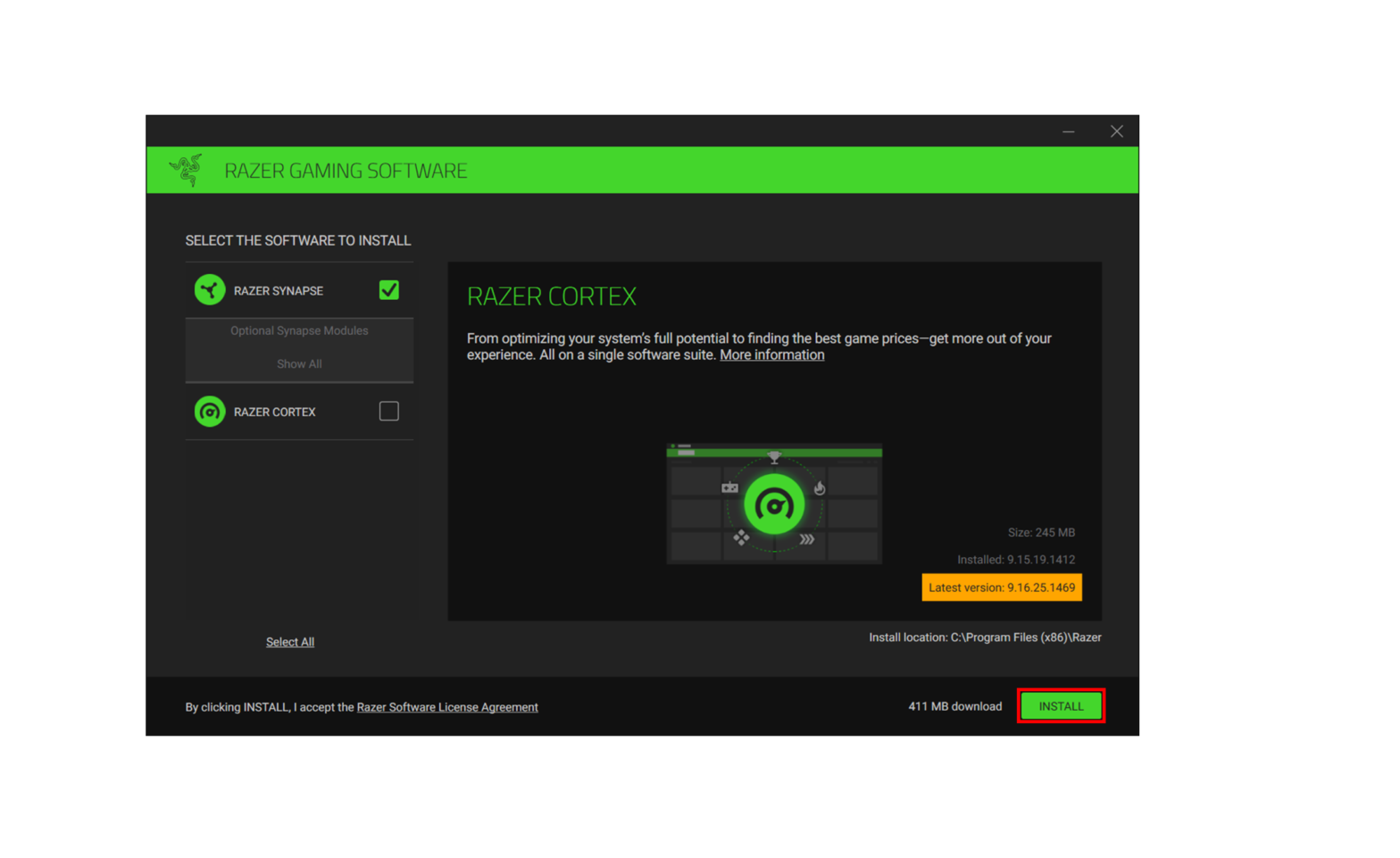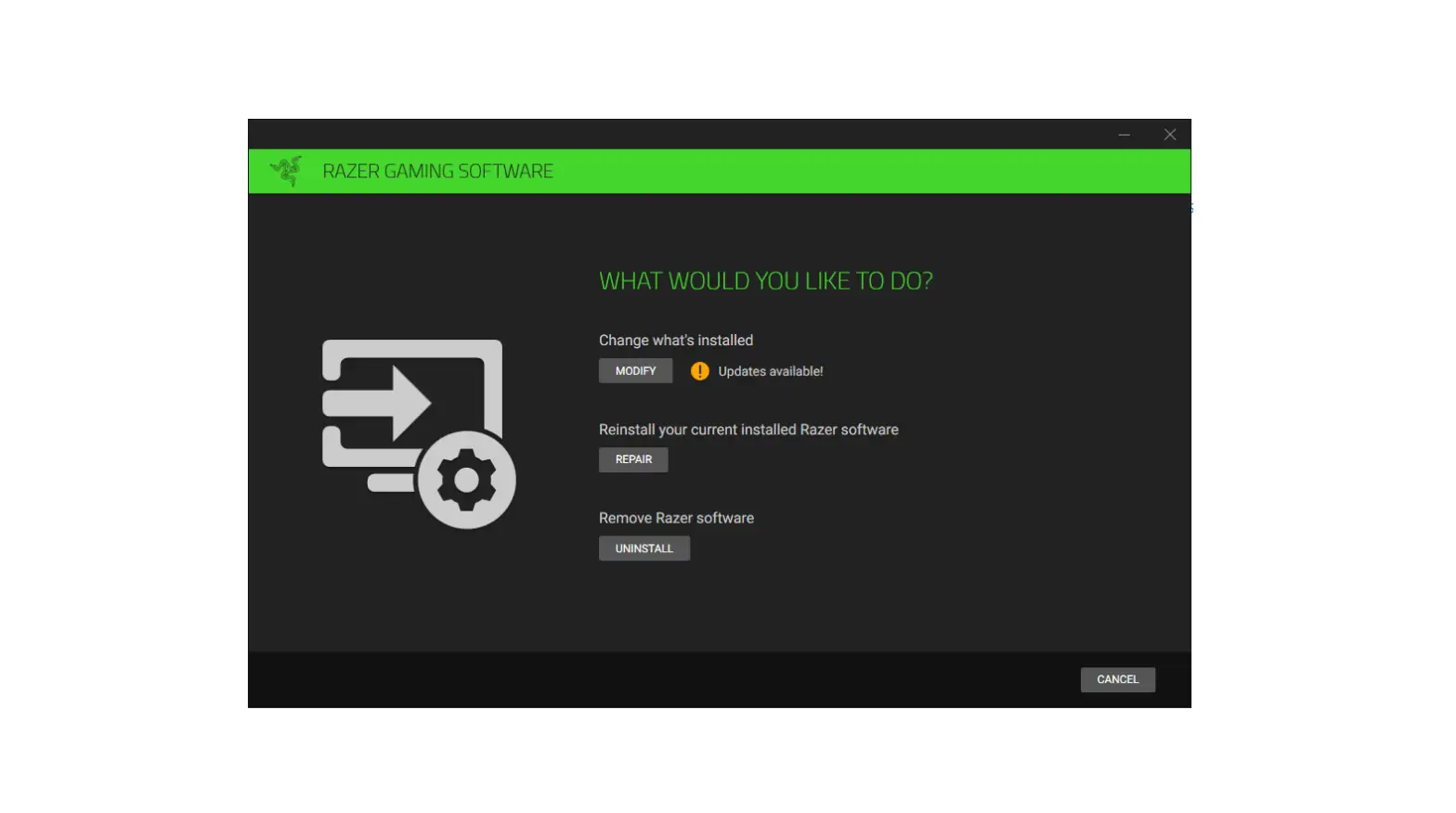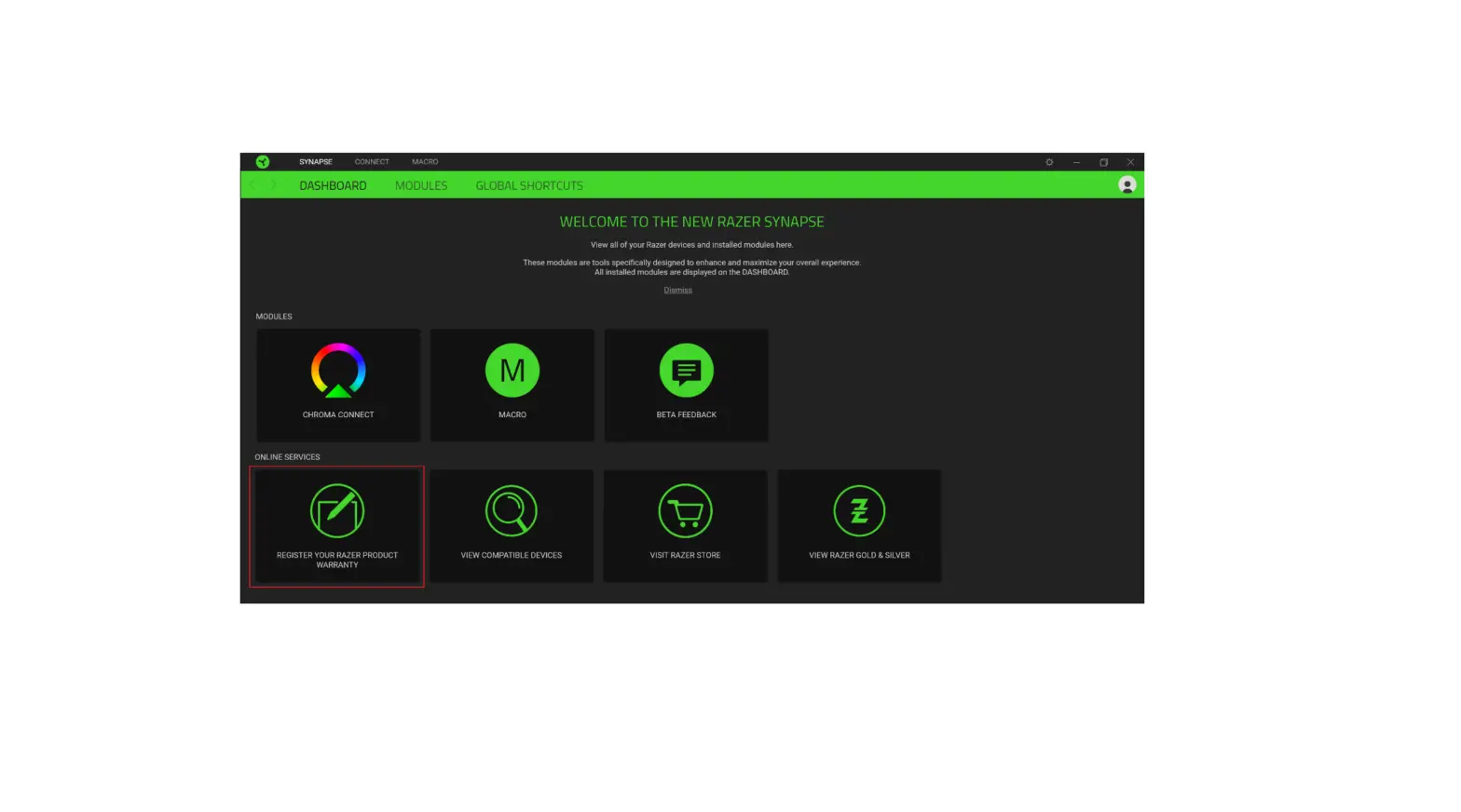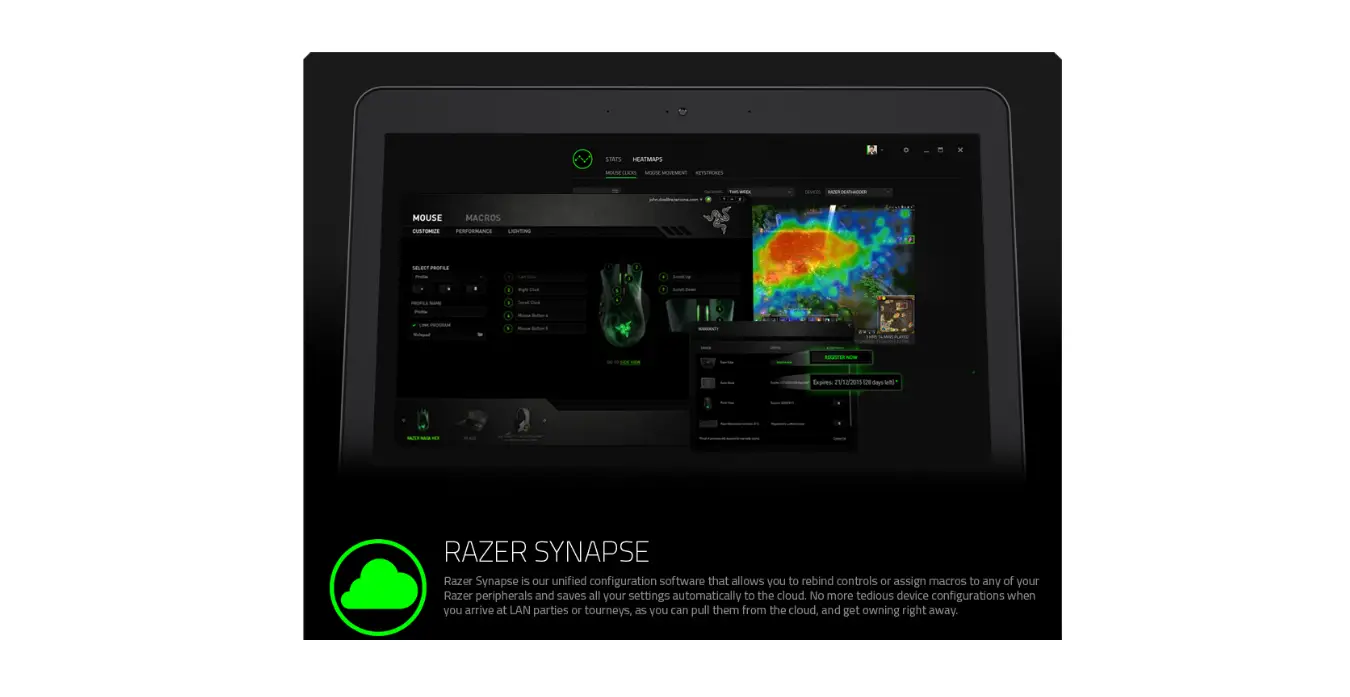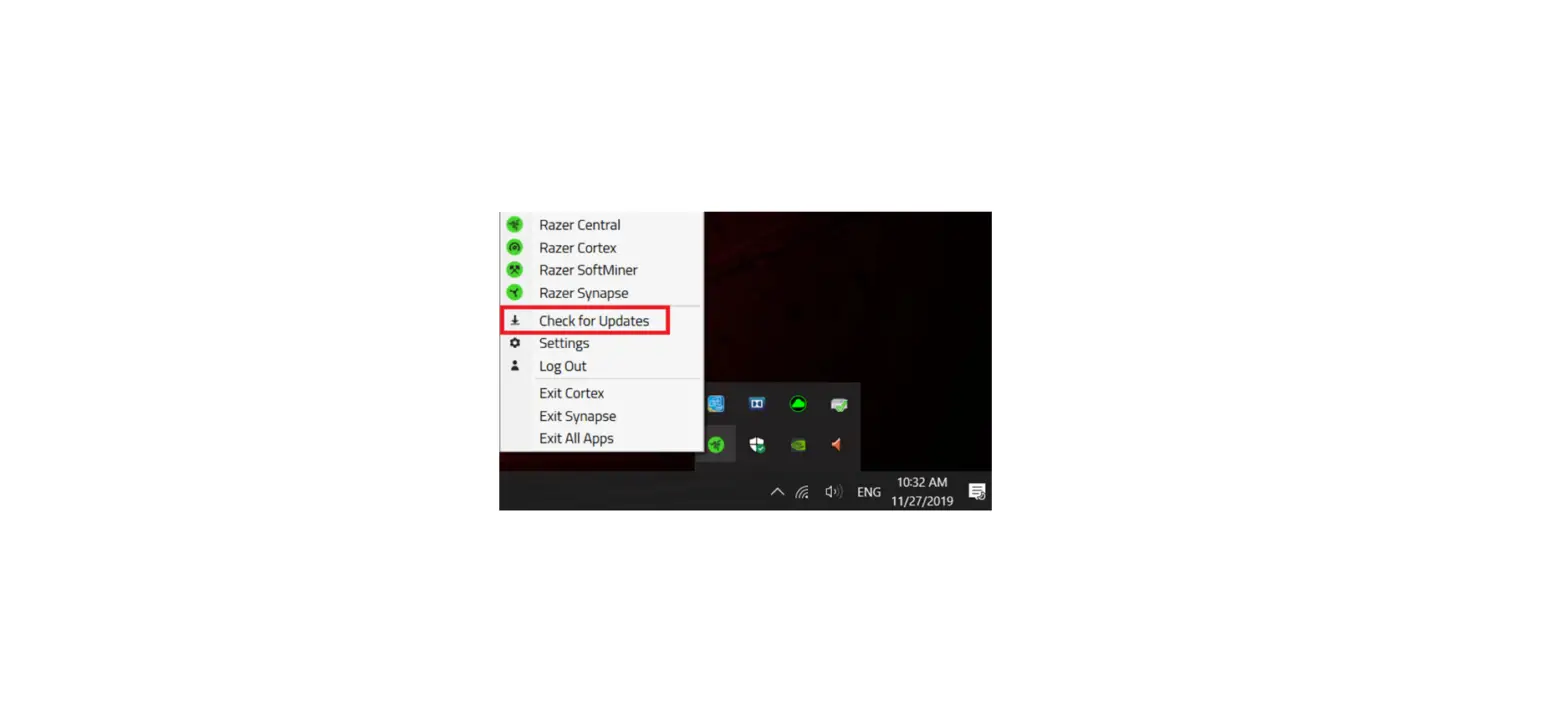
It is important to keep your Razer software updated at all times. These updates contain important changes to improve the Synapse’s performance, bug fixes and new features. To update Razer Synapse 3:
- Expand the system tray by clicking the arrow found on the lower-right side of your desktop, and right-click on the Razer THS icon.
- Select “Check for Updates” from the menu.
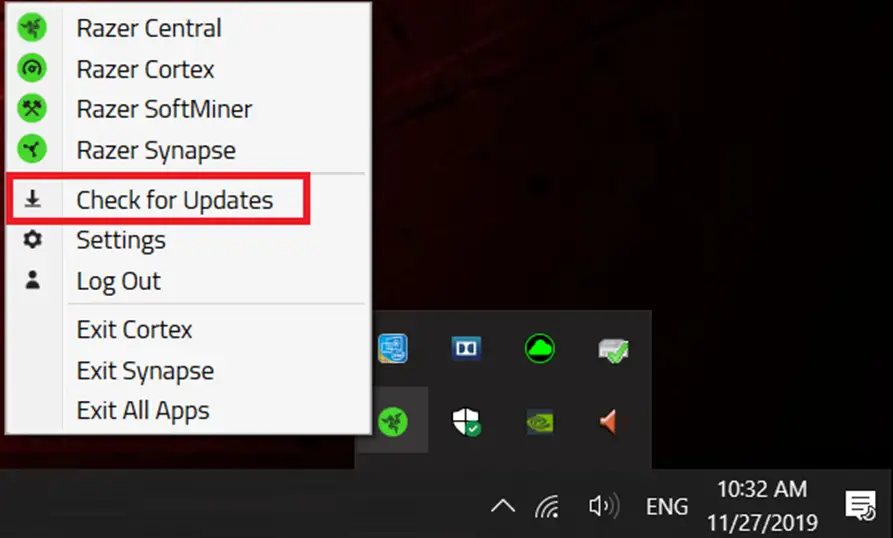
- Click “CHECK FOR UPDATES”. If there is a new update, click “UPDATE” to install.