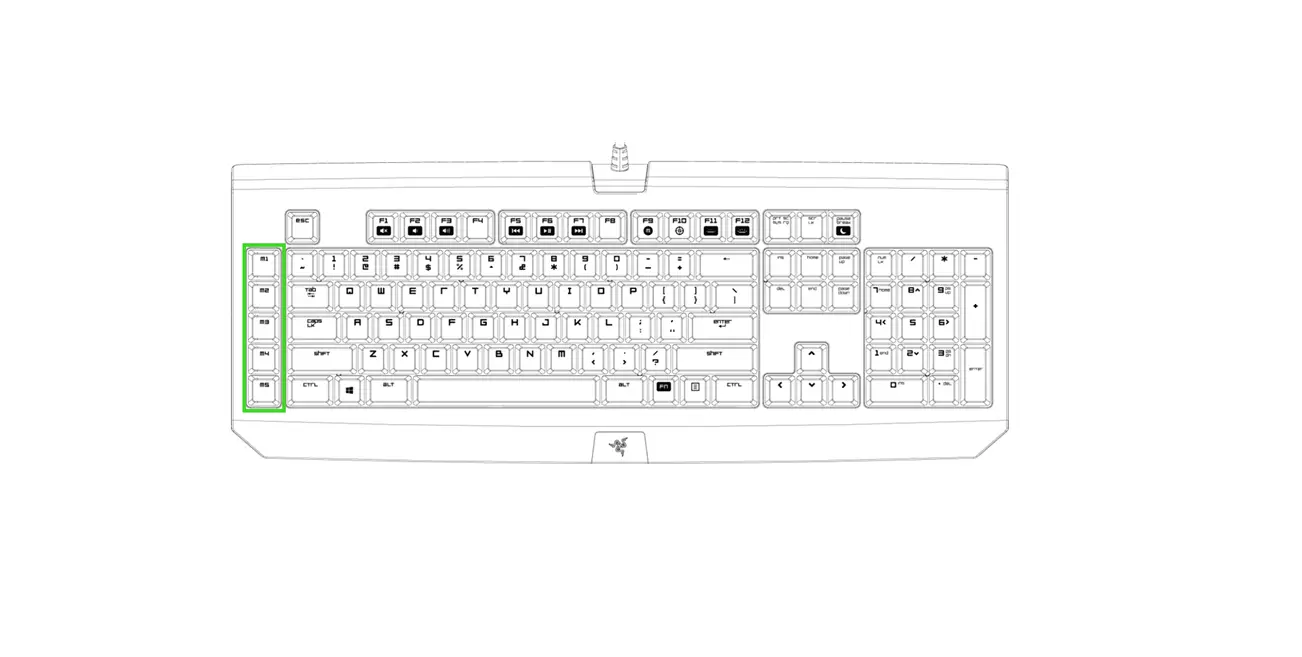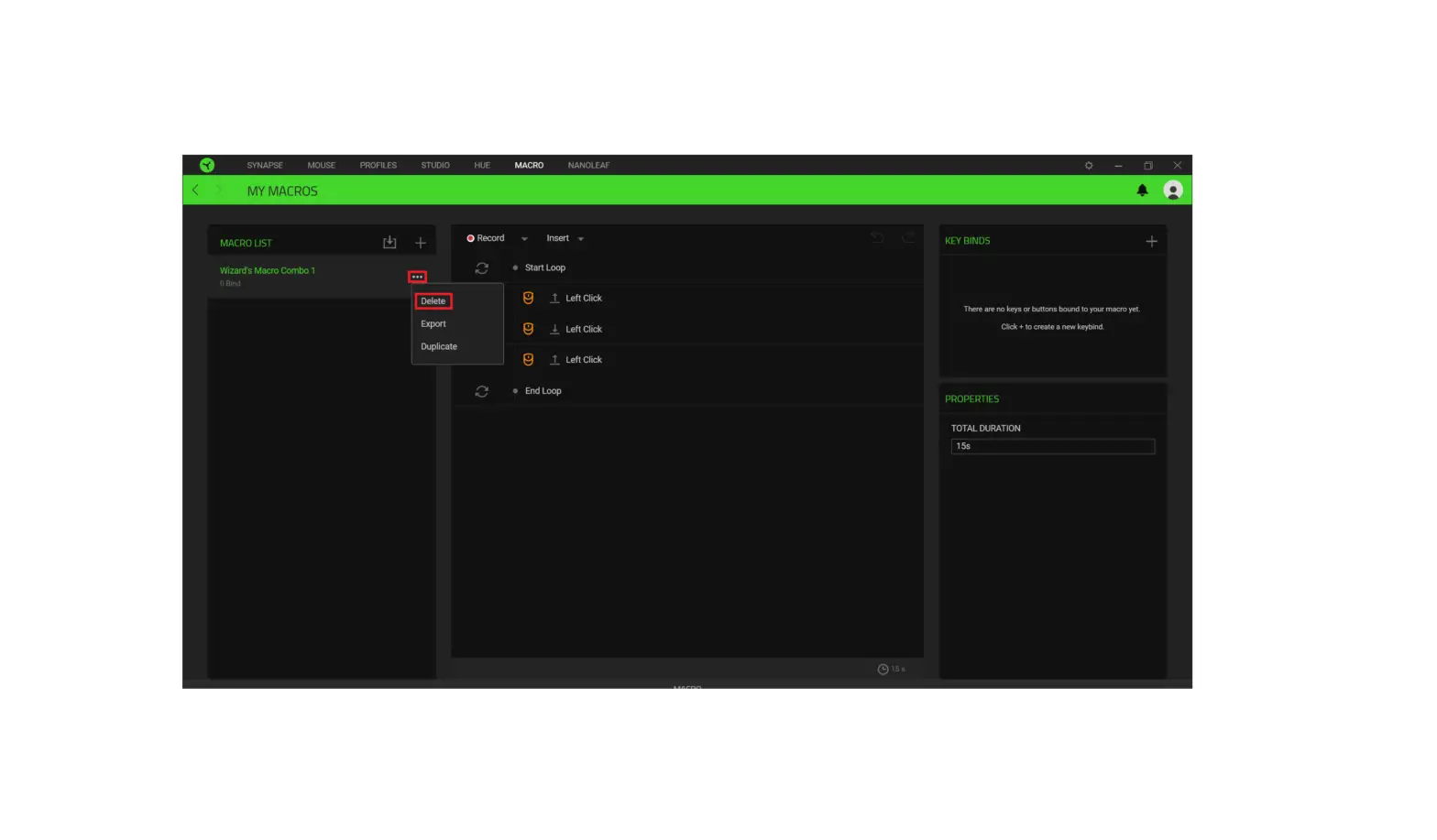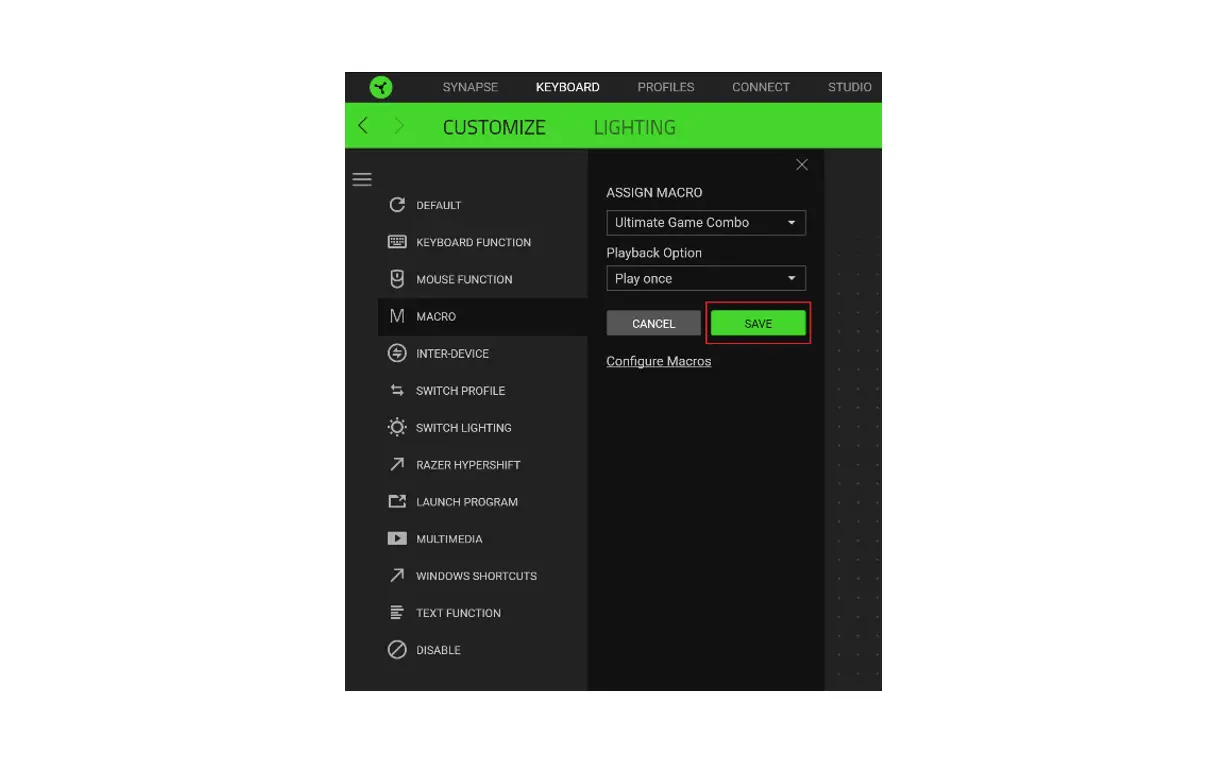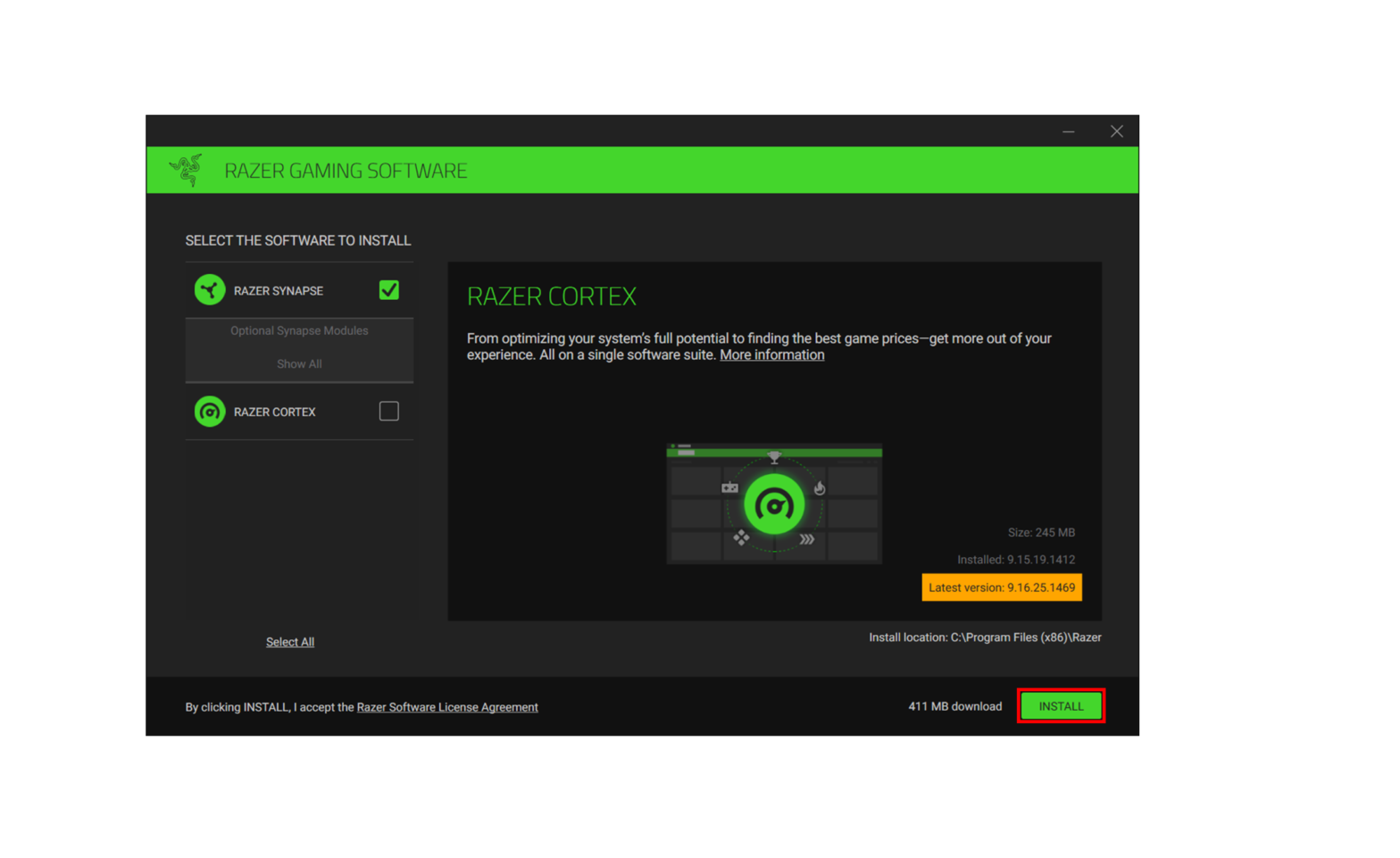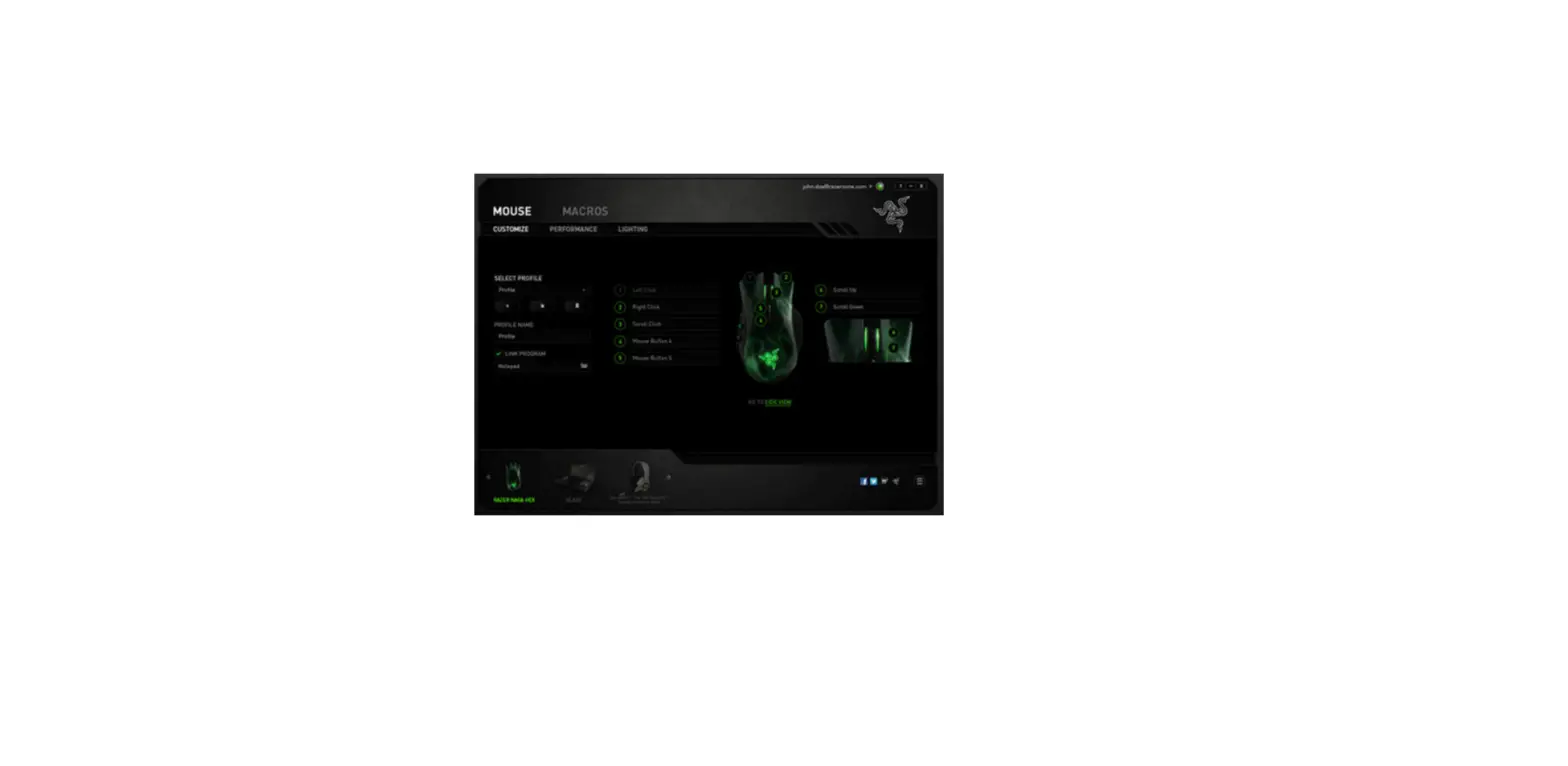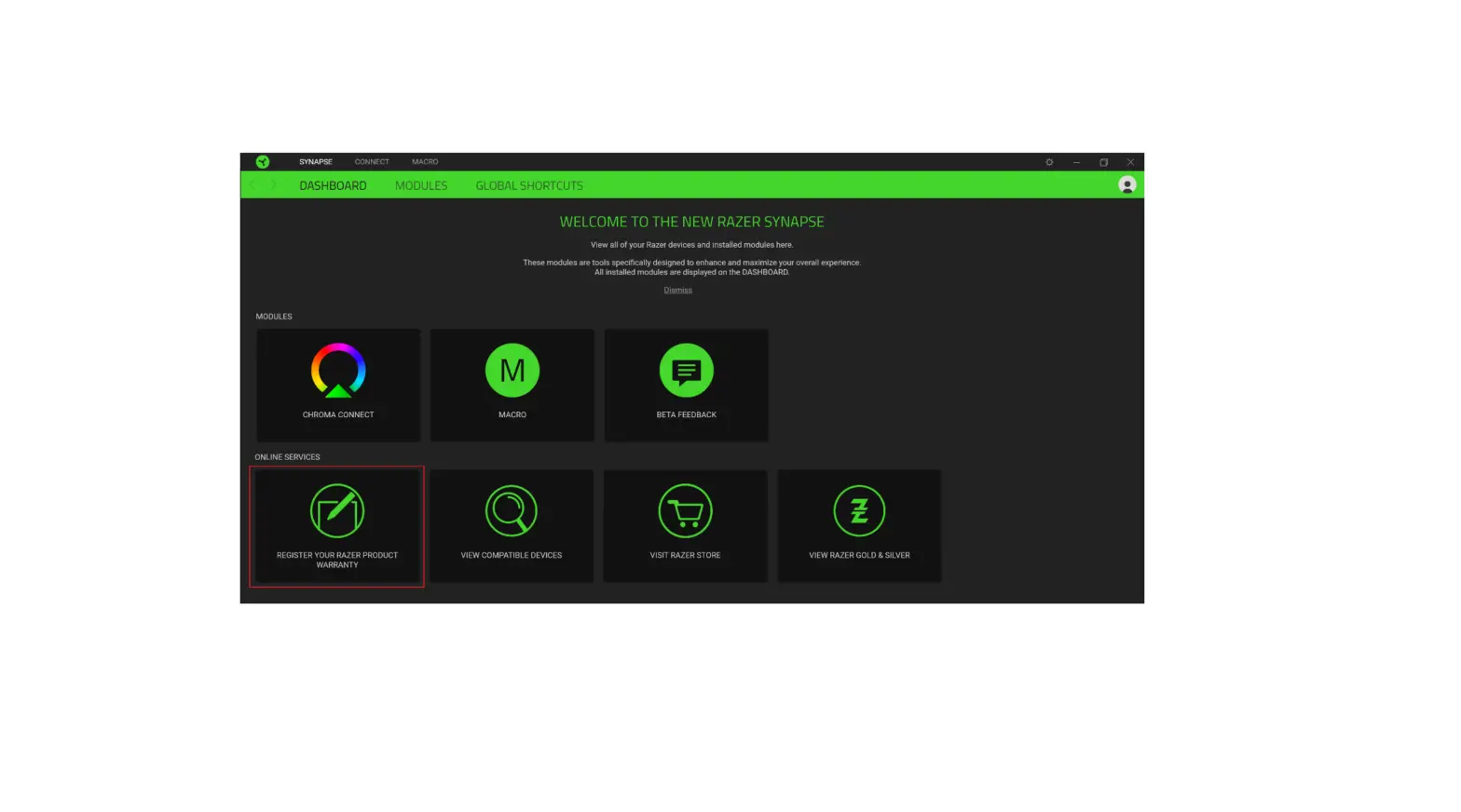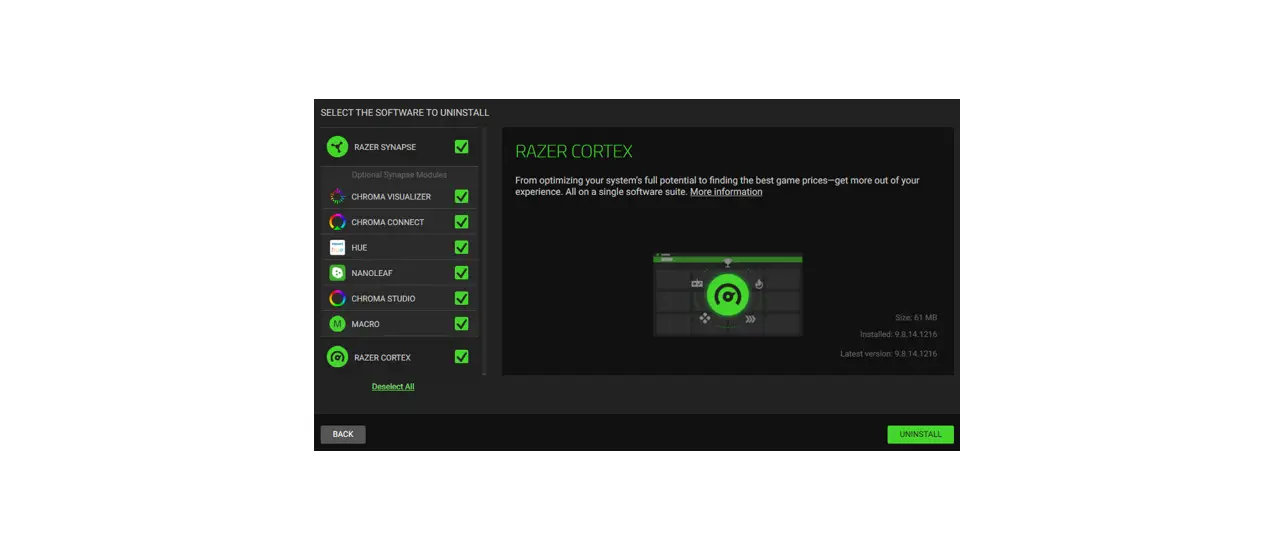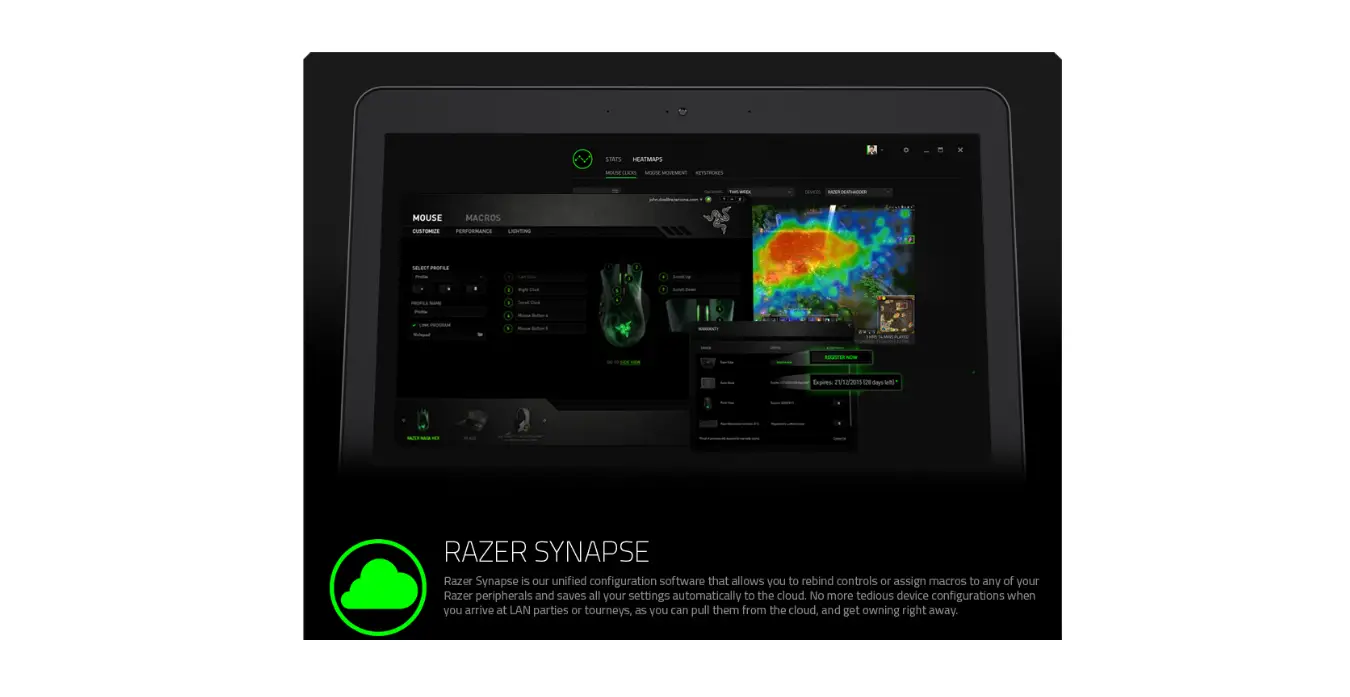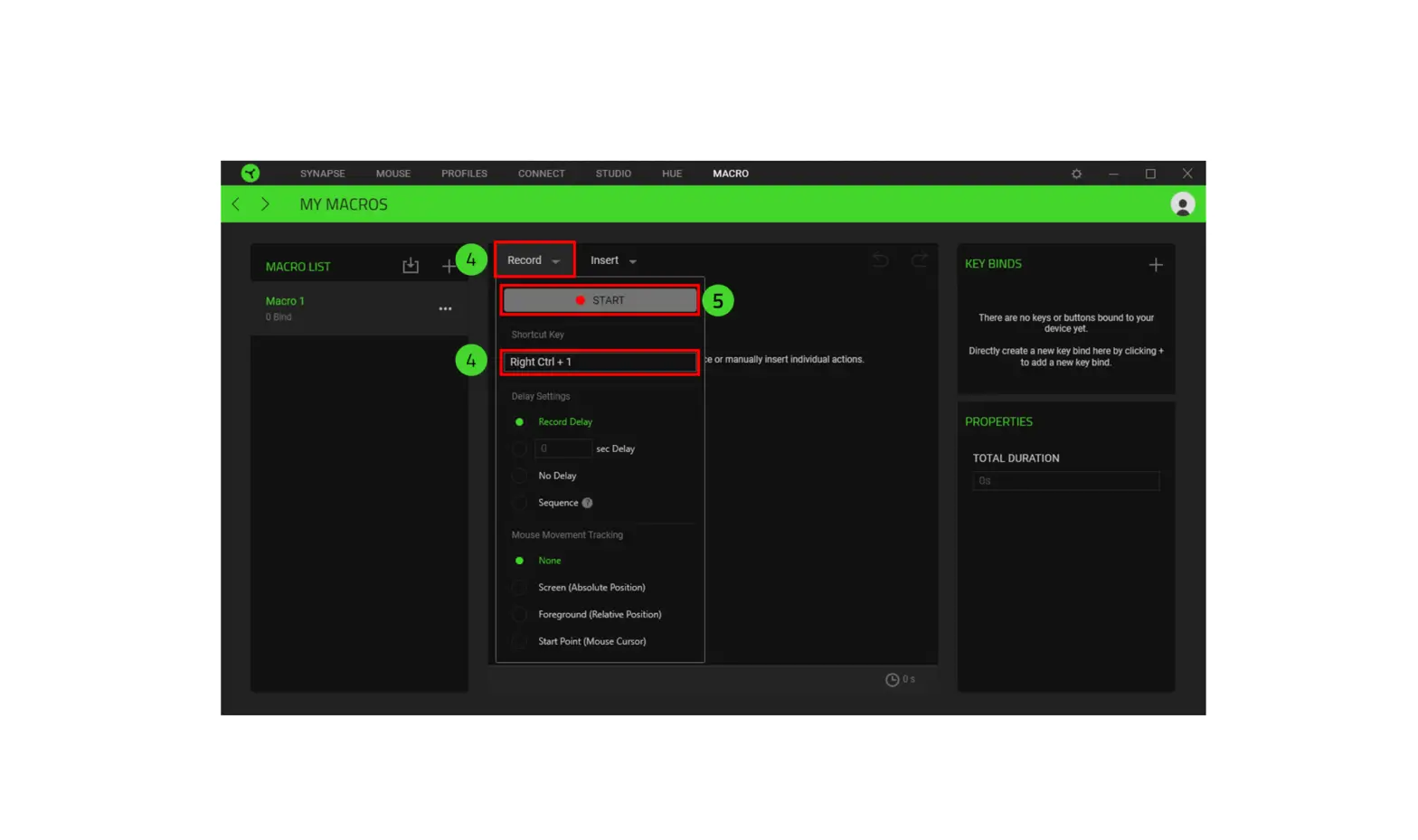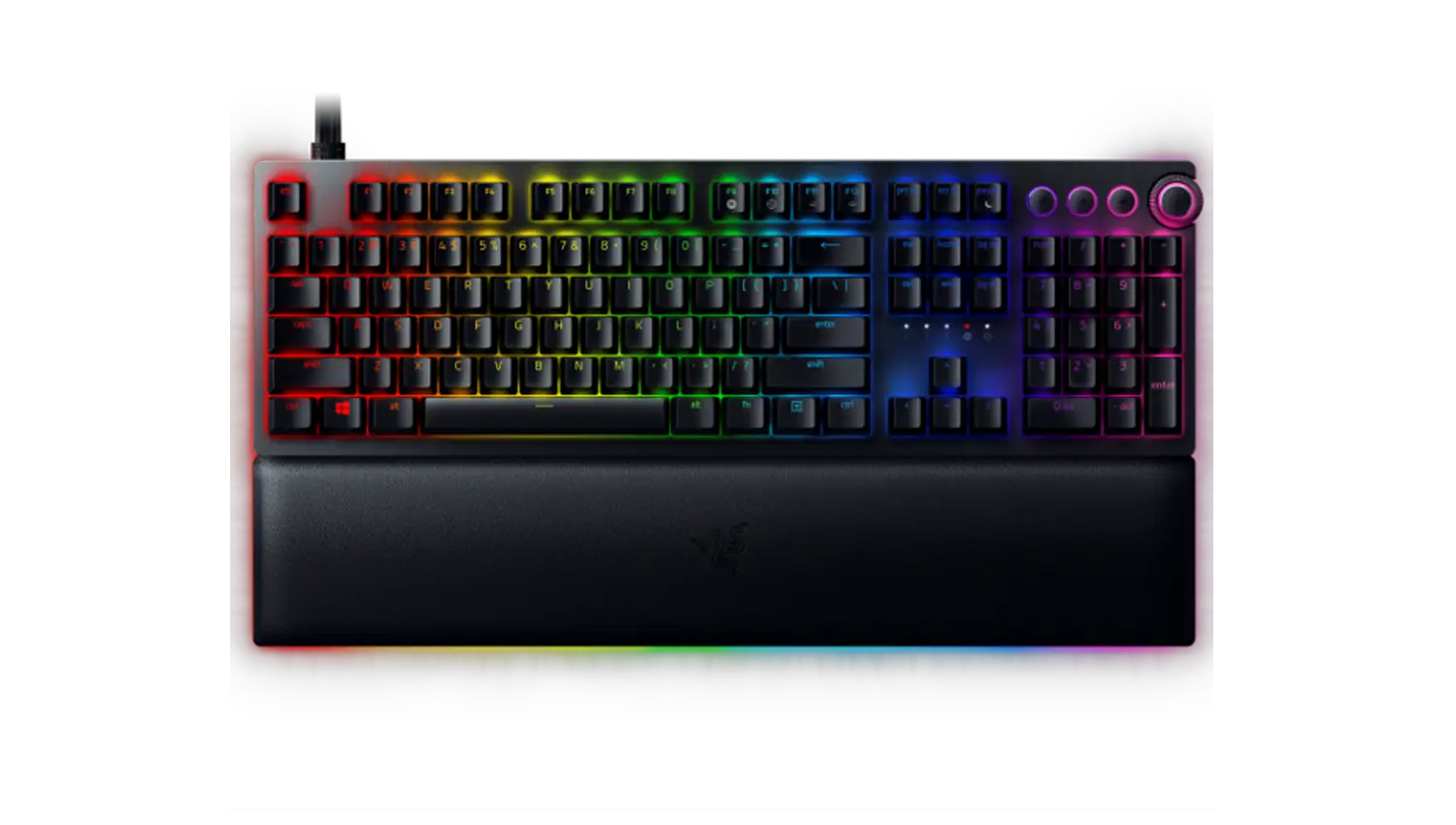
On-the-Fly Macro Recording only works when Synapse 3 is installed and running in the background. The system tray icon should show up in the Windows Taskbar. If you start the recording without Synapse 3, the LED for the On-the-Fly Macro Recording will blink three times and go off instead of remaining lit. Install Synapse 3 and allow it to run in the background to be able to use on-the-fly macro.
To see more general FAQs for keyboards, check out Keyboards frequently asked questions.