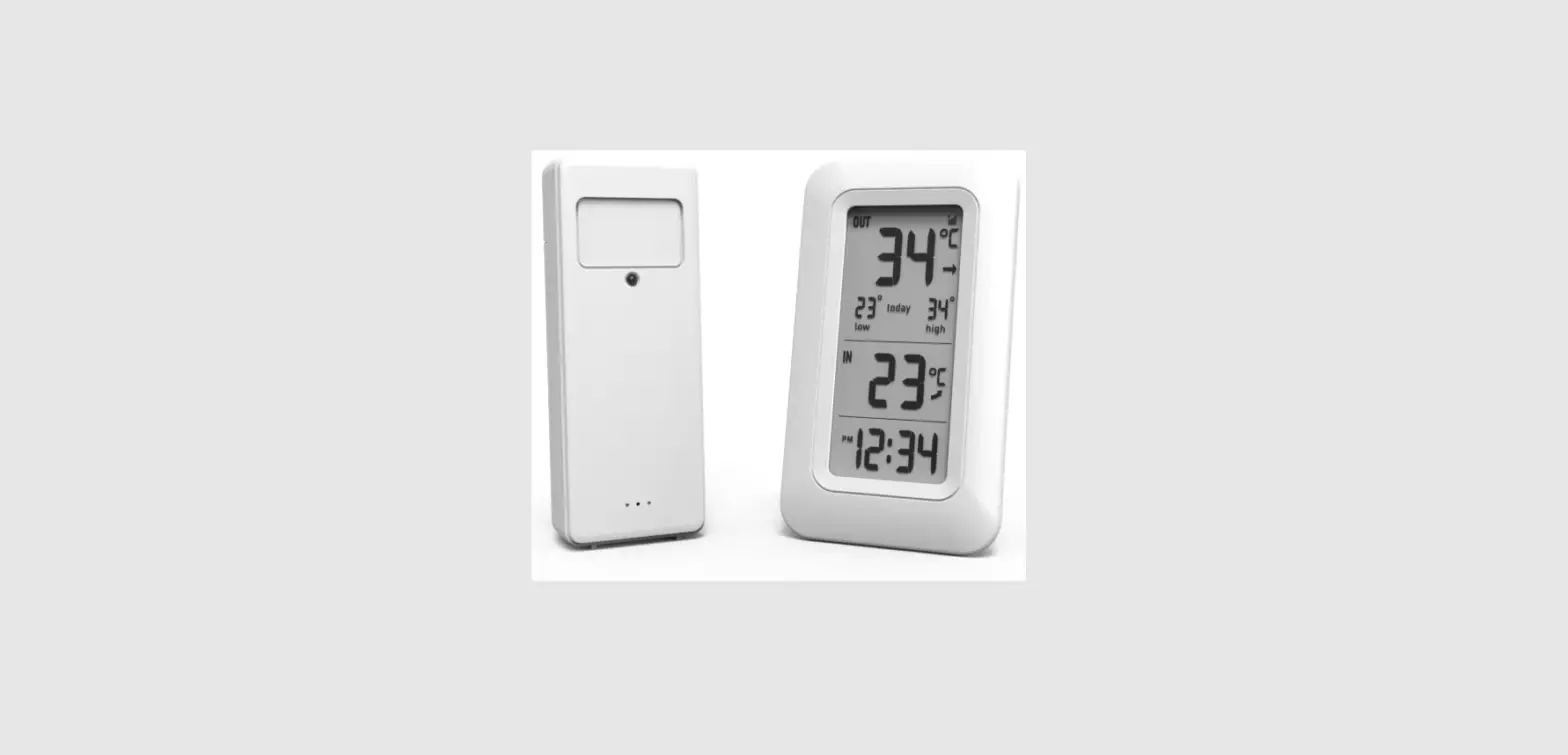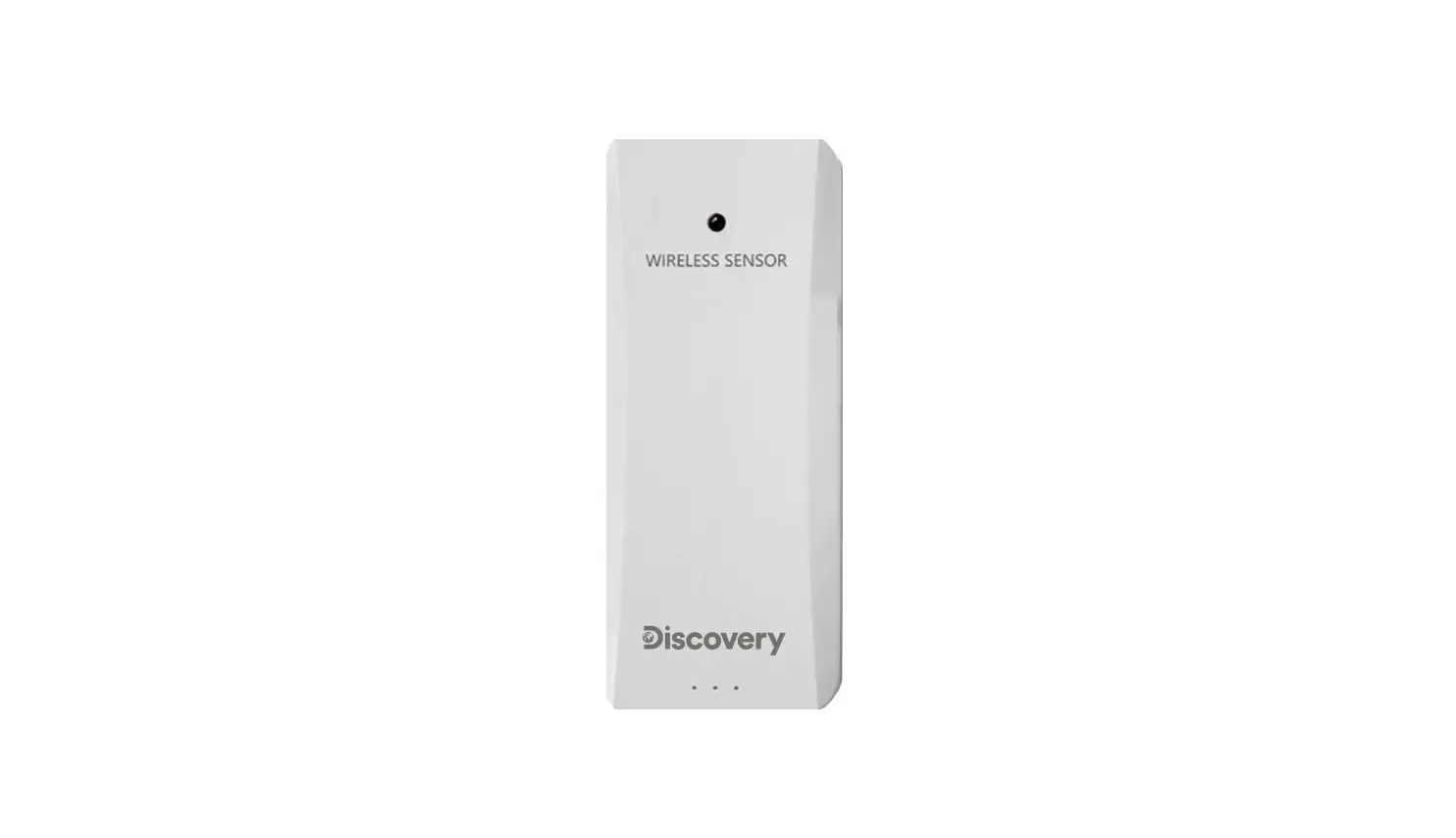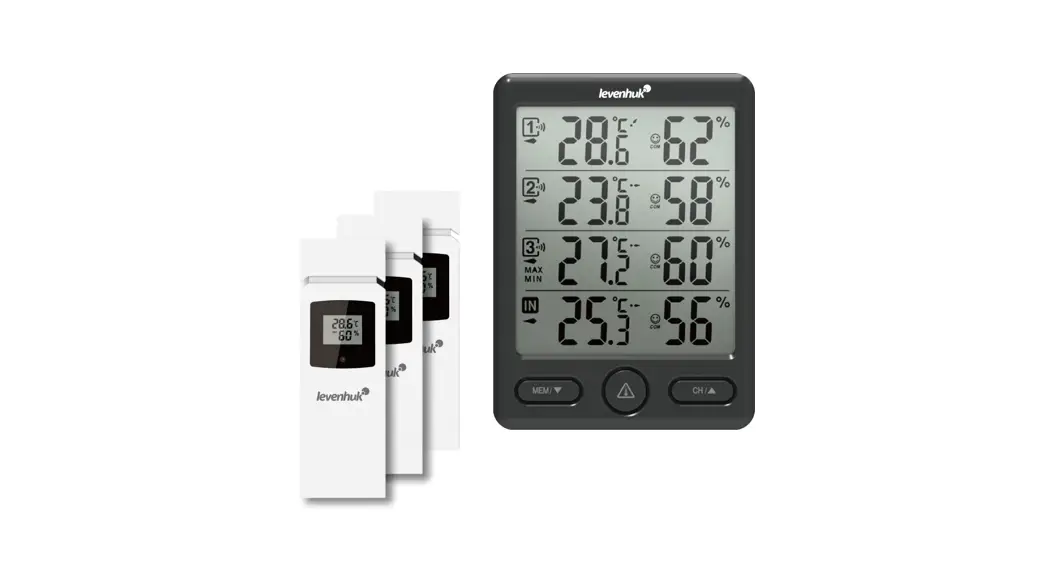
 Discovery Report WA40
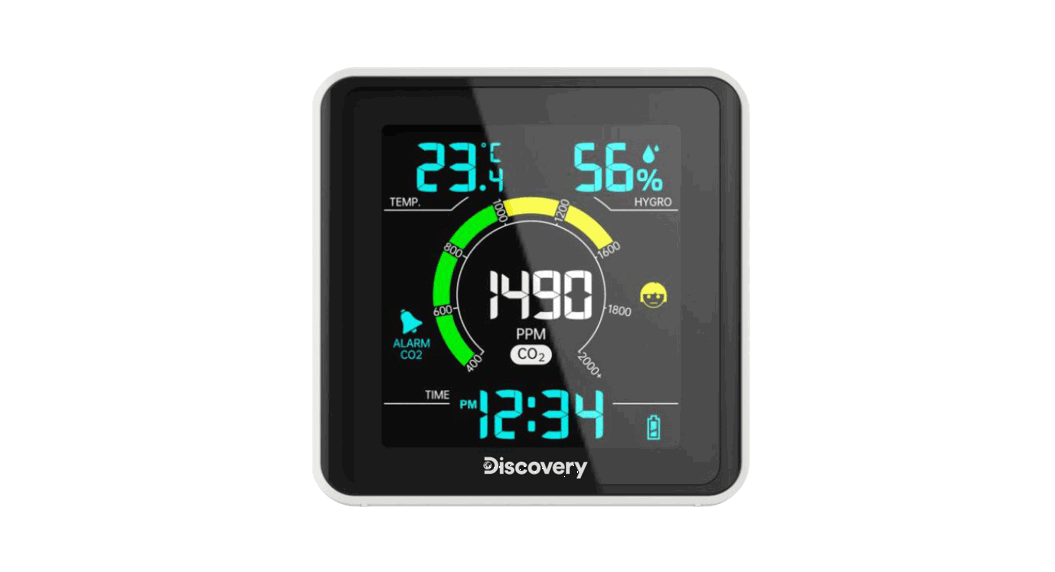
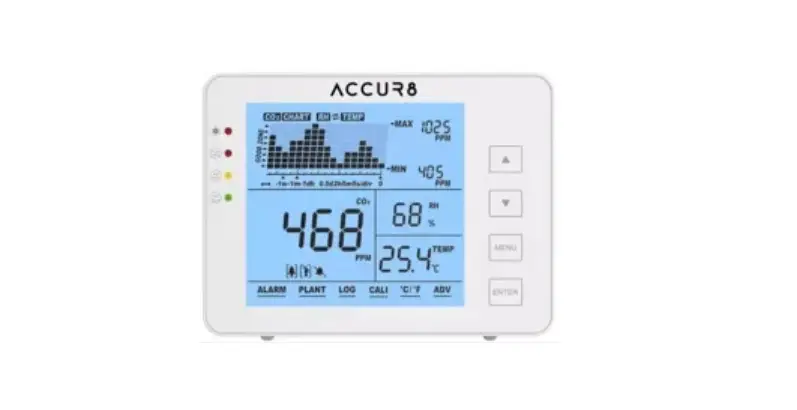
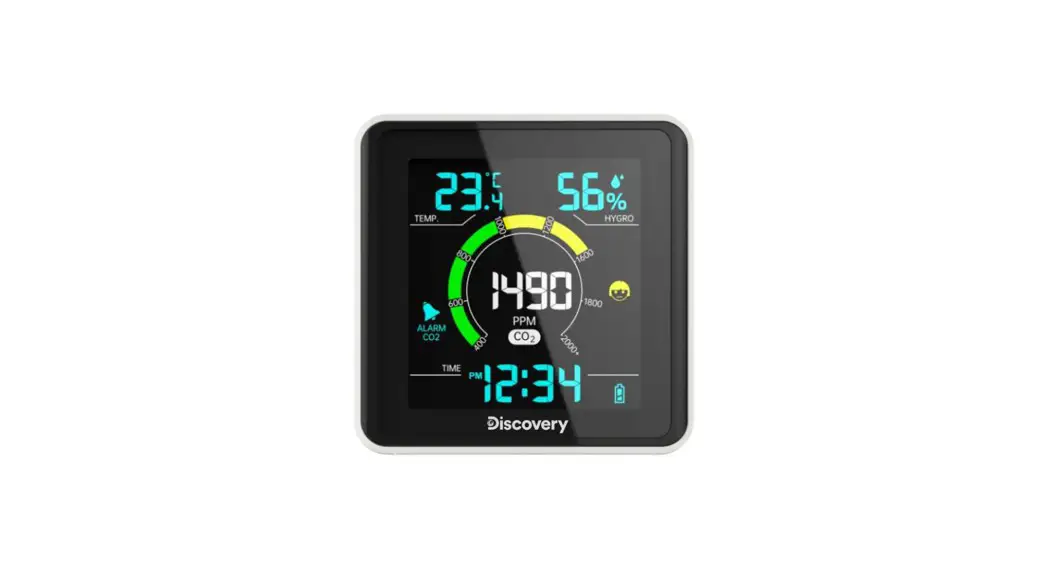
Weather Station with CO2 Monitor
 Discovery Report WA40 Weather Station with CO2 Monitor
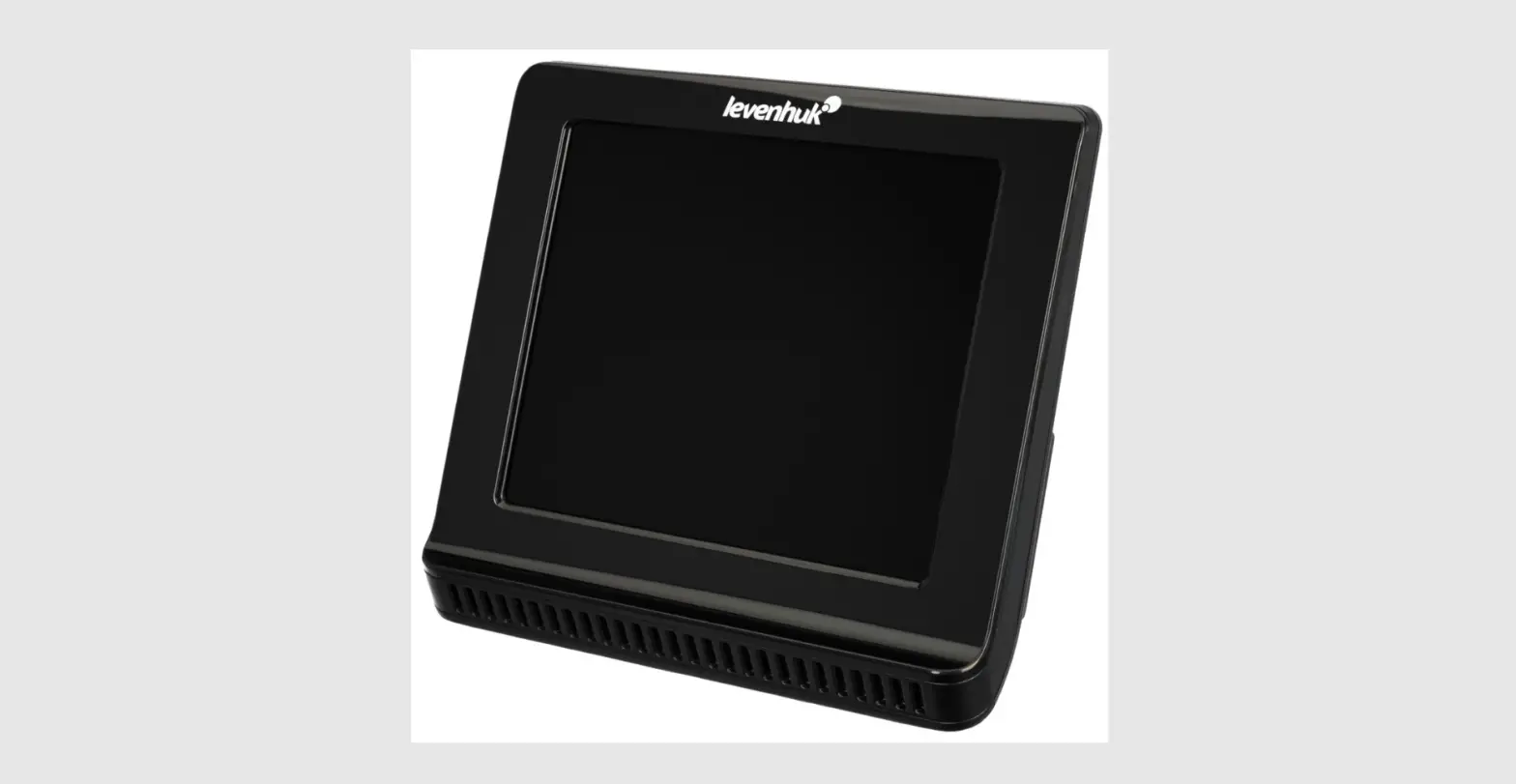
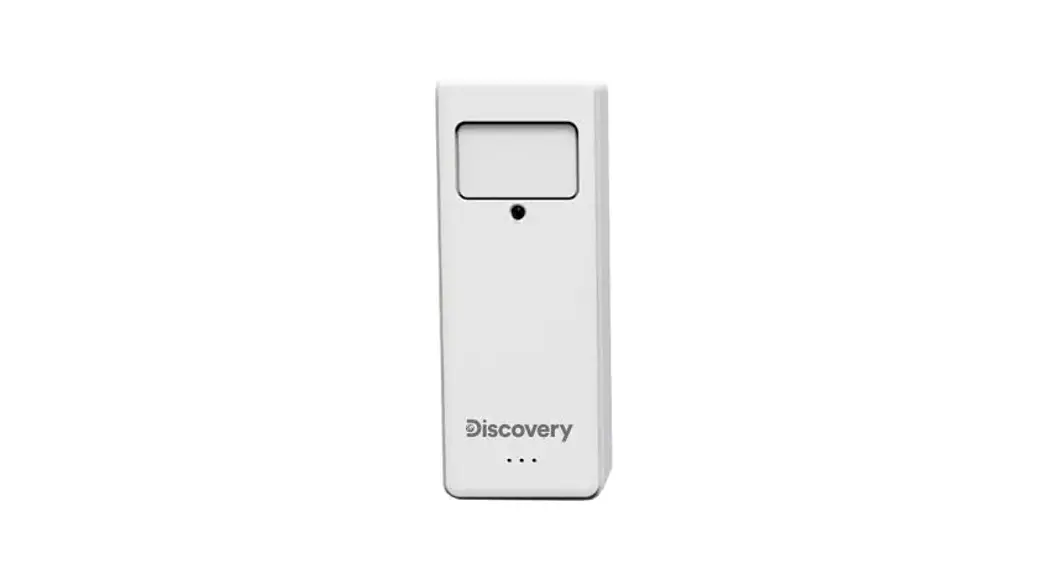
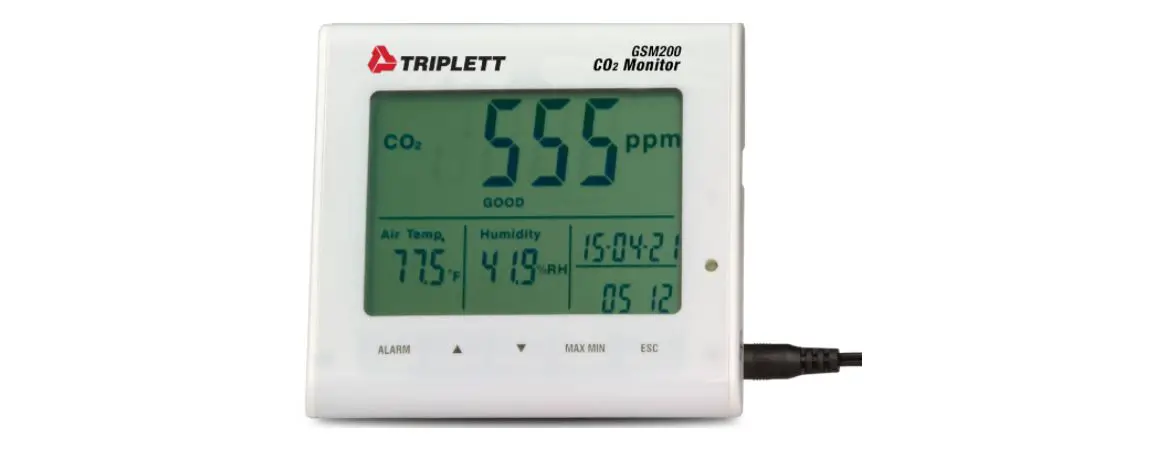
The kit includes: CO₂ monitor, micro USB cable, user manual, and warranty.
Getting started
Connect the power cable to the device and the DC adapter (not included) via a micro USB plug and connect it to the AC power supply. You need to charge the battery when the battery indicator starts flashing.
Device settings
Press and hold the SET button for 3 seconds. The digits that are to be set are flashing. Press UP or DOWN to change the value. Press the SET button again to save the settings and continue. The setting order: 12/24hr > Hours > Minutes > °C/°F > low CO₂ alert level > high CO₂ alert level.
CO₂ alert
The CO₂ alert is active by default (min. 400ppm, max. 1200ppm). Press and hold the UP button to turn the CO₂ alert sound on or off.
| 400—600ppm (green zone) | normal outdoor air CO₂ level |
| 601—1400ppm (cyan zone) | typical level for occupied spaces with good air exchange |
| 1401—1900ppm (yellow zone) | ventilation is recommended |
| 1901—2400ppm (red zone) | ventilation strongly recommended |
| 2401—5000ppm | is associated with such symptoms as headache, sleepiness, poor attention, increased heart rate, and nausea |
| > 5000ppm | serious oxygen deprivation that may lead to brain damage, coma, and death |
Specifications
| Operating CO₂ range | 400—5000ppm |
| Air humidity, units of measurement | % (RH) |
| Operating humidity range | 1… 99% |
| Temperature, units of measurement | °F, °C |
| Operating temperature range | –10… +50°C (+14… +122°F) |
| Screen | color, with backlight |
| Power supply | AC; built-in 3.7V, 600mA/h lithium-polymer battery AC/DC adapter 5V 500mA (not included) |
| Micro USB cable | 1.5m (4.9ft.), included |
| Dimensions | 81.5×80.6x30mm (3.2×3.1×1.2in.) |
The manufacturer reserves the right to make changes to the product range and specifications without prior notice.
Care and maintenance
- Take the necessary precautions when using the device with children or others who have not read or who do not fully understand these instructions.
- Make sure that the air flow channels at the back of the device are not blocked or covered.
- Do not try to disassemble the device on your own for any reason. For repairs and cleaning of any kind, please contact your local specialized service center.
- Protect the device from sudden impact and excessive mechanical force.
- Store the device in a dry, cool place away from hazardous acids and other chemicals, away from heaters, open fire, and other sources of high temperatures.
- Operate the device only in a completely dry environment and do not touch the device with wet or damp body parts.
- Only use accessories and spare parts for this device that comply with the technical specifications.
- Check this device and its cables and connections for any possible damage before use.
- Never attempt to operate a damaged device or a device with damaged electrical parts! Damaged parts must be replaced immediately by an authorized service agent.
- If a part of the device or battery is swallowed, seek medical attention immediately.
- Children should only use the device under adult supervision.
Lavenham Warranty
Lavenham products, except for their accessories, carry a 10-year warranty against defects in materials and workmanship. All Levenhuk accessories are warranted to be free of defects in materials and workmanship for six months from the purchase date. The warranty entitles you to the free repair or replacement of the Levenhuk product in any country where a Lavenham office is located if all the warranty conditions are met.
For further details please visit: www.levenhuk.com/warranty
If warranty problems arise, or if you need assistance in using your product, contact the local Levenhuk branch.
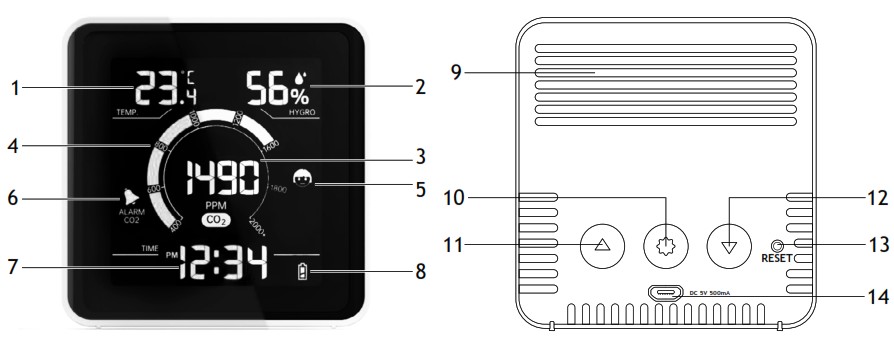
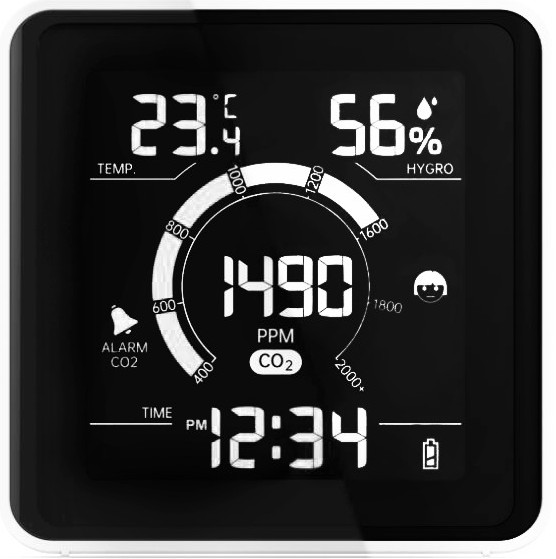
| 1. Temperature 2. Humidity 3. Current CO₂ reading (ppm) 4. CO₂ scale 5. CO₂ level comfort icon 6. CO₂ alert icon 7. Time display | 8. Battery indicator 9. Air flow channels 10. SET button 11. UP button 12. DOWN button 13. RESET button 14. micro USB slot |

© 2023 Discovery or its subsidiaries and affiliates. Discovery and related logos are trademarks of Discovery or its subsidiaries and affiliates, used under license.
All rights reserved. Discovery.com
Levenhuk Inc. (USA): 928 E 124th Ave. Ste D, Tampa, FL 33612, USA, +1-813-468-3001, [email protected]. Levenhuk Optics s.r.o. (Europe): V Chotejně 700/7, 102 00 Prague 102, Czech Republic, +420 737-004-919, [email protected]. Levenhuk® is a registered trademark of Levenhuk, Inc. © 2006—2023 Levenhuk, Inc.
All rights reserved. www.levenhuk.com
References
 Discovery Channel Shows and Articles | Discovery
-
Доживотна гаранция на Levenhuk – Официален уебсайт на Levenhuk в България
-
Levenhuk optical instruments store | Levenhuk - best optical equipment
-
Levenhuk lifetime warranty details | Levenhuk - best optical equipment
-
Doživotní záruka společnosti Levenhuk – Oficiální webové stránky Levenhuk pro Českou republiku
 Levenhuk Lebenslange Garantie – Die offizielle Website von Levenhuk in Deutschland
-
Garantía internacional de por vida Levenhuk – Compre desde el sitio web oficial de Levenhuk en España
-
Levenhuk Lifetime Warranty – Levenhuk’s official website in USA
-
A Levenhuk élettartamra szóló szavatossága – A Levenhuk hivatalos magyarországi weboldala
-
Gwarancja bezterminowa Levenhuk – Oficjalna witryna internetowa Levenhuk w Polsce
-
Поддержка - Гарантийное обслуживание Левенгук - Levenhuk Russia
 Discovery Channel Shows and Articles | Discovery
 Доживотна гаранция на Levenhuk – Официален уебсайт на Levenhuk в България
 Levenhuk optical instruments store | Levenhuk - best optical equipment
 Doživotní záruka společnosti Levenhuk – Oficiální webové stránky Levenhuk pro Českou republiku
 Levenhuk Lebenslange Garantie – Die offizielle Website von Levenhuk in Deutschland
 Garantía internacional de por vida Levenhuk – Compre desde el sitio web oficial de Levenhuk en España
 Levenhuk Lifetime Warranty – Levenhuk’s official website in USA
 A Levenhuk élettartamra szóló szavatossága – A Levenhuk hivatalos magyarországi weboldala
 Gwarancja bezterminowa Levenhuk – Oficjalna witryna internetowa Levenhuk w Polsce
 Поддержка - Гарантийное обслуживание Левенгук - Levenhuk Russia