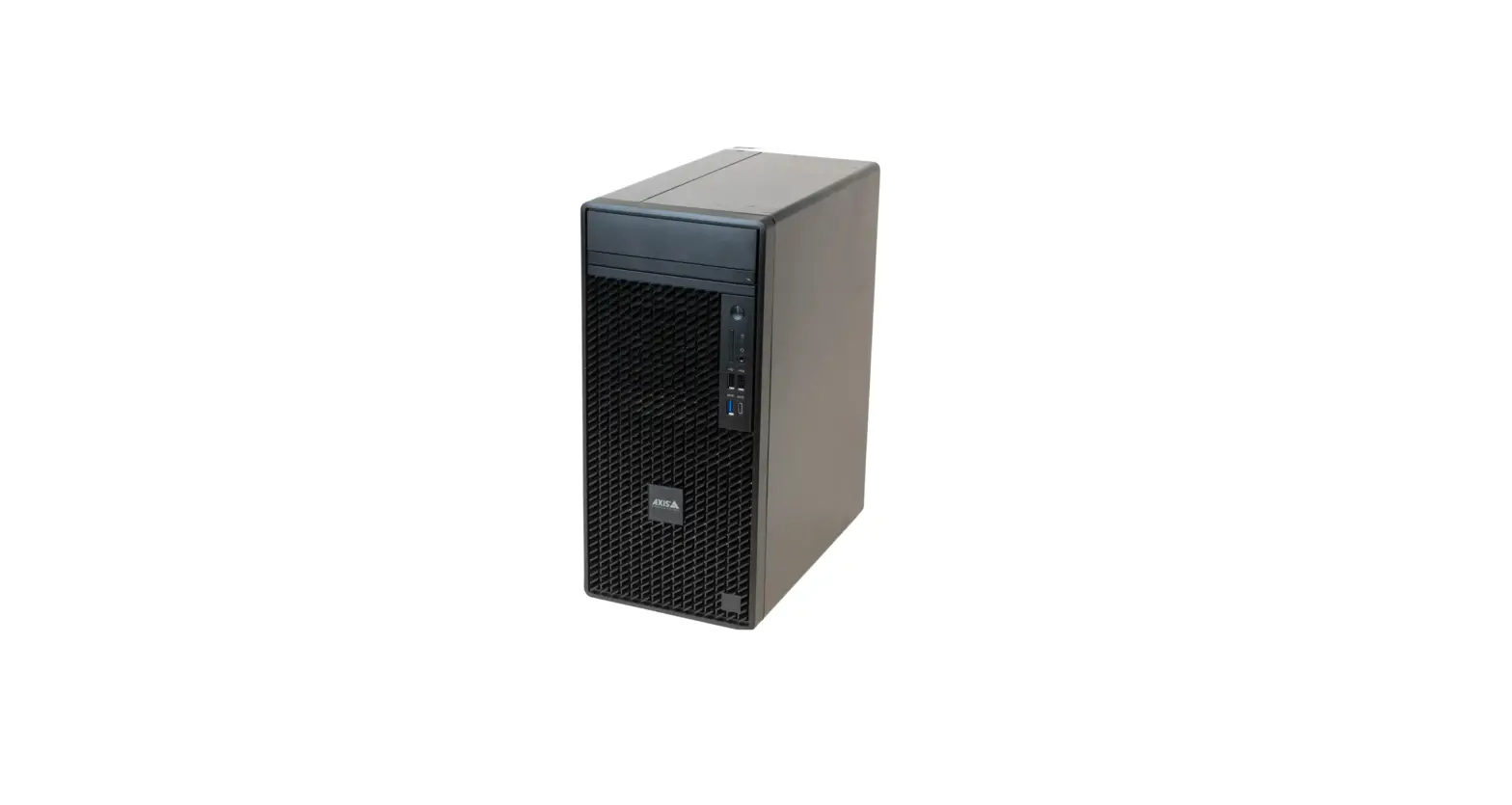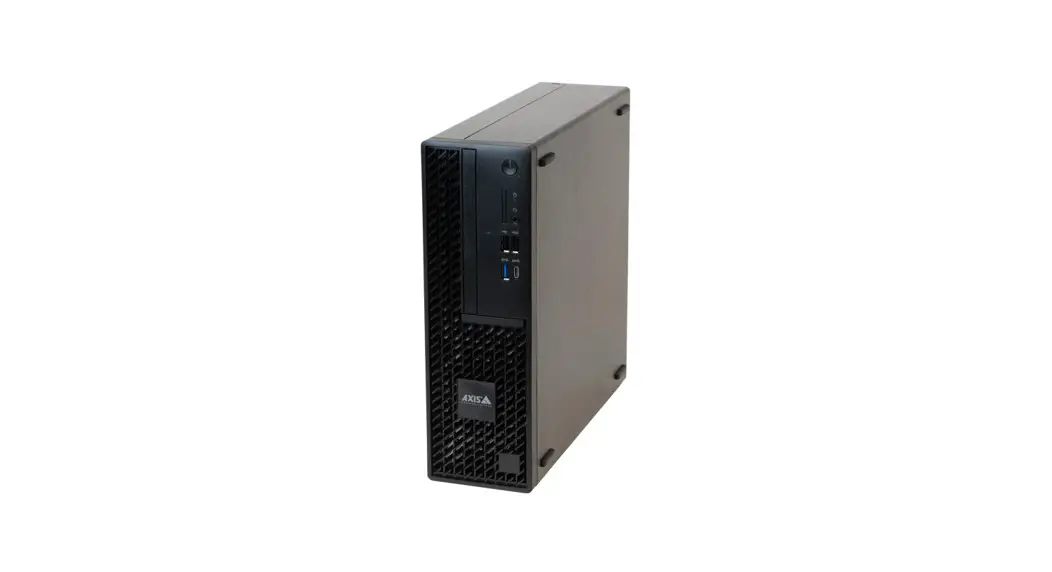
 S9302 Camera Station Workstation
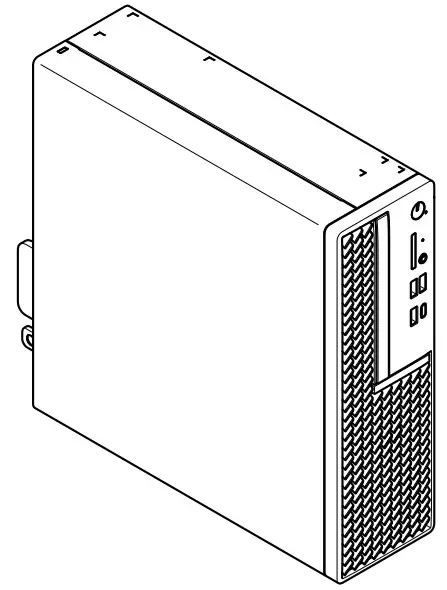 Installation Guide
 https://help.axis.com/axis-s9302
Read this first
Read through this installation guide carefully before you install the product. Keep the installation guide for future reference.
Safety information
Hazard levels DANGER Indicates a hazardous situation which, if not avoided, will result in death or serious injury. WARNING Indicates a hazardous situation which, if not avoided, could result in death or serious injury. CAUTION Indicates a hazardous situation which, if not avoided, could result in minor or moderate injury. NOTICE Indicates a situation which, if not avoided, could result in damage to property.
Other message levels
Important
Indicates significant information which is essential for the product to function correctly.
Note
Indicates useful information which helps in getting the most out of the product.
NOTICE
- The Axis product shall be used in compliance with local laws and regulations.
- Store the Axis product in a dry and ventilated environment.
- Use only applicable tools when installing the Axis product. Using excessive force with power tools could cause damage to the product.
- Do not use chemicals, caustic agents, or aerosol cleaners.
- Use a clean cloth dampened with pure water for cleaning.
- Use only accessories that comply with the technical specification of your product. These can be provided by Axis or a third party. Axis recommends using Axis power source equipment compatible with your product.
- Use only spare parts provided by or recommended by Axis.
- Do not attempt to repair the product yourself. Contact Axis support or your Axis reseller for service matters.
Transportation
NOTIC
• When transporting the Axis product, use the original packaging or equivalent to prevent damage to the product.
CAUTION
Do not replace the battery yourself. Contact Axis support if the log message requests a battery change.
Lithium coin cell 3.0 V batteries contain 1,2-dimethoxyethane; ethylene glycol dimethyl ether (EGDME), CAS no. 110-71-4.
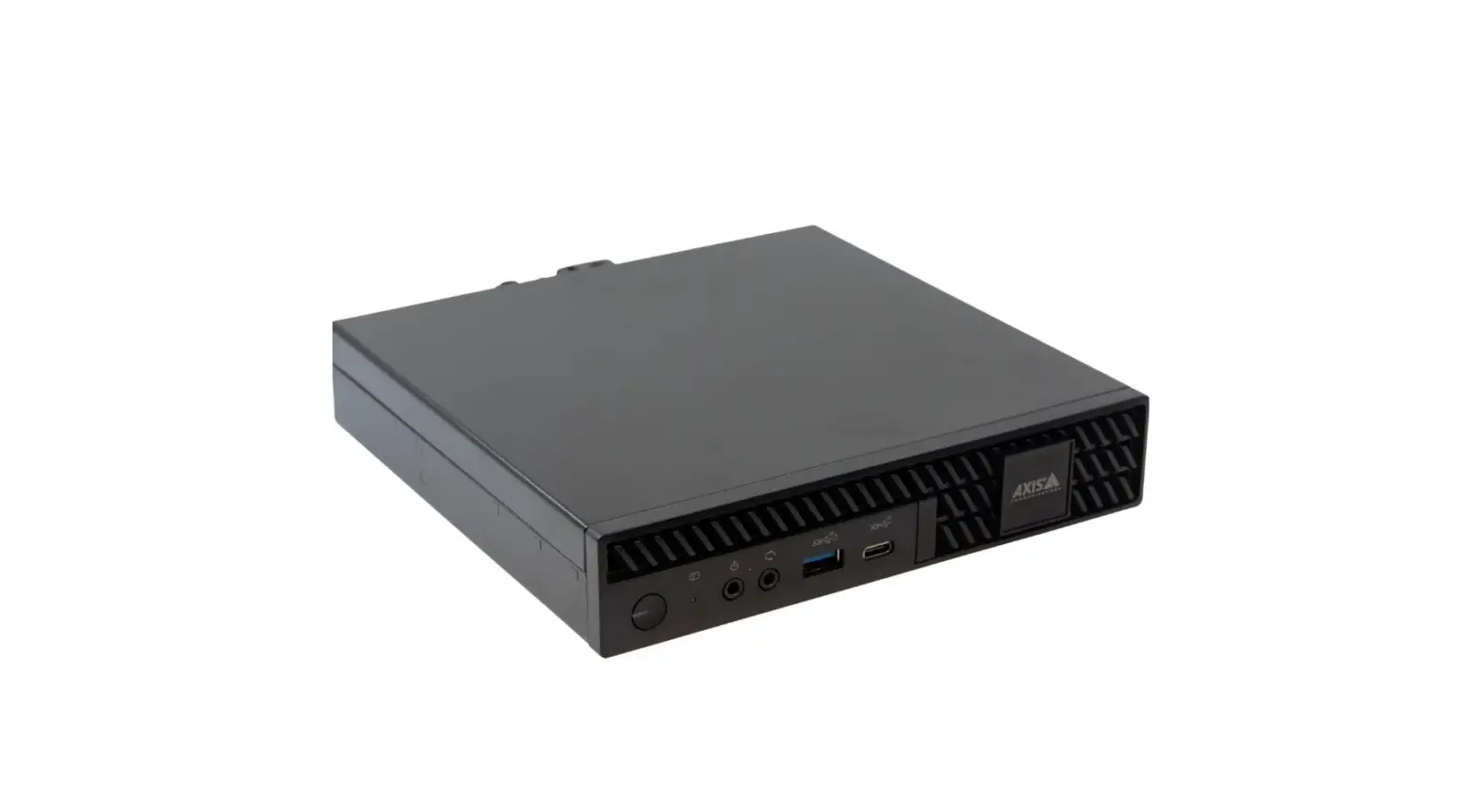
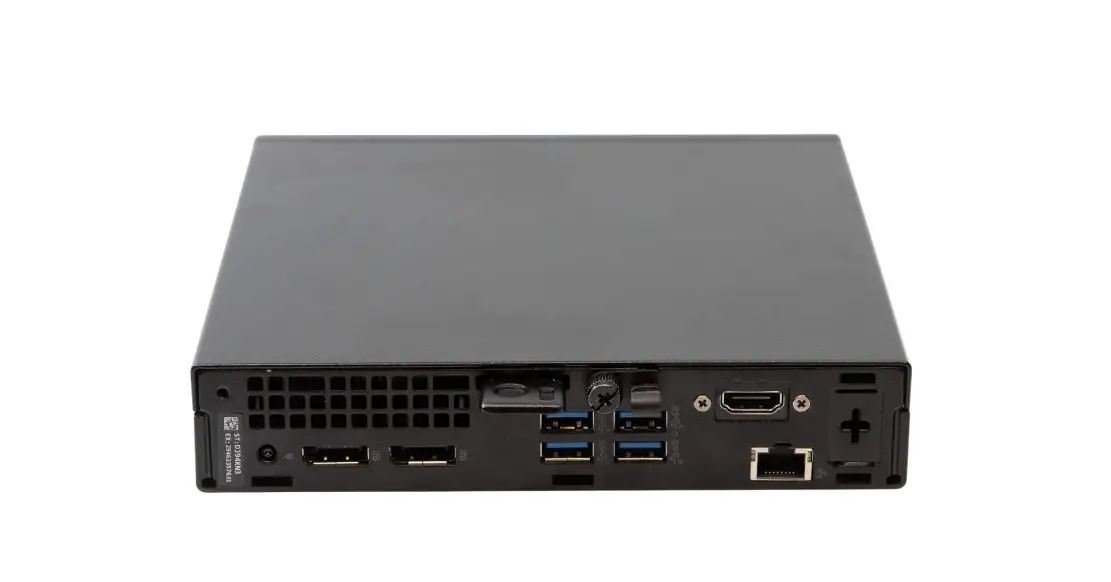
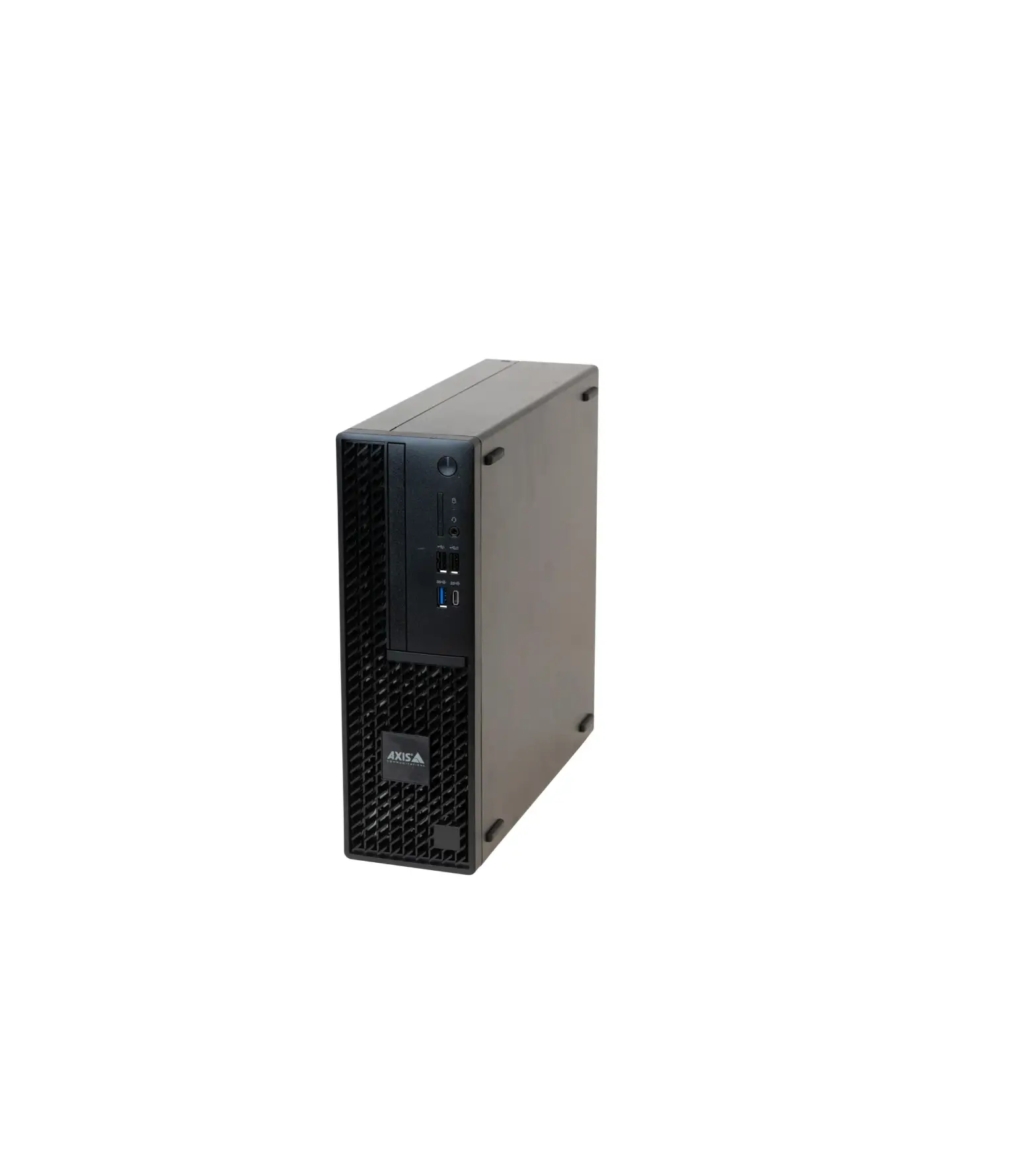
AXIS Camera Station S9302 Workstation
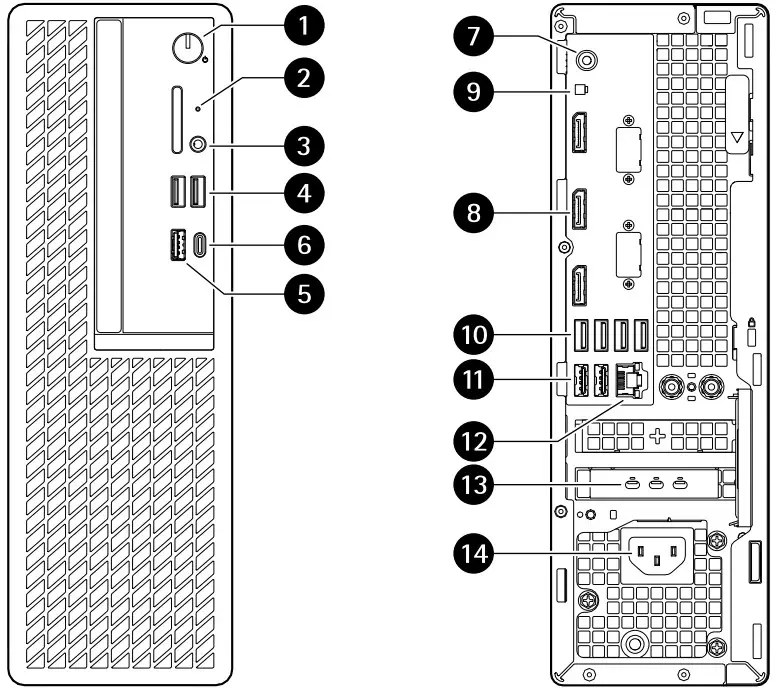
- Power button/power LED
- Hard drive activity LED
- Universal audio jack
- USB 2.0 ports
- USB 3.2 port
- USB 3.2 gen 2×2 USB-C port
- Universal audio jack
- Display Ports™
- Header for remote power button
- USB 3.2 ports
- USB 2.0 ports
- 1 GbE Ethernet port
- Mini Display Ports™
- Power connector
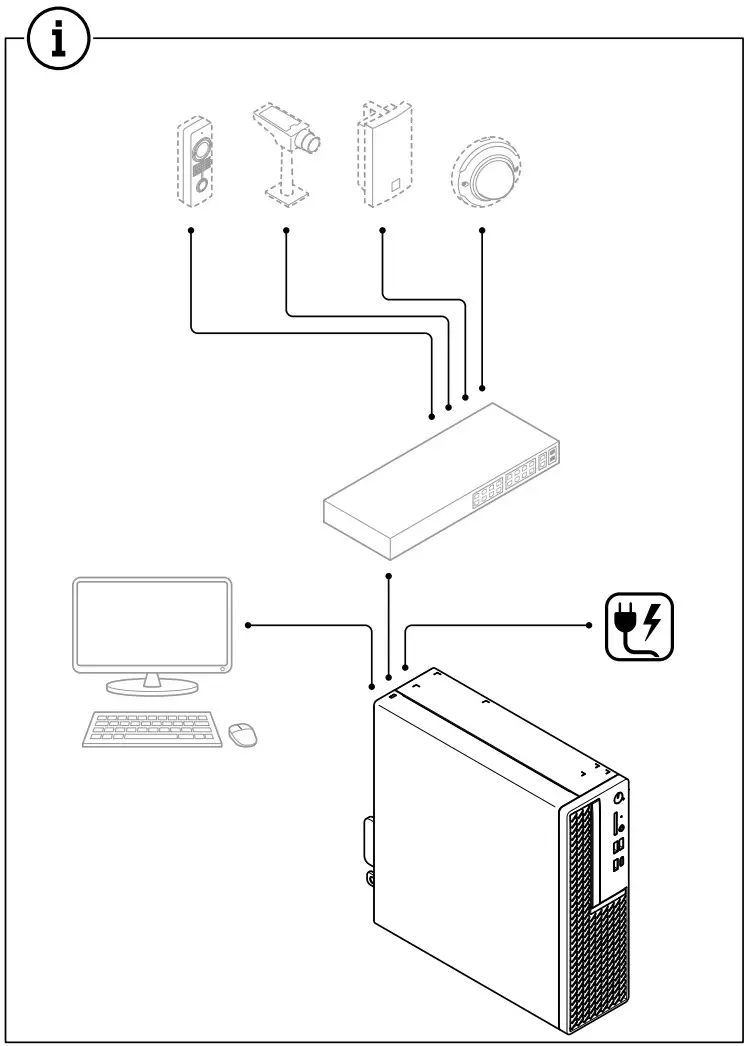
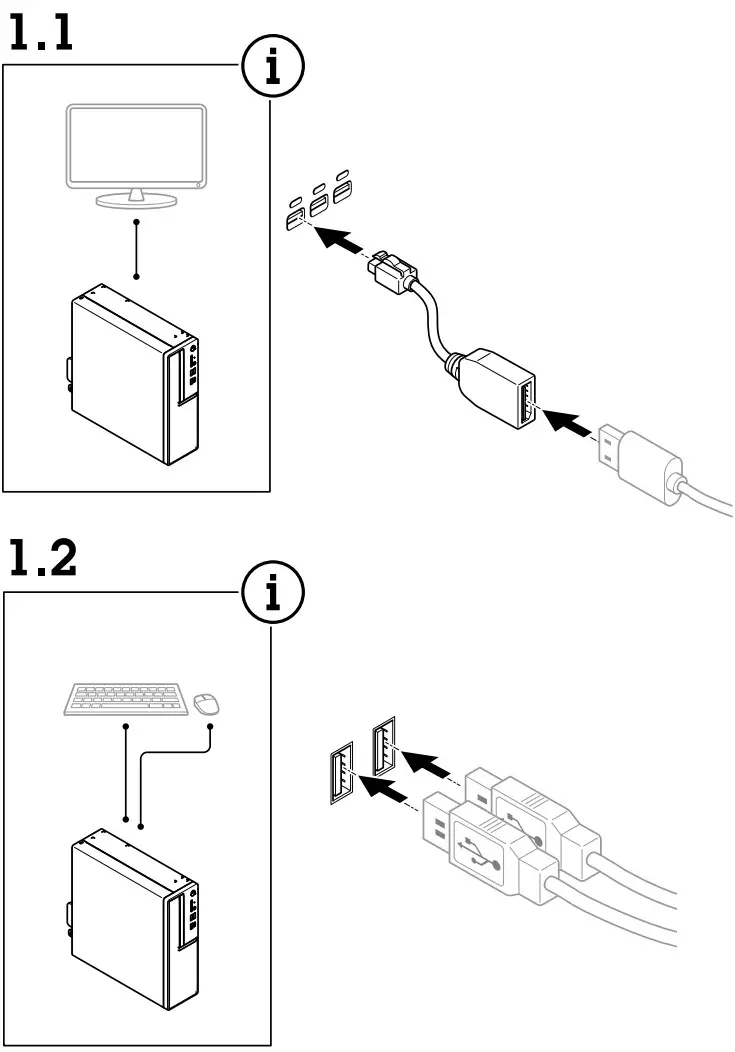
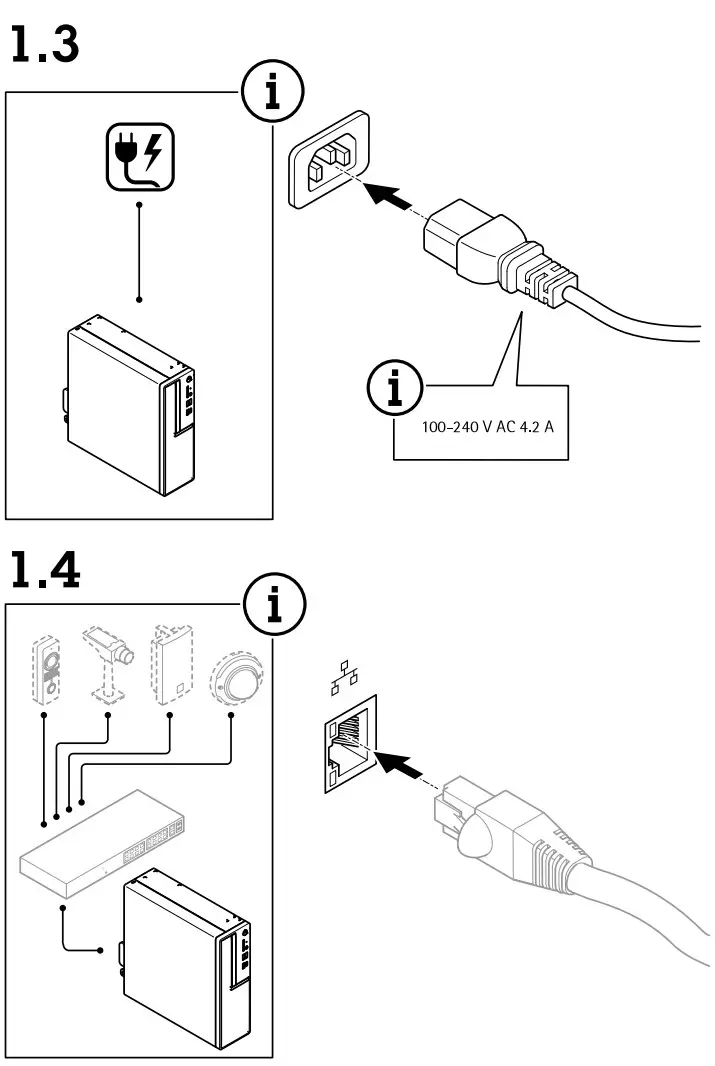
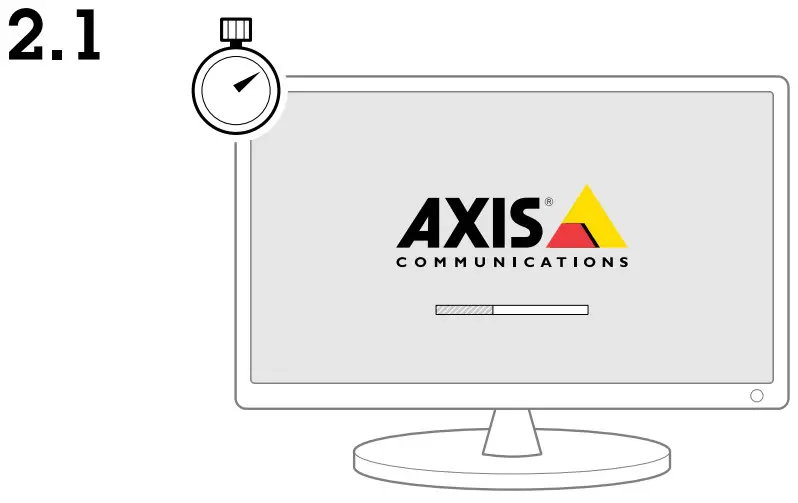
Initial Windows® setup: language, region, keyboard layout, user and password.
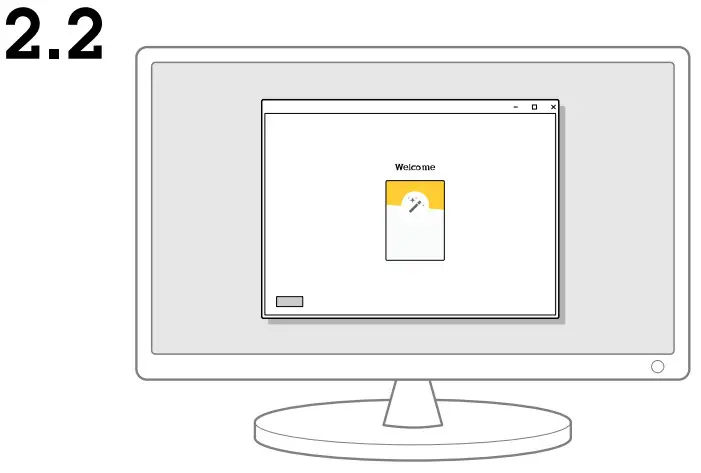
Initial Axis recorder setup: computer name, date and time and network.
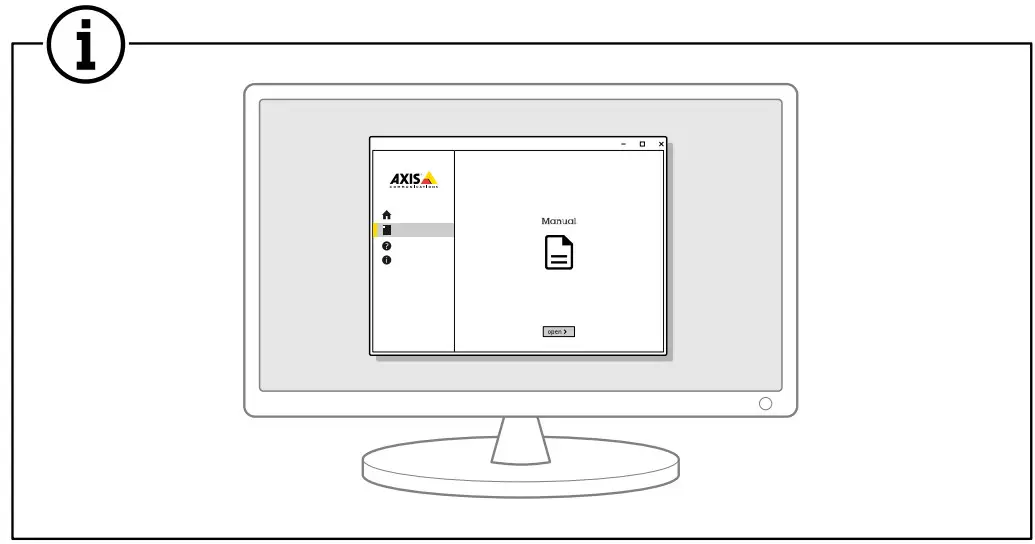
Update Windows to the latest version and create additional user accounts.
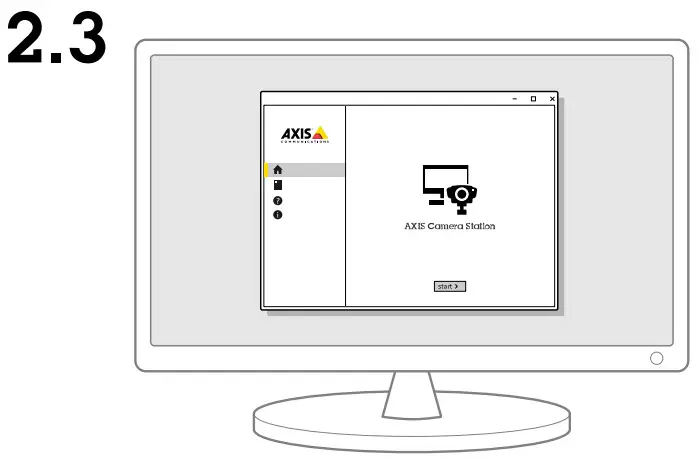
Update AXIS Camera Station to the latest version before using it.
User accounts
The following table lists the user accounts that can be used for installation, configuration and operation of your Axis system.
| User account | Description | Note |
| Maxis | Used to download the latest software, access the license system, Axis Secure Remote Access, and System Health Monitoring. | Registered from my.axis.com. |
| Windows® | ||
| Windows administrator | Administrator privileges in Windows. We recommend you do not use it as AXIS Camera Station administrator. | Created during initial Windows setup. |
| Windows user with AXIS Camera Station administrator privileges | A Windows user granted with administrator privileges in AXIS Camera Station to be used by system integrator or system administrator for configuration or troubleshooting. | Created in Windows settings. |
| Windows user with AXIS Camera Station operator or viewer privileges | A Windows user granted with operator or viewer privileges in AXIS Camera Station. | Created in Windows settings. |
| Device | ||
| Device administrator | Used by the administrator to access the camera from the video management system or device webpage. | Created from the device webpage or when you add the device to AXIS Camera Station. |
Warranty information
For information about Axis’ product warranty and thereto related information, go to axis.com/warranty.
Support Should you require any technical assistance, please contact your Axis reseller. If your questions cannot be answered immediately, your reseller will forward your queries through the appropriate channels to ensure a rapid response. If you are connected to the Internet, you can:
- download user documentation and software updates
- find answers to resolved problems in the FAQ database, search by product, category, or phrase
- report problems to Axis support staff by logging in to your private support area
- chat with Axis support staff
- visit Axis Support at axis.com/support
Learn more!
Visit Axis learning center axis.com/learning for useful trainings, webinars, tutorials and guides.
Contact information
Axis Communications AB
223 69 Lund Sweden
Tel: +46 46 272 18 00 Fax: +46 46 13 61 30
Installation Guide
AXIS Camera Station S9302 Workstation
© 2022 Axis Communications AB
Ver. M3.3
Date: December 2022
Part No. 2638548
 Axis Communications - Leader in network cameras and other IP networking solutions | Axis Communications
 My Axis | Axis Communications