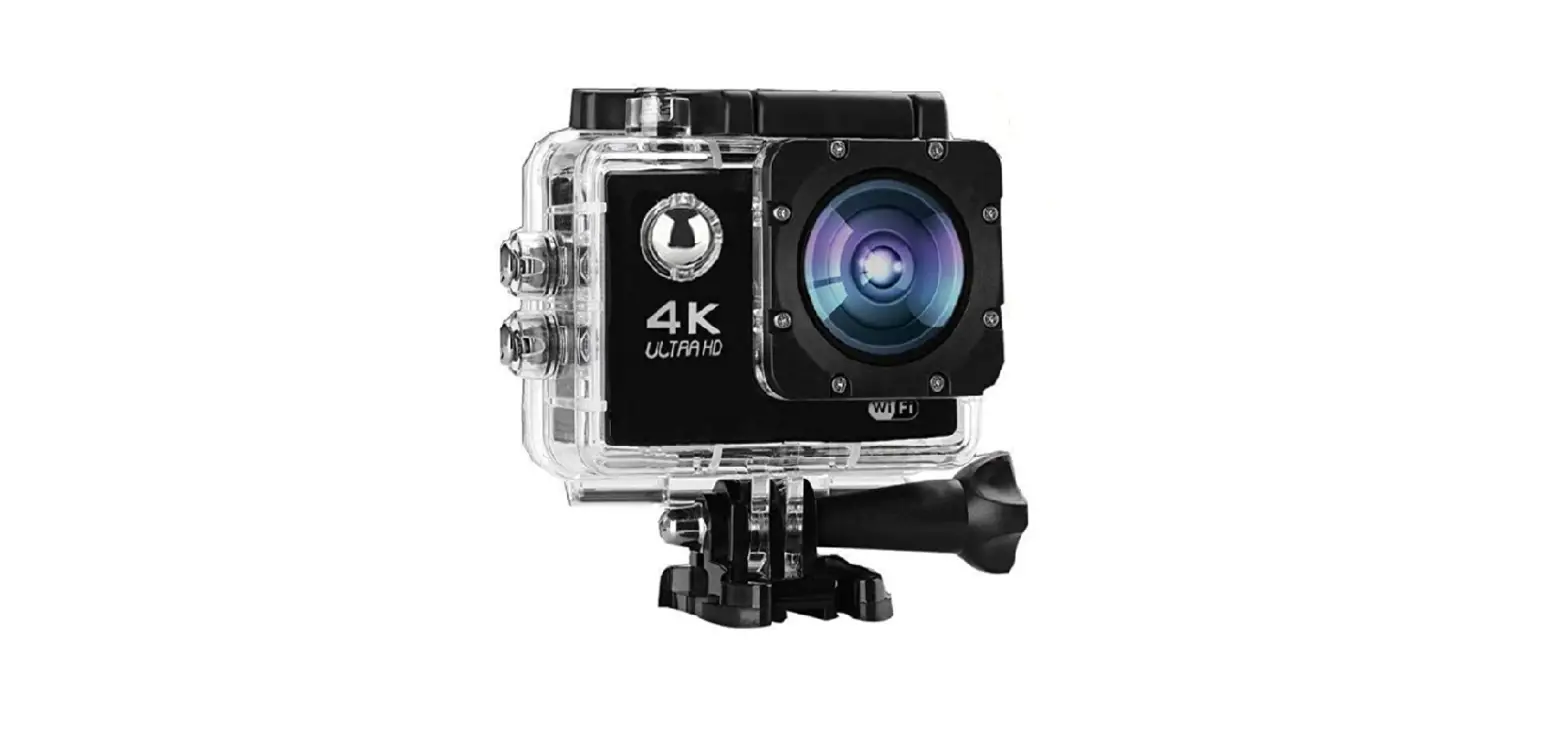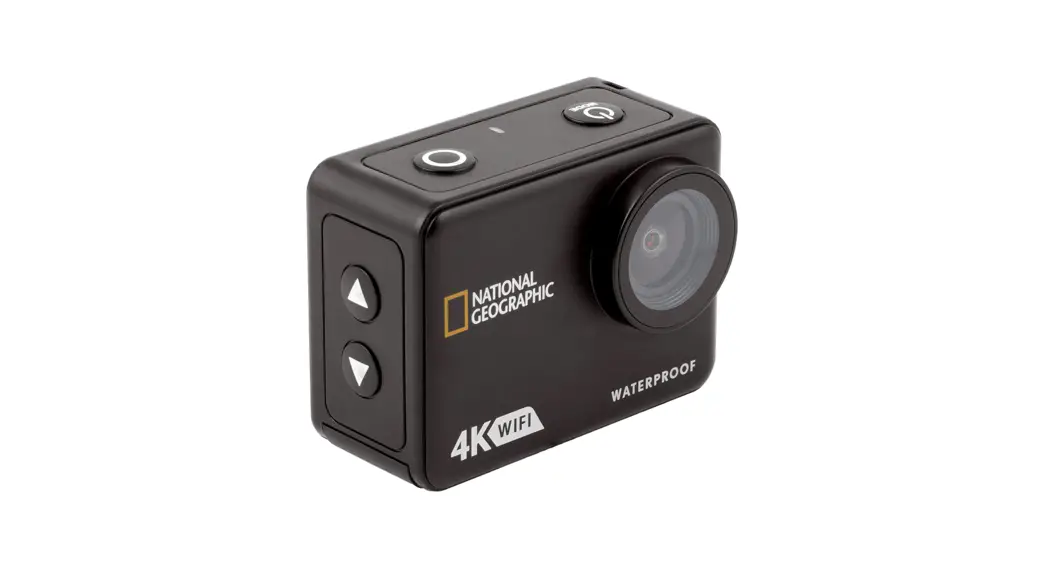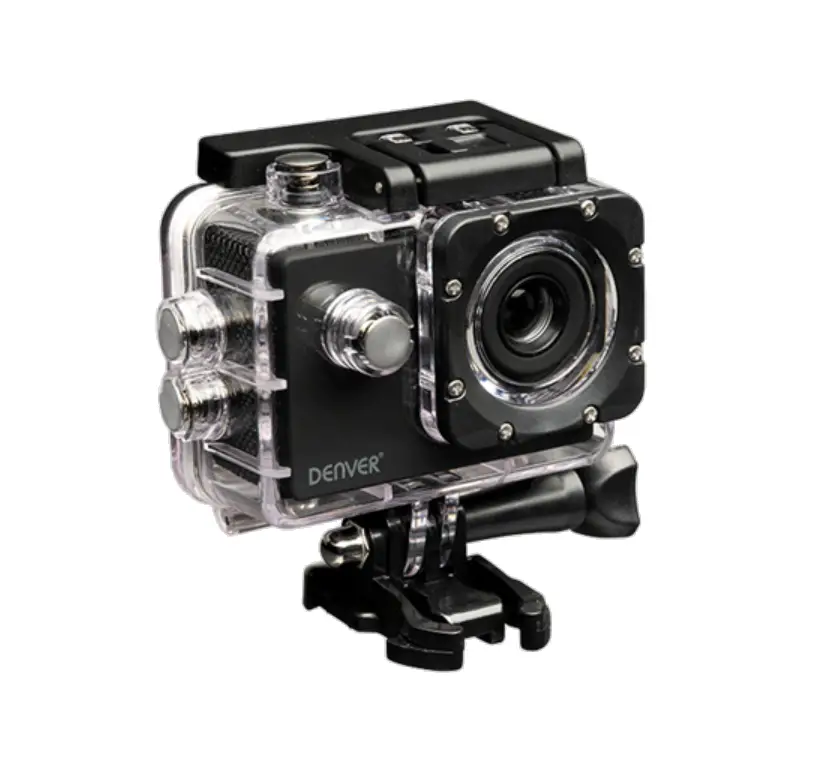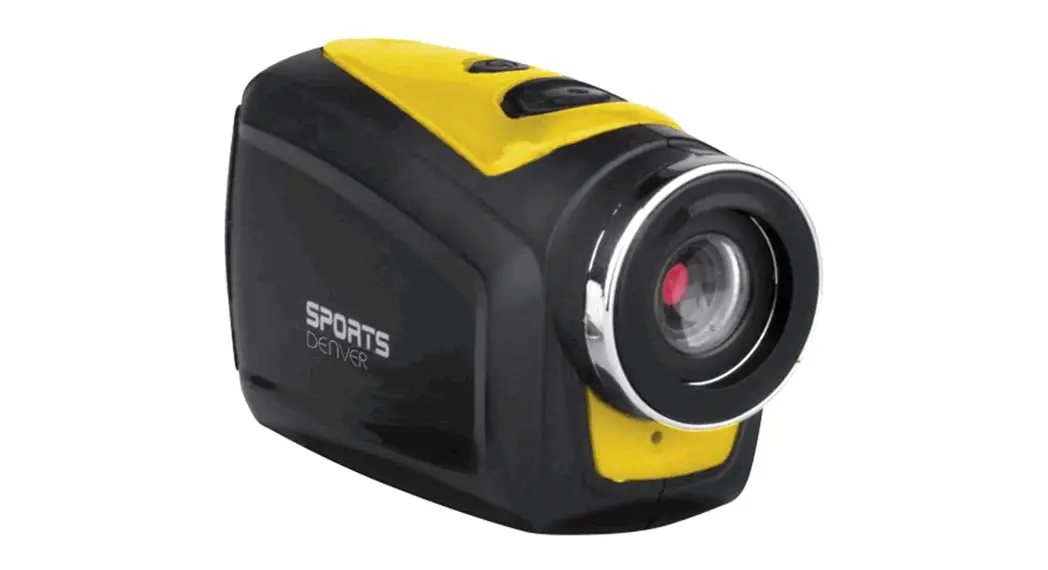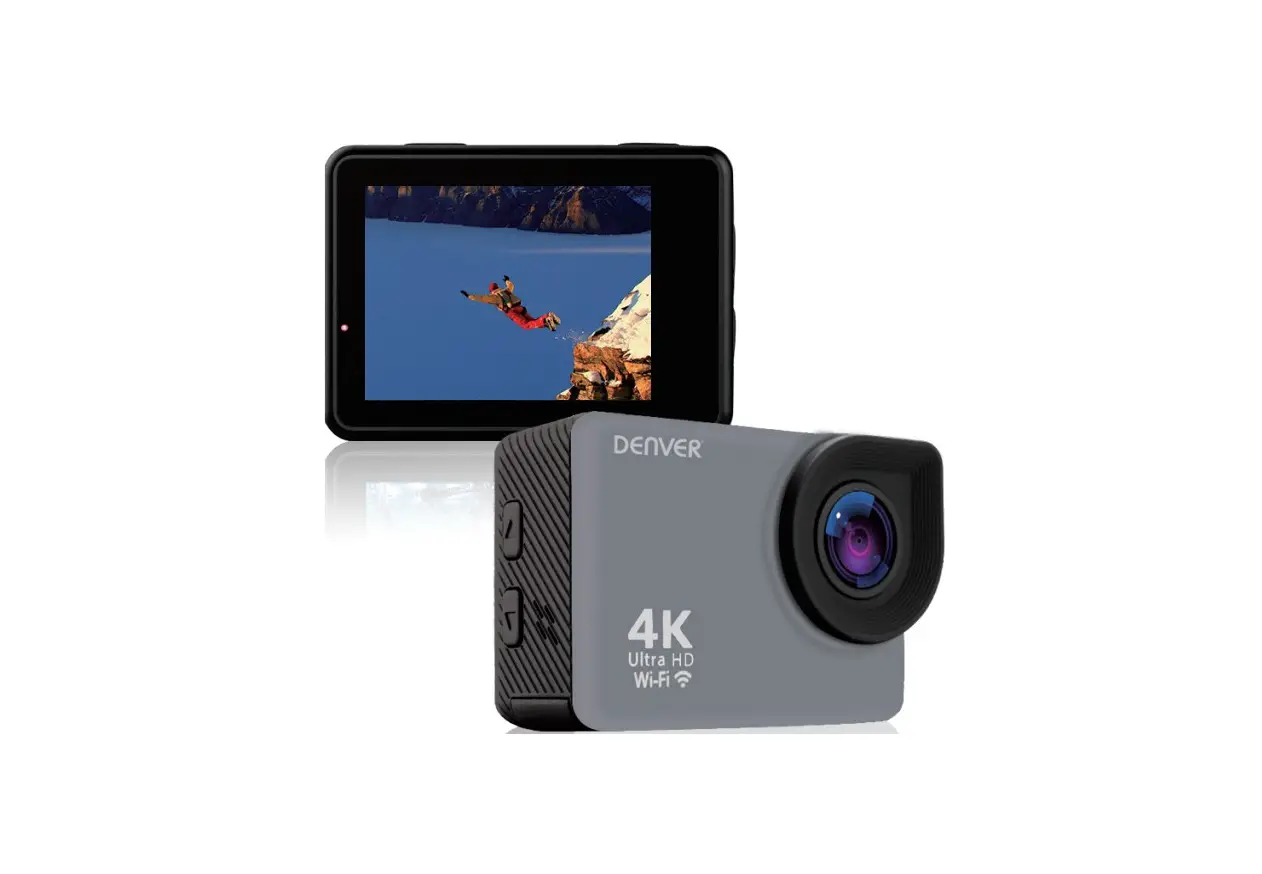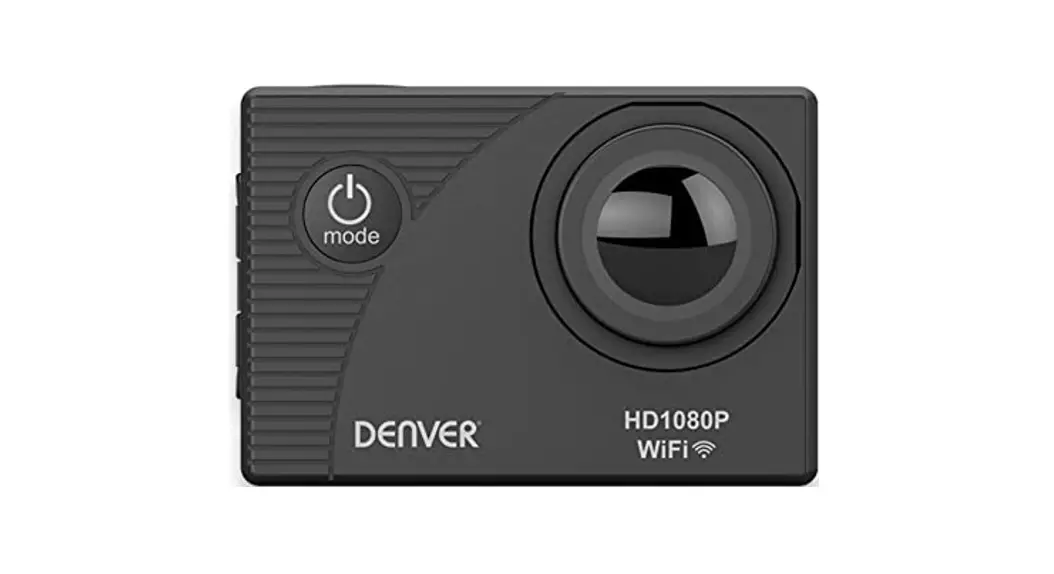
 ACTION CAM-WIFI
ACT-5051W
5MP FHD 1080P
30M WATERPROOF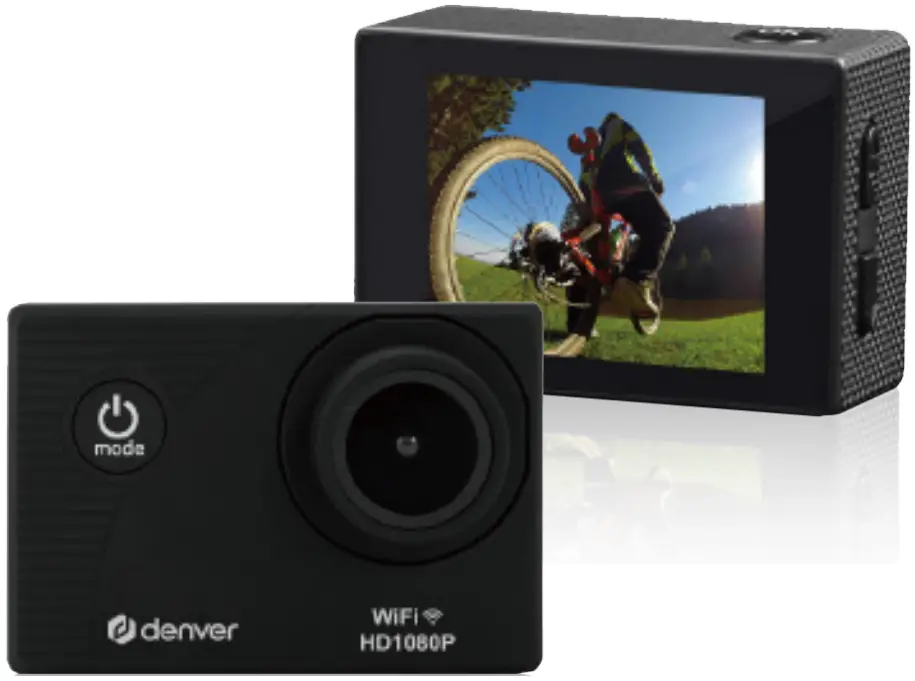
ACT-5051W 5MP FHD 1080P 30M Waterproof Action WiFi Camera
Warning!
- Lithium battery inside!
- Do not try to open the product!
- Do not expose to heat, water, moisture or direct sunlight!
- Only charge with the original charger supplied with this product!
Safety information
Please read the safety instructions carefully before using the product for the first time and keep the instructions for future reference.
- Warning: This product includes lithium polymer batteries.
- Keep product out of the reach of children and pets to avoid chewing and swallowing.
- Product operating temperature is from 0 degree Celsius to 45 degree Celsius and storage temperature is from -30 degree Celsius to 65 degree Celsius. Under and over this temperature might affect the function.
- Never open the product. Touching the inside electrics can cause electric shock.
Repairs or service should only be performed by qualified personnel. - Do not expose to heat, water, moisture, direct sunlight!
- The unit is not waterproof unless using the transparent waterproof casing. Casing is water proof to 30 meters.
- If water or foreign objects enter the unit, it may result in fire or electric shock. If water or a foreign object enters the unit, stop use immediately.
- Only charge with supplied USB cable.
- Do not use non original accessories together with the product as this can make the product functionality abnormal.
Introduction
This product is a high-definition video products for market demand, it has the industry-leading digital video, camera, sound recording, video playback and other functions. It is mainly for driving records, outdoor sports, diving surfing, rock climbing and other scenes to meet your needs of shooting wonderful precious images everywhere. Besides, this product has a number of patents.
Camera Diagram
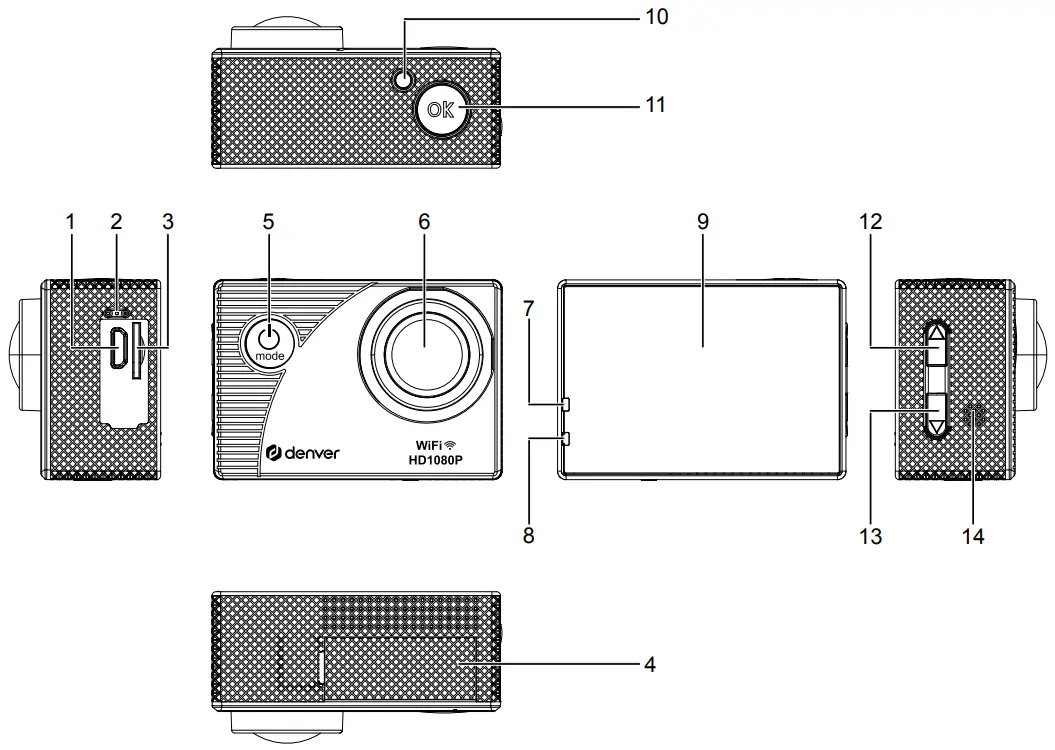
- Micro USB
- Microphone
- Micro SD card
- Battery door
- Power button/Mode key
- Lens
- Charging indicator
- Working indicator
- Display
- Recording indicator
- OK
- Up key/WIFI key
- Down key
- Speaker
Detail Instructions
- Insert Micro SD card
Note: please use brand Micro SD card, format it on a computer before using, a low quality card may not be guaranteed to work properly. - Battery Charge
A. Connect to computer or a power adapter by USB cable for charging.
B. Use car charger can also be charged in the car.
C. When charging, the red indicator light will stay on, once fully charged, the red light will turn off. - Camera on and off
A. Long press the Power button/Mode key for about 3seconds, camera will turn on.
B. Long press the Power button/Mode key for about 3seconds, camera will turn off. - Mode switch
Short Press Power button/Mode key will change the camera to video/photo/playback/setup menu/this four mode. - Video recording
A. Insert Micro SD card, then turn on the camera..
B. Then short press the “OK” button, camera will start recording video.
C. To stop recording video, press the “OK” button again. - Photo taking
A. Change the camera to photo mode by pressing the Power button/Mode key
B. Short press the “OK” button to take the photo. - Playback mode
By pressing mode button switch to Playback mode, the press up and down keys to select the video or photo to review, and press OK to play video. - Menu settings
A. When switch to Menu setting up mode.
B. Press up and down button to select the menu, press the “OK” button to select. - Connecting to computer
With USB cable connect camera to the computer, the screen will appear 3 connection mode:
Mass storage/PC camera/Charge battery. You can press the up/down button to select the connection mode. - WIFI connection
The machine can be connected to phone or tablet by following these steps:
A. Download the ” DENVER ACTION CAM 4″ APP, (Android download on Google Play, IOS download on the APP Store).
B. Turn on the camera, Short press the “up/wifi” button to turn on the WIFI, the camera screen will show WIFI logo and then appears SSID and PW (initial password): 12345678
C. Use your phone connect this WIFI
D. Start APP” DENVER ACTION CAM 4″, to start APP control the camera.
Specifications
| LCD Screen | 2.0 LTPS |
| Camera shot | 140 degree |
| Menu Language | Danish, Espana, Portugal, Italia, Deutsch, Francais, Nederlands, Polski |
| Video Resolution | FHD (19201080P) HD (1280*720P) VGA (640*480P) |
| Video Format | AVI |
| Video compression formats | MJPG |
| Photo resolution | 12M,8M, 5M, 3M, 2M, 1.3M VGA, |
| Storage card | Micro SD card |
| USB | USB2.0 |
| Battery capacity | 900MAH |
| Power consumption | [email protected] |
| Charging time | About 3 hours |
| Dimension | 59.27*41.13*29.28mm |
Please notice – All products are subject to change without any notice
We take reservations for errors and omissions in the manual
ALL RIGHTS RESERVED, COPYRIGHT DENVER A/S
www.denver.eu

Electric and electronic equipment and included batteries contains materials, components and substances that can be hazardous to your health and the environment, if the waste material (discarded electric and electronic equipment and batteries) is not handled correctly.
Electric and electronic equipment and batteries is marked with the crossed out trash can symbol, seen below. This symbol signifies that electric and electronic equipment and batteries should not be disposed of with other household waste, but should be disposed of separately.
As the end user it is important that you submit your used batteries to the appropriate and designated facility. In this manner you make sure that the batteries are recycled in accordance with legislature and will not harm the environment.
All cities have established collection points, where electric and electronic equipment and batteries can either be submitted free of charge at recycling stations and other collection sites, or be collected from the households. Additional information is available at the technical department of your city.
Hereby, DENVER A/S declares that the radio equipment type ACT – 5051 W is in compliance with Directive 2014/53/EU. The full text of the EU declaration of conformity is available at the following internet address: www.denver.eu and then click the search ICON on top line of website. Write model number: ACT-5051W. Now enter product page, and red directive is found under downloads/other downloads.
Operating Frequency Range: 2400-2483MHz
Max Output Power: 31dbm
DENVER A/S
Omega 5A, Soeften
DK-8382 Hinnerup
Denmark
www.facebook.com/denver.eu
Contact
| Nordics Headquarter Denver A/S Omega 5A, Soeften DK-8382 Hinnerup Denmark Phone: +45 86 22 51 00 (Push “2” for support) For technical questions, please write to:[email protected] For all other questions please write to:[email protected] | Germany Denver Germany GmbH Service Gutenbergstrasse 1 94036 Passau Phone: +49 851 379 369 40 E-Mail: [email protected] Fairfixx GmbH Repair and service Rudolf-Diesel-Str. 3 TOR 2 53859 Niederkassel (for TV, E-Mobility/Hoverboards /Balanceboards, Smartphones & Tablets) Tel.: +49 851 379 369 69 E-Mail: [email protected] |
| Benelu/France Denver Benelux BV Barwoutswaarder 13C+D 3449 HE Woerden The Netherlands Phone: +31 348 420 029 E-Mail: [email protected] | Austria Lurf Premium Service GmbH Deutschstrasse 1 1230 Wien Phone: +43 1 904 3085 E-Mail: [email protected] |
| Spain/Portugal Denver AS Spain S.A. C/ Moscú, 1 Pol.Ind.Mas de Tous 46185 La Pobla de Vallbona Valencia (Spain) Spain Phone: +34 960 046 883 Mail: [email protected] | Portugal: Phone: +35 1255 240 294 E-Mail: [email protected] If your country is not listed above, please write an email to [email protected] |
Denver A/S
Omega 5A, Soeften
DK-8382 Hinnerup
Denmark
denver.eu
facebook.com/denver.eu
 Denver A/S
 Denver A/S