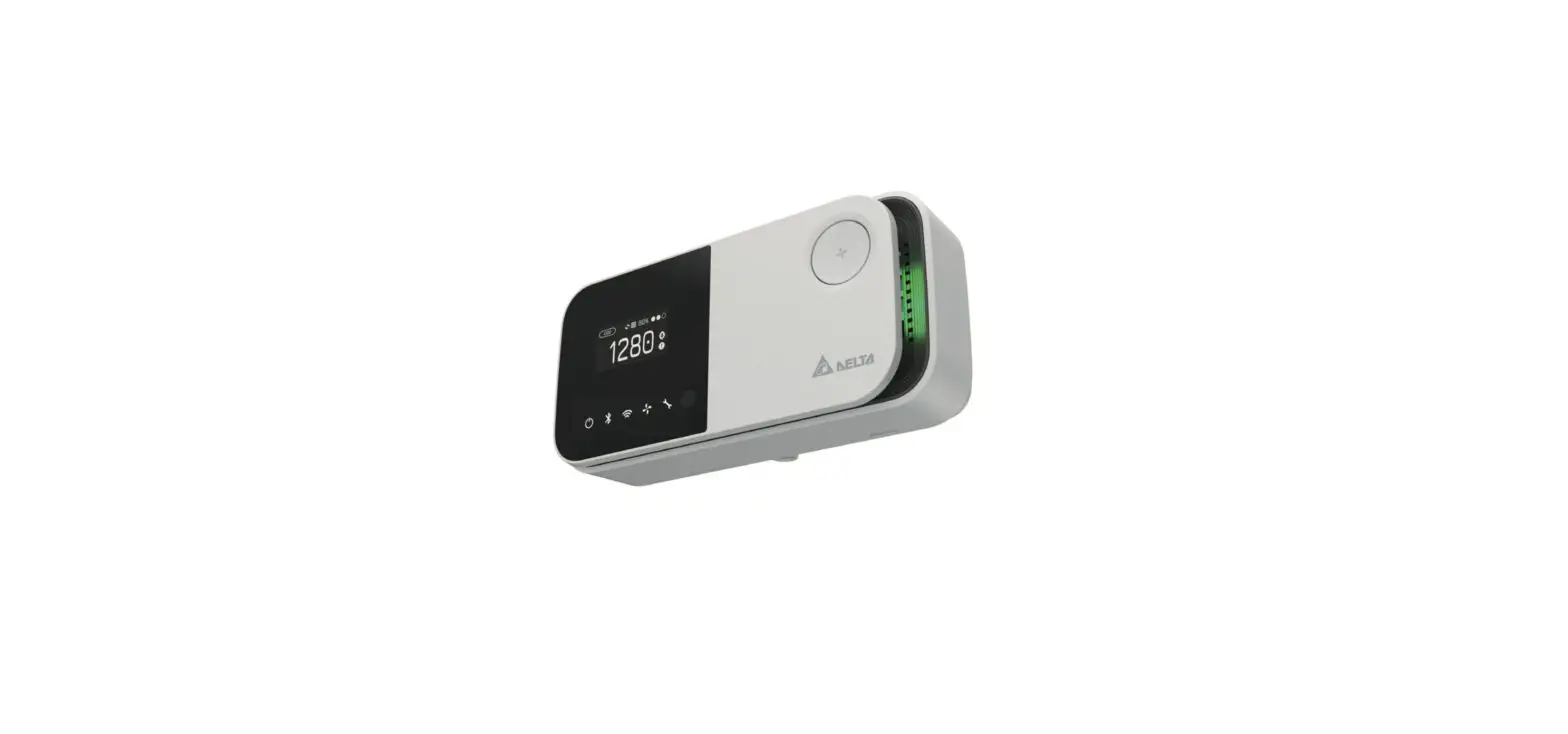
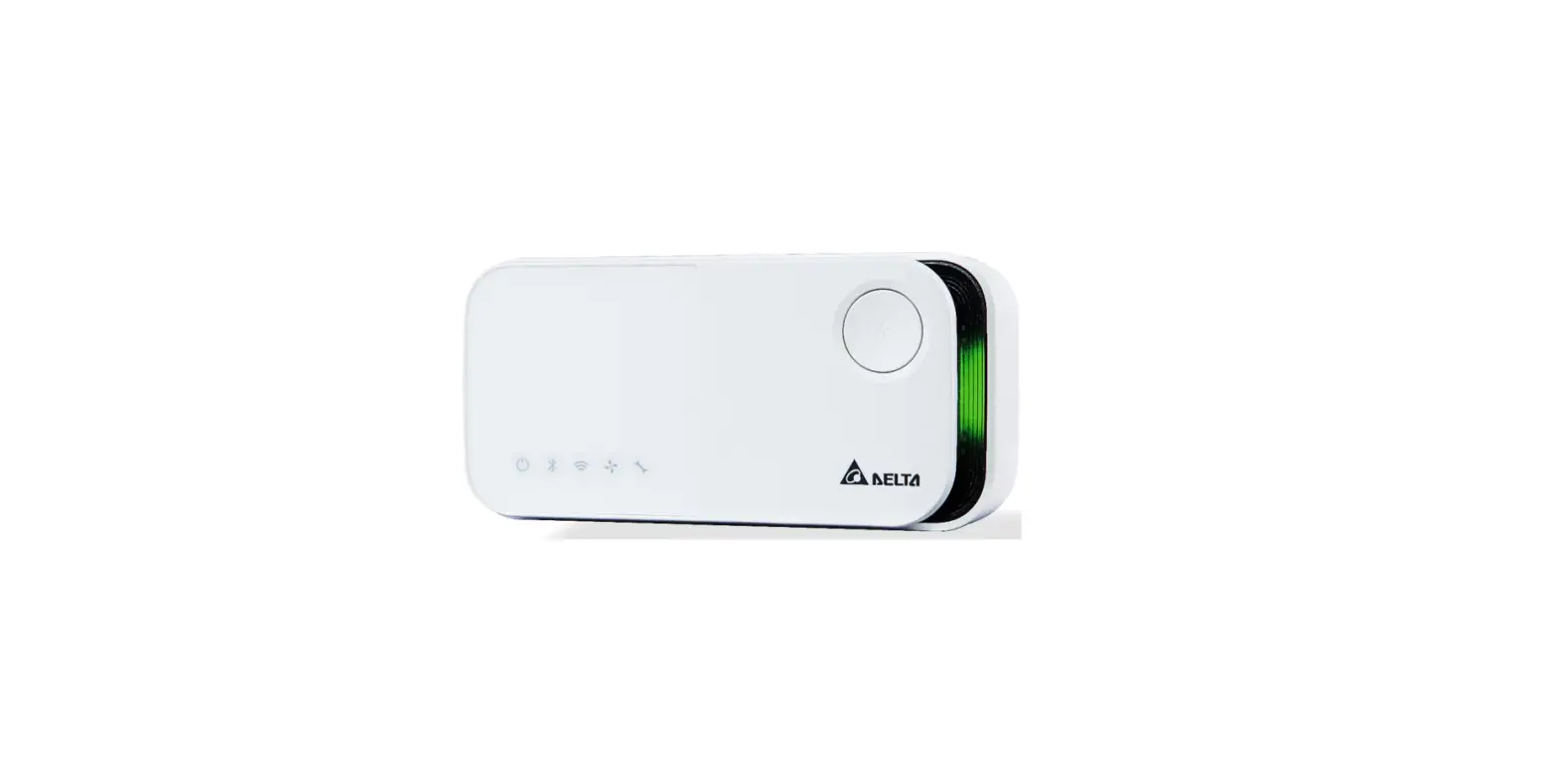
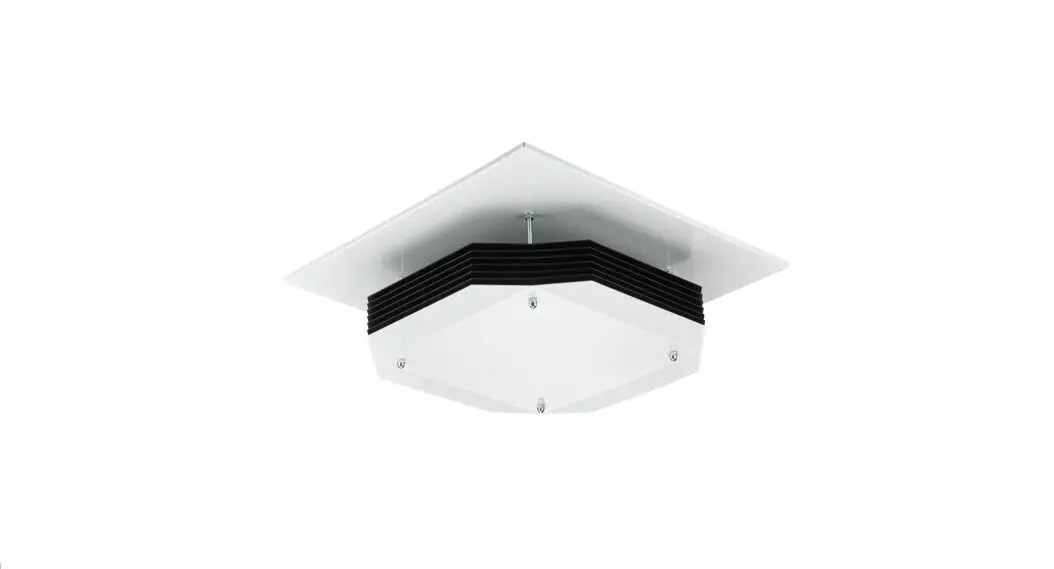
Apollo Ambient Air Sampler
Product Information
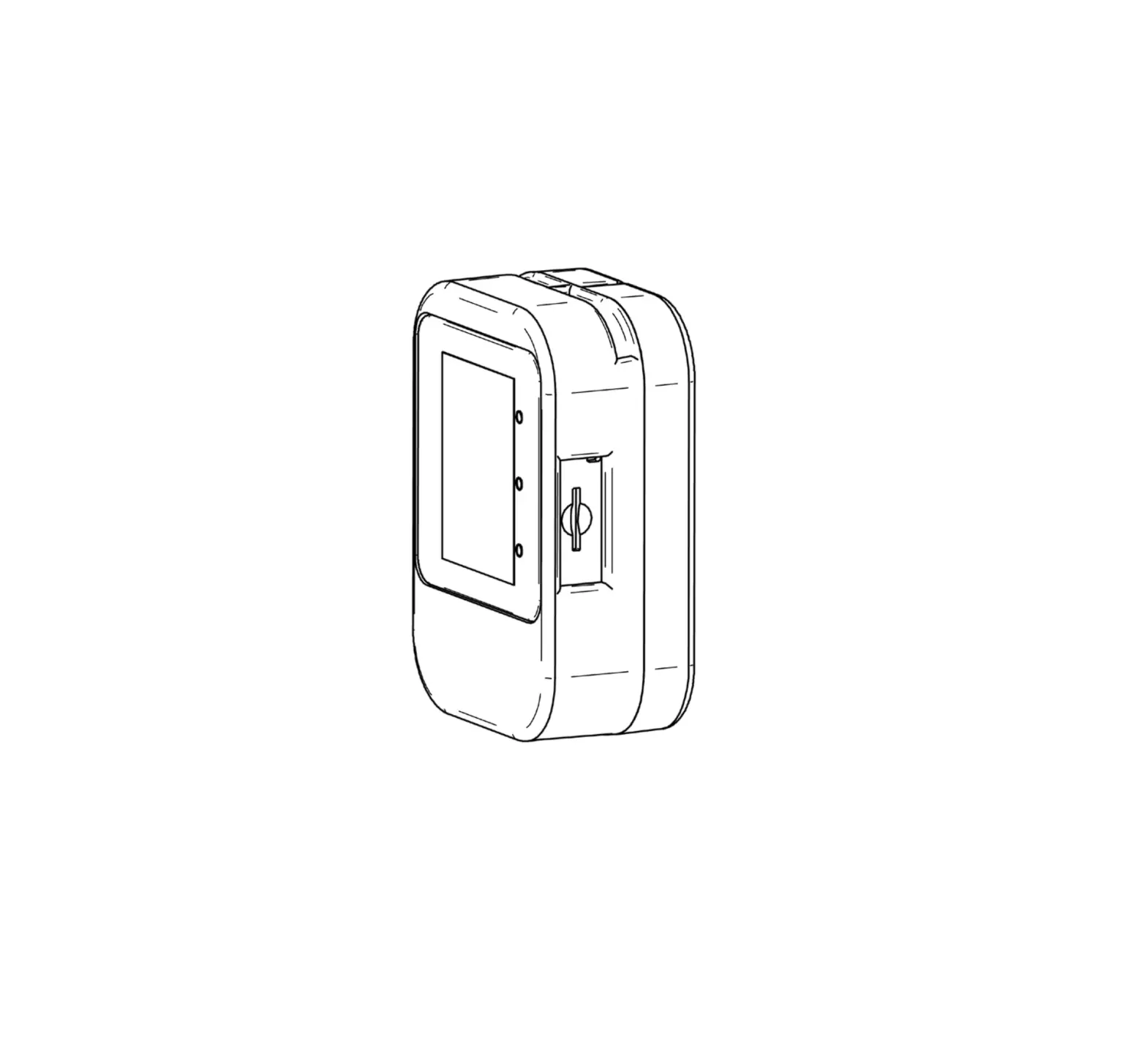
Apollo is a user-friendly air sampling device designed for any
indoor environment. It simplifies the measurement of a range of
airborne agents and helps improve indoor air quality.
To find out more about Apollo, visit inbio.com/apollo/.
Product Usage Instructions
- Place the Apollo on a flat surface such as a table, shelf, or
stand near an electrical outlet. Ensure that the front of the
Apollo is facing the room or sampling area. - Take a filter out of the ziplock bag, holding it carefully by
the tabs on the top or bottom of the frame. - Insert the top two tabs of the filter into the filter holder
and click the rest of the filter into place by pushing down on the
edges. - Slide the assembled filter into the slot at the top of the
Apollo device. Make sure that the flat end of the filter is at the
top and the curved end is facing down. Check that it is secure. The
open side of the filter holder should be facing the front of the
device. - Plug the Apollo device into an electrical outlet. The LED light
should turn on when plugged in correctly. - Run Apollo for the desired duration, typically 12-24 hours.
Make a note of the duration and include this information with
returned samples. - When the sampling time is finished, turn off the device at the
wall plug before attempting to remove the filter. - To remove the filter from the Apollo, hold the edge of the
filter frame and slide it off by pulling up and out on the bottom
tab. Place the filter directly back into the ziplock bag and seal
it tightly. Keep the filter refrigerated until it can be shipped to
InBio. - To replace the filter for the next sample, obtain a new filter
with clean hands and repeat the process described in step 2. Ensure
that the filter is fitted firmly onto the filter holder and insert
it back into the device.
For information on recommended sampling durations, the sample
submission process, and to order replacement filters, visit
inbio.com/apollo/.
Frequently Asked Questions (FAQs) can also be found on our
website.
Apollo is a novel air sampling device that’s user-friendly and designed for any indoor environment, greatly simplifying measurement of a range of airborne agents and improving
indoor air quality.
Visit inbio.com/apollo/ to find out more.
Apollo
©2023 InBio.
USER MANUAL
Contents:
· Apollo Air Sampling Device · Power Cable · Filter Holder · Filter(s) · User Manual
Performing Air Sampling
1 Place the Apollo on a flat surface such as a table, shelf, or stand near an electrical outlet. The front of the Apollo (as shown) should be facing the room/ sampling area.
2 Take a filter out of the ziplock bag, holding it carefully by the tabs on the top or bottom of the frame. Insert the top two tabs into the filter holder and click the rest of the filter into place by pushing down on the edges.
3 Slide the assembled filter into the slot at the top of the Apollo device, with the flat end at the top and the curved end facing down, checking that is it secure. The open side of the filter holder (as shown) should be facing the front of the device.
4 Plug the Apollo device into an electrical outlet, the LED light should turn on when plugged in correctly.
5 Run Apollo for the desired duration, typically 12-24 hours*. Make a note of the duration and include this information with returned samples.
6 When the sampling time is finished, turn the device off at the wall plug before attempting to remove the filter.
7 Remove the filter from the Apollo. Holding the edge of the filter frame, slide the filter off by pulling up and out on the bottom tab to remove it from the holder. Place the filter directly back into the ziplock bag and seal tight. Keep refridgerated until it can be shipped to InBio.
8 To replace the filter for the next sample, obtain a new filter with clean hands and repeat the process as described in point 2, being careful not to damage the filter. Ensure the filter is fitted firmly onto the filter holder. Insert back into the device.
*Visit inbio.com/apollo/ for infomation on recommended sampling durations, sample submission process and to order replacement filters. FAQs can be found on our website.
 Apollo Ambient Air Sampler - InBio