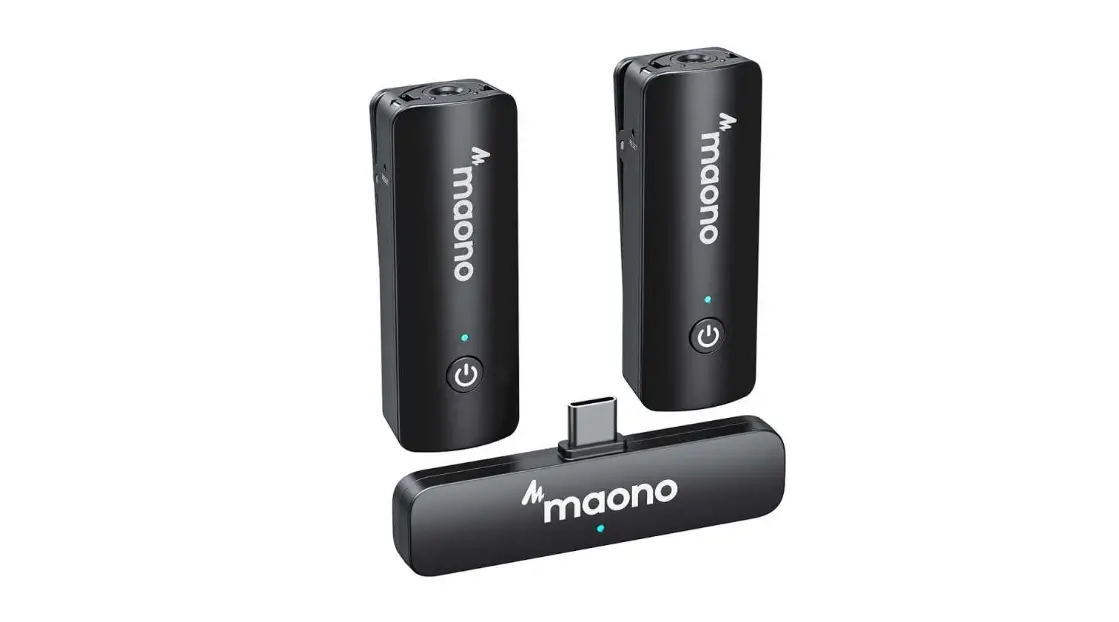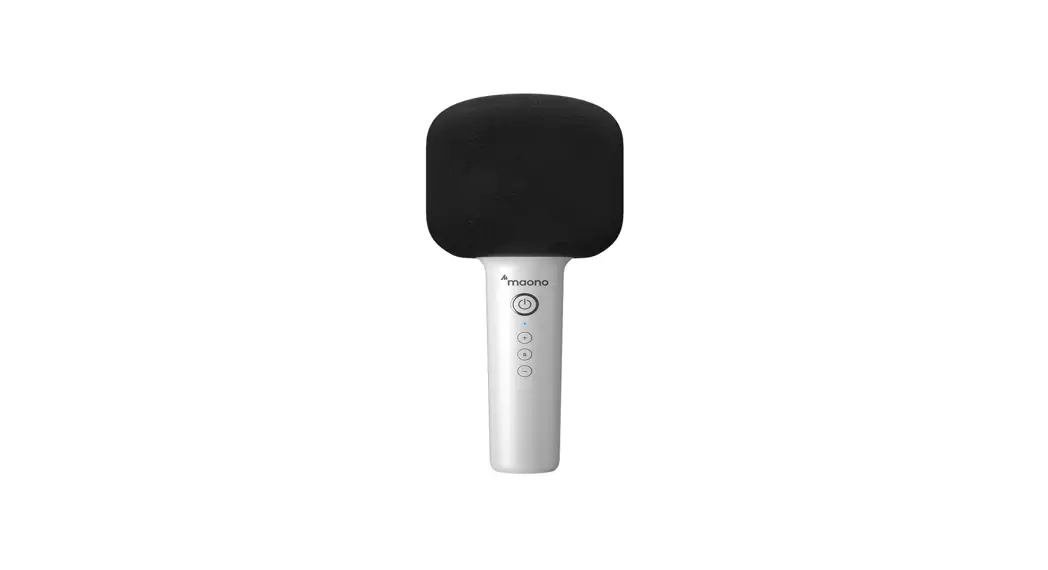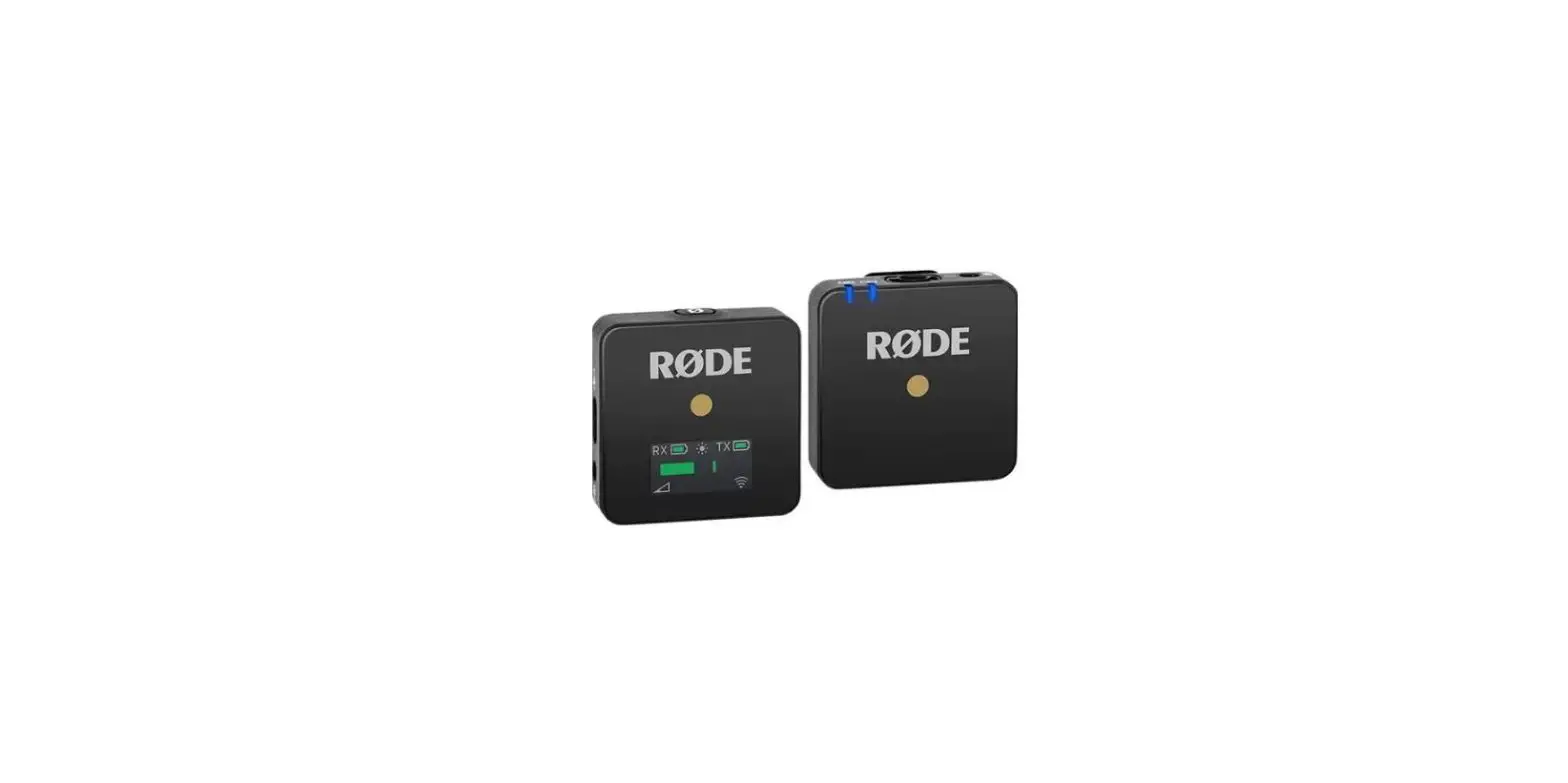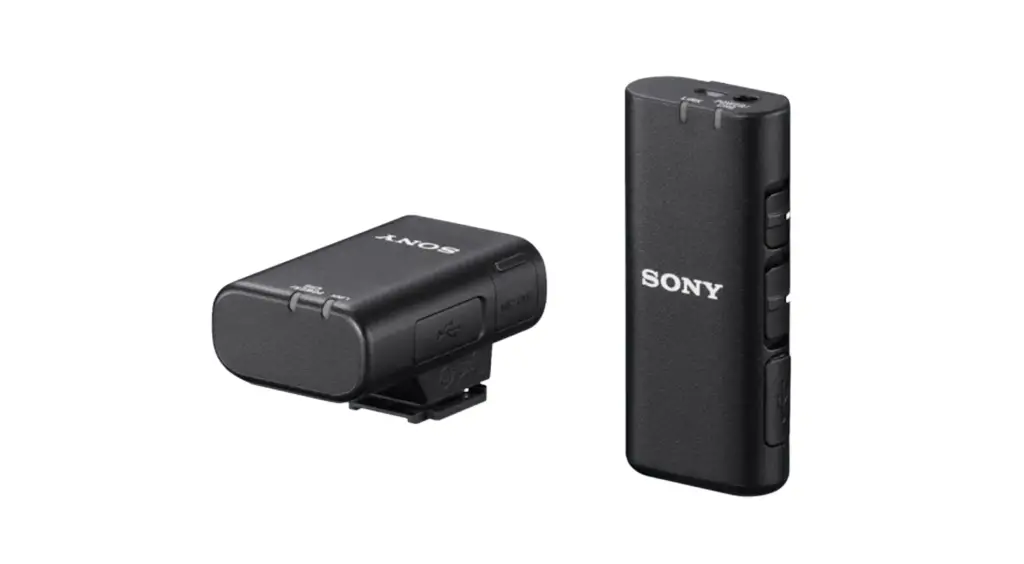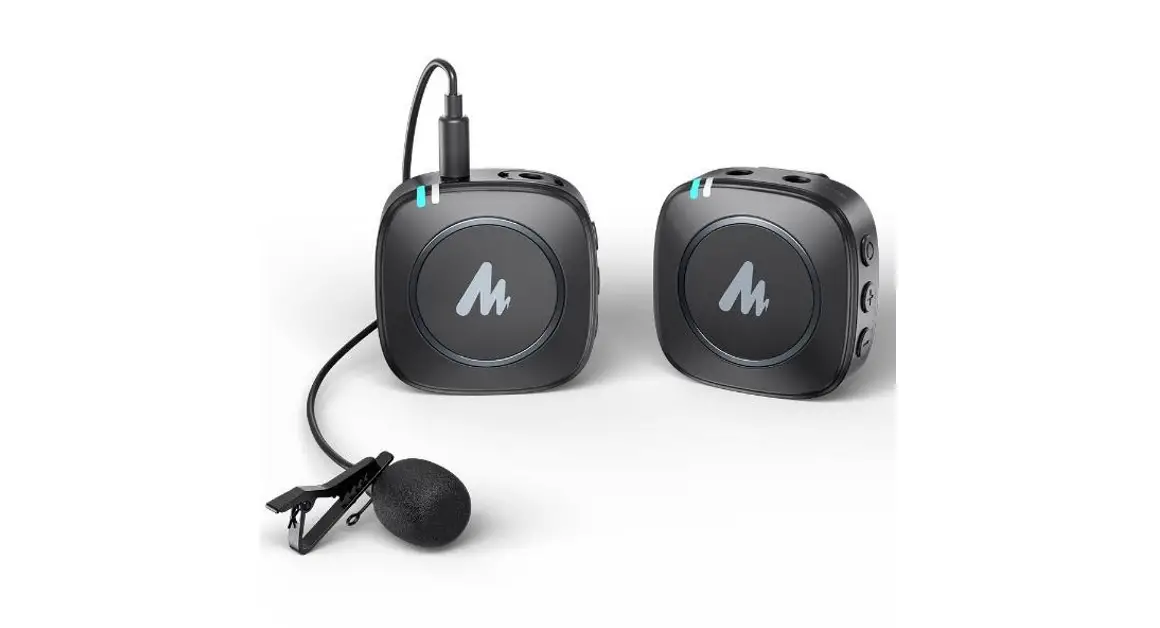

 WM820
WM820
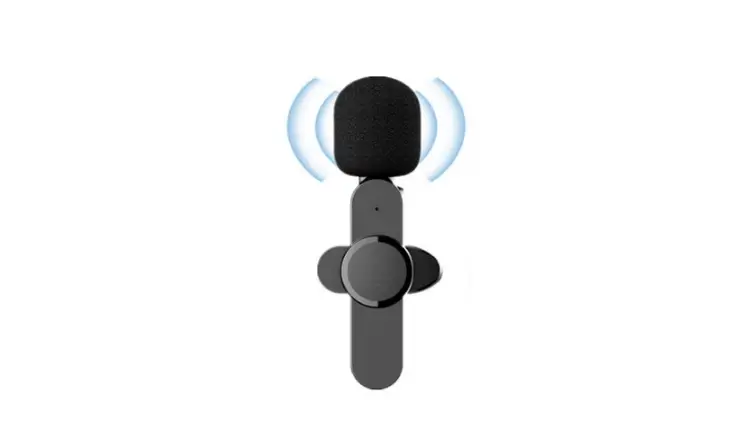
Wireless Microphone System
Quickstar Guide
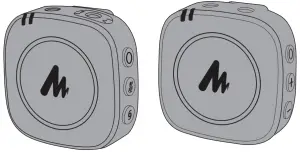
| TX & RX
| PAIR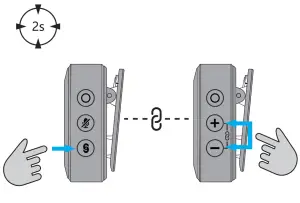 |
TX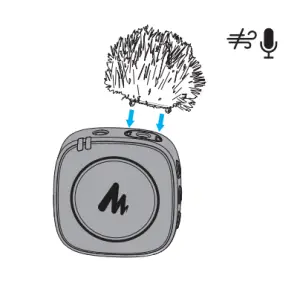 | RX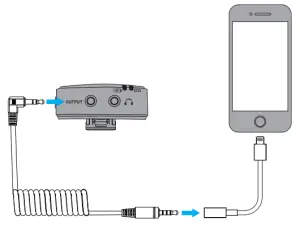 |
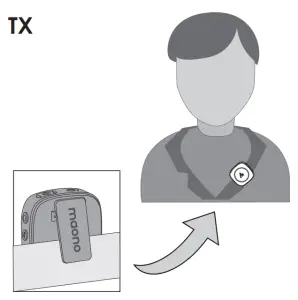 | 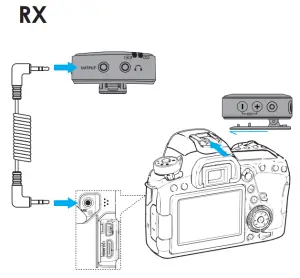 |
FCC Statement
This device complies with Part 15 of the FCC Rules. Operation is subject to the following two conditions:
- This device may not cause harmful interference, and
- This device must accept any interference received, including interference that may cause undesired operation.
Warning: Changes or modifications not expressly approved by the party responsible for compliance could void the user’s authority to operate the equipment.
Note
This equipment has been tested and found to comply with the limits for a Class B digital device, pursuant to Part 15 of the FCC Rules. These limits are designed to provide reasonable protection against harmful interference in a residential installation. This equipment generates uses and can radiate radio frequency energy and, if not installed and used in accordance with the instructions, may cause harmful interference to radio communications. However, there is no guarantee that interference will not occur in a particular
installation.
If this equipment does cause harmful interference to radio or television reception, which can be determined by turning the equipment off and on, the user is encouraged to try to correct the interference by one or more of the following.
Measures
- Reorient or relocate the receiving antenna.
- Increase the separation between the equipment and
receiver. - Connect the equipment into an outlet on a circuit different
from that to which the. - receiver is connected.
- Consult the dealer or an experienced radio/TV technician for help.
The device has been evaluated to meet general RF exposure requirements. The device can be used in portable exposure conditions without restriction.
Key operation and LED lighting instructions
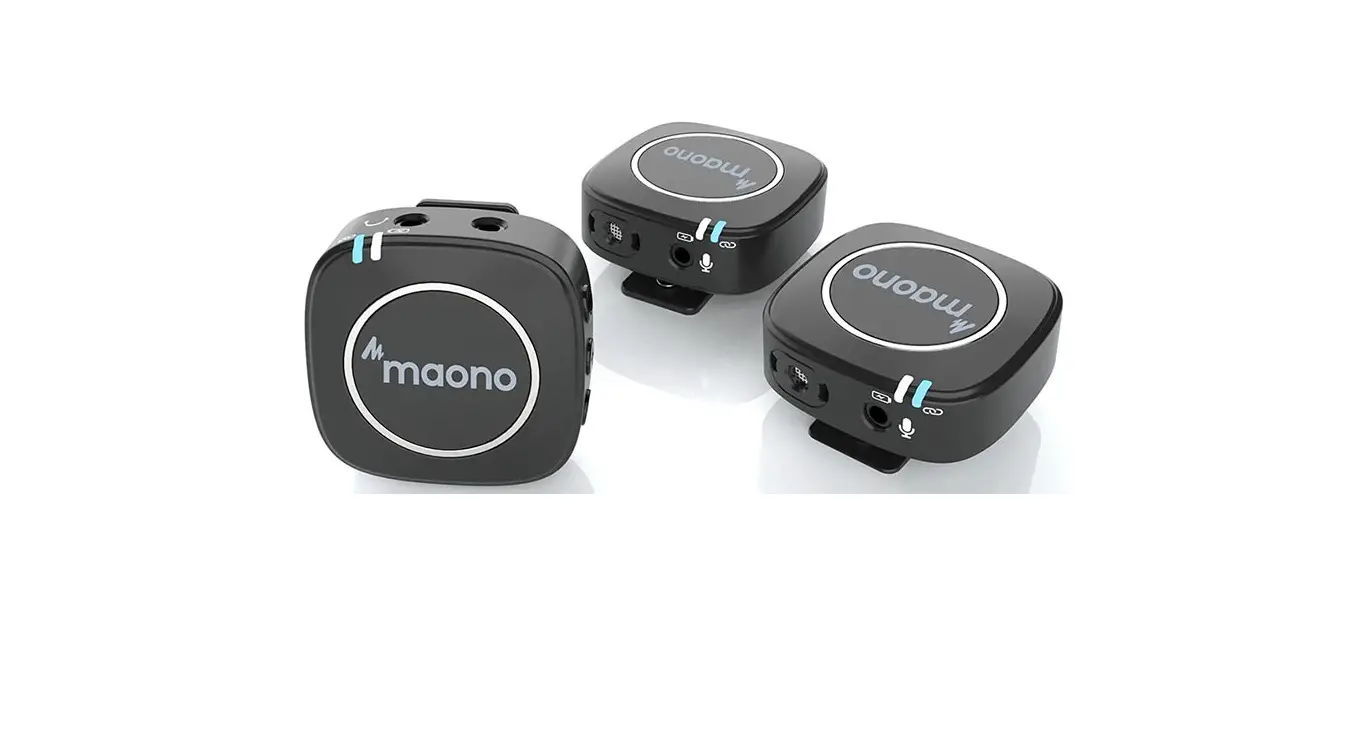
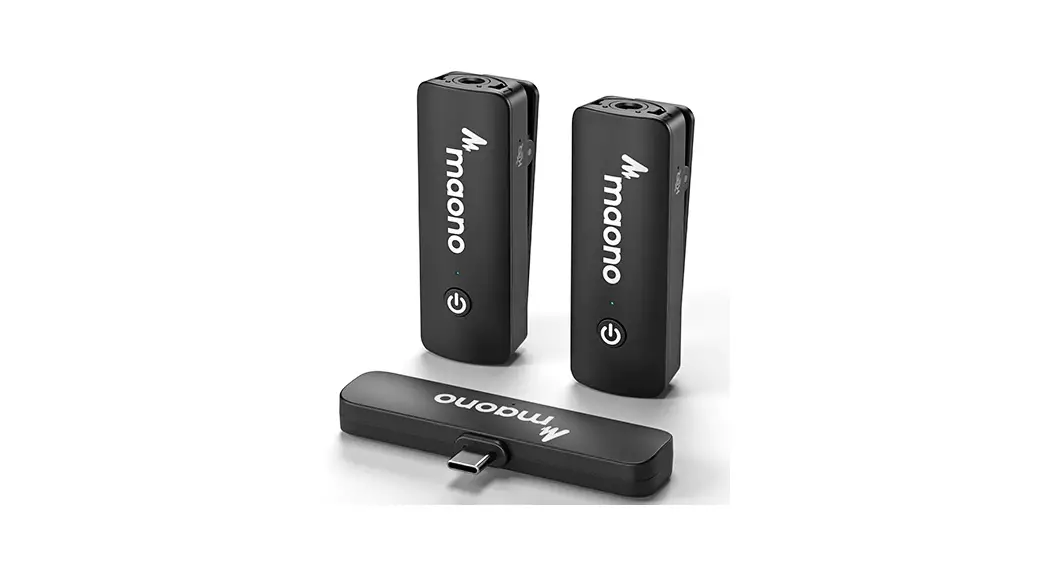
Buttons (Transmitter TX)
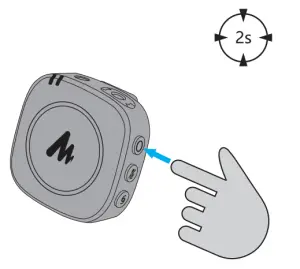
Power Button -Press and hold the power button for 2 seconds to turn on/off the unit
Mute Button – Single-click the mute button to mute and unmute.
The LED light will turn red when muted
Pair Button – Press and hold the pair button to pair the transmitter to the receiver
Connector (Transmitter TX)
USB-C Charging Port- 5V, 1A Max
3.5mm Microphone Input – When plugging in an external microphone, the transmitter will automatically switch to the external mic input
 LED Indicator (Transmitter TX)
Connection indicator :
:
Solid – connected ; Flash – disconnected ; Rapid Flash -connecting
* Turn on the power on the transmitter and the LED will flash. Then turn on the power button on the RX receiver, and WM820 will automatically pair the transmitter to the receiver and the LED will remain solid.
Battery LED Indicator  :
:
No lights = internal battery is above 20%
Red LED flash = internal battery is below 20%
Solid Red LED = charging. Once fully charged, the red light will turn off
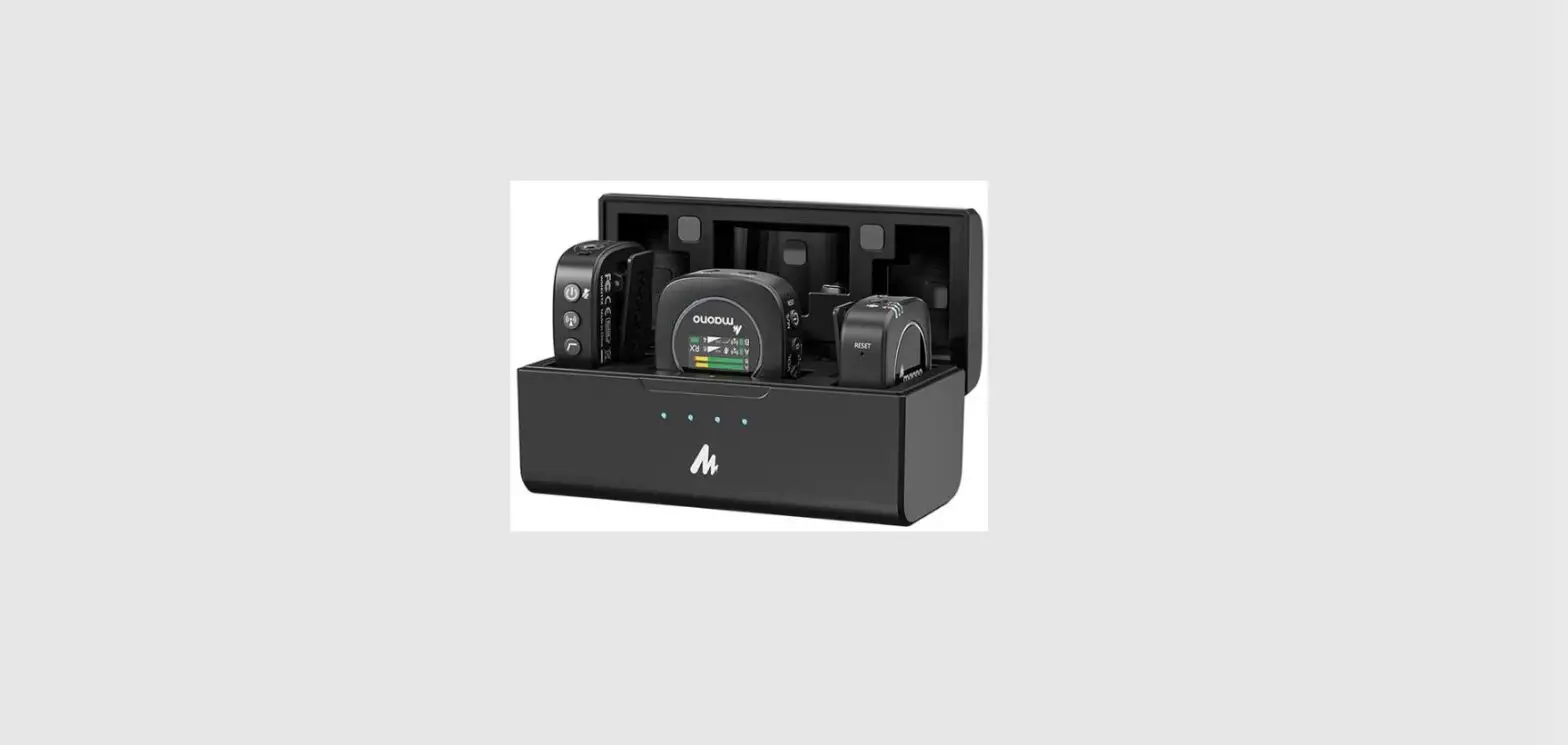
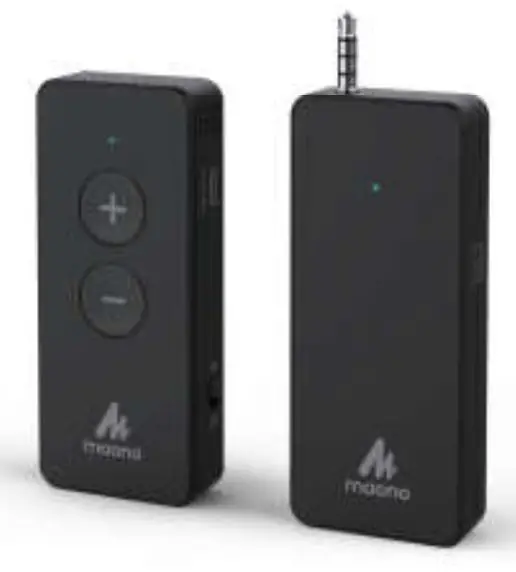
Buttons (Receiver RX)
Power Button – Press and hold the power button for 2 seconds to turn on/off the RX (receiver)
Volume+ Rocker +– Short press to increase the output volume
Volume – Rocker- – Short press to lower the output volume
Pair Button – Press and hold both the volume+and- button for at At least 2 seconds until the LED light on the receiver start to flash
Connector (Receiver RX)
USB-C Charging Port – 5V, 1A Max
OUTPUT – 3.5mm TRS connector Headphone connector – Plug the transmitter into the headphone jack for monitoring
LED Indicator (Receiver RX)
Connection indicator :
Solid – connected ; Flash – disconnected ; Rapid Flash – connecting;
* Turn on the power on the receiver and the LED will flash. Then turn on the power button on the RX receiver, and WM820 will automatically pair the transmitter to the receiver and the LED will remain solid.
Battery LED Indicator :
No LED = battery level is above 20%
Red LED flash = battery level is below 20%
Solid Red LED = charging. Once fully charged, the red light will turn off
Technical Specification
| Transmission Type | 2.4GHz Wireless |
| Polar Pattern (Built-in Mic) | Omnidirectional |
| Built-in Mic frequency response | 80Hz -16kHz |
| External Mic frequency response | 50Hz -18kHz |
| Maximum Output Level | +2.2dBu |
| Maximum SPL | 100dB SPL (1kHz © 1m) |
| THD+N | 0.4% |
| S/N Raito | 82dB |
| Power | Built-in Li-po battery 350mA/3.7V |
| Charge port | USB-C, DC 5V, Max. |
| Battery Life | Up to 6 hours |
| Audio Input | 3.5mm TRS lavalier microphone input (Transmitter) |
| Audio Output | 3.5mm TRS (Receiver) |
Technical support:
[email protected]
www.maono.com
Company:Qing UG(haftungsbeschränkt)
Address: Undinestr. 7,12203 Berlin Germany
Tell: 004917662179550
E-mail: [email protected]
Company: CET PRODUCT SERVICE LTD.
Address: Chase Business Centre, 39-41
Chase Side, London N14 5BP United Kingdom
Email: [email protected]
TEL: +447419325266
V2.0_20210820