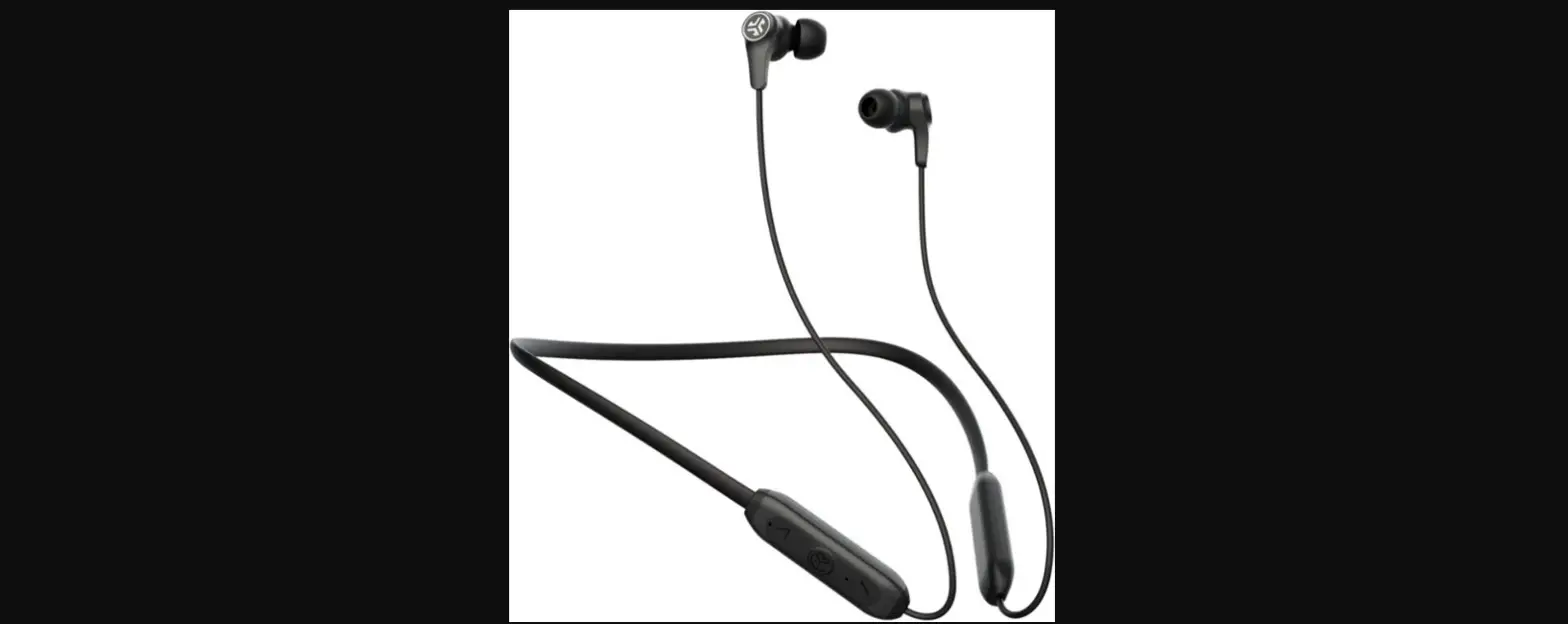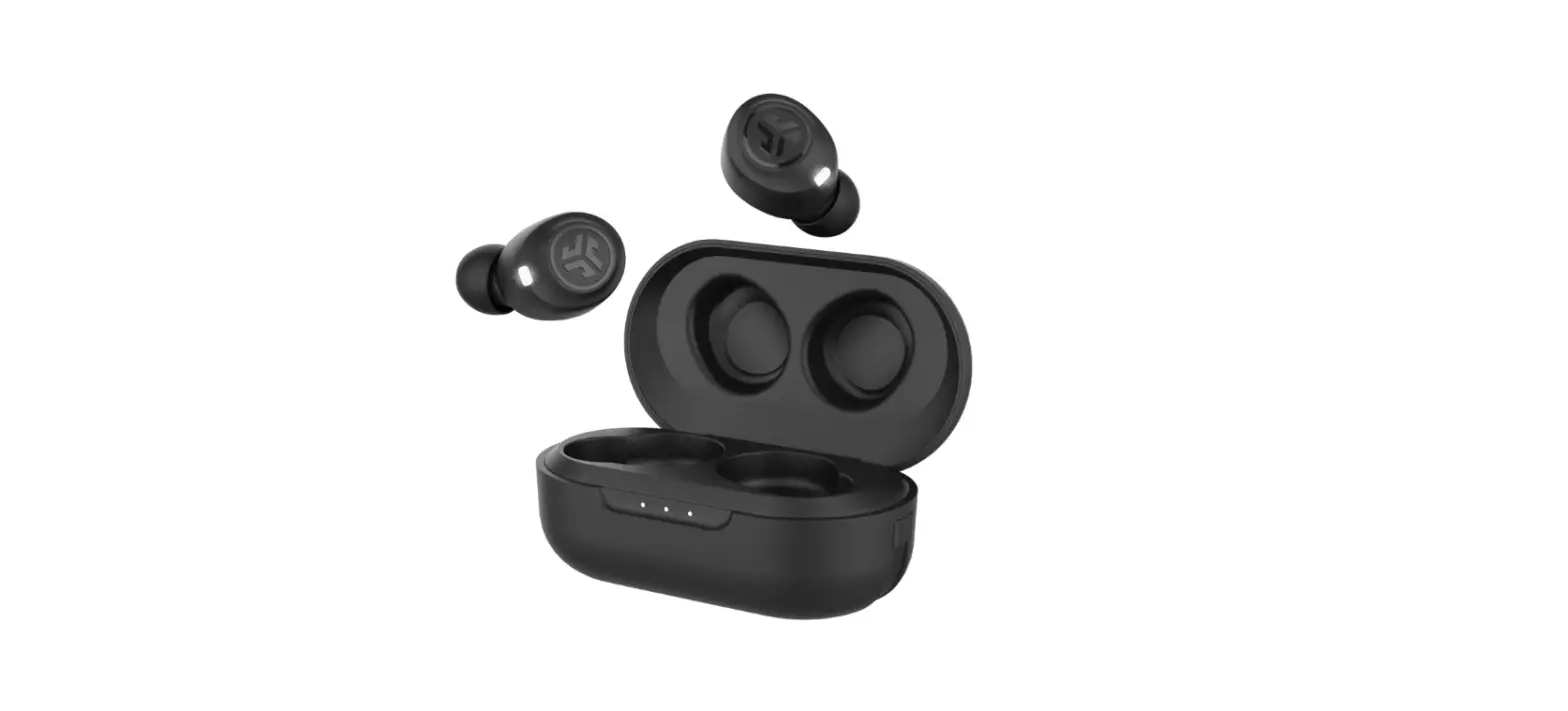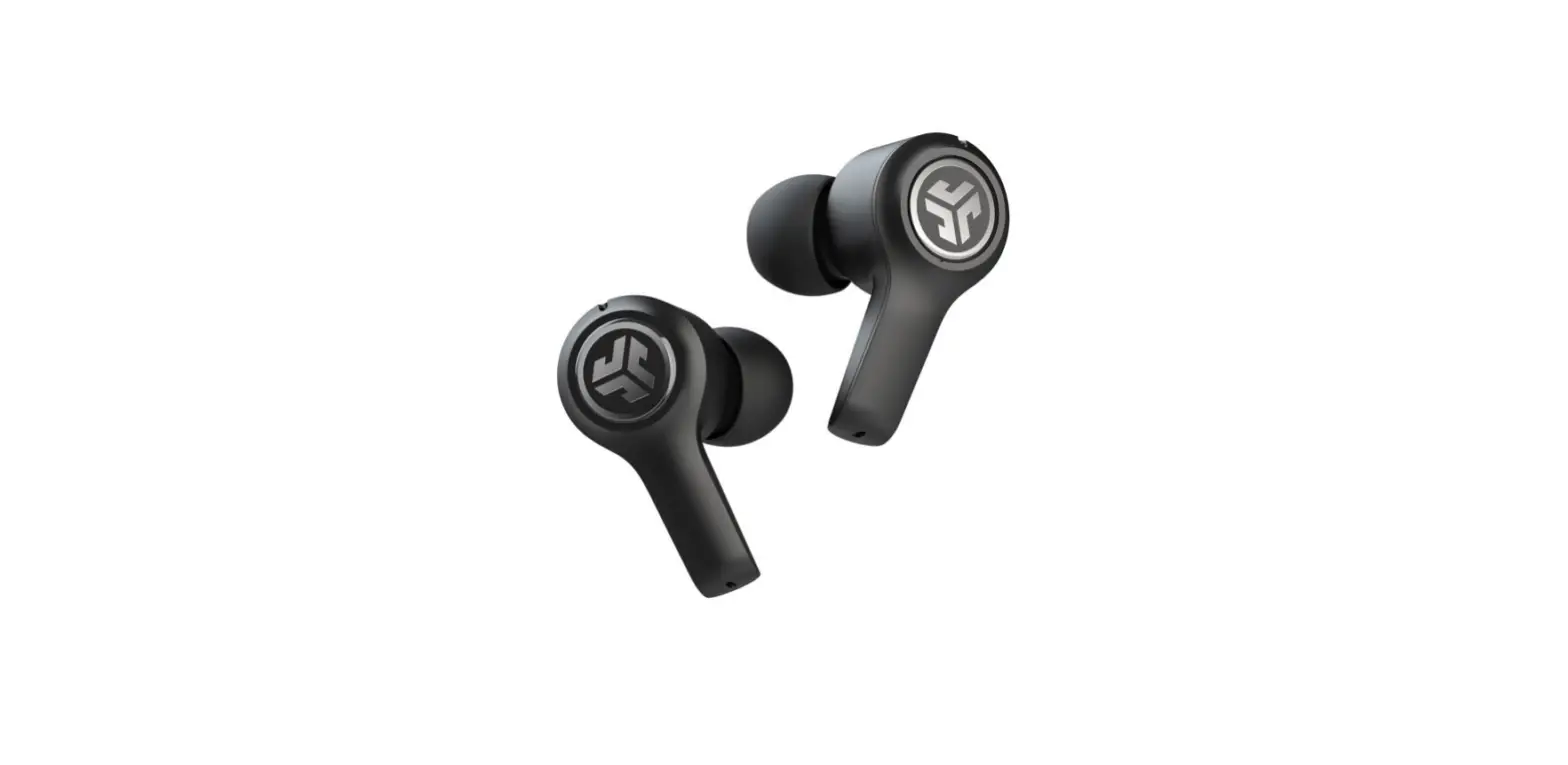

We love that you are rocking JLab!
We take pride in our products and fully stand behind them.
 YOUR WARRANTY
All warranty claims are subject to JLab authorization and at our sole discretion. Retain your proof of purchase to ensure warranty coverage.
 CONTACT US
Reach out to us at [email protected] or visit jlab.com/contact
REGISTER TODAY
jlab.com/register
Product updates | How-to tips
FAQs & more
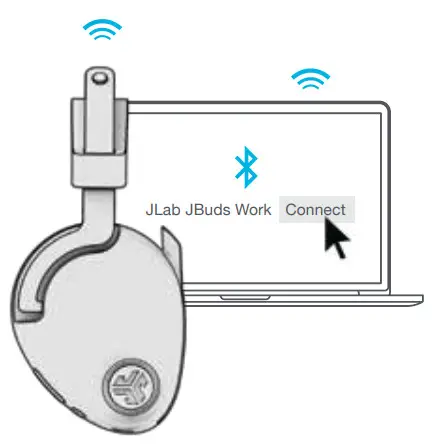
BLUETOOTH PAIRING
- Turn on Bluetooth in your device settings


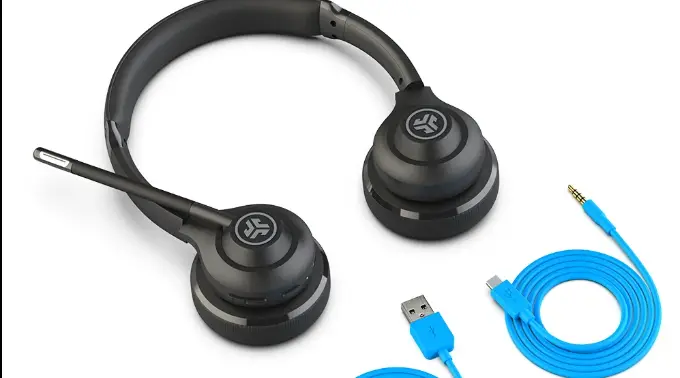
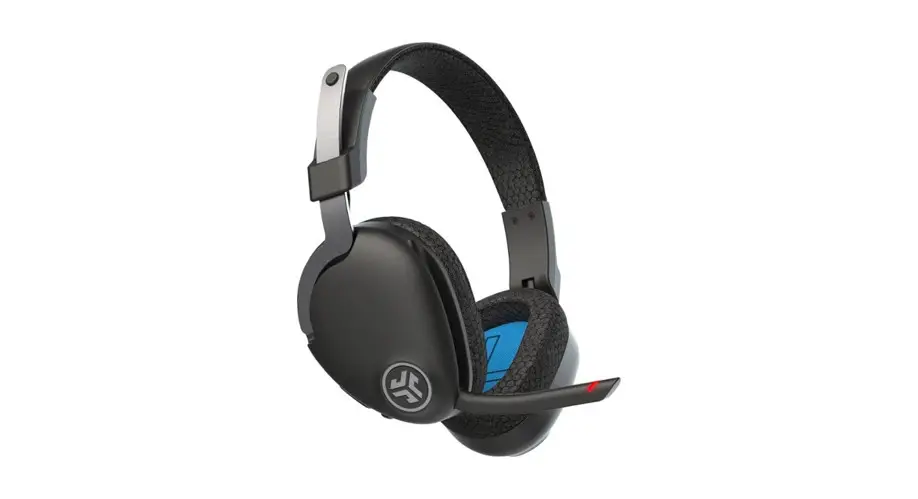
- Select “JLab JBuds Work” in your device settings to connect.

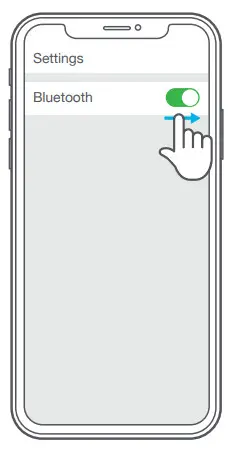
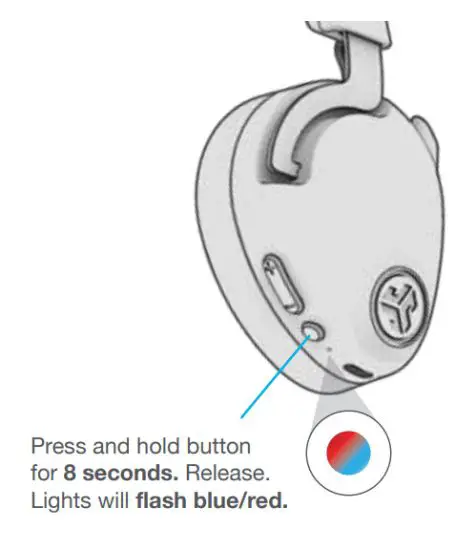
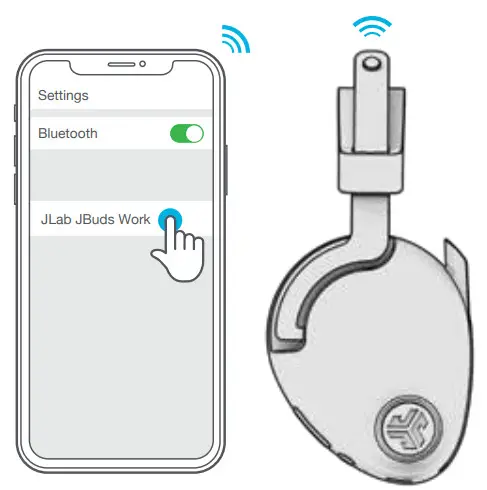
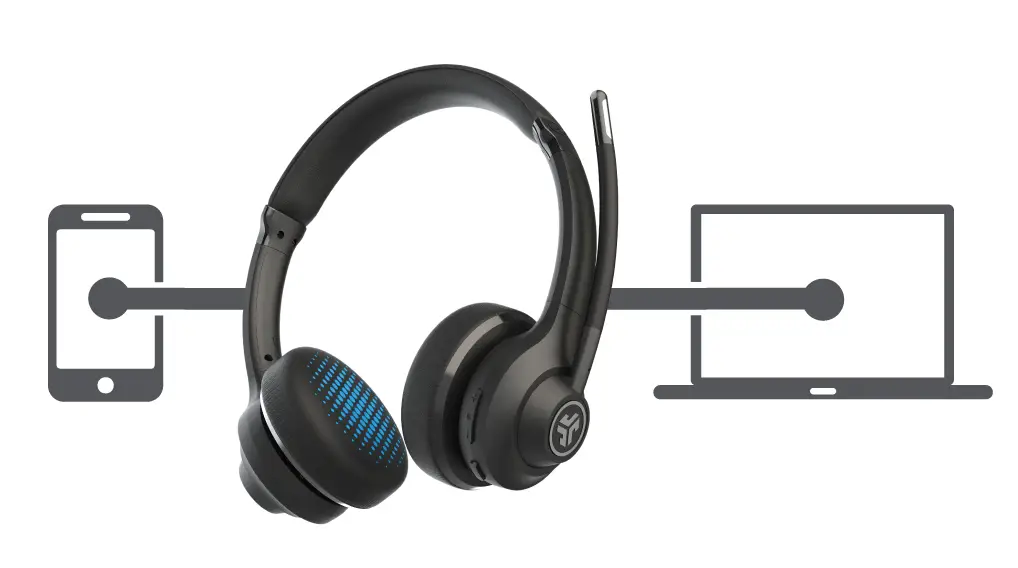
MULTIPOINT (CONNECT 2 DEVICES SIMULTANEOUSLY)
- Once the FIRST device is connected, turn off Bluetooth in device settings. JBuds Work will auto-enter Bluetooth Pairing.

- Enter your SECOND device Bluetooth settings and connect to JBuds Work.

- Enter your FIRST device settings. Turn on Bluetooth and reconnect to JBuds Work.
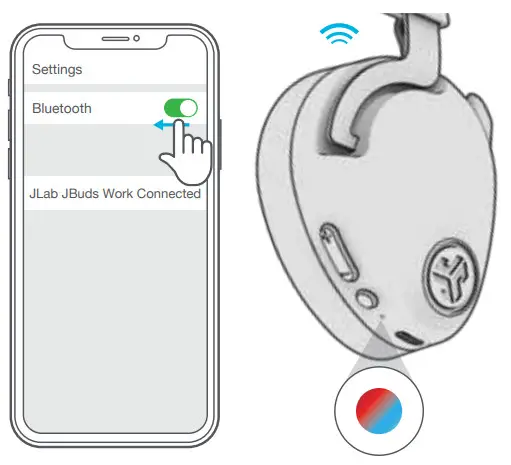
For more info and troubleshooting on MULTIPOINT visit: JLAB.COM/MULTIPOINT
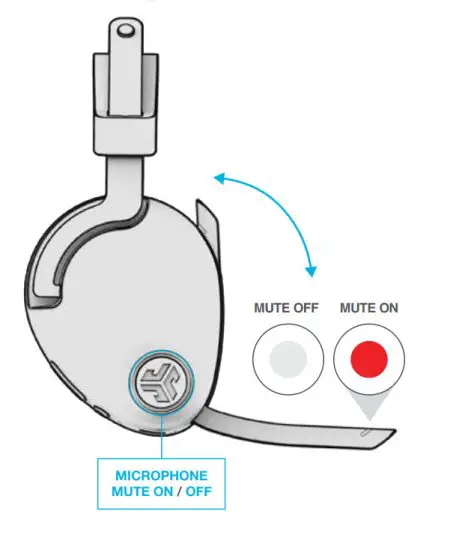
BOOM MICROPHONE
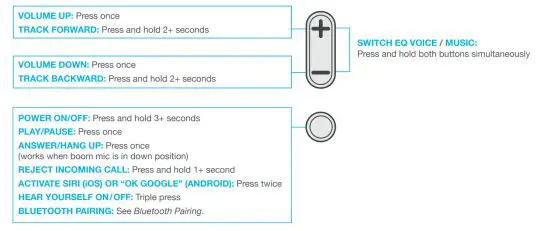
AUTO ANSWER CALL: Rotate down
AUTO HANG UP / REJECT INCOMING CALL: Rotate up
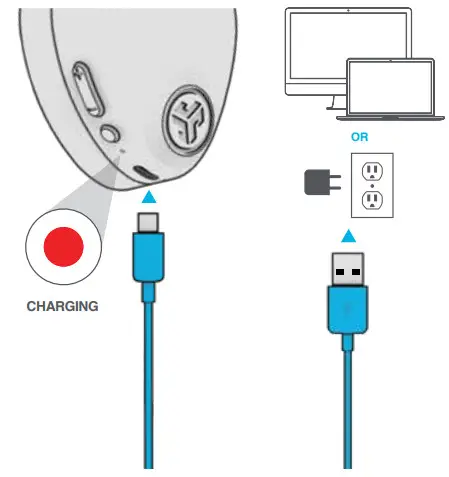
CHARGING
Connect to computer or USB 5v 1A (or less) output device.
Note: JBuds Work can simultaneously charge while Bluetooth is connected.
AUX INPUT
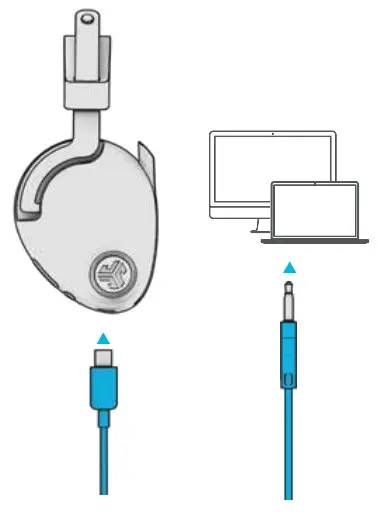
JBuds Work can be used as a wired headset with an AUX cable.
Note: The headset will still use a limited amount of battery for the microphones to function.
CAUTIONS
- Avoid getting moisture or liquids on the headphone cups.
- Avoid extreme heat, cold, and humidity.
- Avoid dropping or crushing headphones, stressing the cable by rapid pulling or extreme force, or bending the cable at a sharp angle.
- Wax may build up in headphone cups, lowering the sound quality. Carefully remove the wax with a cotton swab or other small tool to improve the sound quality.
- If you experience discomfort or pain, try lowering the volume or discontinuing use temporarily.
- If you experience regular discomfort while using this product, discontinue use and consult your physician.
- We recommend you treat your headphones as you would a nice pair of sunglasses and keep them in a safe location when not in use.
Shop products | Product alerts | Burn-in your headphones
JLab Store + Burn-in Tool
 JLab: True Wireless Headphones, Earbuds, Microphones, Personal Audio