 User Manual
AA-UM3
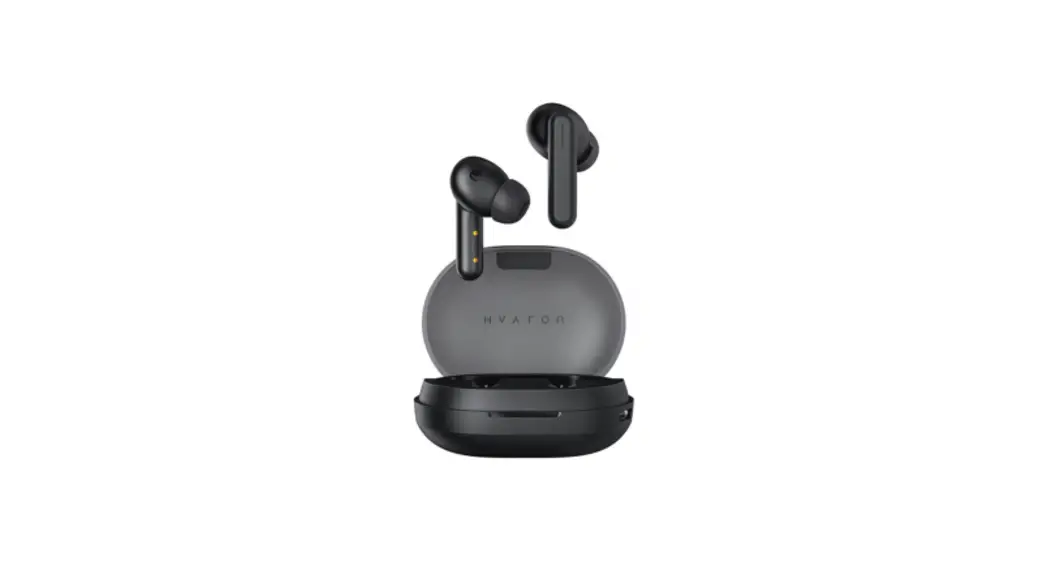
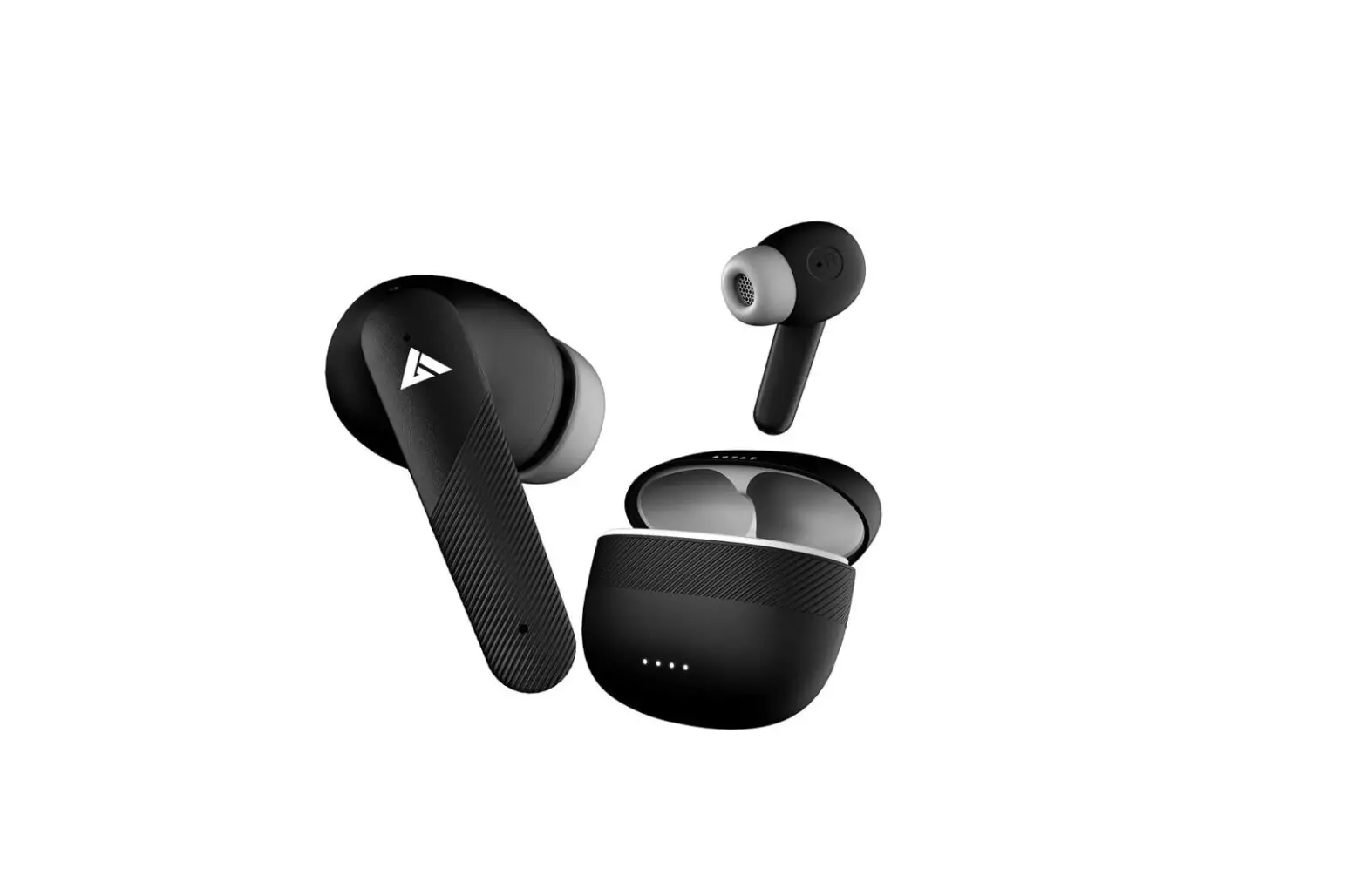
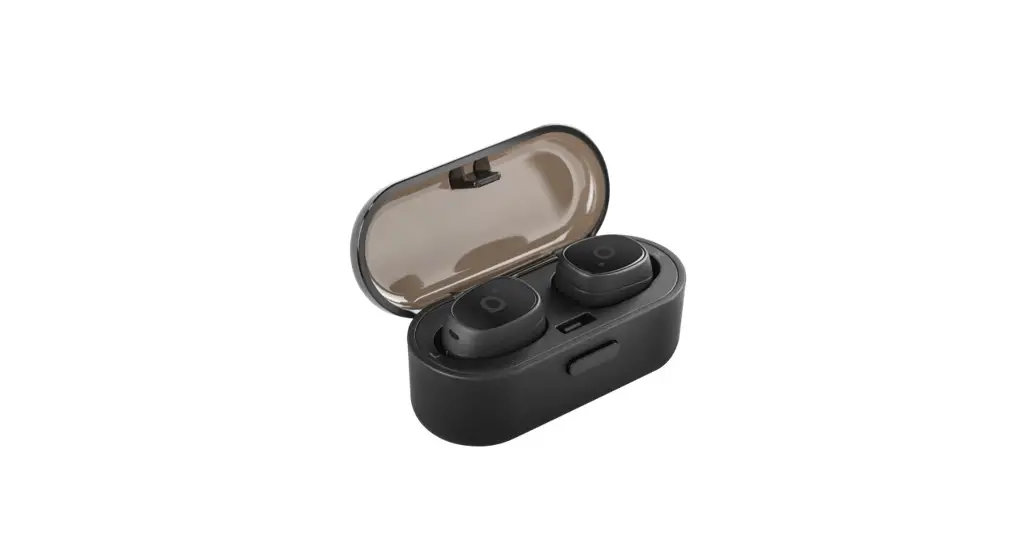
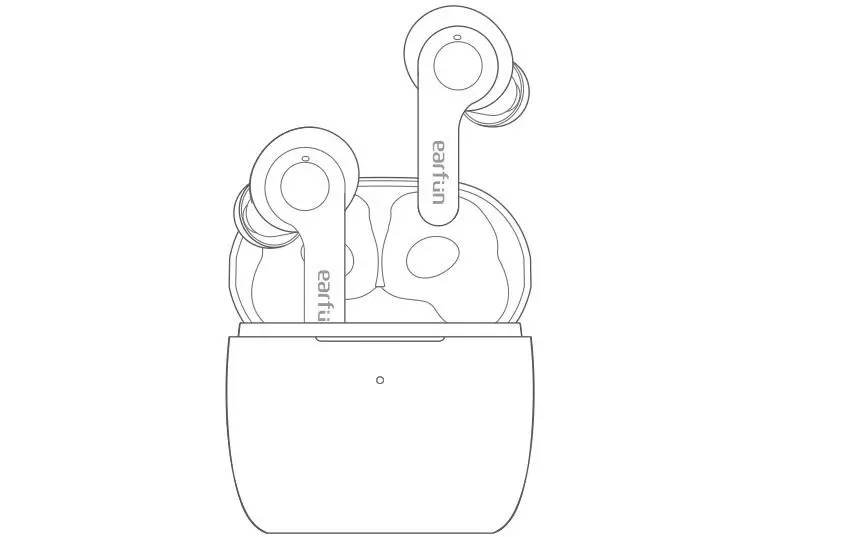
product description
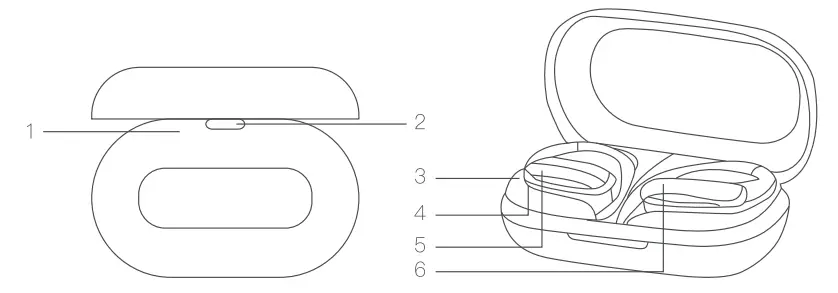
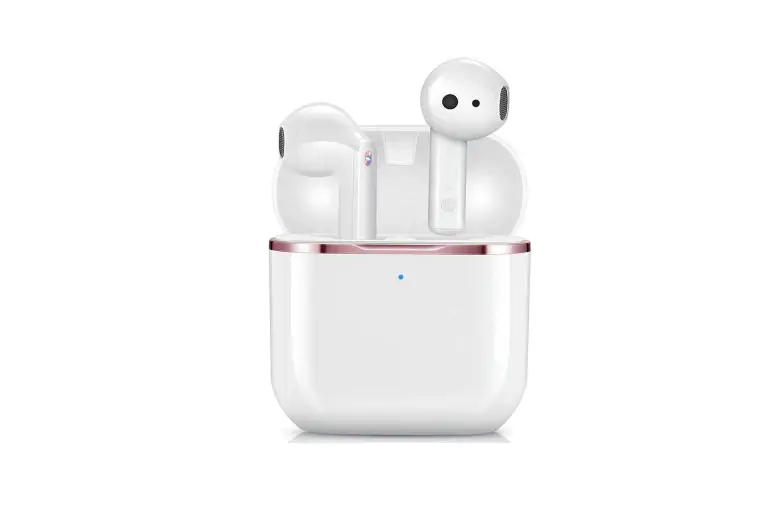
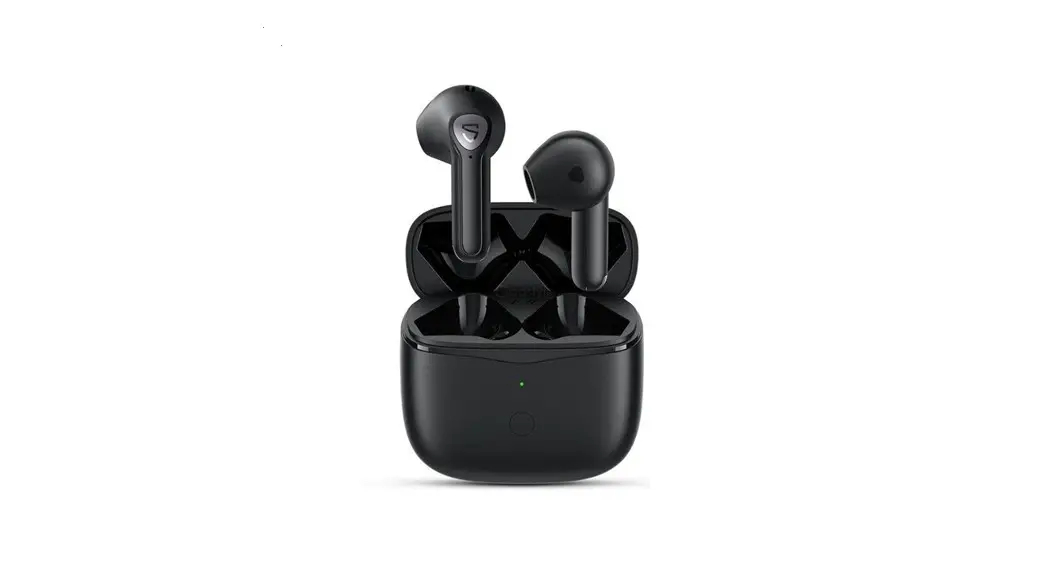
| 1. LED | 4. Microphone hole |
| 2. Micro USB Charging Port | 5. LED |
| 3. Charging Case | 6. MFB (Multifunction button) |
Specifications
| Model | AA-UM3 |
| Bluetooth version | V 5.0 |
| Battery | Earbud 50mAh Charging case 500mAh |
| Charging time | Earbud 2h Charging case 2.5h |
| Input | DC5V |
| Music playback time | 4.5h |
| Talking time | 31) |
| Weight | 95g |
| Bluetooth operating distance | 10m |
Pairing Earbuds
- Take both earbuds out of the charging case.
- Turn on your Bluetooth device search for Bluetooth device name “AA-UM3” and connect to it.
Basic Operation
- Power on: 1) Take earbuds out of the charging case
• Press the MFB for 3 seconds (Me LED indicator flashes blue once.) - Power off: 1) Put earbuds back into the charging case.
• Press the MFB for 5 seconds (Me LED indicator flashes red once.) - Previous Track: Double press the right earbud.
- Next Track: Double press the left earbud.
- Play/Pause: Press the MFB(L/R) to pause or play.
- Accept call: During an incoming call, short touch MFB(L /R).
- Hang up call: Press the MFB(L/R) during an active call.
- Reject call: During an incoming call, press the MFB(L/R) for 2 seconds.
Charging Status Lights
Earbuds
- Fully charged: Solid blue indicator
Charging case
- When charging the earbuds: the red indicator light is on, the indicator light is off after six seconds
- When earbuds are fully charged: Red indicator is off
- Re—Charging Box: Flashing red indicator
- Fully recharged box: Solid red indicator
MADE IN CHINA

 | SCHEUFER Technologies GmbH Address: Hertleinstrasse 37, 91052, Erlangen, Germany E-mail: [email protected] |
 | VISHTEC UK Co., Ltd Address: Unit G25 Waterfront Studios, 1 DockRoad, London, E16 1AH E-mail: [email protected] |