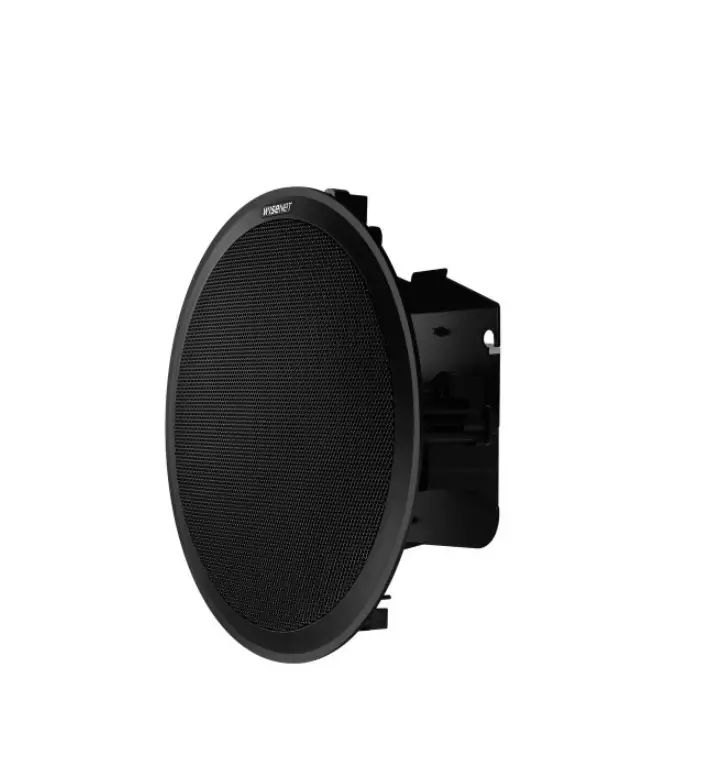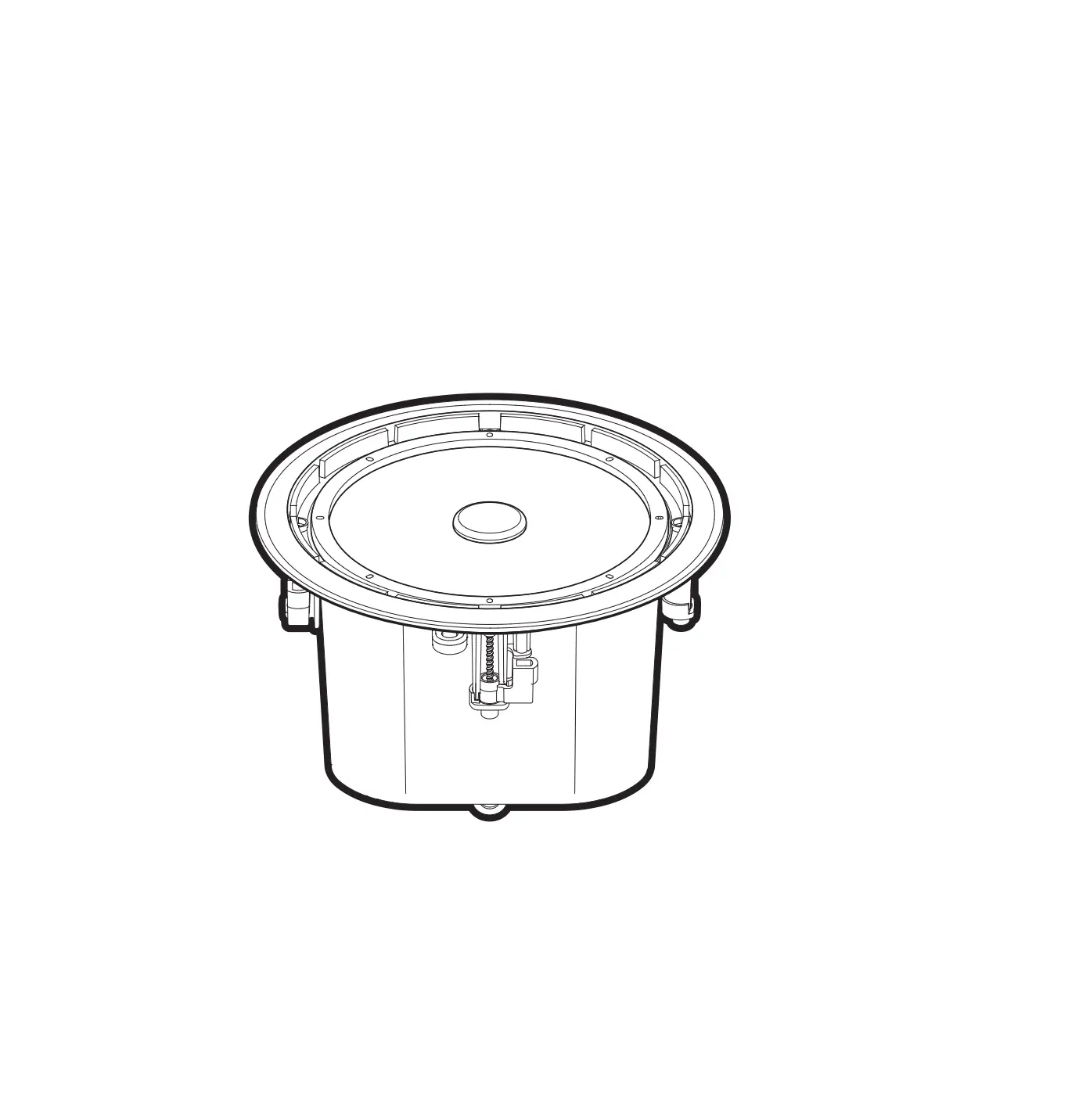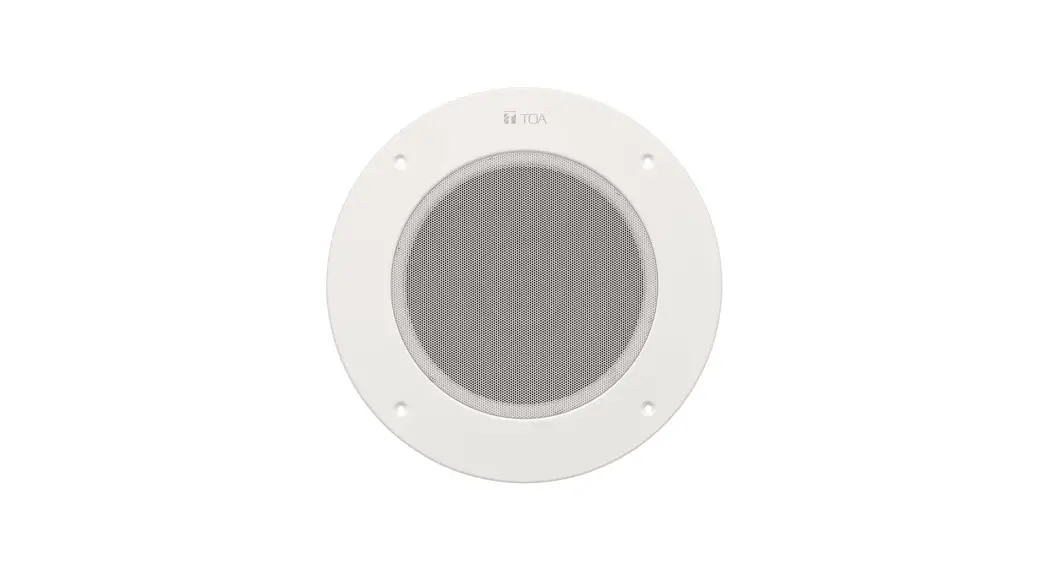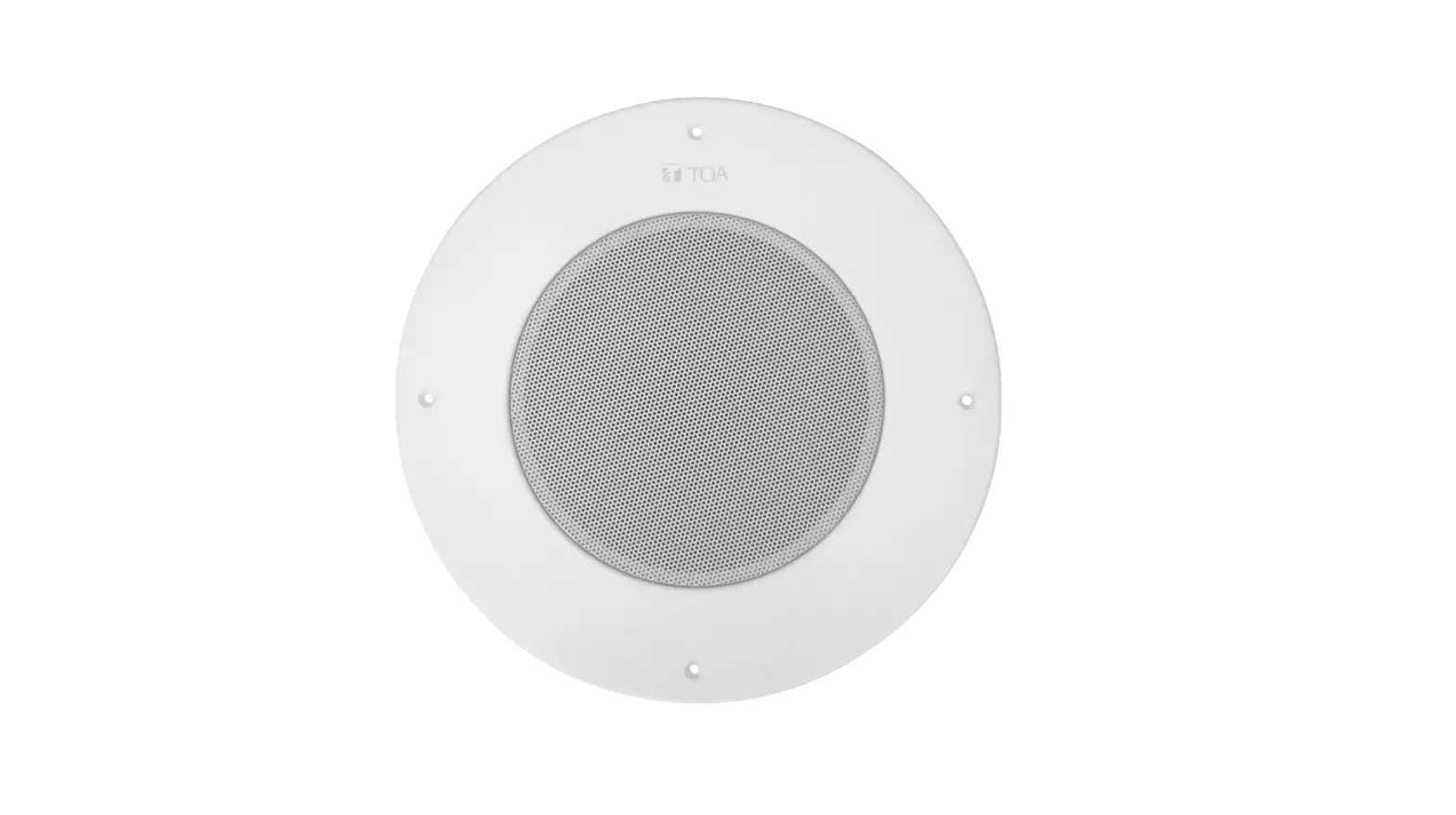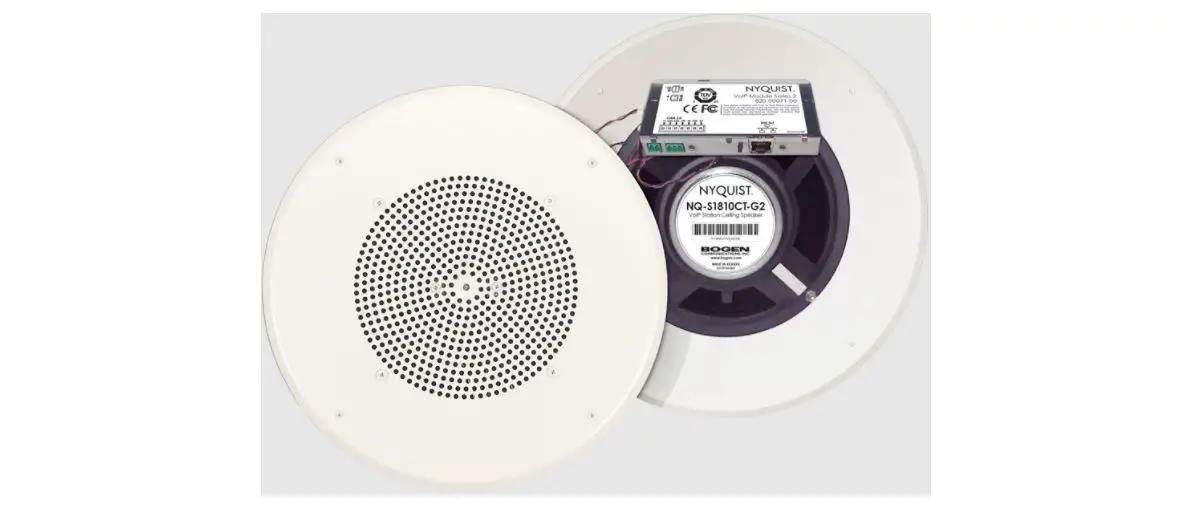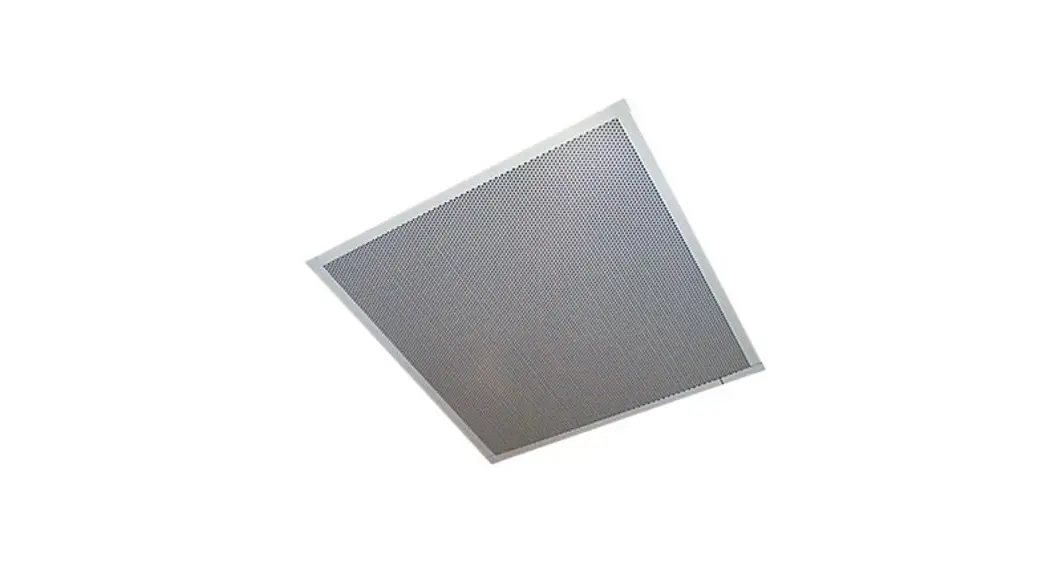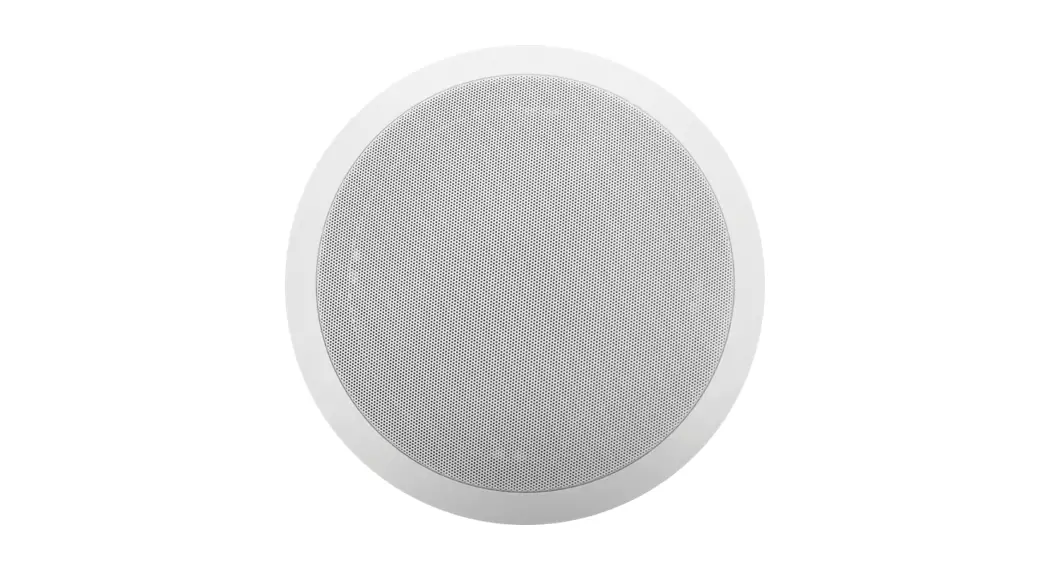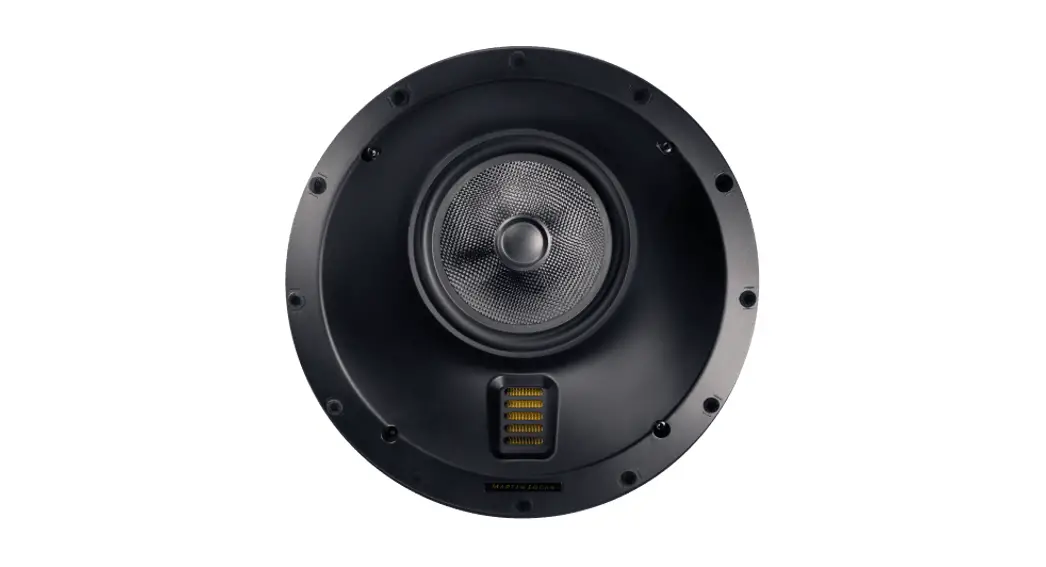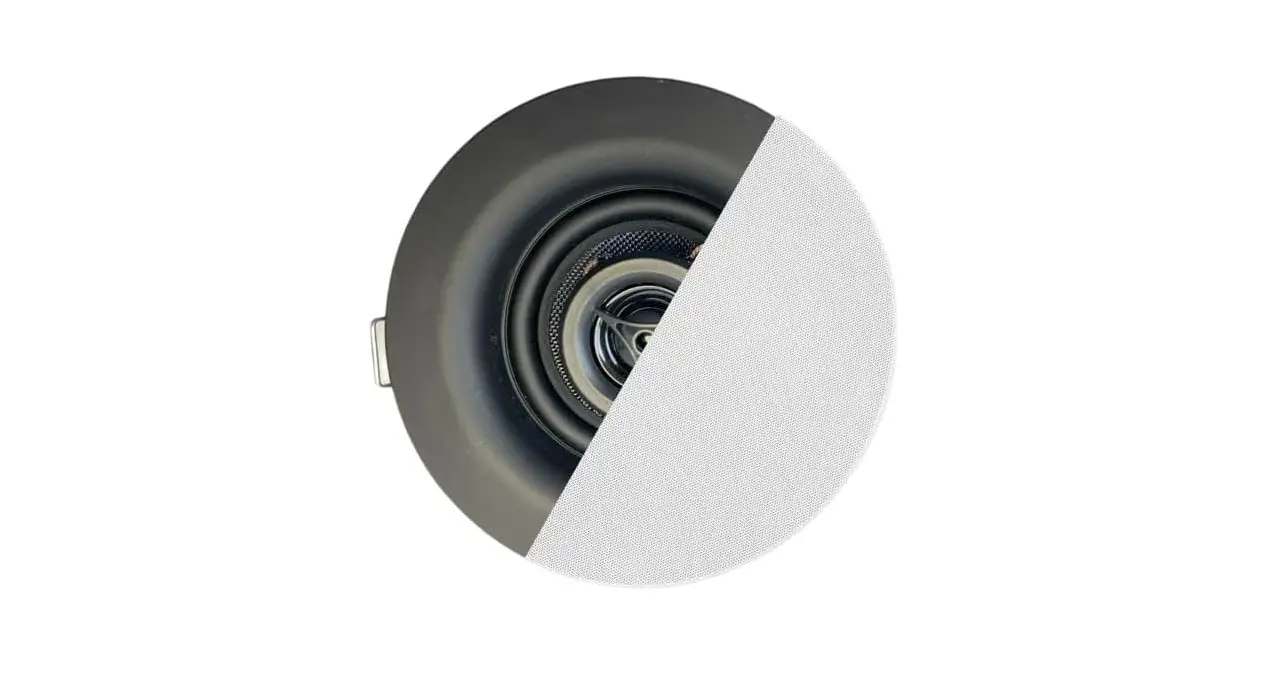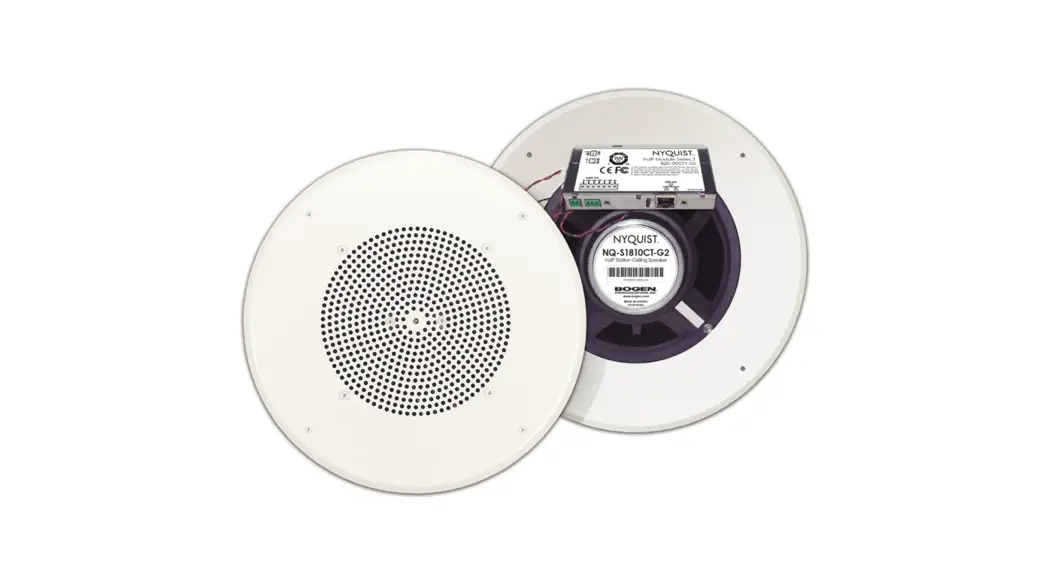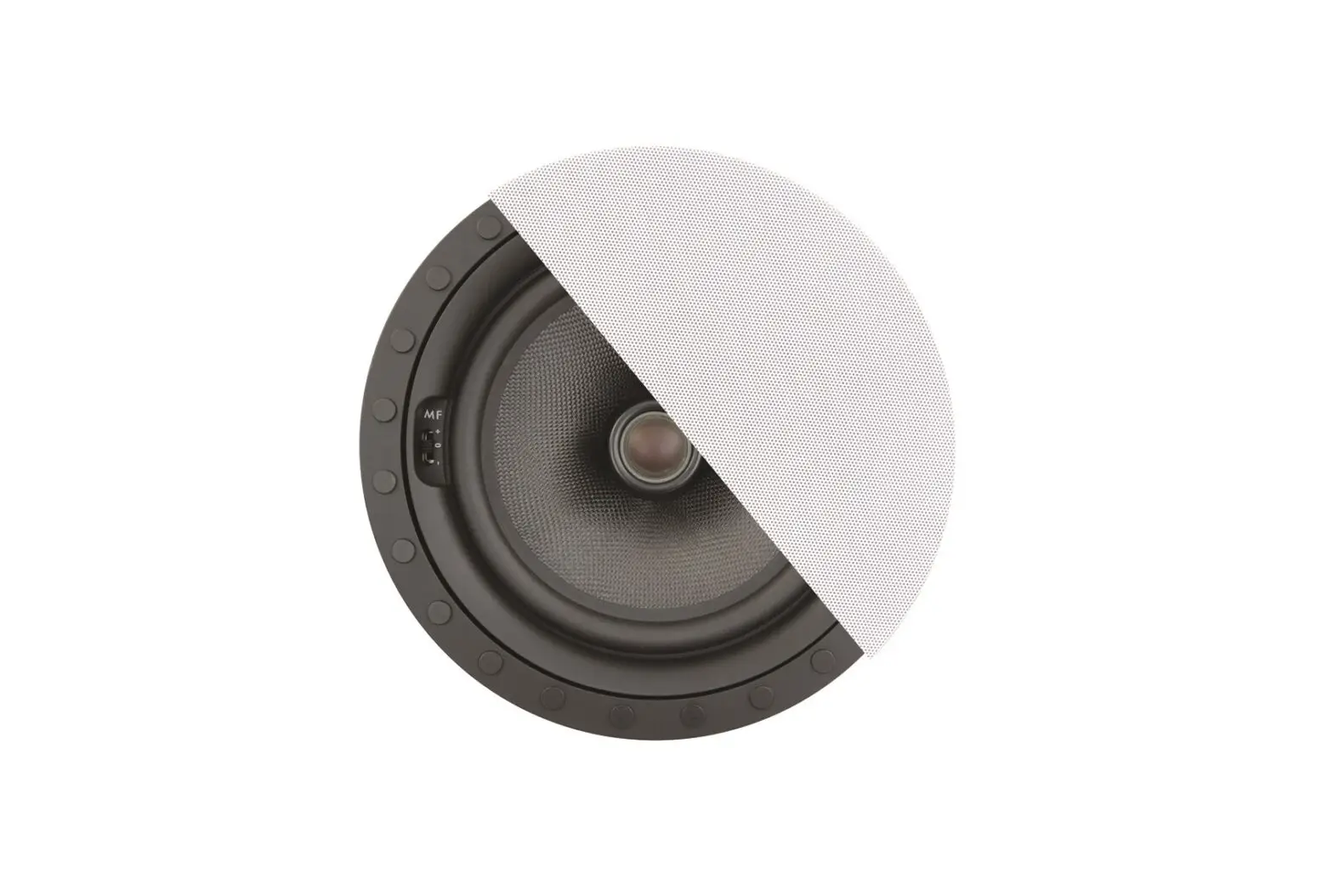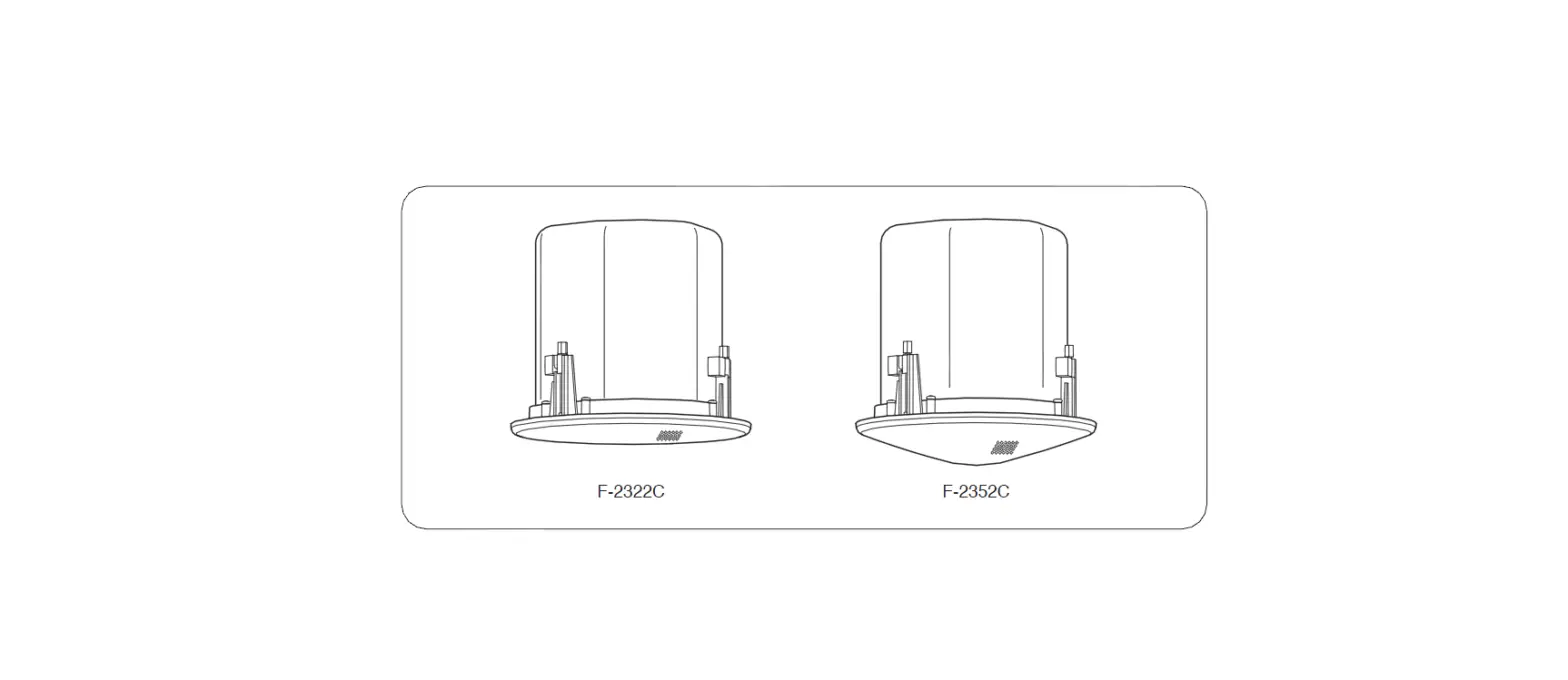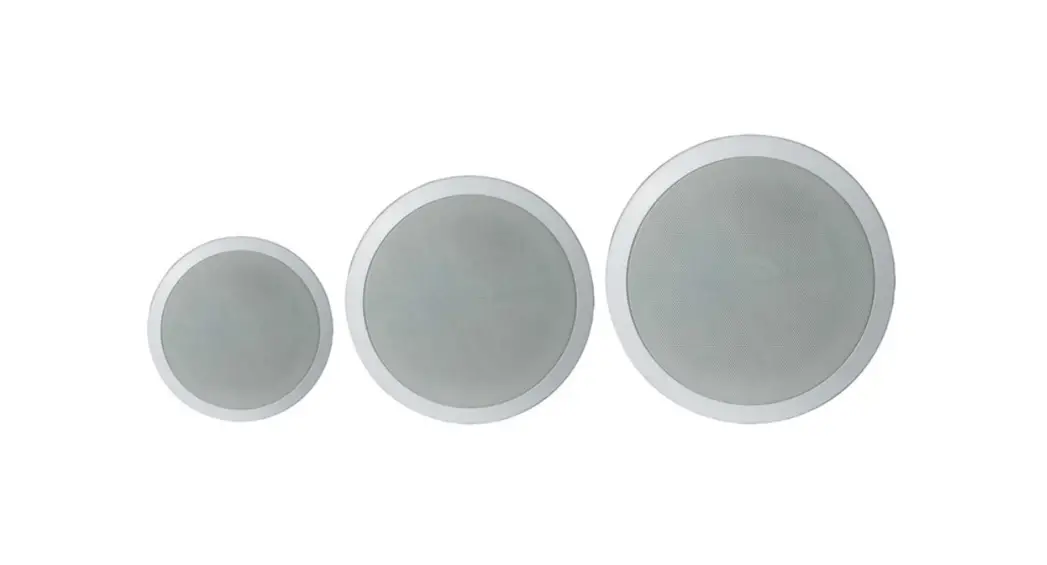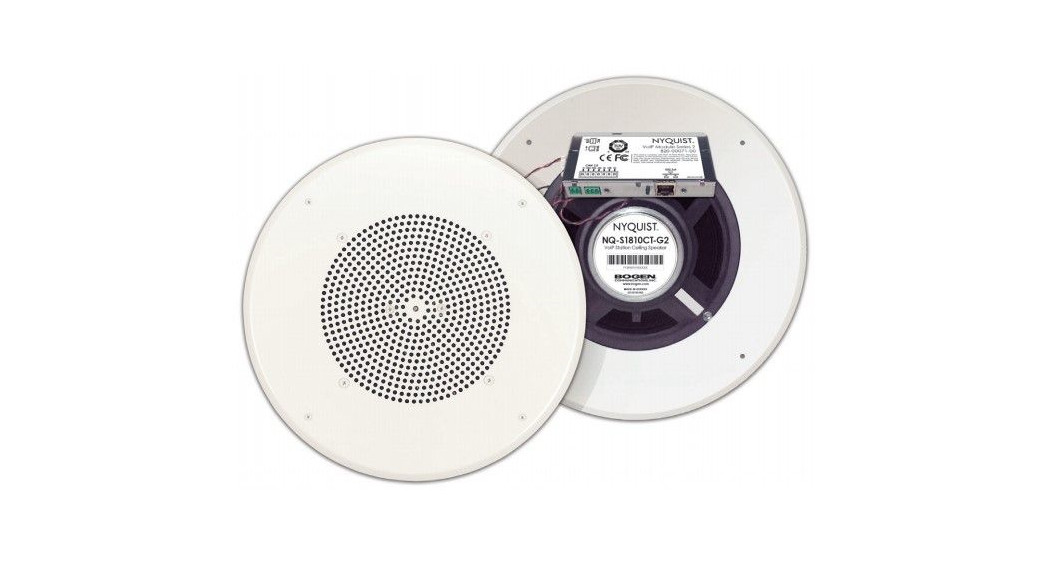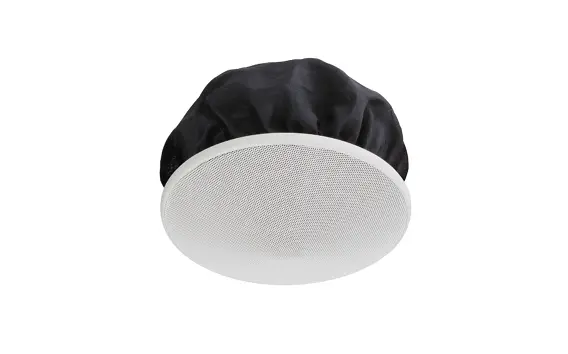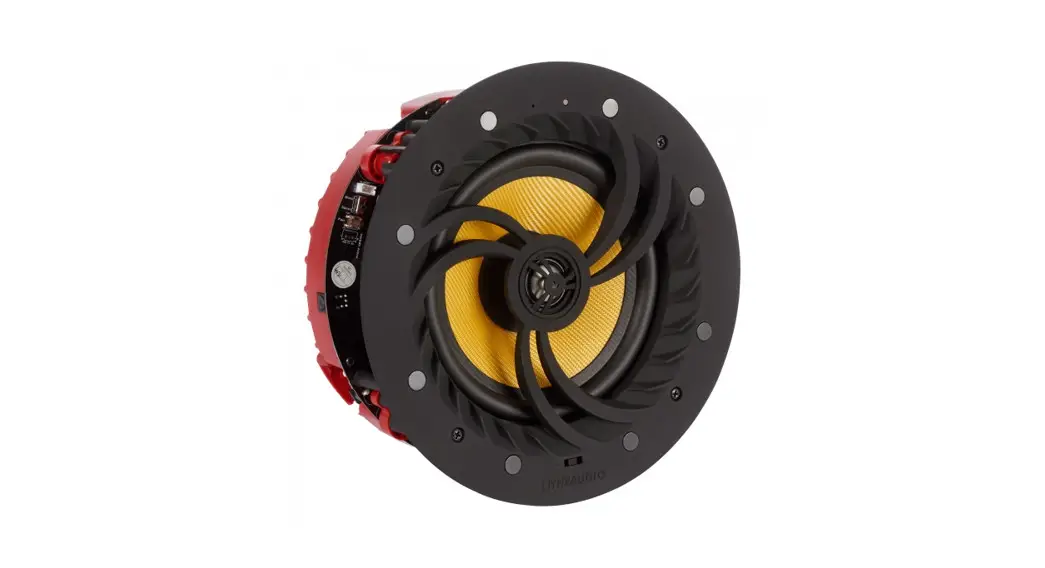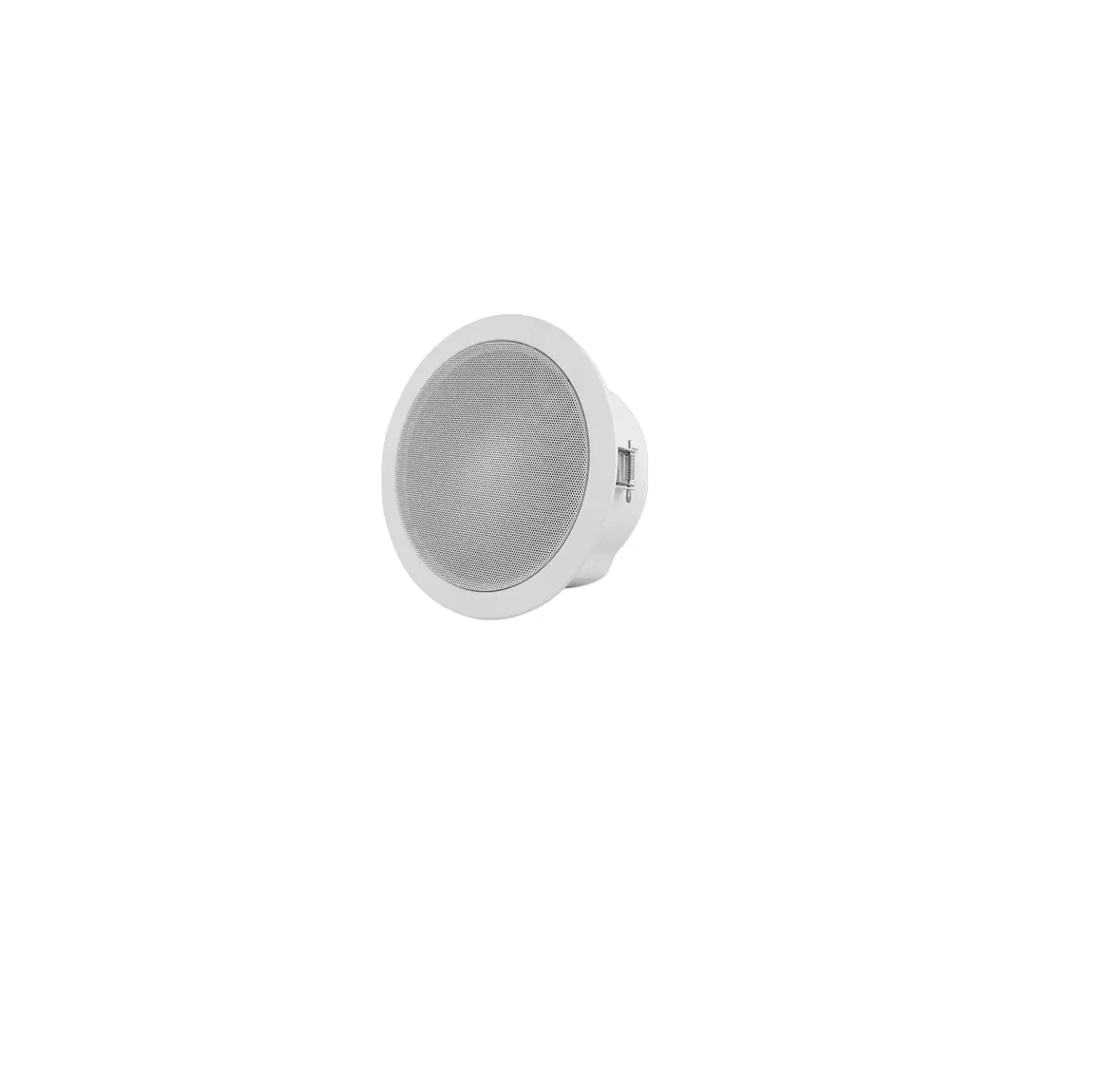
SUNELL SN-PA1C01-M-15 Series IP Ceiling Speaker
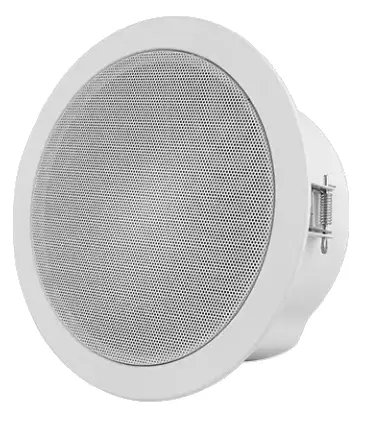
Models
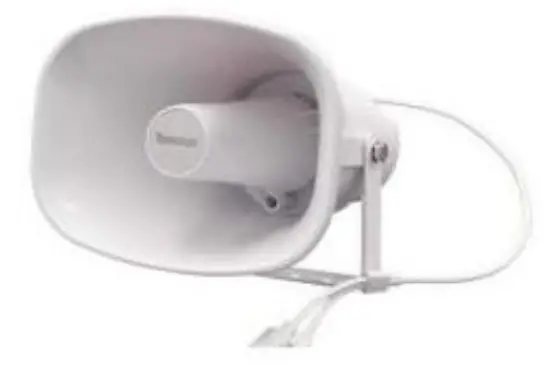
- SN-PA1C01-15
SN-PA1C01-M-15
- SN-PA1W01-15

- SN-PA1W01-30
- SN-PA1H01-15

- SN-PA1H01-30
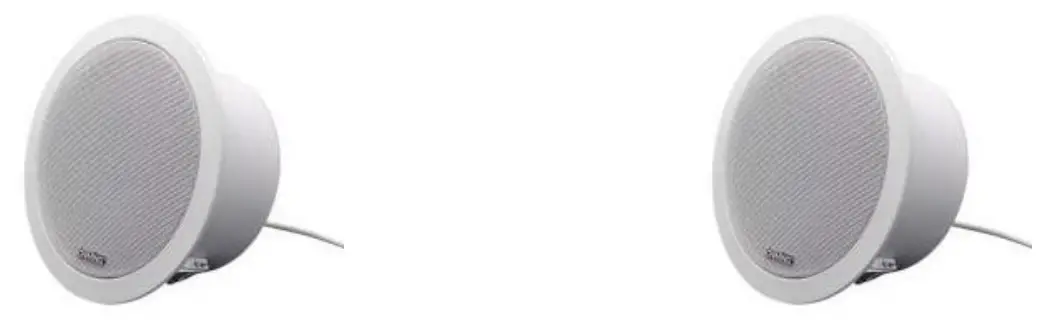
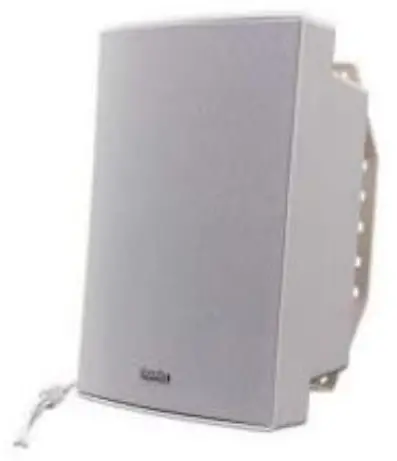
Features
- Compatible with VOIP SIP device.
- Compatible with ONVIF VMS.
- PoE eliminates need for local power supply.
- 48K OPUS Audio Codec enables excellent sound quality.
- Support pre-recorded messages, schedule, HTTP, alarm in.
Specification
| Model | SN PA1C01 | SN PA1C01- M-15 | SN PA1W01- 15 | SN PA1W01- 30 | SN PA1H01- 15 | SN PA1H01- 30 |
| Protocol | SIP, ONVIF, HTTP, IPv4, DHCP, RTSP, RTP, RTCP, TCP, UDP, ARP, FTP, TFTP, NFS, NTP | |||||
| Power | PoE or DC 12V/24V | |||||
| Codec | OPUS, G711U, G711A, MP3, WAV, G722 | |||||
| Network Interface | 10/100Base-TX, RJ45 | |||||
| Rated Power | 15W | 15W | 15W | 30W | 15W | 30W |
| Max SPL | 96dB | 96dB | 101dB | 105dB | 113dB | 120dB |
| MIC | MIC | |||||
| Frequency Response | 100Hz- 18KHz | 100Hz- 18KHz | 80Hz- 20KHz | 80Hz- 20KHz | 300Hz- 8KHz | 350Hz- 8KHz |
| Network Interface | RJ45 | RJ45 | RJ45 | RJ45 | RJ45 | RJ45 |
| Type | Ceiling | Ceiling | Wall | Wall | Horn | Horn |
| Material | Metal | Metal | ABS (IP55) | ABS (IP55) | ABS (IP67) | ABS (IP67) |
| Gross Weight | 1.5kg | 1.5kg | 3.2kg | 3.3kg | 1.5kg | 2.4kg |
| Size (cm) | Ø200 x 90 mm | Ø200 x 90 mm | 296 x 196 x 157 mm | 285 x 205 x 290 mm | 225 x 165 x 240 mm | 285 x 205 x 290 mm |
Hardware Interface
Set SN-PA1H01-30 as example, it has interface of Alarm in, PoE and DC Power. The IP Speaker can be powered by PoE or DC 12V/24V, which can not be used the same time.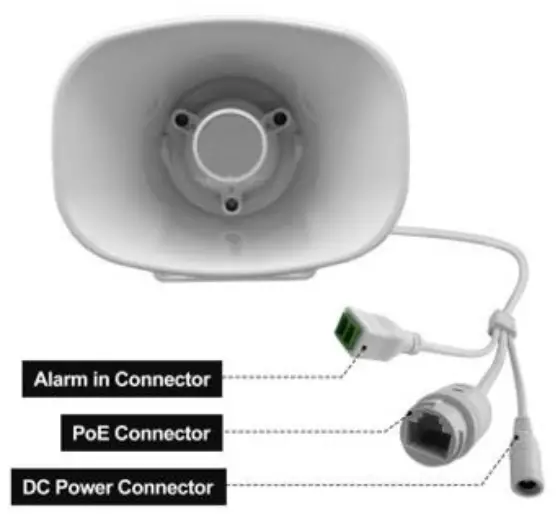
Configuration
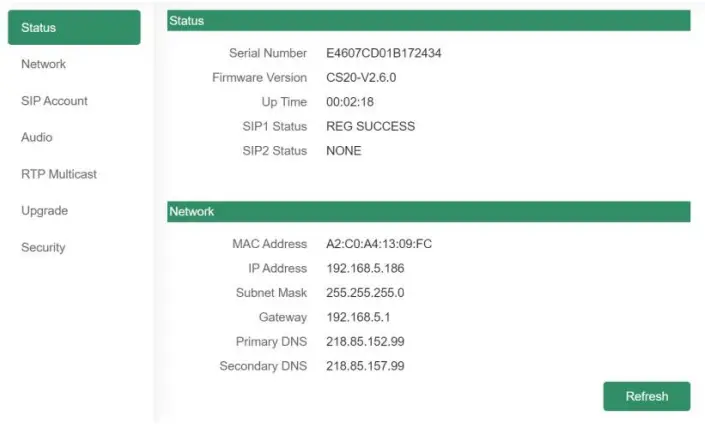
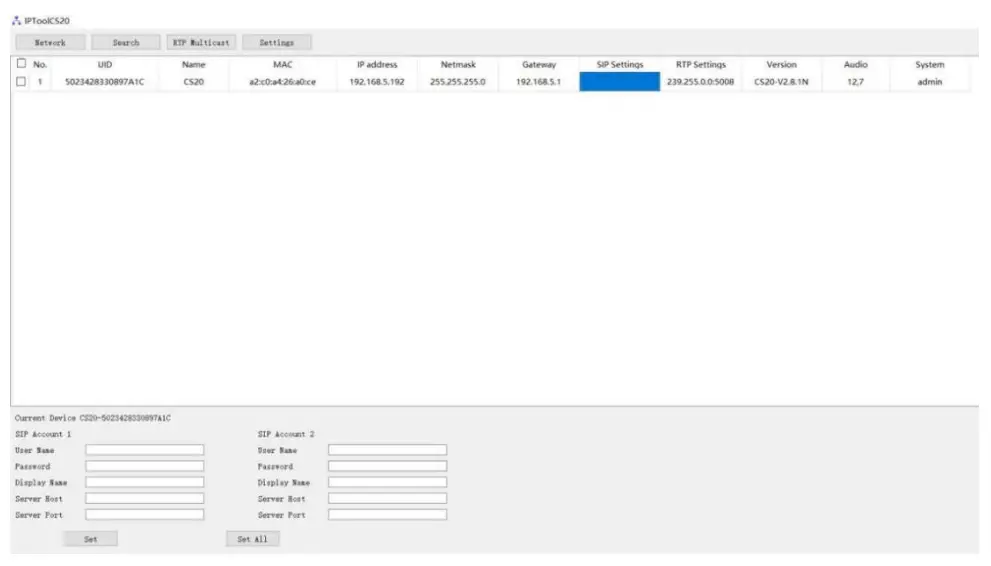
Option 1: IPTool Setting
- Contact your seller for IPTool software.
- Install IPTool, scan Local area network devices.
- Start your setting.

Option 2: Web Setting
- Change the IP of computer to 192.168.5.X network segment.
- Open a browser and type in http://192.168.5.200
- Enter the user name and password in Login page.
Default user: admin password: tm1234 - Start your setting.