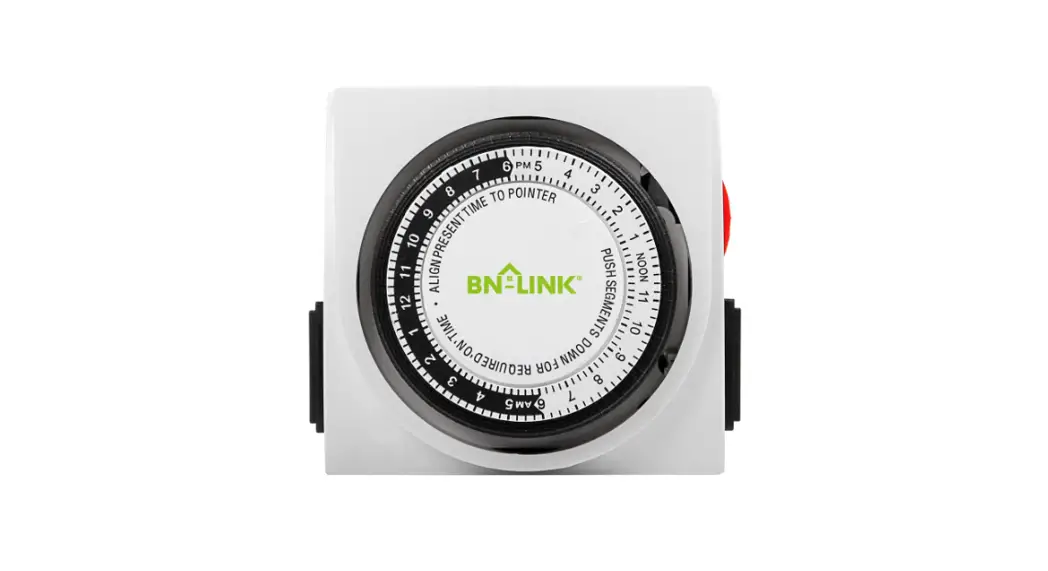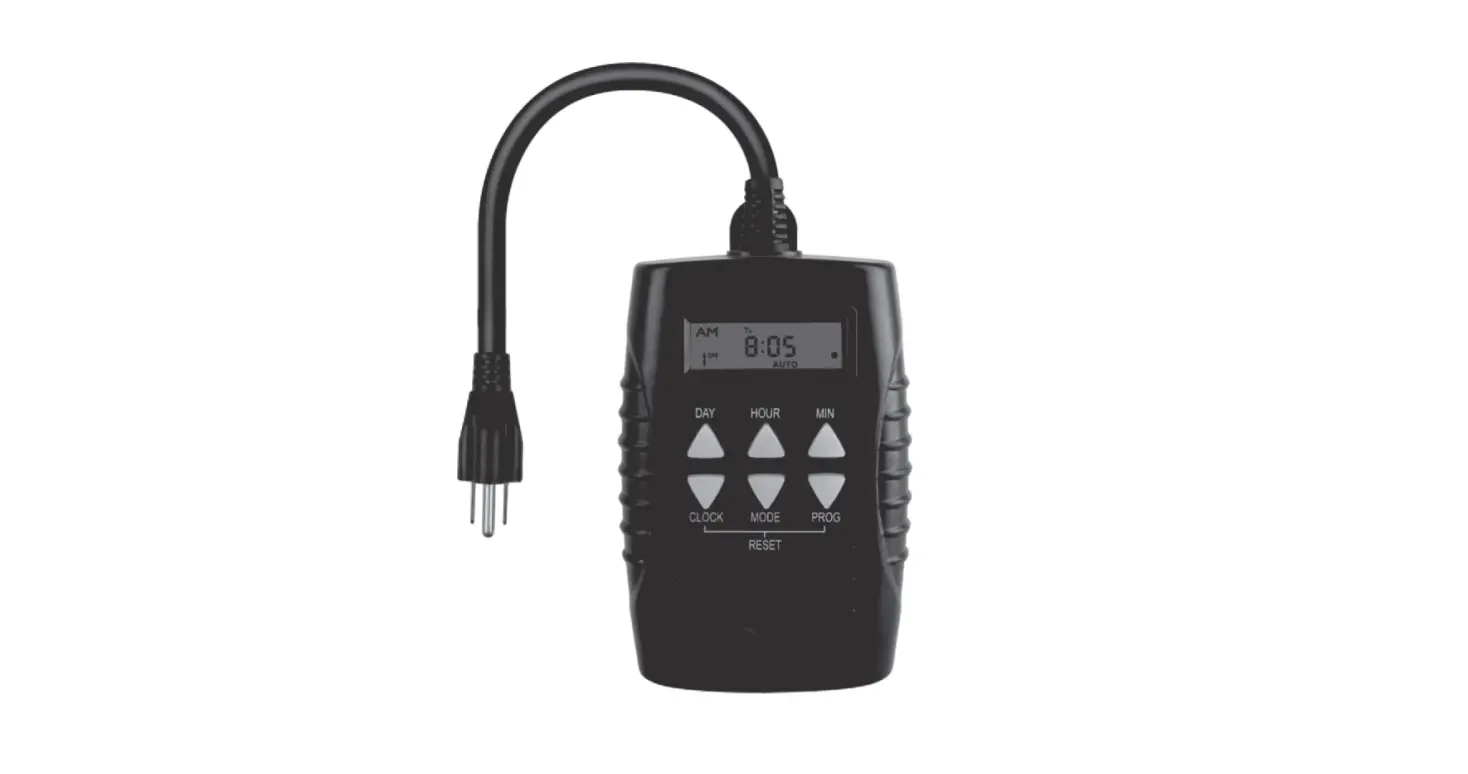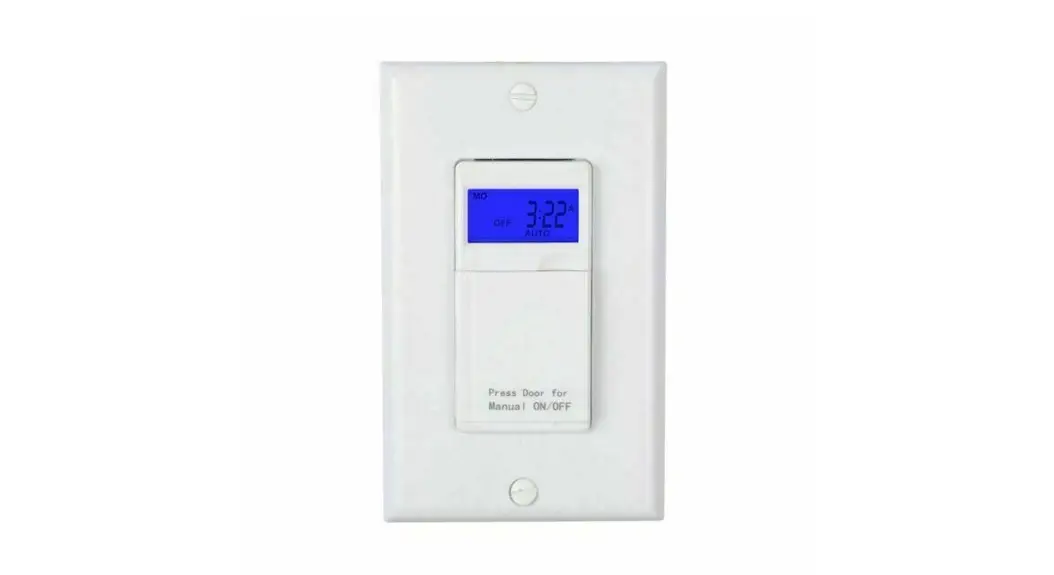
 BN-LINK SU105N Dual Outlet 7-Day Digital Timer with Individual Control
 BN-LINK SU105N Dual Outlet 7-Day Digital Timer with Individual Control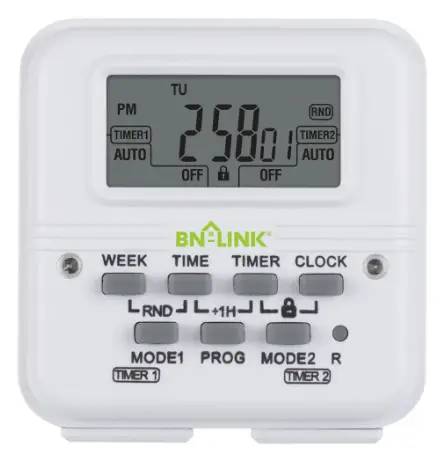
dual outlet 7-day digital timer with individual control Operating instructions
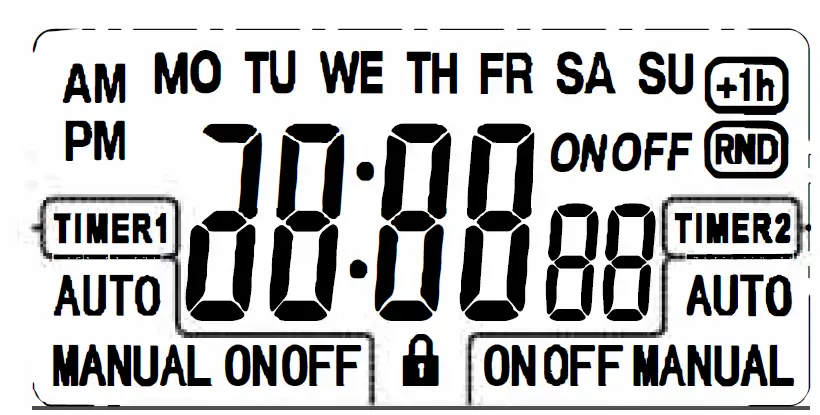
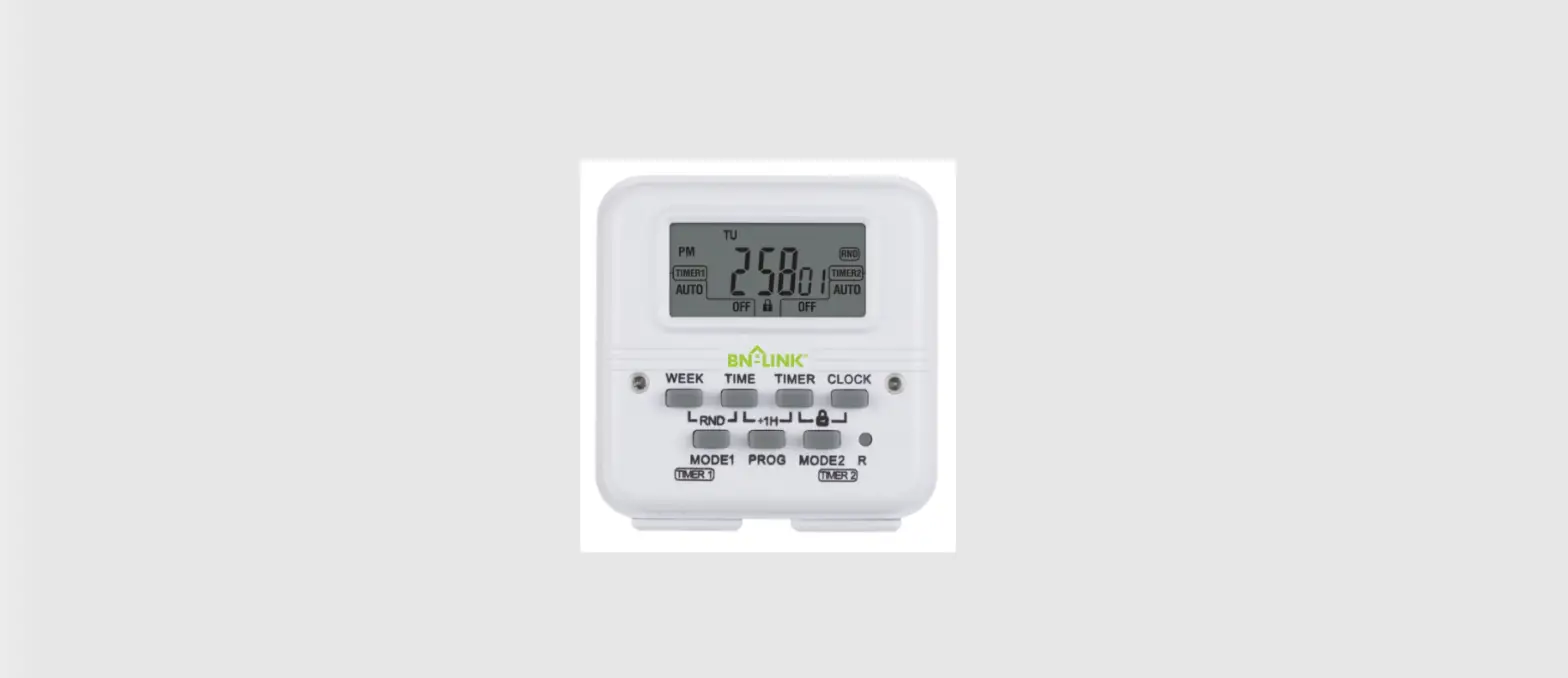
TIMERI/TIMER2: Timer to control each socket i8 : Screen lock
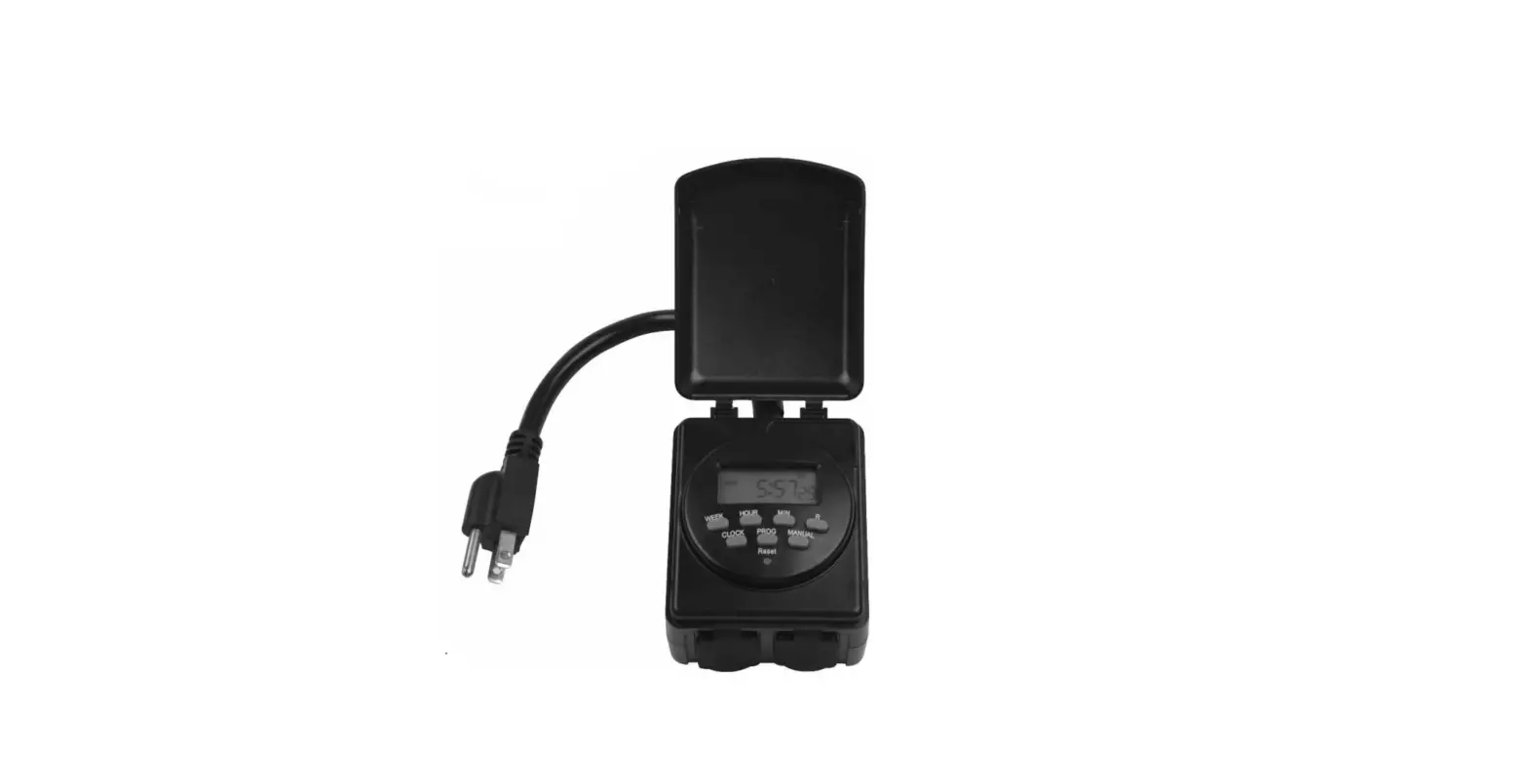
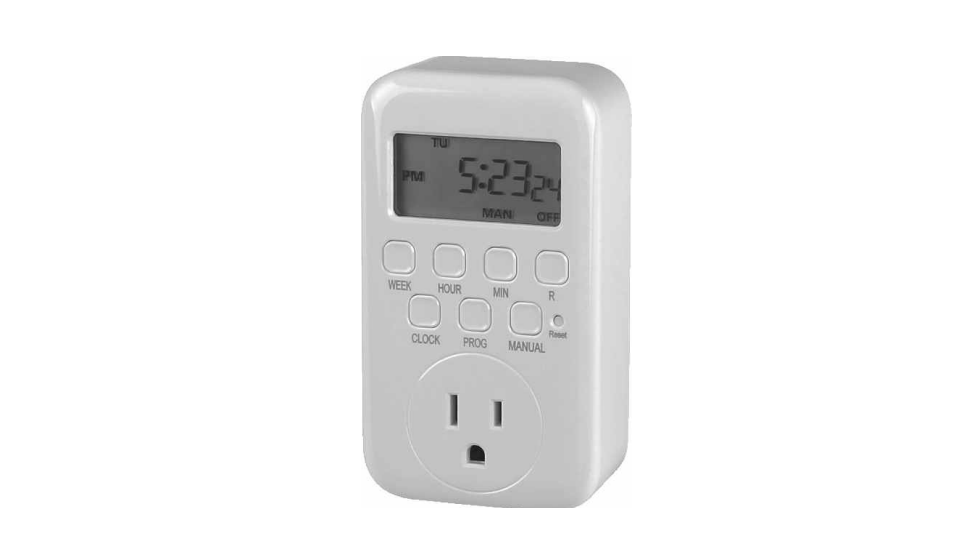
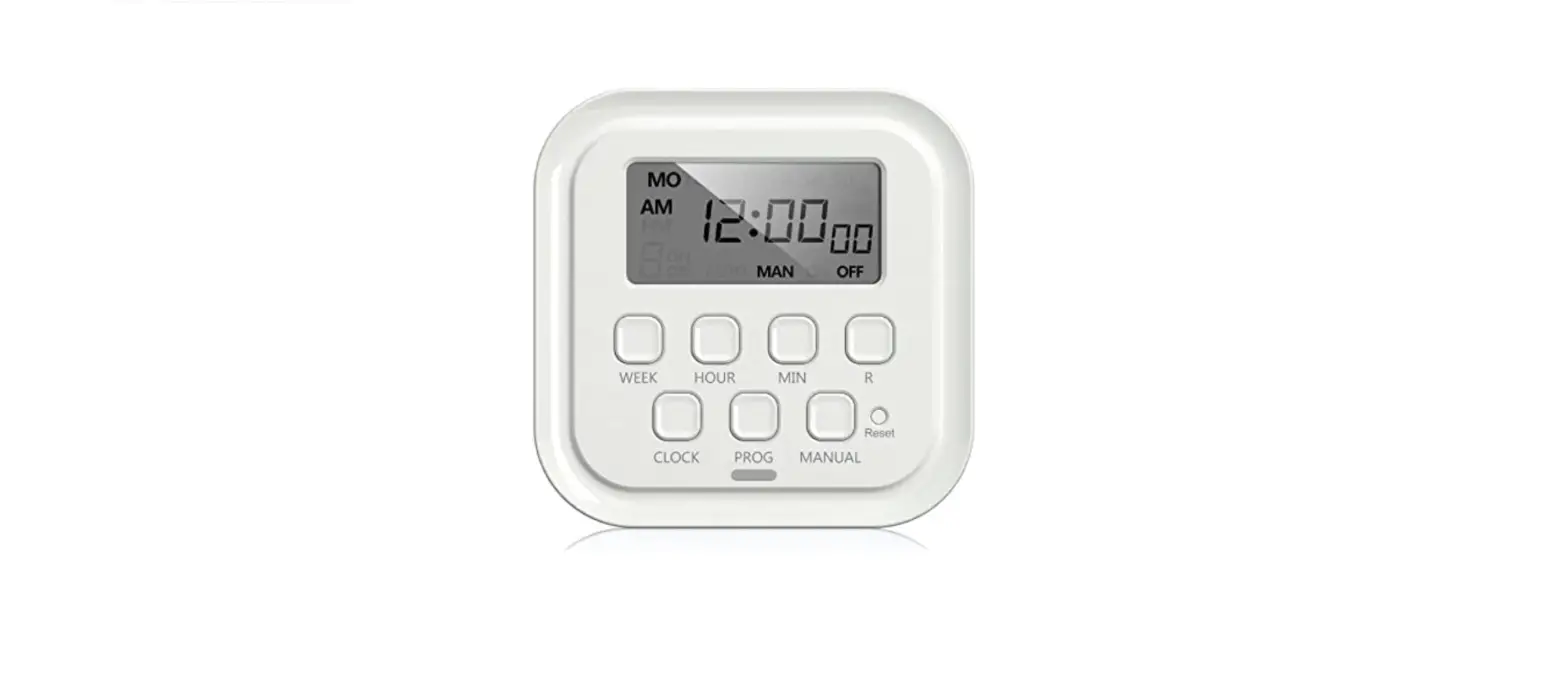
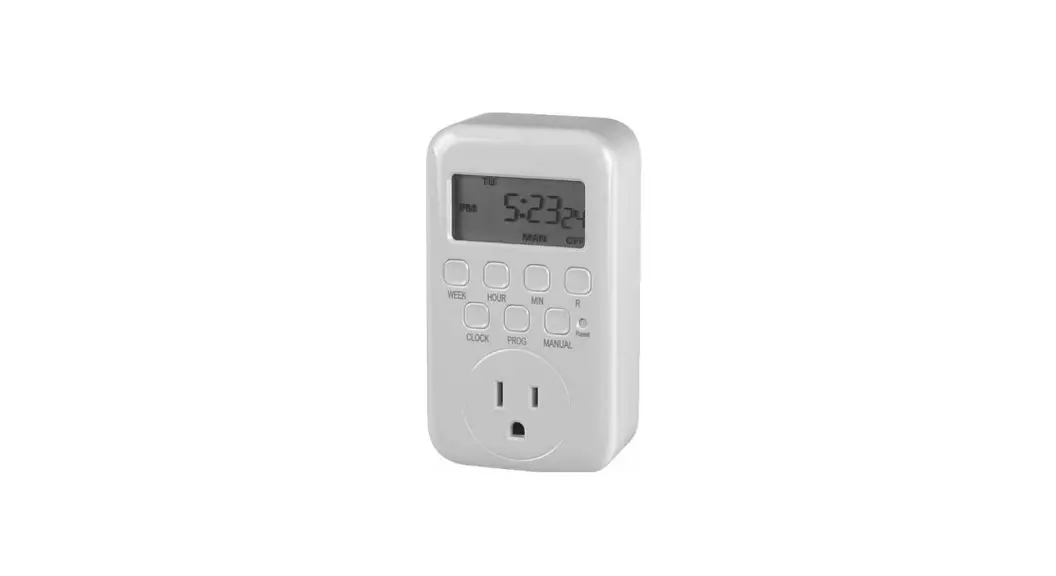
Illustration of the buttons
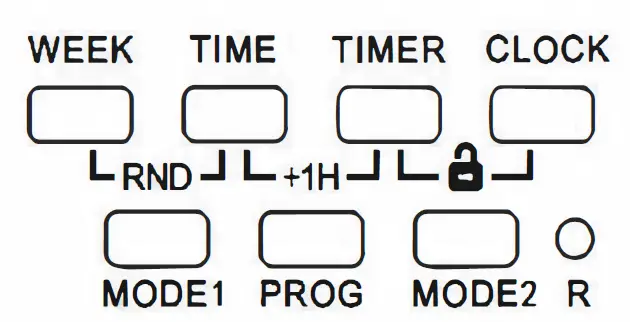
- WEEK: Select day(s) of the week
- TIME: Set time
- TIMER: Select timer(s)
- CLOCK: Set day/time or display clock
- MODE I/MODE 2: Set operating mode for TIMER I/TIMER 2
- R: Reset
- WEEK+TIME: Activate/deactivate random function
- TIME+ TIMER: Activate/deactivate DST
- TIMER+CLOCK: Unlock screen
Operation Instructions
UNLOCK THE SCREEN
The screen will be locked 90 seconds after the timer is left unoperated. To unlock, press TIMER and CLOCK at the same time.
SET CURRENT DAY AND TIME
- Press and hold CLOCK, press WEEK to select current day of the week.

- Press and hold CLOCK, press TIME to set current time with I-minute increment.
Hold TIME to fast scroll. Please pay attention that AM/PM is correct.
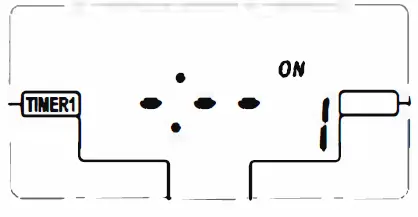
PROGRAM THE TIMER(S)
- Pres PROG, I ON will display on the screen.
- Press WEEK to select desired day or days from below options:
MO TU WE TH FR SA SU
MO
TU
WE
TH
FR
SA
SU
MOTUWETHFR
SASU
MO TU WE TH FR SA
MOWE FR
TUTHSA
MOTUWE
THFR SA - Press TIME to set the time for PROG I ON with I-minute increment. Hold TIME to fast scroll.
- PRESS TIMER to select the timer(s) to perform the program.We can select TIMER I (to control the left outlet), TIMER 2 (to control the right outlet)or both.

- Press PROG to save PROG 1 ON and 1 OFF will display.

- Repeat Steps 2-4 to edit PROG 1 OFF.
- Follow the same steps to set up to 8 ON/OFF programs.
Note: Press MODE I/MODE 2 to clear or resume the current setting.

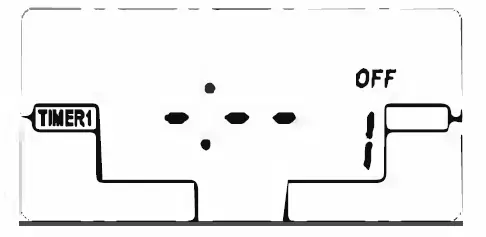
OPERATING MODES
Each timer operates in two modes: MANUAL and AUTO.
In MANUAL mode, timer program is bypassed and the outlet can be switched on or off manually by pressing MODE 1/MODE 2.
In AUTO mode, the outlet will be switched on or off automatically as programmed. You can also press MODE I/MODE 2 to temporarily tum on or off an outlet.
To switch between MANUAL and AUTO modes for each outlet, press and hold MODE I/MODE 2 for 4 seconds.
DST (Daylight saving time)
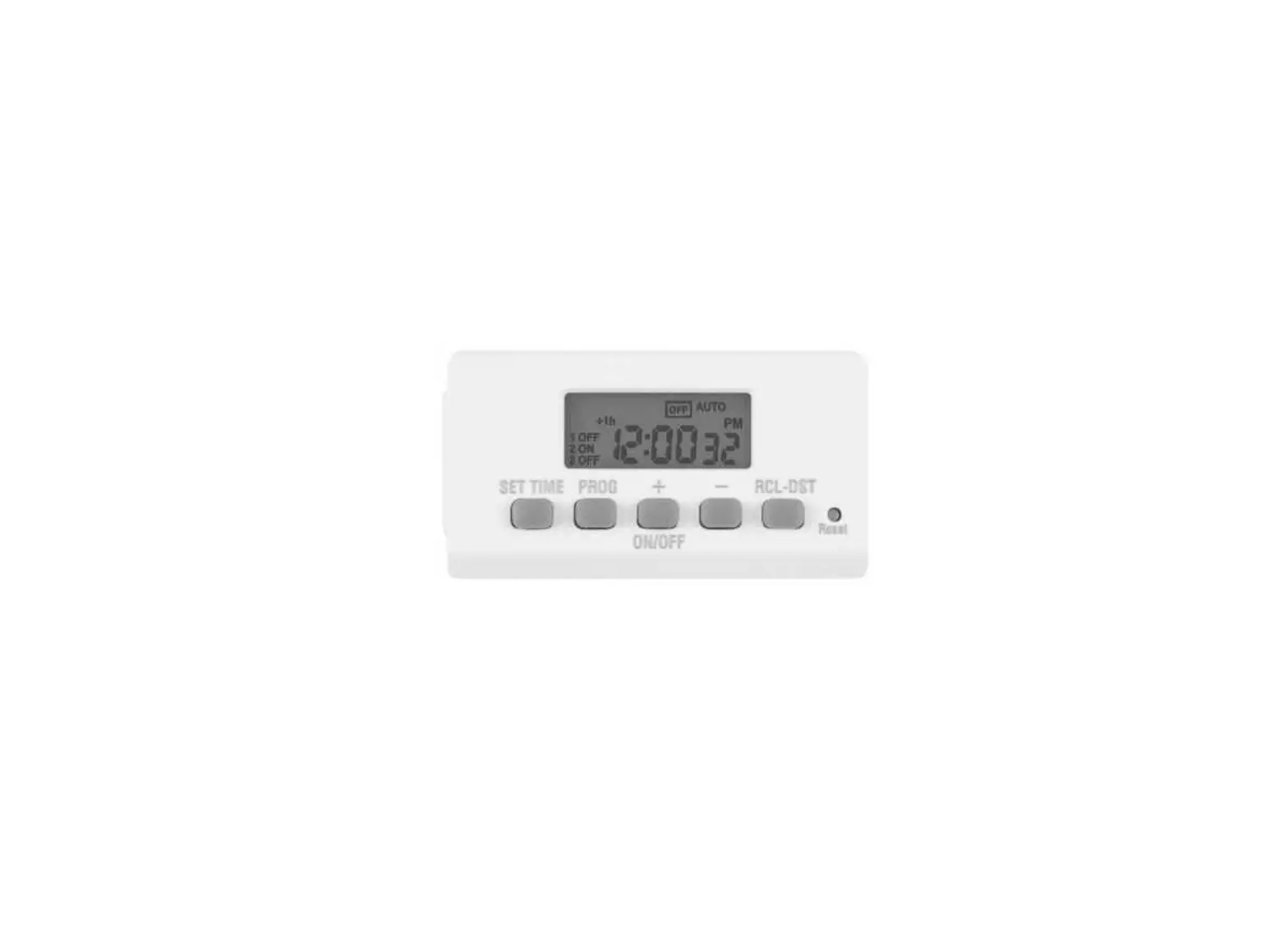
In clock display screen, press TIME and TIMER at the same time to activate/deactivate DST. When activated, the icon+ lh will display on the screen.
RANDOM SECURITY FUNCTION
In clock display screen, press WEEK and TIME at the same time to activate/deactivate the random function. When activated, the icon RND will display on the screen and will flash when an ON/OFF program is active; the ON and OFF times of an ON/OFF program will be both postponed by 2 to 32 minutes. Random function only takes effect for programs with an interval of 33 minutes or longer.
BN-LINK INC.
12991 Leffingwell Avenue, Santa Fe Springs
Customer Service Assistance: 1.909.592.1881
E-mail: [email protected]
Http://www.bn-link.com
Hours: 9AM – 5PM PST, Mon – Fri
Designed in California Made in China