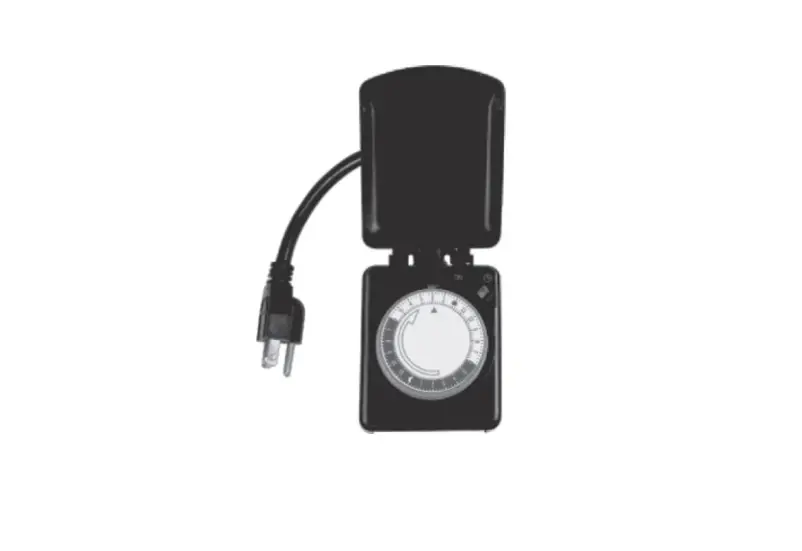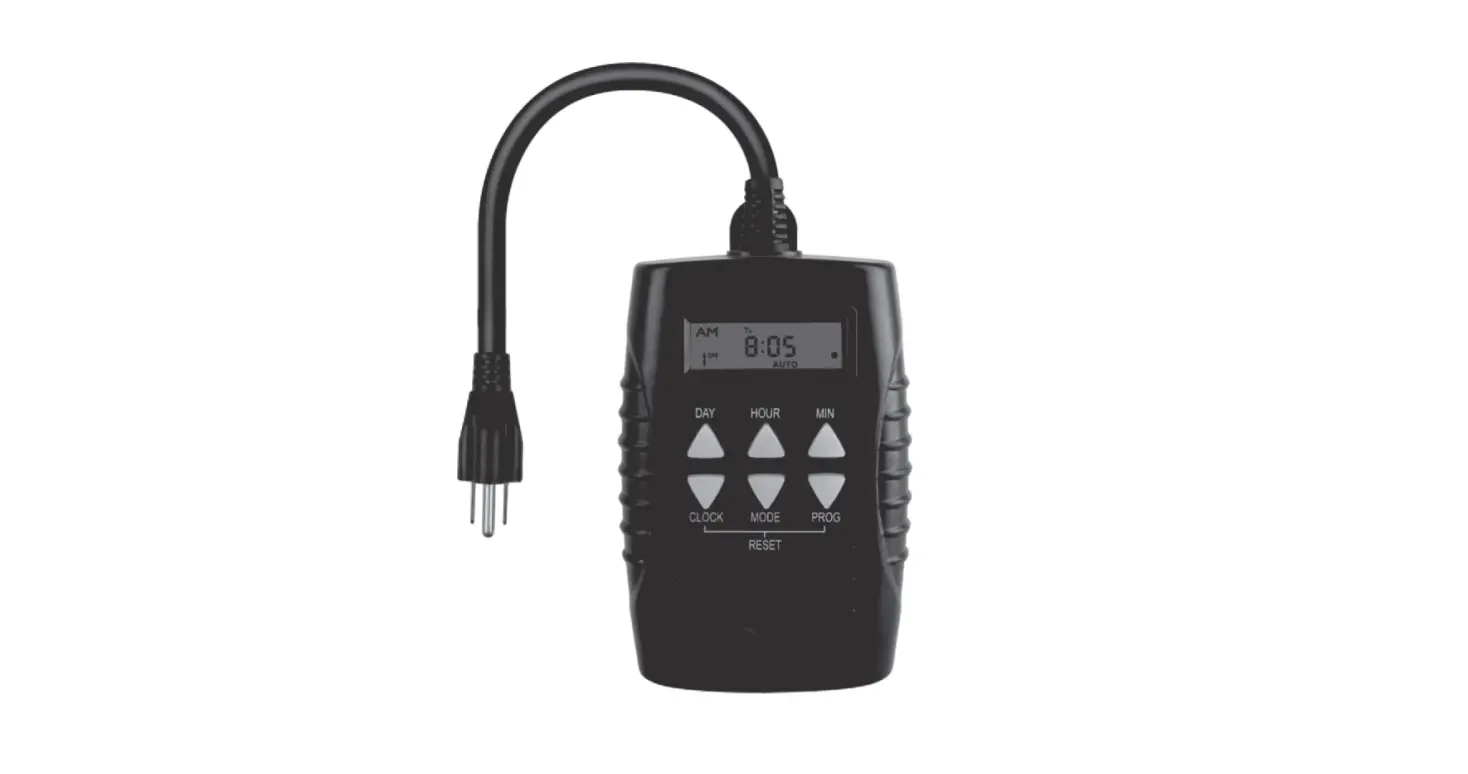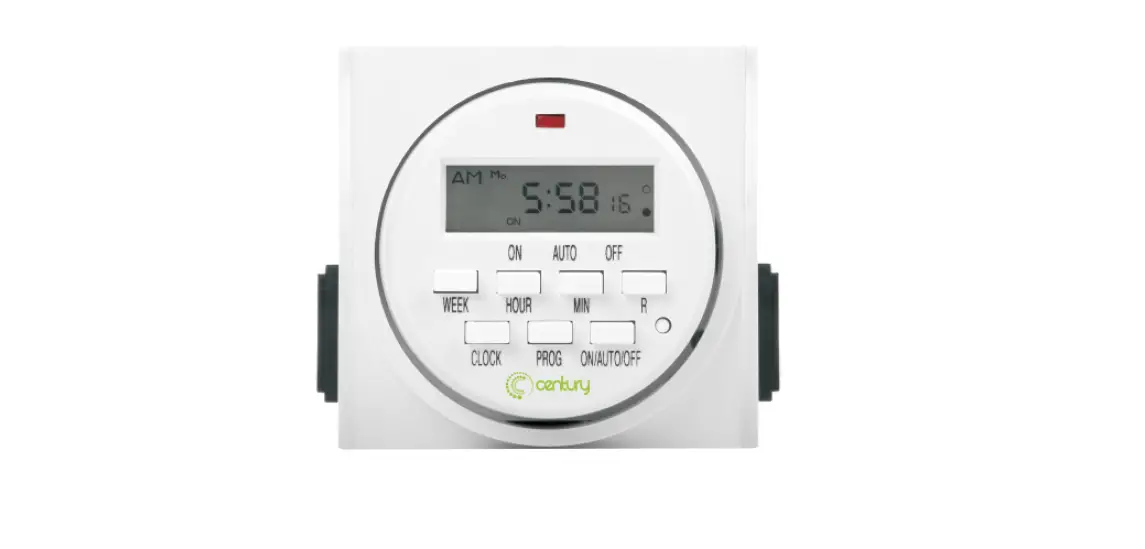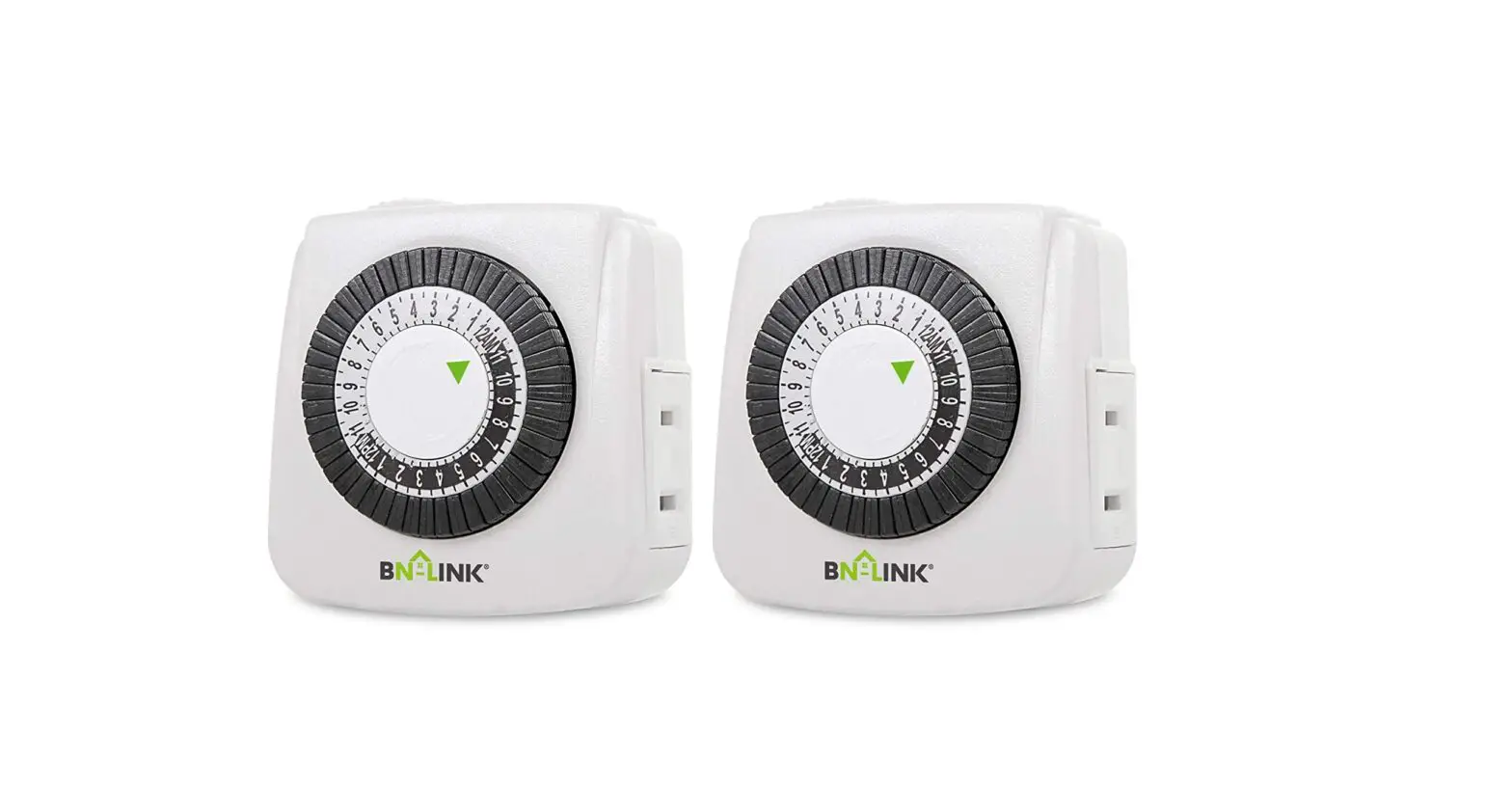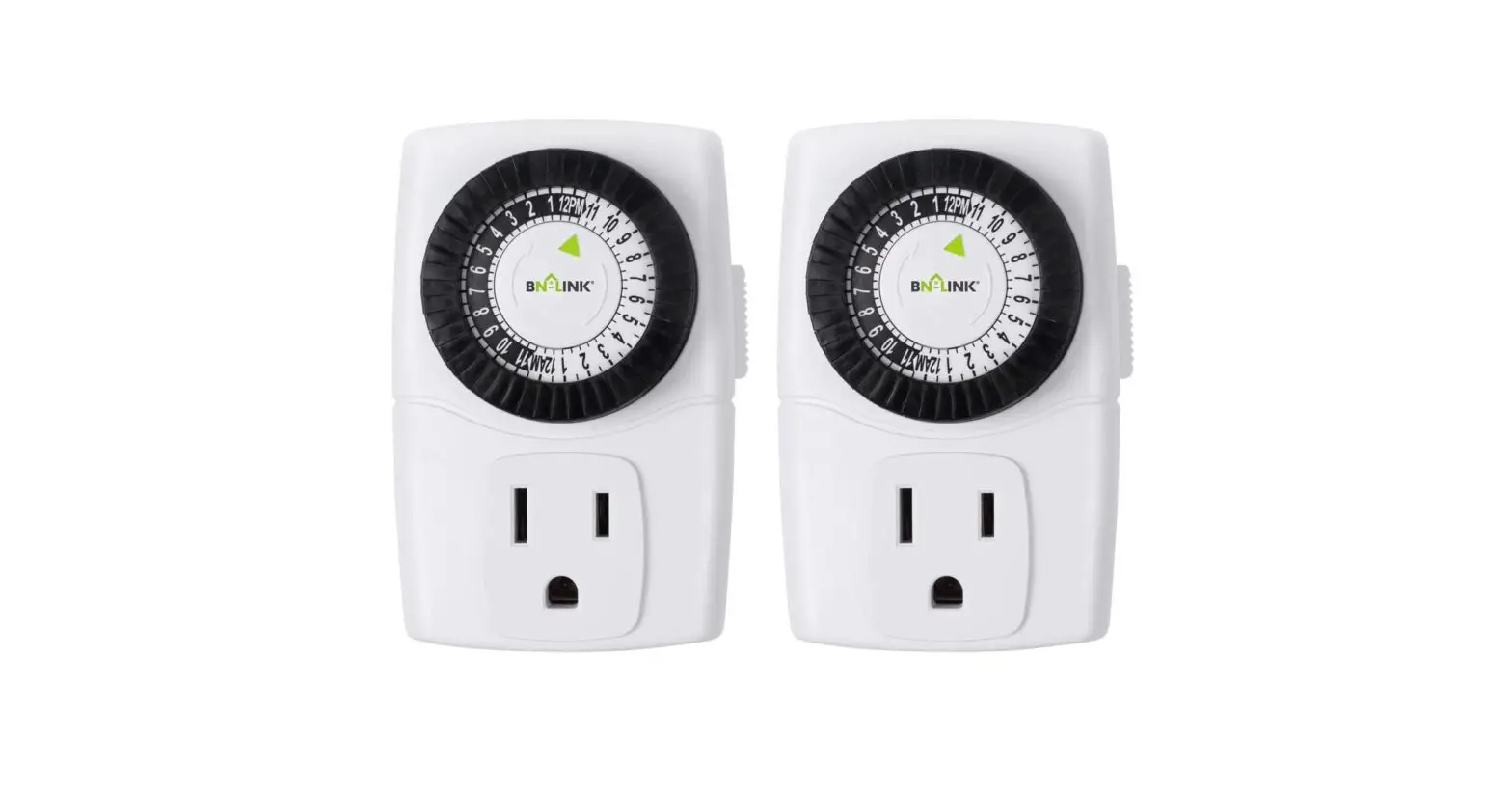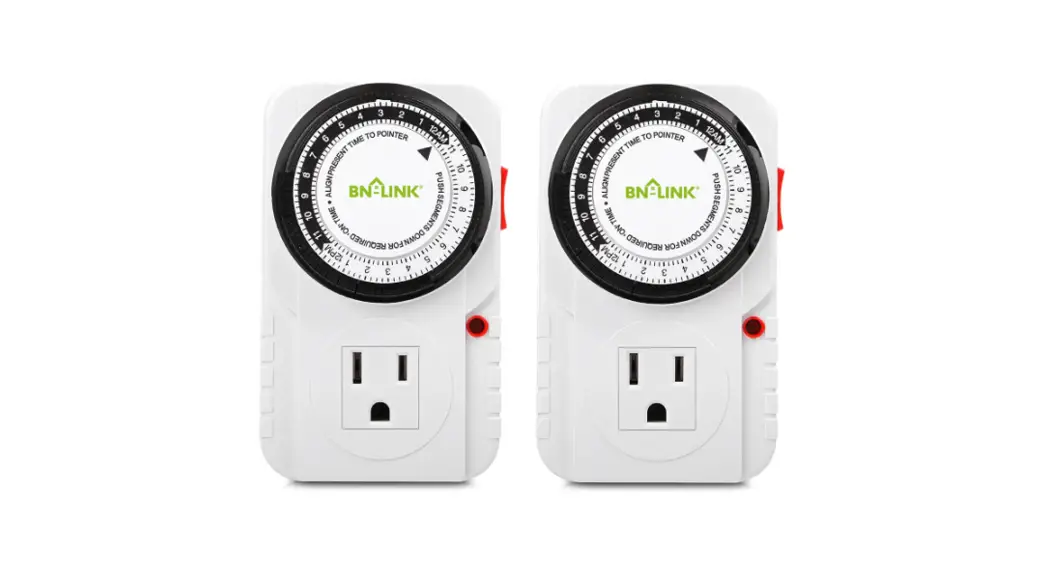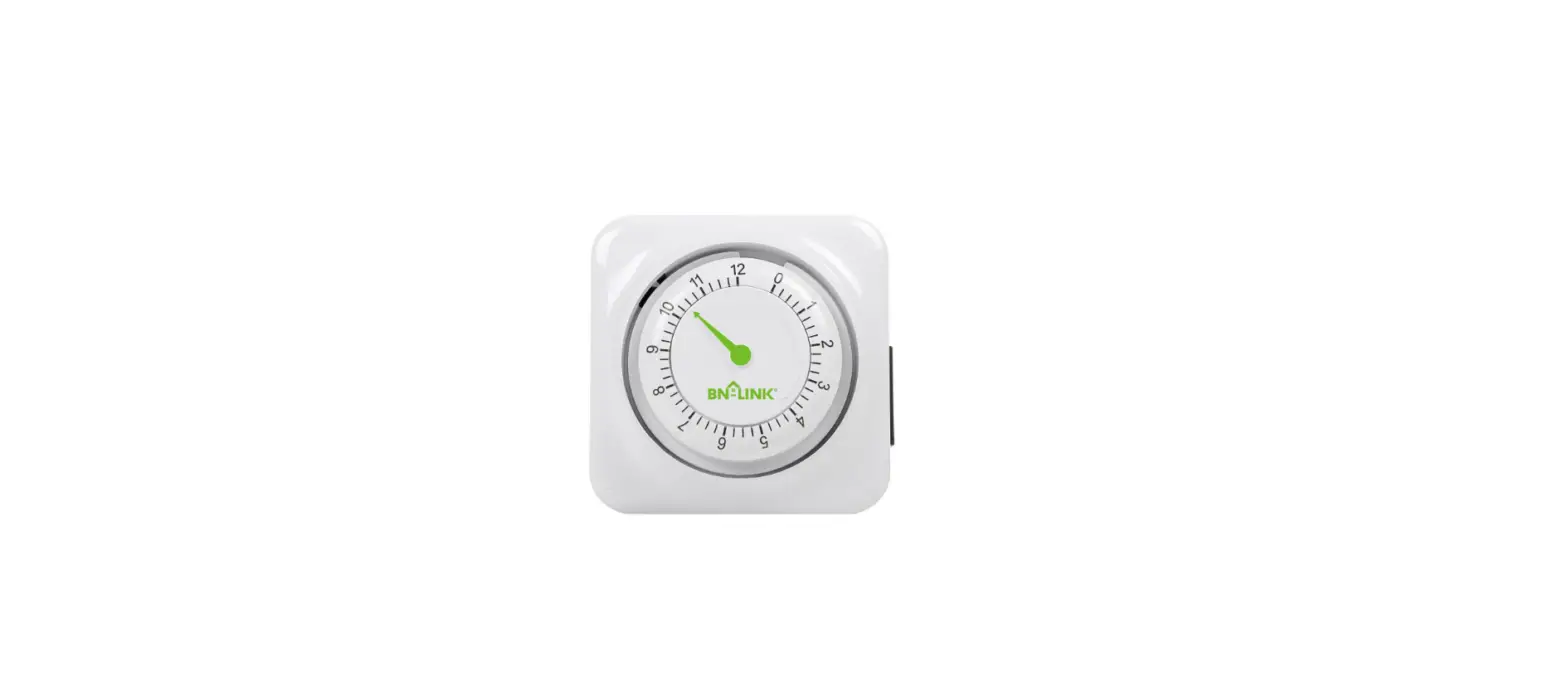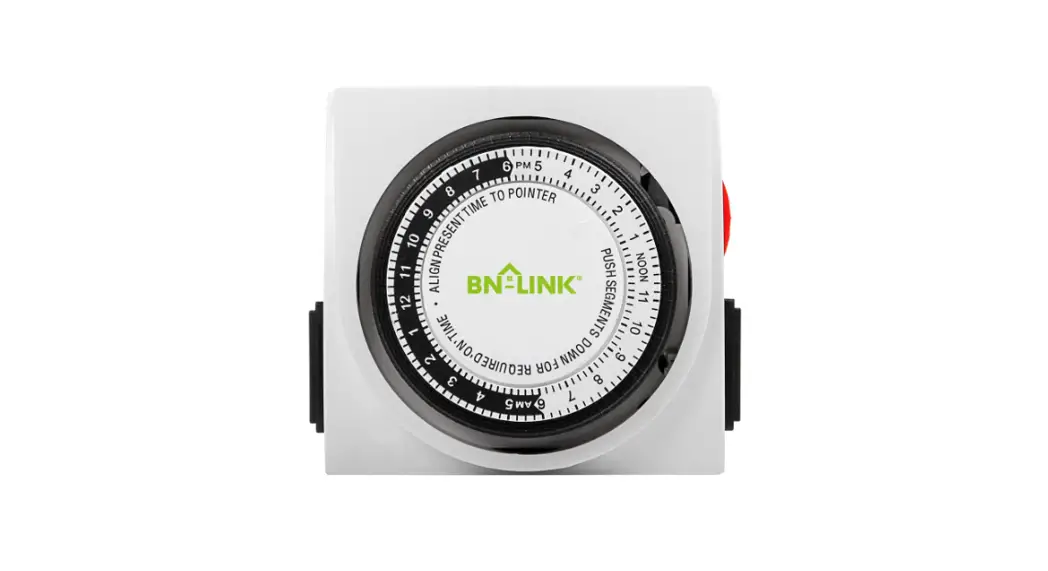


FD60-U2 24-Hour Mechanical Dual Outlet Timer
Instruction Manual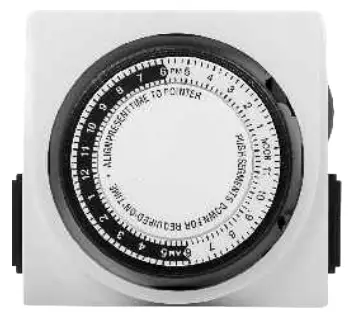

Please keep this handbook
www.bn-Iink.com Designed in California, Made in China
PRODUCTS VIEW

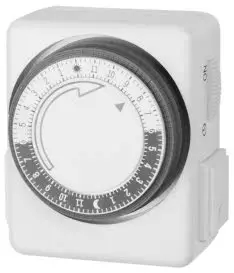
- Clock Dial: Black Part=6PM-6 AM Hours; White Part=6AM-6 PM Hours.
- Arrow: Indicates the current time of day.
- Slide Switch: Slide the switch up to show the “
 ” icon for timing. Slide the switch down to show the “I” icon for always ON.
 - Push Pins: Each pin represents 15 minutes. Pins down = ON; Pins up = OFF.
- Socket: Only intended to be used with a grounded device.
 ” icon for timing. Slide the switch down to show the “I” icon for always ON.
RATINGS
Rated Voltage: 125V, 60Hz
Max.Loading: 1875W, 15A Tungsten &Resistive, 1/2HP
WARNING
- Electrical shock hazard
- Use a grounded outlet
- Follow local electrical codes
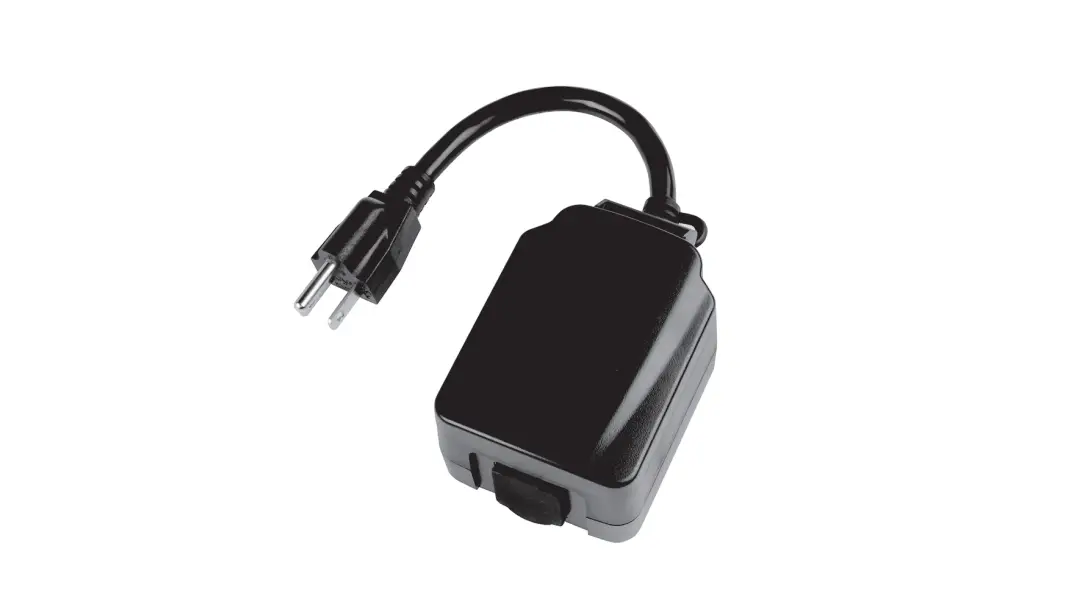
- For indoor use only
- Keep children away
- Unplug the timer before cleaning
- Fully insert plug
- Do not use in wet locations
- Do not exceed electrical ratings
APPLICATIONS
- Lighting
- Heating systems
- Humidifiers
- Nebulizers
- Cooling systems
- Indoor sprinklers
- Aquariums
- Ventilators
OPERATING INSTRUCTIONS
Step 1. Set a period of time for the unit to be “ON”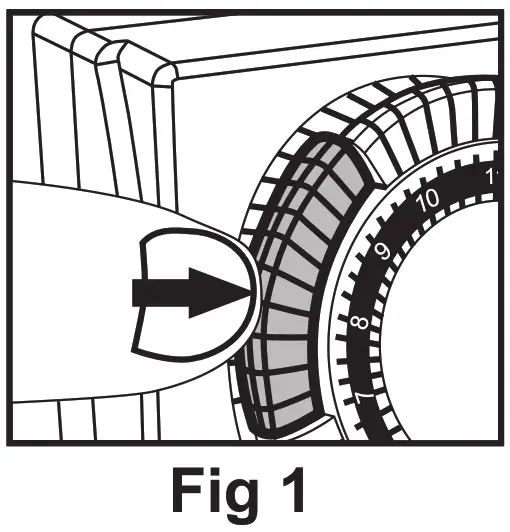 Make sure all pins are in the UP position before beginning. Locate the black pins and push them down at the marked times when the attached device is to be “ON”. Each pin represents a 15-minute time interval.
Example: “ON” time is 7:00 PM, “OFF” time is 9:30 PM. Push down all of the pins between 7:00 PM and 9:30 PM.
Note: Pins are black slices around the dial.
Step 2. Set the “CURRENT TIME”
Rotate the entire black push-pin dial clockwise until the arrow aligns with the current time of day on the dial.
Example: It is 6:00 AM, please rotate the dial clockwise arrow to align the 6 AM ol dial.
Note: Please pay attempt AM/PM.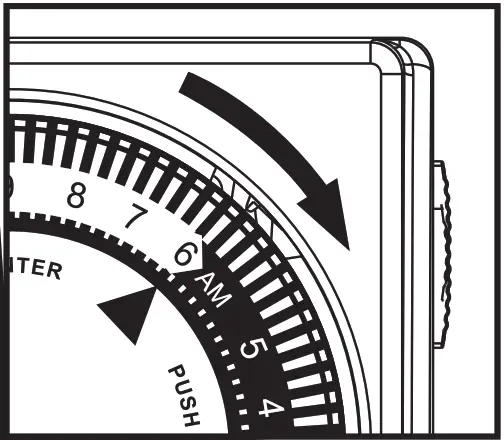 Step 3. Set “BYPASS SWITCH”
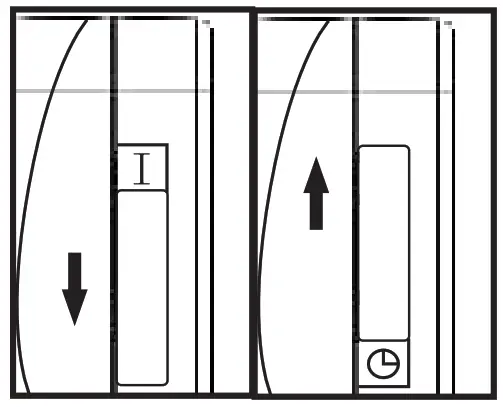 When the switch shows the “G” icon, the unit will automatically turn your attached device ON and OFF according to the programmed time. When the switch shows “I”, the unit will bypass the programming and your attached device will remain ON.
Step 4. Plug the unit into an electrical outlet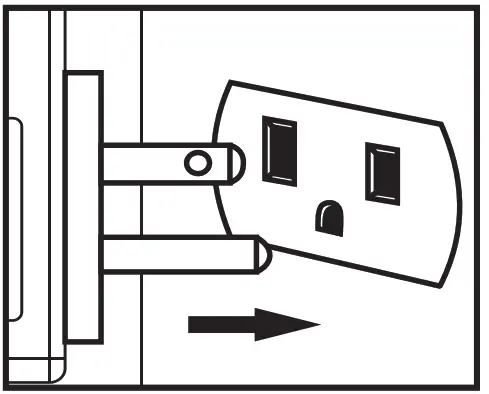
The unit will rest against the outlet.
Step 5. Attach one device to the unit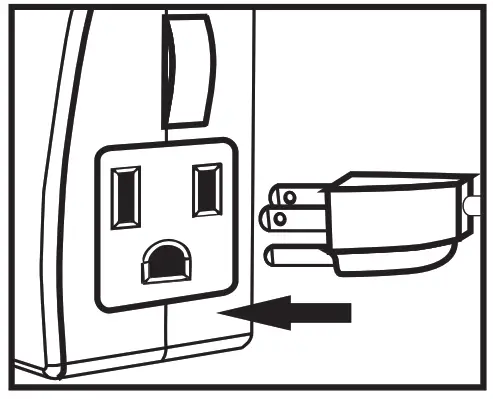 Plug a device into the outlet on the side of the unit. Make sure the attached device is switched ON. The timer can control two devices.
HELPFUL TIPS
- This timer repeats the same settings daily.
- To push down or pull up the black pins, use your finger or the tip of a small instrument such as a pen or pencil.
- You can set up to 48 different “ON” and “OFF” times in a 24-hour period. Pins pressed down represent the “ON” time, and pins in the up position represent the “OFF” time.
- When the switch shows the “I” icon will bypass programming, however, the timer dial will continue to rotate and maintain the current time.
- The unit will stop operating if the power goes out. Once power is resumed, reset the time of day as explained in Step 2 of the instructions.
TROUBLESHOOTING
- PROBLEM: Appliances do not turn on as programmed.
- POSSIBLE CAUSE: Connected appliances are not in the “ON” position; they are not functioning; the timer is not receiving power, or “BYPASS SWITCH” shows the “I” icon.
- CORRECTIVE ACTION: Ensure the connected appliances are functional by plugging them directly into the outlet. Be sure the connected appliances are in the “ON” position if they have their own switch. Make sure the power outlet that the timer is plugged into is active. Check that the “BYPASS SWITCH” shows the “” icon.
- PROBLEM: Appliances come on before or after programmed times.
- POSSIBLE CAUSE: “CURRENT TIME” was not properly set.
- CORRECTIVE ACTION: Check that the current time is correctly set.
Note that the black section includes hours from 6 pm to 6 am and the white section includes hours from 6 am to 6 pm.
BN-LINK INC.
12991 Leffingwell Avenue, Santa Fe Springs
Customer Service Assistance: 1.909.592.1881
E-mail: [email protected]
http://www.bn-link.com
Hours: 9 AM – 5 PM PST, Mon – Fri
Designed in California
Made in China