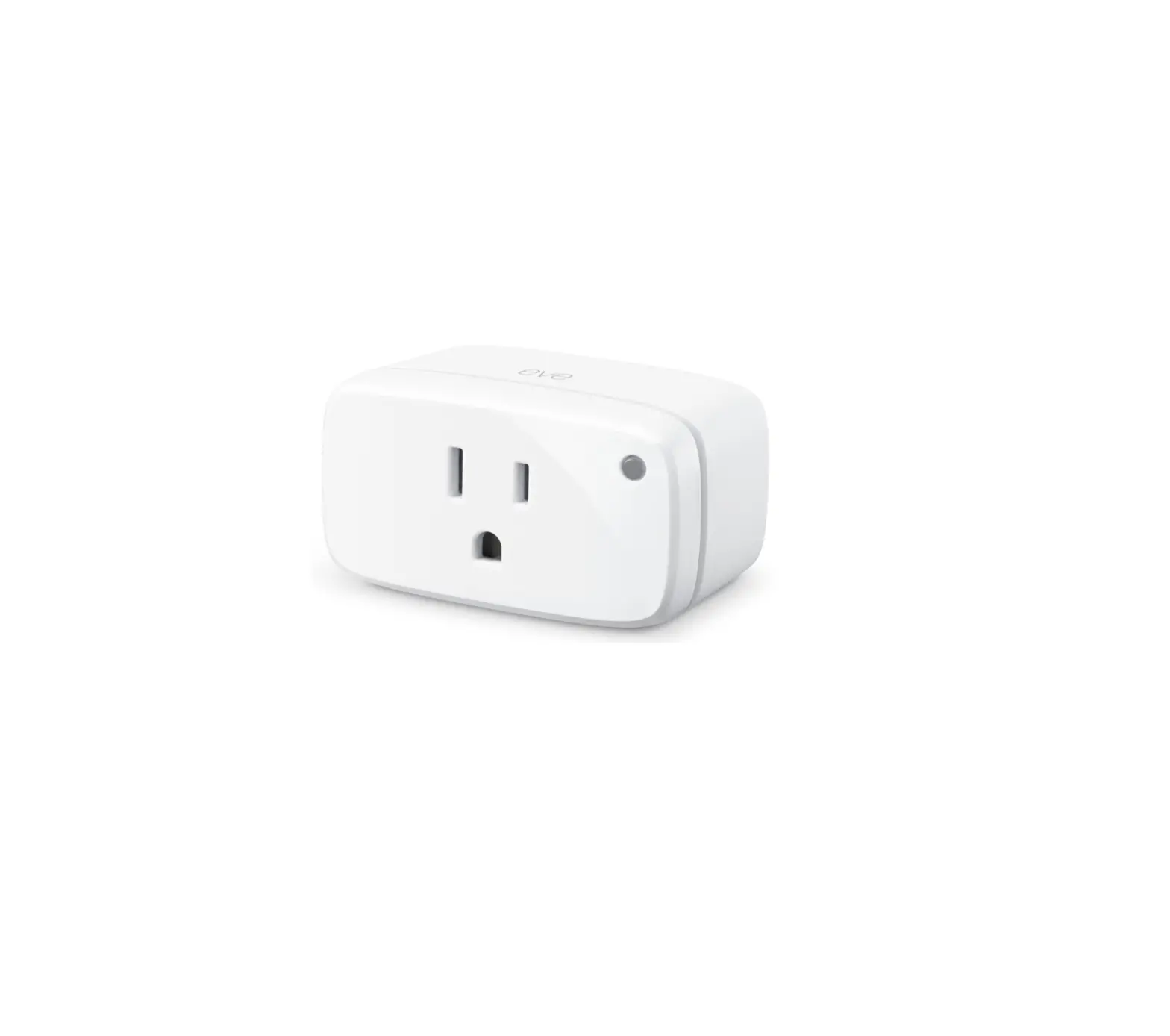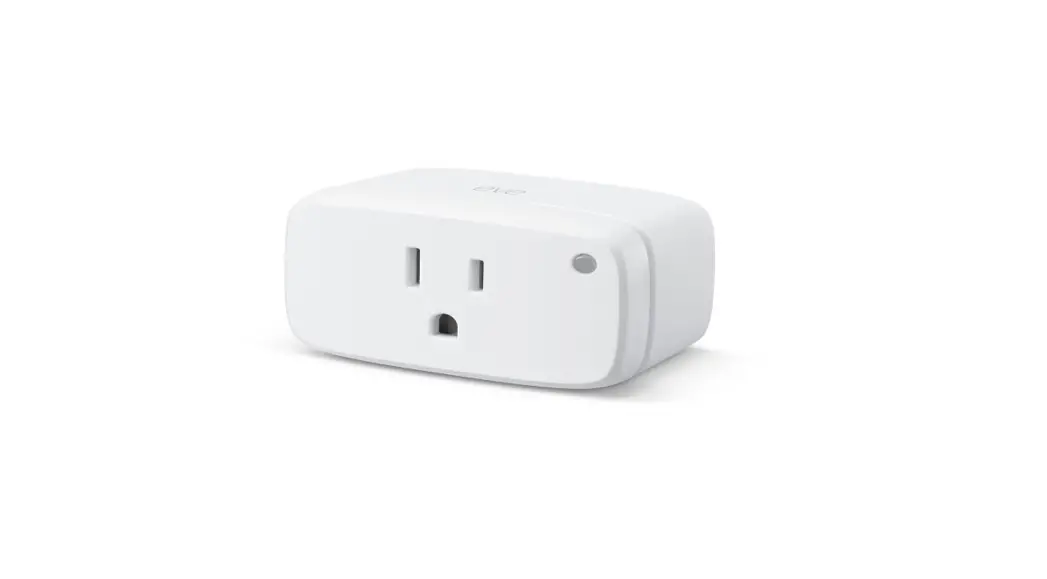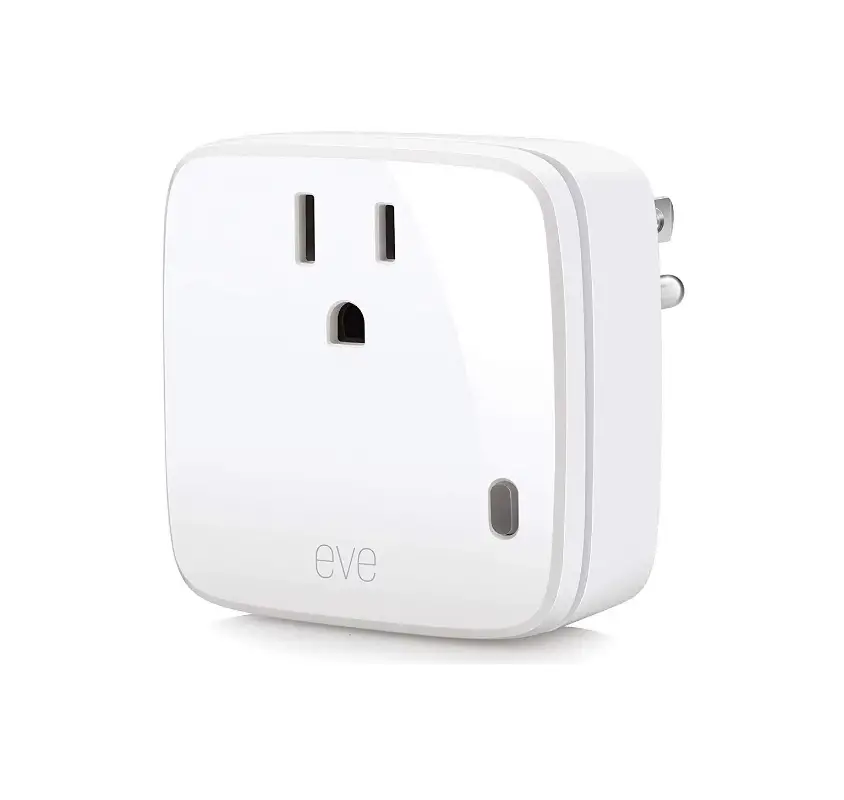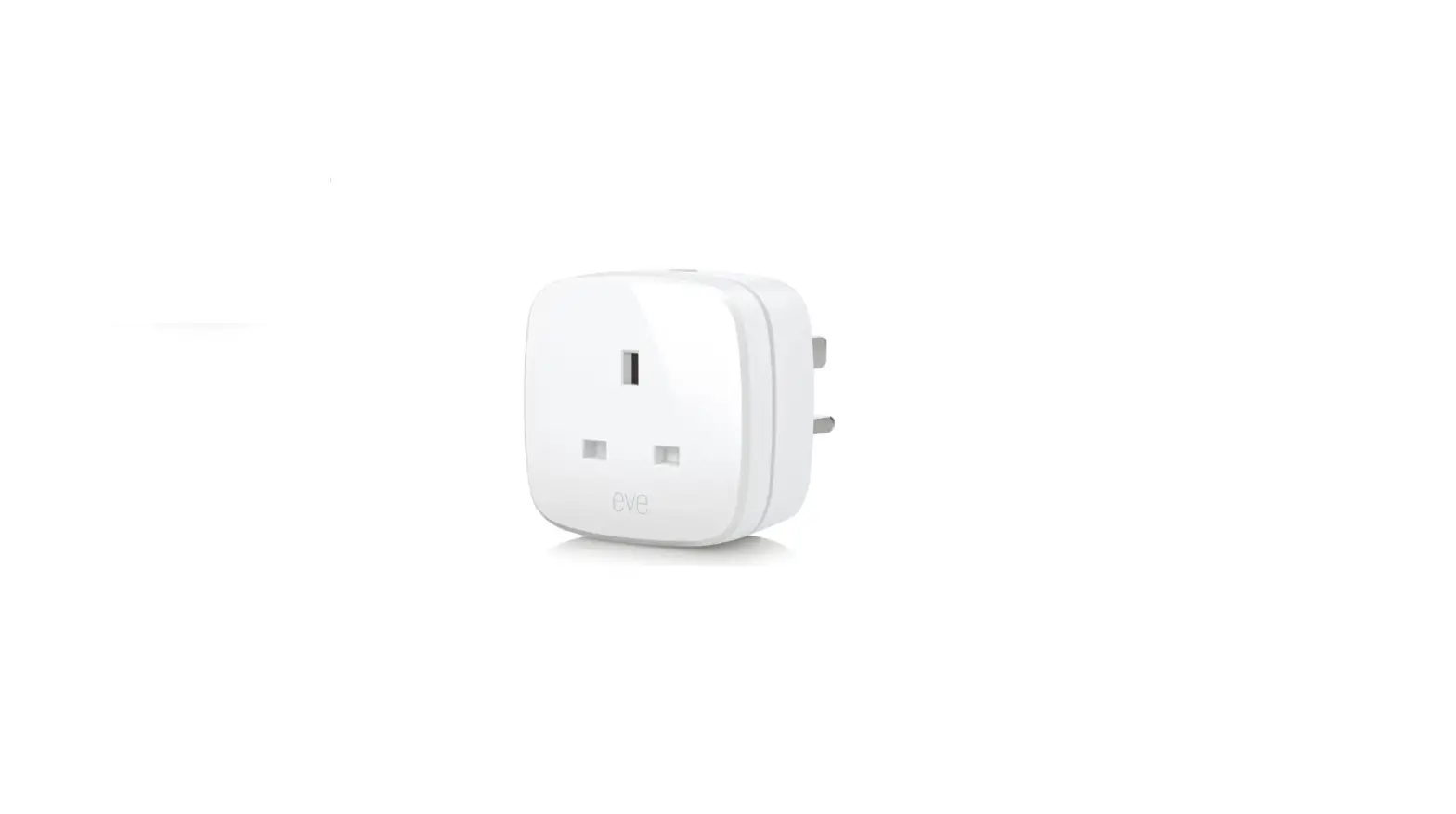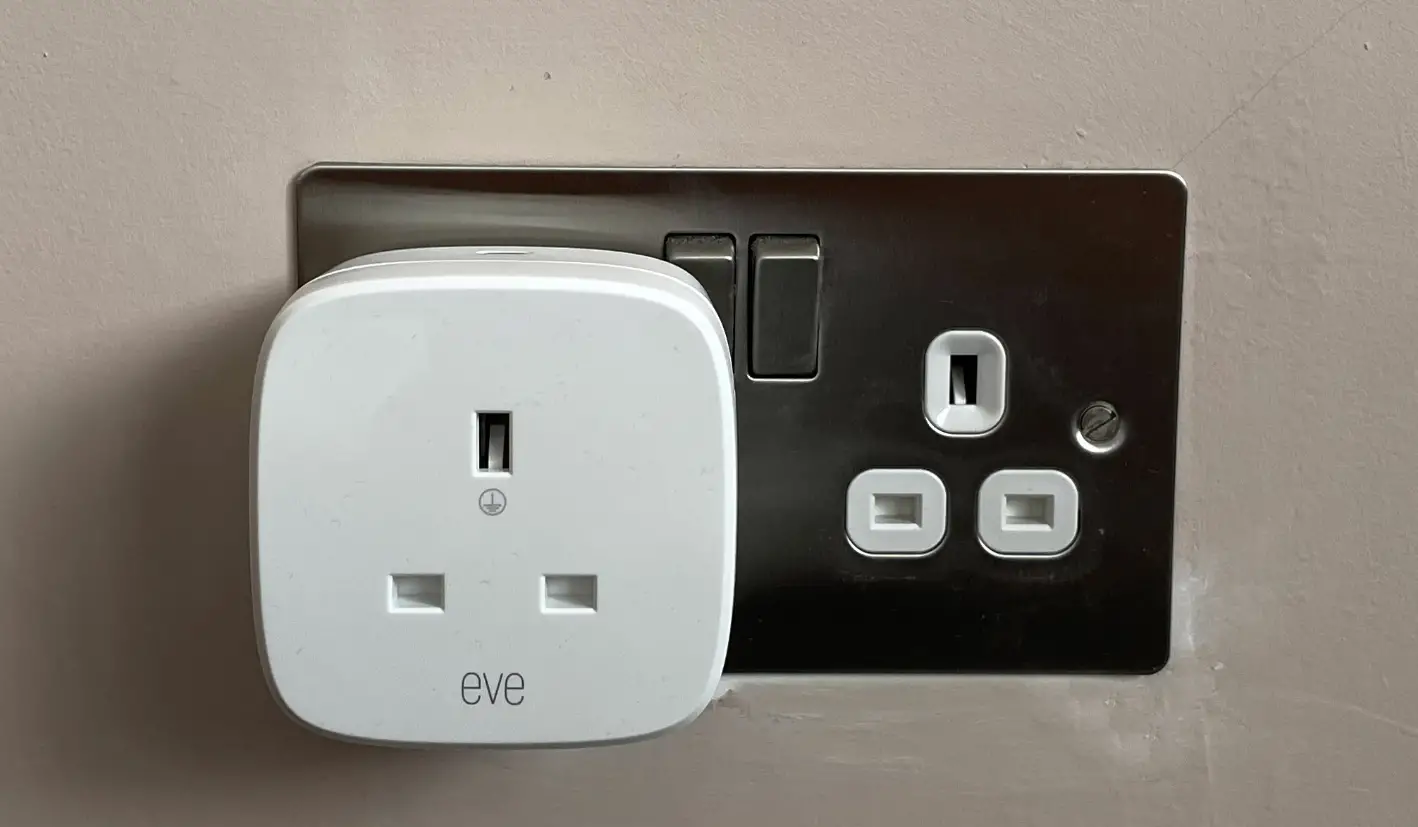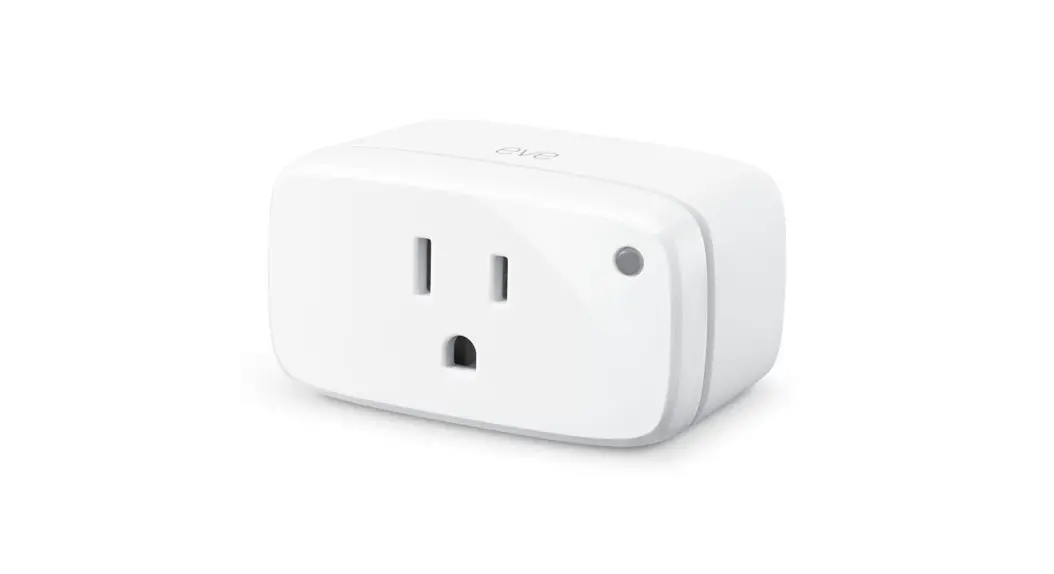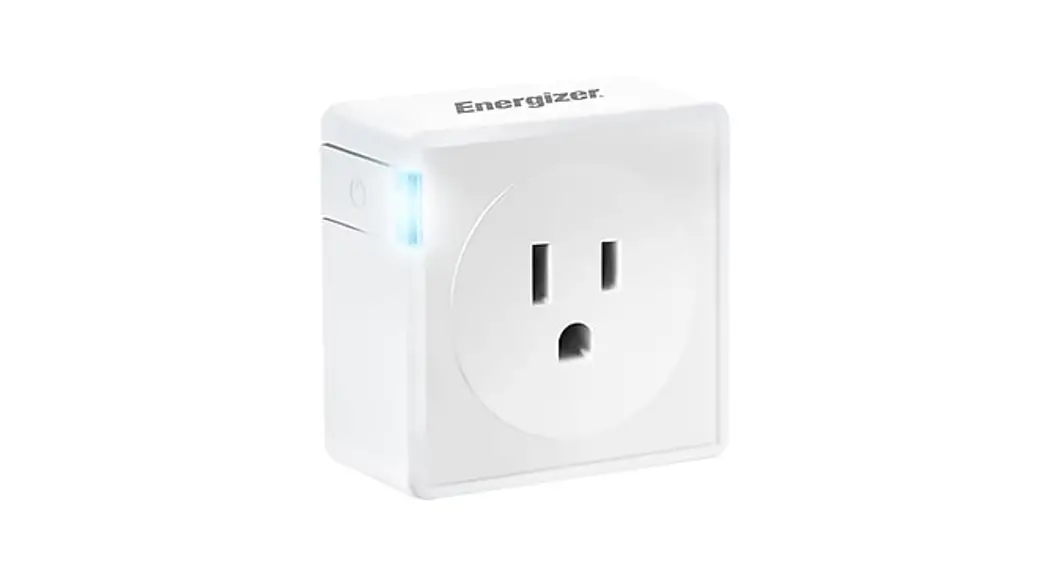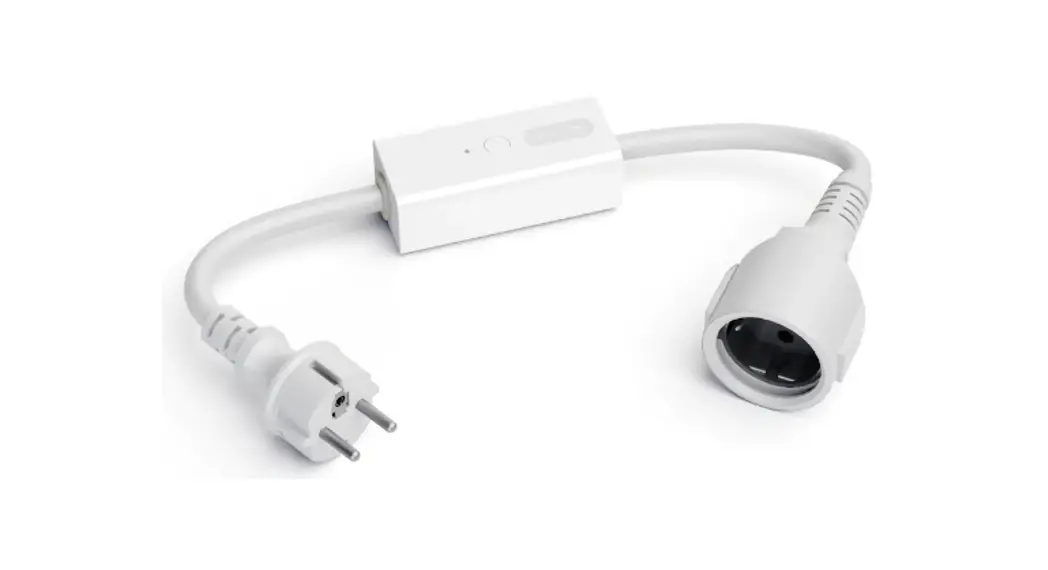
 ENERGY-005 Smart Plug and Power Meter
User Guide
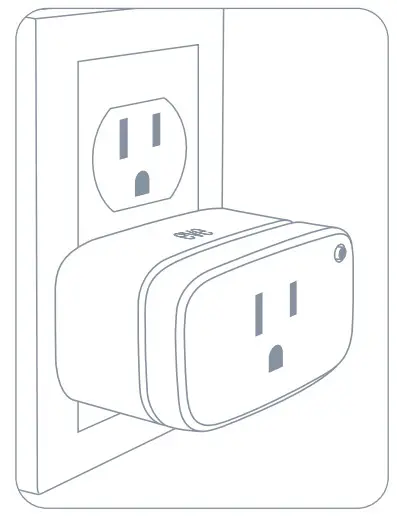
Plug Eve Energy into a socket.
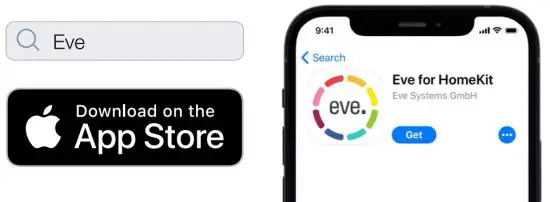
Download the Eve app from the App Store.
Open the Eve app and tap Add Accessory. Eve will now guide you through the setup process.
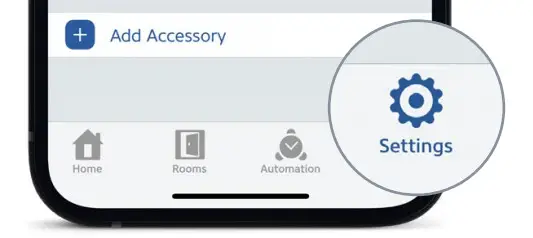
If you have already set up another accessory, go to the Eve settings to add Eve Energy to your home.
Eve Energy can be controlled using the Eve app, the Home app, and Siri.

 Control
 Set schedules (no home hub required)
 Enable child lock
 Monitor energy consumption
 Adjust status LED
 Install firmware updates
 Control
 Configure guest access
 Control
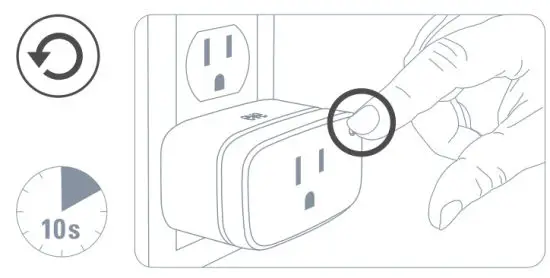
You can also use the button to switch Eve Energy on and off.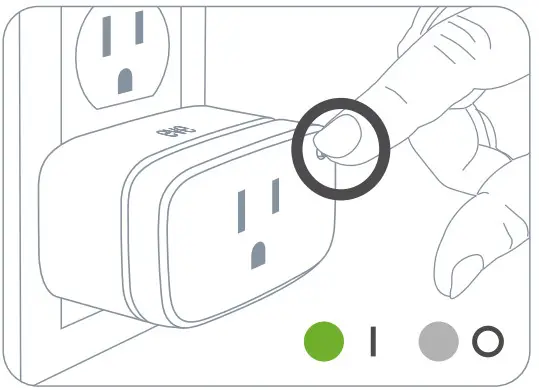
Schedules automatically control devices connected to Eve Energy – completely autonomously, independently of your iPhone or home hub. Set schedules that match your daily routine using the Eve app.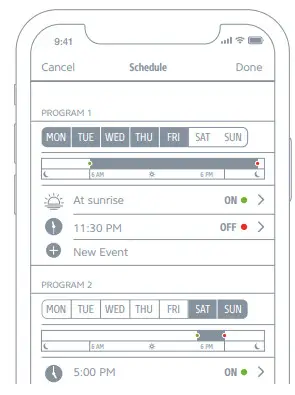
Securely access Eve Energy while you’re away from home and set up powerful automation. Any Apple TV HD, Apple TV 4K or HomePod using the same iCloud account as your iPhone will automatically serve as a home hub, no further setup is required.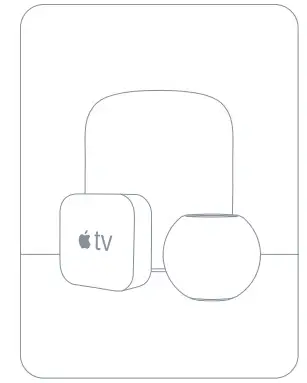
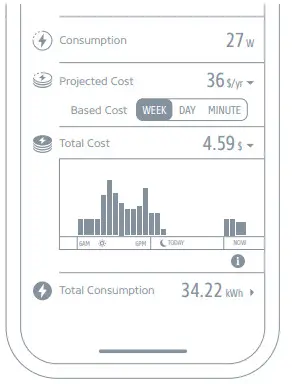
Projected costs can be calculated based on the consumption of the last minute, day or week. Go to Settings > General > Energy Cost to enter your electricity rate and accurately calculate costs.
Eve Energy is designed to safeguard your personal data. All data is fully encrypted and only transferred directly between your Eve Energy and iPhone, iPad, or home hub. Learn more at evehome.com/privacy.
This device complies with part 15 of the FCC Rules and Industry Canada licence-exempt RSS standard(s).
Operation is subject to the following two conditions: (1) This device may not cause interference, and (2) this device must accept any interference received, including interference that may cause undesired operation.
This equipment has been tested and found to comply with the limits for a Class B digital device, pursuant to part 15 of the FCC Rules. These limits are designed to provide reasonable protection against harmful interference in a residential installation. This equipment generates, uses, and can radiate radio frequency energy and, if not installed and used in accordance with the instructions, may cause harmful interference to radio communications.
However, there is no guarantee that interference will not occur in a particular installation. If this equipment does cause harmful interference to radio or television reception, which can be determined by turning the equipment off and on, you are encouraged to try to correct the interference by one or more of the following measures: reorient or relocate the receiving antenna; increase the separation between the equipment and receiver; consult the dealer or an experienced radio/TV technician for help. This Class B digital apparatus complies with Canadian ICES-003. This equipment complies with FCC RF and IC RSS-102 radiation exposure limits set forth for an uncontrolled environment.
This equipment should be installed and operated with a minimum distance of 20 centimeters between the radiator and your body.
This transmitter must not be co-located or operating in conjunction with any other antenna or transmitter.
Changes or modifications not expressly approved by Eve Systems could void your authority to operate this device.
Purpose of control: operating control; construction of control: plug-in operating control; type 1 action, operating time: continuous; control pollution degree: 2; frequency range: 2402 – 2480 MHz (BLE) / 2405 –2480 MHz (Thread); max. EIRP< 9 dBm; temperature range: 32 °F – 104 °F
For questions about Eve product compliance with FCC regulations, please contact:
Compliance Officer, Eve Systems LLC, 100 Pine St., Suite 1250, San Francisco CA 94111, USA
Please keep your HomeKit Setup Code in a safe place. You need it to securely add Eve to your home, and nobody but you has a copy.
Product: 10EBU4101 • Model: 20EBU4101 • Part: 51EBU4101
FCC ID: SNE-ENERG-005 • IC: 11192A-ENERG005
 Vie privée | evehome.com